Productivity & writingDocumented overviewLast checked Sep 29, 2026

Rectify: Pricing, Features & Best Use Cases

All-in-one SaaS operations platform: session replay, monitoring, support, code scans, roadmap and changelog.
Who Rectify fits

Choose Rectify if you are a small SaaS team that wants session replay, monitors, a support inbox, roadmap and changelog in one tool and are happy to bring your own AI API keys. Based on the vendor's documentation, not on a hands-on test.

Best for: Solo founders and small SaaS teams

Also a good fit for

  • Teams wanting consolidated ops tooling

Consider another tool if free plan limited to 1 user, 1 project, 10 session replays

Or if

  • Feature limits scale by plan (monitors, scans, replays)
  • One-time AI credits are small ($5 to $15 on paid plans)

Rectify pricing and usage limits

Prices checked Sep 29, 2026 on the official US pricing page. Official pricing ↗ Prices and limits change often.

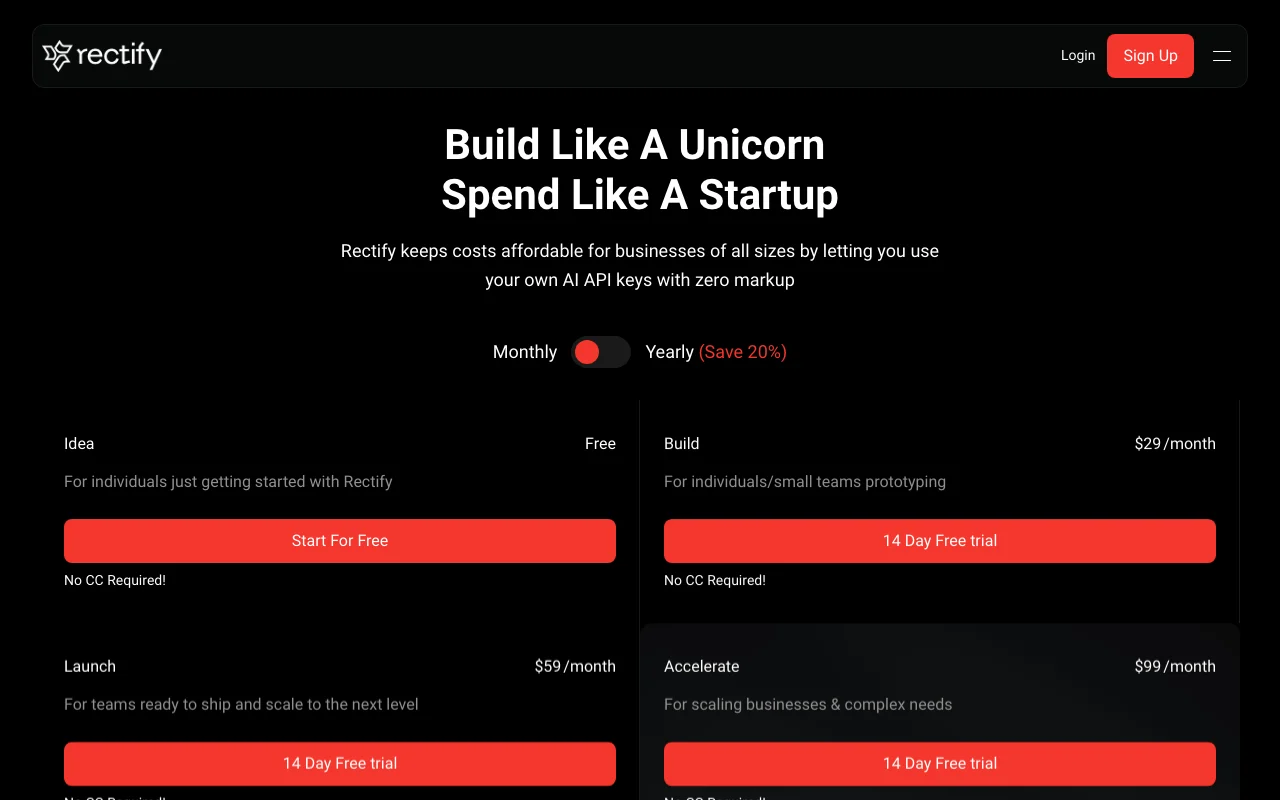
Rectify pricing page with plans and prices — screenshot of the productivity & writing AI tool, Oct 2, 2026
The official Rectify pricing page as we saw it. rectify.so, captured Oct 2, 2026

Free access and trial conditions

Idea plan free

14 days on paid plans, no card

Paid plans: what changes as you upgrade

Idea web

Free source (opens in a new tab)

Month, annual commitment

For: Individuals

Limits

  • 1 user, 1 project
  • 10 session replays
1 more
  • 1 monitor

Includes

  • 10 code scans
  • 1 PRD
1 more
  • BYOK AI

Build web

$29/mo source (opens in a new tab)

Month, annual commitment

Yearly saves 20%

For: Prototyping teams

Limits

  • 3 users, 3 projects
  • 100 session replays
1 more
  • 3 monitors

Includes

  • 25 code scans
  • $5 one-time AI credits
1 more
  • 14-day trial

Launch web

$59/mo source (opens in a new tab)

Month, annual commitment

Yearly saves 20%

For: Teams shipping and scaling

Limits

  • 10 users, 10 projects
  • 1,000 session replays
1 more
  • 10 monitors

Includes

  • 100 code scans
  • 25 PRDs
1 more
  • $10 one-time AI credits

Accelerate web

$99/mo source (opens in a new tab)

Month, annual commitment

Yearly saves 20%

For: Scaling businesses

Limits

  • 25 users, 25 projects
  • 5,000 session replays
1 more
  • 25 monitors

Includes

  • 100 PRDs
  • $15 one-time AI credits

Believer (lifetime) web

$699 one-time source (opens in a new tab)

One-time, annual commitment

For: Long-term users

Includes

  • Lifetime access to the Accelerate plan

Usage caps, credits and extra costs

AI use billed by your own provider (BYOK)

Not stated

What is Rectify, and how does it work?

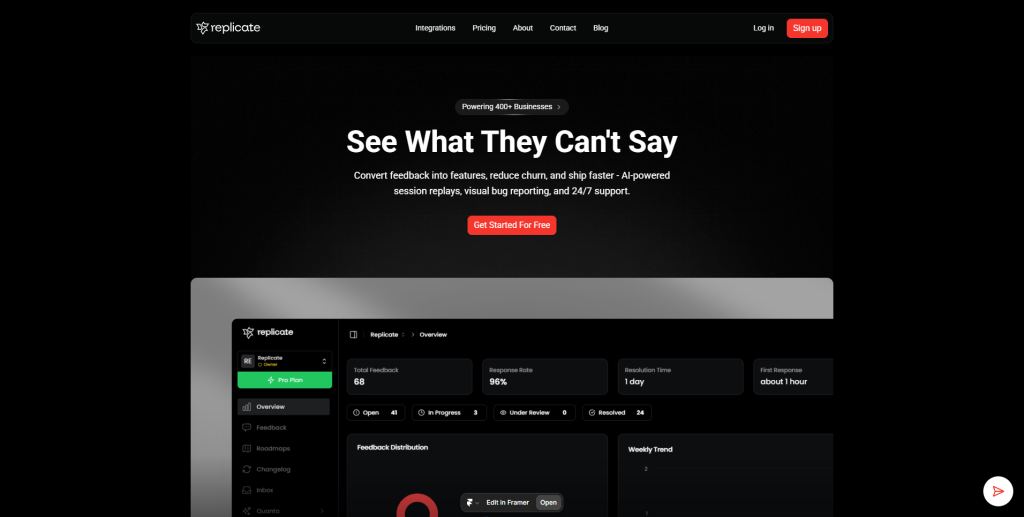
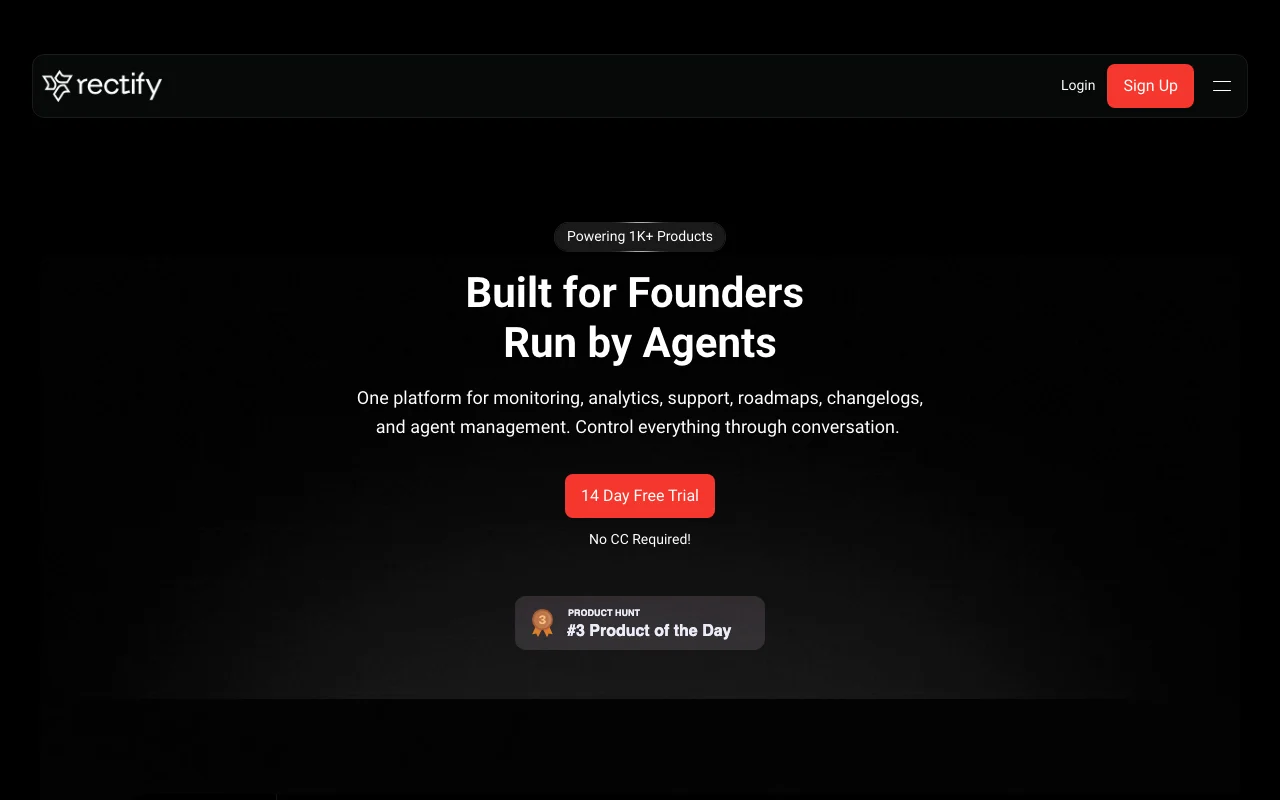
Rectify bundles session replay, monitoring, support inbox, code scanning, roadmap and changelogs into one platform for SaaS teams, with agents and an MCP server for controlling it through conversation. The pricing page lists a free Idea plan and paid Build, Launch and Accelerate plans with 14-day trials. AI features use the customer's own API keys (BYOK) with no markup.

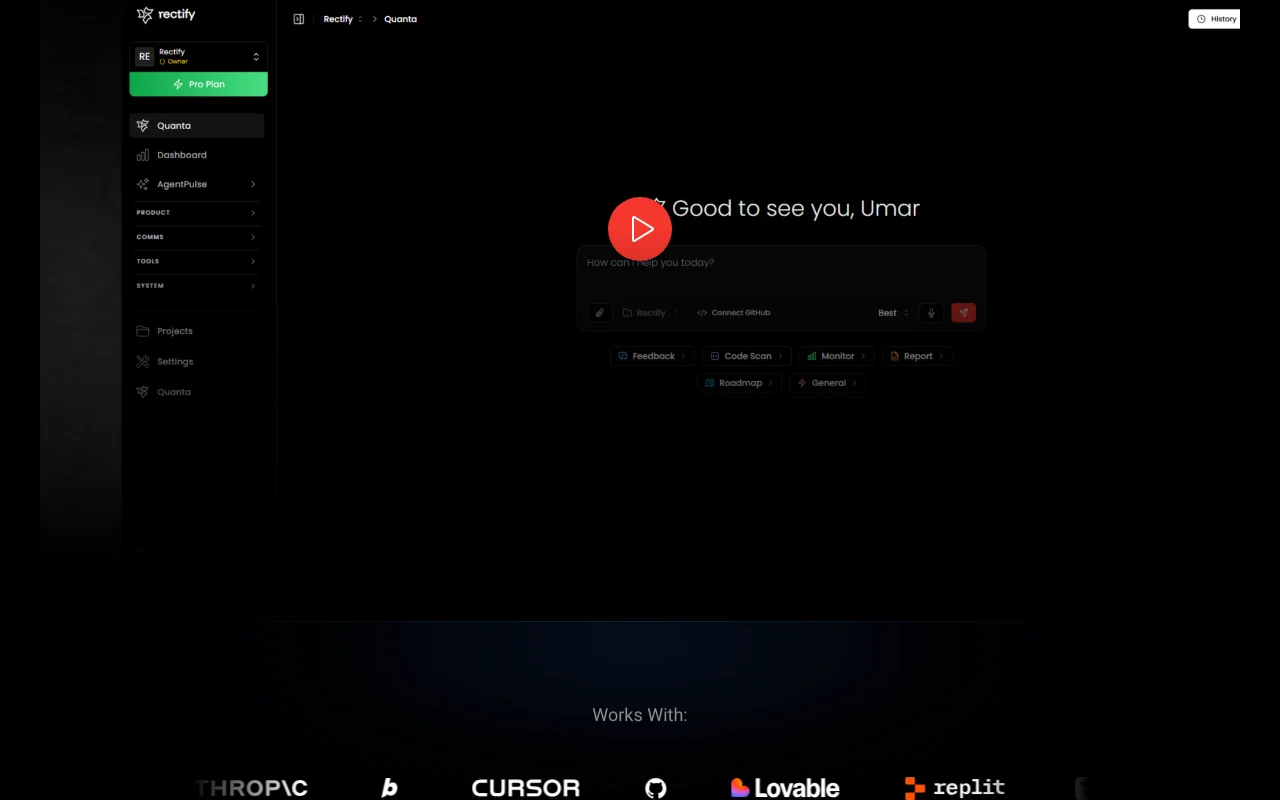
Rectify homepage — screenshot of the productivity & writing AI tool, Oct 2, 2026
Rectify's official site: how the product presents itself. rectify.so, captured Oct 2, 2026

What you provide and what you get back

How Rectify works: what you provide, where it runs and what you get backYOU PROVIDEYour inputEmbedded widget or scriptRepositories for code scansYour AI API keysPRODUCTIVITY & WRITINGRectifyWebfrom $29/mo (Build)free tier availableaccount requiredchecked Sep 29, 2026YOU GET BACKThe resultSession replaysMonitor alerts and status pageRoadmap and changeloginput → Rectify → output · from the vendor's own pages, no hands-on test unless stated
What you give Rectify and what comes back, from its documentation

You provide

  • Embedded widget or script
  • Repositories for code scans
  • Your AI API keys

You get back

  • Session replays
  • Monitor alerts and status page
  • Roadmap and changelog

Where you can use it

Platforms
Web
Account
Required
Replays
10 to 5,000
Monitors
1 to 25
Code scans
10 to 100
AI
BYOK

What people use Rectify for

Scenarios are worked out by our editors from the documentation; the actual result depends on your input and plan.

Record and review user session replays

Who
Product founders
You provide
A widget or script installed in the app
Expected result
Replays of real user sessions to see where users struggle
Plan needed
Idea (10 replays) or Build (100)
Limitation
Replay counts are capped per plan source (opens in a new tab)

Monitor product uptime

Who
Small SaaS teams
You provide
URLs to monitor
Expected result
Alerts and a public status page when the product goes down
Plan needed
Idea (1 monitor) to Accelerate (25)
Limitation
Monitor counts are capped source (opens in a new tab)

Collect feedback and bug reports via a widget

Who
Product managers
You provide
Feedback and bug reports from the widget
Expected result
A support inbox, roadmap and changelog fed by user input
Plan needed
Any plan
Limitation
Support inbox is 10 responses on Idea source (opens in a new tab)

Rectify features and their limits

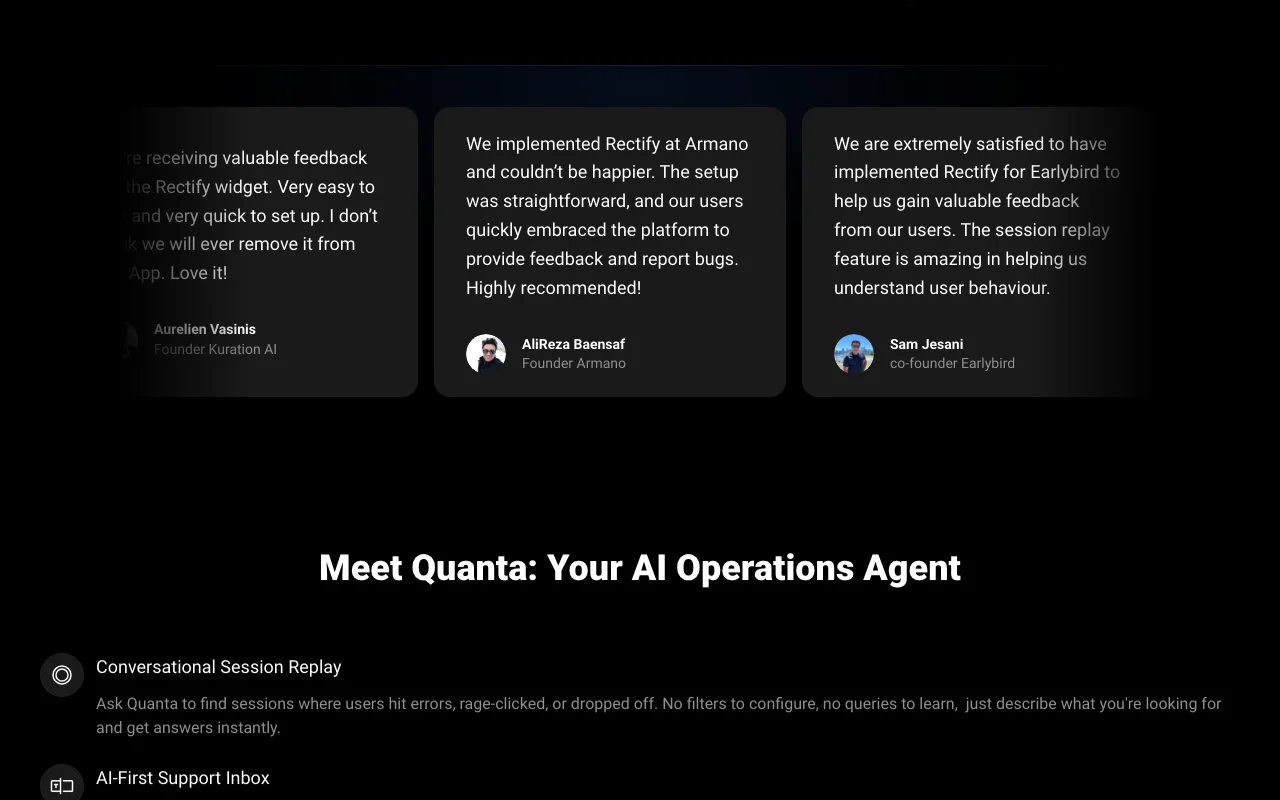
Rectify homepage — screenshot of the productivity & writing AI tool, Oct 2, 2026
Feature overview on the official site. rectify.so, captured Oct 2, 2026

Session replay

Records session replays of real users Shows how users hit bugs

Access: 10 to 5,000 per planLimit: Capped by plan source (opens in a new tab)

Monitors and status page

Runs uptime monitors with a status page Notifies you of outages

Access: 1 to 25 monitorsLimit: Capped by plan source (opens in a new tab)

Support inbox

Includes a support inbox with a feedback widget Handles tickets next to replays

Access: All plans (10 responses on Idea)Limit: Limited responses on Idea source (opens in a new tab)

Code scan

Scans code (10 to 100 scans) and exposes an MCP server Control Rectify from an AI assistant

Access: Scans by plan; MCP on listed plansLimit: AI uses your own API key source (opens in a new tab)

Rectify pros and cons

Where Rectify is strong

Limitations to check before paying

How to use Rectify for watching user sessions and collecting feedback in a SaaS app

Set up Rectify

  1. Sign up free on the Idea plan
  2. Create a project
  3. Add the Rectify widget snippet to your app
  4. Add your AI API key if you want AI features

Example: watching user sessions and collecting feedback in a SaaS app

  1. Open a session replay of a user who reported a bug
  2. Create a monitor for your main URL
  3. Publish the status page
  4. Move a feedback item to the roadmap and changelog

Review and export the result

  1. Confirm replays appear after you load the app
  2. Trigger a test failure to see the monitor alert

Rectify API

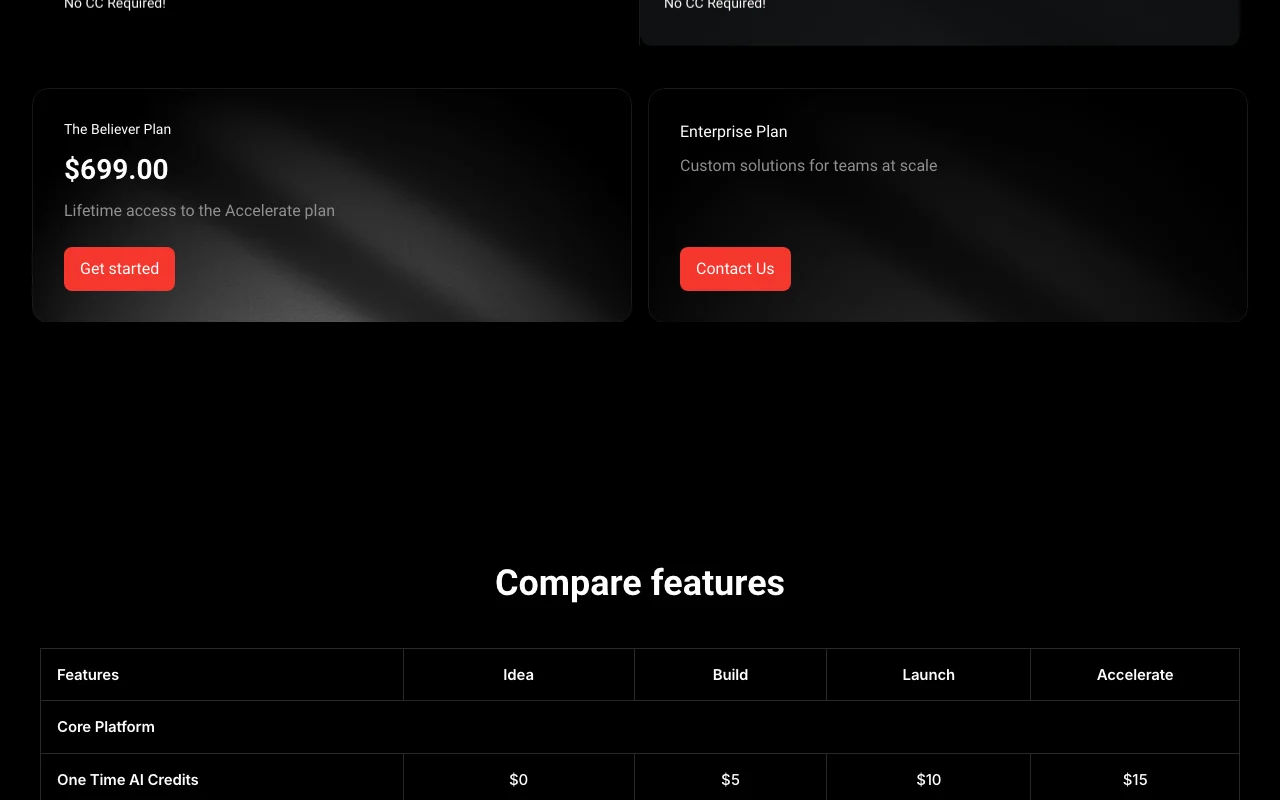
Rectify pricing page with plans and prices — screenshot of the productivity & writing AI tool, Oct 2, 2026
Plan comparison on the official pricing page. rectify.so, captured Oct 2, 2026

API access and separate billing

Rectify has no public API in its official documentation. MCP server listed; BYOK for DeepSeek, Gemini, Claude, OpenAI, OpenRouter

Privacy, data use and commercial rights

Summarized from the vendor's current policies; this is not legal advice and a vendor's badge is not an independent audit.

How your inputs and outputs are handled

Session data collected by the widget; details in FAQ not captured

Not stated

Not stated

Commercial use and plan restrictions

Not stated

Not stated

Rectify alternatives by need

"Better suited" is based on documented features and pricing, not on a head-to-head test.

Notion AI: better suited to

Alternatives
AlternativeWhen to choose itPricingLimitation
Notion AI——Compare

Explore Rectify further

Tools and guides near Rectify

Rectify user reviews

No user reviews yet.

Used Rectify? Be the first to share your experience.

Write a review

Reviews are checked by a moderator before they appear. Your email is never published. Plain text only.

Your rating (required)

Show what you made or what went wrong. Images are published only if the review is approved; location data is removed.

    Rectify FAQ

    Which AI providers can I use?

    Bring your own key for DeepSeek, Gemini, Claude, OpenAI or OpenRouter, with zero markup. source (opens in a new tab)

    Is there a free trial?

    Yes, 14 days on paid plans with no credit card; the Idea plan is free. source (opens in a new tab)

    What is the Believer plan?

    A $699 lifetime purchase of the Accelerate plan. source (opens in a new tab)

    How many session replays per plan?

    10 on Idea, 100 Build, 1,000 Launch, 5,000 Accelerate. source (opens in a new tab)

    Does yearly billing save money?

    Yes, 20%. source (opens in a new tab)

    Sources and review methodology

    Official sources and verification dates

    Not verified: Privacy and data collection details; Self-hosting.

    How we documented and maintain this page

    Every fact about Rectify above comes from the 2 official pages listed here, last compared on Sep 29, 2026; we have not run Rectify ourselves, so it has no editorial score. How we check and re-check pages.

    Article updated Oct 2, 2026; prices checked Sep 29, 2026. Outbound links to vendors are plain links; we do not earn commissions. How we review · Report an error