Free web
Free source (opens in a new tab)
Month
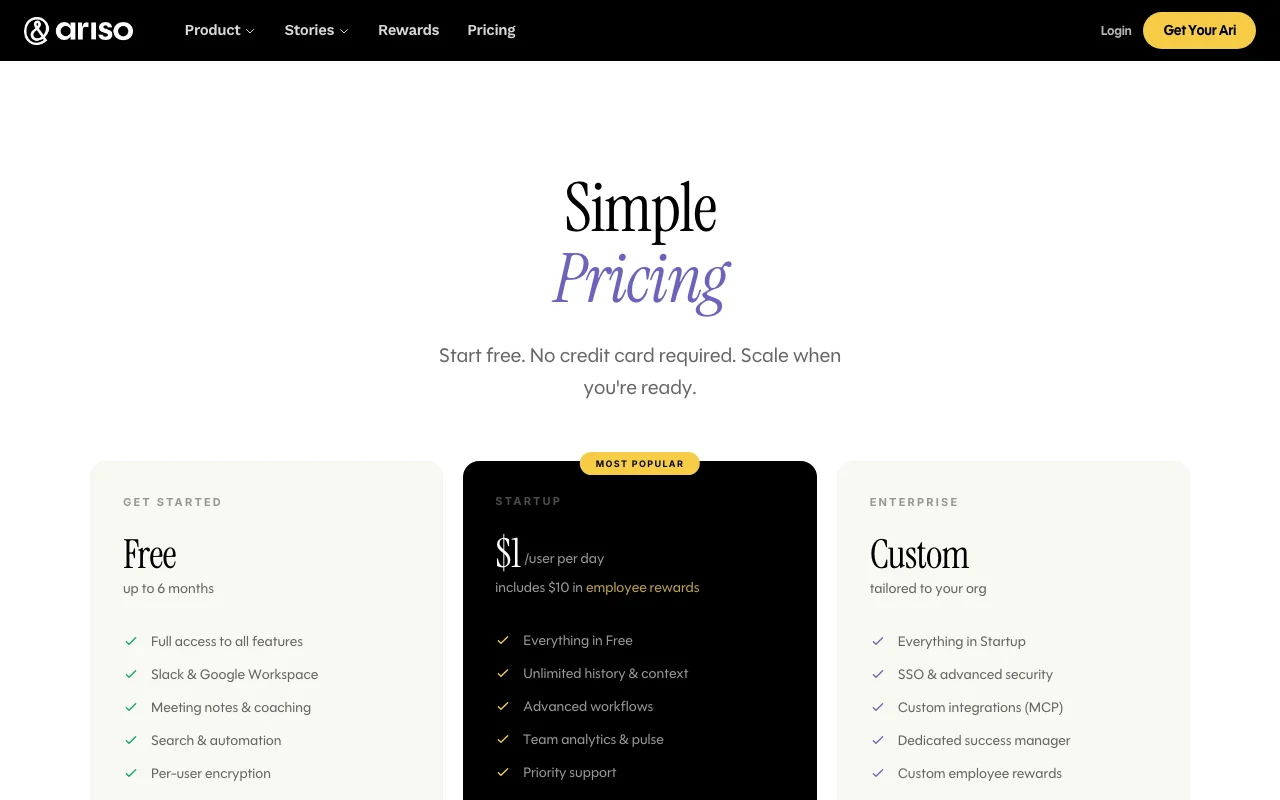
For: Trying Ari
Limits
- Up to 6 months
Includes
- Slack & Google Workspace
- Meeting notes & coaching
2 more
- Search & automation
- Per-user encryption

Productivity & writingDocumented overviewLast checked Sep 29, 2026
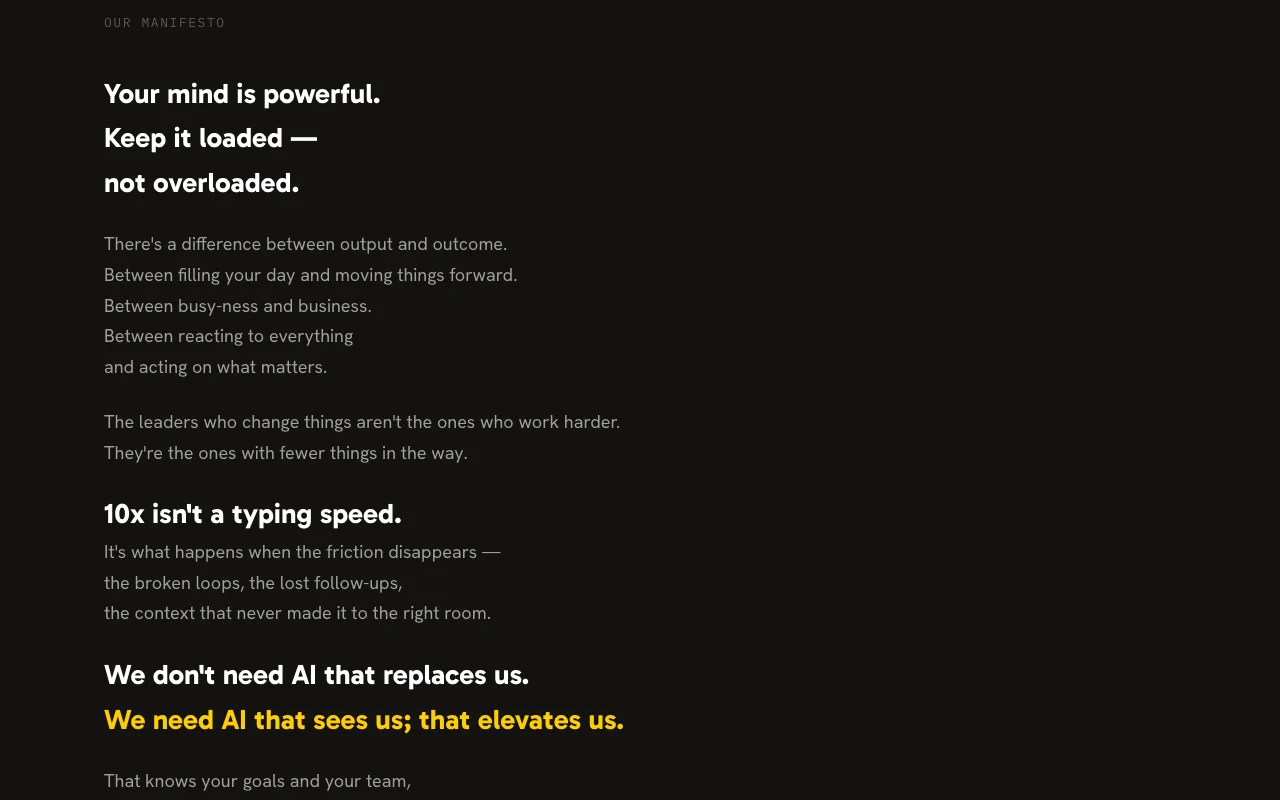
AI management system whose assistant Ari tracks projects, follow-ups and priorities, with Slack and Google Workspace integrations.
 (open full size in a new tab)
 (open full size in a new tab)
 (open full size in a new tab)
 (open full size in a new tab)
Our take: Ariso fits managers who want an AI chief of staff for projects and follow-ups across Slack and Google Workspace, starting free.
Main limitation: Free access lasts up to 6 months and Startup is billed per user per day, so monthly cost is not stated.
Ariso fits managers who want an AI chief of staff for projects and follow-ups across Slack and Google Workspace, starting free. Based on the vendor's documentation, not on a hands-on test.
Also a good fit for
Or if
Prices checked Sep 29, 2026 on the official US pricing page. Official pricing ↗ Prices and limits change often.
Free plan for up to 6 months, no credit card.
Not applicable.
Free source (opens in a new tab)
Month
For: Trying Ari
Limits
Includes
$1 source (opens in a new tab)
Day
Billed per day; the page does not show a monthly or annual price
For: Growing teams
Includes
Custom pricing source (opens in a new tab)
Month
For: Large organizations
Includes
Startup includes $10 in employee rewards.
Not stated.
Ariso presents Ari as an AI chief of staff that runs projects, follow-ups and priorities for teams, with uses covering strategy execution, project management and manager coaching. The pricing page lists a free tier, a per-user Startup plan and custom Enterprise, and states per-user encryption and no model training on customer data.
You provide
You get back
Scenarios are worked out by our editors from the documentation; the actual result depends on your input and plan.
Acts as an assistant that captures meetings, decisions and commitments and answers questions about them. Replaces manual note keeping.
Connects to Slack and Google Workspace on every plan. Pulls work from existing tools.
Records meetings and offers management guidance. Supports 1:1 preparation.
Lets users search company knowledge and automate tasks. Saves time finding information.
What did I promise them in our last 1:1?
Ariso has no public API in its official documentation. Custom integrations via MCP on Enterprise.
Summarized from the vendor's current policies; this is not legal advice and a vendor's badge is not an independent audit.
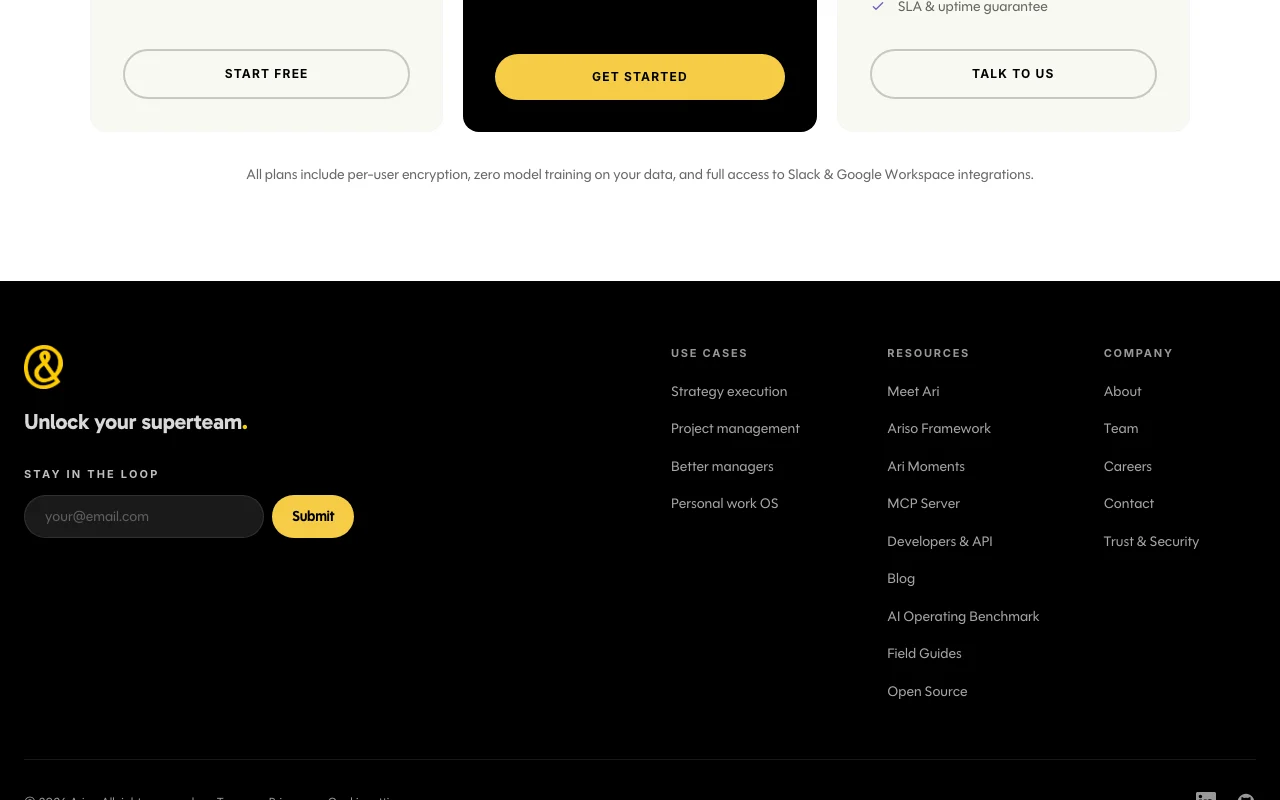
Ariso states all plans include per-user encryption and zero model training on your data.
Zero model training on your data.
Unlimited history only on paid plans.
No user reviews yet.
Used Ariso? Be the first to share your experience.
It is free for up to 6 months with no credit card required. source (opens in a new tab)
Per user per day, listed at $1 and including $10 in employee rewards. source (opens in a new tab)
No, the pricing page says all plans include zero model training on your data. source (opens in a new tab)
SSO, custom MCP integrations, a dedicated success manager, custom rewards and an SLA. source (opens in a new tab)
Not verified: Monthly price for Startup; Data retention; Privacy policy.
Every fact about Ariso above comes from the 2 official pages listed here, last compared on Sep 29, 2026; we have not run Ariso ourselves, so it has no editorial score. How we check and re-check pages.
Article updated Oct 2, 2026; prices checked Sep 29, 2026. Outbound links to vendors are plain links; we do not earn commissions. How we review · Report an error
compare>