Productivity & writingDocumented overviewLast checked Sep 29, 2026

Autocalls: Pricing, Features & Best Use Cases

No-code platform for AI voice agents that handle inbound and outbound phone calls and WhatsApp conversations.

Is Autocalls right for you?

Choose Autocalls if you want a no-code AI phone agent with published per-minute rates and need to start small or resell under your own brand. Based on the vendor's documentation, not on a hands-on test.

Best for: Small businesses automating phone calls

Also a good fit for

  • Agencies reselling voice AI

Consider another tool if no free plan listed; entry plan is paid

Or if

  • Usage beyond included minutes is billed per minute
  • Dedicated phone numbers cost extra (from $3.99/number)

Autocalls pricing and usage limits

Prices checked Sep 29, 2026 on the official US pricing page. Official pricing ↗ Prices and limits change often.

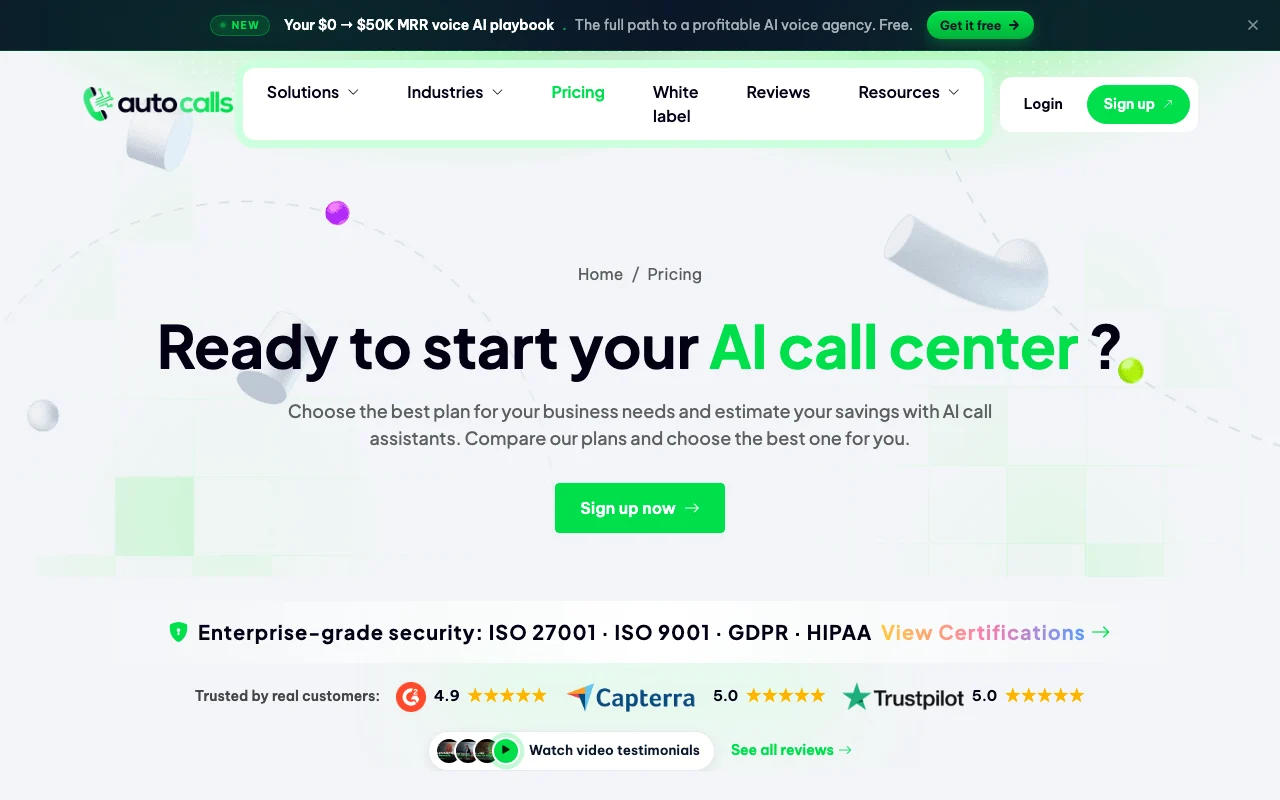
Autocalls pricing page with plans and prices — screenshot of the productivity & writing AI tool, Oct 2, 2026
The official Autocalls pricing page as we saw it. autocalls.ai, captured Oct 2, 2026

Free access and trial conditions

No free plan listed

Not stated

Paid plans: what changes as you upgrade

Starter web

$27/mo source (opens in a new tab)

Month, annual commitment

Yearly toggle: 2 months free

For: Single small agent

Limits

  • 120 minutes included, then $0.20/min
  • 1 assistant
1 more
  • 3 parallel calls

Includes

  • 1 outbound campaign
  • 1 cloned voice
1 more
  • 900 automation runs

Pro web

$103/mo source (opens in a new tab)

Month, annual commitment

Yearly toggle available

For: Small businesses with inbound and outbound

Limits

  • 700 minutes, then $0.16/min
  • 5 assistants
1 more
  • 10 parallel calls

Includes

  • 5 campaigns
  • 5 cloned voices
1 more
  • 10,000 runs

Agency web

$199/mo source (opens in a new tab)

Month, annual commitment

Yearly toggle available

For: Agencies

Limits

  • 1,700 minutes, then $0.09/min
  • 500 parallel calls

Includes

  • Unlimited assistants and campaigns
  • 10 cloned voices
1 more
  • 100,000 runs

Agency whitelabel web

$355/mo source (opens in a new tab)

Month, annual commitment

Yearly toggle available

For: Resellers

Limits

  • 3,500 minutes, then $0.09/min
  • 1,000 parallel calls

Includes

  • White label with custom domain
  • Sub-accounts
1 more
  • Unlimited voices

Usage caps, credits and extra costs

Dedicated numbers from $3.99 each; extra minutes billed per minute

Not stated

What is Autocalls, and how does it work?

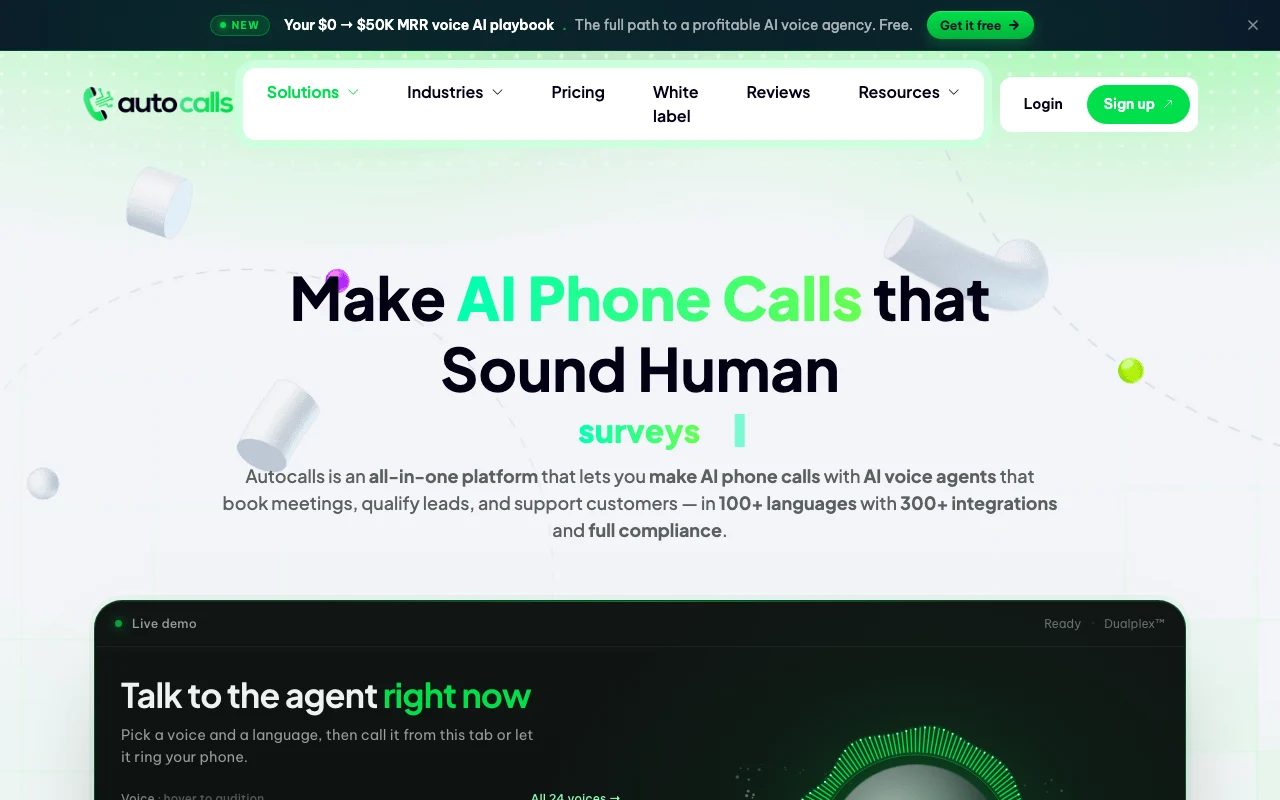
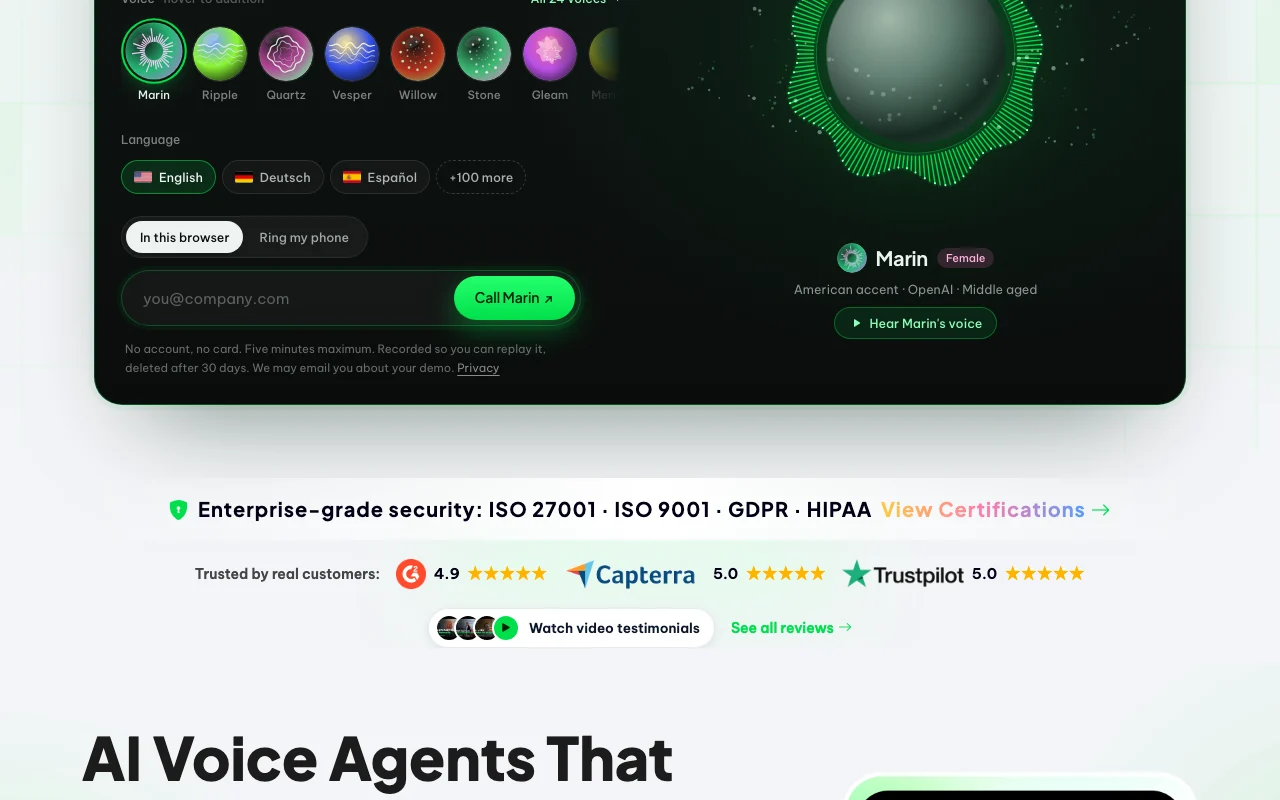
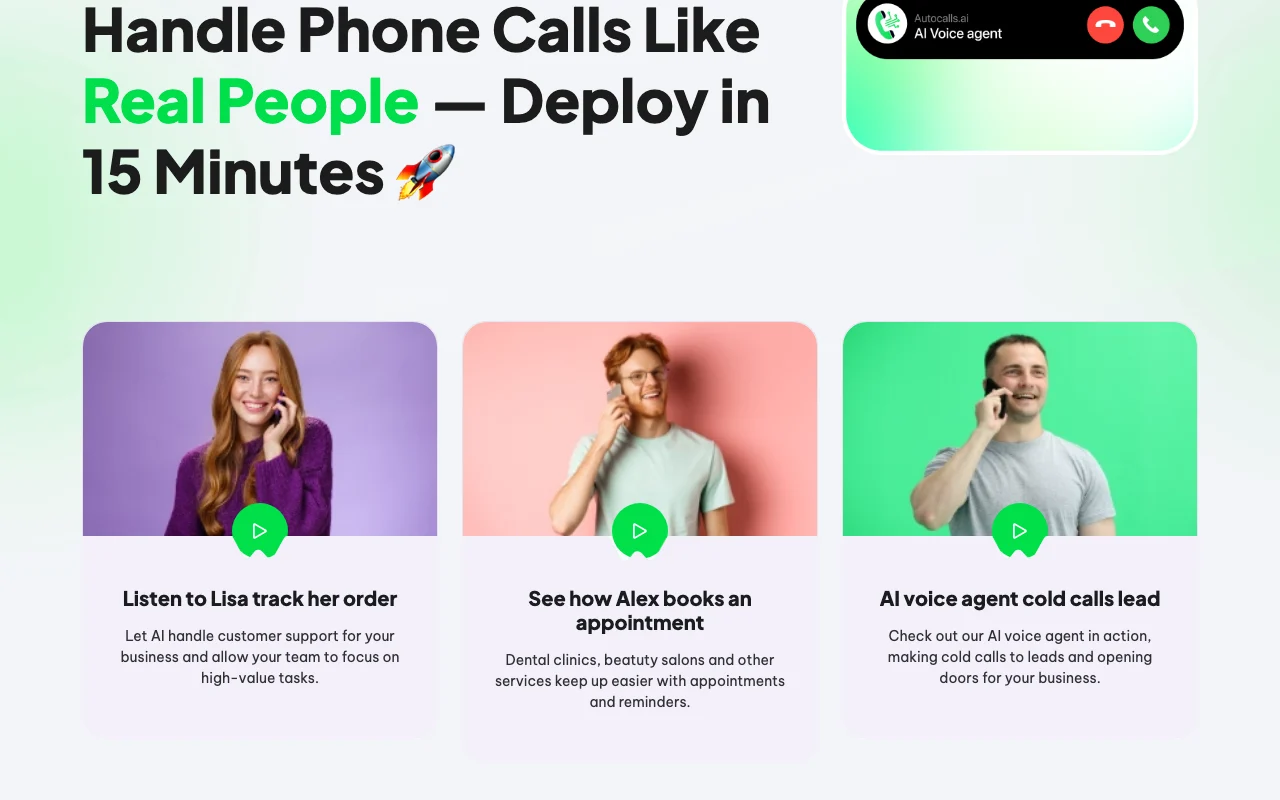
Autocalls is a platform for building AI voice agents that answer and place phone calls, book appointments, qualify leads and support customers. The site lists 100+ languages, 300+ integrations and ISO 27001, GDPR and HIPAA certifications. Agents are built without code, with cloned voices, call history, recordings and transcripts, and optional white-label branding on the top plan.

Autocalls homepage — screenshot of the productivity & writing AI tool, Oct 2, 2026
Autocalls's official site: how the product presents itself. autocalls.ai, captured Oct 2, 2026

What you provide and what you get back

How Autocalls works: what you provide, where it runs and what you get backYOU PROVIDEYour inputPrompt and call scriptKnowledge base (website, document…Lead listsVoice samplePRODUCTIVITY & WRITINGAutocallsWebfrom $27/mo (Starter)no free tieraccount requiredchecked Sep 29, 2026YOU GET BACKThe resultPhone and WhatsApp conversationsCall recordings and transcriptsExtracted call datainput → Autocalls → output · from the vendor's own pages, no hands-on test unless stated
What you give Autocalls and what comes back, from its documentation

You provide

  • Prompt and call script
  • Knowledge base (website, documents)
  • Lead lists
  • Voice sample

You get back

  • Phone and WhatsApp conversations
  • Call recordings and transcripts
  • Extracted call data

Where you can use it

Platforms
Web
Account
Required
Languages
100+
Voice cloning
1 to unlimited by plan
Parallel calls
3 to 1,000
Certifications
ISO 27001, ISO 9001, GDPR, HIPAA (vendor-listed)

What people use Autocalls for

Scenarios are worked out by our editors from the documentation; the actual result depends on your input and plan.

AI receptionist and answering service

Who
Small businesses
You provide
Opening hours, FAQs and knowledge base
Expected result
Agent answers inbound calls around the clock and transfers to a human when needed
Plan needed
Pro
Limitation
Dedicated numbers cost extra source (opens in a new tab)

Outbound sales calls

Who
Sales teams
You provide
Lead list and call script
Expected result
Outbound campaign with calls made and data extracted after each call
Plan needed
Starter (1 campaign) or Pro (5)
Limitation
Parallel call limit is 3 on Starter source (opens in a new tab)

Appointment booking

Who
Clinics and service firms
You provide
Calendar link and booking rules
Expected result
Appointments booked in real time through Cal.com, Calendly or GoHighLevel
Plan needed
Any plan
Limitation
Needs connected scheduling tool source (opens in a new tab)

Autocalls features and their limits

Autocalls homepage — screenshot of the productivity & writing AI tool, Oct 2, 2026
Feature overview on the official site. autocalls.ai, captured Oct 2, 2026

No-code agent builder

Builds voice agents with a prompt editor and flow builder, no code Lets non-developers deploy phone agents

Access: All plansLimit: Assistant count capped at 1 on Starter source (opens in a new tab)

Voice cloning

Clones a voice for the agent Brand-consistent voice on calls

Access: 1 clone Starter, 5 Pro, 10 Agency, unlimited whitelabelLimit: Consent for cloned voices is the user's responsibility source (opens in a new tab)

300+ integrations

Connects agents to 300+ apps through a no-code automation platform Pushes call data into CRMs and sheets

Access: Monthly runs capped by plan (900 to unlimited)Limit: Run caps limit volume source (opens in a new tab)

100+ languages

Supports 100+ languages for agents Serves multilingual callers

Access: All plansLimit: Quality per language not documented source (opens in a new tab)

Autocalls: strengths and limits

Where Autocalls is strong

Limitations to check before paying

How to use Autocalls for building an AI phone receptionist

Set up Autocalls

  1. Subscribe to a plan and open the dashboard
  2. Create an assistant and write its prompt or use a template
  3. Add a knowledge base from your website or documents
  4. Attach a phone number (your own is free, dedicated from $3.99)

Example: building an AI phone receptionist

  1. Choose a voice or clone one
  2. Connect Cal.com or Calendly for booking
  3. Test the assistant by chat or web voice
  4. Go live on the number and review call history

Review and export the result

  1. Listen to recordings and read transcripts of test calls
  2. Confirm bookings appear in the calendar
Example prompt suggested by our editors (not a recorded output of the product)
You are the receptionist of a dental clinic. Answer questions on opening hours and book cleaning appointments.

Autocalls integrations and API

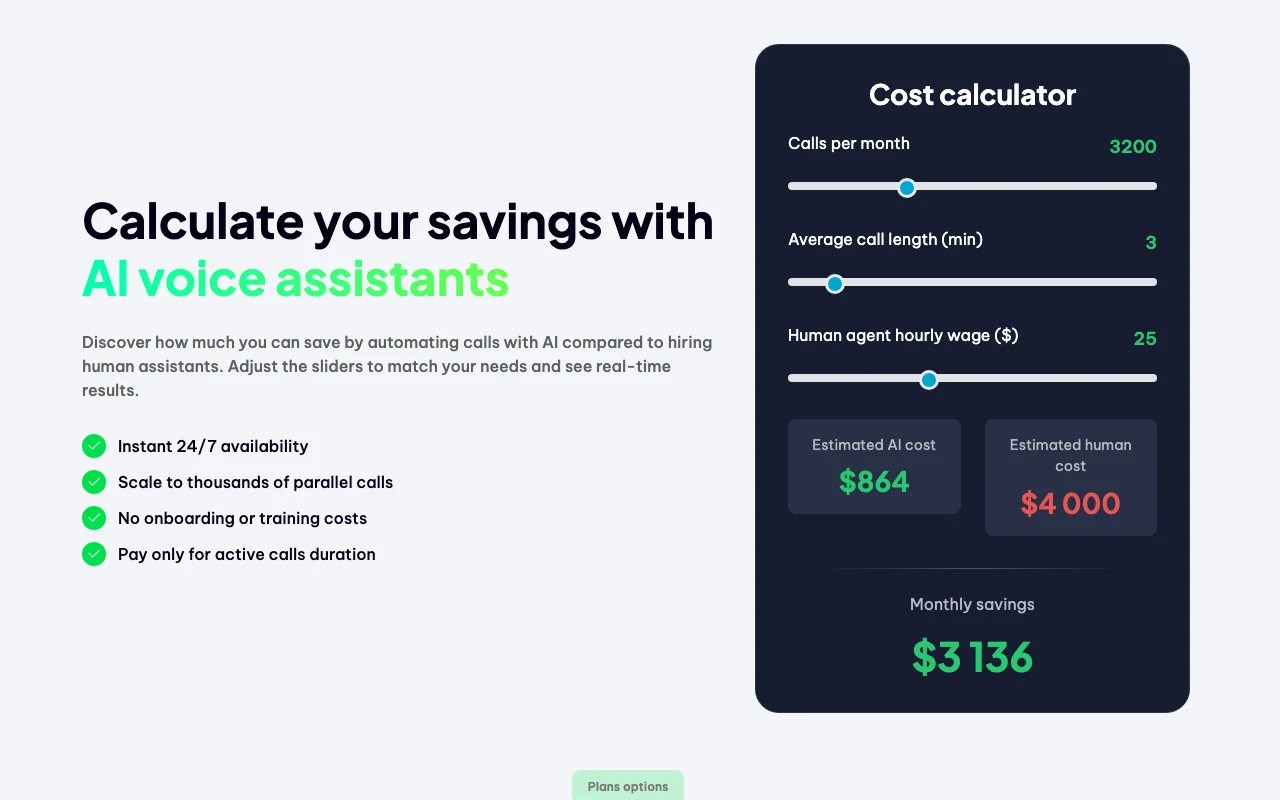
Autocalls pricing page with plans and prices — screenshot of the productivity & writing AI tool, Oct 2, 2026
Plan comparison on the official pricing page. autocalls.ai, captured Oct 2, 2026

Native integrations and export formats

Export: CSV

API access and separate billing

Autocalls has no public API in its official documentation. Webhooks and API listed in plan comparison

Privacy, data use and commercial rights

Summarized from the vendor's current policies; this is not legal advice and a vendor's badge is not an independent audit.

How your inputs and outputs are handled

Call recordings and transcripts are kept in call history

Not stated

GDPR-compliant data retention listed

Commercial use and plan restrictions

Not stated

White label only on top plan

Controls for business users

  • ISO 27001, GDPR, HIPAA listed
  • DNC blacklist

Autocalls alternatives by need

"Better suited" is based on documented features and pricing, not on a head-to-head test.

ElevenLabs: better suited to

Make: better suited to

Zapier: better suited to

Alternatives
AlternativeWhen to choose itPricingLimitation
ElevenLabs——
Make——Compare
Zapier——Compare

Explore Autocalls further

If you are looking at Autocalls

Autocalls user reviews

No user reviews yet.

Used Autocalls? Be the first to share your experience.

Write a review

Reviews are checked by a moderator before they appear. Your email is never published. Plain text only.

Your rating (required)

Show what you made or what went wrong. Images are published only if the review is approved; location data is removed.

    Autocalls FAQ

    What does an extra minute cost?

    $0.20 on Starter, $0.16 on Pro and $0.09 on Agency and whitelabel. source (opens in a new tab)

    Can I use my own phone number?

    Yes, your own mobile numbers are free; dedicated numbers start at $3.99 each. source (opens in a new tab)

    Does Autocalls support WhatsApp?

    Yes, a WhatsApp AI agent is listed among features. source (opens in a new tab)

    Can I resell it under my brand?

    Yes, the Agency whitelabel plan gives your domain, sub-accounts and Stripe billing with no revenue share. source (opens in a new tab)

    Do unused minutes roll over?

    The comparison table lists minute rollover for top-ups that never expire. source (opens in a new tab)

    Sources and review methodology

    Official sources and verification dates

    Not verified: Training use of data; Free trial; API docs URL.

    How we documented and maintain this page

    Every fact about Autocalls above comes from the 2 official pages listed here, last compared on Sep 29, 2026; we have not run Autocalls ourselves, so it has no editorial score. How we check and re-check pages.

    Article updated Oct 10, 2026; prices checked Sep 29, 2026. Outbound links to vendors are plain links; we do not earn commissions. How we review · Report an error