Free first edit web
Free source (opens in a new tab)
One edit
For: Trying one edit
Limits
- Homepage says no credit card and no watermark; pricing page says card required
Includes
- Edit your first video before paying

VideoDocumented overviewLast checked Oct 1, 2026
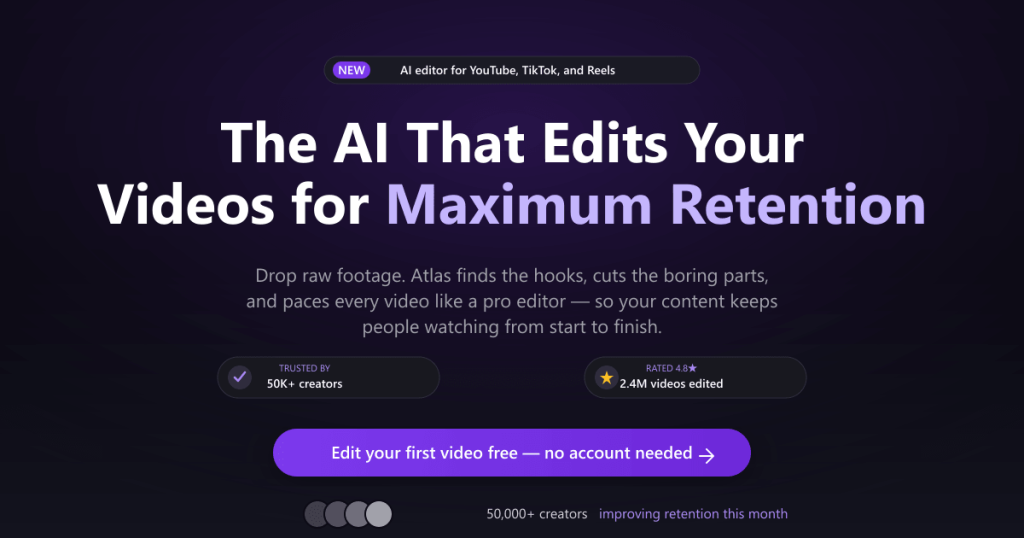
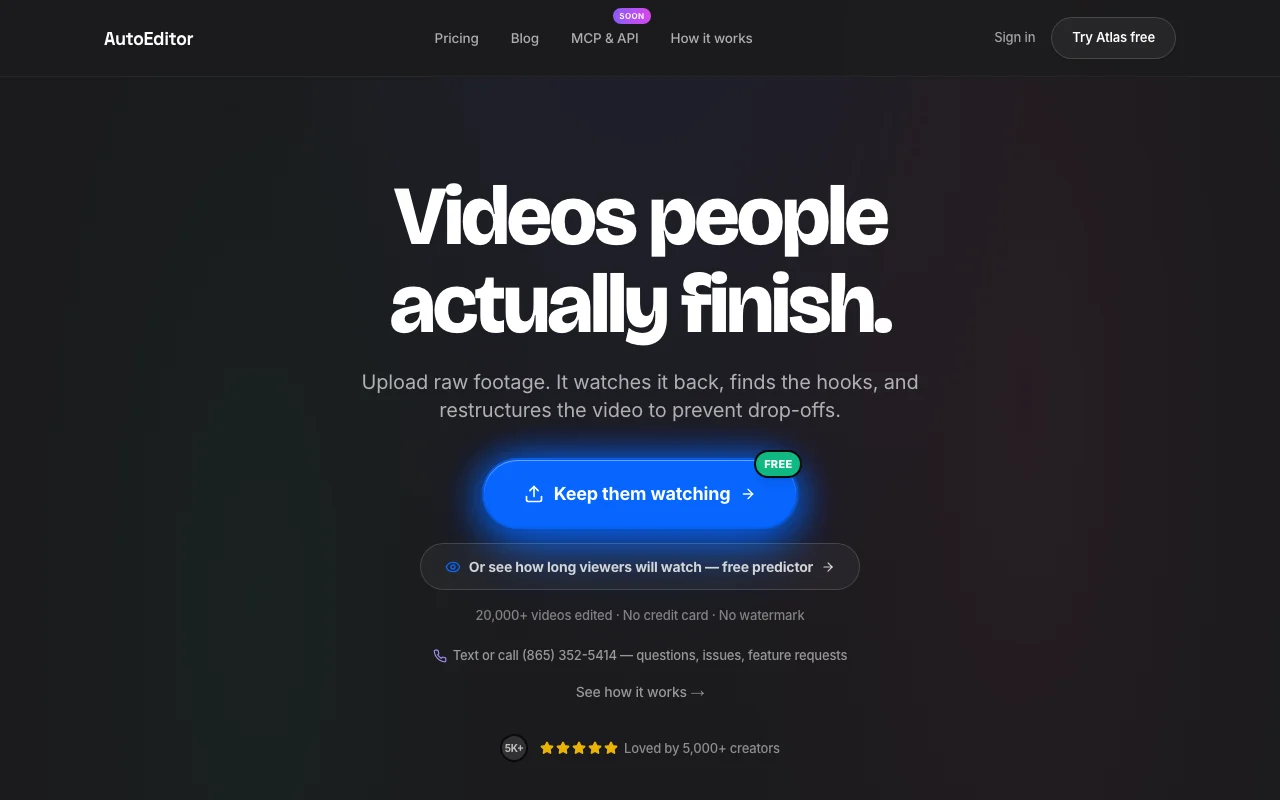
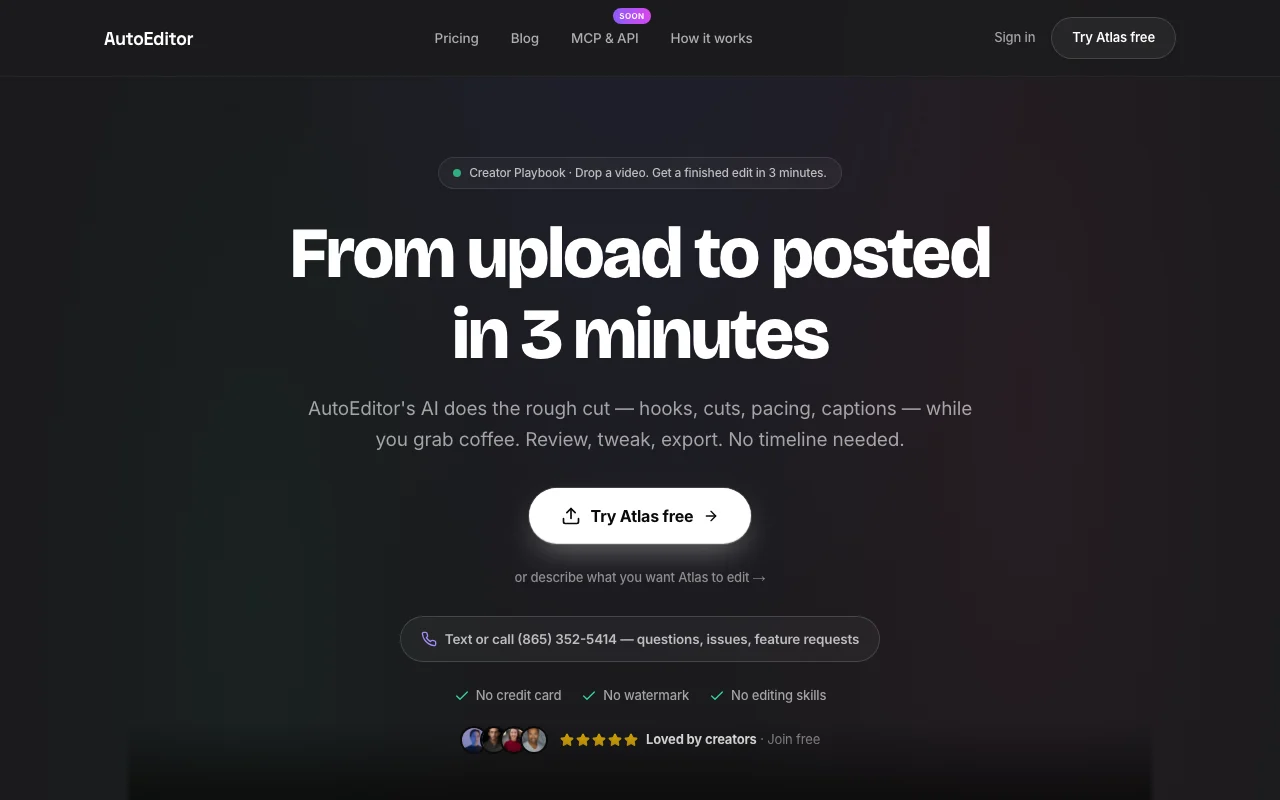
Browser-based AI video editor that removes silences, finds hooks, adds captions and turns long footage into vertical shorts.
 (open full size in a new tab)
 (open full size in a new tab)
 (open full size in a new tab)
 (open full size in a new tab)
 (open full size in a new tab)
Our take: AutoEditor suits YouTubers and podcasters who want an AI-made retention-focused rough cut or shorts from raw footage for $10 to $49 a month without working on a timeline.
Main limitation: Credits are capped monthly per plan, and the free tier's watermark and credit-card terms are inconsistent across the vendor's own pages.
AutoEditor suits YouTubers and podcasters who want an AI-made retention-focused rough cut or shorts from raw footage for $10 to $49 a month without working on a timeline. Based on the vendor's documentation, not on a hands-on test.
Also a good fit for
Or if
Prices checked Oct 1, 2026 on the official US pricing page. Official pricing ↗ Prices and limits change often.
First edit is free per both pages.
Pricing page: 'Try it free', Start free trial buttons; also states card required, while the homepage says no credit card.
Free source (opens in a new tab)
One edit
For: Trying one edit
Limits
Includes
$10/mo source (opens in a new tab)
Month
Annual toggle shows 'SAVE 50%'; annual price not captured
For: Solo YouTubers
Limits
Includes
API included
$13/mo source (opens in a new tab)
Month
Annual toggle shows 'SAVE 50%'; annual price not captured
For: Podcasters and frequent creators
Limits
Includes
API included
$49/mo source (opens in a new tab)
Month
Annual toggle shows 'SAVE 50%'; annual price not captured
For: Agencies and teams
Limits
Includes
API included
None listed; credits refill monthly.
Not stated.
AutoEditor is a web-based AI editor for creator footage such as talking-head, podcast, tutorial and stream recordings. Users upload raw footage and give natural-language instructions instead of working on a timeline; the tool cuts dead air and filler words, picks hooks and paces cuts for retention. It also generates captions and vertical clips for TikTok, Reels and Shorts, exports up to 4K on higher plans, and offers MCP access and a Premiere Pro extension/export.
You provide
You get back
Scenarios are worked out by our editors from the documentation; the actual result depends on your input and plan.
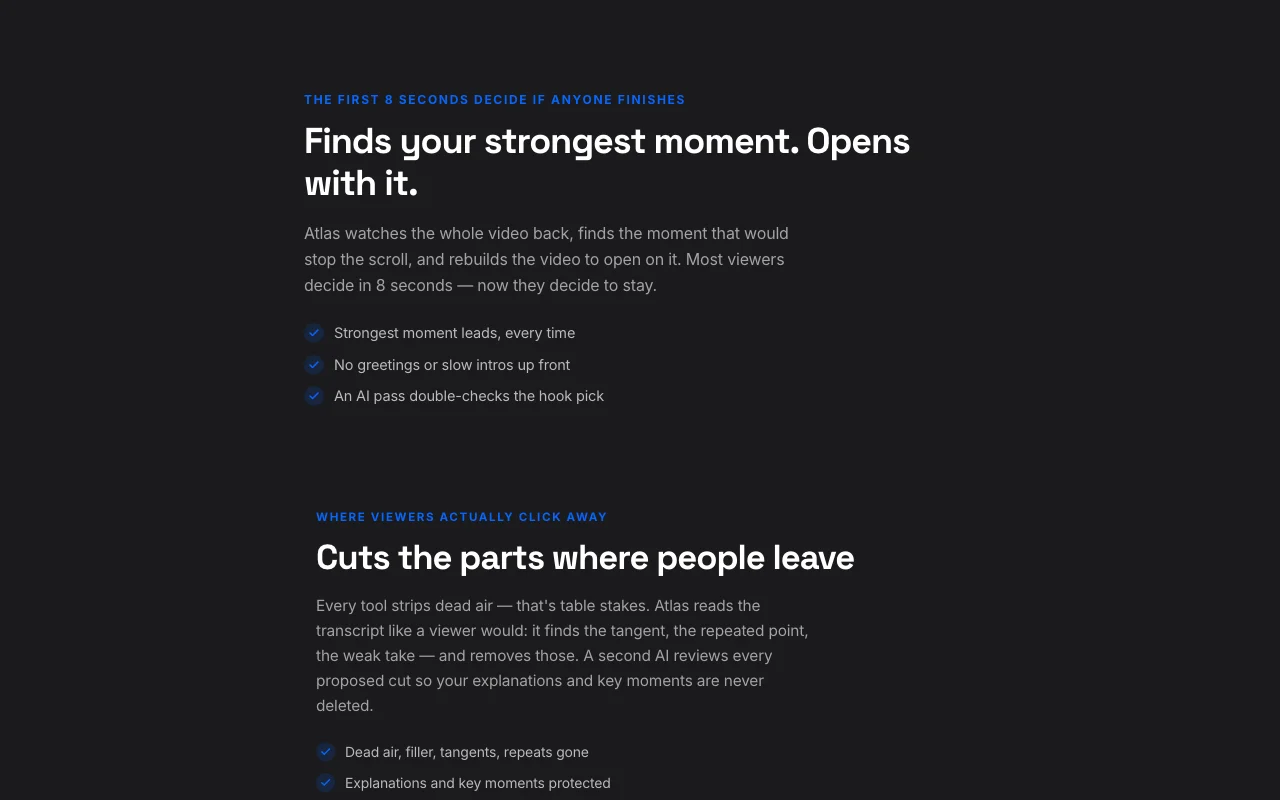
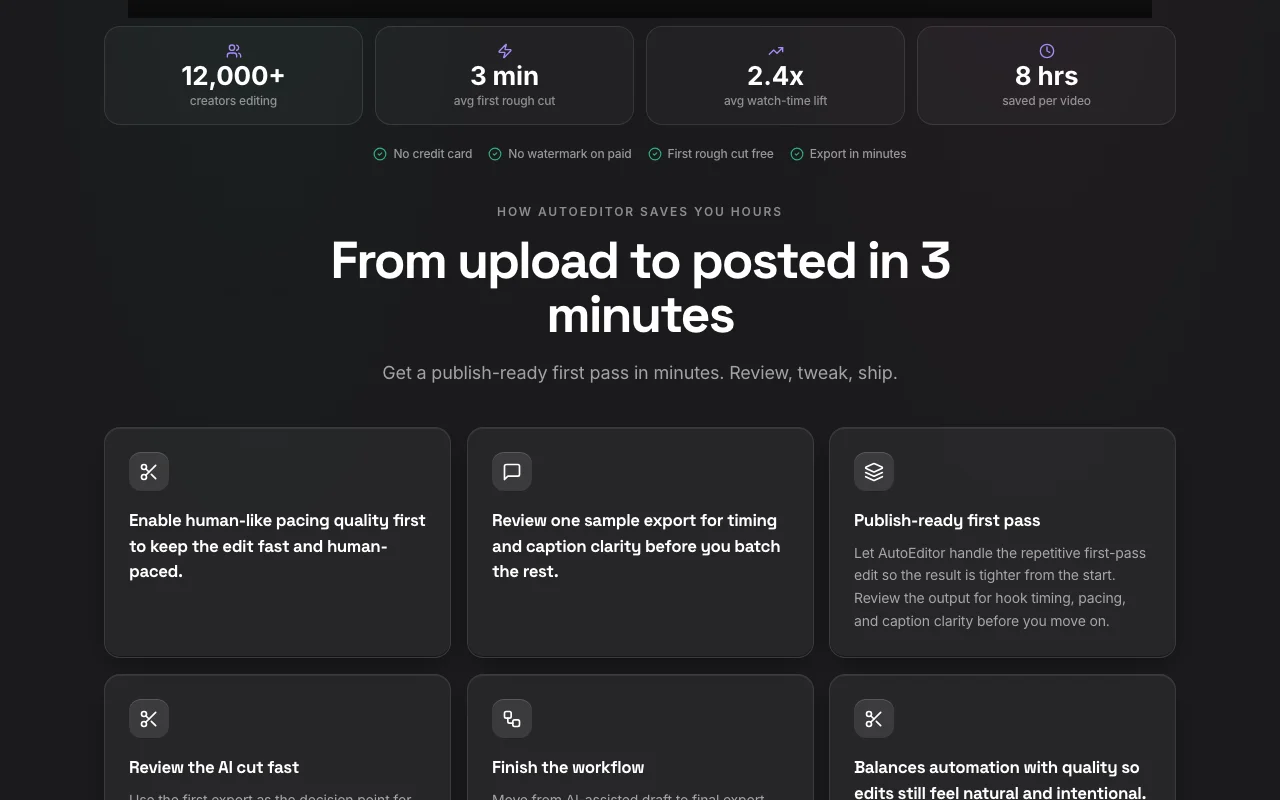
Atlas reads the transcript and removes dead air, filler, tangents and repeats. Cuts editing time on talking-head footage.
Finds the strongest moment and opens the video with it. Targets the first-8-second drop-off.
Paces the whole cut for the content niche. Avoids a sag in the middle.
Turns long footage into vertical shorts with captions. Repurposes episodes for short-form feeds.
Export: 1080p video, 4K video, Premiere/Resolve/FCPXML project
An API is available, billing not documented. Site navigation links to 'MCP and API'; Starter plan lists MCP access. Docs not opened.
Summarized from the vendor's current policies; this is not legal advice and a vendor's badge is not an independent audit.
Users upload raw footage and receive edited video; the site says 'Your footage stays yours'.
Policies: autoeditor.app/privacy
"Better suited" is based on documented features and pricing, not on a head-to-head test.
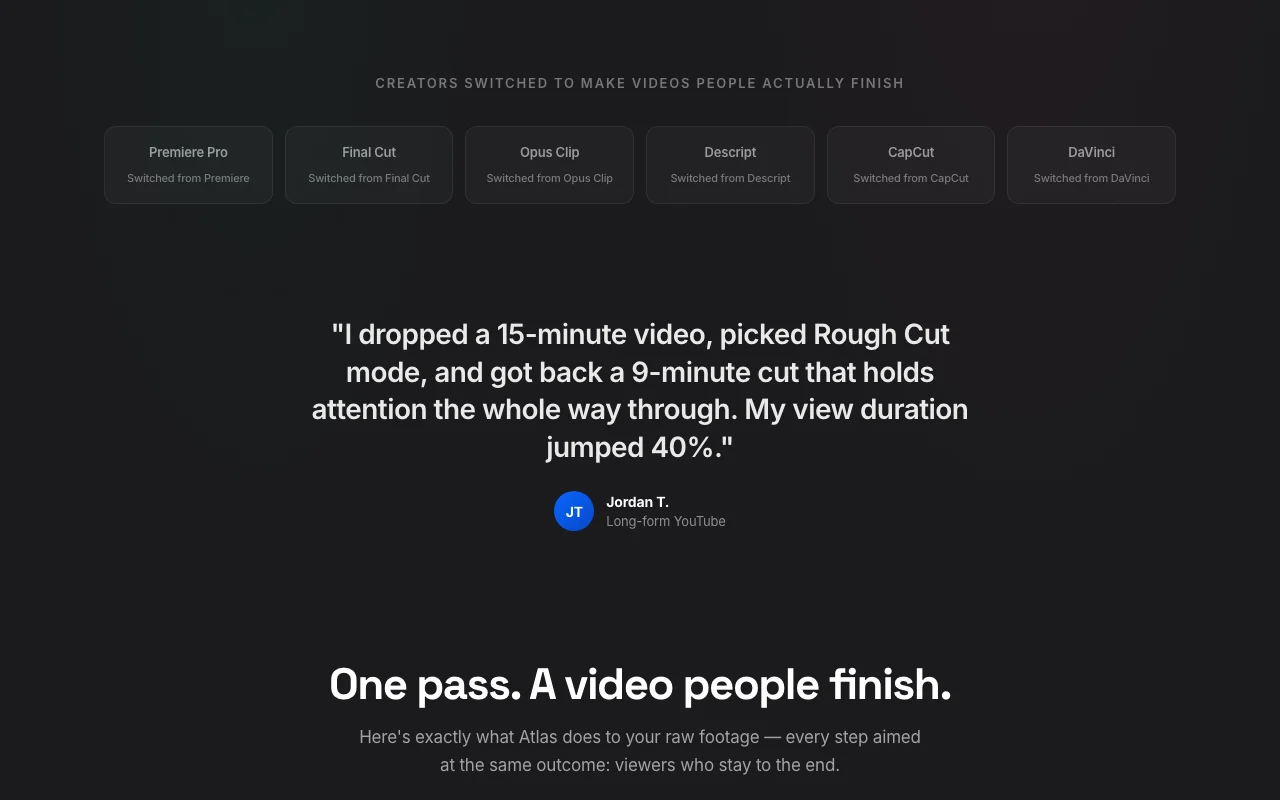
No user reviews yet.
Used AutoEditor? Be the first to share your experience.
Yes: the first edit is free, per both the homepage and pricing page. The homepage says no credit card and no watermark, but the pricing page says a card is required, so check at sign-up. source (opens in a new tab)
Starter is $10 a month, Pro $13 and Studio $49. Prices are USD per month; the annual toggle shows 50% savings but the annual price was not captured. source (opens in a new tab)
The vendor says about 3 minutes from upload to a rough cut. source (opens in a new tab)
Upload MP4 or MOV. Export is 1080p on Starter and 4K on Pro and Studio; Studio adds Premiere, Resolve and FCPXML export. source (opens in a new tab)
Yes: a 7-day money-back guarantee on paid plans, per the pricing page. source (opens in a new tab)
Not verified: Privacy page did not render; retention and training terms unknown; Whether the free first edit is watermarked or needs a card (homepage and pricing page disagree); Annual plan prices; API pricing and docs; Maximum upload length or file size; Credit cost per edit type.
Every fact about AutoEditor above comes from the 2 official pages listed here, last compared on Oct 1, 2026; we have not run AutoEditor ourselves, so it has no editorial score. How we check and re-check pages.
Article updated Oct 10, 2026; prices checked Oct 1, 2026. Outbound links to vendors are plain links; we do not earn commissions. How we review · Report an error
compare>