VideoDocumented overviewLast checked Oct 2, 2026

Birdwalk: Pricing, Features & Best Use Cases

AI filmmaking platform where creators and teams generate, manage and collaborate on AI video and image projects in one workspace.
Who Birdwalk fits

Birdwalk suits AI filmmakers and content teams that want several video and image models, shot versioning and shared projects in one workspace, though prices are shown in Australian dollars. Based on the vendor's documentation, not on a hands-on test.

Best for: AI filmmakers

Also a good fit for

  • Content teams

Consider another tool if prices shown in Australian dollars, not USD

Or if

  • Generation uses a monthly wallet credit allowance
  • Pages display a staging/not-production notice

Birdwalk pricing and usage limits

Prices checked Oct 2, 2026 on the official US pricing page. Official pricing ↗ Prices and limits change often.

Birdwalk pricing page with plans and prices — screenshot of the video AI tool, Oct 2, 2026
The official Birdwalk pricing page as we saw it. birdwalk.ai, captured Oct 2, 2026

Free access and trial conditions

None shown

None

Paid plans: what changes as you upgrade

Creator web

See official pricing source (opens in a new tab)

Monthly

A$15/month (Australian dollars, not USD)

For: Casual creators

Limits

  • 5 GB storage
  • 10-second video
1 more
  • A$12 monthly wallet credits

Includes

  • Seedance 2.5 & 2.0 4K
  • Up to 4K

Standard web

See official pricing source (opens in a new tab)

Monthly

A$35/month (AUD)

For: Regular creators

Limits

  • 25 GB
  • A$24.50 wallet credits

Includes

  • Full video length

Pro web

See official pricing source (opens in a new tab)

Monthly

A$65/month (AUD)

For: Boutique studios

Limits

  • 100 GB
  • A$39 wallet credits
1 more
  • Up to 2 collaborators

Includes

  • 5% discount on generations

Studio web

See official pricing source (opens in a new tab)

Monthly

A$250/month (AUD)

For: Large projects

Limits

  • 500 GB
  • A$100 wallet credits
1 more
  • Unlimited collaborators

Includes

  • 10% discount
  • Feedback notes

Usage caps, credits and extra costs

Generation draws on monthly wallet credits

Not stated

What is Birdwalk, and how does it work?

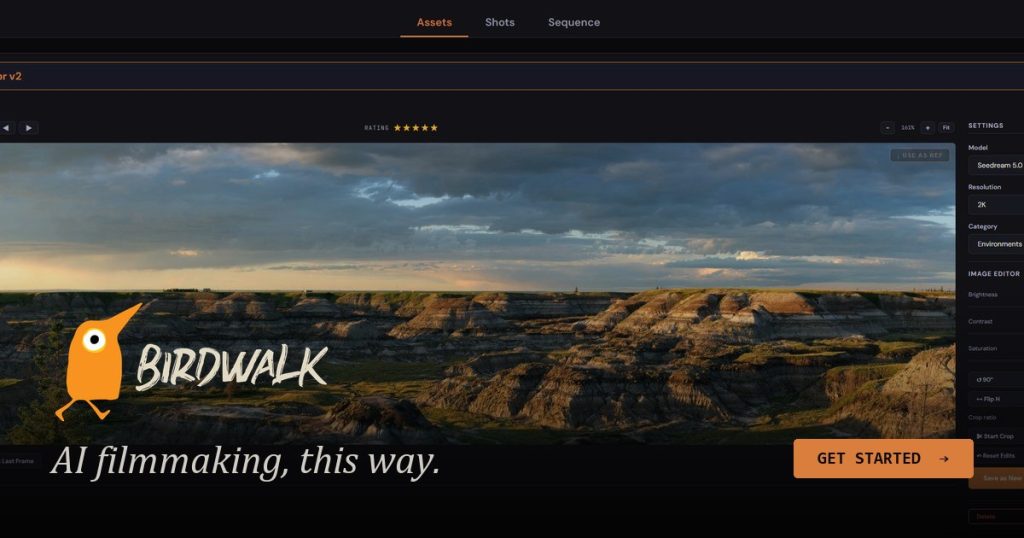
Birdwalk is a web platform from Sydney-based Birdwalk Pty Ltd that brings several third-party AI video and image models into one project-based workflow with shots, versions and sequences. It includes a Claude-powered assistant for planning shots and prompts, shared workspaces for teams, and monthly plans billed in Australian dollars.

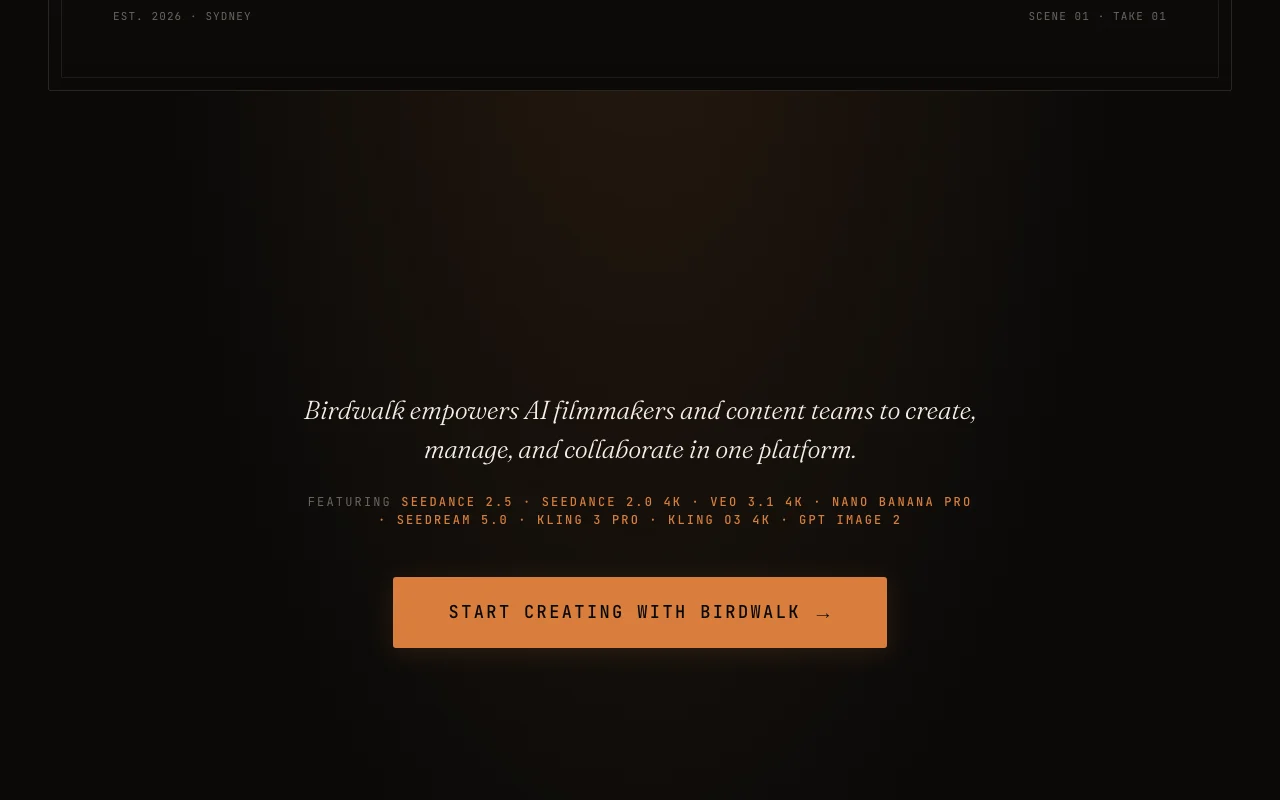
Birdwalk homepage — screenshot of the video AI tool, Oct 2, 2026
Birdwalk's official site: how the product presents itself. birdwalk.ai, captured Oct 2, 2026

What you provide and what you get back

How Birdwalk works: what you provide, where it runs and what you get backYOU PROVIDEYour inputPrompts, scripts and treatmentsImage assets (characters, environ…StoryboardsVIDEOBirdwalkWebfree tier, paid price not publish…free tier availableaccount requiredchecked Oct 2, 2026YOU GET BACKThe resultAI video shots up to 4KAI imagesVersioned scenes and sequencesinput → Birdwalk → output · from the vendor's own pages, no hands-on test unless stated
What you give Birdwalk and what comes back, from its documentation

You provide

  • Prompts, scripts and treatments
  • Image assets (characters, environments, props)
  • Storyboards

You get back

  • AI video shots up to 4K
  • AI images
  • Versioned scenes and sequences

Where you can use it

Platforms
Web
Account
Required
Video length
10 seconds on Creator; full length above
Resolution
Up to 4K
Storage
5 GB to 500 GB
Wallet credits
A$12 to A$100 monthly
Environment
Staging notice shown

Best use cases for Birdwalk

Scenarios are worked out by our editors from the documentation; the actual result depends on your input and plan.

Generating AI video shots

Who
AI filmmakers
You provide
Prompt and model choice
Expected result
AI video shots
Plan needed
Creator and above
Limitation
Creator limited to 10-second video source (opens in a new tab)

Planning scenes from a script or treatment

Who
Producers
You provide
Script or treatment
Expected result
Scenes scaffolded into shots
Plan needed
Any plan
Limitation
Assistant drafts need approval source (opens in a new tab)

Managing shot versions across projects

Who
Content teams
You provide
Shared project assets
Expected result
Shot versions tracked together
Plan needed
Pro and above for collaborators
Limitation
Each collaborator needs a paid plan source (opens in a new tab)

Birdwalk features and their limits

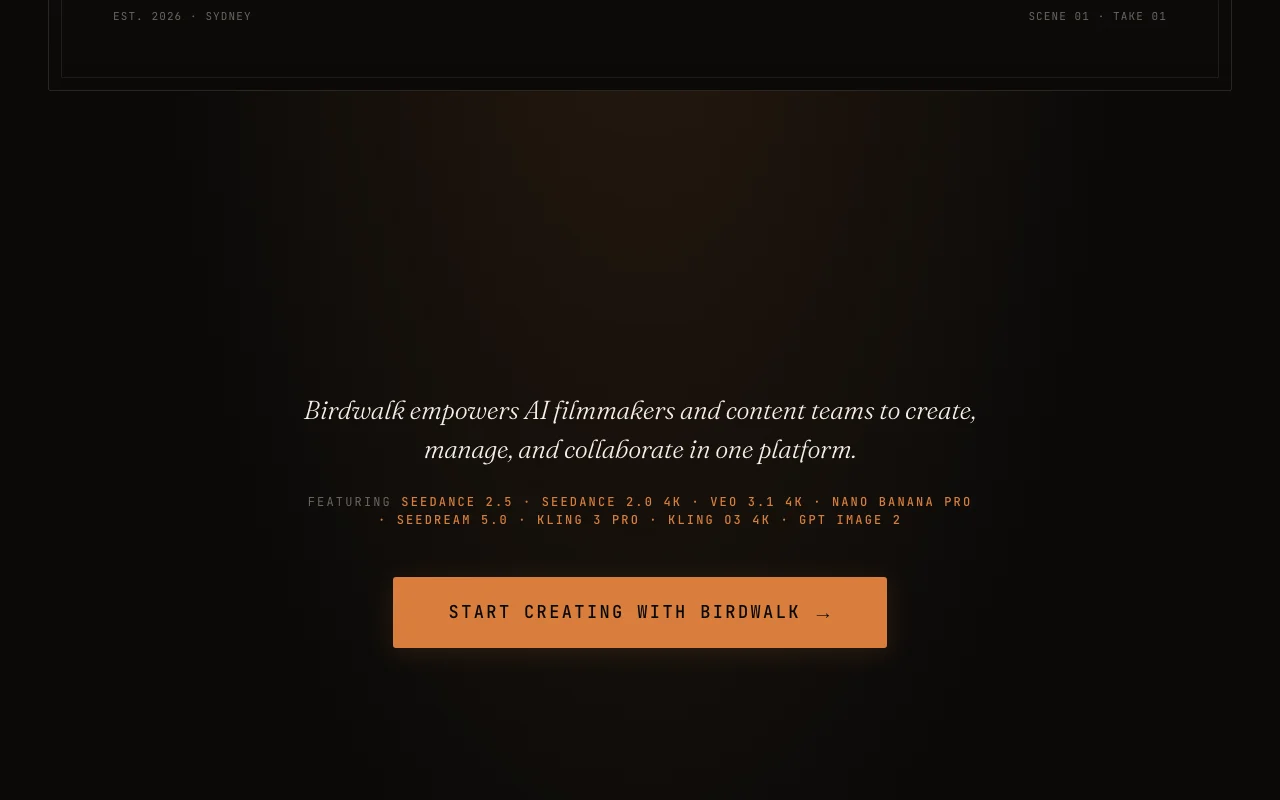
Birdwalk homepage — screenshot of the video AI tool, Oct 2, 2026
Feature overview on the official site. birdwalk.ai, captured Oct 2, 2026

Multiple integrated video and image models

Brings Seedance, Veo, Kling and image models into one project. Avoids using separate model sites

Access: All plans (Creator limited to Seedance)Limit: Model list changes over time source (opens in a new tab)

Assistant for prompts and shot planning

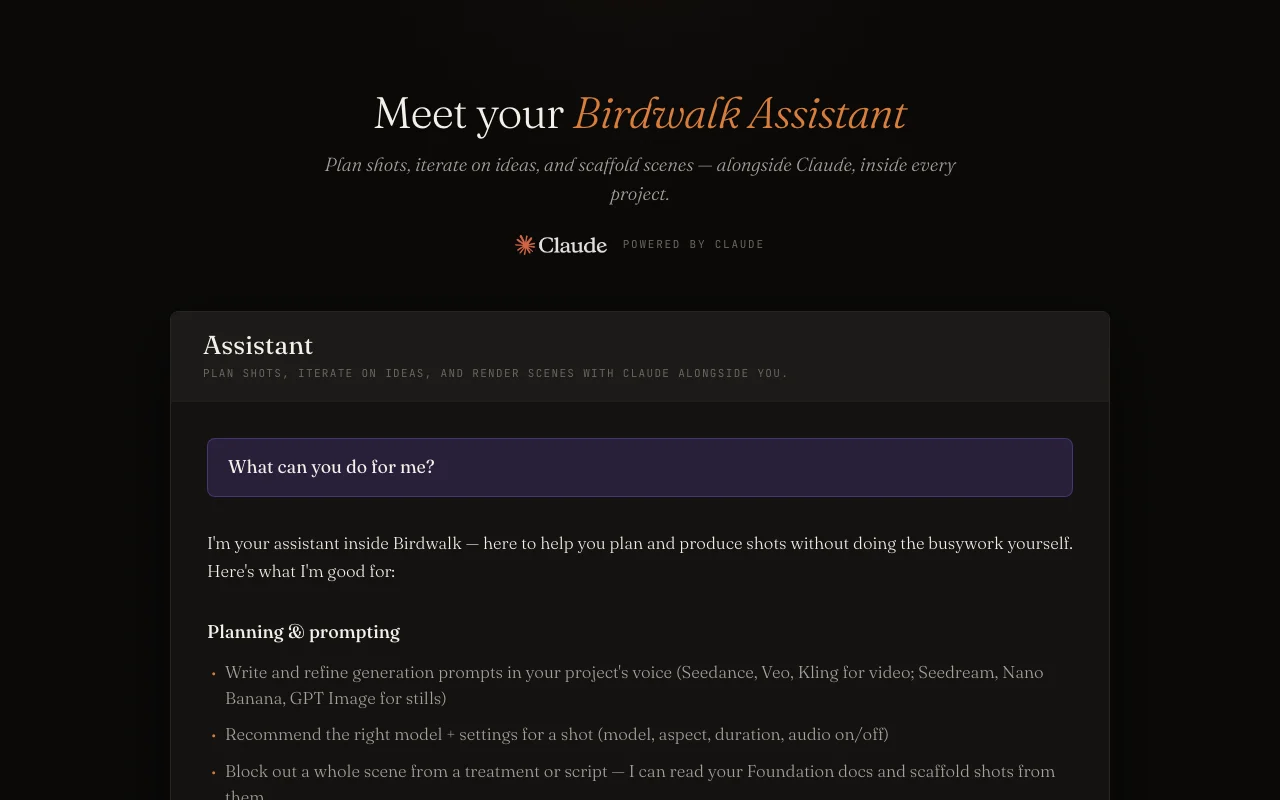
A Claude-powered assistant plans shots and drafts prompts as cards you approve. Speeds up scene planning

Access: All plansLimit: Nothing generates until you click Generate source (opens in a new tab)

Project, scene and shot versioning

Automatic versions for projects, scenes and shots. Lets you compare takes

Access: All plansLimit: Storage 5-500 GB by plan source (opens in a new tab)

Shared team workspaces

Invite members to the same assets and shots. Supports team review

Access: Pro: up to 2 collaborators; Studio unlimitedLimit: Collaborators need own paid plans source (opens in a new tab)

Birdwalk: strengths and limits

Reasons to choose Birdwalk

Check before paying for Birdwalk

How to use Birdwalk for producing AI video shots for a film project

Birdwalk documentation — screenshot of the video AI tool, Oct 2, 2026
Birdwalk documentation: where the steps below come from. birdwalk.ai, captured Oct 2, 2026

Set up Birdwalk

  1. Open birdwalk.ai and click Start Creating
  2. Create an account
  3. Create a project and add a script or treatment
  4. Choose a plan with wallet credits

Example: producing AI video shots for a film project

  1. Ask the assistant to scaffold shots from a treatment
  2. Approve the draft shot cards
  3. Click Generate on a shot
  4. Compare versions and assemble the sequence

Review and export the result

  1. Check wallet balance before generating
  2. Confirm the staging banner is gone on production
Example prompt suggested by our editors (not a recorded output of the product)
Block out a three-shot opening scene from my treatment.
Birdwalk integrations and API

Birdwalk documentation — screenshot of the video AI tool, Oct 2, 2026
Birdwalk documentation (continued). birdwalk.ai, captured Oct 2, 2026

Native integrations and export formats

Export: Video up to 4K

API access and separate billing

Birdwalk has no public API in its official documentation. No API documented

Privacy, data use and commercial rights

Summarized from the vendor's current policies; this is not legal advice and a vendor's badge is not an independent audit.

How your inputs and outputs are handled

Fetched privacy page not summarized in detail

Policies: birdwalk.ai/privacy

Birdwalk alternatives by need

"Better suited" is based on documented features and pricing, not on a head-to-head test.

Runway: better suited to

Kling AI: better suited to

Luma: better suited to

Alternatives
AlternativeWhen to choose itPricingLimitation
Runway——Compare
Kling AI——Compare
Luma——Compare

Explore Birdwalk further

If you are looking at Birdwalk

Birdwalk user reviews

No user reviews yet.

Used Birdwalk? Be the first to share your experience.

Write a review

Reviews are checked by a moderator before they appear. Your email is never published. Plain text only.

Your rating (required)

Show what you made or what went wrong. Images are published only if the review is approved; location data is removed.

    Birdwalk FAQ

    What currency does Birdwalk use?

    Australian dollars: Creator A$15, Standard A$35, Pro A$65, Studio A$250 per month. source (opens in a new tab)

    Does Birdwalk lock me into annual billing?

    No, plans are monthly with cancel anytime and no annual lock-in. source (opens in a new tab)

    Which models does Birdwalk integrate?

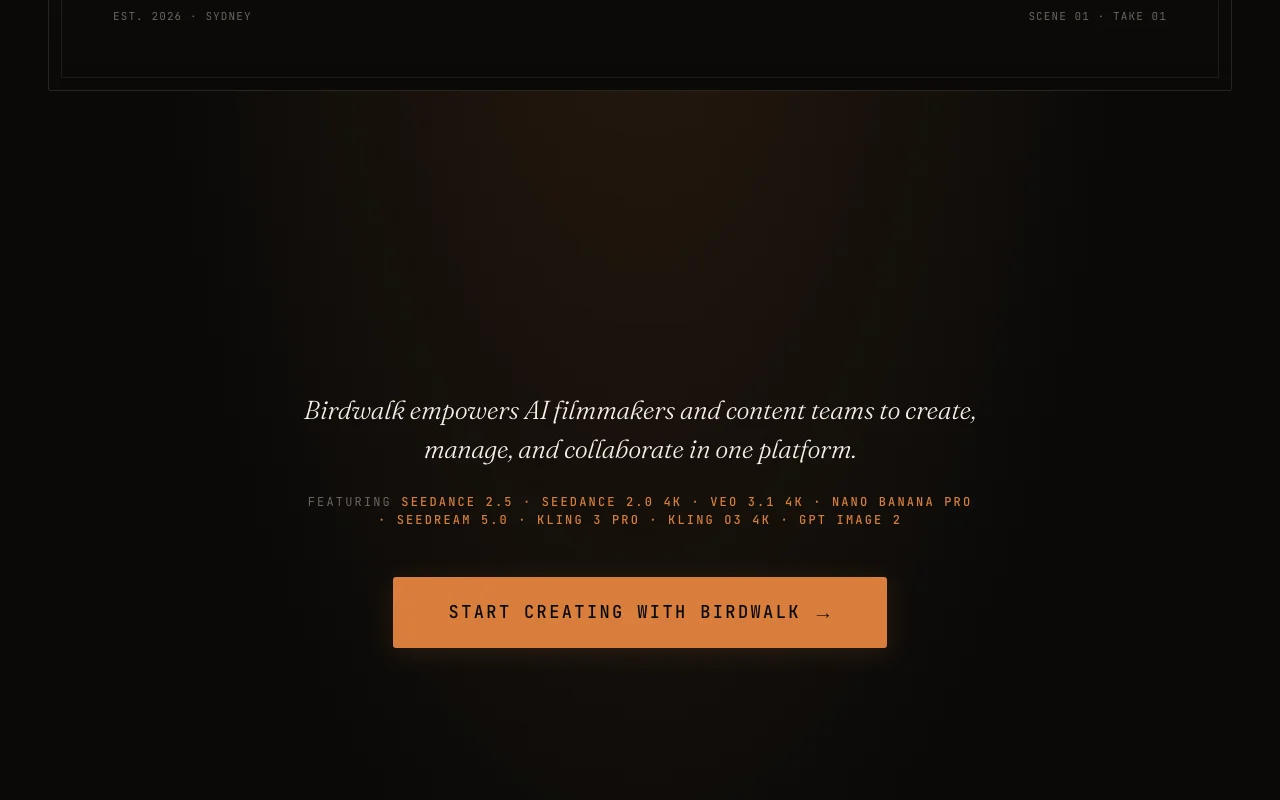
    Seedance 2.5 and 2.0 4K, Veo 3.1 4K, Nano Banana Pro, Seedream 5.0, Kling 3 Pro, Kling O3 4K and GPT Image 2. source (opens in a new tab)

    Does the Birdwalk assistant spend credits on its own?

    No, proposals are draft cards and credits are only spent when you click Generate. source (opens in a new tab)

    How many collaborators does Birdwalk Pro allow?

    Up to 2 collaborators, each needing their own paid plan. source (opens in a new tab)

    Sources and review methodology

    Official sources and verification dates

    Not verified: USD prices; Training use of uploads; Commercial use terms.

    How we documented and maintain this page

    Every fact about Birdwalk above comes from the 6 official pages listed here, last compared on Oct 2, 2026; we have not run Birdwalk ourselves, so it has no editorial score. How we check and re-check pages.

    Article updated Oct 10, 2026; prices checked Oct 2, 2026. Outbound links to vendors are plain links; we do not earn commissions. How we review · Report an error