VideoDocumented overviewLast checked Sep 29, 2026

Brainy Canvas: Pricing, Features & Best Use Cases

Visual canvas for creating videos, images, audio and slides with 142+ AI models, credit-based with no model markup.

Is Brainy Canvas right for you?

Choose Brainy Canvas if you want to chain image, video, audio and slide models on one canvas at provider cost, starting with 200 free credits and no card. Based on the vendor's documentation, not on a hands-on test.

Best for: Creators mixing several AI models

Also a good fit for

  • Developers wanting API access

Consider another tool if free credits are one-time (200)

Or if

  • Credit costs are estimates and may change
  • Premium models need the Premium plan

Brainy Canvas pricing and usage limits

Prices checked Sep 29, 2026 on the official US pricing page. Official pricing ↗ Prices and limits change often.

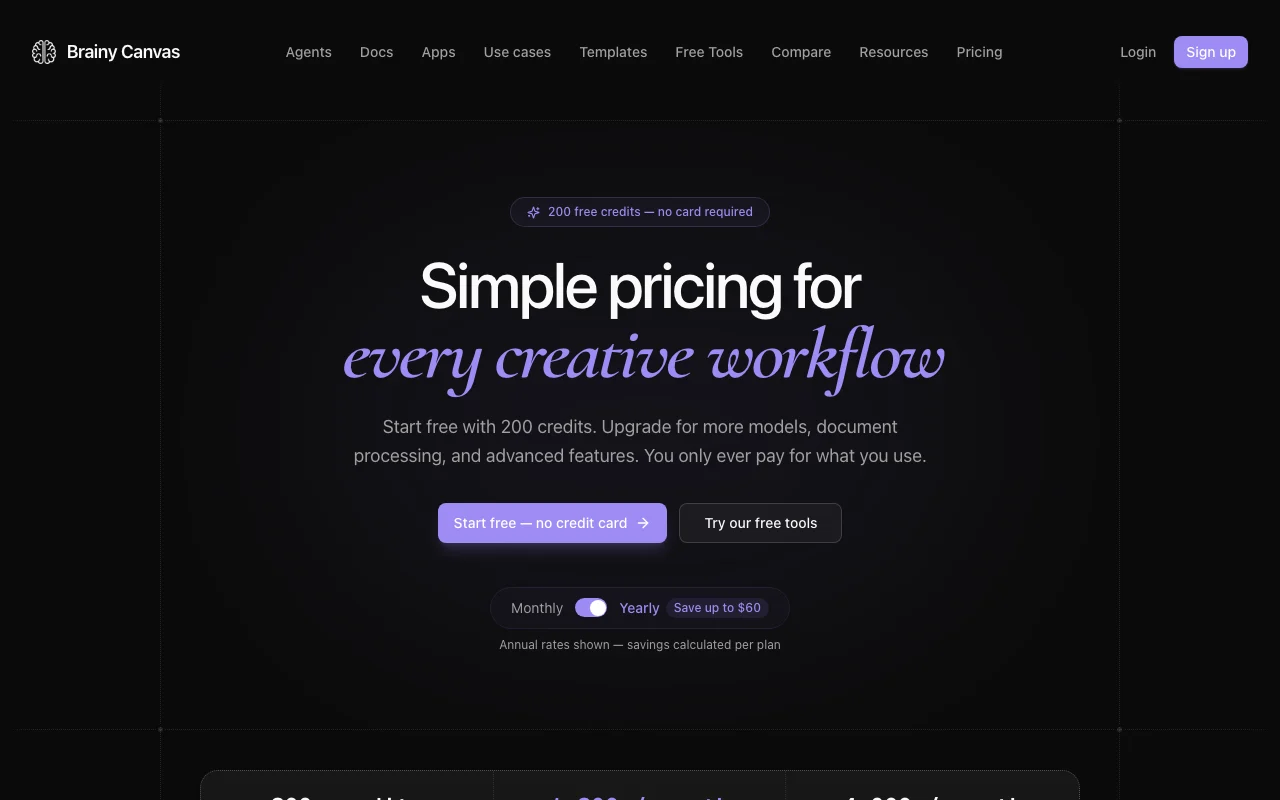
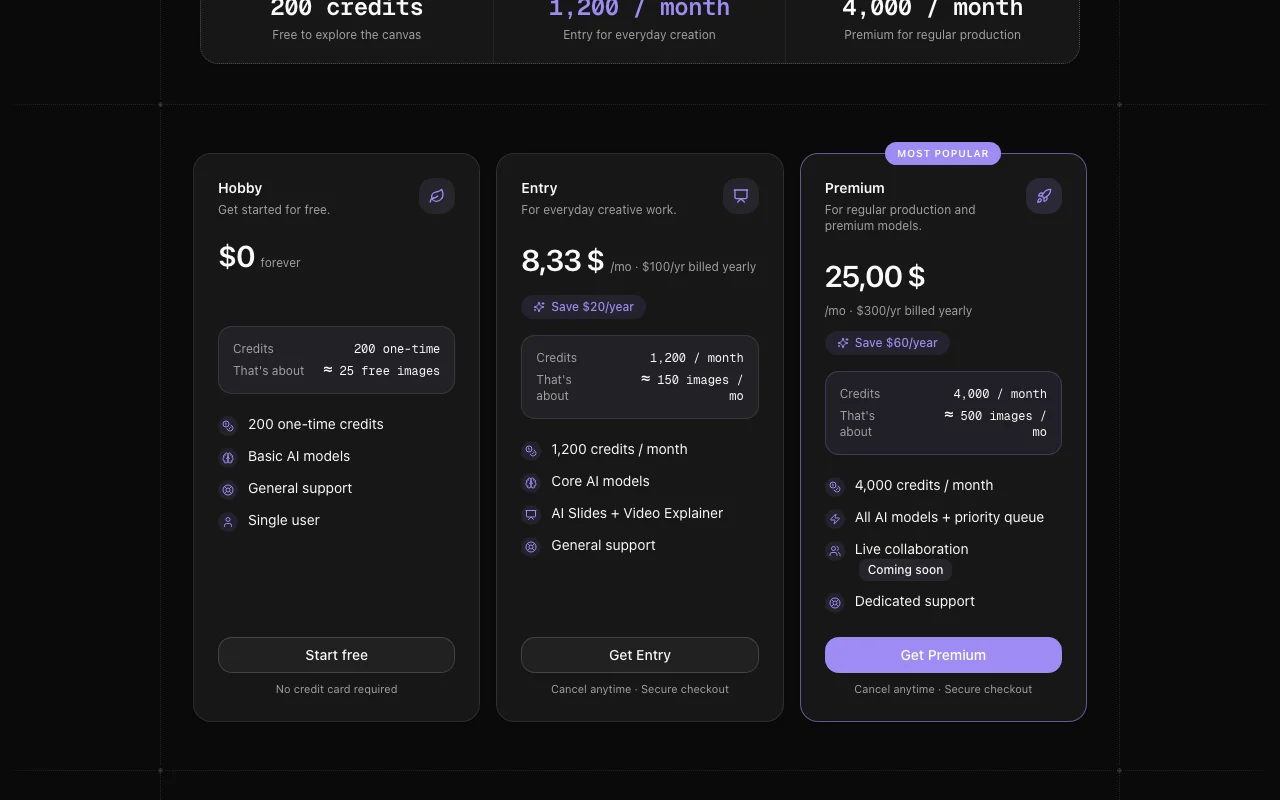
Brainy Canvas pricing page with plans and prices — screenshot of the video AI tool, Oct 1, 2026
The official Brainy Canvas pricing page as we saw it. brainycanvas.com, captured Oct 1, 2026

Free access and trial conditions

200 one-time credits, no card; first run of each ready-made app free without an account.

None beyond free credits.

Paid plans: what changes as you upgrade

Hobby Web

Free source (opens in a new tab)

One-time

For: Exploring the canvas

Limits

  • About 25 free images
  • Single user

Includes

  • Basic AI models
  • General support

Entry Web

$8.33/mo source (opens in a new tab)

Month, annual commitment

Annual rate; monthly price not read

For: Everyday creation

Limits

  • 1,200 credits per month
  • About 150 images per month

Includes

  • Core AI models
  • AI Slides + Video Explainer
1 more
  • General support

Premium Web

$25/mo source (opens in a new tab)

Month, annual commitment

Annual rate; monthly price not read

For: Regular production and premium models

Limits

  • 4,000 credits per month
  • About 500 images per month

Includes

  • All AI models + priority queue
  • Dedicated support
1 more
  • Live collaboration (coming soon)

Usage caps, credits and extra costs

1 credit equals 0.5 cent at provider cost, zero model markup.

Not stated.

What is Brainy Canvas, and how does it work?

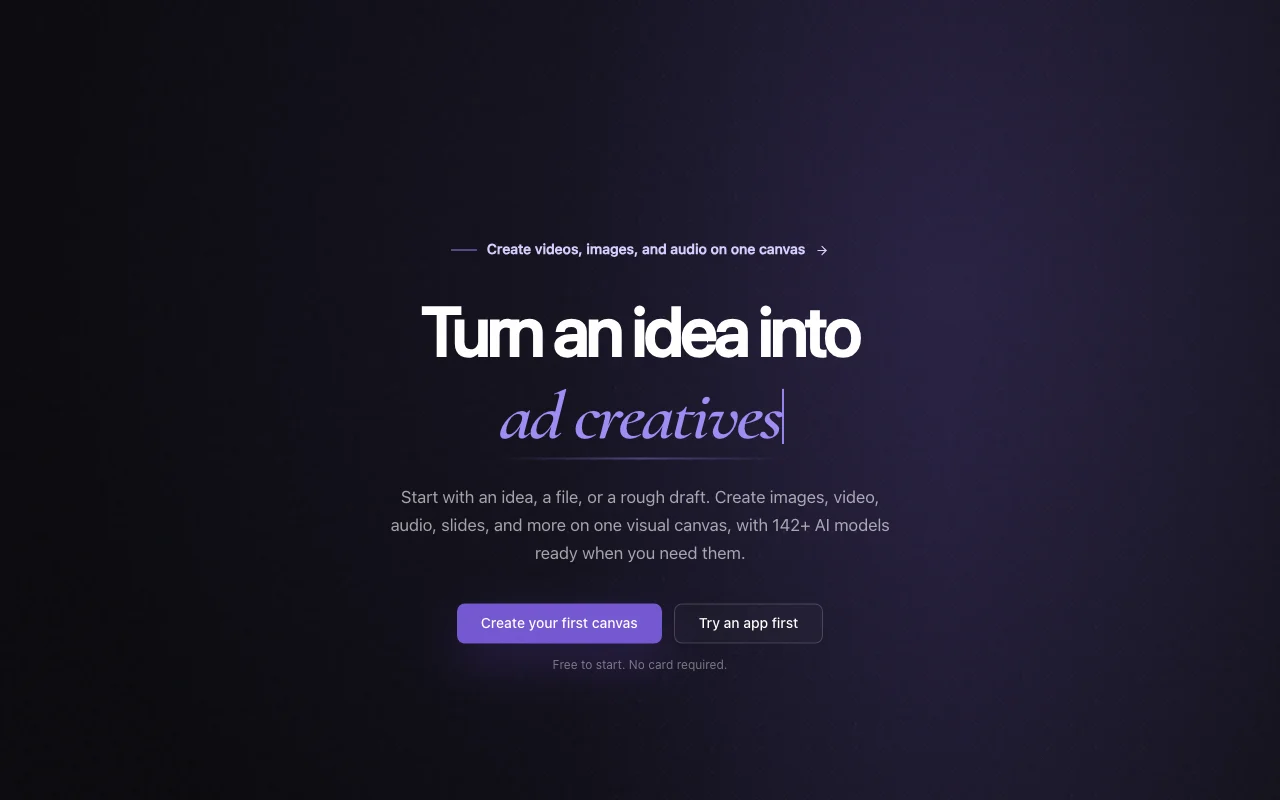
Brainy Canvas is a node-based canvas where users combine images, video, audio, slides and text using many third-party AI models. It also offers ready-made apps such as image to video and a thumbnail maker. Usage is credit-based, with 1 credit equal to half a cent billed at provider cost. Docs describe an agent connection, a CLI and a REST API.

Brainy Canvas homepage — screenshot of the video AI tool, Oct 1, 2026
Brainy Canvas's official site: how the product presents itself. brainycanvas.com, captured Oct 1, 2026

What you provide and what you get back

How Brainy Canvas works: what you provide, where it runs and what you get backYOU PROVIDEYour inputImages, files and text dropped on…Prompts for image, video, audio a…VIDEOBrainy CanvasWeb, APIfrom $8.33/mo (Entry)free tier availableaccount requiredchecked Sep 29, 2026YOU GET BACKThe resultVideosImagesAudio and speechSlidesinput → Brainy Canvas → output · from the vendor's own pages, no hands-on test unless stated
What you give Brainy Canvas and what comes back, from its documentation

You provide

  • Images, files and text dropped on the canvas
  • Prompts for image, video, audio and slides

You get back

  • Videos
  • Images
  • Audio and speech
  • Slides

Where you can use it

Platforms
Web, API
Account
Required
Models
142+ across image, video, audio, text
Credits
1 credit = $0.005
Image cost
Flux Schnell 1 credit, GPT-Image 1.5 20 credits
Access
Web, agent connection, CLI, REST API

Best use cases for Brainy Canvas

Scenarios are worked out by our editors from the documentation; the actual result depends on your input and plan.

Image to video clips

Who
Social creators
You provide
A picture and motion description
Expected result
A short cinematic clip (about 50 credits for the app)
Plan needed
Hobby and up
Limitation
Video models cost 54 to 400 credits per clip source (opens in a new tab)

Product ad clips

Who
Small e-commerce sellers
You provide
A product image and a style
Expected result
An ad clip (about 150 credits)
Plan needed
Entry and up
Limitation
Premium video models need Premium source (opens in a new tab)

YouTube thumbnails

Who
YouTubers
You provide
A video description
Expected result
A 1280x720 thumbnail (about 8 credits)
Plan needed
Hobby and up
Limitation
Estimates may change source (opens in a new tab)

Driving the canvas from an AI agent

Who
Developers
You provide
Claude, Codex or CLI/REST calls
Expected result
Images and workflows created on an editable canvas
Plan needed
Any with API key
Limitation
Setup via agent connection or API key source (opens in a new tab)

Brainy Canvas features and their limits

Brainy Canvas homepage — screenshot of the video AI tool, Oct 1, 2026
Feature overview on the official site. brainycanvas.com, captured Oct 1, 2026

Visual canvas with nodes

Node-based workspace where images, video, audio, slides and text connect into workflows. Reuses outputs across steps.

Access: All plansLimit: Live collaboration is coming soon source (opens in a new tab)

142+ AI models

Lets you pick among 142+ models (214 from 36 providers per homepage) and compare results. Choose the best model per job.

Access: Core models on Entry, all on PremiumLimit: Premium models require Premium plan source (opens in a new tab)

Ready-to-run apps

Offers apps like Image to Video and Thumbnail Maker with a free first run. Quick results with no workflow building.

Access: Free first run, then creditsLimit: Credit costs estimated source (opens in a new tab)

Agent connection, CLI and REST API

Connects via agent connection, CLI and REST API. Automate from Claude, Codex, terminal or backend.

Access: Docs availableLimit: Auth by approval or API key source (opens in a new tab)

Pros, cons and deal-breakers

Reasons to choose Brainy Canvas

Check before paying for Brainy Canvas

How to use Brainy Canvas for turning a product photo into an ad clip

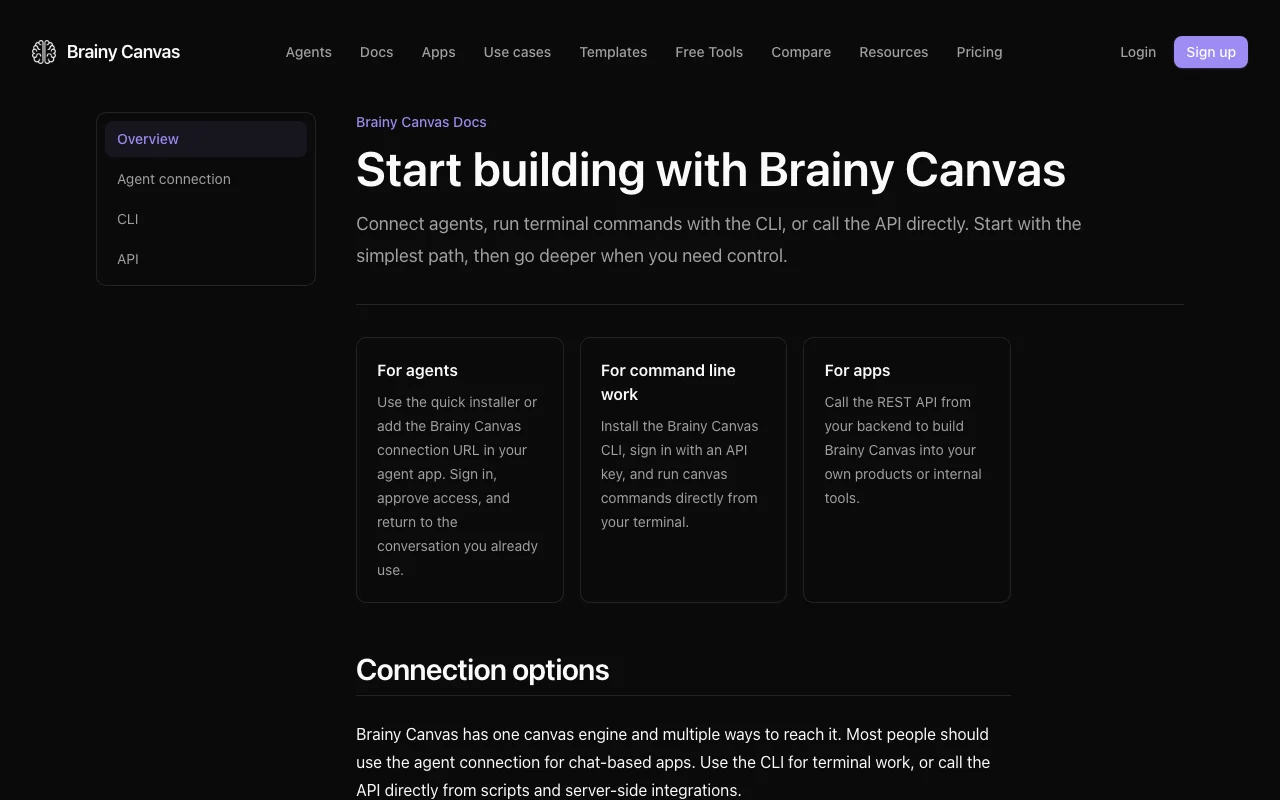
Brainy Canvas documentation — screenshot of the video AI tool, Oct 1, 2026
Brainy Canvas documentation: where the steps below come from. brainycanvas.com, captured Oct 1, 2026

Set up Brainy Canvas

  1. Open brainycanvas.com and start free with 200 credits
  2. Create your first canvas
  3. Drop your product image on the canvas

Example: turning a product photo into an ad clip

  1. Open the Product Ad Maker app
  2. Upload the product and pick a vibe
  3. Check the credit cost shown and run
  4. Save the clip to the canvas

Review and export the result

  1. Compare the result against another model on the canvas
  2. Check remaining credits
Example prompt suggested by our editors (not a recorded output of the product)
Clean studio shot of a steel water bottle on a wooden table with soft morning light, slow camera push-in.
Brainy Canvas API

Brainy Canvas documentation — screenshot of the video AI tool, Oct 1, 2026
Brainy Canvas documentation (continued). brainycanvas.com, captured Oct 1, 2026

API access and separate billing

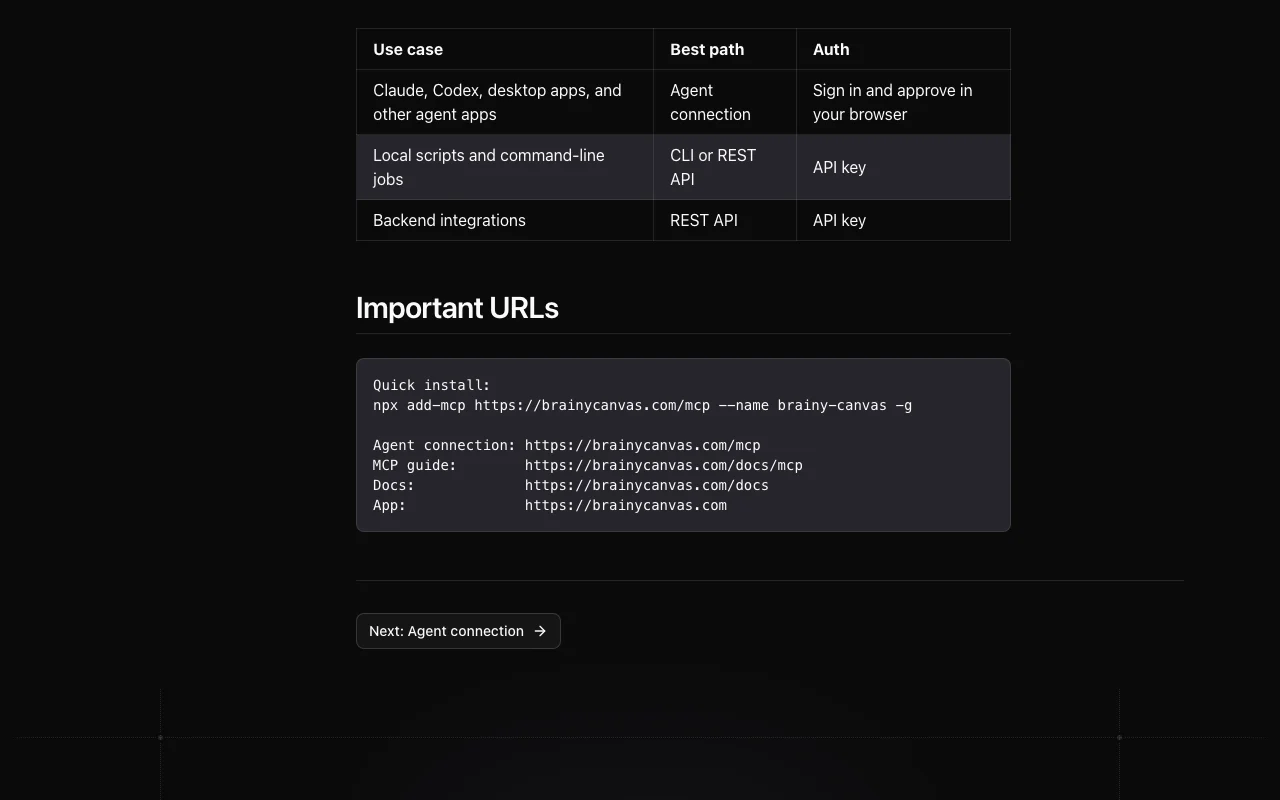
Brainy Canvas has no public API in its official documentation. Agent connection, CLI with API key and REST API API documentation ↗

Privacy, data use and commercial rights

Summarized from the vendor's current policies; this is not legal advice and a vendor's badge is not an independent audit.

How your inputs and outputs are handled

Account details, uploaded content and usage data are processed to run the service.

Not stated in reviewed text.

Kept only as long as needed per the policy.

Commercial use and plan restrictions

Not stated.

None stated.

Policies: brainycanvas.com/privacy

Other tools to consider instead of Brainy Canvas

"Better suited" is based on documented features and pricing, not on a head-to-head test.

Runway: better suited to

Canva: better suited to

Leonardo.Ai: better suited to

Alternatives
AlternativeWhen to choose itPricingLimitation
Runway——Compare
Canva——
Leonardo.Ai——

Explore Brainy Canvas further

Tools and guides near Brainy Canvas

Brainy Canvas user reviews

No user reviews yet.

Used Brainy Canvas? Be the first to share your experience.

Write a review

Reviews are checked by a moderator before they appear. Your email is never published. Plain text only.

Your rating (required)

Show what you made or what went wrong. Images are published only if the review is approved; location data is removed.

    Brainy Canvas FAQ

    How much do credits cost?

    1 credit equals half a cent, billed at provider cost with no model markup; Entry gives 1,200 credits a month and Premium 4,000. source (opens in a new tab)

    Is a credit card needed to start?

    No. Sign-up gives 200 free credits immediately. source (opens in a new tab)

    What does a video cost?

    About 54 credits for a 6s Hailuo 02 clip, 72 for LTX 2.3 Fast, 100 for Sora 2 (5s) and 400 for Veo 3.1 (5s). source (opens in a new tab)

    Can I control Brainy Canvas from Claude or Codex?

    Yes, docs describe an agent connection you approve in the browser, plus a CLI and REST API with API key. source (opens in a new tab)

    Can I cancel any time?

    Yes, plans can be changed or cancelled from the account with no fees. source (opens in a new tab)

    Sources and review methodology

    Official sources and verification dates

    Not verified: Monthly-billing prices; Commercial-use terms; Training policy; Watermark.

    How we documented and maintain this page

    Every fact about Brainy Canvas above comes from the 3 official pages listed here, last compared on Sep 29, 2026; we have not run Brainy Canvas ourselves, so it has no editorial score. How we check and re-check pages.

    Article updated Oct 10, 2026; prices checked Sep 29, 2026. Outbound links to vendors are plain links; we do not earn commissions. How we review · Report an error