Our take: Choose clipoven if you turn horizontal stream or podcast footage into vertical shorts and want a chat agent to do the first edit before you fine-tune it manually.
Main limitation: Prices are published in EUR only and there is no free plan on the pricing page.
By the AI Tool Atlas editors.
Based on the vendor's official documentation; we have not tested this product hands-on. What “documented overview” means
Who should use clipoven
Choose clipoven if you turn horizontal stream or podcast footage into vertical shorts and want a chat agent to do the first edit before you fine-tune it manually. Based on the vendor's documentation, not on a hands-on test.
Best for: Stream clippers
Also a good fit for
Short-form content creators
Podcasters repurposing footage
Consider another tool if no free plan shown on the pricing page
Or if
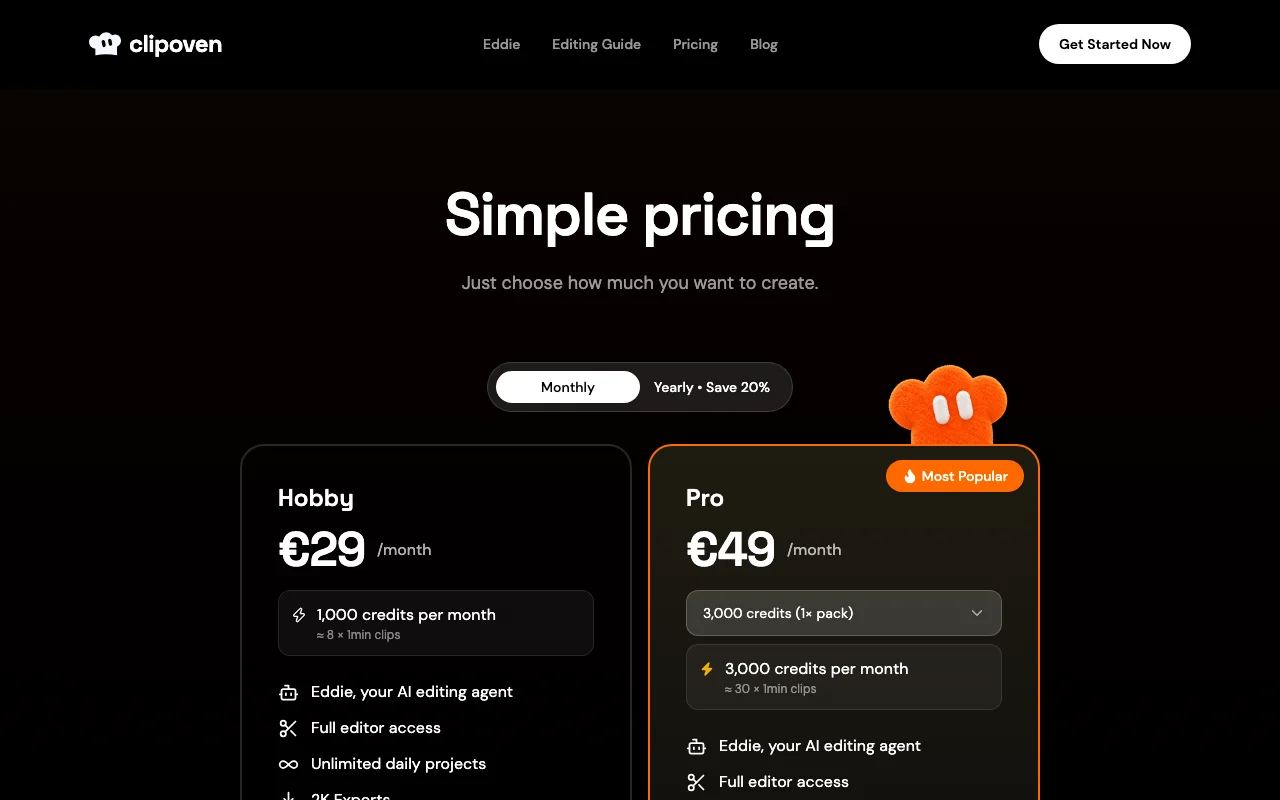
Credit-based: Hobby covers roughly eight 1-minute clips per month
Prices shown only in EUR
clipoven pricing and usage limits
Prices checked Sep 29, 2026 on the official US pricing page. Official pricing ↗ Prices and limits change often.
Vendor pricing page re-checked automatically 12 days ago: no changes detected.
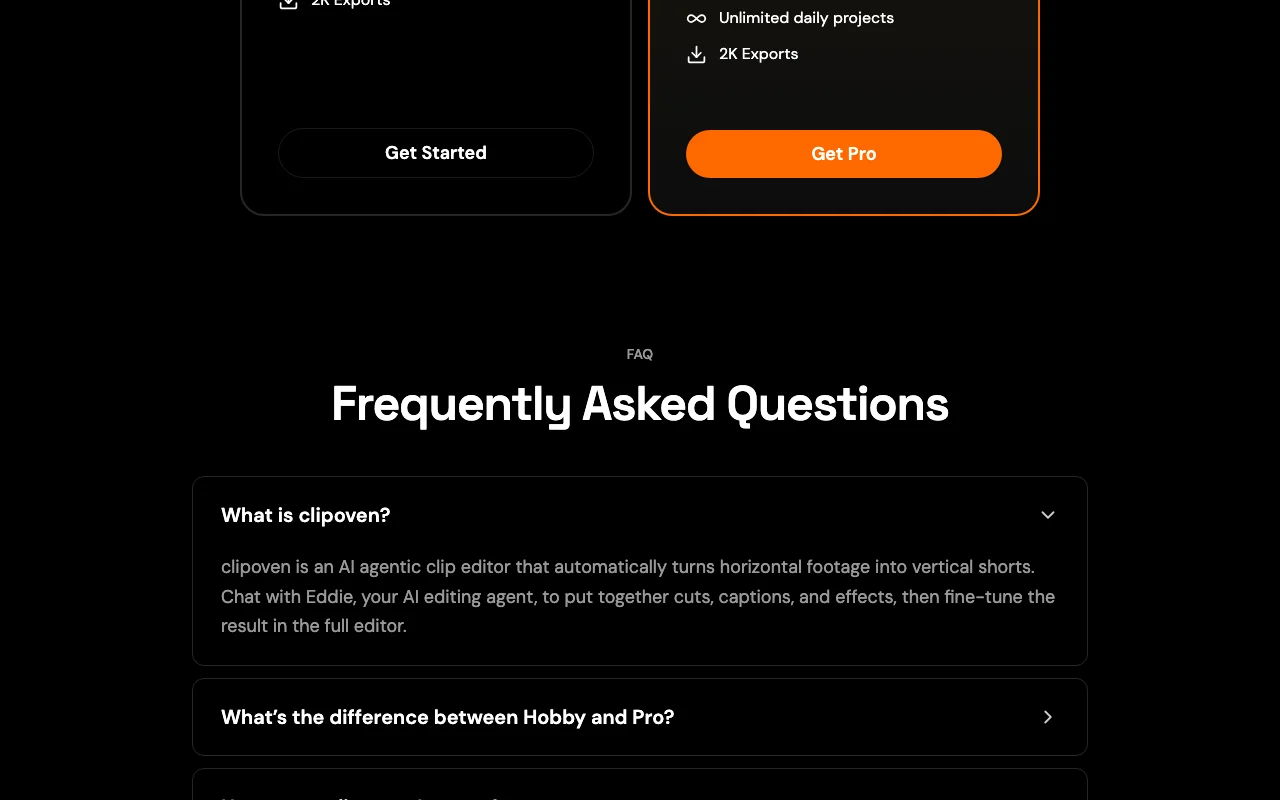
The official clipoven pricing page as we saw it. clipoven.com, captured Oct 1, 2026
10,000 credits per month (about 140 x 1-min clips)
Includes
Eddie
Full editor
2 more
Unlimited daily projects
2K exports
Usage caps, credits and extra costs
Clip counts are estimates; credit use depends on model and edit complexity.
Not stated.
What is clipoven, and how does it work?
clipoven is an agentic clip editor built around 'Eddie', an AI editing agent you instruct by chat. It converts horizontal footage into 9:16 clips, applying cuts, animated captions and effects based on a brief.
After the AI pass, users can keep refining through chat or open the full editor to adjust timing, captions, audio effects, images and stickers, then export in 2K. Plans are credit-based.
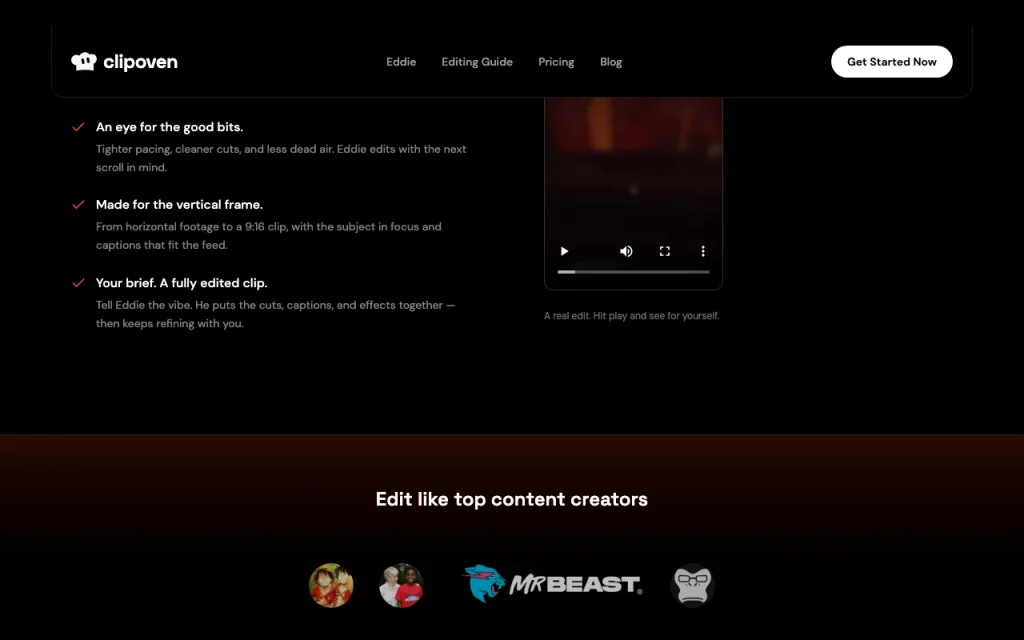
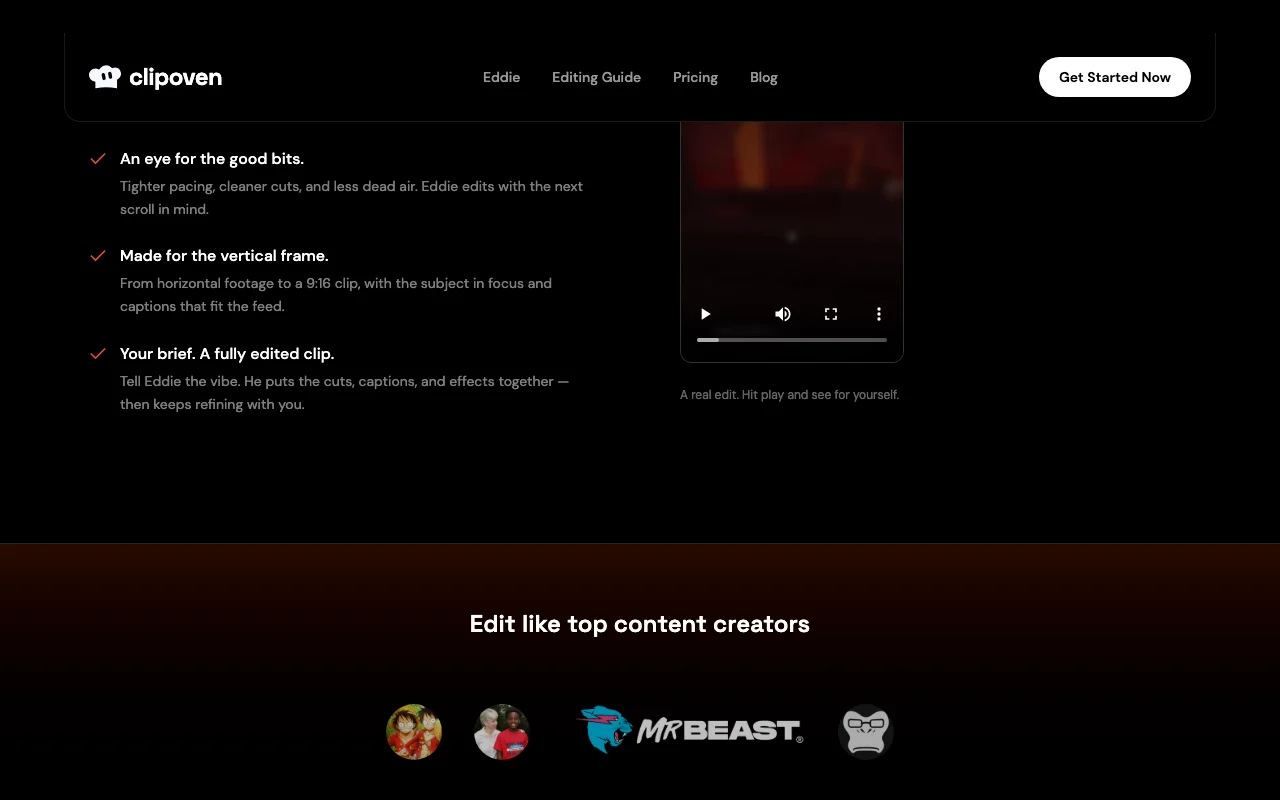
clipoven's official site: how the product presents itself. clipoven.com, captured Oct 1, 2026
What you provide and what you get back
What you give clipoven and what comes back, from its documentation
You provide
Horizontal video footage
Chat brief describing the desired style
You get back
Edited 9:16 vertical clips
Animated captions and effects
2K video exports
Where you can use it
Platforms
Web
Account
Required
Output format
9:16 vertical, 2K
Target platforms
TikTok, YouTube Shorts
Credits
1,000 to 10,000 per month
Watermark
What people use clipoven for
Scenarios are worked out by our editors from the documentation; the actual result depends on your input and plan.
Turning stream or podcast footage into vertical shorts
Pro offers a choice of 3,000, 7,000 or 10,000 credits per month Heavier clip output can be matched with a larger pack, roughly 30, 70 or 140 one-minute clips.documentedsource (opens in a new tab)
Eddie's edits can be refined by chat or in a full editor for cuts, timing, captions and effects Output from the AI agent can be corrected by hand before posting.documentedsource (opens in a new tab)
Limitations to check before paying
No free plan shown on the pricing page You cannot test the product free from the pricing page.documentedsource (opens in a new tab)
Credit-based: Hobby covers roughly eight 1-minute clips per month Heavy clippers need a larger Pro pack.documentedsource (opens in a new tab)
Prices shown only in EUR USD cost is not shown; currency conversion applies.documentedsource (opens in a new tab)
Output focused on vertical short-form only Not suited to horizontal or long-form output.documentedsource (opens in a new tab)
Clip counts per plan are estimates that depend on the model used and editing complexity Actual monthly output may be lower than the stated eight 1-minute clips on Hobby.documentedsource (opens in a new tab)
How to use clipoven for turning horizontal footage into a vertical short
Set up clipoven
Open clipoven.com and click Get Started.
Create an account and choose Hobby or Pro.
Upload your horizontal footage to a new project.
Example: turning horizontal footage into a vertical short
Tell Eddie the style and length you want in chat.
Review the generated 9:16 cut with captions.
Ask Eddie for tweaks or open the full editor to adjust timing and captions.
Export the clip in 2K.
Review and export the result
Play the clip and confirm the subject stays framed.
Check caption timing and spelling before posting.
Example prompt suggested by our editors (not a recorded output of the product)
Edit this clip like an IShowSpeed clip, 30 seconds, with punchy animated captions.
Privacy, data use and commercial rights
Summarized from the vendor's current policies; this is not legal advice and a vendor's badge is not an independent audit.
How your inputs and outputs are handled
Uploaded footage and chat briefs are processed to produce clips.
An AI agentic clip editor that turns horizontal footage into vertical shorts via chat with Eddie. source (opens in a new tab)
What is the difference between Hobby and Pro?
Both include Eddie, full editor, unlimited daily projects and 2K exports; Hobby has 1,000 credits per month, Pro 3,000, 7,000 or 10,000. source (opens in a new tab)
How many clips can I make?
Roughly 8, 30, 70 or 140 one-minute clips per month depending on plan; these are estimates. source (opens in a new tab)
Can I edit clips after Eddie?
Yes, keep chatting or use the full editor to adjust cuts, timing, captions and effects. source (opens in a new tab)
Not verified: Vendor name; USD prices (EUR only); Free trial; Data retention and training use; Account requirement; API availability; Watermark policy.
How we documented and maintain this page
Every fact about clipoven above comes from the 3 official pages listed here, last compared on Sep 29, 2026; we have not run clipoven ourselves, so it has no editorial score. How we check and re-check pages.
Article updated Oct 10, 2026; prices checked Sep 29, 2026. Outbound links to vendors are plain links; we do not earn commissions. How we review · Report an error