Lifetime web
$70 source (opens in a new tab)
One_time
For: Users who dislike subscriptions
Includes
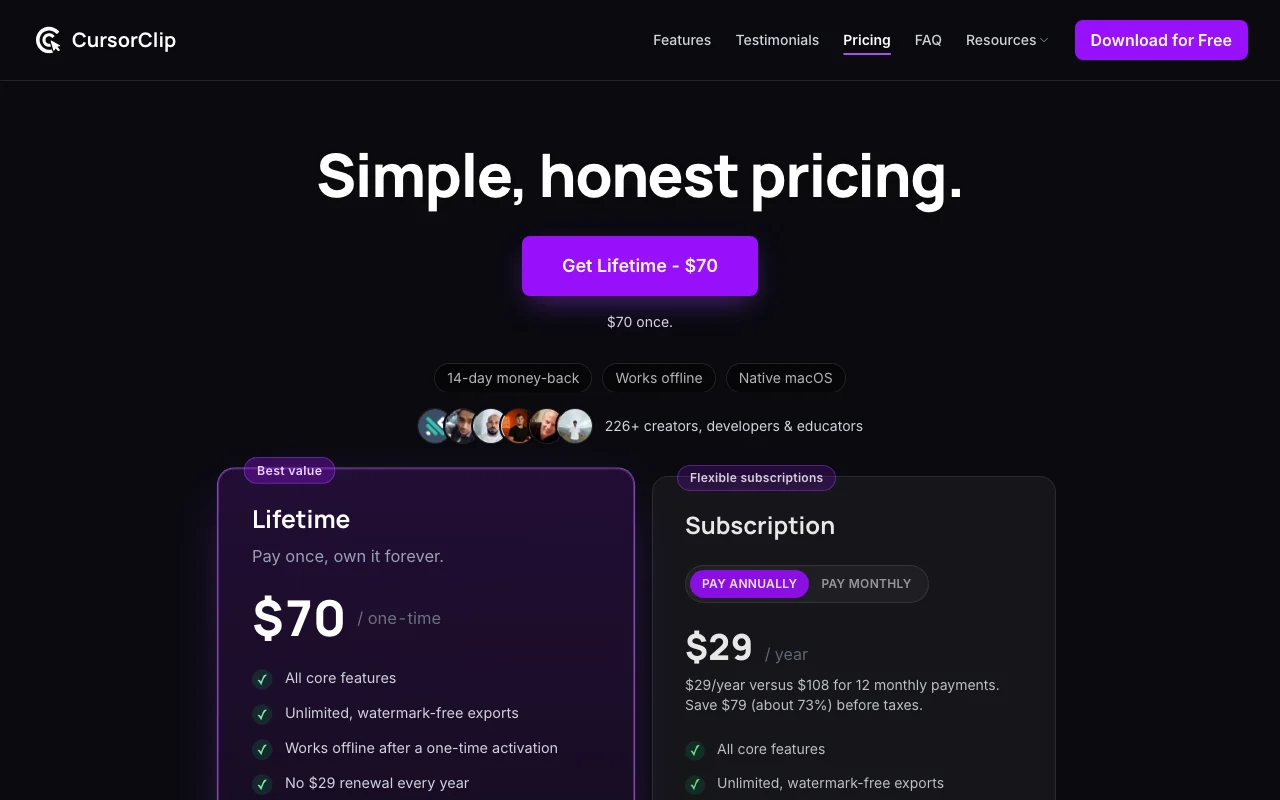
- All core features
- Unlimited watermark-free exports
1 more
- Works offline after activation

VideoDocumented overviewLast checked Oct 2, 2026
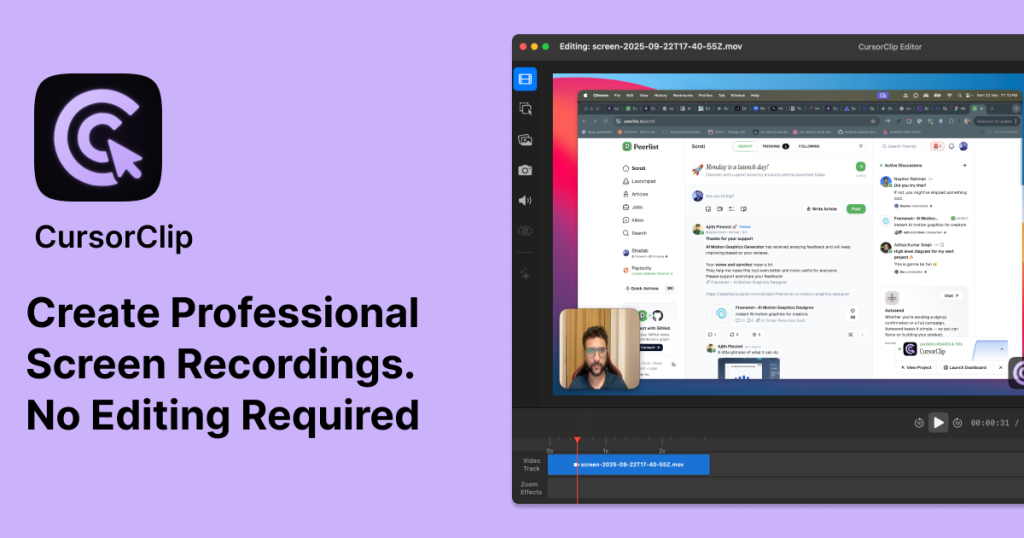
Native macOS screen recorder that auto-zooms on the active area and offers a simple editor, with video or GIF export.
 (open full size in a new tab)
 (open full size in a new tab)
 (open full size in a new tab)
 (open full size in a new tab)
Our take: Choose CursorClip if you use a Mac and want auto-zoomed demo recordings with a one-time $70 license rather than a subscription.
Main limitation: It runs only on macOS 13.5 or later, and exporting requires a paid license.
Choose CursorClip if you use a Mac and want auto-zoomed demo recordings with a one-time $70 license rather than a subscription. Based on the vendor's documentation, not on a hands-on test.
Also a good fit for
Or if
Prices checked Oct 2, 2026 on the official US pricing page. Official pricing ↗ Prices and limits change often.
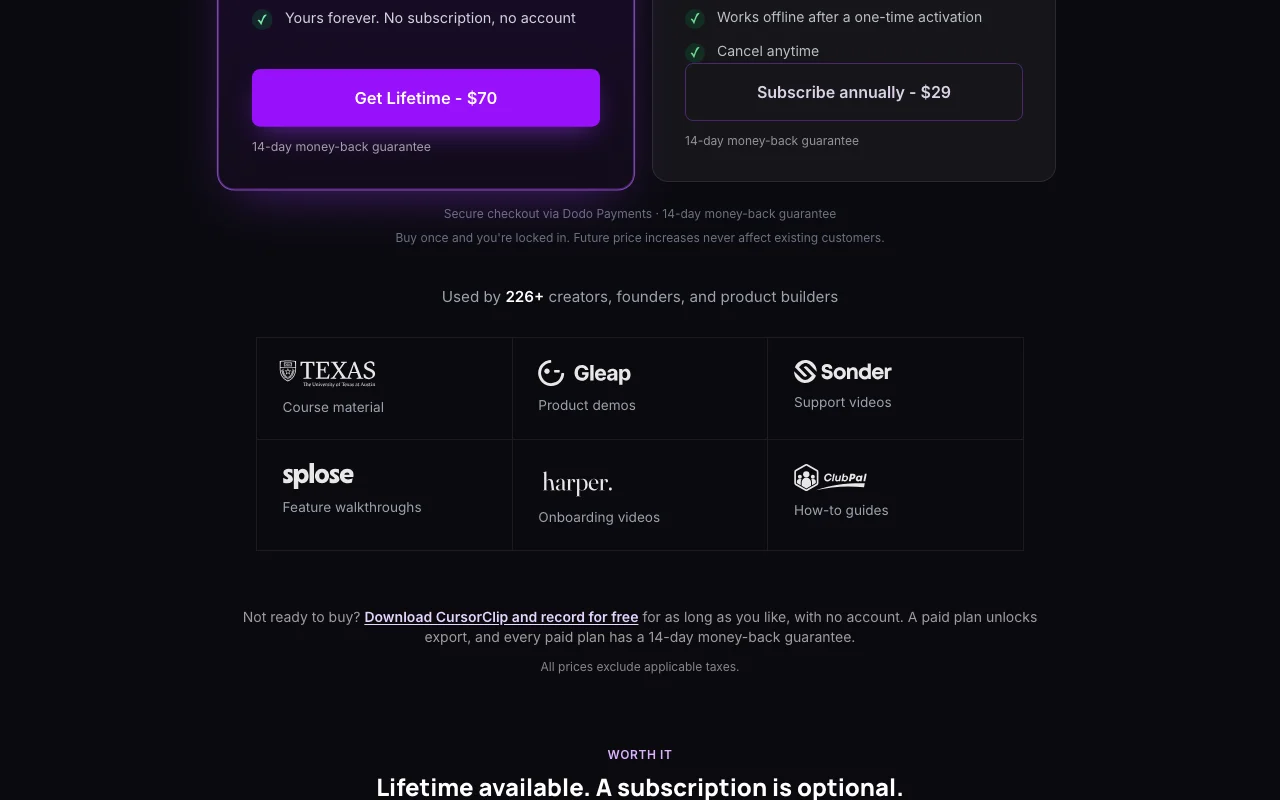
Free to download, record and edit with no account; a paid plan unlocks export.
No time-limited trial; 14-day money-back guarantee on paid plans.
$70 source (opens in a new tab)
One_time
For: Users who dislike subscriptions
Includes
$29/yr source (opens in a new tab)
Year, annual commitment
$29 per year versus $108 for 12 monthly payments
For: Users wanting low yearly cost
Includes
$9/mo source (opens in a new tab)
Month
For: Short-term projects
Includes
None listed.
Prices exclude applicable taxes.
CursorClip is a native macOS screen recorder that automatically zooms in on what the cursor is doing, so demos look polished without manual editing. It requires macOS 13.5 or later and no account. Recording and editing are free; a license is needed to export. Features include webcam capture, custom backgrounds, region recording and export up to 4K 60fps or GIF.
You provide
You get back
Scenarios are worked out by our editors from the documentation; the actual result depends on your input and plan.
Zooms the view automatically toward the area where the cursor is active during a recording. Keeps viewers focused on the current step.
Records a webcam feed alongside the screen capture. Adds a presenter to tutorials.
Replaces the recording backdrop with a custom background. Makes demos look branded.
Records a chosen region of the screen instead of the whole display. Hides unrelated windows.
Summarized from the vendor's current policies; this is not legal advice and a vendor's badge is not an independent audit.
Recordings are made in a native Mac app and can work offline after a one-time activation.
Not stated.
Not stated.
Not stated.
Not stated.
"Better suited" is based on documented features and pricing, not on a head-to-head test.
No user reviews yet.
Used CursorClip? Be the first to share your experience.
Yes, recording and editing are free for as long as you like with no account; a paid plan unlocks export. source (opens in a new tab)
A $70 one-time lifetime license, $29 per year, or $9 per month, all excluding taxes. source (opens in a new tab)
macOS 13.5 or later. source (opens in a new tab)
Yes, every paid plan has a 14-day money-back guarantee, with checkout through Dodo Payments. source (opens in a new tab)
Yes, after a one-time activation it works offline. source (opens in a new tab)
Not verified: Privacy and data policy (page 404); Docs (page 404); AI model details.
Every fact about CursorClip above comes from the 2 official pages listed here, last compared on Oct 2, 2026; we have not run CursorClip ourselves, so it has no editorial score. How we check and re-check pages.
Article updated Oct 2, 2026; prices checked Oct 2, 2026. Outbound links to vendors are plain links; we do not earn commissions. How we review · Report an error
compare>