Invite-only access Web
Custom pricing source (opens in a new tab)
Unknown, annual commitment
For: Creators with regular footage
Limits
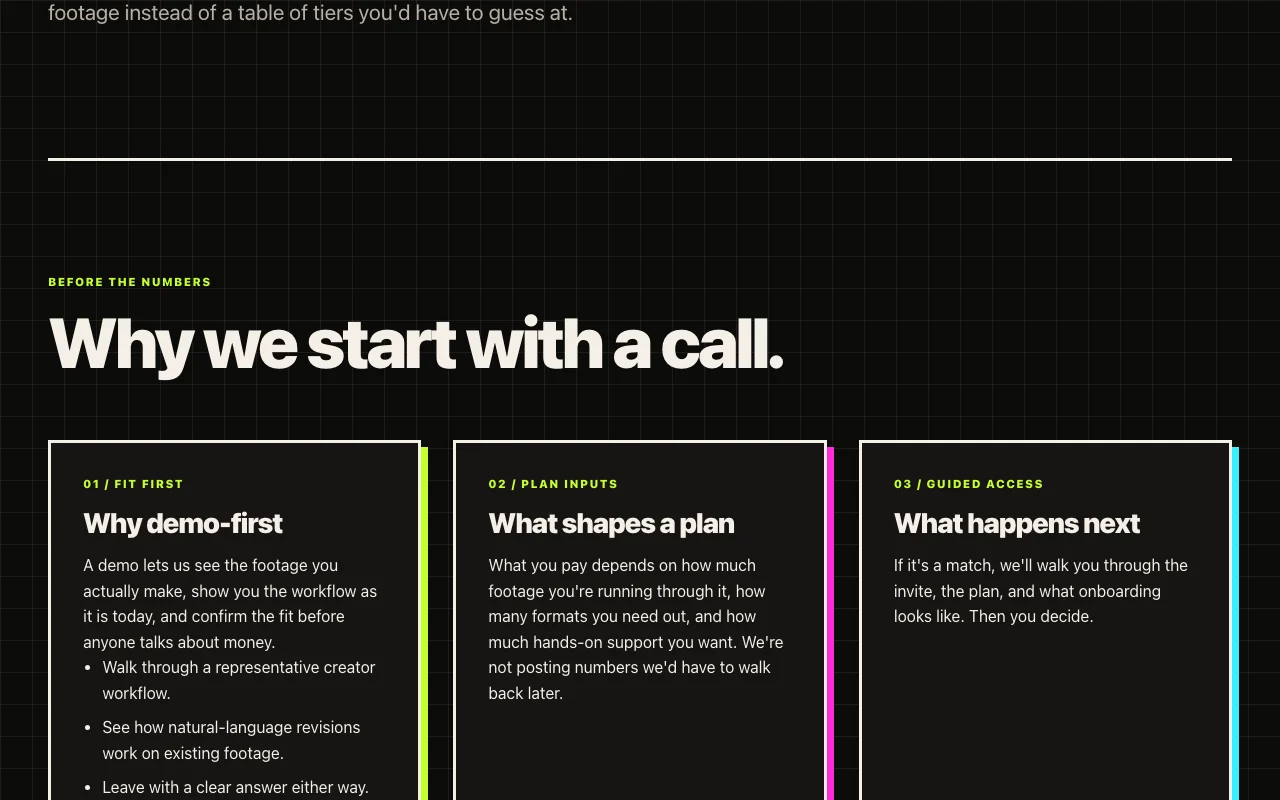
- Price depends on footage volume, output formats and support
Includes
- Guided onboarding

VideoDocumented overviewLast checked Sep 29, 2026
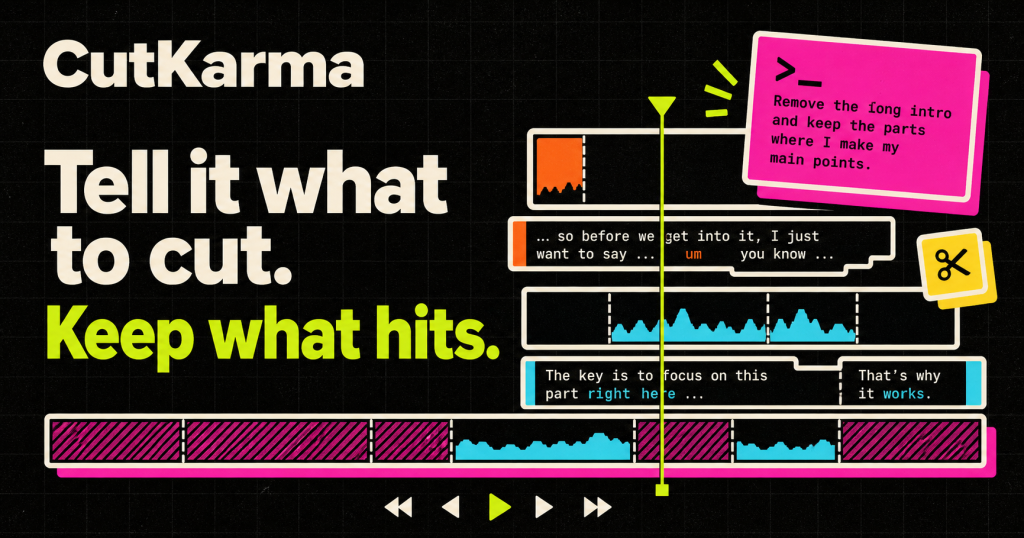
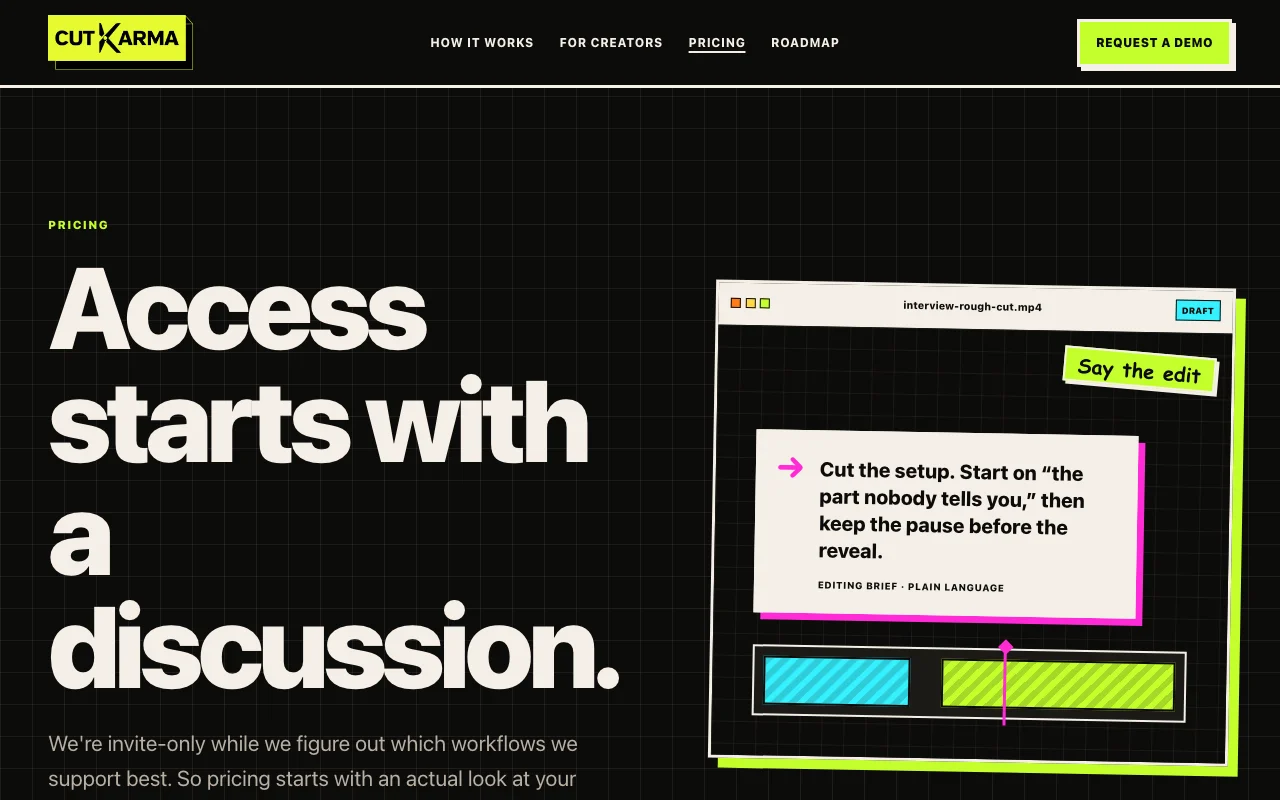
AI video editor you direct in plain language: upload footage, describe the edit, review and keep or undo changes.
 (open full size in a new tab)
 (open full size in a new tab)
 (open full size in a new tab)
 (open full size in a new tab)
 (open full size in a new tab)
Our take: CutKarma suits creators with existing interview, podcast or tutorial footage who want to direct edits in plain language, though access is currently invite-only via a demo call.
Main limitation: Access is invite-only and no public pricing is posted; it starts with a demo call.
CutKarma suits creators with existing interview, podcast or tutorial footage who want to direct edits in plain language, though access is currently invite-only via a demo call. Based on the vendor's documentation, not on a hands-on test.
Also a good fit for
Or if
Prices checked Sep 29, 2026 on the official US pricing page. Official pricing ↗ Prices and limits change often.
None published.
None; starts with a demo call.
Custom pricing source (opens in a new tab)
Unknown, annual commitment
For: Creators with regular footage
Limits
Includes
Pricing depends on footage, formats and support level.
Not stated.
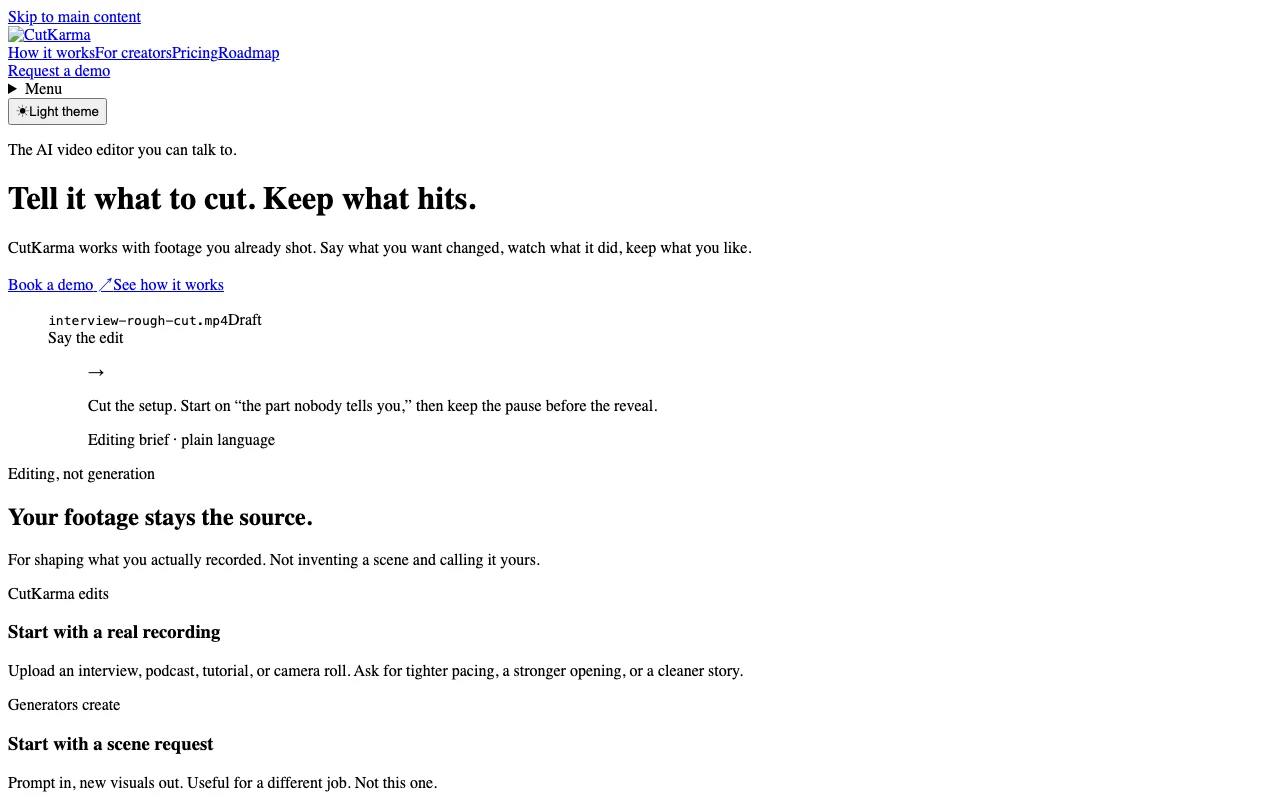
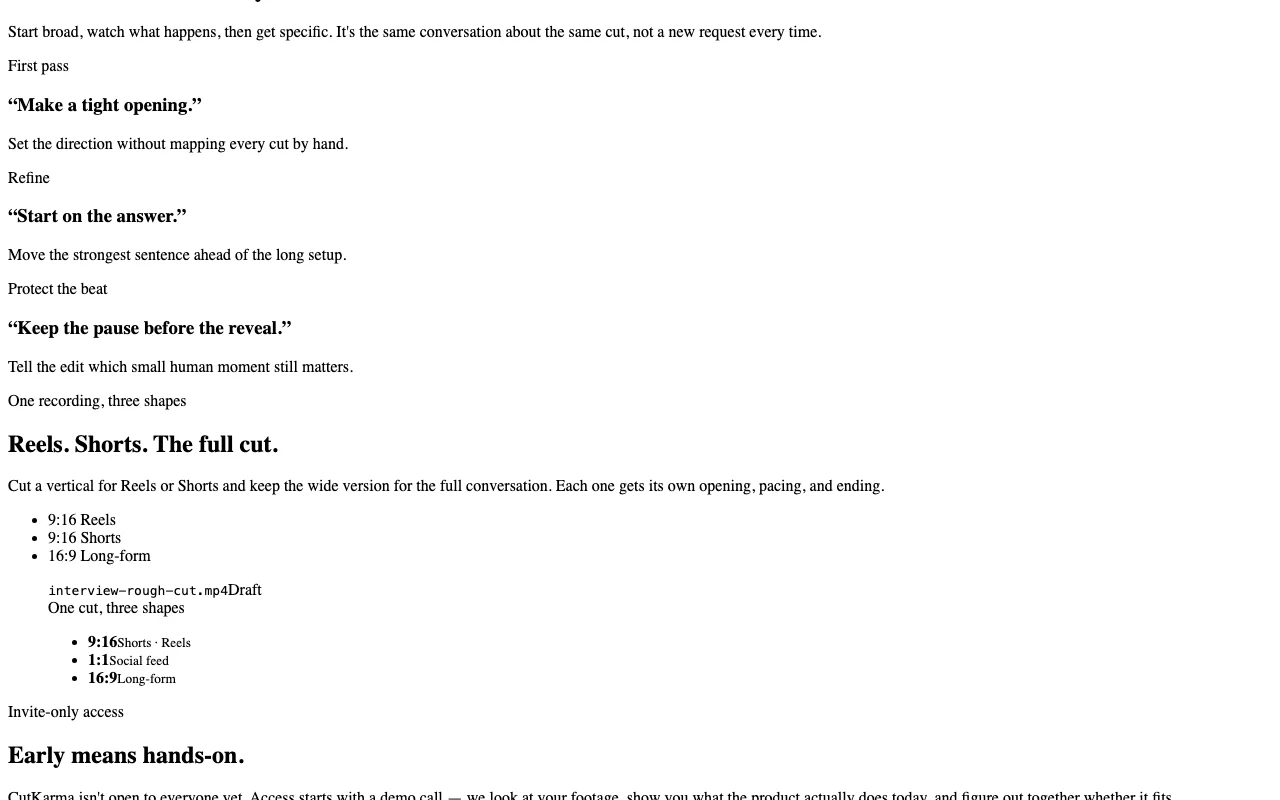
CutKarma is an AI video editor that works on footage you already shot rather than generating new scenes. You upload recordings such as interviews or podcasts, describe the edit in plain language, and review the proposed cut before it goes onto the timeline. The site describes finding key moments in long conversations and producing vertical cuts for Reels or Shorts. Access is currently invite-only and starts with a demo call.
You provide
You get back
Scenarios are worked out by our editors from the documentation; the actual result depends on your input and plan.
Takes notes like open on the answer and applies them to the cut. Editing without timeline work.
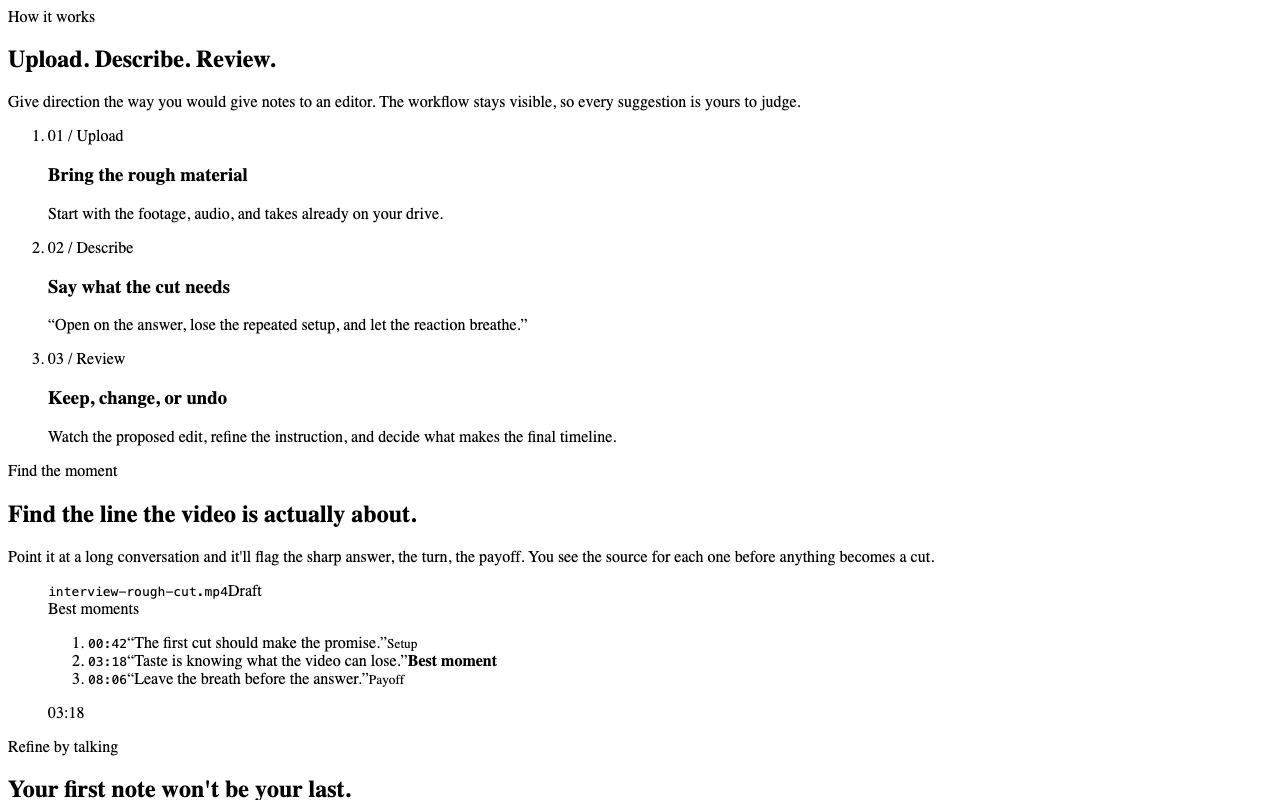
Shows each proposed edit so you can keep, adjust or revert. Keeps you in control.
Flags the sharp answer or payoff and shows the source line. Finding highlights.
Continues the same conversation on the same cut. Faster polish.
Open on the answer, lose the repeated setup, and let the reaction breathe.
Export: Cuts in 9:16, 1:1, 16:9
CutKarma has no public API in its official documentation. No API mentioned.
Summarized from the vendor's current policies; this is not legal advice and a vendor's badge is not an independent audit.
Footage and prompts are processed; the policy is a starter draft.
Not stated.
Not stated.
Not stated.
Invite-only.
Policies: cutkarma.com/privacy
"Better suited" is based on documented features and pricing, not on a head-to-head test.
No user reviews yet.
Used CutKarma? Be the first to share your experience.
Not directly; access is invite-only and starts with a booked demo call. source (opens in a new tab)
No pricing is published; the vendor says it depends on footage volume, formats and support. source (opens in a new tab)
No. It edits footage you already shot; it does not invent scenes. source (opens in a new tab)
9:16 for Reels and Shorts, 1:1 for social feed and 16:9 long-form. source (opens in a new tab)
Yes. You can keep, change or undo each proposed edit. source (opens in a new tab)
Not verified: Pricing; Training use; Retention; Supported file types.
Every fact about CutKarma above comes from the 3 official pages listed here, last compared on Sep 29, 2026; we have not run CutKarma ourselves, so it has no editorial score. How we check and re-check pages.
Article updated Oct 10, 2026; prices checked Sep 29, 2026. Outbound links to vendors are plain links; we do not earn commissions. How we review · Report an error
compare>