Our take: Animater suits product and marketing teams on Mac who already pay for Claude or ChatGPT and want polished motion-design videos made from their real product pages.
Main limitation: It runs only on macOS and needs your own AI agent subscription for animation, with no permanent free plan.
By the AI Tool Atlas editors.
Based on the vendor's official documentation; we have not tested this product hands-on. What “documented overview” means
Who Animater fits
Animater suits product and marketing teams on Mac who already pay for Claude or ChatGPT and want polished motion-design videos made from their real product pages. Based on the vendor's documentation, not on a hands-on test.
Best for: SaaS marketers
Also a good fit for
Founders
Product teams
Consider another tool if macOS only
Or if
No permanent free plan
Requires your own Claude or ChatGPT subscription for animation
Animater pricing and usage limits
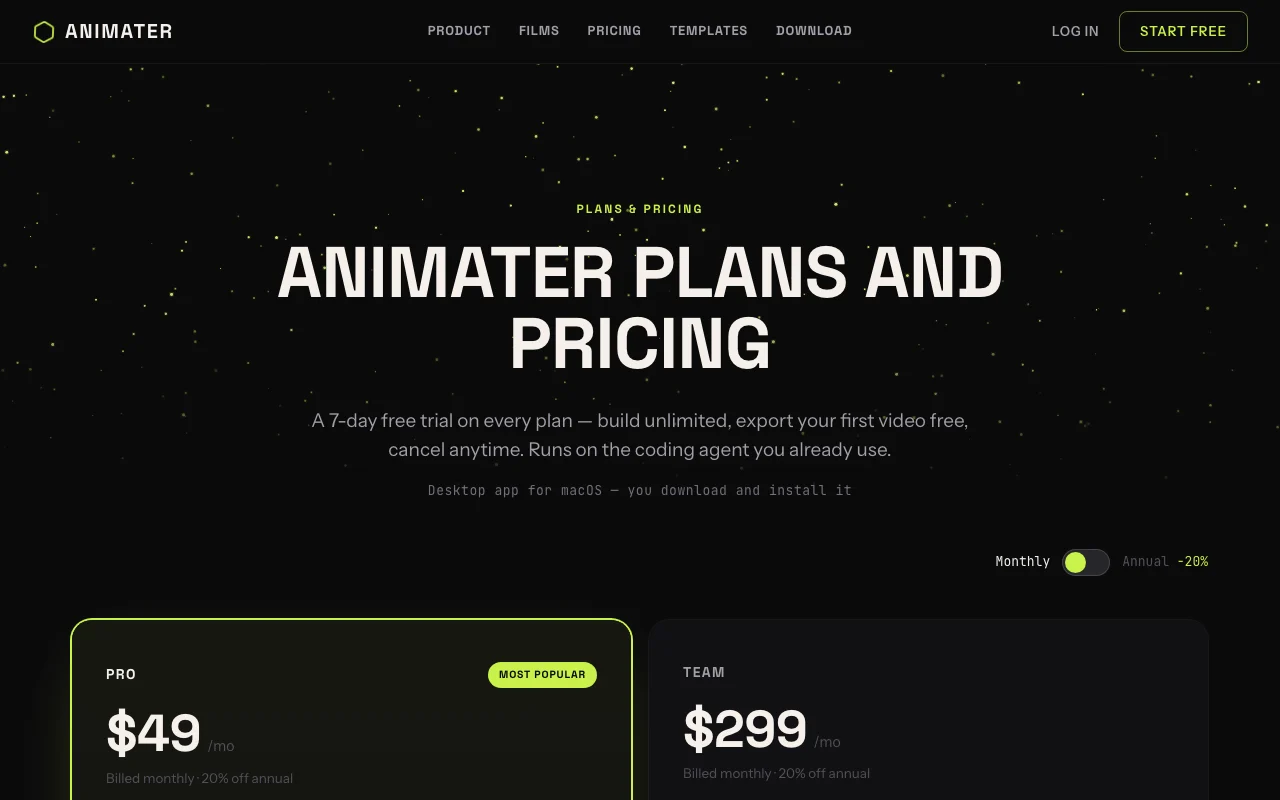
Prices checked Oct 1, 2026 on the official US pricing page. Official pricing ↗ Prices and limits change often.
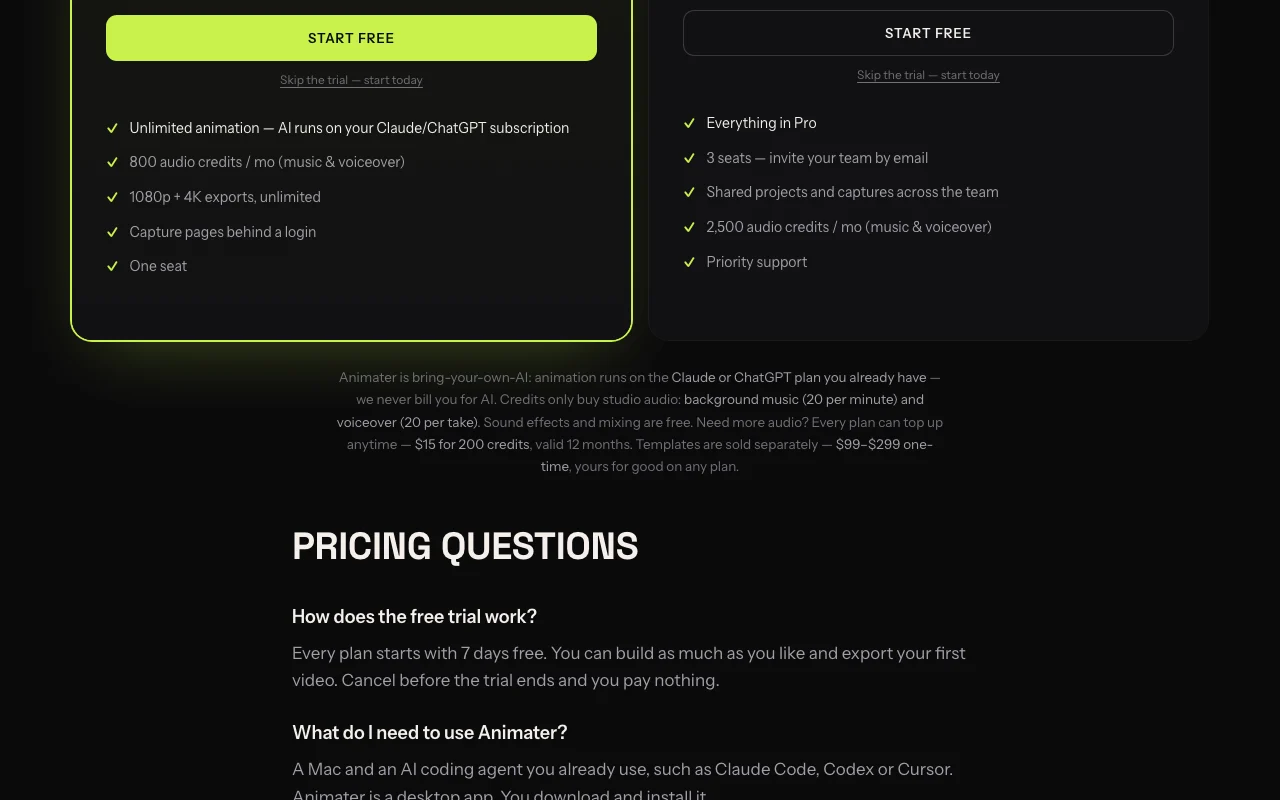
The official Animater pricing page as we saw it. animater.ai, captured Oct 1, 2026
Free access and trial conditions
No permanent free plan; free templates are included.
7 days free on every plan; cancel before it ends and pay nothing.
Audio top-up $15 for 200 credits valid 12 months; launch video templates $99 to $299 one-time.
Not stated.
What is Animater, and how does it work?
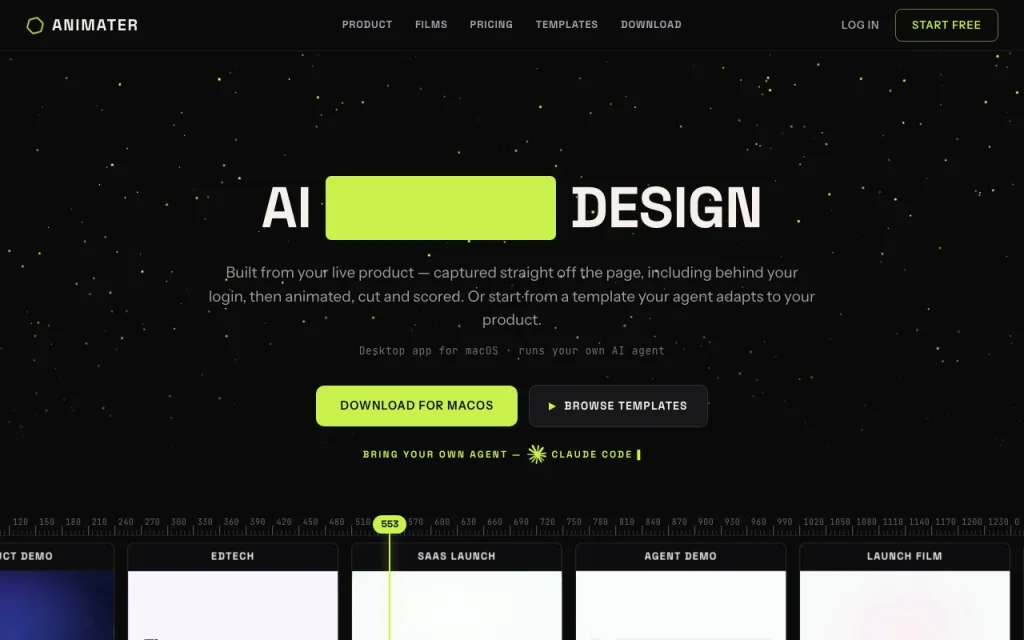
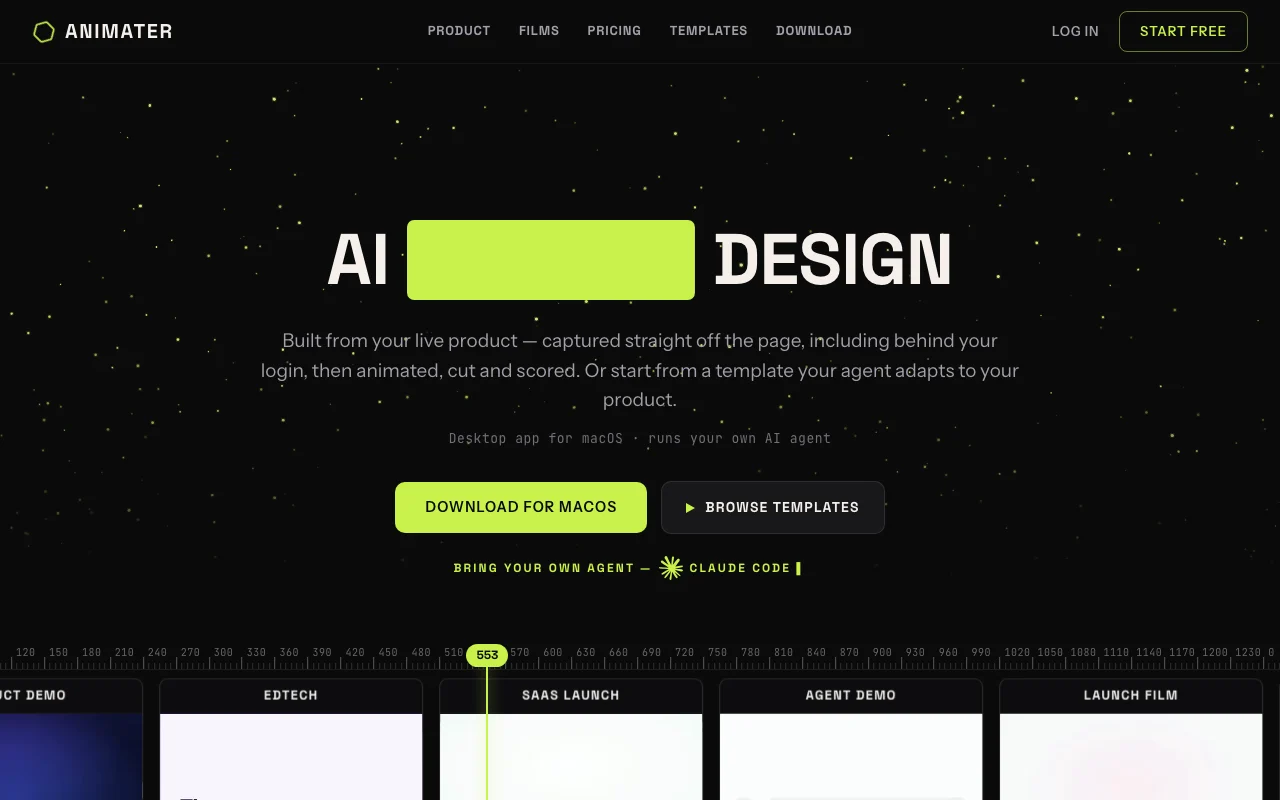
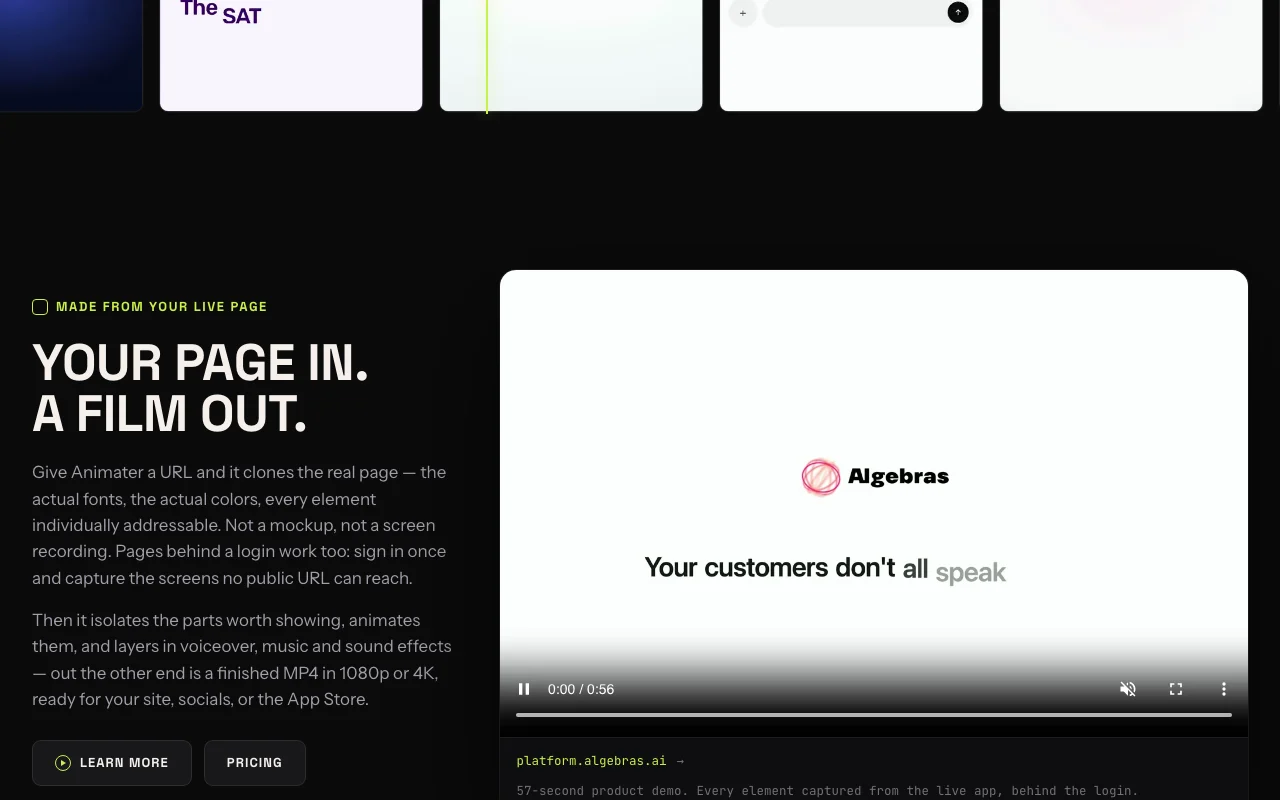
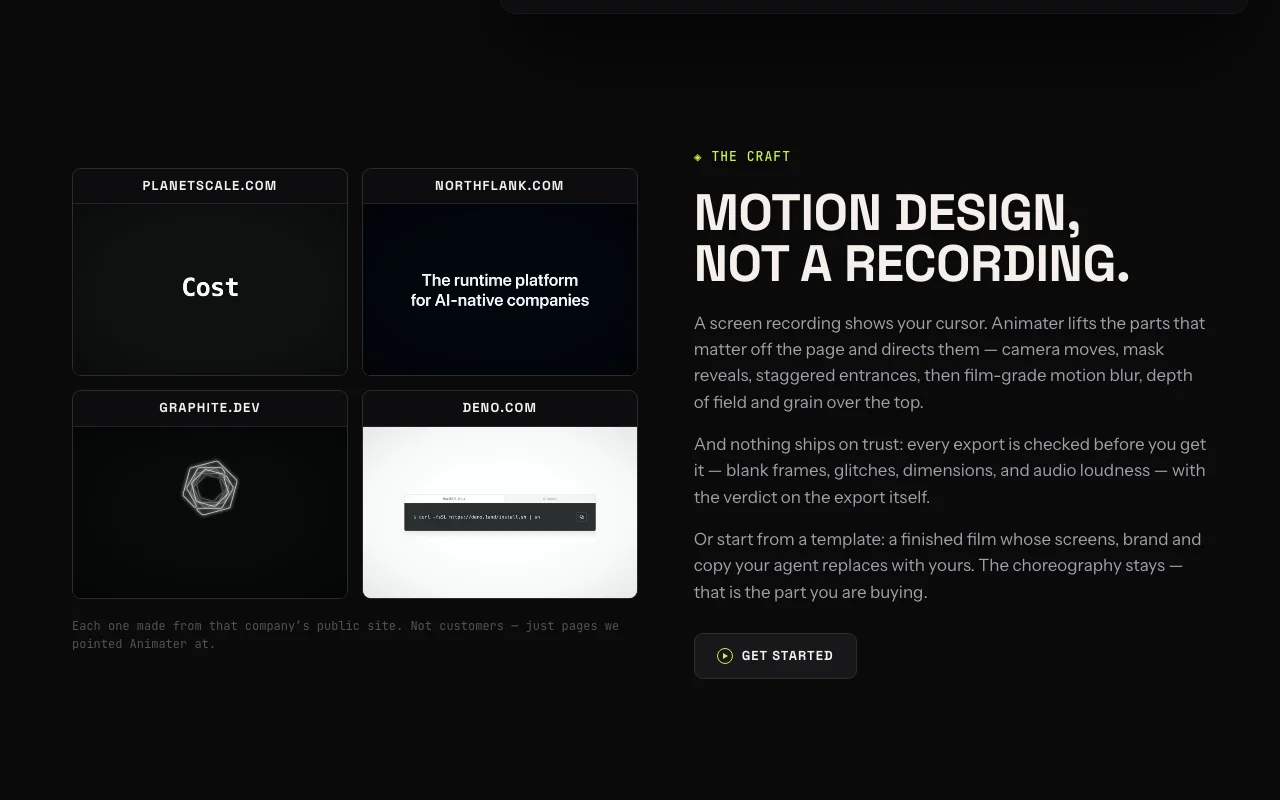
Animater is a macOS desktop app that clones a web page, including pages behind a login, and animates its elements into a finished product film with voiceover, music and sound effects.
Animation runs on the user's own Claude or ChatGPT plan; Animater credits only cover studio audio. Exports are MP4 in 1080p or 4K.
Animater's official site: how the product presents itself. animater.ai, captured Oct 1, 2026
What you provide and what you get back
What you give Animater and what comes back, from its documentation
You provide
Product page URL
Pages behind a login
Figma designs
Prompts to your own AI agent
You get back
MP4 video in 1080p or 4K
Voiceover and music tracks
Editable animation projects
Where you can use it
Platforms
Desktop
Account
Required
Platform
macOS desktop app
Export
MP4 in 1080p or 4K
Audio
20 credits per music minute, 20 per voiceover take
Watermark
Not documented
Where Animater is most useful
Scenarios are worked out by our editors from the documentation; the actual result depends on your input and plan.
Product demo videos
Who
SaaS marketers
You provide
The live product URL
Expected result
A produced product demo built from real page elements
7-day free trial on every plan Trying it costs nothing if you cancel within the week.documentedsource (opens in a new tab)
Unlimited 1080p and 4K exports on Pro No scene or render counts to monitor because AI runs on your own subscription.documentedsource (opens in a new tab)
Audio credit top-ups available ($15 for 200) Ad-hoc audio needs do not require plan upgrades.documentedsource (opens in a new tab)
Team plan includes 3 seats Small teams can share captures and projects without buying many individual plans.documentedsource (opens in a new tab)
Requires your own Claude or ChatGPT subscription for animation Total cost includes a separate Claude or ChatGPT plan.documentedsource (opens in a new tab)
Templates sold separately Premium templates cost extra on top of the subscription.documentedsource (opens in a new tab)
Roughly 20 credits per voiceover take 800 credits support around 40 takes a month.documentedsource (opens in a new tab)
How to use Animater for making a product demo video
Set up Animater
Download and install the Animater app on a Mac.
Start the 7-day free trial and sign in.
Connect an AI agent you already use, such as Claude Code, Codex or Cursor.
Optionally install the Chrome extension for pages needing capture.
Example: making a product demo video
Enter your product page URL to capture it.
Ask your agent to animate the key screens and choose a camera style.
Add voiceover and music using audio credits.
Export as MP4 in 1080p or 4K.
Review and export the result
Read the export verdict on blank frames, dimensions and loudness.
Play the video fully to check pacing and text legibility.
Check the remaining audio credits in your account.
Example prompt suggested by our editors (not a recorded output of the product)
Animate the dashboard screens from my captured page into a 45-second demo with a slow push-in on the main chart and a calm voiceover.
Animater integrations and API
Plan comparison on the official pricing page. animater.ai, captured Oct 1, 2026
Native integrations and export formats
Export: MP4 (1080p, 4K)
API access and separate billing
Animater has no public API in its official documentation. No public API is documented; docs page was blocked.
Privacy, data use and commercial rights
Summarized from the vendor's current policies; this is not legal advice and a vendor's badge is not an independent audit.
How your inputs and outputs are handled
Prompts go from your machine to your agent's provider; captured pages, scenes and generated media are stored on Animater servers.
Kept while the account is active; deletion requests are processed within 30 days.
A Mac and an AI coding agent you already use, such as Claude Code, Codex or Cursor. source (opens in a new tab)
What are audio credits spent on?
Background music costs 20 credits per minute and voiceover 20 per take; sound effects and mixing are free. source (opens in a new tab)
Does the free trial require a card?
The page does not say; it states each plan starts with 7 free days and cancelling before the end costs nothing. source (opens in a new tab)
Are templates included in the subscription?
Free templates are included; launch video templates are one-time purchases of $99 to $299 you keep. source (opens in a new tab)
Does Animater store my prompts?
Prompts go directly to your agent's provider, and Animater says the conversation is not routed through or stored by it, though session diagnostics may be recorded. source (opens in a new tab)
Not verified: Documentation (blocked page); Training use; Watermark policy; Commercial-use terms.
How we documented and maintain this page
Every fact about Animater above comes from the 3 official pages listed here, last compared on Oct 1, 2026; we have not run Animater ourselves, so it has no editorial score. How we check and re-check pages.
Article updated Oct 10, 2026; prices checked Oct 1, 2026. Outbound links to vendors are plain links; we do not earn commissions. How we review · Report an error