Audio & voiceDocumented overviewLast checked Oct 1, 2026

Upfirst: Pricing, Features & Best Use Cases

AI receptionist and answering service that handles business calls 24/7.

Is Upfirst right for you?

Upfirst suits small businesses such as law firms, clinics and property managers that want an AI receptionist to answer, transfer and schedule calls around the clock, with USD pricing and a two-week trial. Based on the vendor's documentation, not on a hands-on test.

Best for: Small businesses

Also a good fit for

  • Law firms
  • Property managers

Consider another tool if plans capped by call count with per-call overage

Or if

  • Entry plan is 30 calls per month
  • Some features such as memory and 35+ languages not on the entry plan

Upfirst pricing and usage limits

Prices checked Oct 1, 2026 on the official US pricing page. Official pricing ↗ Prices and limits change often.

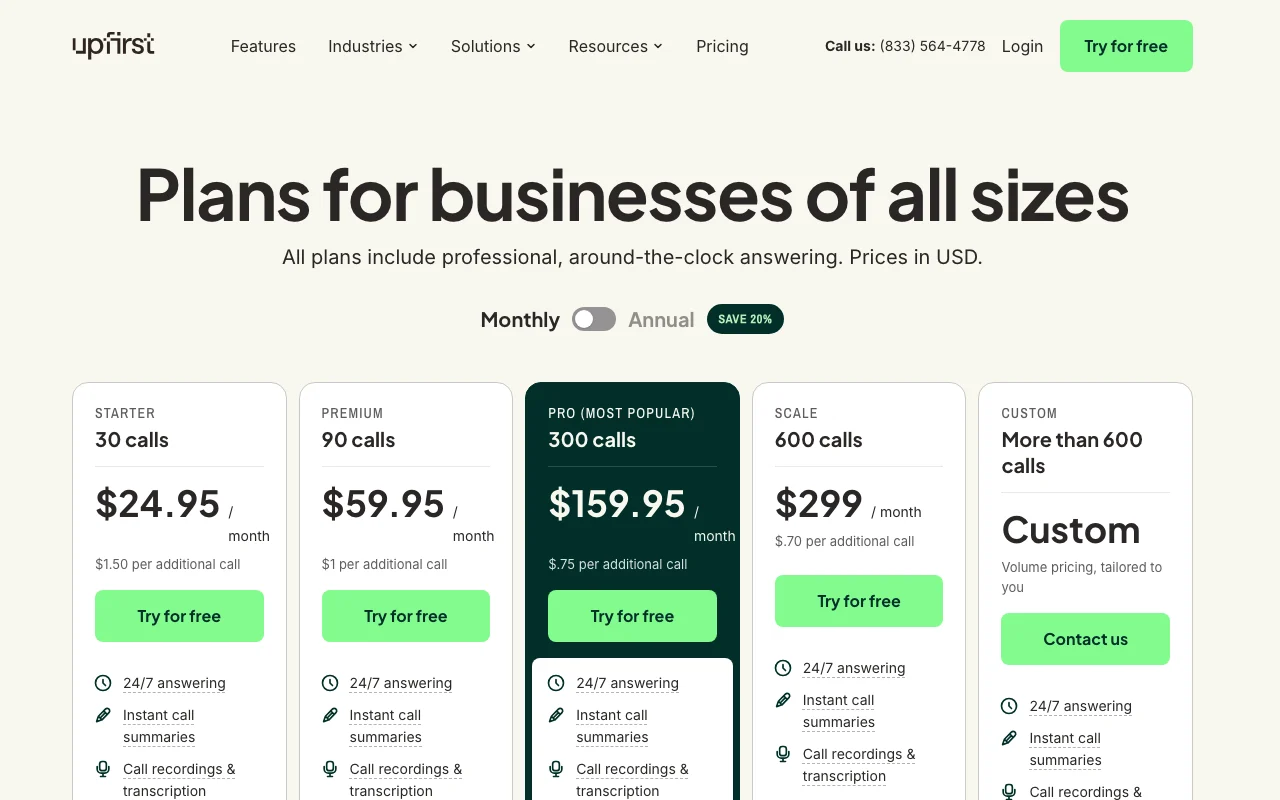
Upfirst pricing page with plans and prices — screenshot of the audio & voice AI tool, Oct 2, 2026
The official Upfirst pricing page as we saw it. upfirst.ai, captured Oct 2, 2026

Free access and trial conditions

No free plan; 14-day free trial with full features.

Free two-week trial where you can forward real calls; no credit card required.

Paid plans: what changes as you upgrade

Entry plan (name not shown) web

$24.95/mo source (opens in a new tab)

Month

Annual billing: $20/month (20% off).

For: Very small call volumes

Limits

  • $1.50 per additional call
  • 30 calls per month (per site summary)

Includes

  • 24/7 answering
  • Call summaries, recordings and transcription
2 more
  • Call transfers and appointment scheduling
  • Spam blocking, in-call texting, Zapier

Mid plan (name not shown) web

$59.95/mo source (opens in a new tab)

Month

Annual billing: $48/month (20% off).

For: Growing call volume

Limits

  • $1 per additional call

Includes

  • Everything in the entry plan
  • 35+ languages
1 more
  • Memory of returning callers

Pro (as referenced in FAQ) web

$159.95/mo source (opens in a new tab)

Month

Annual billing: $128/month (20% off). Plan name inferred from the FAQ mention of Pro and Scale.

For: Busy practices

Limits

  • $0.75 per additional call

Includes

  • White-glove onboarding
  • Custom integrations
1 more
  • Priority support

Scale (as referenced in FAQ) web

$299/mo source (opens in a new tab)

Month

Annual billing: $240/month (20% off). Plan name inferred from the FAQ.

For: High call volume

Limits

  • $0.70 per additional call

Includes

  • Priority support
  • Everything in the lower plan

Enterprise web

Custom pricing source (opens in a new tab)

For: Large or regulated businesses

Limits

  • Volume pricing

Includes

  • Volume discounts
  • Priority support
1 more
  • BAAs for HIPAA-regulated businesses

Usage caps, credits and extra costs

Additional agents cost $9.95 per month each; overage is billed per additional call. Spam and calls under 15 seconds are not billed.

Not stated.

What is Upfirst, and how does it work?

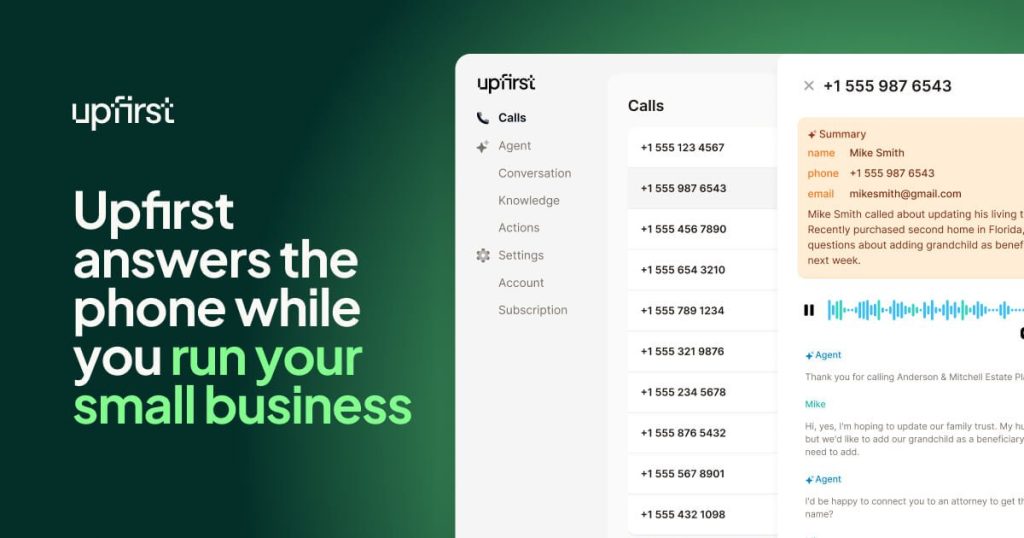
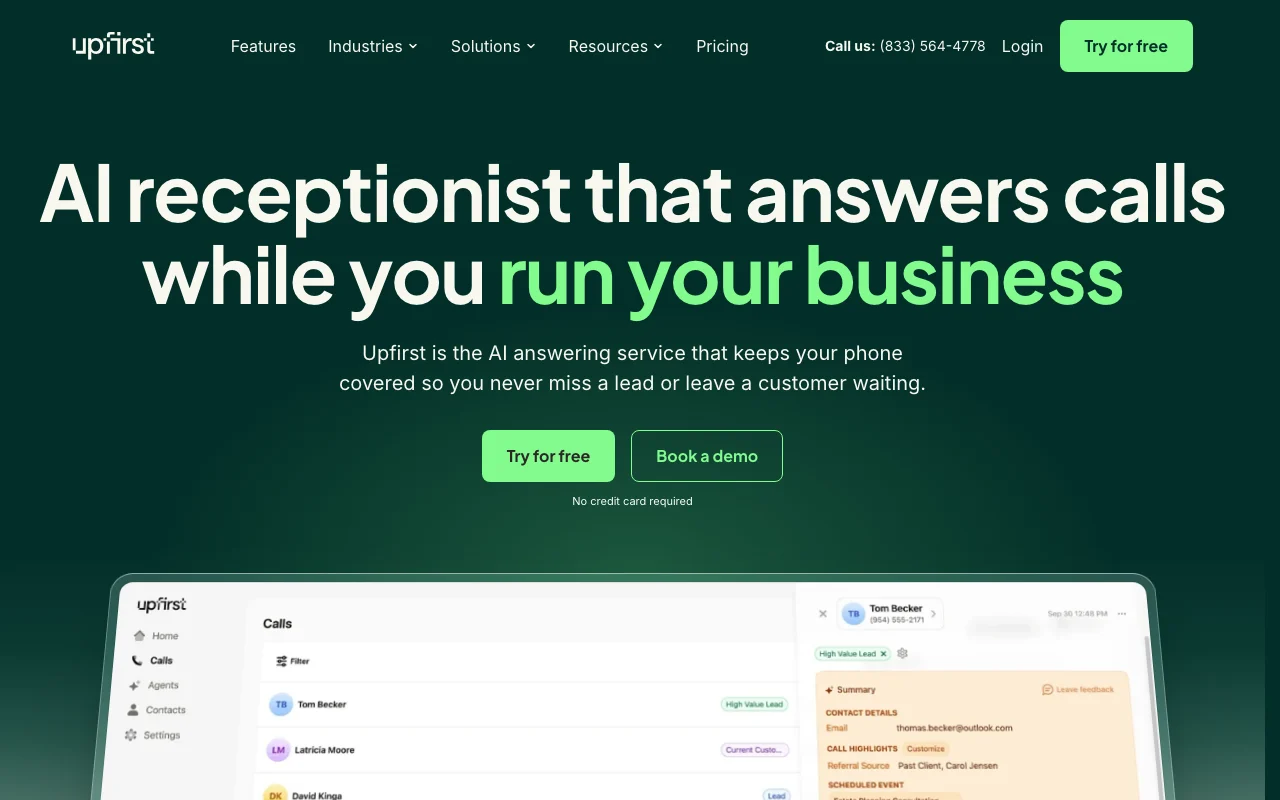
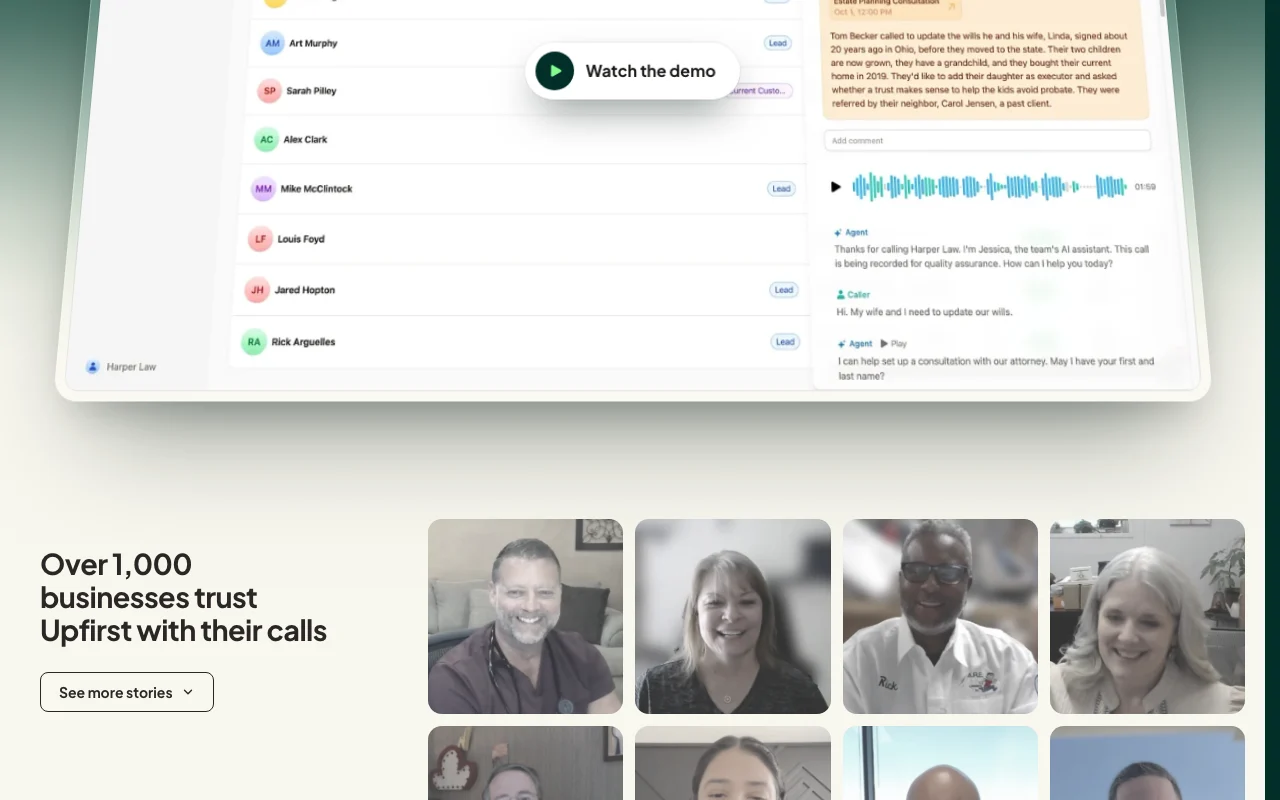
Upfirst is an AI answering service for small businesses. It answers calls, routes or transfers them, books appointments, screens spam and sends call summaries. It integrates with calendars and tools such as Google, Outlook, Calendly, Zapier and Make, and offers a free two-week trial.

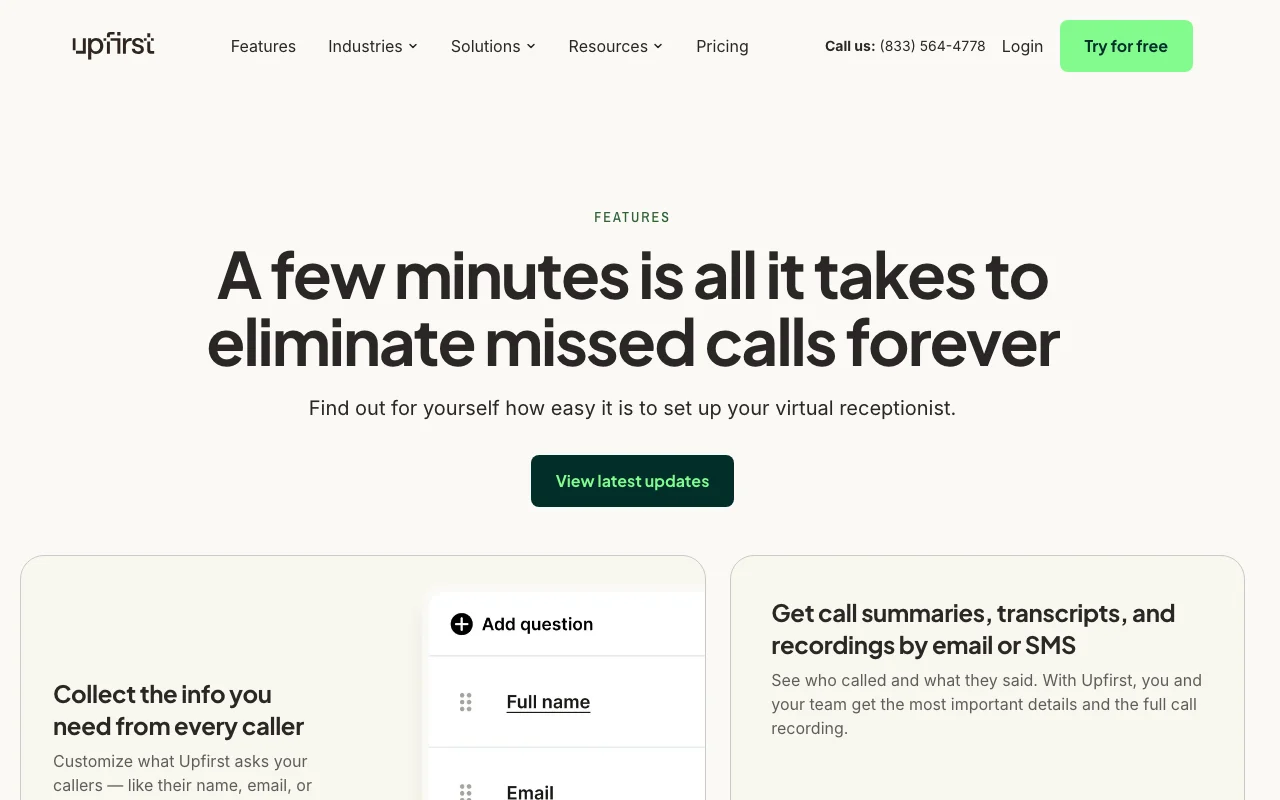
Upfirst homepage — screenshot of the audio & voice AI tool, Oct 2, 2026
Upfirst's official site: how the product presents itself. upfirst.ai, captured Oct 2, 2026

What you provide and what you get back

How Upfirst works: what you provide, where it runs and what you get backYOU PROVIDEYour inputIncoming phone calls forwarded to…Your website and FAQs used to tra…Connected calendarsAUDIO & VOICEUpfirstWeb, APIfrom $24.95/mo (Entry plan (name…no free tieraccount requiredchecked Oct 1, 2026YOU GET BACKThe resultCall summaries by text or emailRecordings and transcriptsBooked appointments and warm tran…input → Upfirst → output · from the vendor's own pages, no hands-on test unless stated
What you give Upfirst and what comes back, from its documentation

You provide

  • Incoming phone calls forwarded to an Upfirst number
  • Your website and FAQs used to train the receptionist
  • Connected calendars

You get back

  • Call summaries by text or email
  • Recordings and transcripts
  • Booked appointments and warm transfers

Where you can use it

Platforms
Web, API
Account
Required
Languages
35+ on higher plans
Call handling modes
All calls, overflow, or after hours
Extra per-call price
$1.50 / $1 / $0.75 / $0.70 by plan
Support hours
Human support Mon-Fri 9am-6pm ET; AI on weekends
Compliance
BAAs for HIPAA on Enterprise

What people use Upfirst for

Scenarios are worked out by our editors from the documentation; the actual result depends on your input and plan.

After-hours call answering

Who
Law firms and professional offices
You provide
Calls forwarded after hours
Expected result
Intake details captured and summarized by email or text
Plan needed
Mid plan
Limitation
Plans cap monthly calls source (opens in a new tab)

Overflow reception

Who
Property managers
You provide
Tenant calls about repairs
Expected result
Callers screened, urgent calls transferred with context
Plan needed
Pro
Limitation
Memory and 35+ languages not on the entry plan source (opens in a new tab)

Appointment scheduling

Who
Clinics and service businesses
You provide
Appointment requests
Expected result
Bookings made in Google, Outlook, Calendly or Clio
Plan needed
Entry plan
Limitation
30 calls per month on entry source (opens in a new tab)

What Upfirst does, and where it stops

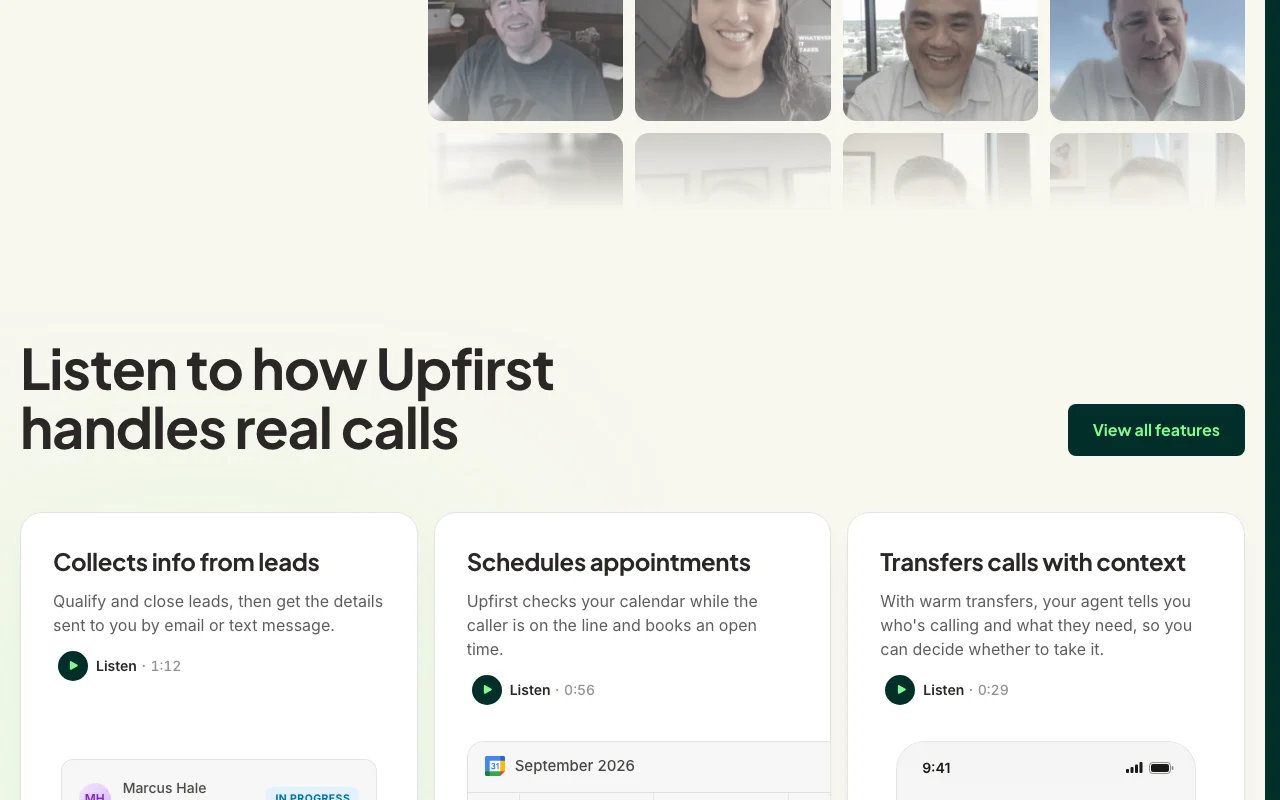
Upfirst homepage — screenshot of the audio & voice AI tool, Oct 2, 2026
Feature overview on the official site. upfirst.ai, captured Oct 2, 2026

24/7 AI receptionist

Answers every call, overflow or after-hours calls, as you choose. Prevents missed leads.

Access: All plansLimit: Billed per call beyond the plan allowance. source (opens in a new tab)

Call summaries

Texts or emails a summary the moment a call ends, plus recordings and transcripts. Lets you review calls quickly.

Access: All plansLimit: Recording consent rules vary by location. source (opens in a new tab)

Recording and transcription

Transfers calls with a warm handoff that announces the caller and reason. Lets you choose which calls to take.

Access: All plansLimit: Needs your phone to be reachable. source (opens in a new tab)

Call transfers

Books appointments into Google, Outlook, Clio, Acuity, Calendly and Square while the caller is on the line. Avoids back-and-forth scheduling.

Access: All plansLimit: Requires a connected calendar. source (opens in a new tab)

Upfirst: strengths and limits

Reasons to choose Upfirst

Check before paying for Upfirst

How to use Upfirst for setting up an AI receptionist for business calls

Set up Upfirst

  1. Start the free trial on upfirst.ai and enter your website so the receptionist can learn your business
  2. Customize the questions it asks and add answers to frequently asked questions
  3. Forward calls from your cell, landline or VoIP number to your Upfirst number, no porting needed

Example: setting up an AI receptionist for business calls

  1. Choose whether it handles every call, overflow only or after hours
  2. Connect Google Calendar, Outlook or Calendly for booking
  3. Set transfer rules for urgent callers
  4. Place a test call and check the summary text

Review and export the result

  1. Read the summary and transcript of the test call for accuracy
  2. Confirm the booked appointment appears on your calendar

Upfirst API

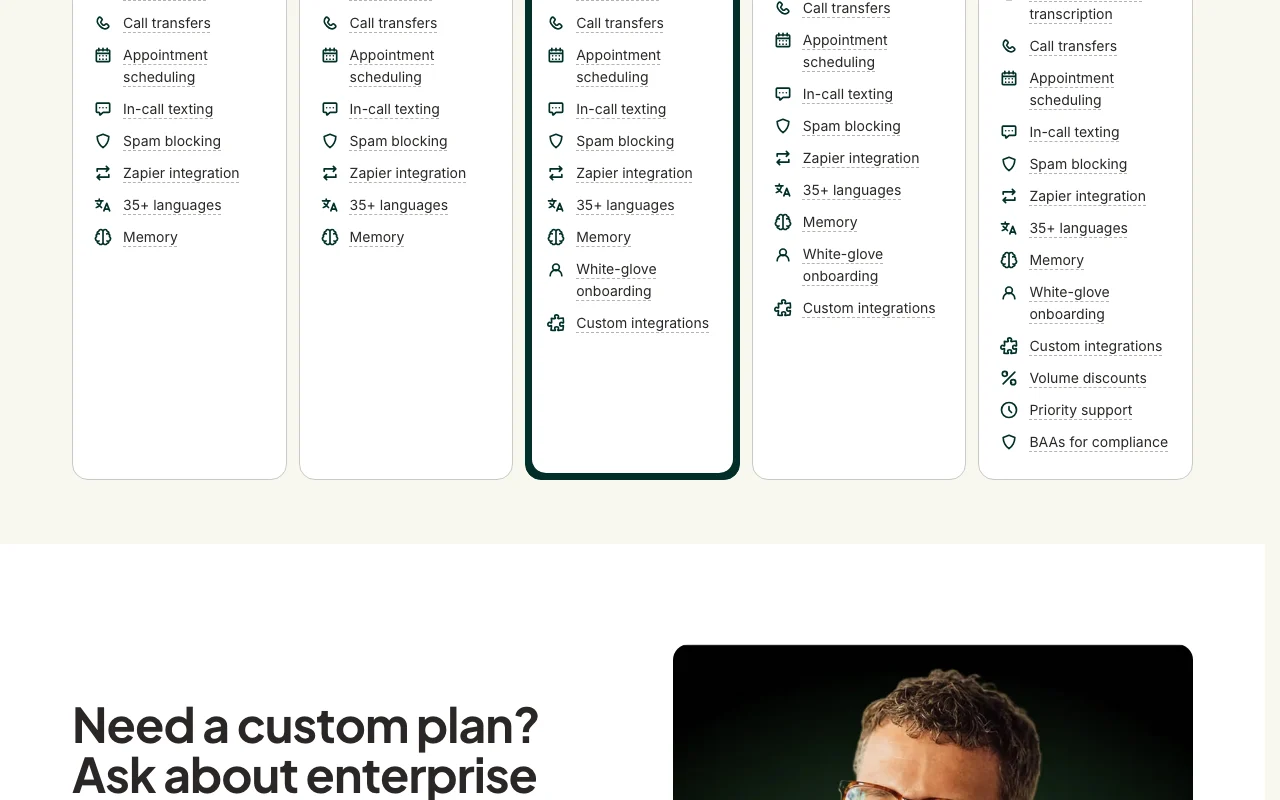
Upfirst pricing page with plans and prices — screenshot of the audio & voice AI tool, Oct 2, 2026
Plan comparison on the official pricing page. upfirst.ai, captured Oct 2, 2026

API access and separate billing

Upfirst has no public API in its official documentation. Custom Actions for any CRM with an API; Zapier and Make.

Privacy, data use and commercial rights

Summarized from the vendor's current policies; this is not legal advice and a vendor's badge is not an independent audit.

How your inputs and outputs are handled

Call recordings, transcripts, summaries, messages and contact records are processed as Customer Content.

Customer Content is used only to provide the service; de-identified aggregate use may improve it.

Not captured.

Commercial use and plan restrictions

Business use; Customer Content is not sold.

BAAs for HIPAA only on Enterprise.

Controls for business users

  • Data Processing Addendum
  • BAAs (Enterprise)

Policies: upfirst.ai/privacy-policy

Best Upfirst alternatives for different needs

"Better suited" is based on documented features and pricing, not on a head-to-head test.

ElevenLabs: better suited to

Alternatives
AlternativeWhen to choose itPricingLimitation
ElevenLabs——Compare

Explore Upfirst further

If you are looking at Upfirst

Upfirst user reviews

No user reviews yet.

Used Upfirst? Be the first to share your experience.

Write a review

Reviews are checked by a moderator before they appear. Your email is never published. Plain text only.

Your rating (required)

Show what you made or what went wrong. Images are published only if the review is approved; location data is removed.

    Upfirst FAQ

    What does the Upfirst free trial include?

    Full access to every feature of your selected plan for 14 days, and you can forward real calls. source (opens in a new tab)

    Does Upfirst count spam calls against my plan?

    No. Spam, telemarketing and robocalls are blocked and not counted; calls under 15 seconds are not billed either. source (opens in a new tab)

    Can I keep my business phone number with Upfirst?

    Yes. Every plan comes with a number, and you can forward calls from your existing line without porting. source (opens in a new tab)

    How much does an extra Upfirst agent cost?

    $9.95 per month for each additional agent, for multiple businesses or locations. source (opens in a new tab)

    Which calendars does Upfirst book into?

    Google Calendar, Outlook, Calendly, Acuity Scheduling, Square and Clio Manage. source (opens in a new tab)

    Sources and review methodology

    Official sources and verification dates

    Not verified: Official plan names; Retention periods; Developer docs.

    How we documented and maintain this page

    Every fact about Upfirst above comes from the 4 official pages listed here, last compared on Oct 1, 2026; we have not run Upfirst ourselves, so it has no editorial score. How we check and re-check pages.

    Article updated Oct 2, 2026; prices checked Oct 1, 2026. Outbound links to vendors are plain links; we do not earn commissions. How we review · Report an error