Our take: Choose VIXSOUND if you produce in Ableton Live and want a chat assistant that writes MIDI, separates stems locally and controls your session, starting with a 7-day trial.
Main limitation: It works only with Ableton Live, usage is metered in monthly credits, and the 7-day trial needs a payment method.
By the AI Tool Atlas editors.
Based on the vendor's official documentation; we have not tested this product hands-on. What “documented overview” means
Who VIXSOUND fits
Choose VIXSOUND if you produce in Ableton Live and want a chat assistant that writes MIDI, separates stems locally and controls your session, starting with a 7-day trial. Based on the vendor's documentation, not on a hands-on test.
Best for: Ableton Live producers
Also a good fit for
Beatmakers
Consider another tool if requires Ableton Live
Or if
Credit-metered usage
Trial needs payment method
VIXSOUND pricing and usage limits
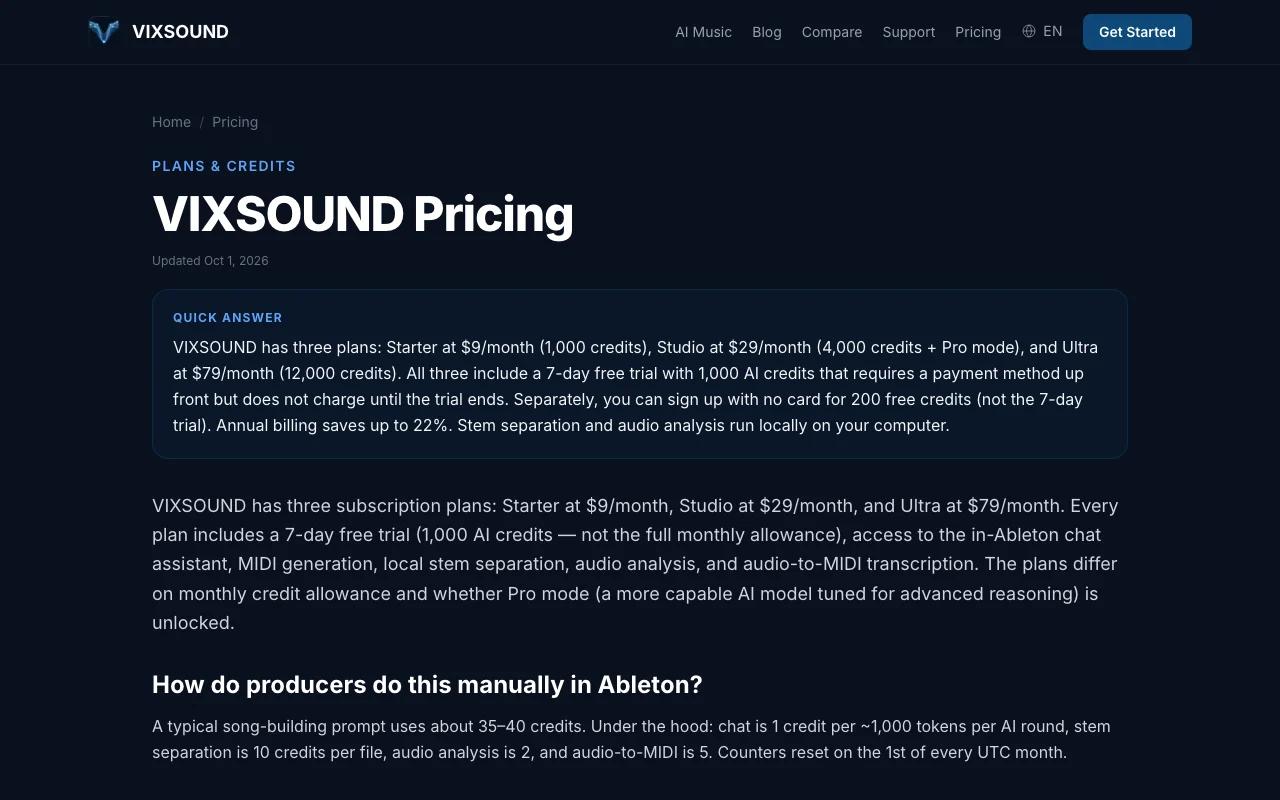
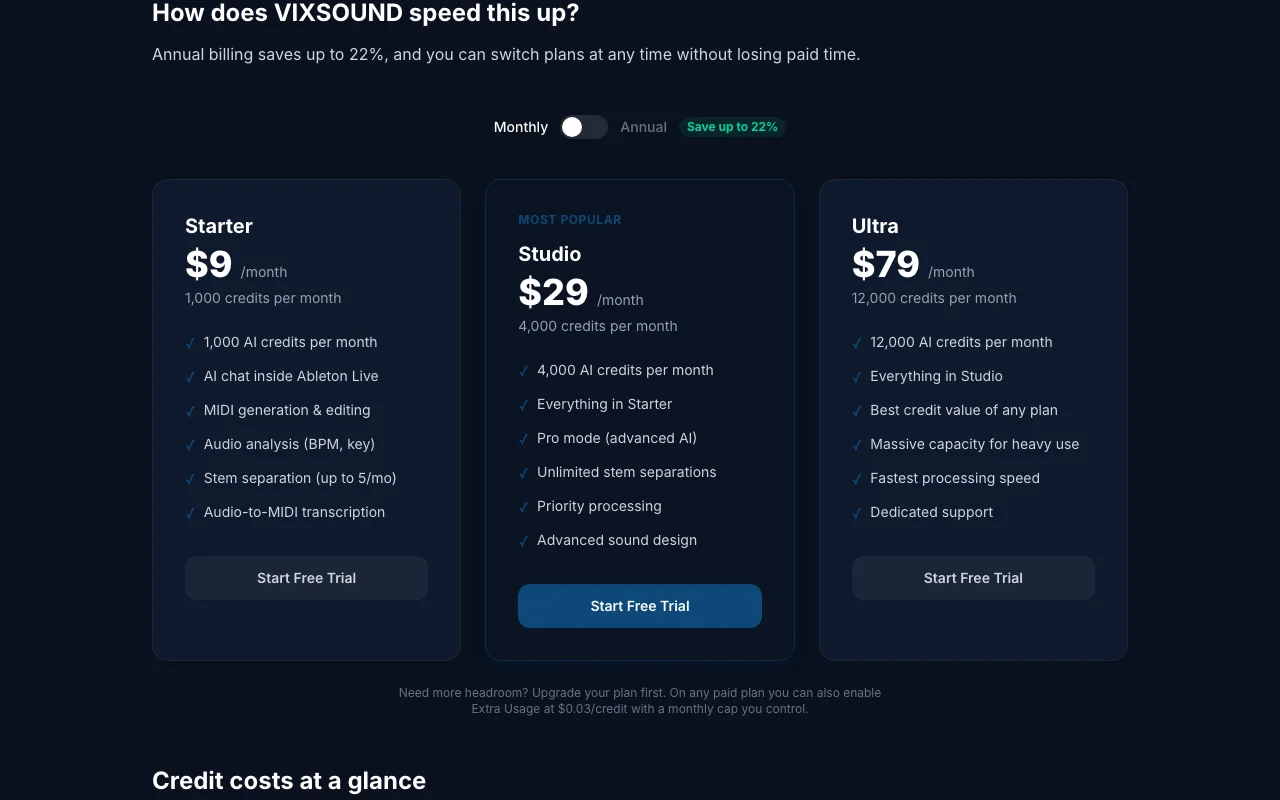
Prices checked Sep 29, 2026 on the official US pricing page. Official pricing ↗ Prices and limits change often.
The official VIXSOUND pricing page as we saw it. vixsound.com, captured Oct 1, 2026
Free access and trial conditions
200 free credits without card per FAQ.
7-day trial with a payment method and 1,000 credits; cancel before day 8.
Extra usage $0.03 per credit; Logic Pro on waitlist.
Not stated.
What is VIXSOUND, and how does it work?
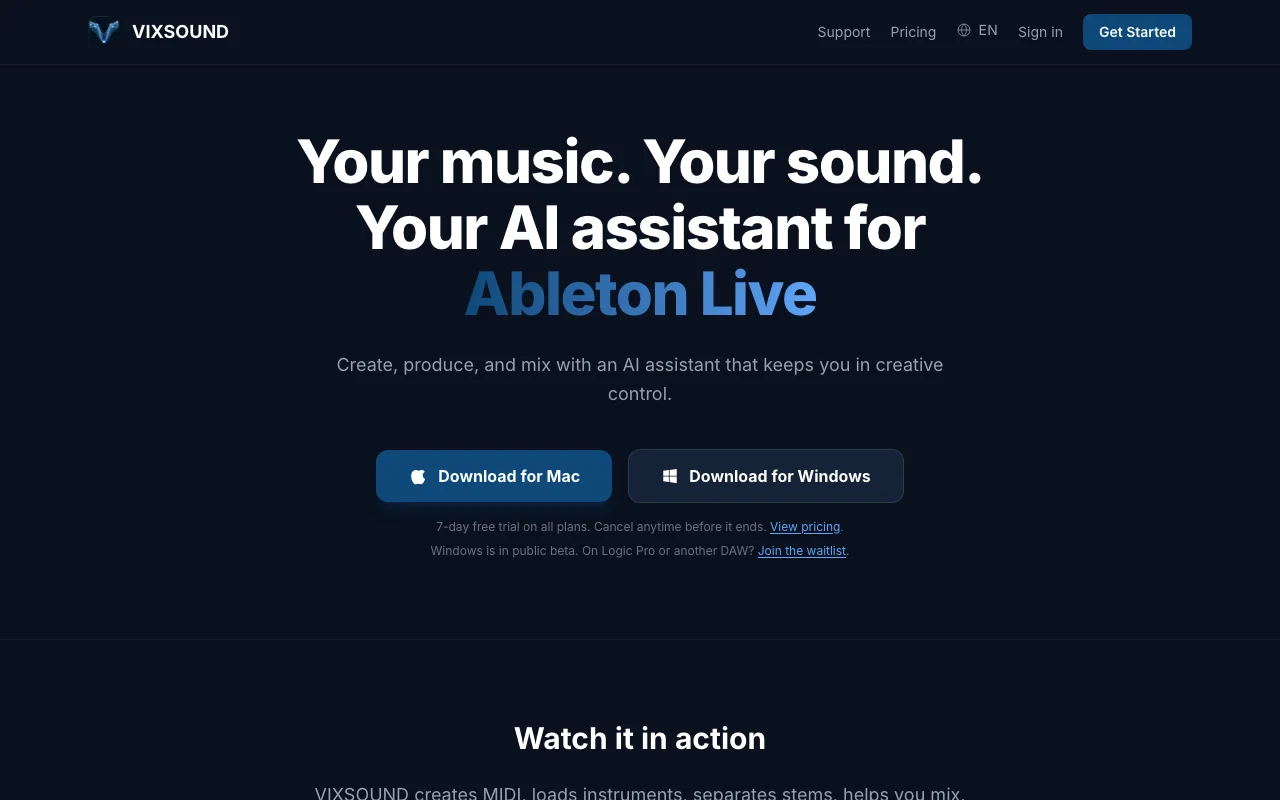
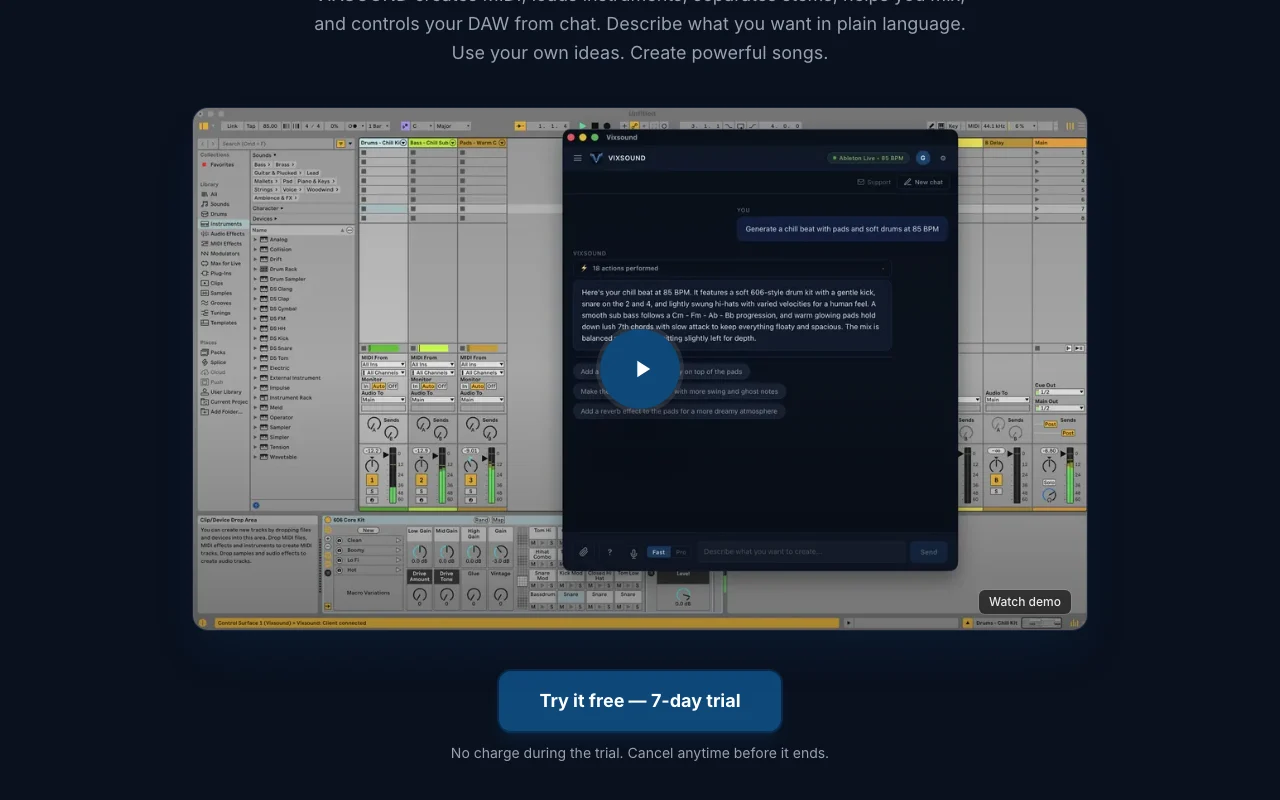
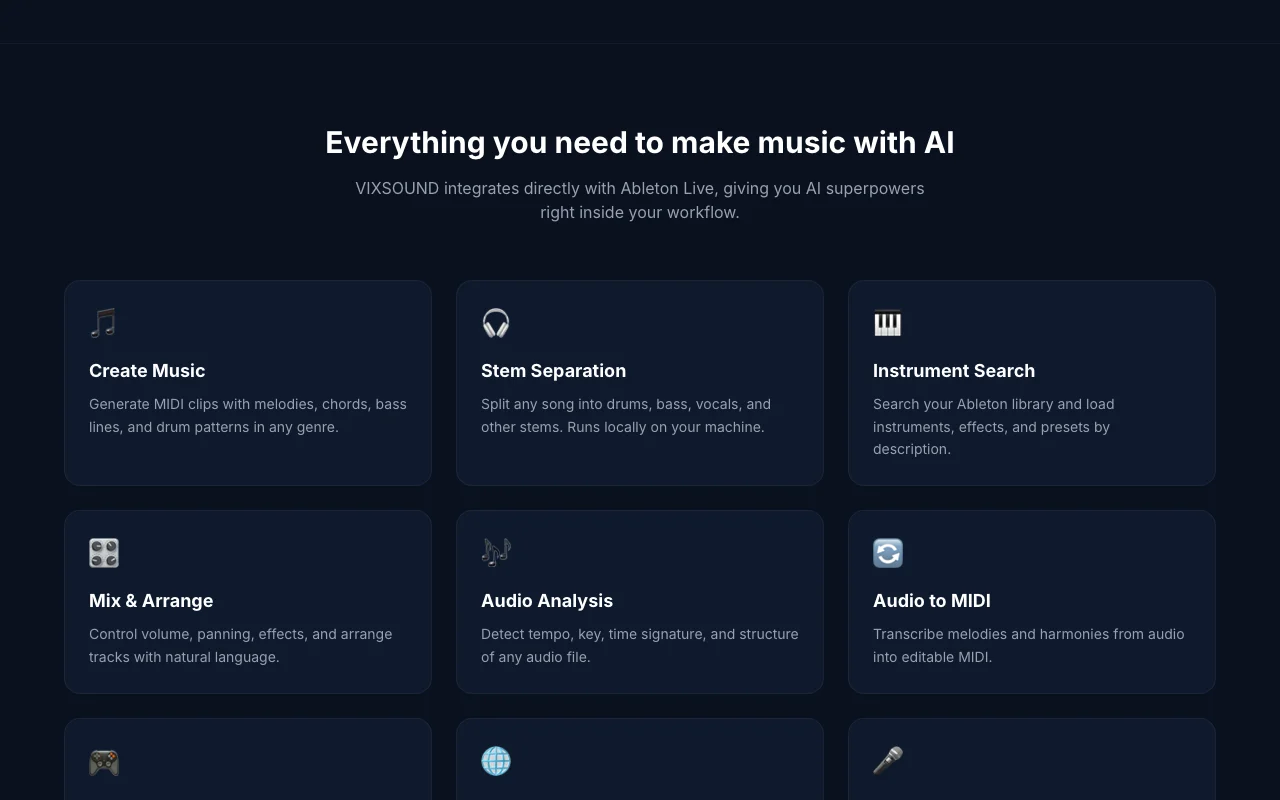
VIXSOUND is an AI chat assistant that works inside Ableton Live: it generates MIDI, loads instruments, mixes, analyzes audio and transcribes audio to MIDI.
Stem separation and audio analysis run locally. Downloads exist for Mac and Windows (Windows in public beta).
VIXSOUND's official site: how the product presents itself. vixsound.com, captured Oct 1, 2026
What you provide and what you get back
What you give VIXSOUND and what comes back, from its documentation
You provide
Chat or voice instructions
Audio files in your Ableton session
Your Ableton instrument library
You get back
MIDI clips
Separated stems
Tempo and key analysis
Mixed and arranged sessions
Where you can use it
Platforms
Desktop
Account
Required
DAW
Ableton Live 11 and 12
OS
macOS 12+, Windows 10/11 beta
Local processing
Stems, analysis, audio-to-MIDI
Export
MIDI in your DAW
Where VIXSOUND is most useful
Scenarios are worked out by our editors from the documentation; the actual result depends on your input and plan.
Generating MIDI clips
Who
Ableton Live producers
You provide
A genre and mood description
Expected result
Melodies, chords, bass lines and drum patterns as MIDI
Ableton Live 11 and 12, Standard and Suite, on macOS 12+ or Windows 10/11 (64-bit) in public beta. source (opens in a new tab)
How does the free trial work?
Pick any plan, add a payment method, get 1,000 credits for 7 days and cancel before day 8; 200 free credits are also available without a card. source (opens in a new tab)
What does a credit cost in practice?
A typical song-building prompt uses about 35 to 40 credits in Light mode; stem separation is 10 credits per file. source (opens in a new tab)
Do I own the music I make?
Yes, the FAQ says there are no royalties, attribution or release restrictions, since it generates MIDI rendered by your instruments. source (opens in a new tab)
Does my audio leave my computer?
No. Stem separation, analysis and audio-to-MIDI run locally, while chat prompts are sent to AI providers. source (opens in a new tab)
Every fact about VIXSOUND above comes from the 2 official pages listed here, last compared on Sep 29, 2026; we have not run VIXSOUND ourselves, so it has no editorial score. How we check and re-check pages.
Article updated Oct 2, 2026; prices checked Sep 29, 2026. Outbound links to vendors are plain links; we do not earn commissions. How we review · Report an error