Audio & voiceDocumented overviewLast checked Oct 1, 2026

Vocallab AI: Pricing, Features & Best Use Cases

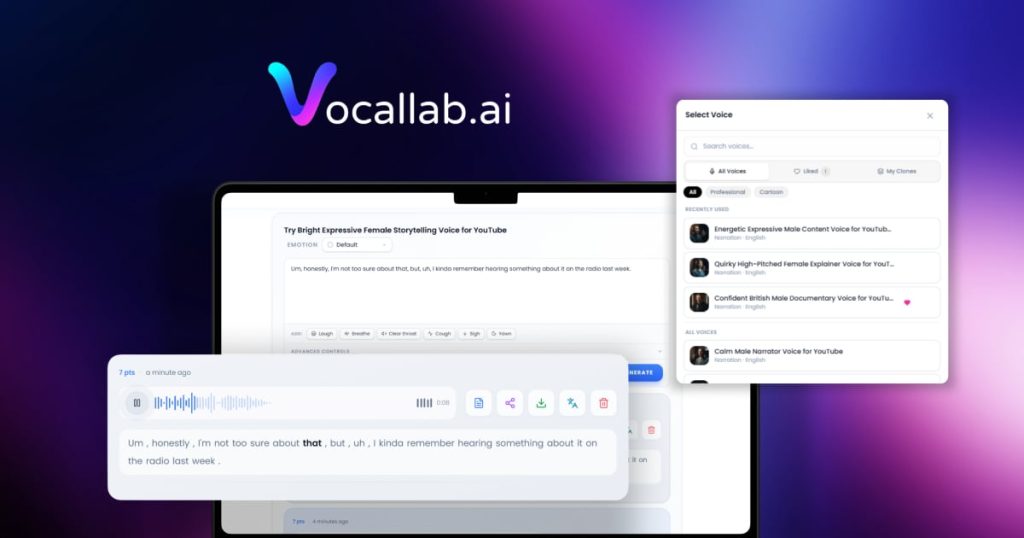
AI voice studio for creators: text to speech, voice cloning and design, dubbing, and captions for YouTube and TikTok.

Is Vocallab AI right for you?

Vocallab AI suits YouTube and TikTok creators who want voiceovers, cloned voices and dubbing with a commercial license, from $9 per month. Based on the vendor's documentation, not on a hands-on test.

Best for: Video creators

Also a good fit for

  • Podcasters
  • Agencies producing voice content

Consider another tool if usage is limited by monthly points/minutes per plan

Or if

  • API and MCP access only on Pro and above
  • Promo first-month prices revert to full price

Vocallab AI pricing and usage limits

Prices checked Oct 1, 2026 on the official US pricing page. Official pricing ↗ Prices and limits change often.

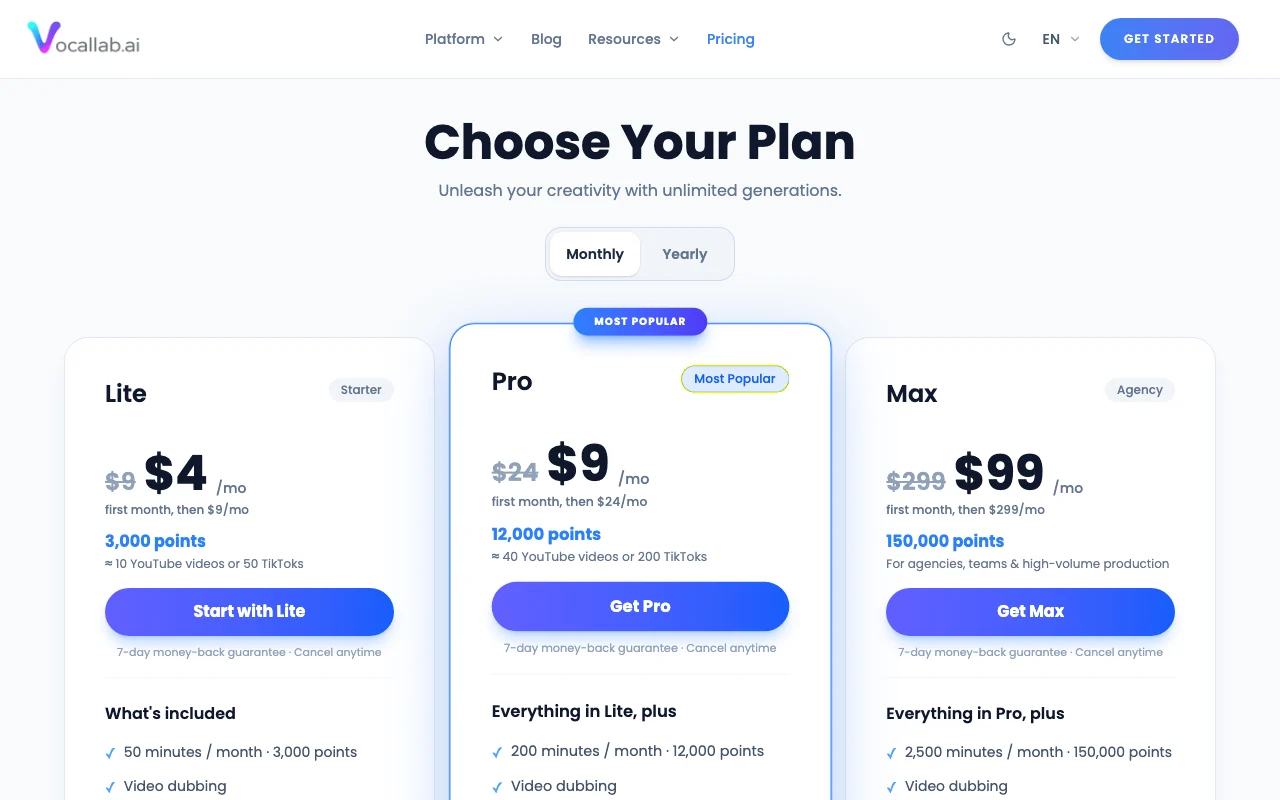
Vocallab AI pricing page with plans and prices — screenshot of the audio & voice AI tool, Oct 2, 2026
The official Vocallab AI pricing page as we saw it. vocallab.ai, captured Oct 2, 2026

Free access and trial conditions

Page title mentions a free tier but no free plan was listed

7-day money-back guarantee

Paid plans: what changes as you upgrade

Lite web

$9 source (opens in a new tab)

Monthly

Promo first month $4, then $9 per month

For: Occasional creators

Limits

  • 3,000 points (50 minutes per month)
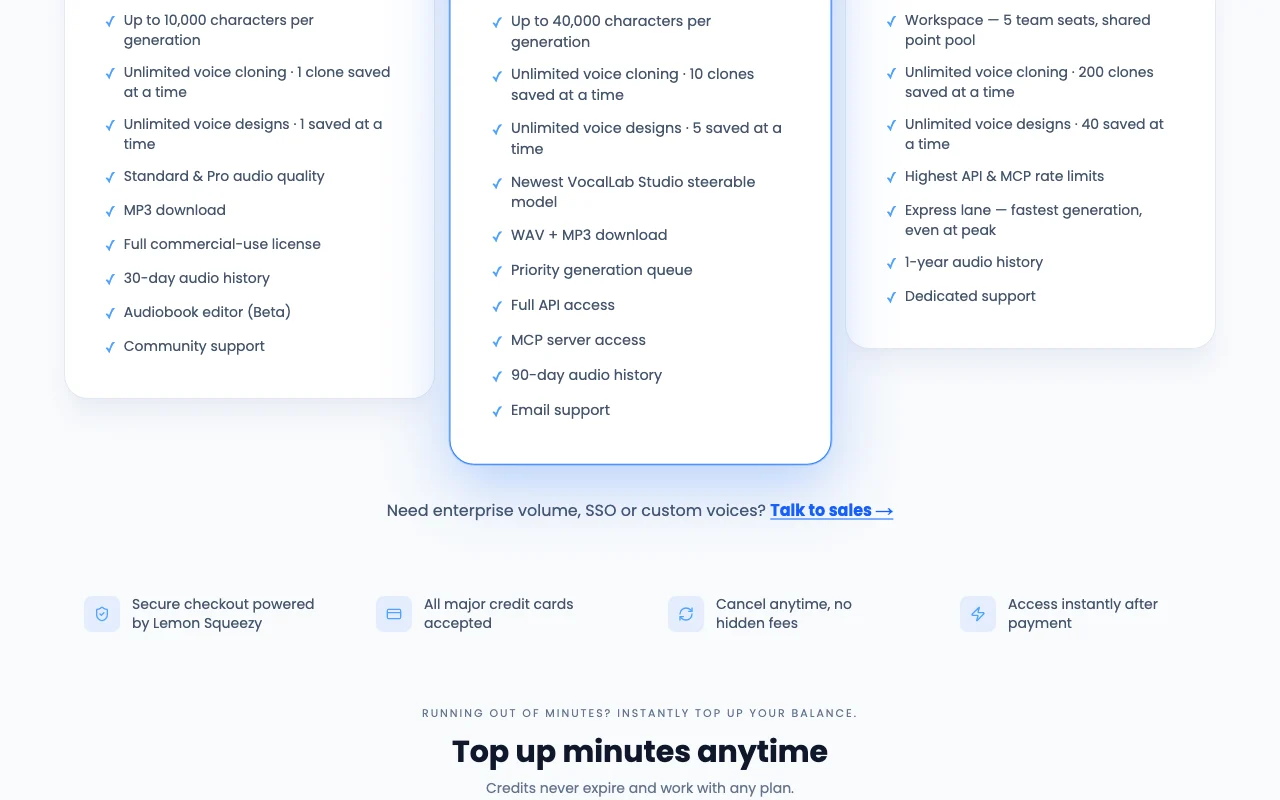
  • 1 saved clone
1 more
  • 30-day audio history

Includes

  • Video dubbing
  • MP3 download
1 more
  • Full commercial-use license

Pro web

$24 source (opens in a new tab)

Monthly

Promo first month $9, then $24

For: Regular creators and developers

Limits

  • 12,000 points (200 minutes per month)
  • 10 saved clones
1 more
  • 90-day audio history

Includes

  • Full API access
  • MCP server access
2 more
  • Priority generation queue
  • WAV and MP3

Max Agency web

$299 source (opens in a new tab)

Monthly

Promo first month $99, then $299

For: Agencies and high-volume teams

Limits

  • 150,000 points (2,500 minutes per month)
  • 5 team seats
1 more
  • 200 saved clones

Includes

  • Highest API and MCP rate limits
  • Express lane generation
1 more
  • Dedicated support

Top-up minutes web

$5 source (opens in a new tab)

One_time

For: Users running out of minutes

Limits

  • Credits never expire

Includes

  • No subscription required

Usage caps, credits and extra costs

Top-ups $0.25 per minute for 20 minutes, $0.15 for 200

Not stated

What is Vocallab AI, and how does it work?

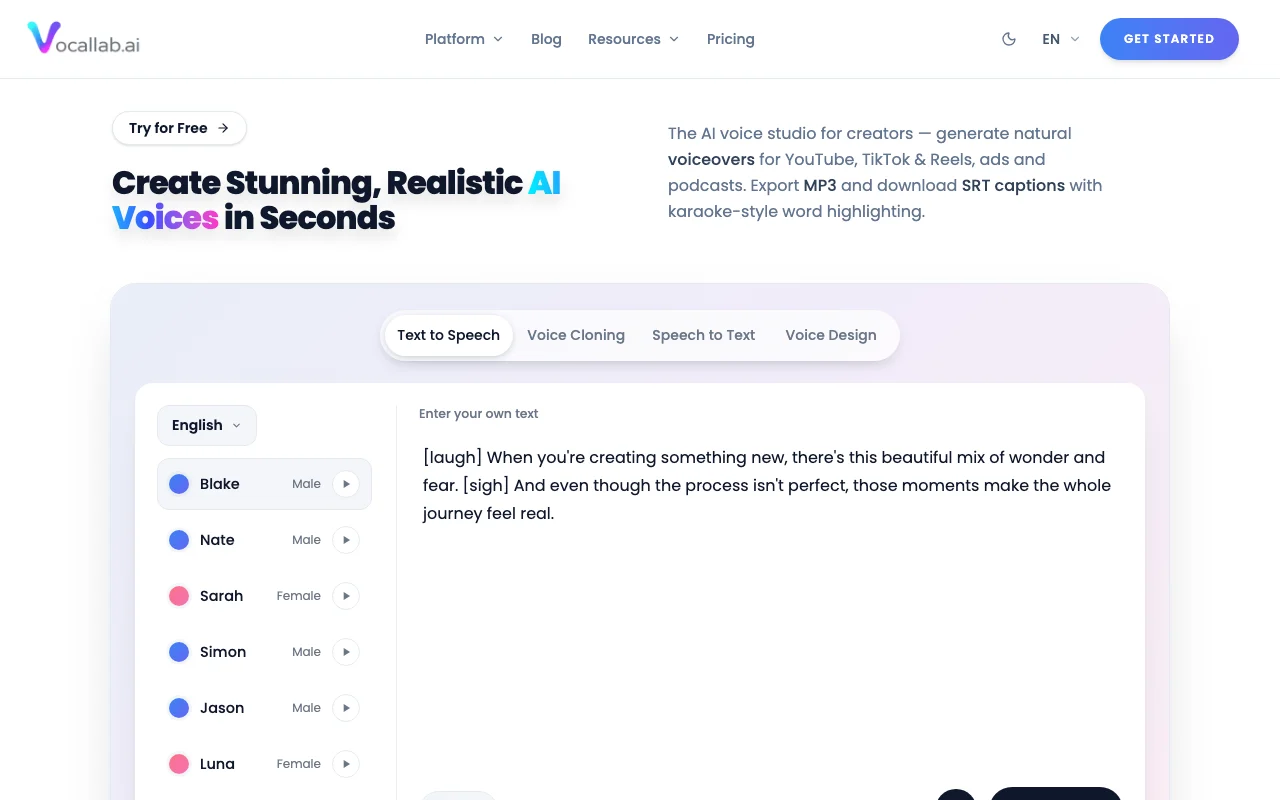
Vocallab AI is a web voice studio for generating voiceovers from text, cloning or designing voices, and dubbing video. It targets TikTok and YouTube creators, ads and podcasts. Output can be exported as MP3 and SRT captions. Higher plans add API and MCP server access.

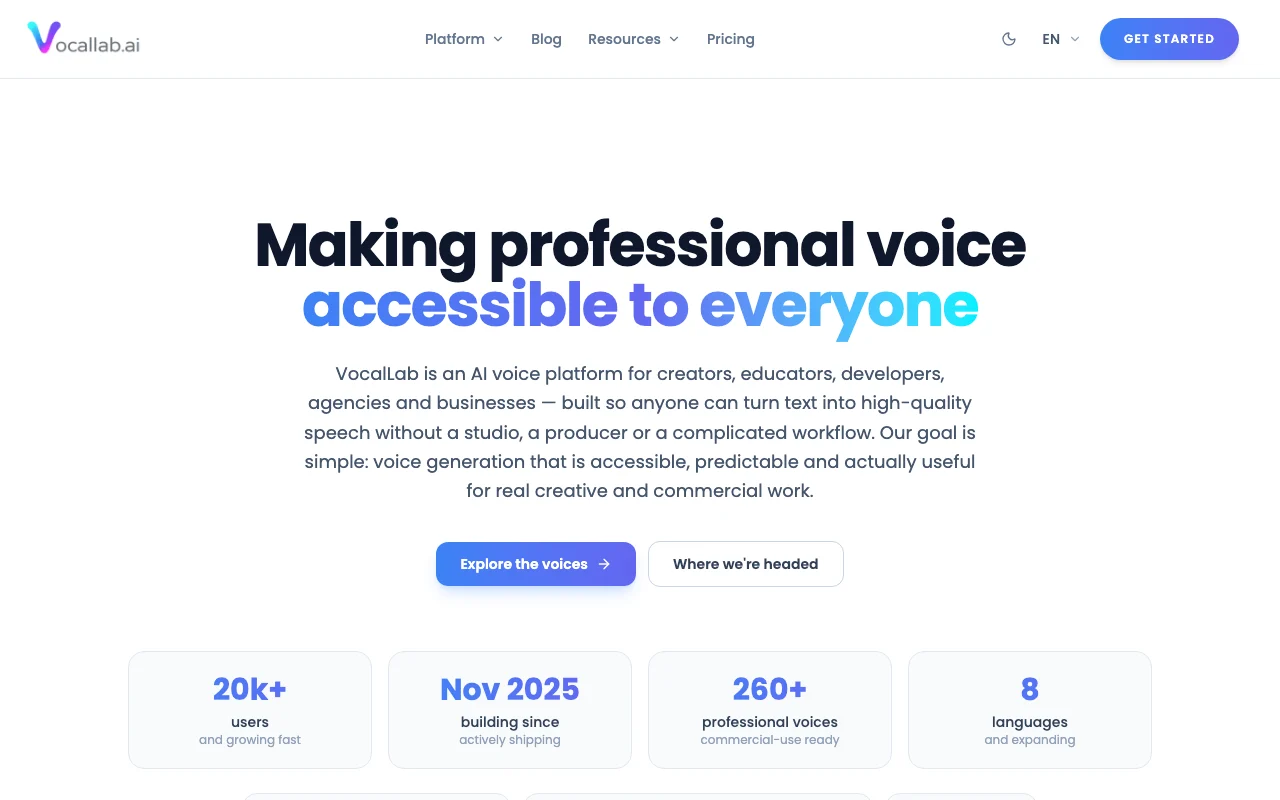
Vocallab AI homepage — screenshot of the audio & voice AI tool, Oct 2, 2026
Vocallab AI's official site: how the product presents itself. vocallab.ai, captured Oct 2, 2026

What you provide and what you get back

How Vocallab AI works: what you provide, where it runs and what you get backYOU PROVIDEYour inputText up to 10,000 or 40,000 chara…Voice samples for cloningVideo for dubbingAUDIO & VOICEVocallab AIWeb, APIfrom $9 (Lite)free tier availableaccount requiredchecked Oct 1, 2026YOU GET BACKThe resultMP3 or WAV audioSRT captionsDubbed video audioinput → Vocallab AI → output · from the vendor's own pages, no hands-on test unless stated
What you give Vocallab AI and what comes back, from its documentation

You provide

  • Text up to 10,000 or 40,000 characters per generation
  • Voice samples for cloning
  • Video for dubbing

You get back

  • MP3 or WAV audio
  • SRT captions
  • Dubbed video audio

Where you can use it

Platforms
Web, API
Account
Required
Models / versions
proprietary VocalLab Studio steerable model (Pro plan), no version named
Export
MP3 (all), WAV (Pro+), SRT captions source (opens in a new tab)
Characters per generation
10,000 / 40,000 source (opens in a new tab)
Clones
1 / 10 / 200 saved source (opens in a new tab)
History
30 days / 90 days / 1 year source (opens in a new tab)
Seats
5 on Max Agency source (opens in a new tab)

Best use cases for Vocallab AI

Scenarios are worked out by our editors from the documentation; the actual result depends on your input and plan.

Voiceovers for YouTube and TikTok videos

Who
Creators
You provide
Script text
Expected result
MP3 voiceover
Plan needed
Lite
Limitation
50 minutes per month on Lite source (opens in a new tab)

Voice cloning for consistent narration

Who
Channel owners
You provide
Voice sample
Expected result
Reusable cloned voice
Plan needed
Pro
Limitation
Saved clones capped by plan source (opens in a new tab)

Video dubbing

Who
Marketers
You provide
Video
Expected result
Dubbed audio track
Plan needed
Lite and above
Limitation
Usage drawn from points source (opens in a new tab)

Key features and their practical limits

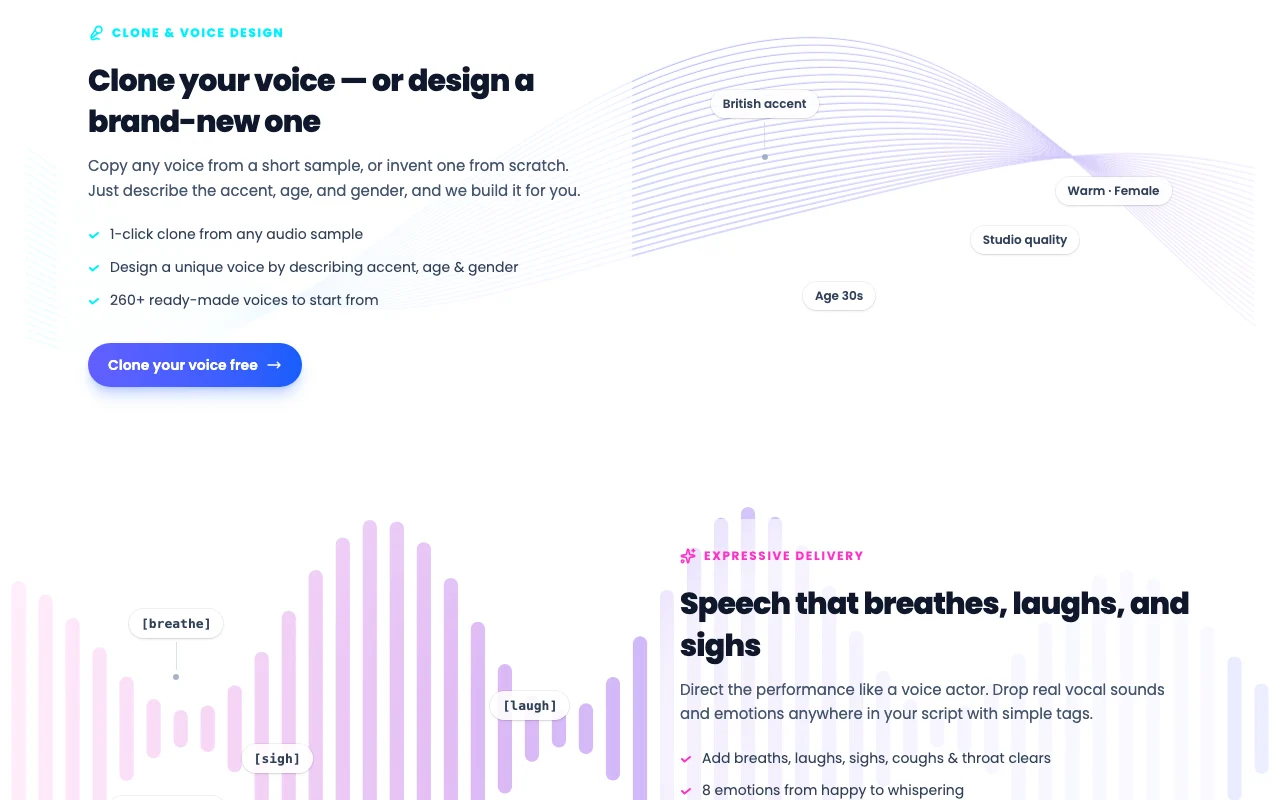
Vocallab AI homepage — screenshot of the audio & voice AI tool, Oct 2, 2026
Feature overview on the official site. vocallab.ai, captured Oct 2, 2026

Text to speech

Generates speech from text with Standard and Pro audio quality Fast narration

Access: All plansLimit: Character limit per generation source (opens in a new tab)

Voice cloning and voice design

Clones voices or designs new ones Consistent branding

Access: All plansLimit: 1 / 10 / 200 saved clones source (opens in a new tab)

Video dubbing

Dubs video into other voices or languages Reach new audiences

Access: All plansLimit: Points-based source (opens in a new tab)

MP3 export and SRT captions

Exports audio and caption files Ready for editors

Access: MP3 all plans; WAV on ProLimit: SRT on supported flows source (opens in a new tab)

Vocallab AI pros and cons

Where Vocallab AI is strong

Limitations to check before paying

How to use Vocallab AI for creating a voiceover for a video

Set up Vocallab AI

  1. Create a Vocallab account
  2. Choose a plan on the pricing page
  3. Pick or clone a voice

Example: creating a voiceover for a video

  1. Paste your script into Text to Speech
  2. Select a voice and audio quality
  3. Generate and preview
  4. Download MP3 and SRT captions

Review and export the result

  1. Listen for pronunciation errors
  2. Check remaining points

Vocallab AI integrations and API

Vocallab AI pricing page with plans and prices — screenshot of the audio & voice AI tool, Oct 2, 2026
Plan comparison on the official pricing page. vocallab.ai, captured Oct 2, 2026

Native integrations and export formats

Export: MP3, WAV, SRT

API access and separate billing

Vocallab AI has no public API in its official documentation. API and MCP server on Pro+

Privacy, data use and commercial rights

Summarized from the vendor's current policies; this is not legal advice and a vendor's badge is not an independent audit.

How your inputs and outputs are handled

Input text, voice samples and generated audio

Does not use input text, voice samples or generated audio to train models

Voice samples and clones retained while the account and clone are active

Commercial use and plan restrictions

Full commercial-use license on plans

Best Vocallab AI alternatives for different needs

"Better suited" is based on documented features and pricing, not on a head-to-head test.

ElevenLabs: better suited to

Descript: better suited to

Alternatives
AlternativeWhen to choose itPricingLimitation
ElevenLabs——Compare
Descript——

Explore Vocallab AI further

If you are looking at Vocallab AI

Vocallab AI user reviews

No user reviews yet.

Used Vocallab AI? Be the first to share your experience.

Write a review

Reviews are checked by a moderator before they appear. Your email is never published. Plain text only.

Your rating (required)

Show what you made or what went wrong. Images are published only if the review is approved; location data is removed.

    Vocallab AI FAQ

    How much does Vocallab AI cost?

    Lite $9, Pro $24 and Max Agency $299 per month, with promotional first-month prices. source (opens in a new tab)

    How many minutes does Lite include?

    50 minutes per month, or 3,000 points. source (opens in a new tab)

    Is commercial use allowed?

    Yes, the Lite plan lists a full commercial-use license. source (opens in a new tab)

    Does it use my voice data for training?

    The privacy text says input text, voice samples and generated audio are not used to train AI models. source (opens in a new tab)

    Is there an API?

    Yes, full API and MCP server access come with Pro and above. source (opens in a new tab)

    Sources and review methodology

    Official sources and verification dates

    Not verified: Free tier availability; Supported languages list; Voice cloning consent requirements; Page not available: https://www.vocallab.ai/docs.

    How we documented and maintain this page

    Every fact about Vocallab AI above comes from the 4 official pages listed here, last compared on Oct 1, 2026; we have not run Vocallab AI ourselves, so it has no editorial score. How we check and re-check pages.

    Article updated Oct 10, 2026; prices checked Oct 1, 2026. Outbound links to vendors are plain links; we do not earn commissions. How we review · Report an error