Free trial desktop
Free source (opens in a new tab)
Trial
For: Testing accuracy on your own PC
Limits
- At least 7 days from first dictation that produces text
- No account or credit card
Includes
- Full dictation
- Local AI cleanup
No API
Audio & voiceDocumented overviewLast checked Sep 29, 2026
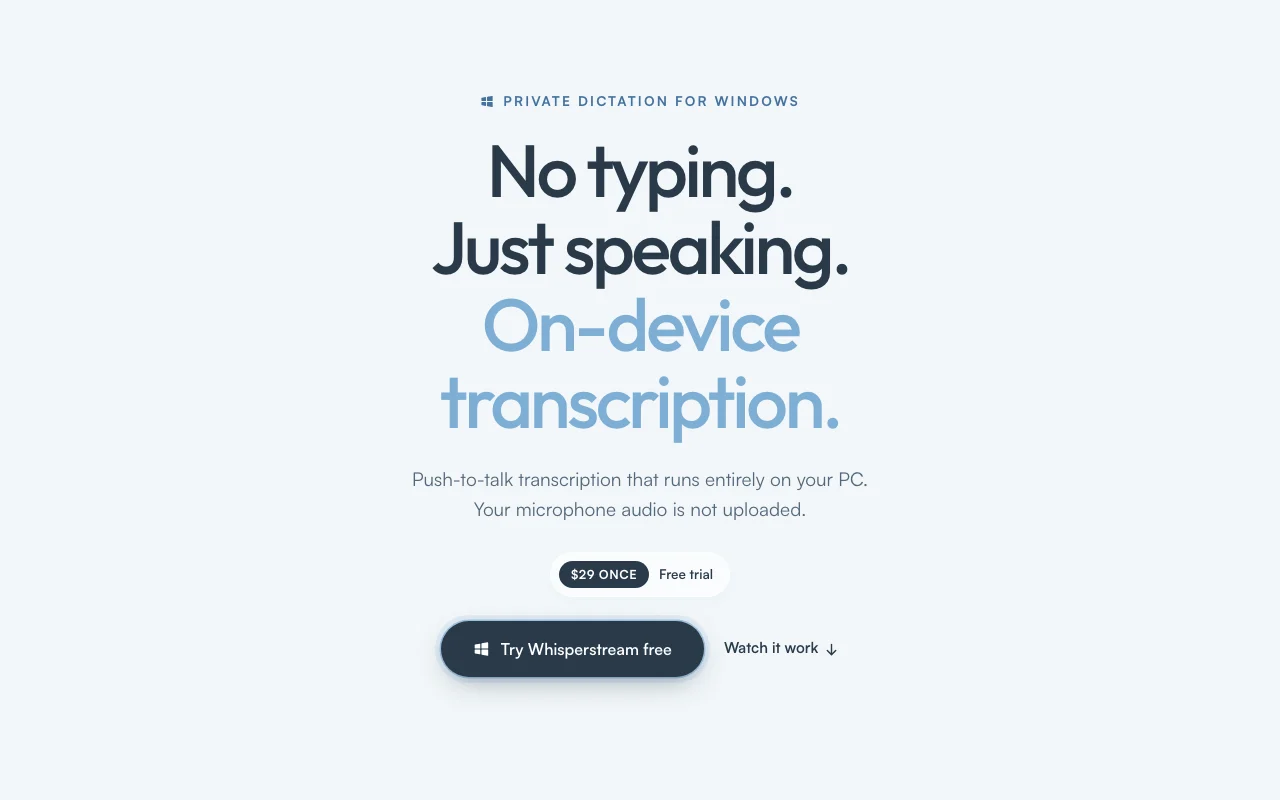
On-device push-to-talk dictation app for Windows; audio never leaves your PC, $29 one-time license.
 (open full size in a new tab)
 (open full size in a new tab)
 (open full size in a new tab)
 (open full size in a new tab)
 (open full size in a new tab)
Our take: Choose Whisperstream if you want private, offline push-to-talk dictation on Windows for a one-time $29 instead of a cloud subscription.
Main limitation: Windows 10/11 x64 only, and one license activates a single device ($49 for two).
Choose Whisperstream if you want private, offline push-to-talk dictation on Windows for a one-time $29 instead of a cloud subscription. Based on the vendor's documentation, not on a hands-on test.
Also a good fit for
Or if
Prices checked Sep 29, 2026 on the official US pricing page. Official pricing ↗ Prices and limits change often.
Free trial, no account or credit card.
At least seven days from the first dictation that produces text; eligible versions may get an extension.
Free source (opens in a new tab)
Trial
For: Testing accuracy on your own PC
Limits
Includes
No API
$29 one-time source (opens in a new tab)
One-time
For: Single-PC users
Limits
Includes
No API
$49 one-time source (opens in a new tab)
One-time
For: Laptop plus desktop
Limits
Includes
No API
Custom pricing source (opens in a new tab)
Custom
For: Teams and enterprises
Includes
No API
Optional cloud enhancement providers you configure may have their own cost.
Not stated.
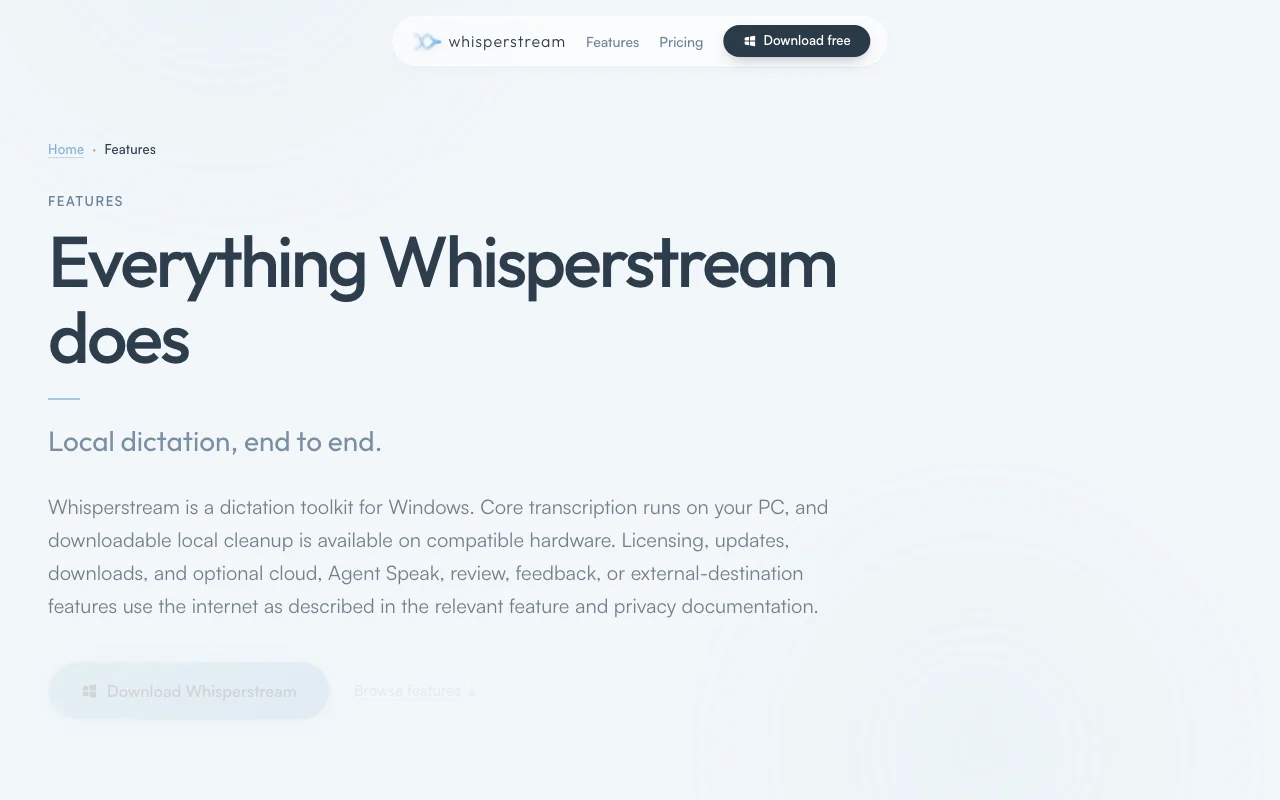
Whisperstream is a Windows dictation app that transcribes speech locally on the CPU using an NVIDIA Parakeet model and types punctuated text into whatever window has focus. Core transcription makes no network call; saved recordings and transcript history are encrypted on the device. Extras include local AI cleanup of filler words, a custom dictionary, per-app prompts, a Lockdown Mode, audio file import and 39 languages. It is sold as a one-time license ($29 for one device, $49 for two) with a free trial that requires no account.
You provide
You get back
Scenarios are worked out by our editors from the documentation; the actual result depends on your input and plan.
Transcribes speech on the CPU with an NVIDIA Parakeet model Audio never leaves the PC
Starts dictation with a configurable hold-to-talk or toggle key Dictate in any app without an add-in
Removes filler words and applies spoken corrections with a local model Cleaner text without editing
Stores names and jargon in a dictionary and applies a custom prompt per app Correct spelling of terms and tone per app
Whisperstream has no public API in its official documentation. No API documented
Summarized from the vendor's current policies; this is not legal advice and a vendor's badge is not an independent audit.
Core transcription makes no network call; saved recordings and history are encrypted on the device.
Audio is not uploaded to Whisperstream servers
Transcript history stored locally; Lockdown Mode protects it
Same on all licenses
"Better suited" is based on documented features and pricing, not on a head-to-head test.
| Alternative | When to choose it | Pricing | Limitation | |
|---|---|---|---|---|
| Otter.ai | — | — | Compare | |
| Descript | — | — | ||
| ElevenLabs | — | — | Compare |
No user reviews yet.
Used Whisperstream? Be the first to share your experience.
Yes, core recognition and text delivery run offline after setup; internet is only used for license validation, updates, model downloads and optional cloud cleanup. source (opens in a new tab)
Windows 10 or 11 64-bit with 8 GB RAM minimum (16 GB recommended); CPU only, no GPU needed. source (opens in a new tab)
Only with the $49 license, which activates on up to 2 of your own devices; the $29 license covers 1. source (opens in a new tab)
At least seven days from your first dictation that produces text, with no account or credit card. source (opens in a new tab)
Yes, a 30-day refund by emailing support from your checkout address. source (opens in a new tab)
Not verified: Commercial-use terms; Policy URLs.
Every fact about Whisperstream above comes from the 3 official pages listed here, last compared on Sep 29, 2026; we have not run Whisperstream ourselves, so it has no editorial score. How we check and re-check pages.
Article updated Oct 10, 2026; prices checked Sep 29, 2026. Outbound links to vendors are plain links; we do not earn commissions. How we review · Report an error
compare>