Audio & voiceDocumented overviewLast checked Sep 29, 2026

Audjust AI: Pricing, Features & Best Use Cases

Browser-based audio editor and AI music generator: shorten, lengthen, loop and separate stems, or create music from text.

Is Audjust AI right for you?

Use Audjust AI when you need existing music cut, extended or looped to fit a video or podcast and want text-to-music in the same browser workspace, with a free tier to try it. Based on the vendor's documentation, not on a hands-on test.

Best for: Video creators needing timed music

Also a good fit for

  • Podcasters and editors

Consider another tool if sign-in required to extend and export

Or if

  • Upload limit of 50MB
  • Credits are limited per plan

Audjust AI pricing and usage limits

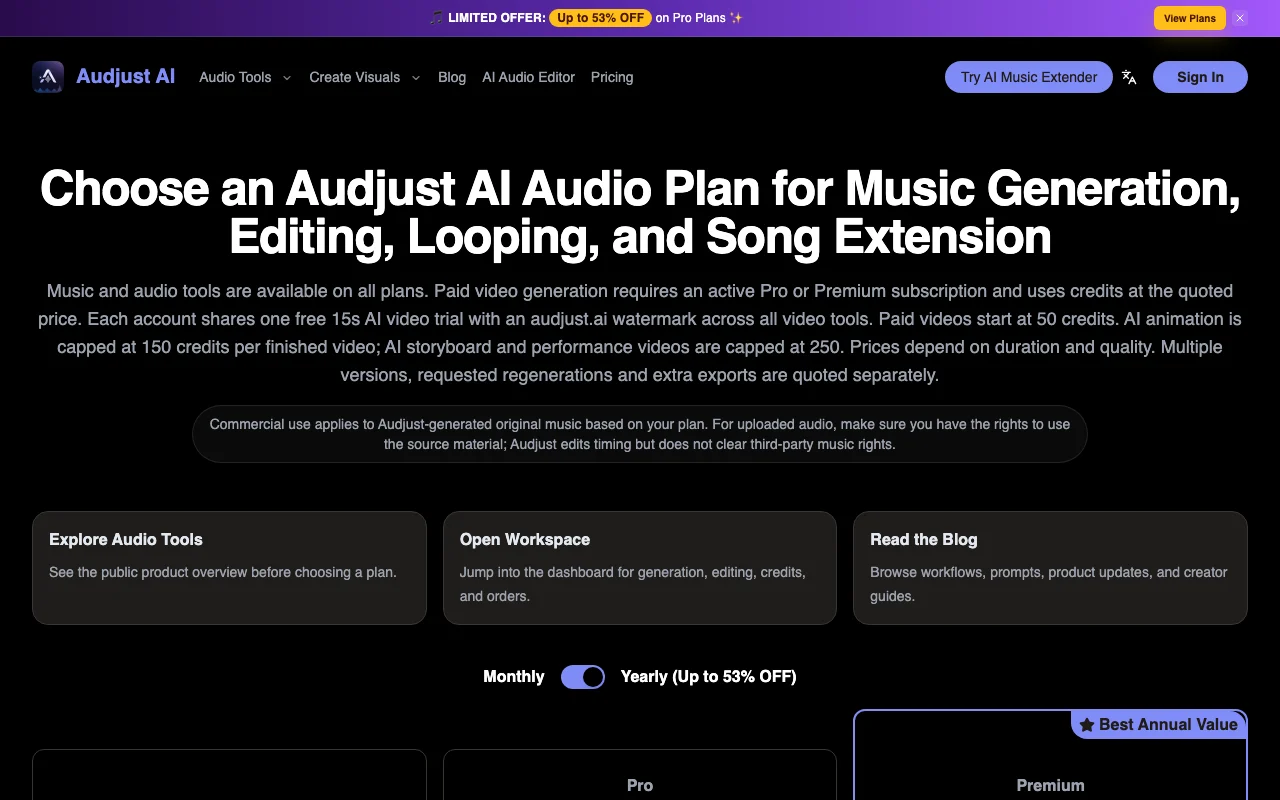
Prices checked Sep 29, 2026 on the official US pricing page. Official pricing ↗ Prices and limits change often.

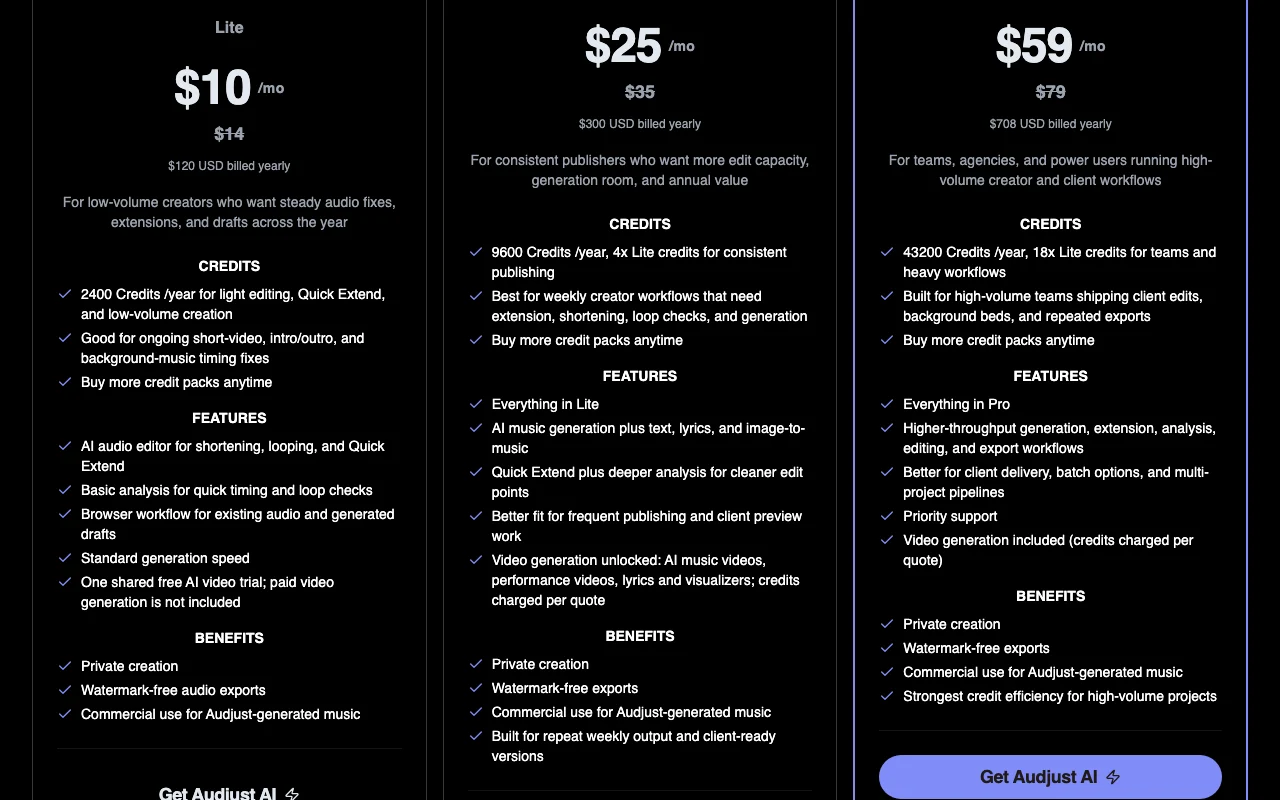
Audjust AI pricing page with plans and prices — screenshot of the audio & voice AI tool, Oct 1, 2026
The official Audjust AI pricing page as we saw it. audjust.ai, captured Oct 1, 2026

Free access and trial conditions

Free plan with sign-in; basic analysis costs 10 credits.

One shared free 15s AI video trial with watermark per account.

Paid plans: what changes as you upgrade

Free Web

Free source (opens in a new tab)

Month

For: Trying the editor

Limits

  • Sign in required to analyze
  • Basic analysis 10 credits, advanced 50 credits

Includes

  • Audio editor
  • One shared free 15s AI video trial with watermark

No API

Lite Web

$10/mo source (opens in a new tab)

Month, annual commitment

$14/mo when billed monthly

For: Low-volume creators

Limits

  • 2,400 credits per year
  • Standard generation speed

Includes

  • Shorten, loop, Quick Extend
  • Watermark-free audio exports
1 more
  • Commercial use for Audjust-generated music

No API

Pro Web

$25/mo source (opens in a new tab)

Month, annual commitment

$35/mo when billed monthly

For: Consistent publishers

Limits

  • 9,600 credits per year
  • Video credits charged per quote

Includes

  • Text, lyrics and image-to-music
  • Deeper analysis
1 more
  • AI video generation unlocked

No API

Premium Web

$59/mo source (opens in a new tab)

Month, annual commitment

$79/mo when billed monthly

For: Teams and agencies

Limits

  • 43,200 credits per year
  • Video credits charged per quote

Includes

  • Higher throughput
  • Priority support
1 more
  • Video generation included

No API

Credit packs Web

$19.99 one-time source (opens in a new tab)

One-time

For: Extra credits

Limits

  • 1 year validity
  • Packs alone do not unlock video

Includes

  • Top-up on any plan including Free

No API

Usage caps, credits and extra costs

Credit packs; video generation priced by quote on Pro and Premium.

Not stated.

What is Audjust AI, and how does it work?

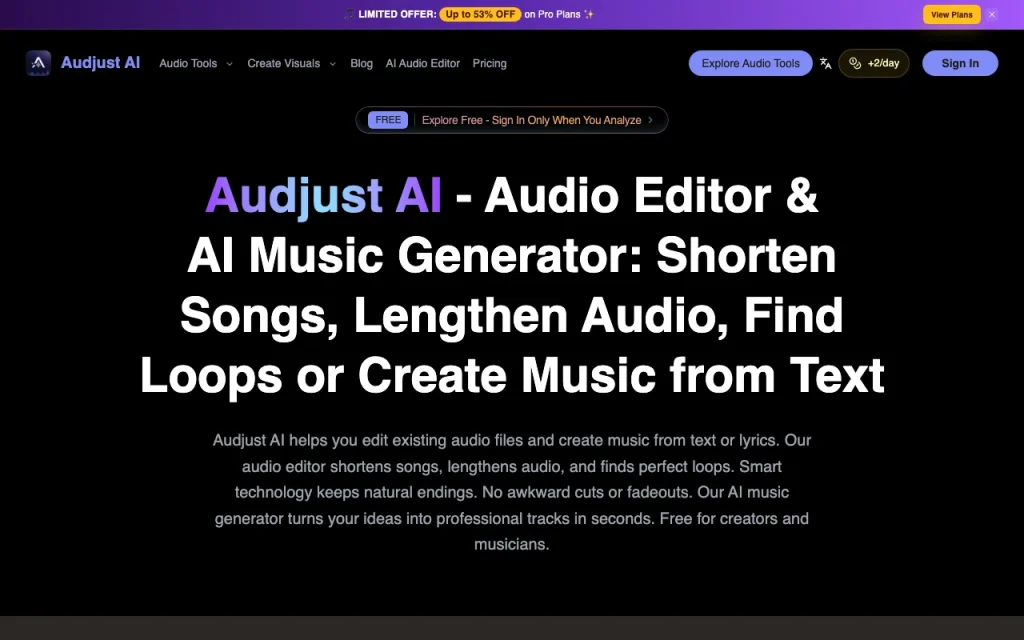
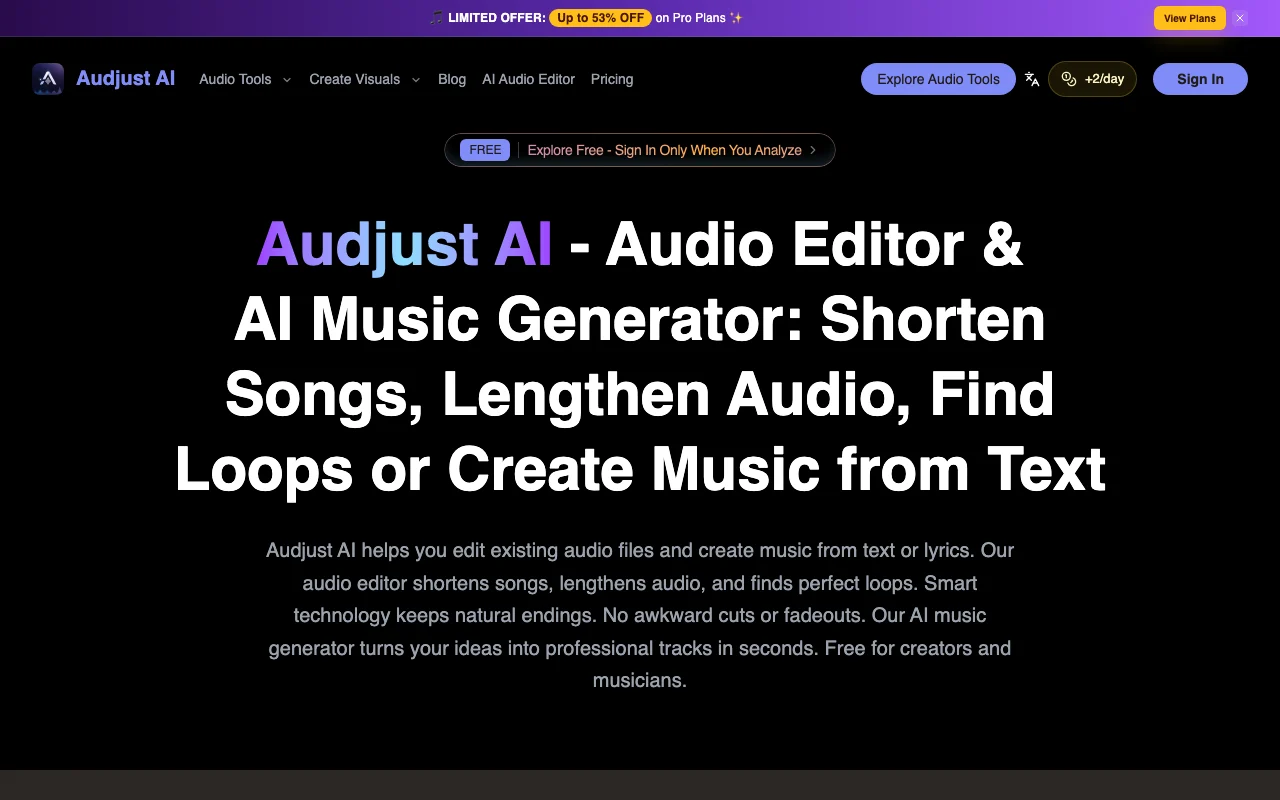
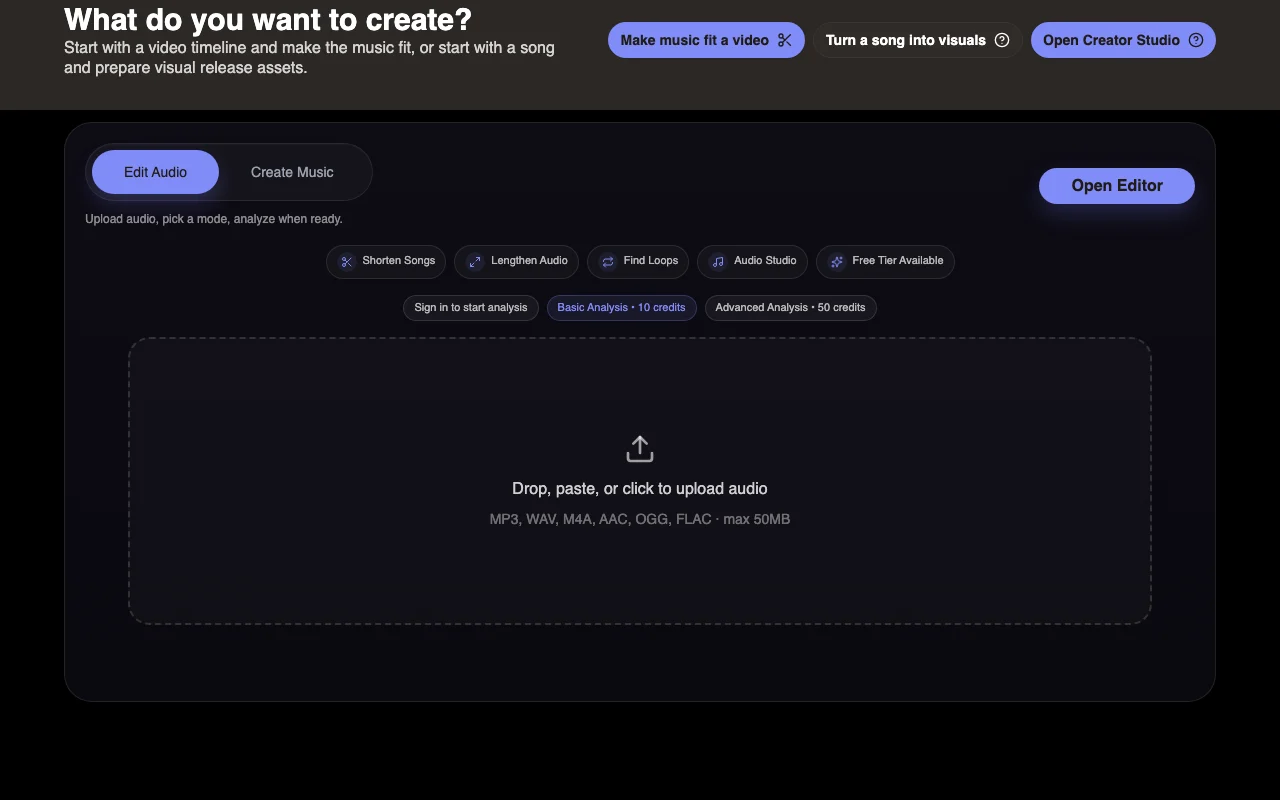
Audjust AI is a browser workspace for editing existing audio and generating music. It can shorten or lengthen songs, find loop points, remove vocals and split stems, and generate music from text, lyrics or images. Uploads accept MP3, WAV, M4A, AAC, OGG and FLAC up to 50MB. Paid plans add credits, watermark-free exports and, on Pro and Premium, AI video generation priced by credits.

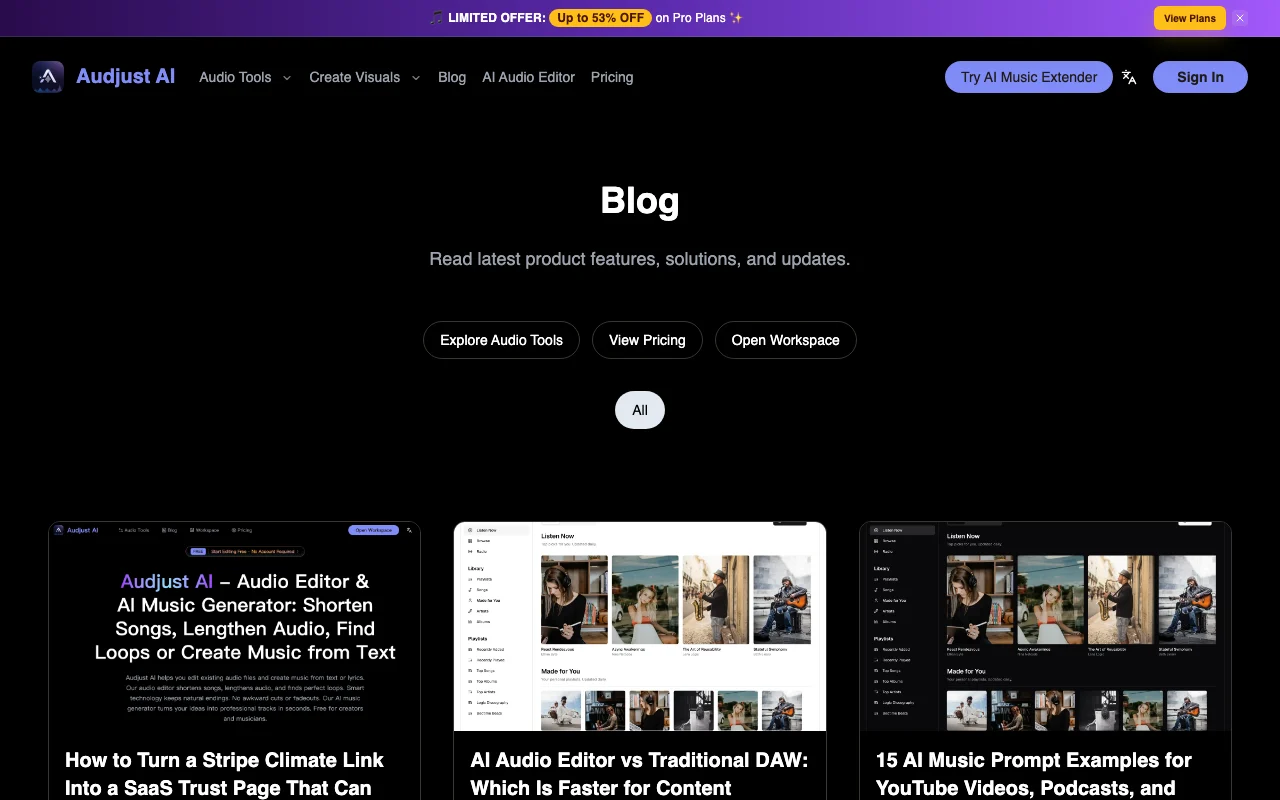
Audjust AI homepage — screenshot of the audio & voice AI tool, Oct 1, 2026
Audjust AI's official site: how the product presents itself. audjust.ai, captured Oct 1, 2026

What you provide and what you get back

How Audjust AI works: what you provide, where it runs and what you get backYOU PROVIDEYour inputAudio files: MP3, WAV, M4A, AAC,…Text, lyrics or an image for musi…AUDIO & VOICEAudjust AIWebfrom $10/mo (Lite)free tier availableaccount requiredchecked Sep 29, 2026YOU GET BACKThe resultShortened, extended or looped aud…Separated stemsGenerated music tracksAI videos on Pro and Premiuminput → Audjust AI → output · from the vendor's own pages, no hands-on test unless stated
What you give Audjust AI and what comes back, from its documentation

You provide

  • Audio files: MP3, WAV, M4A, AAC, OGG, FLAC up to 50MB
  • Text, lyrics or an image for music generation

You get back

  • Shortened, extended or looped audio
  • Separated stems
  • Generated music tracks
  • AI videos on Pro and Premium

Where you can use it

Platforms
Web
Account
Required
Input formats
MP3, WAV, M4A, AAC, OGG, FLAC
Upload limit
50MB
Watermark
Removed on paid plans
Commercial terms
Audjust-generated music per plan

Where Audjust AI is most useful

Scenarios are worked out by our editors from the documentation; the actual result depends on your input and plan.

Shortening a song to fit a video

Who
Video creators
You provide
An MP3 or WAV and a target length
Expected result
A shorter edit with a natural ending
Plan needed
Free analysis, paid export
Limitation
Rights to the source audio are yours to clear source (opens in a new tab)

Extending background music

Who
Podcasters and editors
You provide
A short music bed
Expected result
A longer version keeping the track's feel
Plan needed
Lite and up
Limitation
Sign in needed to extend and export source (opens in a new tab)

Finding loops

Who
Game and ad editors
You provide
A track to analyze
Expected result
Loop points for seamless repeats
Plan needed
Any plan
Limitation
Basic vs advanced analysis cost credits source (opens in a new tab)

Generating music from a prompt

Who
Creators needing original music
You provide
Text, lyrics or an image
Expected result
A generated track with commercial use per plan
Plan needed
Pro and up
Limitation
Credits limit volume source (opens in a new tab)

Audjust AI features and their limits

Audjust AI homepage — screenshot of the audio & voice AI tool, Oct 1, 2026
Feature overview on the official site. audjust.ai, captured Oct 1, 2026

Shorten, lengthen and loop workflows

Cuts or extends a track to a target length and finds loop points while keeping natural endings. Fits music to video timing without awkward fades.

Access: Free to analyze, paid to exportLimit: Sign-in required to extend and export source (opens in a new tab)

Stem separation and vocal removal

Splits stems and removes vocals from uploaded tracks. Provides vocal-free beds.

Access: Browser workspaceLimit: Limited by 50MB upload size source (opens in a new tab)

AI music generation from text, lyrics, image

Creates music from text, lyrics or images. Original background music.

Access: Pro and PremiumLimit: Commercial use applies to Audjust-generated music only source (opens in a new tab)

Batch audio processing

Processes multiple files with higher throughput. Speeds multi-project work.

Access: PremiumLimit: Credit consumption scales with files source (opens in a new tab)

Audjust AI pros and cons

Reasons to choose Audjust AI

Check before paying for Audjust AI

How to use Audjust AI for shortening a song to fit a video

Set up Audjust AI

  1. Open audjust.ai and choose Open Editor
  2. Sign in to start analysis
  3. Upload an MP3, WAV, M4A, AAC, OGG or FLAC under 50MB

Example: shortening a song to fit a video

  1. Select Shorten Songs mode
  2. Set the target length
  3. Run basic analysis (10 credits)
  4. Preview and export the shortened track

Review and export the result

  1. Listen to the join points for abrupt cuts
  2. Confirm export is watermark-free on your plan
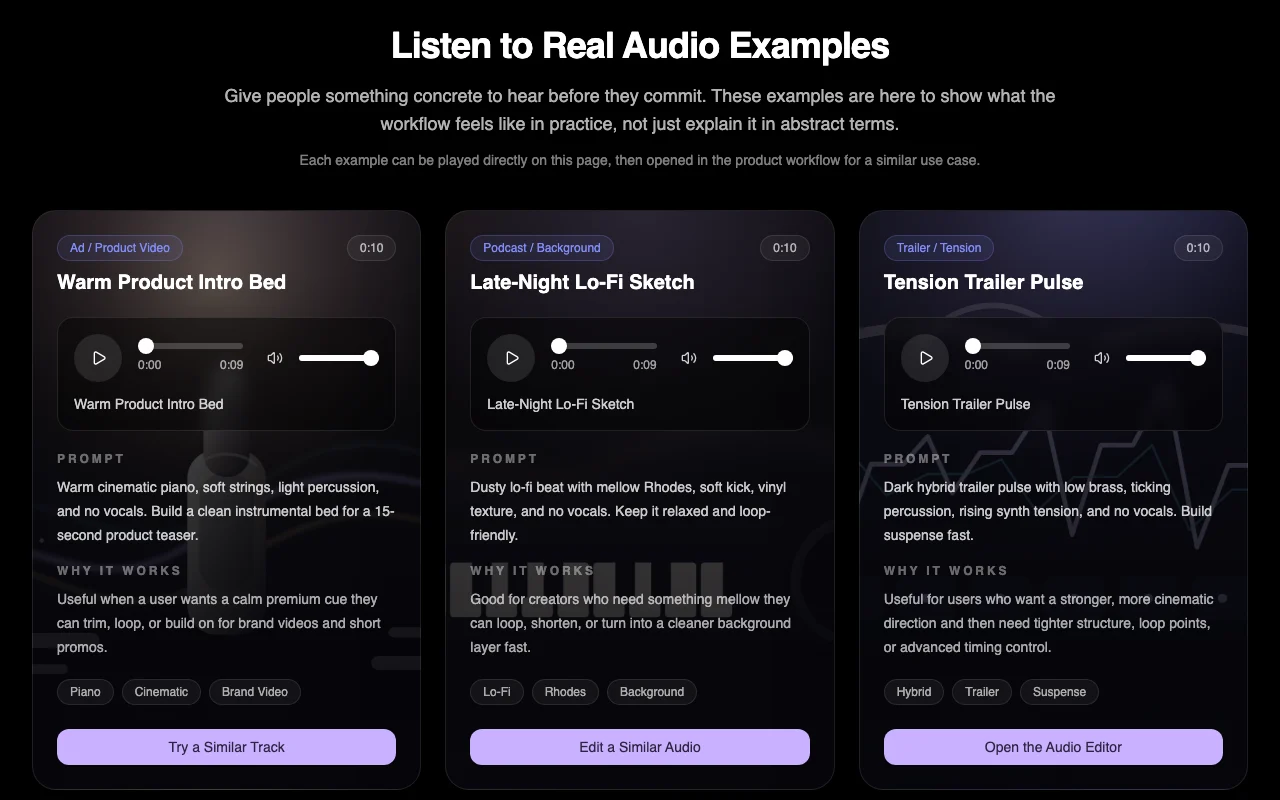
Example prompt suggested by our editors (not a recorded output of the product)
Warm cinematic piano, soft strings, light percussion, no vocals, a clean 15-second product teaser bed.

Privacy, data use and commercial rights

Summarized from the vendor's current policies; this is not legal advice and a vendor's badge is not an independent audit.

How your inputs and outputs are handled

Uploaded audio and prompts are processed in the browser workspace.

Not stated; privacy page returned 404.

Not stated.

Commercial use and plan restrictions

Commercial use applies to Audjust-generated original music per plan; uploaded audio rights are the user's.

Watermark-free exports on paid plans.

Controls for business users

  • Private creation on paid plans

Audjust AI alternatives by need

"Better suited" is based on documented features and pricing, not on a head-to-head test.

Suno: better suited to

ElevenLabs: better suited to

Descript: better suited to

Alternatives
AlternativeWhen to choose itPricingLimitation
Suno——Compare
ElevenLabs——Compare
Descript——

Explore Audjust AI further

Tools and guides near Audjust AI

Audjust AI user reviews

No user reviews yet.

Used Audjust AI? Be the first to share your experience.

Write a review

Reviews are checked by a moderator before they appear. Your email is never published. Plain text only.

Your rating (required)

Show what you made or what went wrong. Images are published only if the review is approved; location data is removed.

    Audjust AI FAQ

    What audio formats can I upload?

    MP3, WAV, M4A, AAC, OGG and FLAC, up to 50MB. source (opens in a new tab)

    Is there a free plan?

    Yes, but sign-in is required to analyze; basic analysis costs 10 credits and advanced analysis 50. source (opens in a new tab)

    Can I use generated music commercially?

    Commercial use applies to Audjust-generated original music based on your plan; uploaded audio needs your own rights. source (opens in a new tab)

    Who can generate video?

    Only Pro and Premium subscribers; credits are charged per quote, and each account gets one shared free 15s watermarked video trial. source (opens in a new tab)

    What do credit packs cost?

    200 credits for $19.99, 500 for $39.99, 1,500 for $99.99, each valid one year. source (opens in a new tab)

    Sources and review methodology

    Official sources and verification dates

    Not verified: Privacy policy; Training-data use; Max track length; API.

    How we documented and maintain this page

    Every fact about Audjust AI above comes from the 3 official pages listed here, last compared on Sep 29, 2026; we have not run Audjust AI ourselves, so it has no editorial score. How we check and re-check pages.

    Article updated Oct 10, 2026; prices checked Sep 29, 2026. Outbound links to vendors are plain links; we do not earn commissions. How we review · Report an error