Our take: Best for people who avoid phone calls, users with accessibility needs, and non-English speakers calling US businesses who can only be reached by phone.
Main limitation: Real business calls require Premium subscription; calls made in English only; US businesses only
By the AI Tool Atlas editors.
Based on the vendor's official documentation; we have not tested this product hands-on. What “documented overview” means
Who Callio fits
Best for people who avoid phone calls, users with accessibility needs, and non-English speakers calling US businesses who can only be reached by phone. Based on the vendor's documentation, not on a hands-on test.
Best for: People who avoid phone calls
Also a good fit for
Users with hearing or speech accessibility needs
Non-English speakers contacting US businesses
Busy professionals making reservations and checking availability
Consider another tool if need to call non-US businesses
Or if
Calling businesses that can only be reached in languages other than English
Need unlimited free calls (Premium required for business calls)
Callio pricing and usage limits
Prices checked Sep 29, 2026 on the official US pricing page. Official pricing ↗ Prices and limits change often.
Vendor pricing page re-checked automatically 12 days ago: no changes detected.
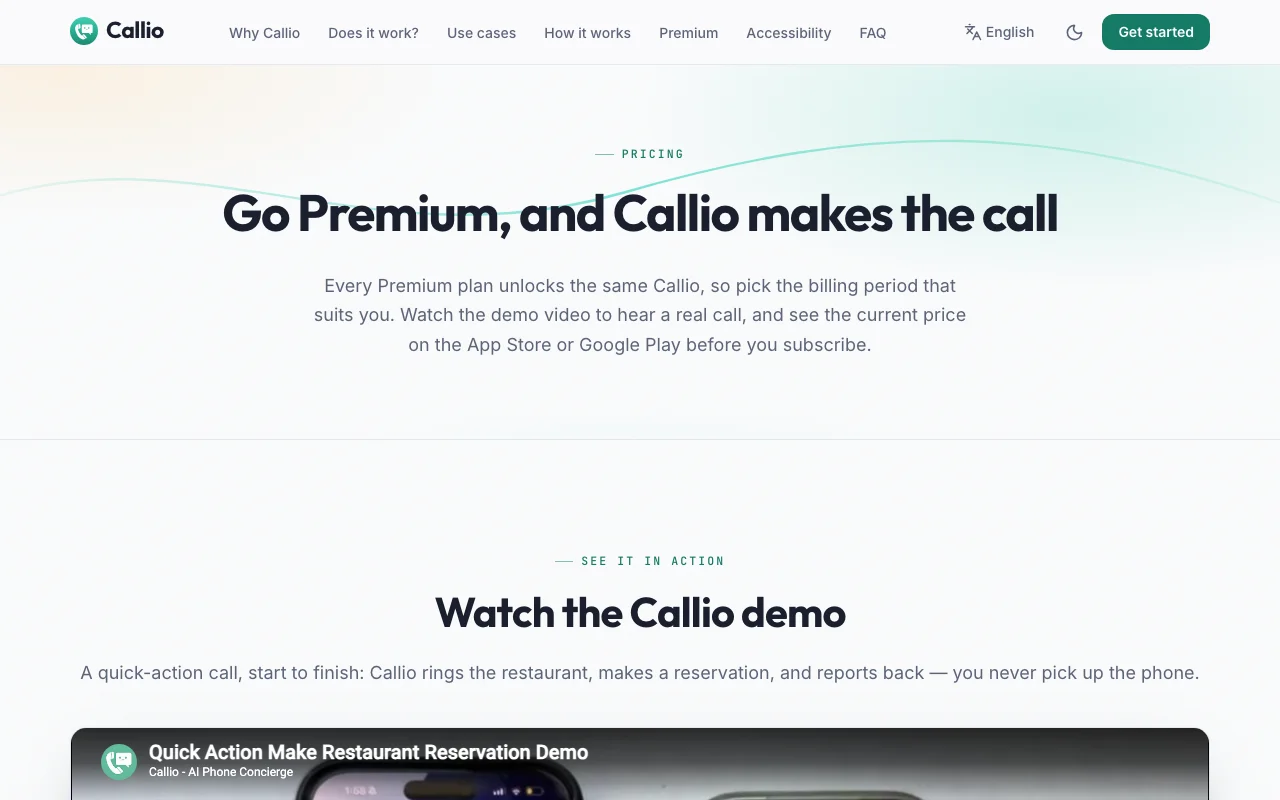
The official Callio pricing page as we saw it. callio-app.com, captured Oct 1, 2026
Free access and trial conditions
Preview of the call plan and what Callio will say is always free. Playground test call to user's own verified phone number is also free. Placing real calls to businesses requires Premium.
Free tier serves as trial; users can preview calls and test with Playground before subscribing to Premium
Annual option available; annual pricing works out cheaper per month than monthly billing
For: Users who make regular calls to US businesses and want unlimited calling
Limits
Subscriptions renew automatically
Can cancel anytime via app store account
Includes
Unlimited calls to any US business on Google Maps
Call results with instant summaries and full transcripts
5 more
Summaries in your language (English, Spanish, Chinese)
Private calling line (no personal number shown)
Handles phone menus, hold, voicemail, and transfers
AI identifies itself as AI when asked or before confirming bookings
Cancel anytime from app store account
No API
Usage caps, credits and extra costs
None; Premium includes unlimited calls with no per-call fees or overages
Handled by app store (Apple App Store or Google Play)
What is Callio, and how does it work?
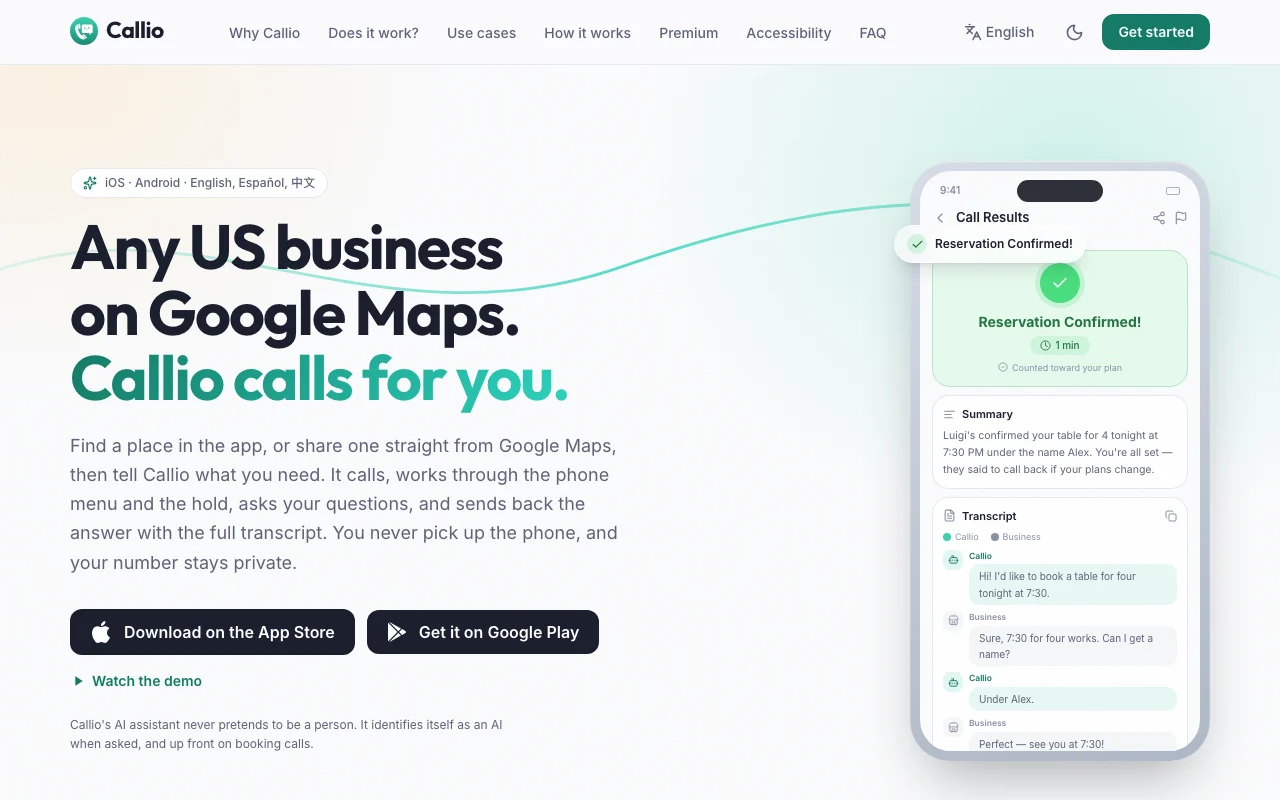
Callio is an iOS and Android app that places phone calls to US local businesses found on Google Maps. You describe what you need (e.g., 'book a table for 4 tonight at 7:30'), and Callio's AI assistant navigates phone menus, waits on hold, asks your questions, and sends back a summary plus the full transcript. Calls are placed from a dedicated Callio line so your personal number stays private, and the assistant identifies itself as an AI when asked. Summaries are available in English, Spanish, and Chinese, while calls are placed in English.
Callio's official site: how the product presents itself. callio-app.com, captured Oct 1, 2026
What you provide and what you get back
What you give Callio and what comes back, from its documentation
You provide
Business location (from Google Maps search or direct share)
Task description (natural language in English, Spanish, or Chinese)
Quick actions (pre-formatted requests like 'Are you open?' or 'Any tables tonight?')
Uses Retell AI for voice calling; Google Gemini and OpenAI for analysis
US businesses only
English (all calls placed in English)
English, Spanish, Chinese
English, Spanish, Chinese (task description in app)
Retell AI
Google Gemini, OpenAI (for call planning and summaries)
Best use cases for Callio
Scenarios are worked out by our editors from the documentation; the actual result depends on your input and plan.
Booking restaurant reservations
Who
Restaurant diners, party planners
You provide
Restaurant from Google Maps; request like 'book a table for 4 tonight at 7:30'
Expected result
Reservation confirmed with name, time, and any special notes from restaurant
Plan needed
Premium (unlimited calls)
Limitation
Only for US restaurants; reservations in English; some restaurants don't accept phone bookings source (opens in a new tab)
Scheduling appointments by phone
Who
Healthcare, salon, service customers
You provide
Business from Google Maps; request like 'schedule an appointment tomorrow afternoon'
Expected result
Appointment confirmation with date, time, and any instructions
Plan needed
Premium (unlimited calls)
Limitation
Only for US businesses; some businesses may not accept AI-initiated appointments source (opens in a new tab)
Asking businesses about prices or availability
Who
Shoppers, business researchers, customers
You provide
Business from Google Maps; question like 'Do you have this item in stock?' or 'What are your hours?'
Expected result
Answer to the specific question with relevant details
Plan needed
Premium (unlimited calls)
Limitation
Only for US businesses; calls in English; some businesses don't answer detailed questions source (opens in a new tab)
Callio features and their limits
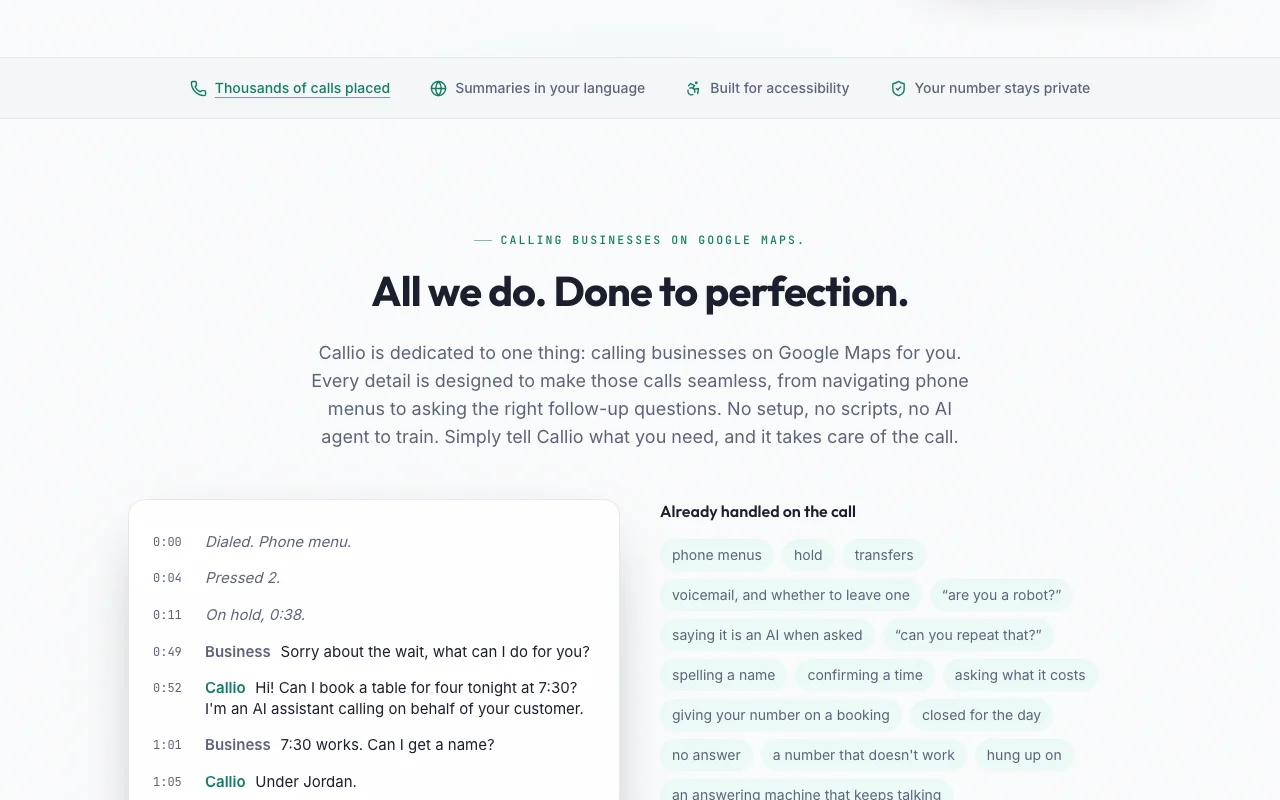
Feature overview on the official site. callio-app.com, captured Oct 1, 2026
Handles phone menus, hold and voicemail
Navigates phone menus by pressing appropriate keys, waits on hold without hanging up, handles voicemail systems, and decides whether to leave a message Eliminates waiting time and menu navigation burden on users
Access: Free preview shows what Callio will say and ask; business calls require PremiumLimit: Some complex phone systems may not be fully supportedsource (opens in a new tab)
Summary and full call transcript
Generates a clear summary of key details (times, prices, availability) and a full word-for-word transcript of the entire call conversation Users can verify what was discussed and have a record of commitments made
Access: Free with every Premium call; summaries available in English, Spanish, ChineseLimit: Summaries generated by AI; rare transcription errors may occursource (opens in a new tab)
Share a place directly from Google Maps
One-tap integration: find a business on Google Maps and share directly to Callio app to make a call Seamless workflow; no need to re-enter business details
Calls are made from a dedicated Callio phone number; AI assistant identifies itself as AI when asked and before confirming bookings User privacy protected; transparency about AI nature of calls
Access: Free on Premium tierLimit: Businesses may have policies against AI calls; some may refuse to proceedsource (opens in a new tab)
Callio: strengths and limits
Reasons to choose Callio
Free preview of the call plan and a test call (Playground) to your own phone Users can validate call quality and Callio's voice before paying; Playground is freedocumentedsource (opens in a new tab)
Premium includes unlimited business calls No per-call fees or credit limits; subscription covers unlimited callingdocumentedsource (opens in a new tab)
Available on iOS and Android Works on both major mobile platforms; one subscription covers both if linked to same accountdocumentedsource (opens in a new tab)
Caller number kept private on question-only calls User privacy protected; business doesn't see personal phone numberdocumentedsource (opens in a new tab)
Check before paying for Callio
Real business calls require Premium subscription Free tier limited to preview and testing; must pay to call actual businessesdocumentedsource (opens in a new tab)
Only calls US businesses Cannot reach businesses outside the United Statesdocumentedsource (opens in a new tab)
Calls placed in English only Cannot call businesses with non-English phone support; summaries available in other languages but calls are in Englishdocumentedsource (opens in a new tab)
Cannot reach many hotlines, government lines, or account-number systems Limited to standard business calling; account-based systems, automated billing hotlines, and government agencies may not workdocumentedsource (opens in a new tab)
How to use Callio for making a phone call to a US business on behalf of the user
Set up Callio
Download Callio from App Store (iOS) or Google Play (Android)
Sign in with Google or Apple account
Optional: upgrade to Premium subscription (billing period of choice)
Verify a phone number for Playground testing (SMS one-time code)
Example: making a phone call to a US business on behalf of the user
Open Callio and search for a restaurant, or share one directly from Google Maps
Describe what you need: 'book a table for 4 tonight at 7:30' or use quick actions like 'Are you open?'
Preview: see the call plan and what Callio will say (free, no Premium needed)
If Premium: click 'Call' and Callio dials the business, handles menus and hold, asks questions
Within seconds: receive summary of key details (reservation confirmed, time, name) and full transcript
Review and export the result
Preview shows the plan before the call is placed
Call results display summary card with key facts (times, prices, confirmations) in user's language
Full transcript available for verification of what was said
Outcome shown: success, voicemail, closed, or unable to reach
Example prompt suggested by our editors (not a recorded output of the product)
Book a table for 4 at Luigi's Italian Restaurant for tonight at 7:30 PM under the name Alex
Callio integrations and API
Plan comparison on the official pricing page. callio-app.com, captured Oct 1, 2026
Native integrations and export formats
Export: Call transcripts (text), Call summaries (text in English/Spanish/Chinese)
API access and separate billing
Callio has no public API in its official documentation. Callio is a consumer app; no public API
Privacy, data use and commercial rights
Summarized from the vendor's current policies; this is not legal advice and a vendor's badge is not an independent audit.
How your inputs and outputs are handled
Call transcripts and summaries are stored; call audio is processed by Retell AI. Callio does not display or download recordings within the app. Call transcripts and chat messages are not used to train third-party AI models or Callio's own models.
Callio does NOT use call transcripts, call summaries, or chat content to train third-party AI models or its own models
Call audio retention governed by Retell AI's privacy policy; call transcripts and summaries retained by Callio
Commercial use and plan restrictions
Permitted; designed for commercial use (bookings, inquiries)
No privacy differences between free and Premium tiers
Controls for business users
AI discloses itself as AI when asked and before confirming bookings
Call data encrypted in transit and at rest (Firebase enterprise-grade security)
Advertising data limited: app install, app open, account creation, subscription events only
Call transcripts NOT used for advertising
One-way hashes of sign-in and device identifiers kept after account deletion only to prevent repeat abuse claims
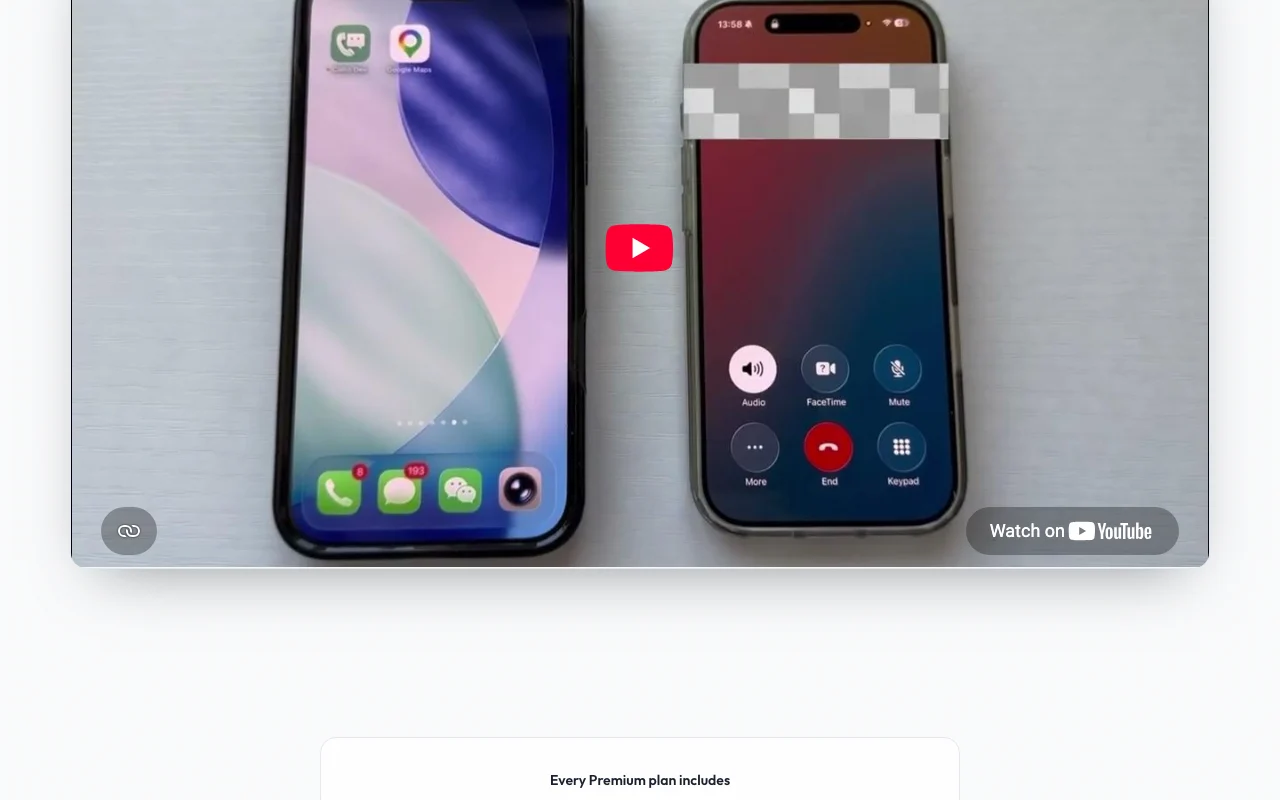
Yes. The demo video on the pricing page shows a full call. In the app, you can see the plan and what Callio will ask for free. Callio Playground (also in the app) rings your verified phone number: you answer and play the business, hearing Callio's live voice before you pay. source (opens in a new tab)
What does the free preview include?
You describe the task and Callio shows you the plan and what it will ask on the call, at no cost. In Playground, Callio rings your verified phone number so you play the business and hear Callio's real voice live. Neither uses anything up or needs a subscription. source (opens in a new tab)
How much is Premium?
Premium is unlimited calls to businesses, on the billing period you choose (monthly or annual). Every plan unlocks the same thing, and annual works out cheaper per month. The App Store and Google Play show the current price for each before you subscribe. source (opens in a new tab)
Can I cancel anytime?
Yes. You can cancel anytime from your app store account. You keep access until the end of the period you've paid for. source (opens in a new tab)
What businesses can Callio call?
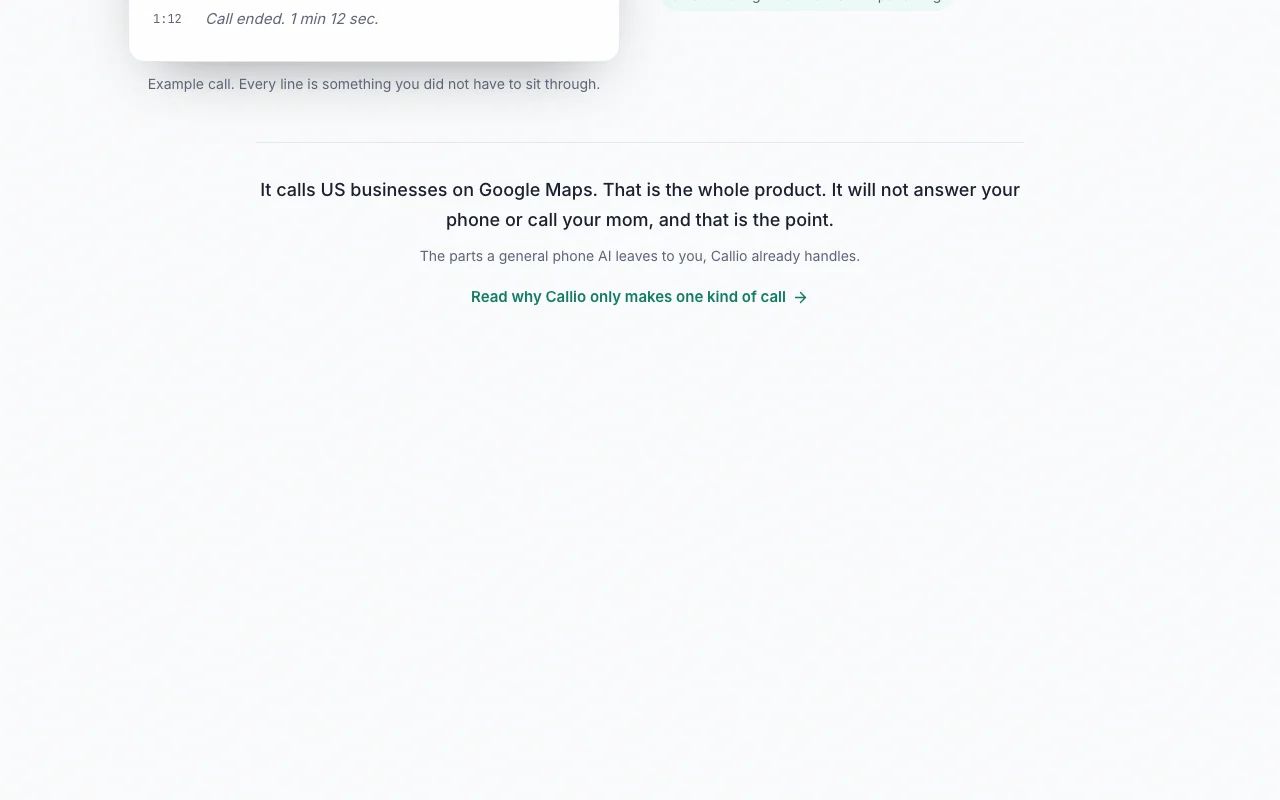
Callio calls any US business on Google Maps in English. It cannot reach non-US businesses, government hotlines, account-based systems, or some automated services. Some businesses may not accept AI-initiated calls. source (opens in a new tab)
Not verified: Premium pricing in USD (price shown only in app stores at time of purchase, not disclosed publicly on website or pricing page); Specific pricing for monthly vs annual plans; Whether subscription transfers between iOS and Android for same account.
How we documented and maintain this page
Every fact about Callio above comes from the 3 official pages listed here, last compared on Sep 29, 2026; we have not run Callio ourselves, so it has no editorial score. How we check and re-check pages.
Article updated Oct 10, 2026; prices checked Sep 29, 2026. Outbound links to vendors are plain links; we do not earn commissions. How we review · Report an error