Free Web
Free source (opens in a new tab)
Unknown
For: Songwriting and producing
Limits
- Homepage states free, no account
Includes
- Three progressions per prompt
- MIDI export
No API

Audio & voiceDocumented overviewLast checked Sep 29, 2026
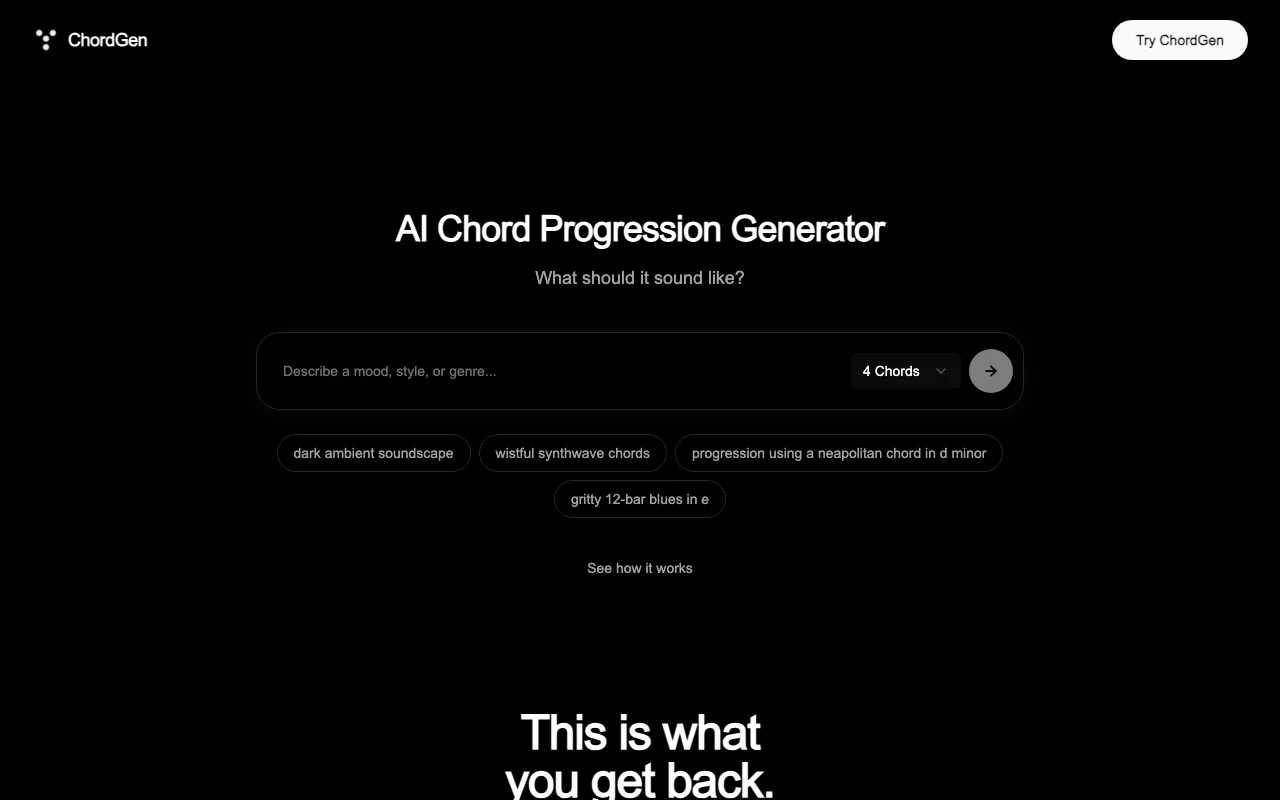
Free AI chord progression generator: describe a mood in text, preview on a piano, edit and export MIDI.

 (open full size in a new tab)
 (open full size in a new tab)
 (open full size in a new tab)
 (open full size in a new tab)
 (open full size in a new tab)
Our take: Use ChordGen to turn a plain-language mood into three editable chord progressions you can hear on a piano and export as MIDI, free and without an account per its homepage.
Main limitation: Output is chords as MIDI only, and the free-without-account claim appears only in the homepage FAQ because no pricing page exists.
Use ChordGen to turn a plain-language mood into three editable chord progressions you can hear on a piano and export as MIDI, free and without an account per its homepage. Based on the vendor's documentation, not on a hands-on test.
Also a good fit for
Or if
Prices checked Sep 29, 2026 on the official US pricing page. Prices and limits change often.
Homepage FAQ says free, unlimited and no account needed.
Not applicable.
Free source (opens in a new tab)
Unknown
For: Songwriting and producing
Limits
Includes
No API
None stated.
Not applicable.
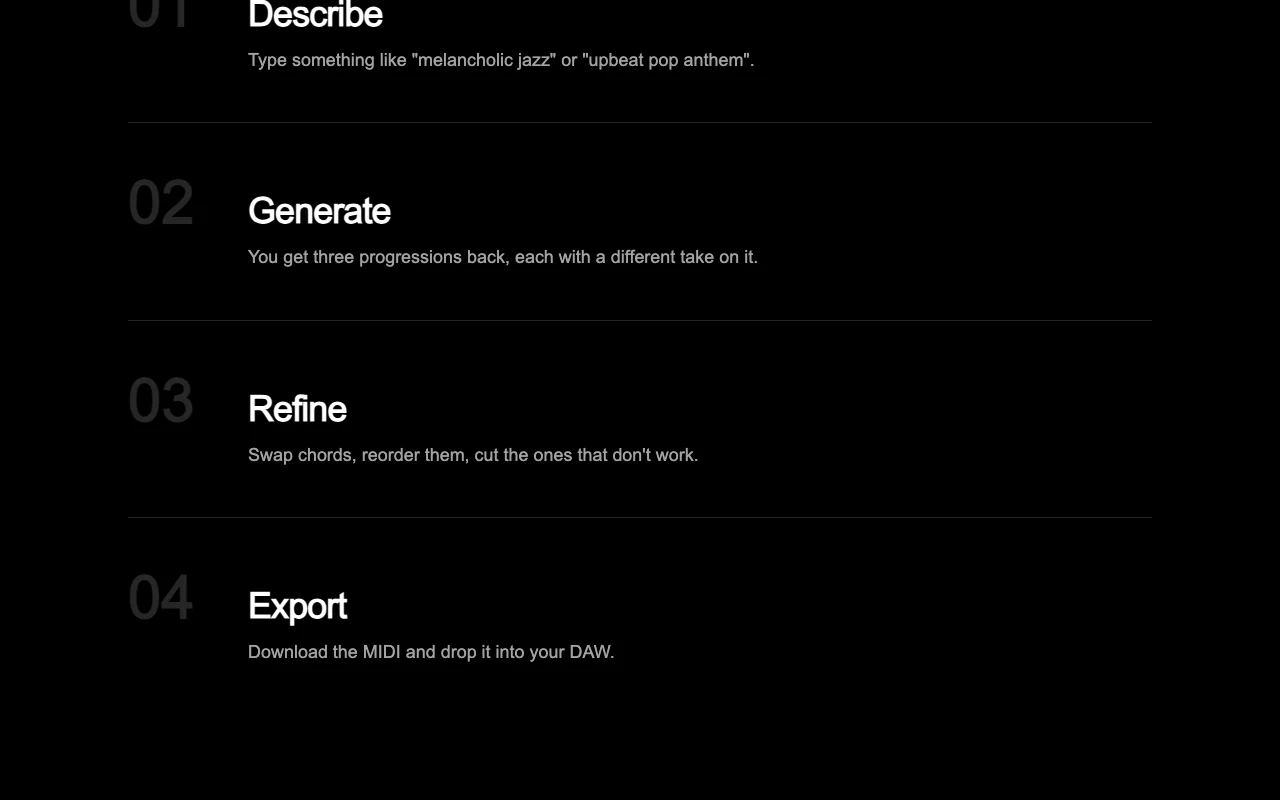
ChordGen generates chord progressions from a text prompt, returning three takes per request that can be heard on a piano view, edited and downloaded as MIDI. The homepage states it is free without an account and that MIDI files work in DAWs such as Ableton, FL Studio, Logic and Cubase.
You provide
You get back
Scenarios are worked out by our editors from the documentation; the actual result depends on your input and plan.
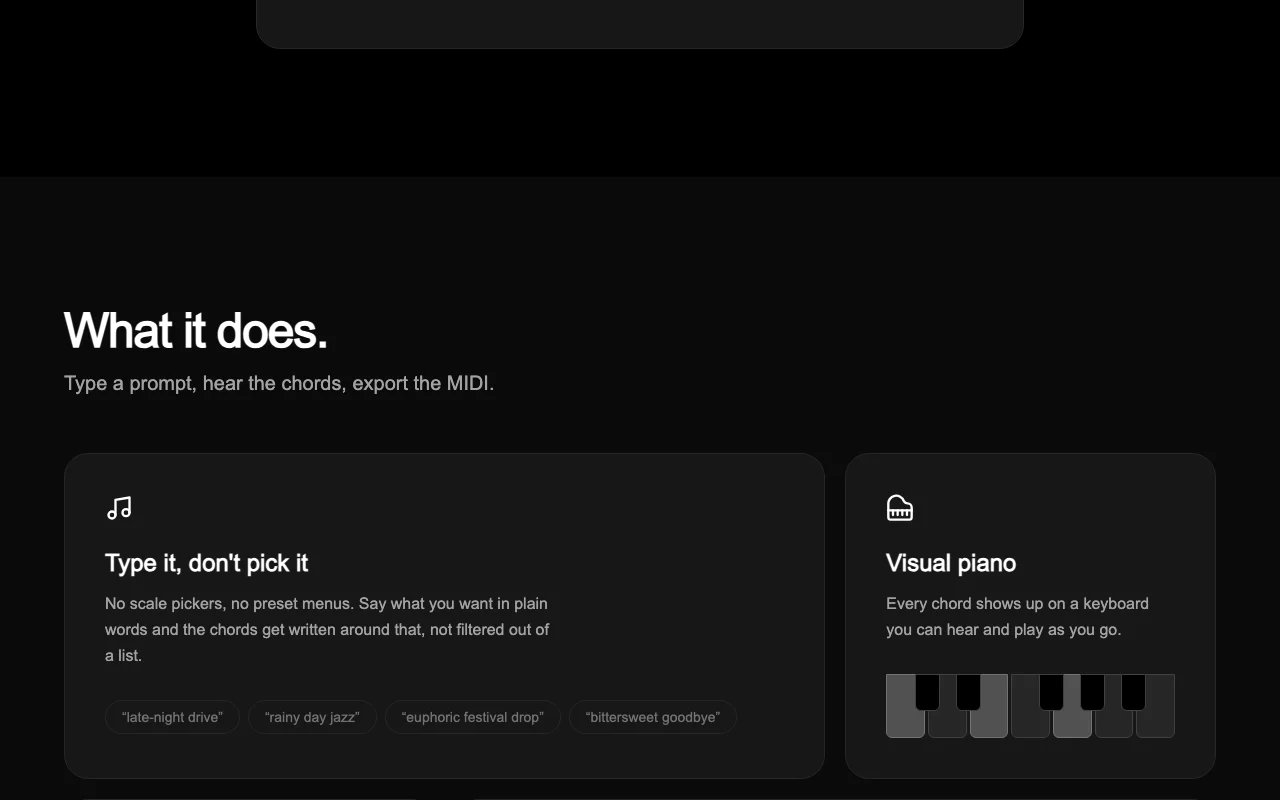
Generates chords from a free-text prompt with no scale picker. Describe feeling instead of choosing theory.
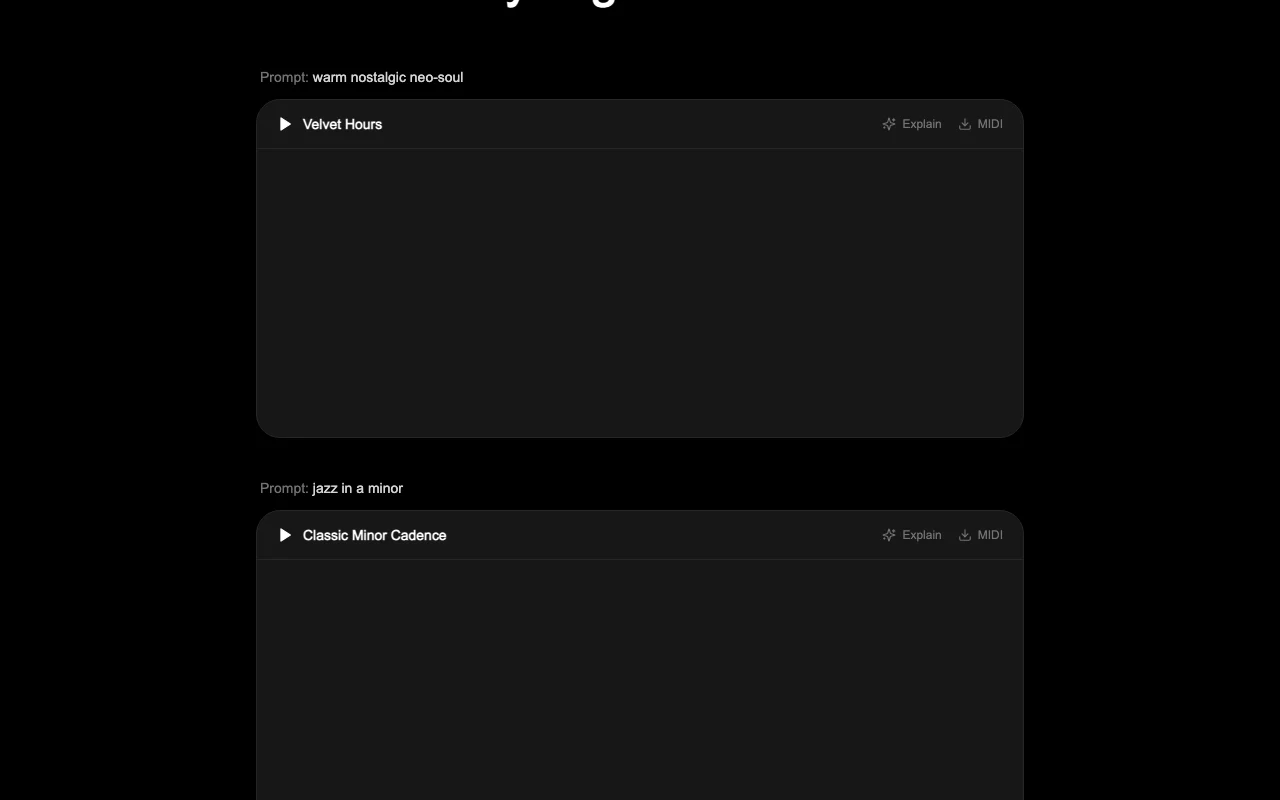
Returns three differing takes per request. Gives choices to pick from.
Plays each chord on an on-screen keyboard. Hear and see voicings.
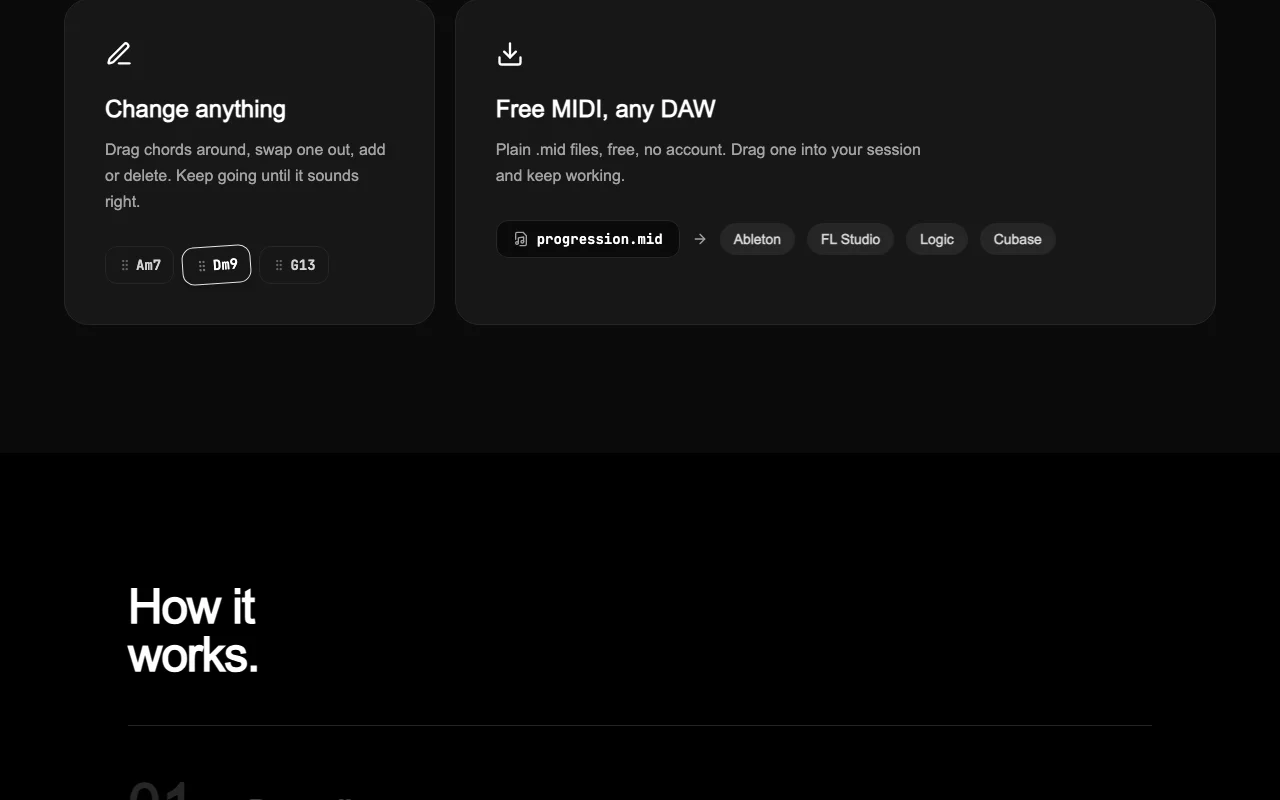
Lets you reorder, swap, add or delete chords, then export .mid. Fine-tune before the DAW.
warm nostalgic neo-soul in F major, four chords
Export: MIDI (.mid)
ChordGen has no public API in its official documentation. No API seen
"Better suited" is based on documented features and pricing, not on a head-to-head test.
No user reviews yet.
Used ChordGen? Be the first to share your experience.
The homepage states it is free and needs no account; no pricing page exists to confirm further. source (opens in a new tab)
Three, each with a different take on the prompt. source (opens in a new tab)
The homepage names Ableton, FL Studio, Logic and Cubase; plain .mid files import into most DAWs. source (opens in a new tab)
Yes, you can drag chords around, swap one out, and add or delete. source (opens in a new tab)
No scale pickers; you describe the sound in words, such as 'jazz ii-v-i in Bb major'. source (opens in a new tab)
Not verified: Commercial-use terms; Privacy policy; Mobile support; Generation limits.
Every fact about ChordGen above comes from the 2 official pages listed here, last compared on Sep 29, 2026; we have not run ChordGen ourselves, so it has no editorial score. How we check and re-check pages.
Article updated Oct 10, 2026; prices checked Sep 29, 2026. Outbound links to vendors are plain links; we do not earn commissions. How we review · Report an error
compare>