Audio & voiceDocumented overviewLast checked Oct 1, 2026

FastScribe: Pricing, Features & Best Use Cases

Web transcription service for uploaded audio/video files and public video links, with timestamps and AI summaries.
Is FastScribe right for you?

FastScribe suits podcasters, students and creators who want pay-as-you-go transcripts from uploaded files or public video links without a subscription. Based on the vendor's documentation, not on a hands-on test.

Best for: Podcasters

Also a good fit for

  • Students
  • Content creators

Consider another tool if usage is metered by credits

Or if

  • Social video URLs use more credits than file uploads
  • Live videos must be transcribed from the saved recording

FastScribe pricing and usage limits

Prices checked Oct 1, 2026 on the official US pricing page. Official pricing ↗ Prices and limits change often.

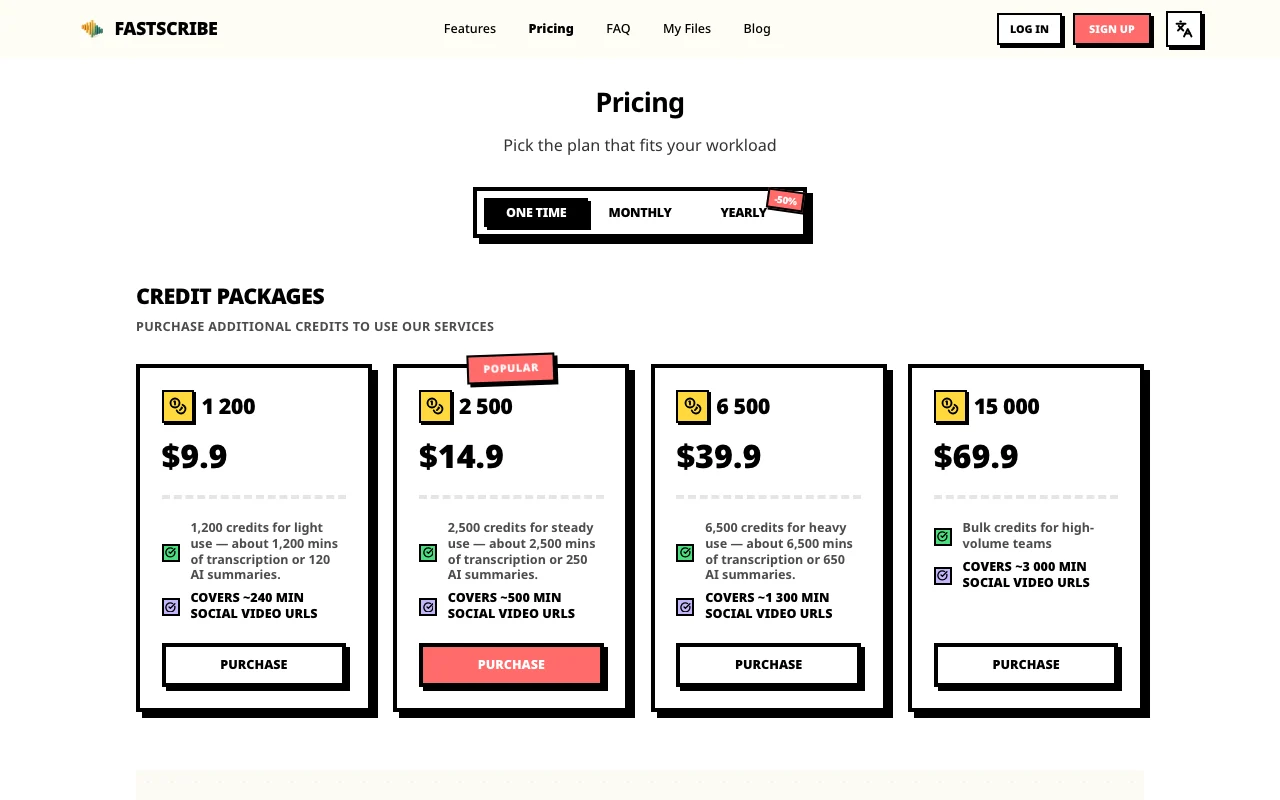
FastScribe pricing page with plans and prices — screenshot of the audio & voice AI tool, Oct 2, 2026
The official FastScribe pricing page as we saw it. fastscribe.org, captured Oct 2, 2026

Free access and trial conditions

About page states 120 minutes of free credit; terms not shown on the pricing page.

Not separately documented.

Paid plans: what changes as you upgrade

1,200 credits web

$9.9 source (opens in a new tab)

One_time

For: Light use

Limits

  • 1,200 credits
  • About 1,200 minutes of transcription
1 more
  • About 120 AI summaries

Includes

  • Covers ~240 min social video URLs

2,500 credits web

$14.9 source (opens in a new tab)

One_time

For: Steady use

Limits

  • 2,500 credits
  • About 2,500 minutes
1 more
  • About 250 AI summaries

Includes

  • Covers ~500 min social video URLs

6,500 credits web

$39.9 source (opens in a new tab)

One_time

For: Heavy use

Limits

  • 6,500 credits
  • About 6,500 minutes
1 more
  • About 650 AI summaries

Includes

  • Covers ~1,300 min social video URLs

15,000 credits web

$69.9 source (opens in a new tab)

One_time

For: High-volume teams

Limits

  • 15,000 credits

Includes

  • Covers ~3,000 min social video URLs

Usage caps, credits and extra costs

Monthly and yearly tabs exist but were not captured; yearly tab shows -50%.

Not stated.

What is FastScribe, and how does it work?

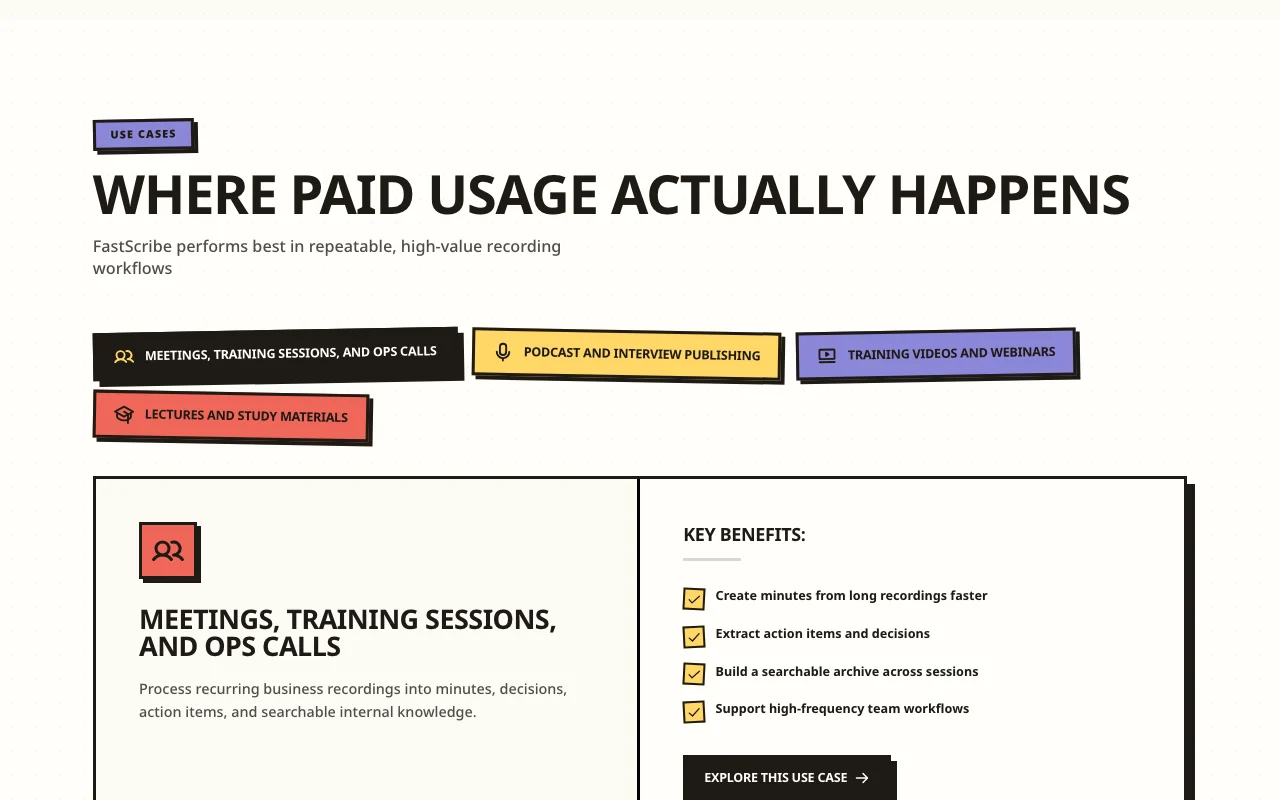
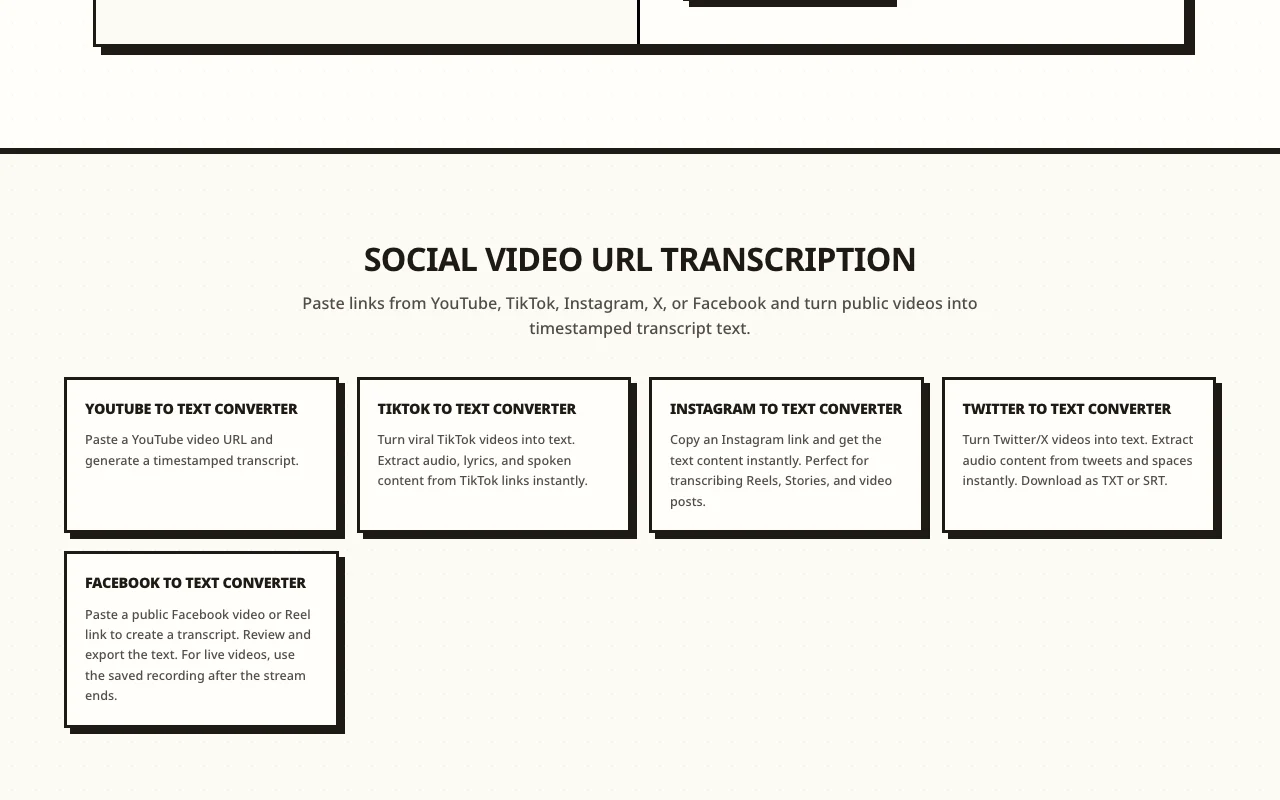
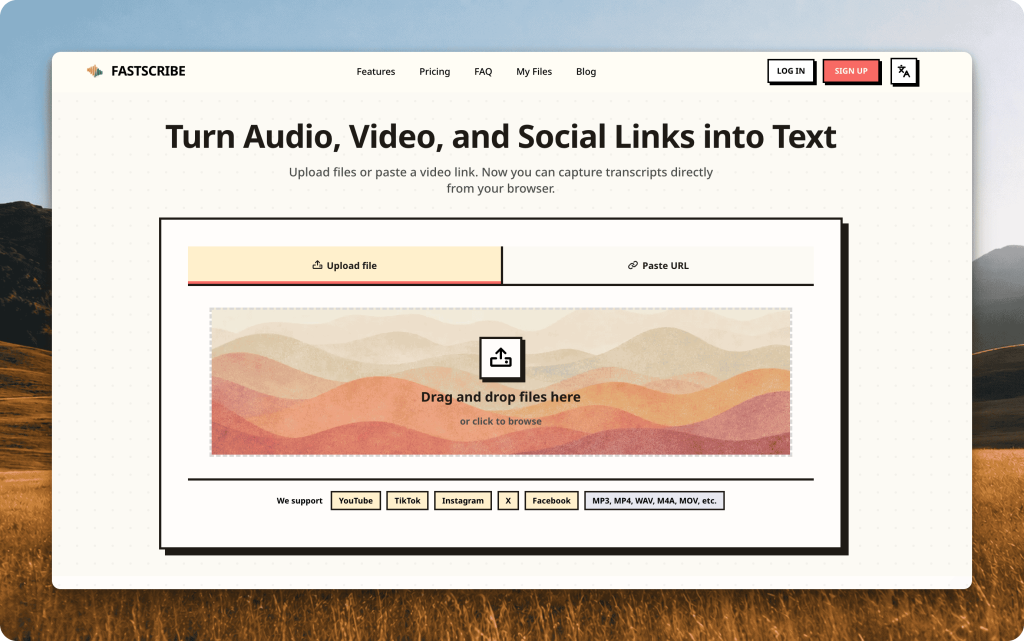
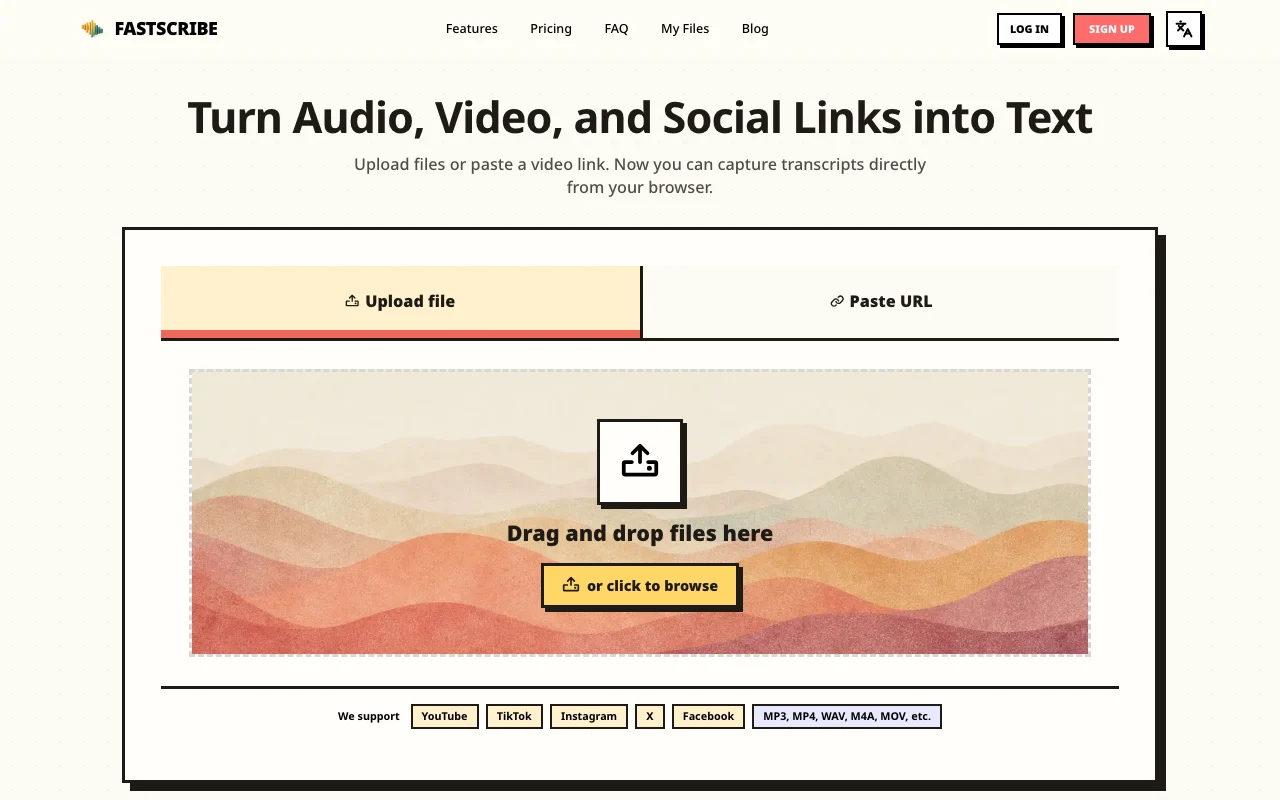
FastScribe turns uploaded audio and video files, or pasted links from YouTube, TikTok, Instagram, X and Facebook, into text transcripts. It supports formats such as MP3, MP4, WAV, M4A and MOV, and exports to TXT or SRT. Usage is credit-based. The About page says new users start with 120 minutes of free transcription credit, and the pricing page lists credit packages. Chrome and Edge browser extensions are also advertised.

FastScribe homepage — screenshot of the audio & voice AI tool, Oct 2, 2026
FastScribe's official site: how the product presents itself. fastscribe.org, captured Oct 2, 2026

What you provide and what you get back

How FastScribe works: what you provide, where it runs and what you get backYOU PROVIDEYour inputAudio and video files (MP3, MP4,…Public video URLs (YouTube, TikTo…AUDIO & VOICEFastScribeWebfrom $9.9 (1,200 credits)free tier availableaccount requiredchecked Oct 1, 2026YOU GET BACKThe resultTimestamped transcriptsAI summariesTXT or SRT exportsinput → FastScribe → output · from the vendor's own pages, no hands-on test unless stated
What you give FastScribe and what comes back, from its documentation

You provide

  • Audio and video files (MP3, MP4, WAV, M4A, MOV)
  • Public video URLs (YouTube, TikTok, Instagram, X, Facebook)

You get back

  • Timestamped transcripts
  • AI summaries
  • TXT or SRT exports

Where you can use it

Platforms
Web
Account
Required
Languages
Language selection offered; list not captured
Formats
MP3, MP4, WAV, M4A, MOV
Export
TXT or SRT
Social sources
YouTube, TikTok, Instagram, X, Facebook

Where FastScribe is most useful

Scenarios are worked out by our editors from the documentation; the actual result depends on your input and plan.

Meeting transcripts

Who
Teams and managers
You provide
Meeting recordings
Expected result
Minutes and action items
Plan needed
Any credit pack
Limitation
Credits per minute apply source (opens in a new tab)

Podcast and interview transcripts

Who
Podcasters and interviewers
You provide
Audio files
Expected result
Timestamped transcripts
Plan needed
Any credit pack
Limitation
Accuracy not quantified in fetched text source (opens in a new tab)

Lecture notes

Who
Students and creators
You provide
Lecture or social video links
Expected result
Transcript text of public videos
Plan needed
Any credit pack
Limitation
Social URLs cost more credits source (opens in a new tab)

Key features and their practical limits

FastScribe homepage — screenshot of the audio & voice AI tool, Oct 2, 2026
Feature overview on the official site. fastscribe.org, captured Oct 2, 2026

File upload and URL transcription

Transcribes uploaded files or pasted links. Turns media into text.

Access: All credit packsLimit: Public videos only source (opens in a new tab)

Timestamped transcripts

Adds timestamps to transcripts. Eases navigation.

Access: All packsLimit: Not further described source (opens in a new tab)

AI summaries

Produces AI summaries. Saves reading time.

Access: 1 summary costs about 10 creditsLimit: Metered separately source (opens in a new tab)

Speaker diarization and punctuation (per About page)

Handles speaker labels and punctuation per About page. Cleaner transcripts.

Access: All packsLimit: Only stated on About page source (opens in a new tab)

FastScribe: strengths and limits

Reasons to choose FastScribe

Check before paying for FastScribe

How to use FastScribe for transcribing a recording

Set up FastScribe

  1. Open fastscribe.org
  2. Create an account
  3. Check or buy credits
  4. Choose Upload file or Paste URL

Example: transcribing a recording

  1. Upload an MP3 or paste a YouTube link
  2. Select the language
  3. Start transcription
  4. Request an AI summary

Review and export the result

  1. Review the transcript for names and terms
  2. Check credits used
  3. Export as TXT or SRT

FastScribe integrations and API

FastScribe pricing page with plans and prices — screenshot of the audio & voice AI tool, Oct 2, 2026
Plan comparison on the official pricing page. fastscribe.org, captured Oct 2, 2026

Native integrations and export formats

Export: TXT, SRT

API access and separate billing

FastScribe has no public API in its official documentation. No API documented; docs page empty.

Privacy, data use and commercial rights

Summarized from the vendor's current policies; this is not legal advice and a vendor's badge is not an independent audit.

How your inputs and outputs are handled

Stores submitted URL and generated transcript with your task.

Not stated in fetched text.

Source media retained per plan retention controls; tasks and account can be deleted from the dashboard and Settings.

Commercial use and plan restrictions

Not stated.

Controls for business users

  • Delete individual tasks
  • Delete account

Policies: fastscribe.org/privacy

Other tools to consider instead of FastScribe

"Better suited" is based on documented features and pricing, not on a head-to-head test.

Otter.ai: better suited to

Descript: better suited to

ElevenLabs: better suited to

Alternatives
AlternativeWhen to choose itPricingLimitation
Otter.ai——Compare
Descript——
ElevenLabs——Compare

Explore FastScribe further

Tools and guides near FastScribe

FastScribe user reviews

No user reviews yet.

Used FastScribe? Be the first to share your experience.

Write a review

Reviews are checked by a moderator before they appear. Your email is never published. Plain text only.

Your rating (required)

Show what you made or what went wrong. Images are published only if the review is approved; location data is removed.

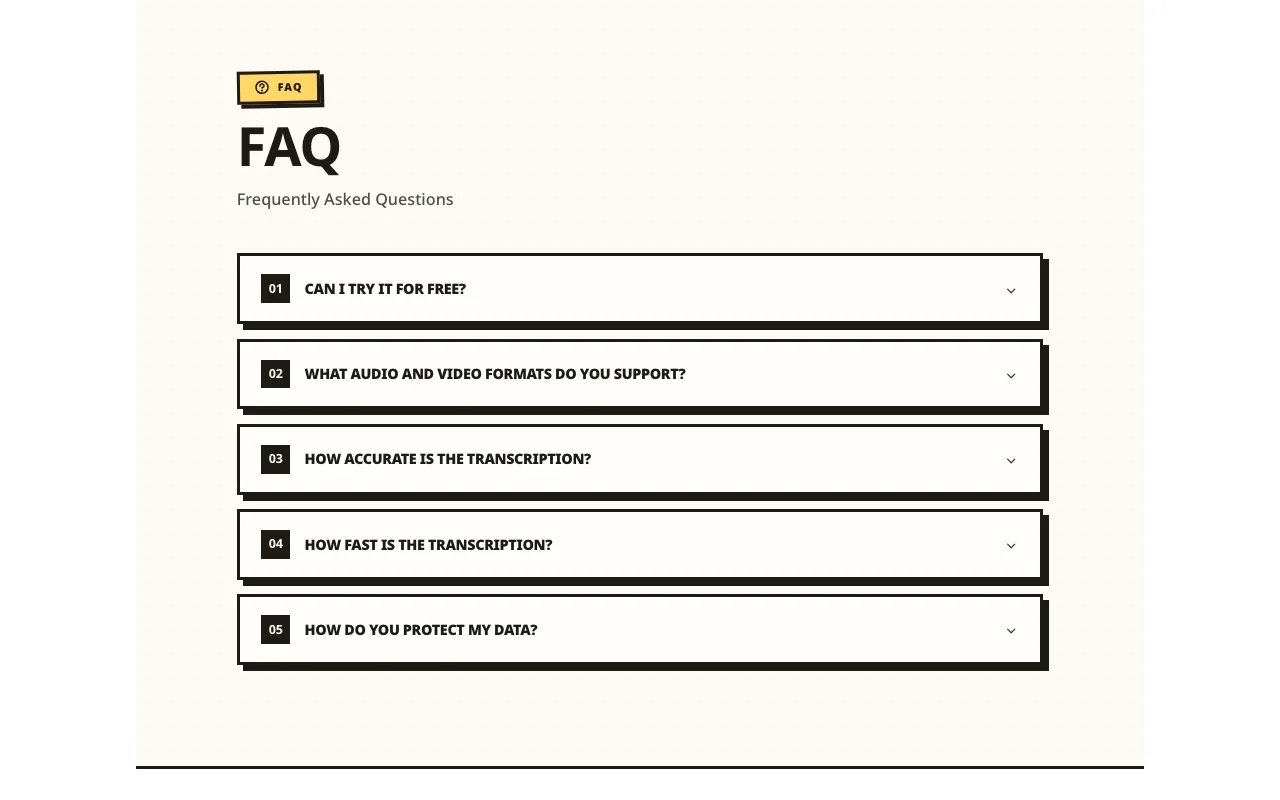
    FastScribe FAQ

    How much do credits cost?

    Packs are $9.9 for 1,200, $14.9 for 2,500, $39.9 for 6,500 and $69.9 for 15,000 credits. source (opens in a new tab)

    How many minutes does a credit buy?

    About one minute of transcription per credit; social video URLs cover about one fifth of that. source (opens in a new tab)

    Which sites can I paste links from?

    YouTube, TikTok, Instagram, X and Facebook public videos. source (opens in a new tab)

    Can I delete my data?

    Yes; delete tasks from the dashboard or delete your account in Settings. source (opens in a new tab)

    Does it do live transcription?

    No; for Facebook live videos use the saved recording after the stream ends. source (opens in a new tab)

    Sources and review methodology

    Official sources and verification dates

    Not verified: Free credit terms; Monthly and yearly plan prices; Language list; Accuracy; API.

    How we documented and maintain this page

    Every fact about FastScribe above comes from the 4 official pages listed here, last compared on Oct 1, 2026; we have not run FastScribe ourselves, so it has no editorial score. How we check and re-check pages.

    Article updated Oct 2, 2026; prices checked Oct 1, 2026. Outbound links to vendors are plain links; we do not earn commissions. How we review · Report an error