Free web
Free source (opens in a new tab)
Month
For: Trying it out
Limits
- A few listens per month
Includes
- Chrome extension
- Paste text into the app
Audio & voiceDocumented overviewLast checked Oct 1, 2026
Turns highlighted web text or pasted articles into natural AI-voice audio via a Chrome extension and app.

 (open full size in a new tab)
 (open full size in a new tab)
 (open full size in a new tab)
 (open full size in a new tab)
 (open full size in a new tab)
Our take: Liso fits readers who save many articles and newsletters and want to hear them as natural AI audio on a commute or walk, starting free with a few listens per month.
Main limitation: The free plan gives only a few listens per month, and the longer plans are paid upfront for 6 or 12 months.
Liso fits readers who save many articles and newsletters and want to hear them as natural AI audio on a commute or walk, starting free with a few listens per month. Based on the vendor's documentation, not on a hands-on test.
Also a good fit for
Or if
Prices checked Oct 1, 2026 on the official US pricing page. Official pricing ↗ Prices and limits change often.
Free plan with a few listens per month.
Not stated.
Free source (opens in a new tab)
Month
For: Trying it out
Limits
Includes
$17/mo source (opens in a new tab)
Month
For: Regular listeners paying monthly
Limits
Includes
$88 source (opens in a new tab)
6 months
For: Half-year commitment
Limits
Includes
$107 source (opens in a new tab)
12 months, annual commitment
Labeled best value, $107 for 12 months.
For: Year-long listeners
Limits
Includes
None stated.
Not stated.
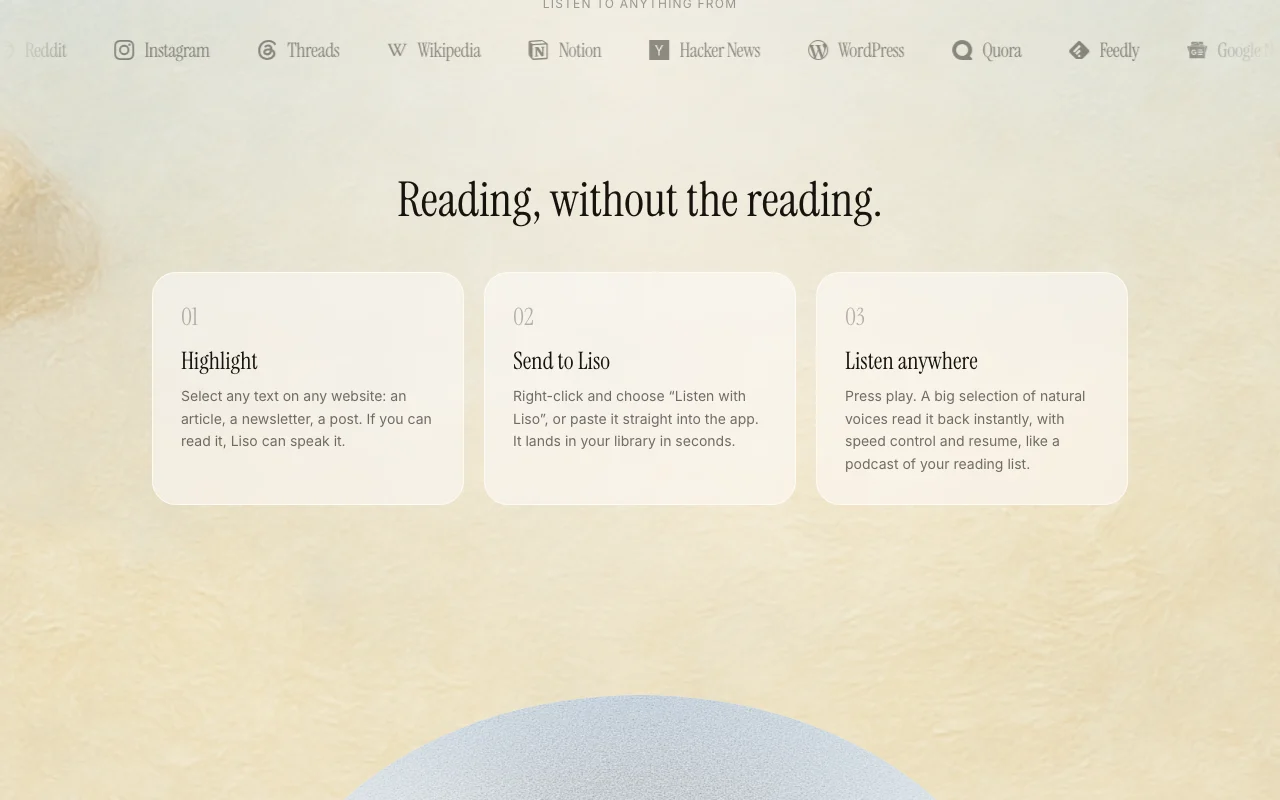
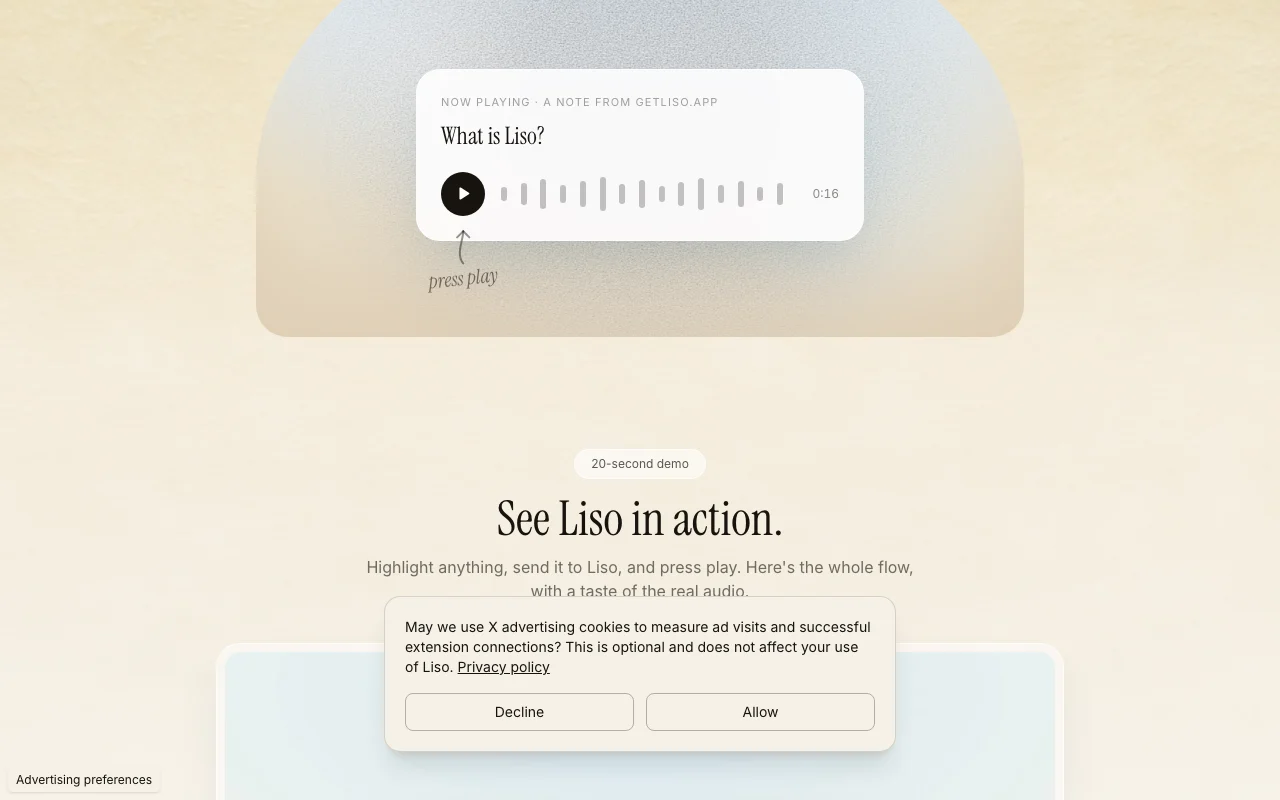
Liso converts articles, newsletters, blog posts and pasted text into audio read in an AI voice. A Chrome extension lets you highlight text and choose Listen with Liso. It offers multiple voices, 0.75x to 2x speed, offline downloads, cross-device resume and folders and tags.
You provide
You get back
Scenarios are worked out by our editors from the documentation; the actual result depends on your input and plan.
Lets you highlight text, right-click and choose Listen with Liso. Turns any page into audio in one step.
Offers several premium AI voices for playback. Lets you pick a voice you like.
Adjusts speed from 0.75x to 2x. Fits fast or slow listening.
Downloads a listen for offline playback. Keeps flights and commutes uninterrupted.
Organizes listens with folders and tags and resumes across devices. Keeps a reading list tidy.
Liso has no public API in its official documentation. No API documented.
Summarized from the vendor's current policies; this is not legal advice and a vendor's badge is not an independent audit.
Converts the text you highlight or paste into audio; the privacy URL returned only homepage text.
"Better suited" is based on documented features and pricing, not on a head-to-head test.
| Alternative | When to choose it | Pricing | Limitation | |
|---|---|---|---|---|
| ElevenLabs | — | — | Compare |
No user reviews yet.
Used Liso? Be the first to share your experience.
No. You can paste text straight into the app; the extension only makes it one-click from a website. source (opens in a new tab)
Articles, newsletters, Substacks, blog posts, threads, docs or text you paste in. source (opens in a new tab)
Yes, any listen can be downloaded for offline playback. source (opens in a new tab)
Free has a few listens per month; Diamond is $17 per month unlimited, Titanium $88 for 6 months and Platinum $107 for 12 months. source (opens in a new tab)
From 0.75x to 2x. source (opens in a new tab)
Not verified: Exact free listen count; Voice list and languages; Privacy policy content; Commercial-use terms.
Every fact about Liso above comes from the 3 official pages listed here, last compared on Oct 1, 2026; we have not run Liso ourselves, so it has no editorial score. How we check and re-check pages.
Article updated Oct 2, 2026; prices checked Oct 1, 2026. Outbound links to vendors are plain links; we do not earn commissions. How we review · Report an error
compare>