Audio & voiceDocumented overviewLast checked Sep 29, 2026

Monologue: Pricing, Features & Best Use Cases

Voice dictation, voice notes and bot-free meeting notes app for Mac, iPhone, iPad and Apple Watch.
Is Monologue right for you?

Monologue suits Apple-device users who dictate prompts, emails and meeting notes by voice and will pay $12 to $15 per month once the 1,000-word trial runs out. Based on the vendor's documentation, not on a hands-on test.

Best for: Developers using voice with coding agents

Also a good fit for

  • Mac and iPhone users who dictate often

Consider another tool if trial limited to 1,000 dictation words and 10 notes

Or if

  • Apple platforms only listed
  • Requires account sign-in

Monologue in the news

Headlines from US outlets, selected automatically — not endorsements. Updated Oct 2, 2026

Monologue pricing and usage limits

Prices checked Sep 29, 2026 on the official US pricing page. Official pricing ↗ Prices and limits change often.

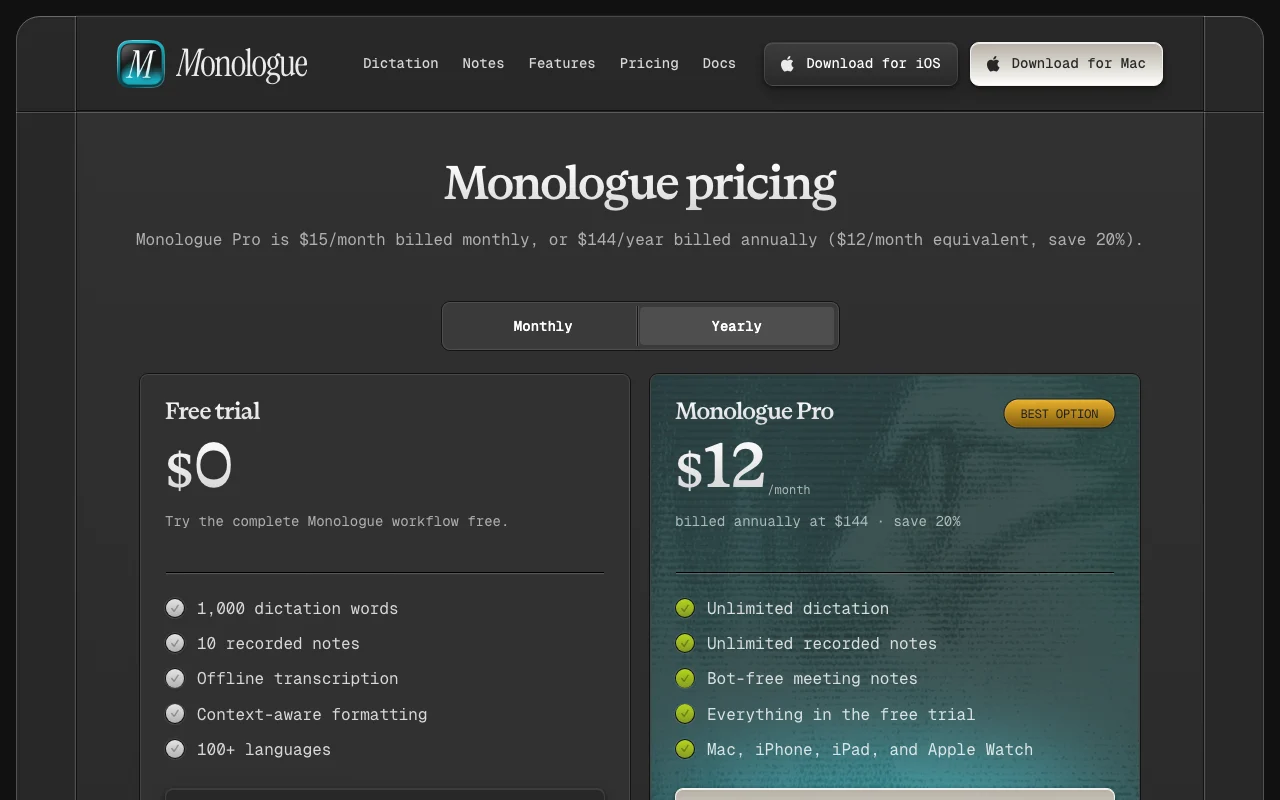
Monologue pricing page with plans and prices — screenshot of the audio & voice AI tool, Oct 1, 2026
The official Monologue pricing page as we saw it. monologue.to, captured Oct 1, 2026

Free access and trial conditions

Free trial only.

1,000 dictation words and 10 notes.

Paid plans: what changes as you upgrade

Free trial web

Free source (opens in a new tab)

Trial

For: Testing the full workflow

Limits

  • 1,000 dictation words
  • 10 recorded notes

Includes

  • Offline transcription
  • Context-aware formatting
1 more
  • 100+ languages

Monologue Pro (monthly) web

$15/mo source (opens in a new tab)

Month

For: Daily dictation users

Limits

  • Unlimited dictation and notes

Includes

  • Bot-free meeting notes
  • Everything in the free trial
1 more
  • Mac, iPhone, iPad and Apple Watch

Monologue Pro (annual) web

$144/yr source (opens in a new tab)

Year

Billed annually at $144, saving 20%

For: Committed users saving 20%

Limits

  • Unlimited dictation and notes

Includes

  • Bot-free meeting notes
  • Everything in the free trial
1 more
  • All Apple devices

Usage caps, credits and extra costs

Not stated.

Not stated.

What is Monologue, and how does it work?

Monologue turns speech into clean text that adapts to the app you are typing in, including coding tools, chat, messages and email. It also records voice notes and offers bot-free meeting notes, and mentions MCP, API and CLI access. It runs on Mac, iPhone, iPad and Apple Watch with one account. A free trial is limited by word and note counts, and Monologue Pro is the paid plan.

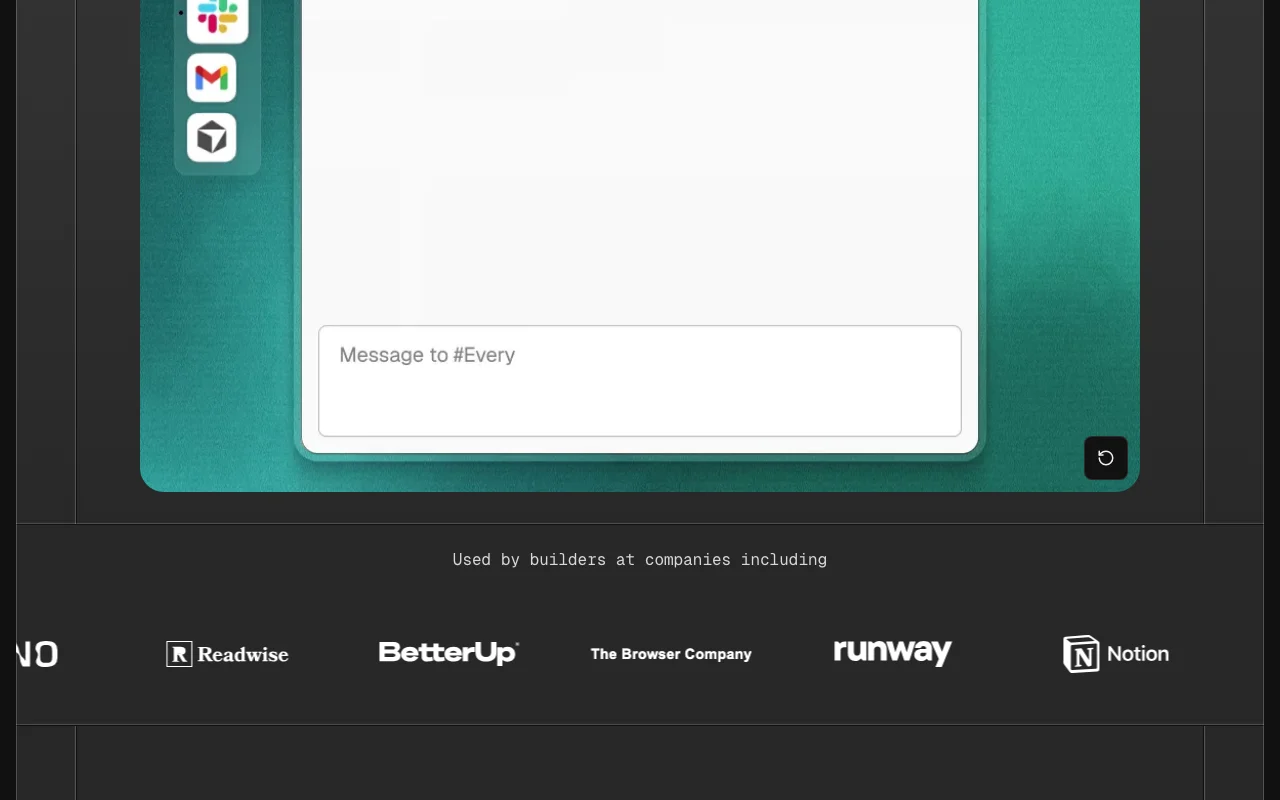
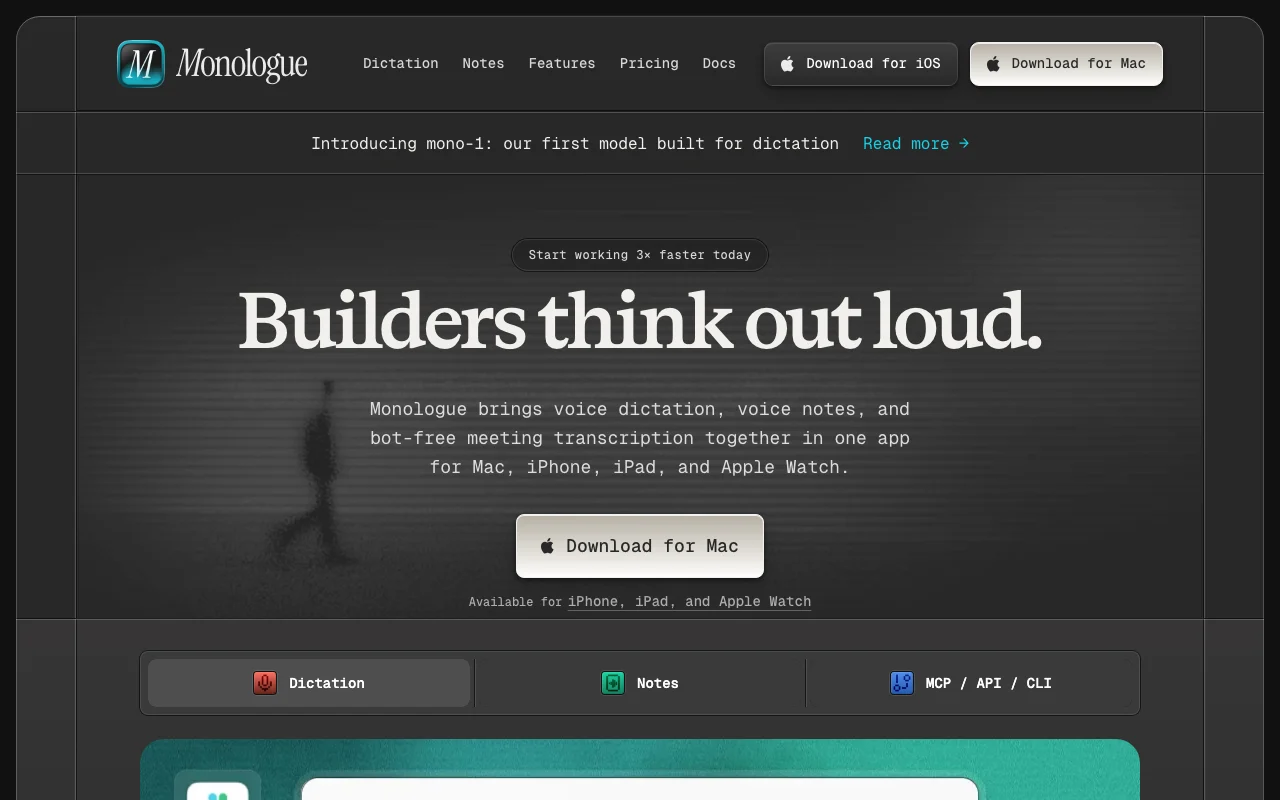
Monologue homepage — screenshot of the audio & voice AI tool, Oct 1, 2026
Monologue's official site: how the product presents itself. monologue.to, captured Oct 1, 2026

What you provide and what you get back

How Monologue works: what you provide, where it runs and what you get backYOU PROVIDEYour inputSpoken audio from a microphoneVoice notes and meeting audioApp context such as the code or e…AUDIO & VOICEMonologueDesktop, Mobilefrom $15/mo (Monologue Pro (month…no free tieraccount requiredchecked Sep 29, 2026YOU GET BACKThe resultClean text pasted into the active…Transcribed and summarized notesTranscripts for agents via MCP, A…input → Monologue → output · from the vendor's own pages, no hands-on test unless stated
What you give Monologue and what comes back, from its documentation

You provide

  • Spoken audio from a microphone
  • Voice notes and meeting audio
  • App context such as the code or email you are in

You get back

  • Clean text pasted into the active app
  • Transcribed and summarized notes
  • Transcripts for agents via MCP, API or CLI

Where you can use it

Platforms
Desktop, Mobile
Account
Required
Devices
Mac, iPhone, iPad, Apple Watch
Languages
100+
Offline
Local models available
Agent access
MCP, API, CLI
Notes
Summaries, speakers, tags, web access

Where Monologue is most useful

Scenarios are worked out by our editors from the documentation; the actual result depends on your input and plan.

Dictate prompts for coding agents

Who
Developers using Cursor
You provide
Spoken description of a change
Expected result
A clear coding prompt with correct file names
Plan needed
Pro
Limitation
Mac, iPhone and iPad only source (opens in a new tab)

Reply to email and chat by voice

Who
Busy professionals replying to email
You provide
A spoken reply
Expected result
Formatted email with paragraphs and sign-off
Plan needed
Trial or Pro
Limitation
1,000 words in the trial source (opens in a new tab)

Record voice notes

Who
People in meetings
You provide
Meeting audio, no bot joining
Expected result
Transcript and summary synced across devices
Plan needed
Pro
Limitation
Meeting notes require Pro source (opens in a new tab)

Key features and their practical limits

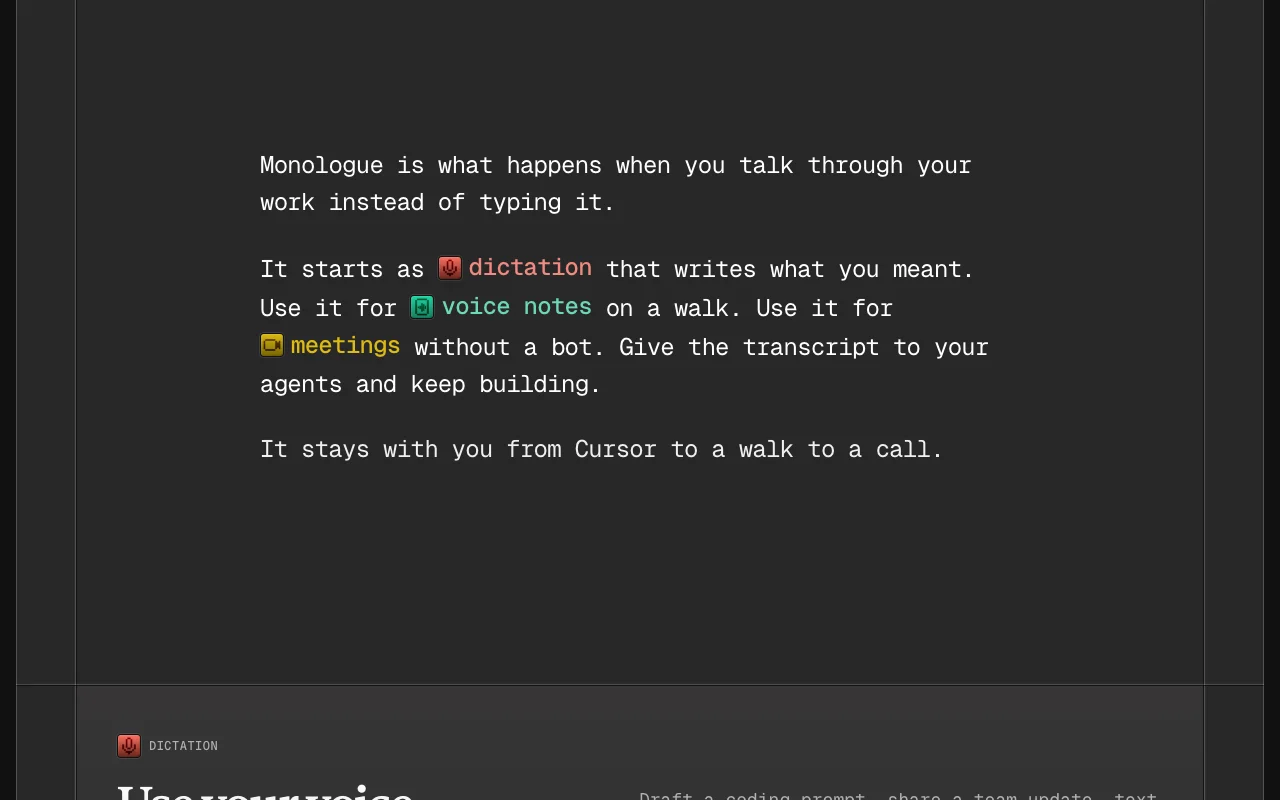
Monologue homepage — screenshot of the audio & voice AI tool, Oct 1, 2026
Feature overview on the official site. monologue.to, captured Oct 1, 2026

Context-aware formatting

Formats text to suit the app, such as code in Cursor or casual text in Slack Less editing after dictation

Access: All plansLimit: Quality depends on app context source (opens in a new tab)

Self-correction handling

Drops self-corrections and keeps the final wording Natural speech becomes clean text

Access: All plansLimit: Not a guarantee for complex edits source (opens in a new tab)

Offline transcription

Transcribes offline with local models Works without a connection

Access: Included in the trialLimit: Offline model availability by device not detailed source (opens in a new tab)

Voice notes

Records voice notes with summaries, speakers and tags, searchable on the web Capture ideas and meetings

Access: 10 notes in trial, unlimited on ProLimit: Notes limited in trial source (opens in a new tab)

Monologue: strengths and limits

Reasons to choose Monologue

Check before paying for Monologue

How to use Monologue for dictating prompts and replies by voice

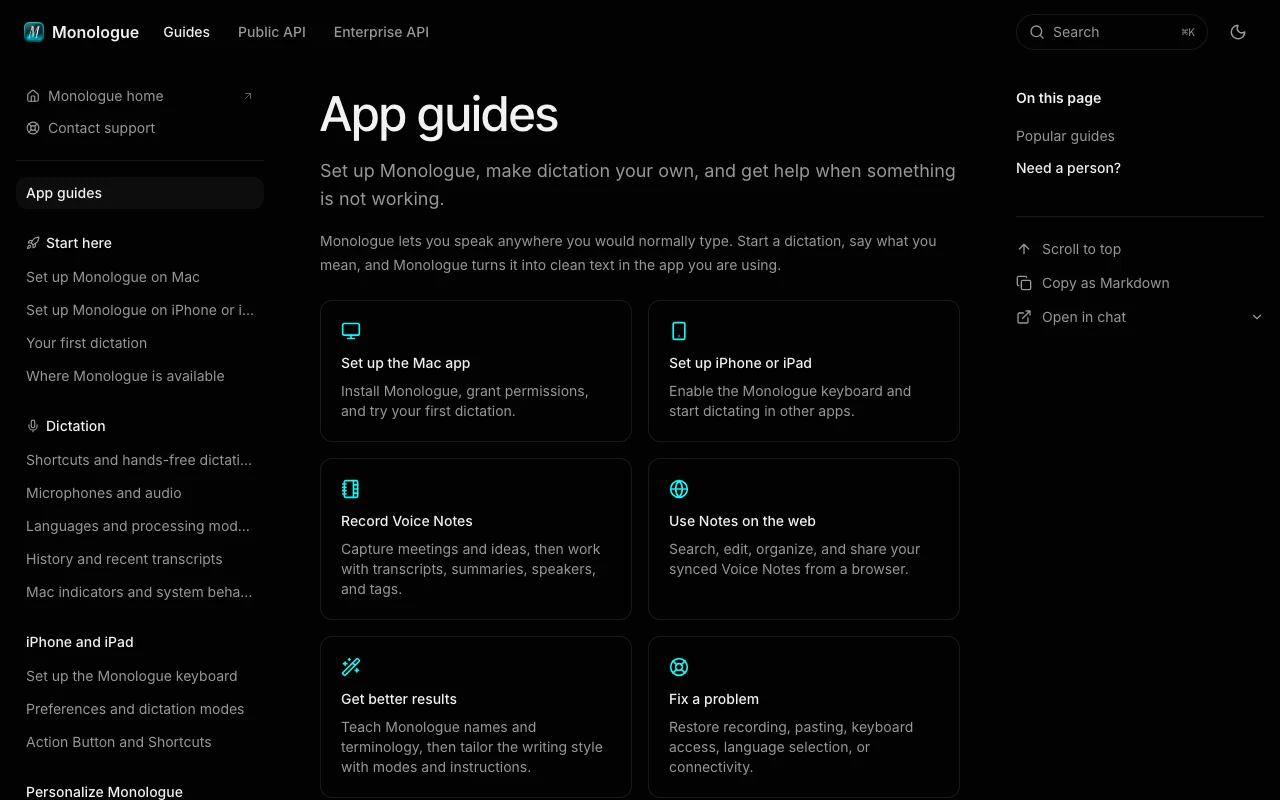
Monologue documentation — screenshot of the audio & voice AI tool, Oct 1, 2026
Monologue documentation: where the steps below come from. monologue.to, captured Oct 1, 2026

Set up Monologue

  1. Download Monologue for Mac or iOS
  2. Sign in and grant microphone and accessibility permissions
  3. Choose a dictation shortcut and language

Example: dictating prompts and replies by voice

  1. Click into Cursor and hold the shortcut
  2. Speak a description of the change
  3. Release and check the pasted prompt
  4. Switch to Gmail and dictate a reply

Review and export the result

  1. Confirm names and file names were spelled correctly
  2. Add missed terms to your dictionary
Example prompt suggested by our editors (not a recorded output of the product)
Add a delete button to TodoItem.tsx that removes the item and updates the list.
Monologue API

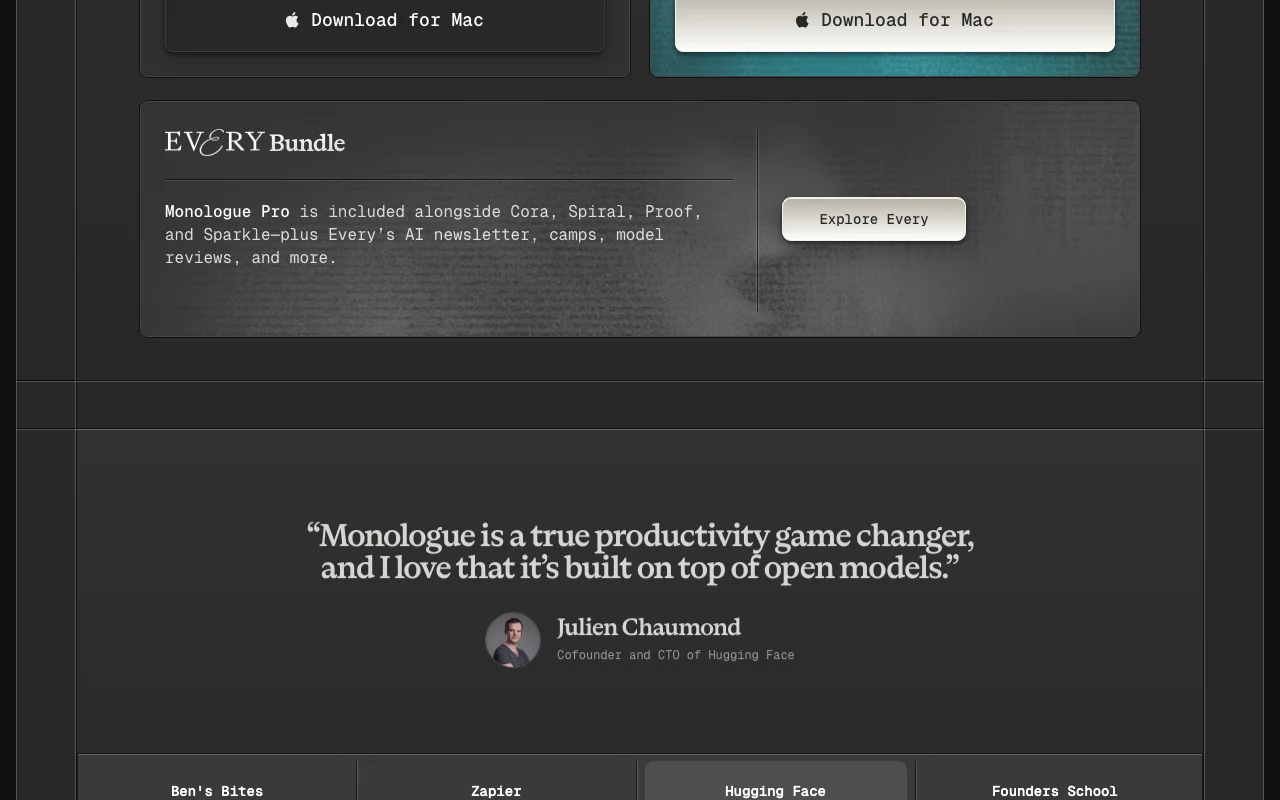
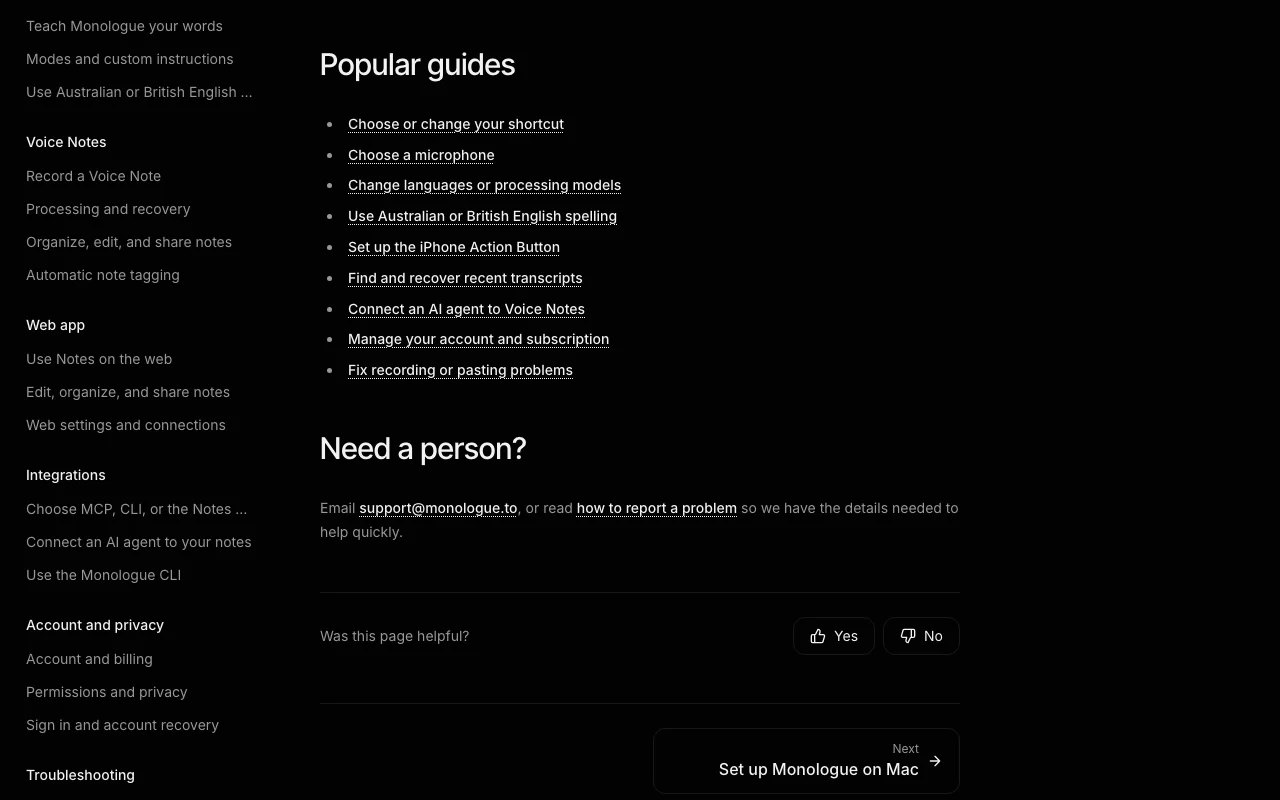
Monologue documentation — screenshot of the audio & voice AI tool, Oct 1, 2026
Monologue documentation (continued). monologue.to, captured Oct 1, 2026

API access and separate billing

Monologue has no public API in its official documentation. MCP, API and CLI access listed. API documentation ↗

Privacy, data use and commercial rights

Summarized from the vendor's current policies; this is not legal advice and a vendor's badge is not an independent audit.

How your inputs and outputs are handled

Voice recordings and transcripts are processed by Every Media's Monologue service; data may be processed in the United States.

Controls for business users

  • Local offline models

Policies: monologue.to/privacy

Monologue alternatives by need

"Better suited" is based on documented features and pricing, not on a head-to-head test.

Otter.ai: better suited to

Descript: better suited to

Alternatives
AlternativeWhen to choose itPricingLimitation
Otter.ai——Compare
Descript——

Explore Monologue further

Related to Monologue

Monologue user reviews

No user reviews yet.

Used Monologue? Be the first to share your experience.

Write a review

Reviews are checked by a moderator before they appear. Your email is never published. Plain text only.

Your rating (required)

Show what you made or what went wrong. Images are published only if the review is approved; location data is removed.

    Monologue FAQ

    How much does Monologue Pro cost?

    $15 per month billed monthly or $144 per year billed annually, which is $12 per month and saves 20%. source (opens in a new tab)

    What does the free trial include?

    1,000 dictation words, 10 recorded notes, offline transcription, context-aware formatting and 100+ languages. source (opens in a new tab)

    Which devices does it support?

    Mac, iPhone, iPad and Apple Watch under one Pro subscription. source (opens in a new tab)

    Does it join meetings as a bot?

    No. Pro includes bot-free meeting notes. source (opens in a new tab)

    Is Monologue included with anything else?

    Yes, Monologue Pro is included with an Every subscription. source (opens in a new tab)

    Sources and review methodology

    Official sources and verification dates

    Not verified: training use of recordings; retention periods; Windows or Android.

    How we documented and maintain this page

    Every fact about Monologue above comes from the 4 official pages listed here, last compared on Sep 29, 2026; we have not run Monologue ourselves, so it has no editorial score. How we check and re-check pages.

    Article updated Oct 10, 2026; prices checked Sep 29, 2026. Outbound links to vendors are plain links; we do not earn commissions. How we review · Report an error