Audio & voiceDocumented overviewLast checked Sep 29, 2026

Saydi: Pricing, Features & Best Use Cases

Real-time AI voice translation and transcription for meetings, events and travel, with a Chrome extension for Meet, Zoom and Teams.
Who Saydi fits

Saydi suits teams and event organizers who want live two-way voice translation, one-way interpretation or transcription in 60+ languages inside Google Meet, Zoom or Teams via a Chrome extension, billed by credits per hour. Based on the vendor's documentation, not on a hands-on test.

Best for: Global sales teams

Also a good fit for

  • Event organizers
  • International students
  • Remote distributed teams

Consider another tool if credit-based usage (voice-to-voice premium 600 credits/hour)

Or if

  • Unused monthly minutes do not roll over
  • Top-ups require a paid membership

Saydi pricing and usage limits

Prices checked Sep 29, 2026 on the official US pricing page. Official pricing ↗ Prices and limits change often.

Vendor pricing page re-checked automatically 11 days ago: no changes detected.

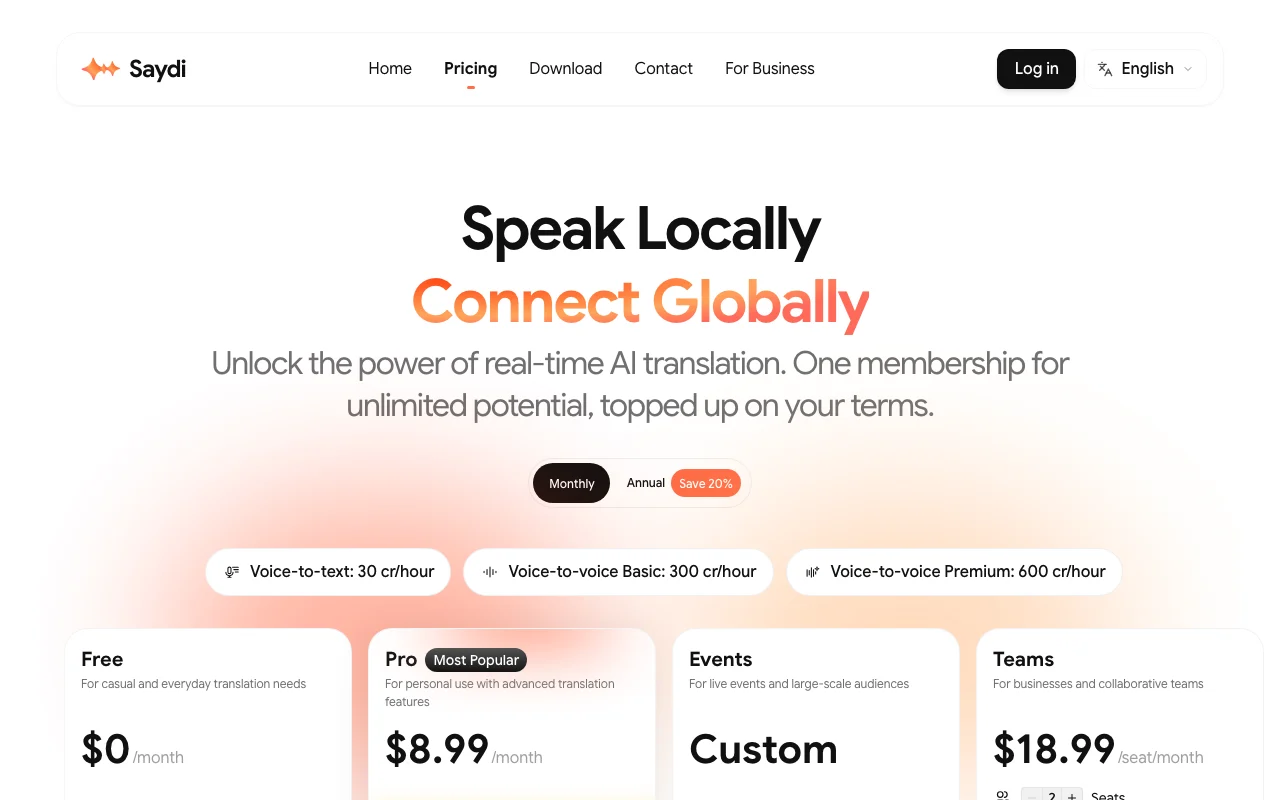
Saydi pricing page with plans and prices — screenshot of the audio & voice AI tool, Oct 1, 2026
The official Saydi pricing page as we saw it. saydi.ai, captured Oct 1, 2026

Free access and trial conditions

Free plan exists; demo without account is rate-limited by IP and time.

Demo sessions with limited duration.

Paid plans: what changes as you upgrade

Free web

Free source (opens in a new tab)

None

For: Trying the service

Limits

  • Cannot buy credit top-ups
  • Allowance not visible on the page

Includes

  • Try Saydi translation modes

Pro web

$9 source (opens in a new tab)

Monthly, annual commitment

Annual toggle shown; amount not visible

For: Individuals and small teams

Limits

  • Unused monthly minutes do not roll over
  • Voice-to-text 30 cr/hour; voice-to-voice Basic 300; Premium 600

Includes

  • Credit top-ups allowed
  • Monthly credit allocation

Credit Top-up (from $5) web

$5 one-time source (opens in a new tab)

One-time

For: Covering busy months

Limits

  • Requires active Pro or Team membership
  • Credits never expire

Includes

  • One-time add-on when monthly credits run low

No API

Business Plan web

Custom pricing source (opens in a new tab)

Custom

For: Enterprises

Limits

  • Contact sales

Includes

  • Unlimited members
  • Centralized credit pool
2 more
  • Advanced admin dashboard
  • Custom concurrent sessions

Usage caps, credits and extra costs

Top-ups: $5=600, $10=1,300, $25=3,500, $50=7,500 credits.

What is Saydi, and how does it work?

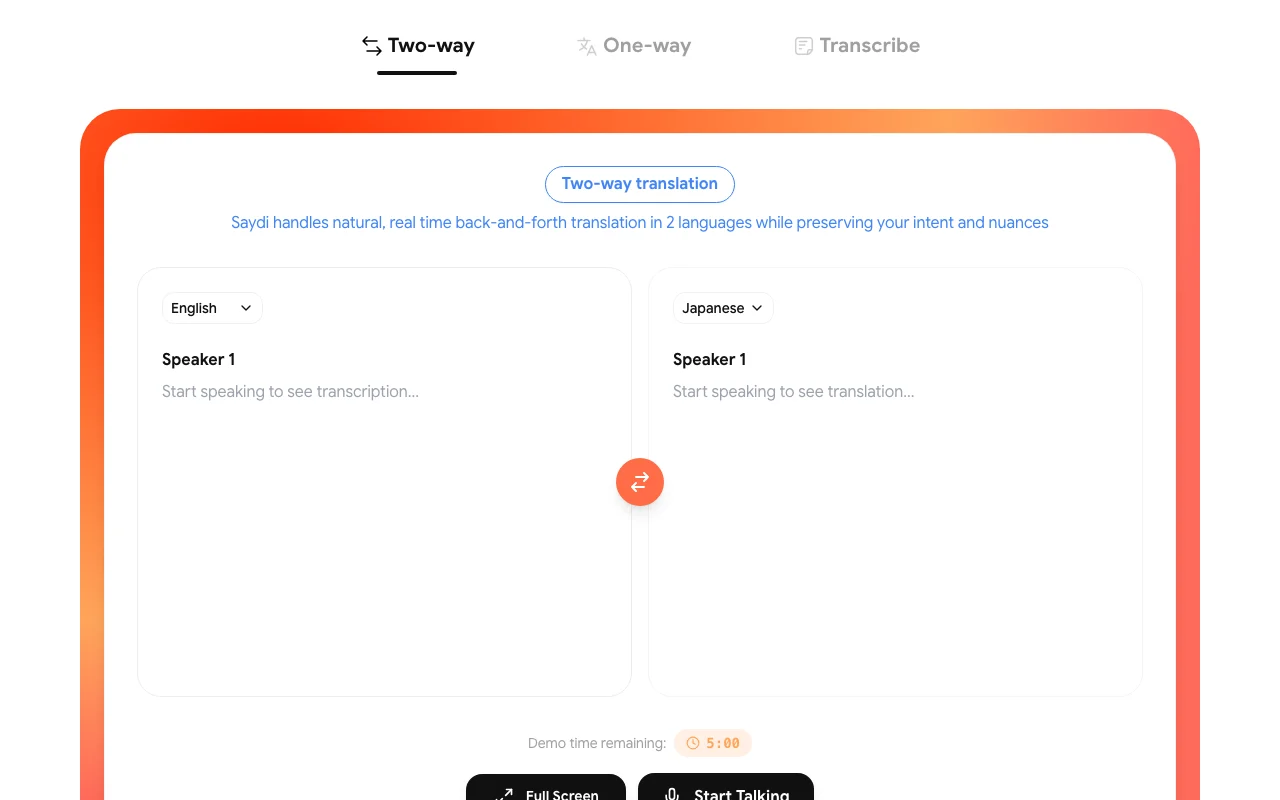
Saydi is an AI voice translation platform offering two-way, one-way and transcription modes for meetings and events, supporting 60+ languages with auto language detection and speaker diarization. Users can add meeting context and a custom dictionary of up to 50 terms. It is available on web, macOS, iOS/iPadOS, Android and as a Chrome extension, with credit-based memberships and a business plan.

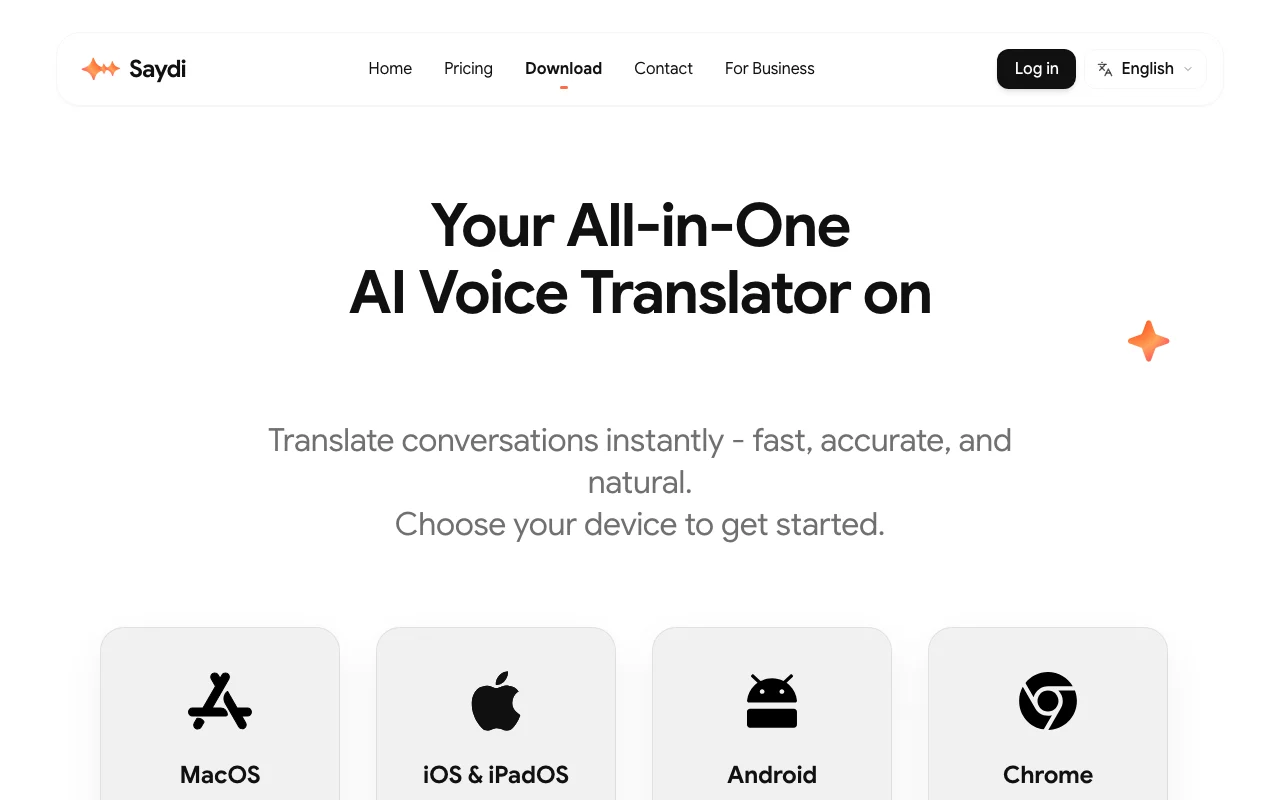
Saydi homepage — screenshot of the audio & voice AI tool, Oct 1, 2026
Saydi's official site: how the product presents itself. saydi.ai, captured Oct 1, 2026

What you provide and what you get back

How Saydi works: what you provide, where it runs and what you get backYOU PROVIDEYour inputLive microphone speechMeeting audio via Chrome extensio…Event documents (DocTranslate)Meeting keywords and a custom dic…AUDIO & VOICESaydiWeb, Desktop, Mobilefrom $5 (Credit Top-up (from $5))free tier availableaccount requiredchecked Sep 29, 2026YOU GET BACKThe resultReal-time translated textTranslated voice outputTranscripts with speaker labelsSaved session historyinput → Saydi → output · from the vendor's own pages, no hands-on test unless stated
What you give Saydi and what comes back, from its documentation

You provide

  • Live microphone speech
  • Meeting audio via Chrome extension (Google Meet, Zoom, Teams)
  • Event documents (DocTranslate)
  • Meeting keywords and a custom dictionary

You get back

  • Real-time translated text
  • Translated voice output
  • Transcripts with speaker labels
  • Saved session history

Where you can use it

Platforms
Web, Desktop, Mobile
Account
Required
Languages
60+
Modes
Two-way, One-way, Transcribe
Credit rates
30 / 300 / 600 credits per hour
Custom dictionary
Up to 50 terms
Meeting platforms
Google Meet, Zoom, Teams via Chrome extension
Voice-cloning
Not documented

What people use Saydi for

Scenarios are worked out by our editors from the documentation; the actual result depends on your input and plan.

Translating international video meetings

Who
Global sales teams and remote IT outsourcing hubs
You provide
Live meeting audio through the Chrome extension
Expected result
Real-time translated text or voice with speaker labels
Plan needed
Pro
Limitation
Voice-to-voice uses far more credits than text source (opens in a new tab)

Live interpretation at conferences

Who
Event and conference organizers
You provide
Speaker audio; attendees join via QR code
Expected result
Hundreds of attendees follow translation on their own devices
Plan needed
Business
Limitation
Concurrent sessions are custom-quoted source (opens in a new tab)

Transcribing multilingual calls

Who
Students and entrepreneurs
You provide
Spoken audio in Transcribe mode
Expected result
Transcript with auto language detection and diarization
Plan needed
Any
Limitation
Cost is 30 credits per hour of audio source (opens in a new tab)

Saydi features and their limits

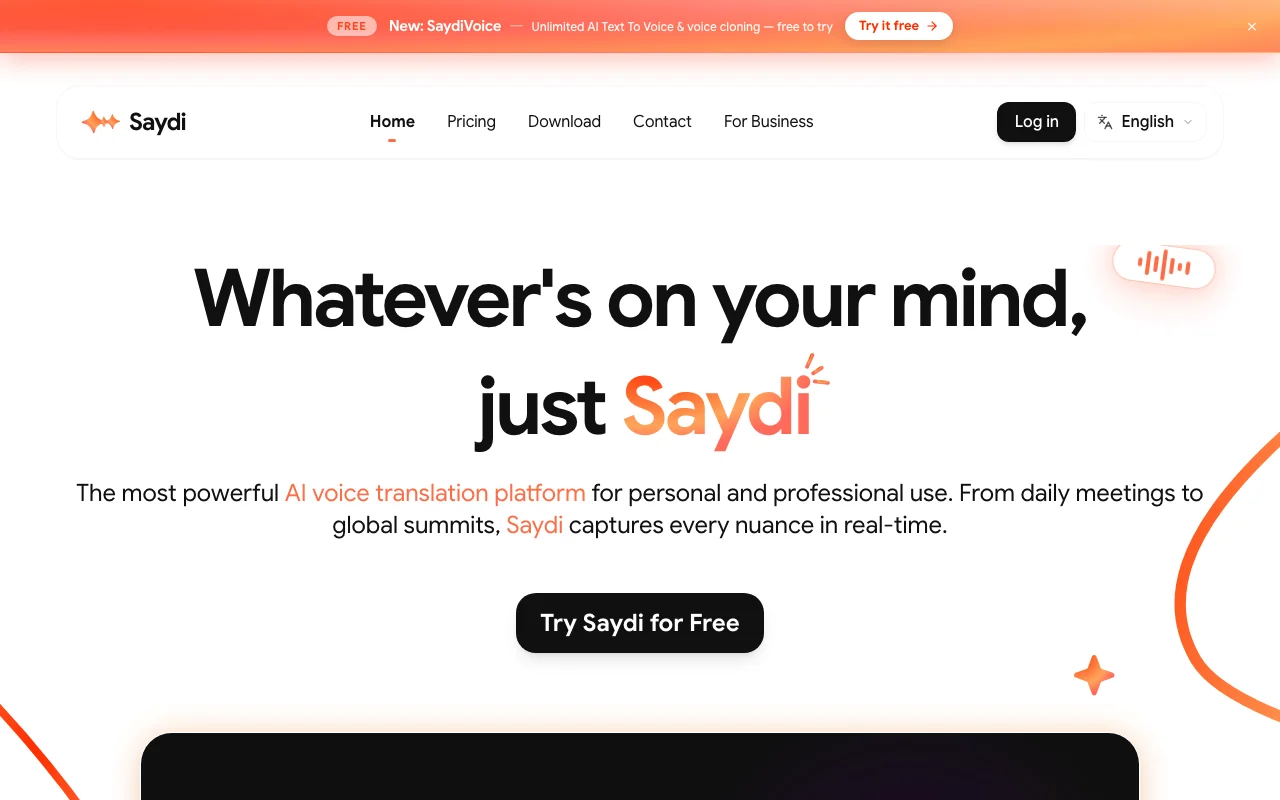
Saydi homepage — screenshot of the audio & voice AI tool, Oct 1, 2026
Feature overview on the official site. saydi.ai, captured Oct 1, 2026

Two-way and one-way voice translation

Two-way auto-detects who is speaking and translates both directions; one-way translates a single speaker, using Deepgram for speech-to-text and Google for translation. Back-and-forth conversation without pressing buttons.

Access: Voice-to-voice Basic 300 or Premium 600 credits/hourLimit: Premium is credit-heavy source (opens in a new tab)

Transcription mode

Streams audio to speech-to-text and returns a transcript at 30 credits per hour. Cheap notes for meetings and lectures.

Access: All plansLimit: Text only source (opens in a new tab)

Auto language detection and speaker diarization

Detects the spoken language and labels who said what in the notes automatically. No manual language switching.

Access: Not stated per planLimit: Accuracy not quantified source (opens in a new tab)

Custom dictionary of up to 50 terms

Saved industry terms plus meeting details and keywords are given to the AI as context to guide translation. Correct jargon and names.

Access: Not stated per planLimit: Capped at 50 terms source (opens in a new tab)

Saydi: strengths and limits

Reasons to choose Saydi

Check before paying for Saydi

How to use Saydi for translating a live video meeting

Saydi help center — screenshot of the audio & voice AI tool, Oct 1, 2026
Saydi help center. saydi.ai, captured Oct 1, 2026

Set up Saydi

  1. Sign in at saydi.ai with Google Sign-In or email.
  2. Install the Chrome extension for Google Meet, Zoom or Teams.
  3. Pick a mode (Two-way, One-way or Transcribe) and a Scenario Gallery preset such as Sales.

Example: translating a live video meeting

  1. Enter meeting details and keywords, and add up to 50 terms to the Custom Dictionary.
  2. Select source and target languages or leave auto language detection on.
  3. Start the session and read or hear the translation during the call.

Review and export the result

  1. Check that speaker labels in the notes match who spoke.
  2. Compare credits used with the 30/300/600 credits-per-hour rates.

Saydi integrations

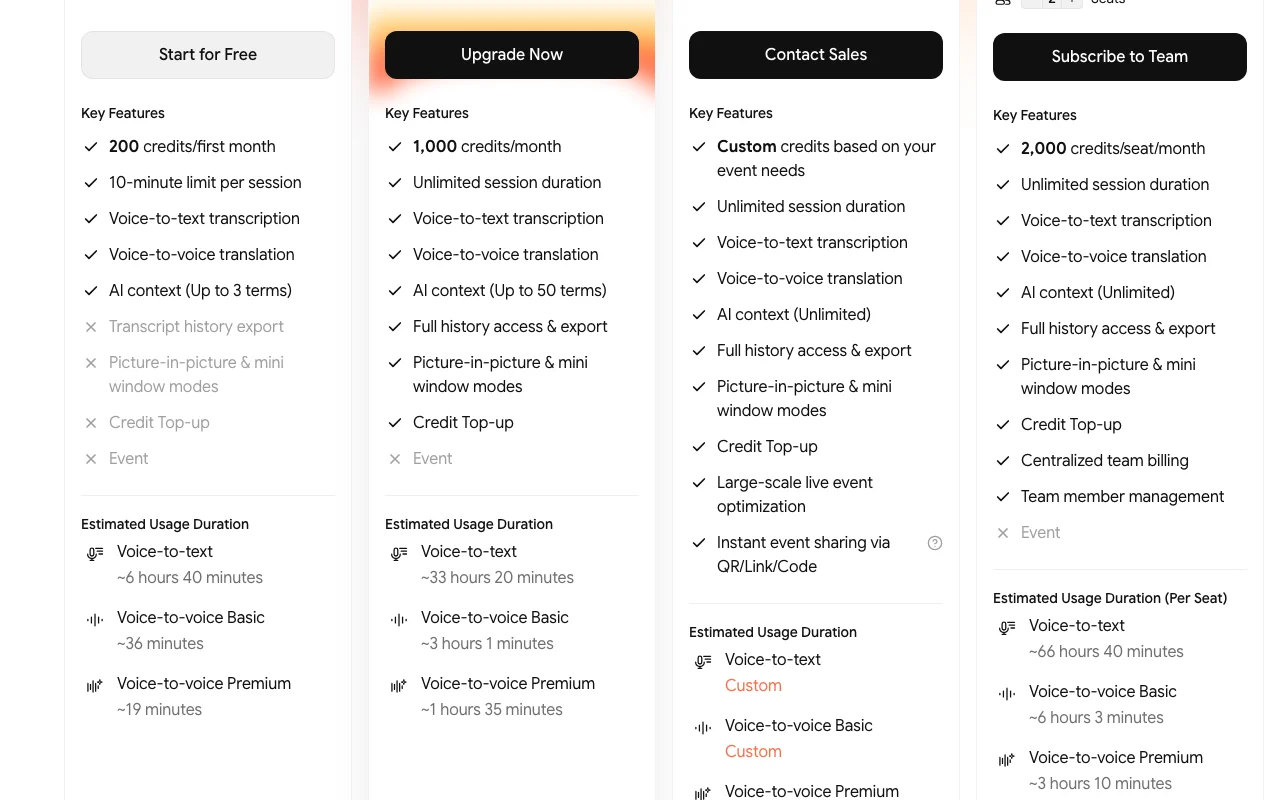
Saydi pricing page with plans and prices — screenshot of the audio & voice AI tool, Oct 1, 2026
Plan comparison on the official pricing page. saydi.ai, captured Oct 1, 2026

Native integrations and export formats

Export: Transcription data export mentioned in privacy rights

Privacy, data use and commercial rights

Summarized from the vendor's current policies; this is not legal advice and a vendor's badge is not an independent audit.

How your inputs and outputs are handled

Voice is streamed to Deepgram (speech-to-text) and Google (translation) in real time.

Policy says Saydi, Deepgram and Google do not train AI models on your data.

Raw audio not stored; text transcripts saved only if you choose to save a session.

Controls for business users

  • Admin dashboard (Business)

Policies: saydi.ai/privacy

Best Saydi alternatives for different needs

"Better suited" is based on documented features and pricing, not on a head-to-head test.

Otter.ai: better suited to

ElevenLabs: better suited to

Descript: better suited to

Microsoft Copilot: better suited to

Alternatives
AlternativeWhen to choose itPricingLimitation
Otter.ai——Compare
ElevenLabs——Compare
Descript——
Microsoft Copilot——

Explore Saydi further

If you are looking at Saydi

Saydi user reviews

No user reviews yet.

Used Saydi? Be the first to share your experience.

Write a review

Reviews are checked by a moderator before they appear. Your email is never published. Plain text only.

Your rating (required)

Show what you made or what went wrong. Images are published only if the review is approved; location data is removed.

    Saydi FAQ

    How many credits does each mode use?

    Voice-to-text uses 30 credits per hour, voice-to-voice Basic 300 and voice-to-voice Premium 600 per hour. source (opens in a new tab)

    Do top-up credits expire?

    No, but you can only buy them with an active Pro or Team membership; they stay if you cancel. source (opens in a new tab)

    What do the top-up packs cost?

    $5 for 600 credits, $10 for 1,300, $25 for 3,500 and $50 for 7,500. source (opens in a new tab)

    Does Saydi store my audio?

    No raw audio is permanently stored; audio goes to Deepgram and Google for processing, and transcripts are saved only if you choose. source (opens in a new tab)

    How do many attendees join an event session?

    Organizers share a QR code so hundreds can join in seconds. source (opens in a new tab)

    Sources and review methodology

    Official sources and verification dates

    Not verified: Monthly credits included per plan; Annual plan prices; API availability; Free plan allowance.

    How we documented and maintain this page

    Every fact about Saydi above comes from the 4 official pages listed here, last compared on Sep 29, 2026; we have not run Saydi ourselves, so it has no editorial score. How we check and re-check pages.

    Article updated Oct 10, 2026; prices checked Sep 29, 2026. Outbound links to vendors are plain links; we do not earn commissions. How we review · Report an error