Our take: Choose Streva if you work on a Mac and want to speak in one language and have polished text, optionally translated, inserted at your cursor in any app.
Main limitation: macOS only; Windows is a waitlist and iOS is only on the roadmap, and the free tier stops at 2,000 words per week.
By the AI Tool Atlas editors.
Based on the vendor's official documentation; we have not tested this product hands-on. What “documented overview” means
Who should use Streva
Choose Streva if you work on a Mac and want to speak in one language and have polished text, optionally translated, inserted at your cursor in any app. Based on the vendor's documentation, not on a hands-on test.
Best for: Multilingual professionals
Also a good fit for
Mac users who prefer dictation
Students and researchers writing notes
Consider another tool if mac only; Windows and iOS not yet available
Or if
Free plan capped at 2,000 words per week
Requires sign-in
Streva pricing and usage limits
Prices checked Oct 1, 2026 on the official US pricing page. Official pricing ↗ Prices and limits change often.
Free access and trial conditions
Streva Basic is free with no credit card; sign in and download the Mac app.
No separate trial; the Basic plan serves as the free trial.
Streva is a native macOS app for voice dictation and real-time translation. You speak in any language and it inserts formatted, translated or cleaned-up text wherever your cursor is, such as email or Slack, adapting formatting to the current app.
It supports 100+ languages and offers a Private Mode in which audio and transcripts are not retained. Windows and iOS versions are listed as on the roadmap, with a Windows waitlist.
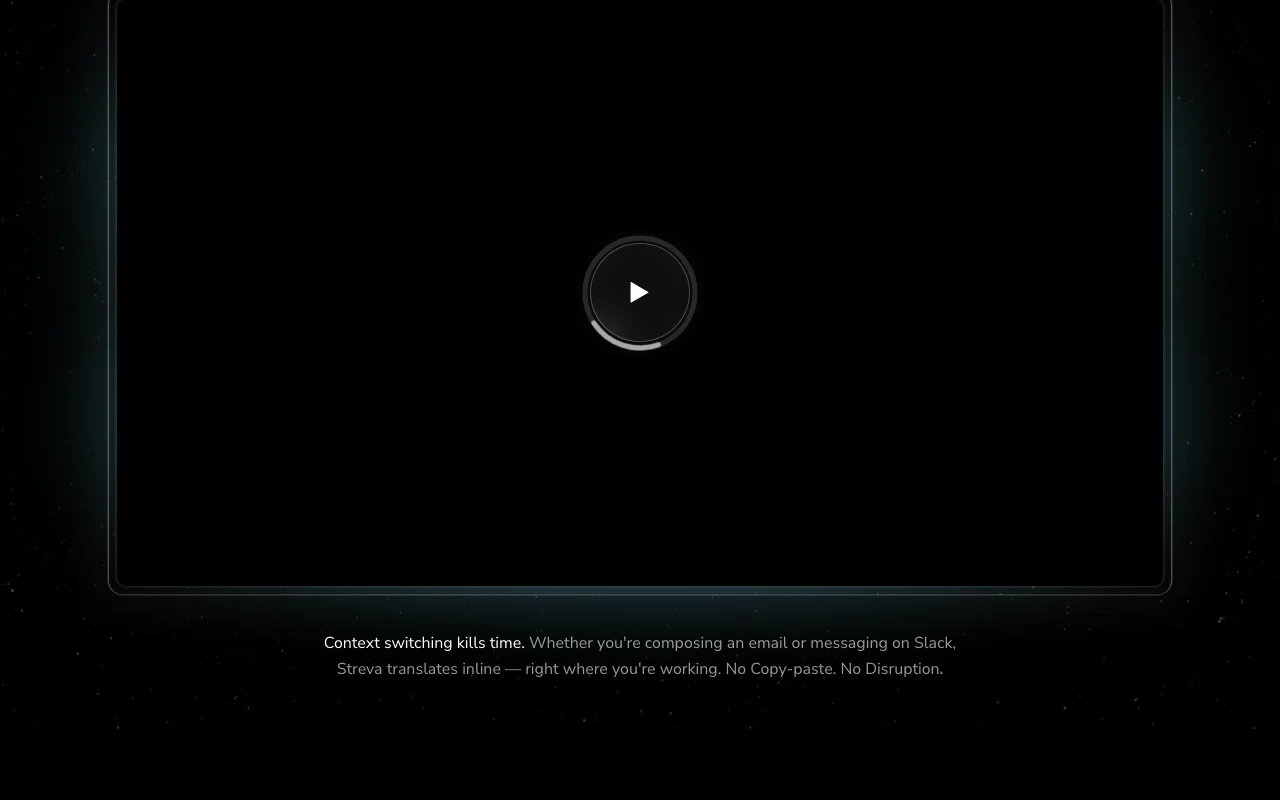
Streva's official site: how the product presents itself. streva.ai, captured Oct 2, 2026
What you provide and what you get back
What you give Streva and what comes back, from its documentation
You provide
Spoken audio from the Mac microphone
Dictionary terms you add
You get back
Cleaned-up text typed at the cursor
Translated text in the target language
Where you can use it
Platforms
Desktop
Account
Required
Platform
macOS native app; Windows waitlist
Languages
100+ (vendor claim)
Speed claim
220 wpm vs 45 wpm typing (vendor claim)
Free cap
2,000 words/week
Export formats
None; text inserted at cursor
Best use cases for Streva
Scenarios are worked out by our editors from the documentation; the actual result depends on your input and plan.
Dictating emails and Slack messages
Who
Professionals answering email and Slack all day
You provide
Rambling spoken reply such as 'forgot to reply, busy morning, 3pm works'
Expected result
A polished sentence ('Sorry for the late reply... 3 PM works perfectly') inserted in the open compose box
Feature overview on the official site. streva.ai, captured Oct 2, 2026
Voice dictation into any Mac app
A floating Mac app captures your voice and types the result into whichever app has the cursor, so no copy-paste step is needed. Removes context switching between a transcription tool and your writing app.
Speech recognition feeds a large language model that rewrites the transcript in the language you choose while keeping intent. Lets you write replies in a language you cannot type fluently.
Access: Basic and ProLimit: Language list beyond '100+' is not itemised on the pagesource (opens in a new tab)
Context-aware formatting per app
The model detects the active app (e.g. email vs Slack) and adjusts tone and layout of the inserted text. Messages arrive already formatted for the destination.
Free plan with no credit card You can evaluate real dictation quality before committing to $15/month.documentedsource (opens in a new tab)
Works across apps without copy-paste Dictation lands directly where you type, saving a paste step per message.documentedsource (opens in a new tab)
Private Mode option Audio and transcripts are not retained when enabled, which suits sensitive notes.documentedsource (opens in a new tab)
Annual Pro billing option $120/year works out to $10/month versus $15 monthly.documentedsource (opens in a new tab)
Limitations to check before paying
Mac only; Windows and iOS not yet available Windows and iPhone users cannot use it; Windows is waitlist only.documentedsource (opens in a new tab)
Free plan capped at 2,000 words per week About 2,000 words is roughly a few emails a day, so heavy users hit the wall mid-week.documentedsource (opens in a new tab)
Requires sign-in You cannot use it anonymously; an account is needed even for the free plan.documentedsource (opens in a new tab)
Pro needed for unlimited dictation Unlimited dictation is the main reason to pay, so regular users end up on Pro.documentedsource (opens in a new tab)
How to use Streva for dictating and translating text into any Mac app
Set up Streva
Open streva.ai and click 'Download For Free' to get the Mac app.
Install the app and sign in when prompted (no credit card needed for the Free plan).
Allow microphone access and choose Private Mode if you do not want audio or transcripts retained.
Open 'Dictionary' and add names and jargon you use often.
Example: dictating and translating text into any Mac app
Click into an email or Slack message box.
Trigger Streva's dictation and say your reply, e.g. 'Yes, that works for me, I'll move forward on this.'
Optionally say 'Rewrite this to sound more professional' or speak in another language for translation.
Review the text Streva inserted and send.
Review and export the result
Confirm the text appears in the app where your cursor was.
Check names and technical terms against your dictionary entries.
Watch usage against the 2,000 words per week cap on Basic.
Example prompt suggested by our editors (not a recorded output of the product)
Make this clearer and more concise.
Streva API
API access and separate billing
Streva has no public API in its official documentation. No API or docs page found (/docs returns 404)
Privacy, data use and commercial rights
Summarized from the vendor's current policies; this is not legal advice and a vendor's badge is not an independent audit.
How your inputs and outputs are handled
Voice audio and resulting transcripts are processed to produce text.
In Private Mode audio and transcripts are processed only to complete the request and never retained.
Commercial use and plan restrictions
Private Mode availability per plan not stated.
Best Streva alternatives for different needs
"Better suited" is based on documented features and pricing, not on a head-to-head test.
Streva Basic includes 2,000 words per week at no cost and no credit card. Pro removes the cap. source (opens in a new tab)
What does Streva Pro cost and what does it add?
Pro is $15 per month or $120 per year. It adds unlimited dictation words, prioritized feature requests and early access to new features on top of Basic. source (opens in a new tab)
Does Streva run on Windows or iPhone?
Not yet. It is a native macOS app; Windows has a waitlist form on the site and iOS is on the roadmap. source (opens in a new tab)
What does Private Mode do in Streva?
With Private Mode on, your audio and transcripts are used only to complete the request and are never retained, per the vendor FAQ. source (opens in a new tab)
Can Streva translate while I dictate?
Yes. You speak in one language and it outputs text translated inline, claiming support for 100+ languages and intent preservation. source (opens in a new tab)
Not verified: Privacy policy contents (/privacy 404); Training use of audio; Itemised language list; Offline support; API.
How we documented and maintain this page
Every fact about Streva above comes from the 3 official pages listed here, last compared on Oct 1, 2026; we have not run Streva ourselves, so it has no editorial score. How we check and re-check pages.
Article updated Oct 10, 2026; prices checked Oct 1, 2026. Outbound links to vendors are plain links; we do not earn commissions. How we review · Report an error