Audio & voiceDocumented overviewLast checked Oct 1, 2026

Palabra.ai: Pricing, Features & Best Use Cases

Real-time speech AI: live speech-to-speech translation, text-to-speech and speech-to-text via apps and API.
Who Palabra.ai fits

Palabra.ai suits teams running multilingual meetings, webinars or events and developers building voice apps, with usage-based API pricing and a $50 sign-up credit. Based on the vendor's documentation, not on a hands-on test.

Best for: Multilingual teams

Also a good fit for

  • Event organizers
  • Voice-app developers

Consider another tool if meeting plans have capped hours (3h Starter, 10h Pro)

Or if

  • Up to 10 concurrent sessions per account
  • Event plans start at $375-$500/mo

Palabra.ai pricing and usage limits

Prices checked Oct 1, 2026 on the official US pricing page. Official pricing ↗ Prices and limits change often.

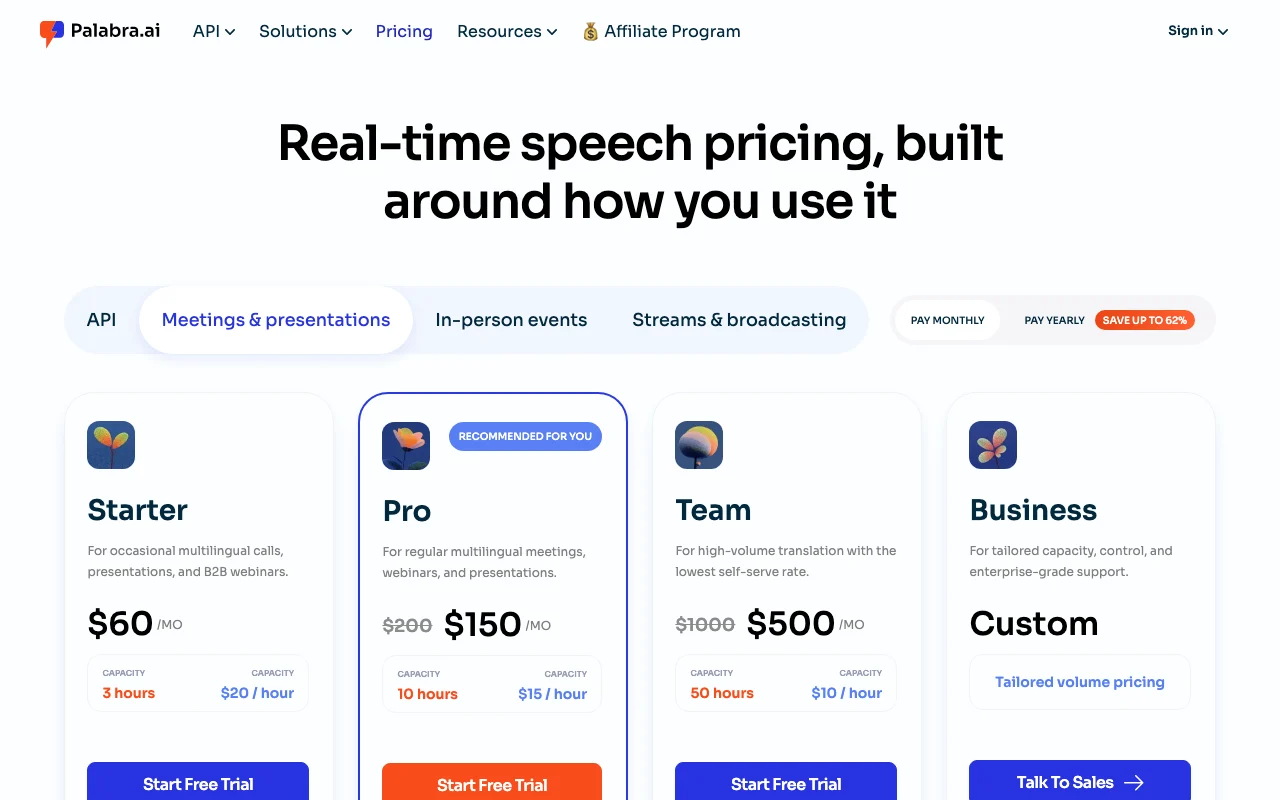
Palabra.ai pricing page with plans and prices — screenshot of the audio & voice AI tool, Oct 1, 2026
The official Palabra.ai pricing page as we saw it. palabra.ai, captured Oct 1, 2026

Free access and trial conditions

Free trial on app plans; $50 free API credits on sign-up

Paid plans: what changes as you upgrade

API: Text-to-Speech web

$0.03 source (opens in a new tab)

Usage

For: Voice agents and apps

Limits

  • Up to 10 concurrent sessions per account

Includes

  • Streaming input and output
  • Zero-shot voice cloning with deaccenting
1 more
  • TTFA 35 ms (vendor claim)

API: Speech-to-Text web

$0 per minute of audio source (opens in a new tab)

Usage

For: Voice pipelines

Limits

  • Up to 10 concurrent sessions per account

Includes

  • Realtime websocket streaming
  • Timestamps and turn detection
1 more
  • Automatic language detection

API: Speech-to-Speech web

$0.04 per minute source (opens in a new tab)

Usage

For: Real-time translation in apps

Limits

  • Up to 10 concurrent sessions per account

Includes

  • 60+ languages
  • Voice cloning with deaccenting
1 more
  • Lowest-latency predictive algorithm (vendor claim)

Meetings Starter web

$60 source (opens in a new tab)

Monthly

Price tiers shown $60 / $45; billing labels unclear

For: Occasional multilingual calls

Limits

  • 3 hours capacity

Includes

  • 60+ languages
  • Conversation and presentation modes
1 more
  • Live captions and transcripts

Meetings Pro web

$200 source (opens in a new tab)

Monthly

Price tiers shown $200 / $150 / $113; billing labels unclear

For: Regular multilingual meetings

Limits

  • 10 hours capacity

Includes

  • Everything in Starter
  • Better hourly rate

Meetings Team web

$1,000 source (opens in a new tab)

Monthly

Price tiers shown $1000 / $500 / $375; billing labels unclear

For: High-volume translation

Limits

  • 50 hours capacity

Includes

  • Multi-seat workspace with roles
  • SSO and audit logs
1 more
  • Dedicated account manager

Usage caps, credits and extra costs

Event plans start at $375-$500/mo; Business plan custom

Not stated

What is Palabra.ai, and how does it work?

Palabra.ai offers live speech translation in 60+ languages for calls (Zoom, Google Meet, Teams), webinars, streams and in-person events, plus developer APIs for text-to-speech and speech-to-text. It includes voice cloning, custom glossaries and captions, and states that audio and text are not stored or used for training.

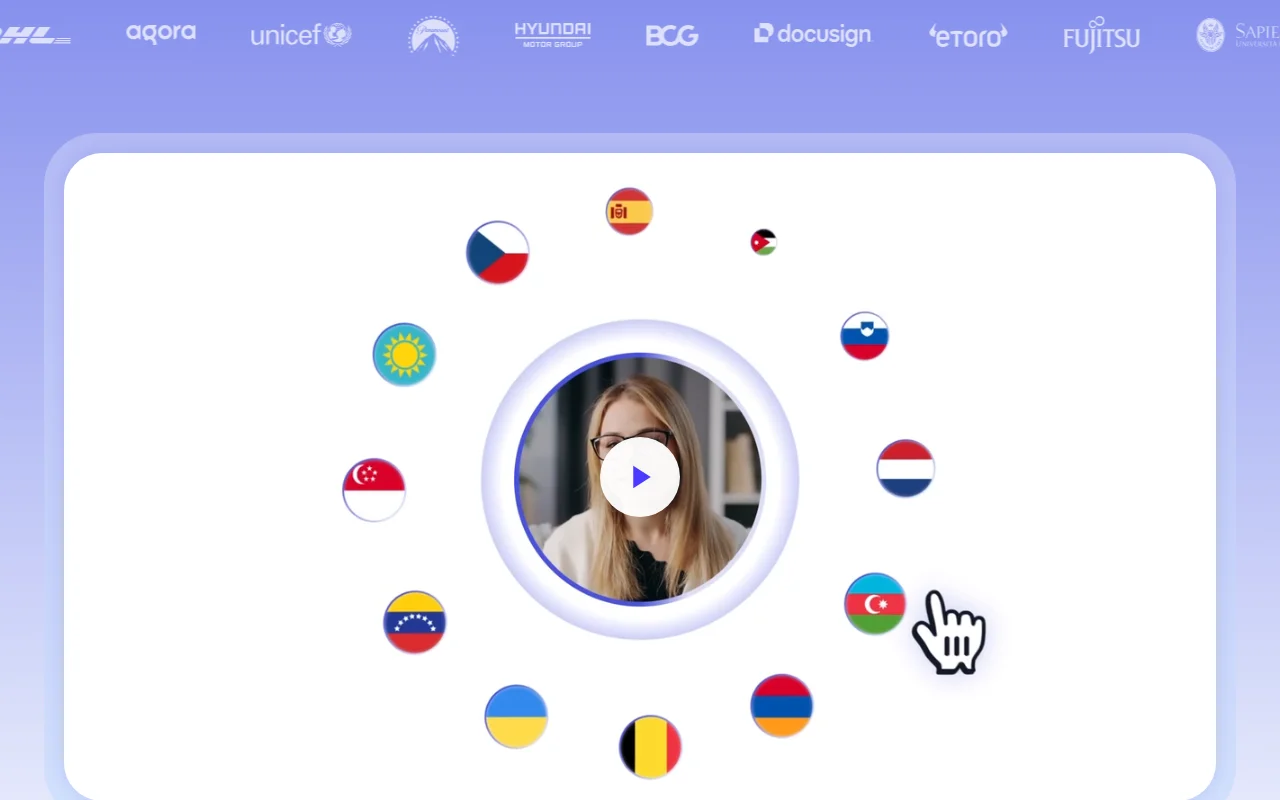
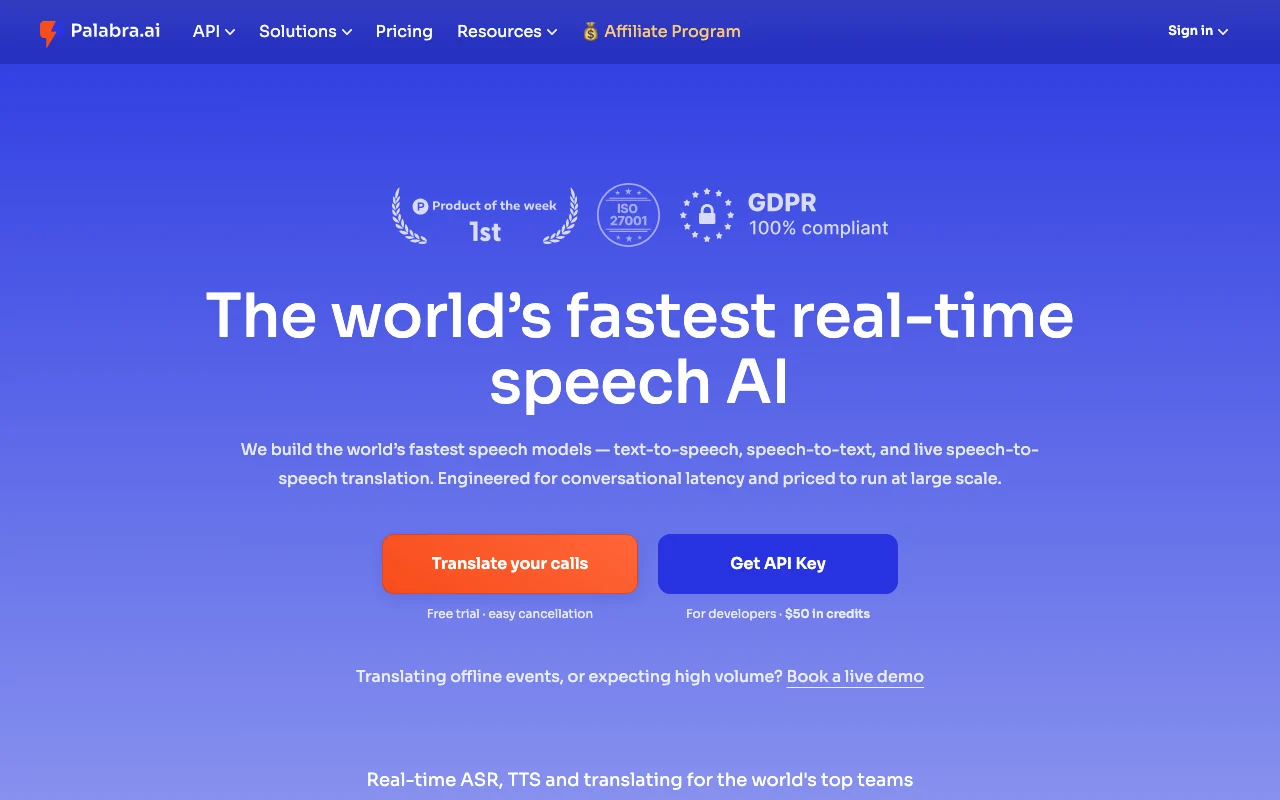
Palabra.ai homepage — screenshot of the audio & voice AI tool, Oct 1, 2026
Palabra.ai's official site: how the product presents itself. palabra.ai, captured Oct 1, 2026

What you provide and what you get back

How Palabra.ai works: what you provide, where it runs and what you get backYOU PROVIDEYour inputLive speech from calls or eventsText for text-to-speechStreaming audio for transcriptionAUDIO & VOICEPalabra.aiWeb, APIfrom $60 (Meetings Starter)no free tieraccount requiredchecked Oct 1, 2026YOU GET BACKThe resultTranslated speech in 60+ languagesLive captions and transcriptsSynthesized speechinput → Palabra.ai → output · from the vendor's own pages, no hands-on test unless stated
What you give Palabra.ai and what comes back, from its documentation

You provide

  • Live speech from calls or events
  • Text for text-to-speech
  • Streaming audio for transcription

You get back

  • Translated speech in 60+ languages
  • Live captions and transcripts
  • Synthesized speech

Where you can use it

Platforms
Web, API
Account
Required
Concurrency
Up to 10 sessions per account source (opens in a new tab)
Voice cloning
Zero-shot with deaccenting source (opens in a new tab)
Meetings capacity
3 h / 10 h / 50 h source (opens in a new tab)
Latency claim
TTS TTFA 35 ms source (opens in a new tab)

Where Palabra.ai is most useful

Scenarios are worked out by our editors from the documentation; the actual result depends on your input and plan.

Translating video meetings

Who
Sales and support teams
You provide
Live call audio
Expected result
Translated speech and captions in Zoom, Meet or Teams
Plan needed
Starter
Limitation
3 hours capacity on Starter source (opens in a new tab)

Webinar translation

Who
Marketers
You provide
Presenter audio
Expected result
One-to-many translated stream
Plan needed
Pro
Limitation
10 hours on Pro source (opens in a new tab)

In-person event interpretation

Who
Event organizers
You provide
Live speech from the stage
Expected result
Real-time interpreted audio
Plan needed
Event plans
Limitation
Event plans start at $375-$500/mo source (opens in a new tab)

Palabra.ai features and their limits

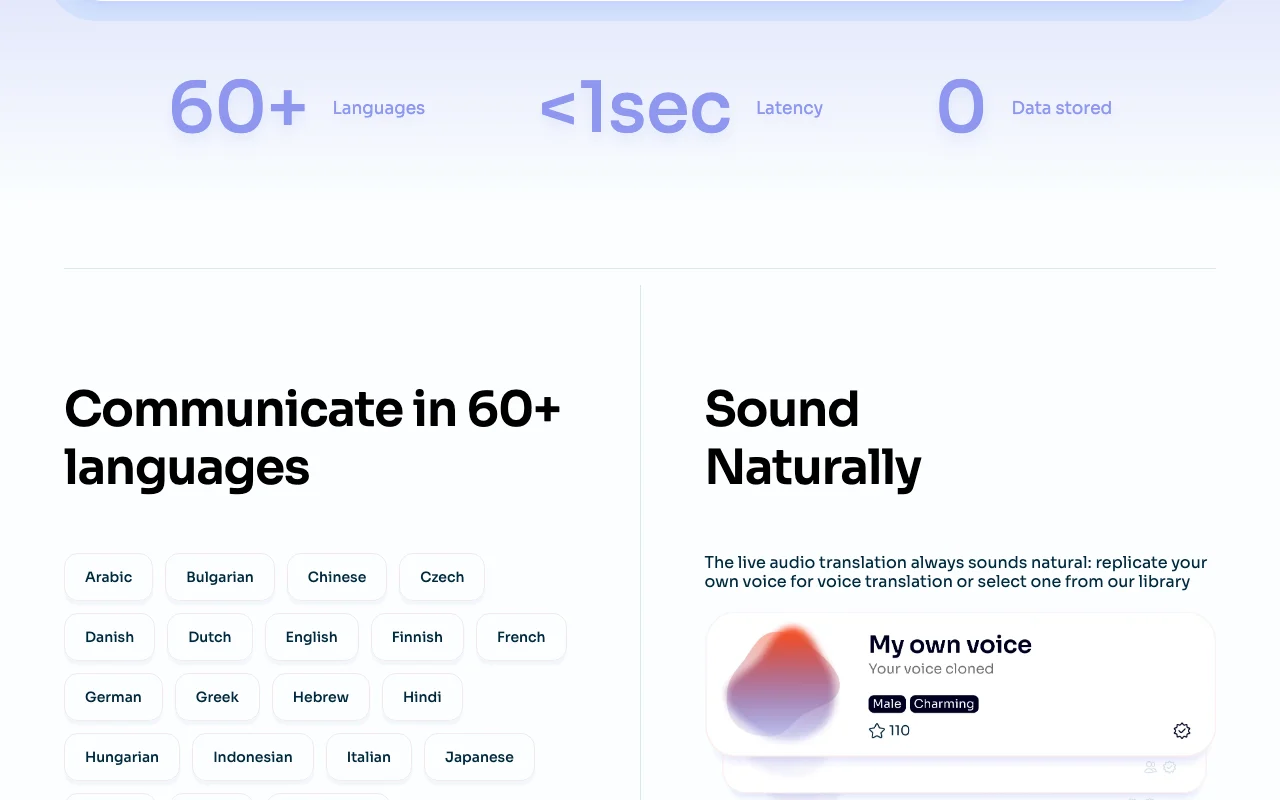
Palabra.ai homepage — screenshot of the audio & voice AI tool, Oct 1, 2026
Feature overview on the official site. palabra.ai, captured Oct 1, 2026

Speech-to-speech translation, 60+ languages

Translates live speech into another language as voice Removes interpreter cost

Access: Meetings plans and APILimit: Capacity in hours source (opens in a new tab)

Text-to-speech API

Streams natural-sounding speech from text Voice agents

Access: Pay-as-you-go APILimit: $0.03 per 1,000 characters source (opens in a new tab)

Speech-to-text API

Realtime transcription over websocket Voice apps

Access: Pay-as-you-go APILimit: Max 10 concurrent sessions source (opens in a new tab)

Zero-shot voice cloning

Clones a speaker's voice with deaccenting Keeps speaker identity in translation

Access: Meetings plans and APILimit: Consent policies not on fetched text source (opens in a new tab)

Palabra.ai: strengths and limits

Where Palabra.ai is strong

Limitations to check before paying

How to use Palabra.ai for translating a live meeting in real time

Set up Palabra.ai

  1. Create a Palabra.ai account
  2. Start the free trial on the Starter meetings plan
  3. Choose source and target languages

Example: translating a live meeting in real time

  1. Join a Zoom, Google Meet or Teams call with Palabra
  2. Enable conversation or presentation mode
  3. Add a glossary of key terms
  4. Turn on live captions

Review and export the result

  1. Check translated captions against a native speaker
  2. Review hours used against plan capacity

Palabra.ai integrations and API

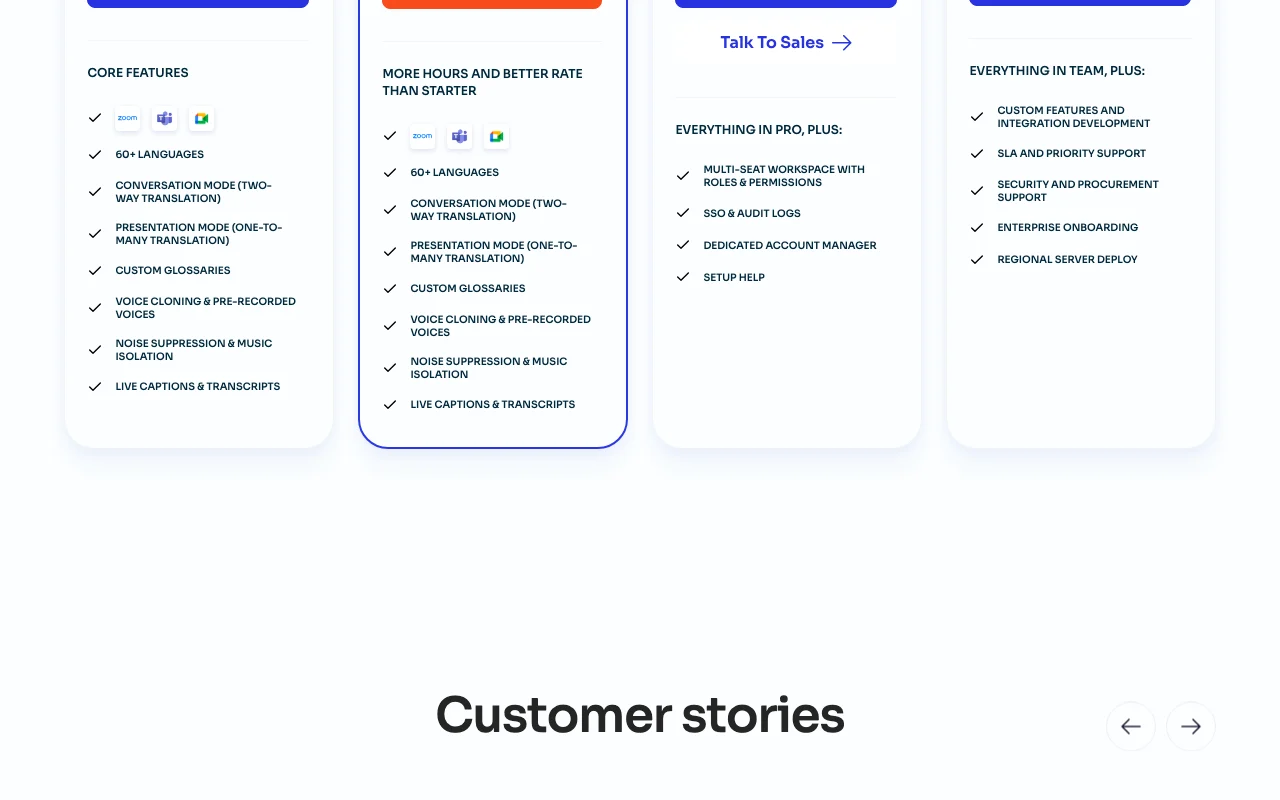
Palabra.ai pricing page with plans and prices — screenshot of the audio & voice AI tool, Oct 1, 2026
Plan comparison on the official pricing page. palabra.ai, captured Oct 1, 2026

Native integrations and export formats

Export: Live captions and transcripts

API access and separate billing

Palabra.ai has no public API in its official documentation. TTS, STT and speech-to-speech APIs with websocket streaming

Privacy, data use and commercial rights

Summarized from the vendor's current policies; this is not legal advice and a vendor's badge is not an independent audit.

How your inputs and outputs are handled

Live audio and text

Audio and text are never stored or used for training

Zero data retention

Controls for business users

  • SSO and audit logs (Team)

Best Palabra.ai alternatives for different needs

"Better suited" is based on documented features and pricing, not on a head-to-head test.

ElevenLabs: better suited to

Synthesia: better suited to

Alternatives
AlternativeWhen to choose itPricingLimitation
ElevenLabs——Compare
Synthesia——

Explore Palabra.ai further

Related to Palabra.ai

Palabra.ai user reviews

No user reviews yet.

Used Palabra.ai? Be the first to share your experience.

Write a review

Reviews are checked by a moderator before they appear. Your email is never published. Plain text only.

Your rating (required)

Show what you made or what went wrong. Images are published only if the review is approved; location data is removed.

    Palabra.ai FAQ

    How much does the API cost?

    TTS $0.03 per 1,000 characters, STT $0.002 per minute and speech-to-speech $0.04 per minute, with $50 free credits. source (opens in a new tab)

    How many languages are supported?

    60+ for speech translation. source (opens in a new tab)

    Is my audio stored?

    The pricing page says zero data retention: audio and text are never stored or used for training. source (opens in a new tab)

    What do meeting plans include?

    Starter 3 hours, Pro 10 hours and Team 50 hours, with captions, glossaries and voice cloning. source (opens in a new tab)

    Can I use it in Zoom?

    Yes, Zoom, Google Meet and Teams calls are supported. source (opens in a new tab)

    Sources and review methodology

    Official sources and verification dates

    Not verified: Billing labels for discounted meeting prices; Event plan details; Voice cloning consent terms; Page not available: https://www.palabra.ai/privacy; Page not available: https://www.palabra.ai/docs.

    How we documented and maintain this page

    Every fact about Palabra.ai above comes from the 2 official pages listed here, last compared on Oct 1, 2026; we have not run Palabra.ai ourselves, so it has no editorial score. How we check and re-check pages.

    Article updated Oct 10, 2026; prices checked Oct 1, 2026. Outbound links to vendors are plain links; we do not earn commissions. How we review · Report an error