Essential web
$29 source (opens in a new tab)
Monthly
For: Occasional calls
Limits
- 300 minutes
- Up to 3 people
Includes
- Translated voice
- Live subtitles
Audio & voiceDocumented overviewLast checked Oct 1, 2026
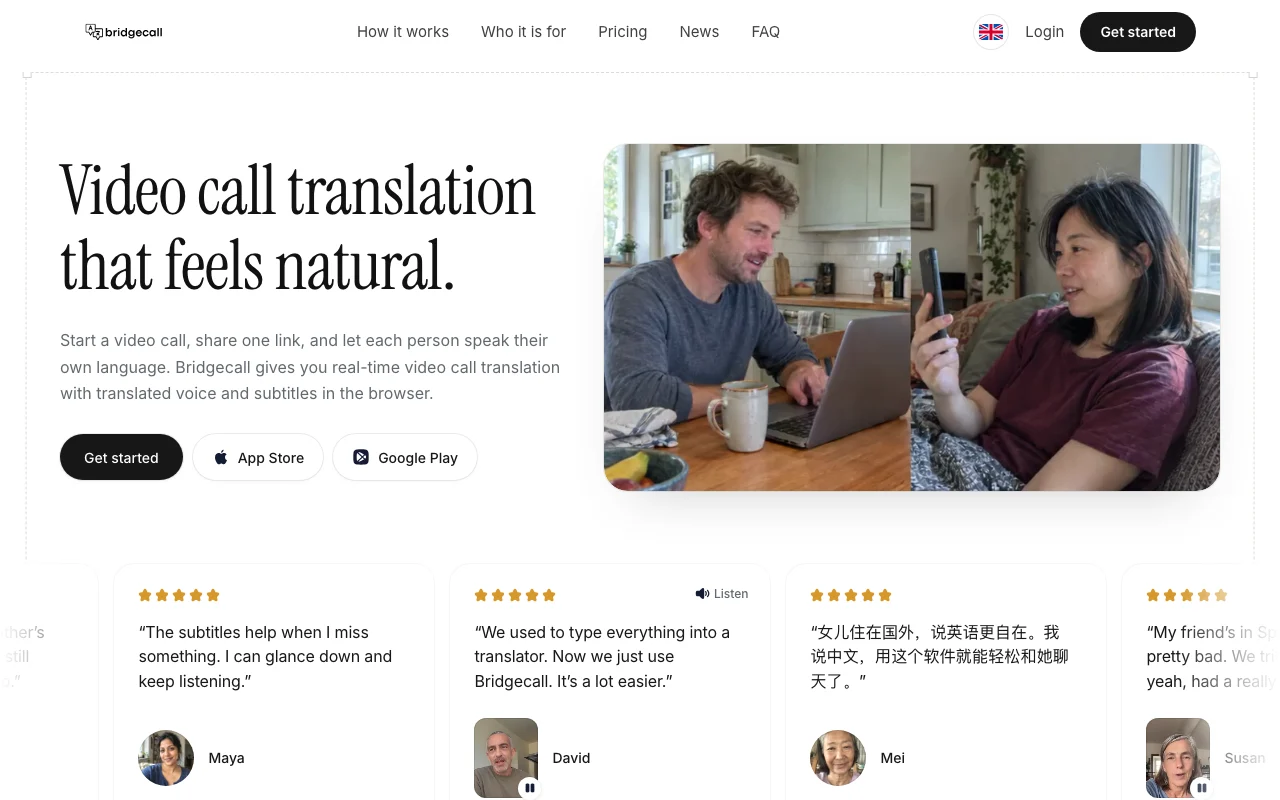
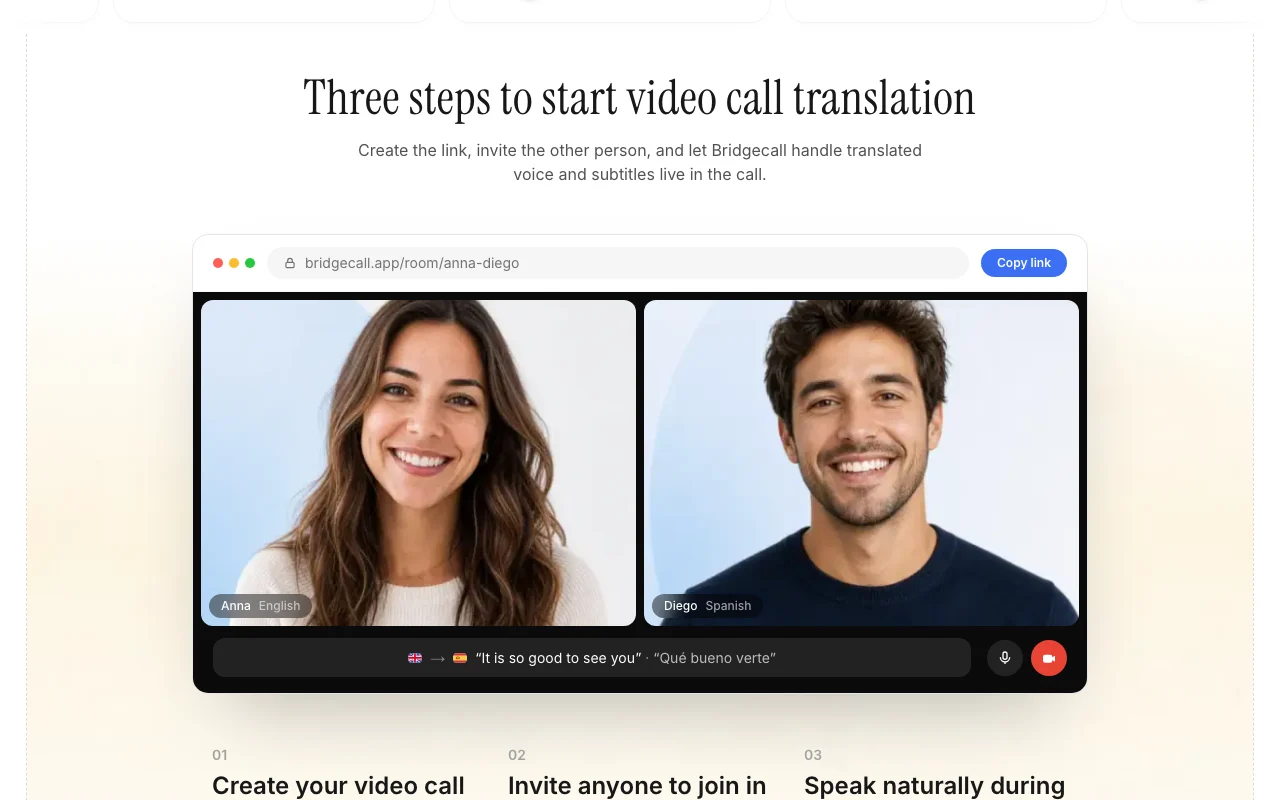
Real-time video call translation with translated voice and subtitles, joined by a browser link.

 (open full size in a new tab)
 (open full size in a new tab)
 (open full size in a new tab)
 (open full size in a new tab)
 (open full size in a new tab)
Our take: Bridgecall suits families, remote teams and language learners who want live video call translation with translated voice and subtitles, joined from a browser link.
Main limitation: Each plan caps translated minutes and group size, and plans renew automatically until canceled.
Bridgecall suits families, remote teams and language learners who want live video call translation with translated voice and subtitles, joined from a browser link. Based on the vendor's documentation, not on a hands-on test.
Also a good fit for
Or if
Prices checked Oct 1, 2026 on the official US pricing page. Official pricing ↗ Prices and limits change often.
Guests join for free.
Existing trials keep original terms; new trial not documented.
$29 source (opens in a new tab)
Monthly
For: Occasional calls
Limits
Includes
$49 source (opens in a new tab)
Monthly
For: Frequent calls
Limits
Includes
$99 source (opens in a new tab)
Monthly
Yearly shows 2 months free
For: Heavy use
Limits
Includes
Not stated.
Not stated.
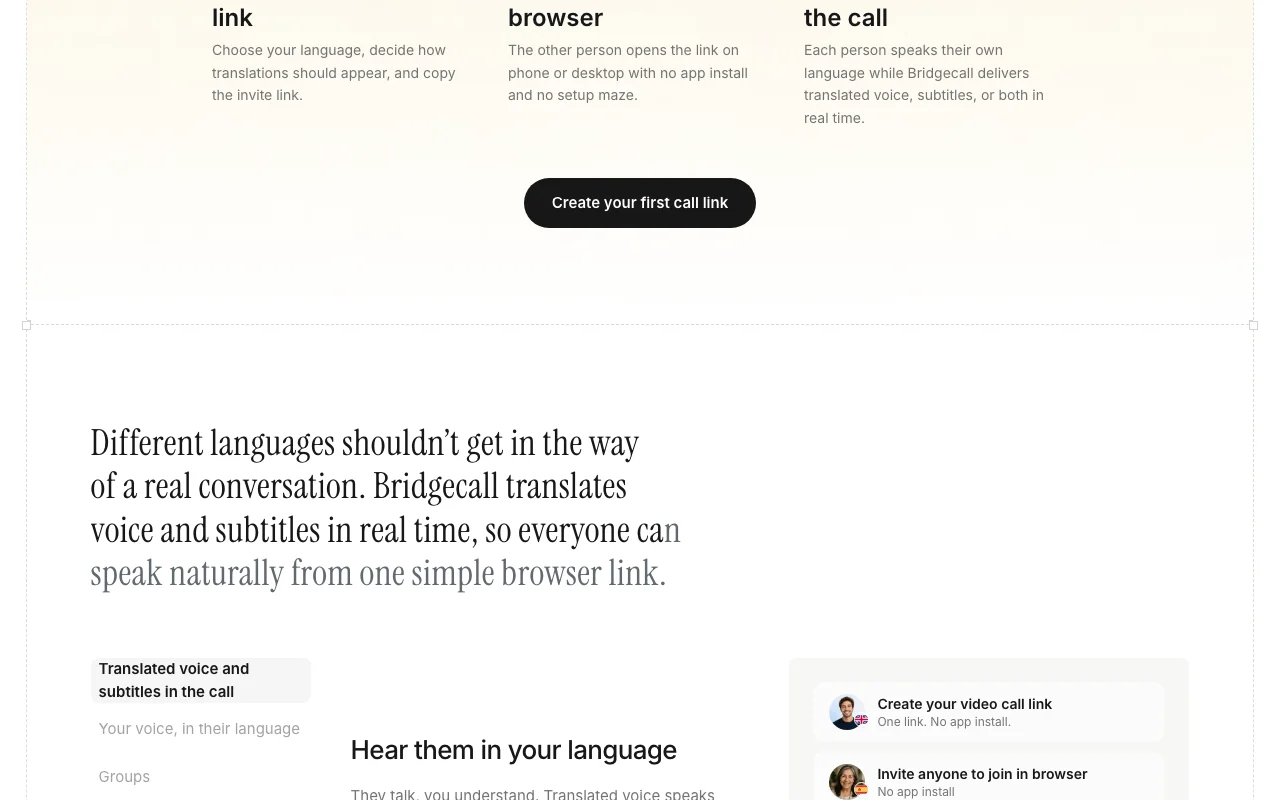
Bridgecall runs video calls where each participant picks their language and hears the other side translated aloud with captions. The host shares one link and guests join in a browser without installing an app. The site lists 50+ languages and App Store and Google Play links. Plans are monthly with translated-minute allowances.
You provide
You get back
Scenarios are worked out by our editors from the documentation; the actual result depends on your input and plan.
Translates spoken audio in real time. Speak your own language.
Shows subtitles during the call. Catch missed words.
Lets guests join from a browser link. No install.
Supports 50+ languages. Wide coverage.
Bridgecall has no public API in its official documentation. No API documented.
Summarized from the vendor's current policies; this is not legal advice and a vendor's badge is not an independent audit.
Live audio streams and caption data are processed for translation; transcripts may be stored if enabled.
Not captured.
Retained only as long as needed for service, legal and security.
Not stated.
Policies: bridgecall.app/privacy-policy
"Better suited" is based on documented features and pricing, not on a head-to-head test.
| Alternative | When to choose it | Pricing | Limitation | |
|---|---|---|---|---|
| ElevenLabs | — | — | Compare | |
| Otter.ai | — | — | Compare | |
| Microsoft Copilot | — | — |
No user reviews yet.
Used Bridgecall? Be the first to share your experience.
Essential $29, Daily $49 and Always On $99 per month. source (opens in a new tab)
No, guests join free. source (opens in a new tab)
300, 900 or 2,000 fair-use minutes by plan. source (opens in a new tab)
Yes, until canceled. source (opens in a new tab)
Not verified: Free trial; Training use; API.
Every fact about Bridgecall above comes from the 3 official pages listed here, last compared on Oct 1, 2026; we have not run Bridgecall ourselves, so it has no editorial score. How we check and re-check pages.
Article updated Oct 2, 2026; prices checked Oct 1, 2026. Outbound links to vendors are plain links; we do not earn commissions. How we review · Report an error
compare>