7-Day Trial web
Free source (opens in a new tab)
Month
For: Individuals getting started
Limits
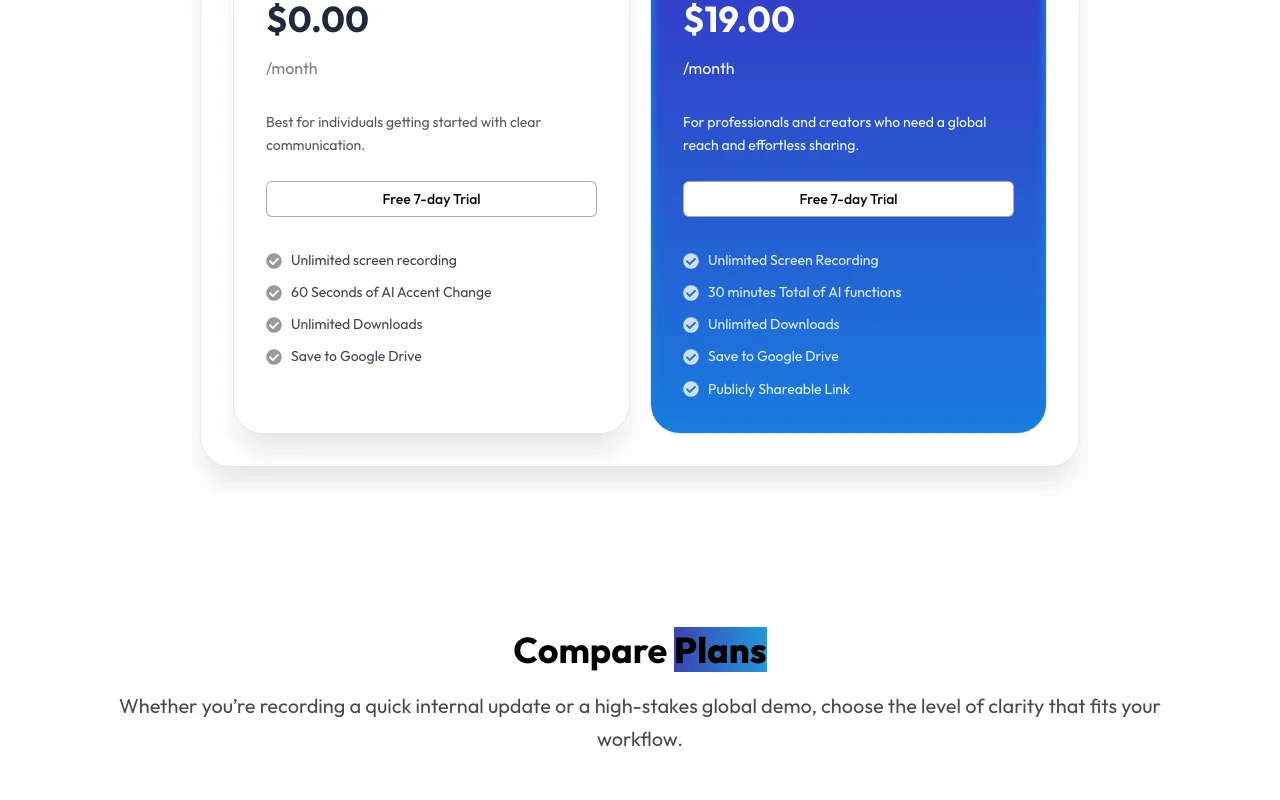
- 60 seconds of AI accent change per clip
- 7 days
Includes
- Unlimited screen recording
- Unlimited downloads
1 more
- Save to Google Drive
Audio & voiceDocumented overviewLast checked Sep 29, 2026
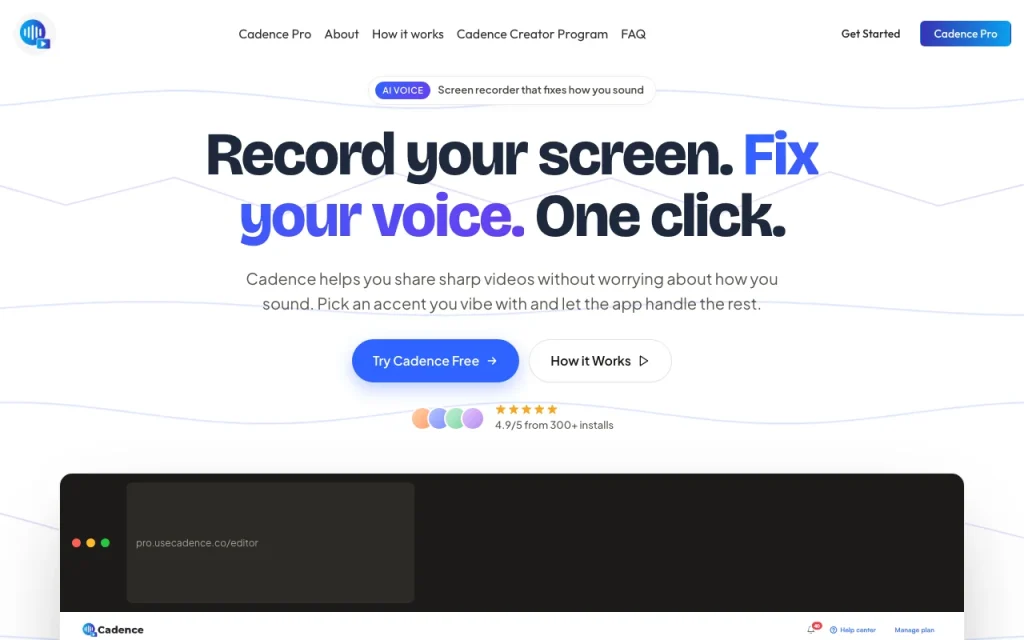
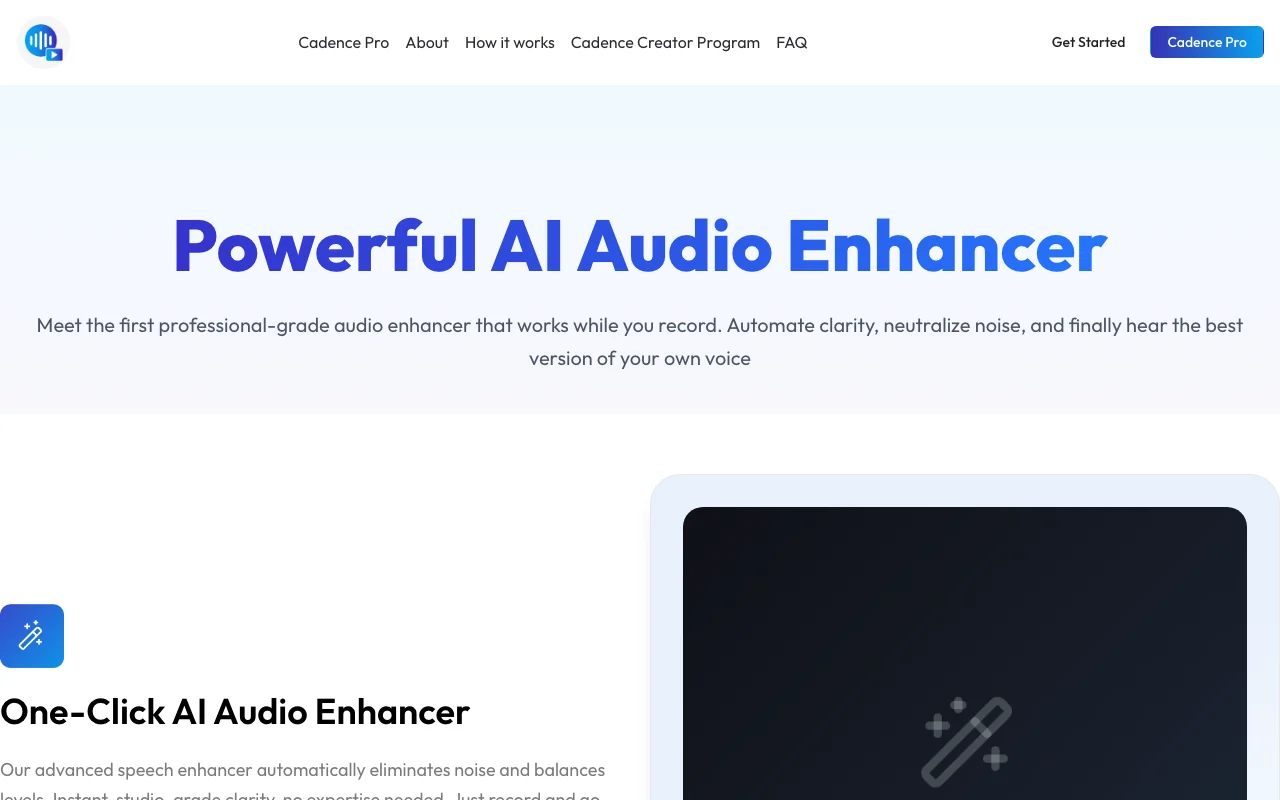
Chrome-extension screen recorder that uses AI to change accent and clean up your voice in recordings.
 (open full size in a new tab)
 (open full size in a new tab)
 (open full size in a new tab)
 (open full size in a new tab)
 (open full size in a new tab)
 (open full size in a new tab)
Our take: Cadence suits people who record demos or walkthroughs and want AI to change their accent or clean up their voice, with a 7-day trial before paying.
Main limitation: AI features are limited to 60 seconds per clip on the trial and a 30-minute monthly bank on Pro, and the web app is only coming soon.
Cadence suits people who record demos or walkthroughs and want AI to change their accent or clean up their voice, with a 7-day trial before paying. Based on the vendor's documentation, not on a hands-on test.
Also a good fit for
Or if
Prices checked Sep 29, 2026 on the official US pricing page. Official pricing ↗ Prices and limits change often.
Free 7-day trial; the Free plan needs no account to start.
7-day trial.
Free source (opens in a new tab)
Month
For: Individuals getting started
Limits
Includes
$19/mo source (opens in a new tab)
Month
Page toggle shows $16.58 for annual billing
For: Professionals and global teams
Limits
Includes
Extra AI time through a custom quote.
Not stated.
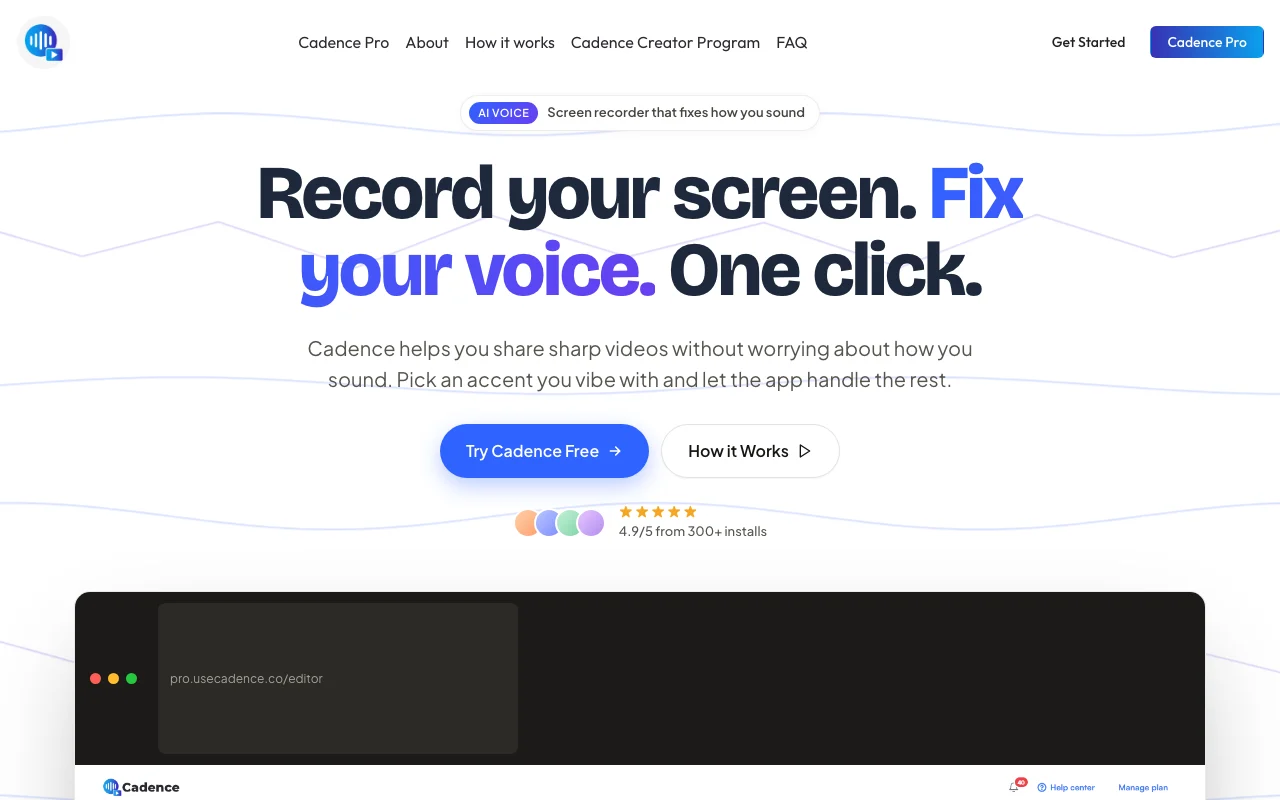
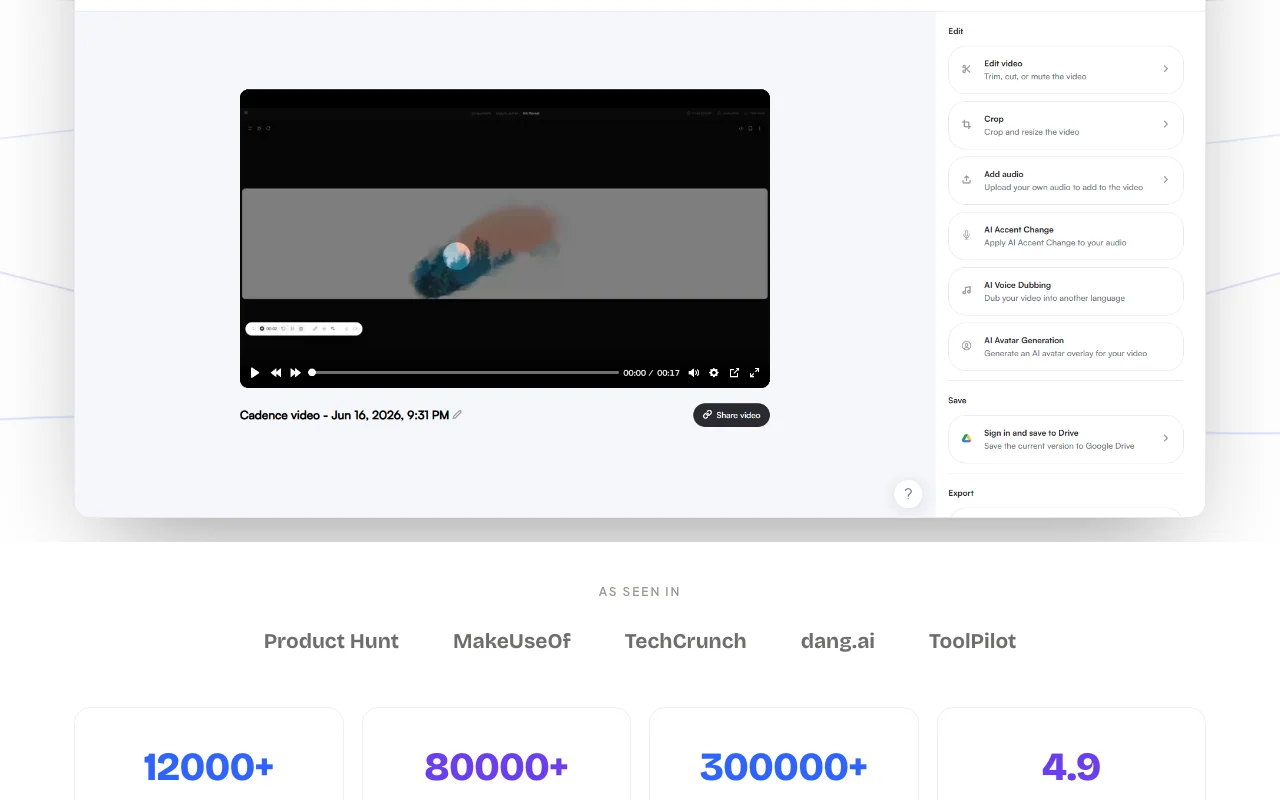
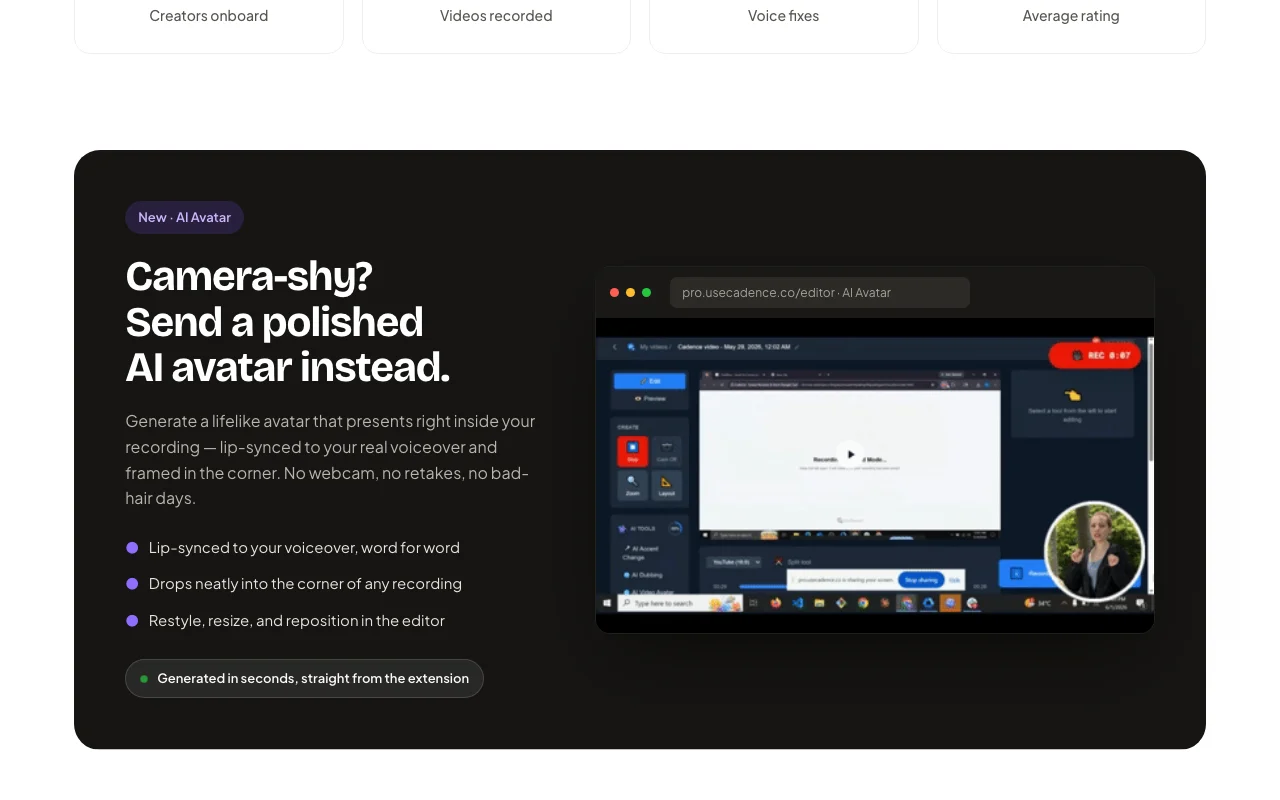
Cadence is a Chrome extension for recording a tab, app or full screen while an AI step rebuilds your voice audio with a chosen accent, keeping your words and pacing. The editor adds trimming, captions, live blur, drawing tools, shareable links, and on the Pro plan translation and AI avatar generation.
You provide
You get back
Scenarios are worked out by our editors from the documentation; the actual result depends on your input and plan.
Records a tab, app or screen from a Chrome extension. Captures content quickly.
Rebuilds your voice audio with a chosen accent while keeping words and pacing. Improves clarity.
Blurs and draws on screen while recording. Hides private data.
Highlights the cursor during recording. Guides viewers.
Export: Local download
Cadence has no public API in its official documentation. No API described.
Summarized from the vendor's current policies; this is not legal advice and a vendor's badge is not an independent audit.
Recordings are processed to change voice; see the privacy policy.
Policies: usecadence.co/privacy-policy/
"Better suited" is based on documented features and pricing, not on a head-to-head test.
| Alternative | When to choose it | Pricing | Limitation | |
|---|---|---|---|---|
| Descript | — | — | ||
| ElevenLabs | — | — | Compare |
No user reviews yet.
Used Cadence? Be the first to share your experience.
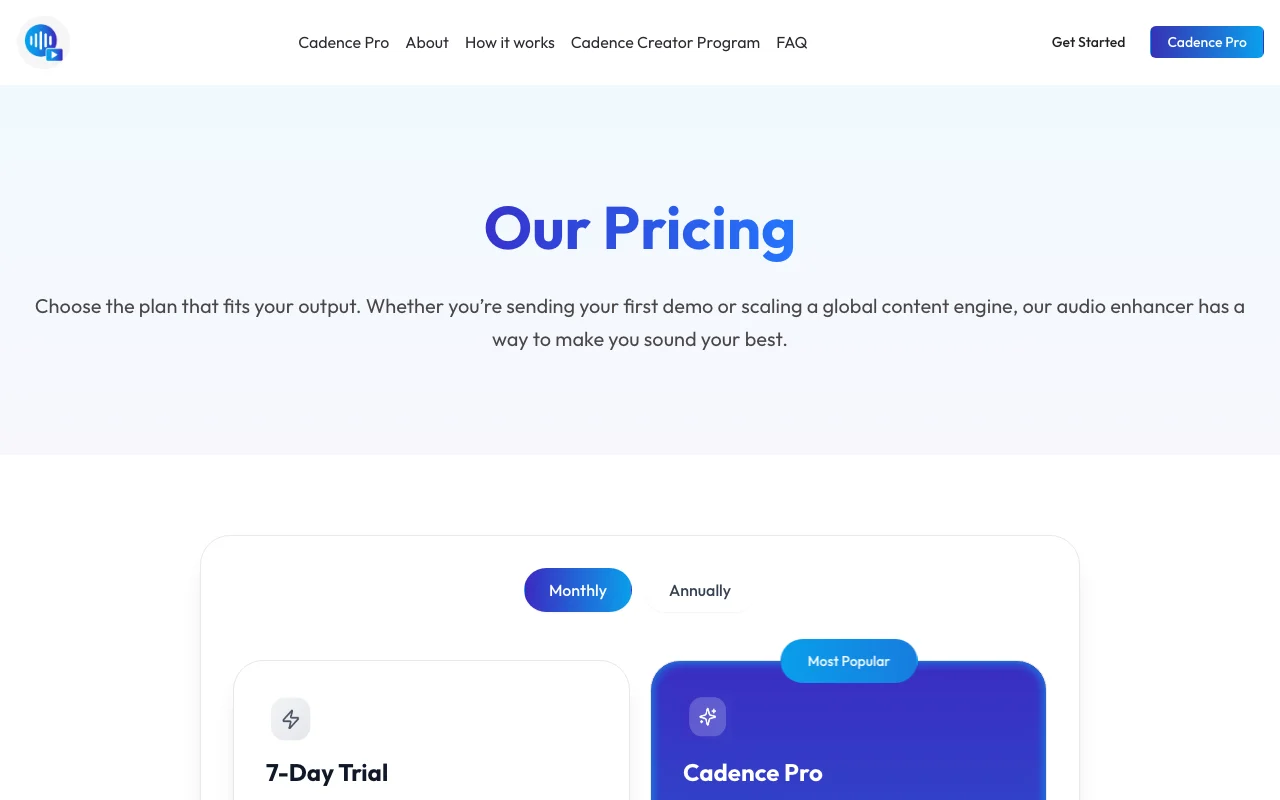
7 days with unlimited screen recording and 60 seconds of AI accent change per clip. source (opens in a new tab)
$19.00 per month, with $16.58 shown on the annual toggle. source (opens in a new tab)
A flexible monthly credit you can spend on voice changing, dubbing or avatars. source (opens in a new tab)
Screen recording and non-AI features stay unlimited; extra AI time needs a custom quote. source (opens in a new tab)
Not verified: Annual billing total; Privacy retention; Web app launch date.
Every fact about Cadence above comes from the 2 official pages listed here, last compared on Sep 29, 2026; we have not run Cadence ourselves, so it has no editorial score. How we check and re-check pages.
Article updated Oct 10, 2026; prices checked Sep 29, 2026. Outbound links to vendors are plain links; we do not earn commissions. How we review · Report an error
compare>