Free trial desktop
Kostenlos Quelle (öffnet in neuem Tab)
Trial
Für: Testing accuracy on your own PC
Limits
- At least 7 days from first dictation that produces text
- No account or credit card
Enthält
- Full dictation
- Local AI cleanup
Keine API
Audio & SpracheDokumentierter ÜberblickZuletzt geprüft Sep 29, 2026
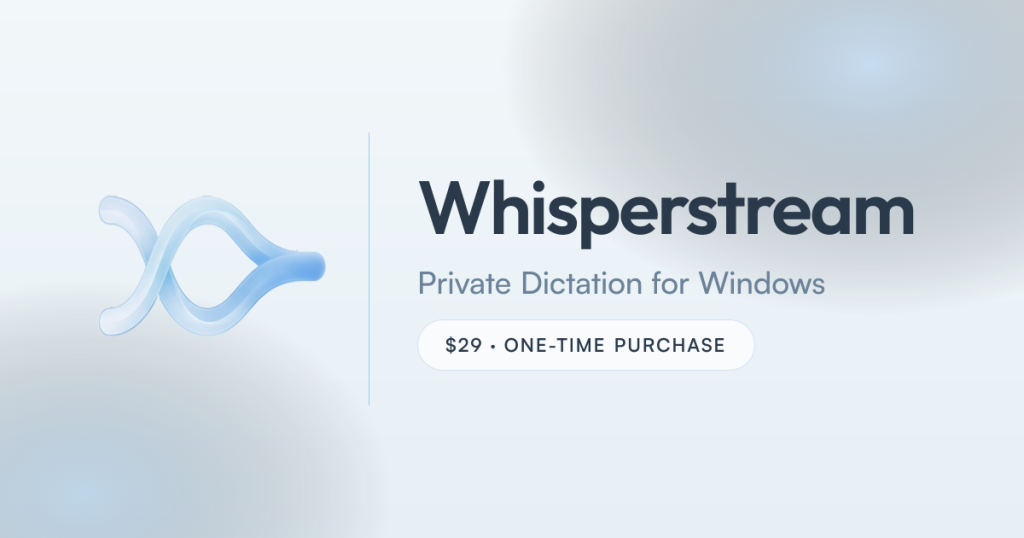
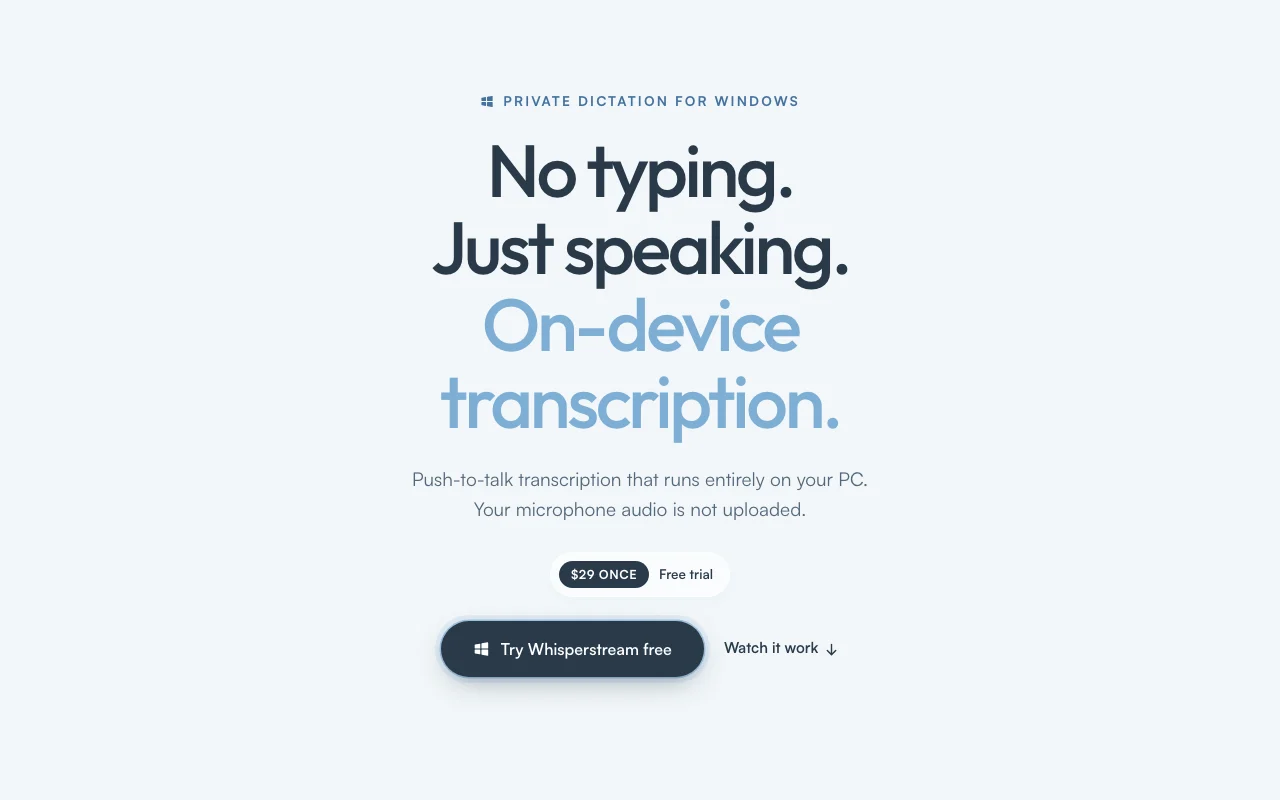
On-device push-to-talk dictation app for Windows; audio never leaves your PC, $29 one-time license.
 (in voller Größe in neuem Tab öffnen)
 (in voller Größe in neuem Tab öffnen)
 (in voller Größe in neuem Tab öffnen)
 (in voller Größe in neuem Tab öffnen)
 (in voller Größe in neuem Tab öffnen)
Unsere Einschätzung: Choose Whisperstream if you want private, offline push-to-talk dictation on Windows for a one-time $29 instead of a cloud subscription.
Wichtigste Einschränkung: Windows 10/11 x64 only, and one license activates a single device ($49 for two).
Choose Whisperstream if you want private, offline push-to-talk dictation on Windows for a one-time $29 instead of a cloud subscription. Auf Basis der Dokumentation des Anbieters, nicht in einem praktischen Test.
Auch gut geeignet für
Oder wenn
Preise am Sep 29, 2026 auf der offiziellen US-Preisseite geprüft. Offizielle Preise ↗ Preise und Limits ändern sich häufig.
Free trial, no account or credit card.
At least seven days from the first dictation that produces text; eligible versions may get an extension.
Kostenlos Quelle (öffnet in neuem Tab)
Trial
Für: Testing accuracy on your own PC
Limits
Enthält
Keine API
$29 one-time Quelle (öffnet in neuem Tab)
Einmalig
Für: Single-PC users
Limits
Enthält
Keine API
$49 one-time Quelle (öffnet in neuem Tab)
Einmalig
Für: Laptop plus desktop
Limits
Enthält
Keine API
Individuelle Preise Quelle (öffnet in neuem Tab)
Custom
Für: Teams and enterprises
Enthält
Keine API
Optional cloud enhancement providers you configure may have their own cost.
Not stated.
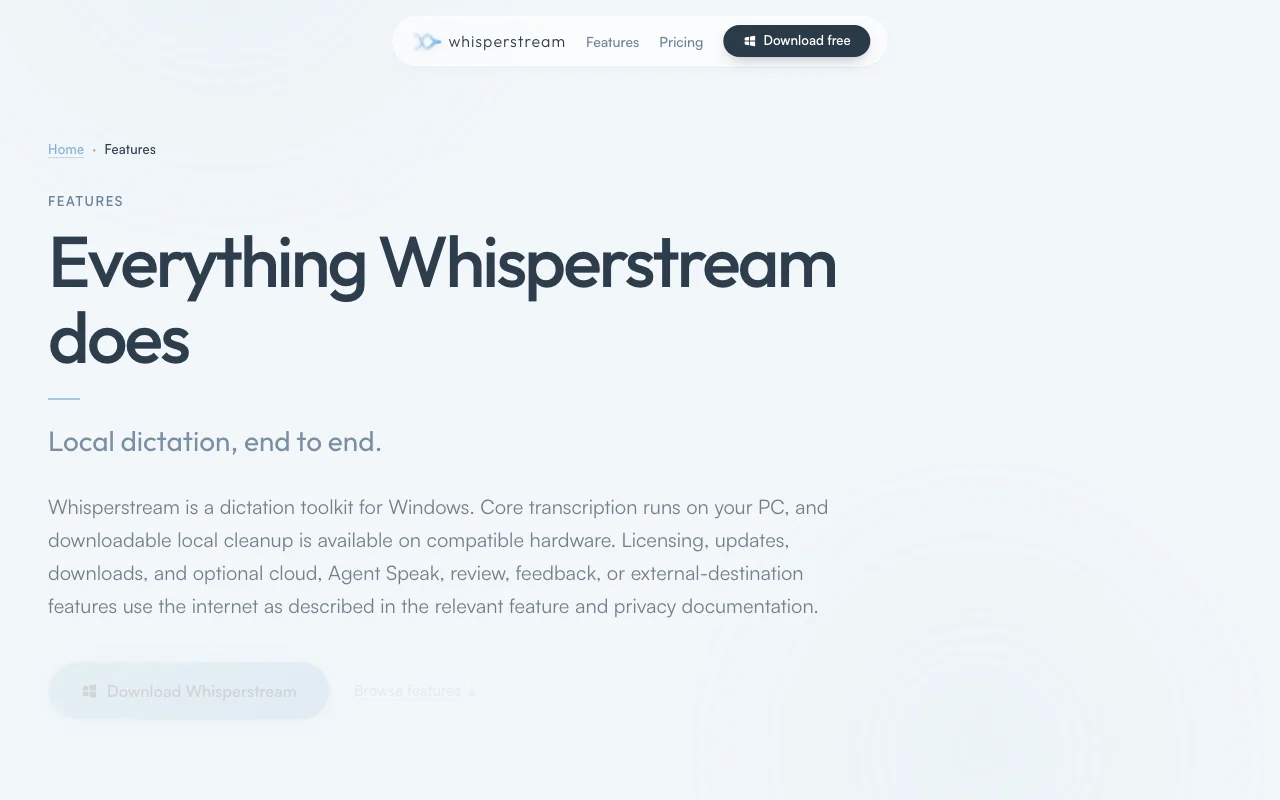
Whisperstream is a Windows dictation app that transcribes speech locally on the CPU using an NVIDIA Parakeet model and types punctuated text into whatever window has focus. Core transcription makes no network call; saved recordings and transcript history are encrypted on the device. Extras include local AI cleanup of filler words, a custom dictionary, per-app prompts, a Lockdown Mode, audio file import and 39 languages. It is sold as a one-time license ($29 for one device, $49 for two) with a free trial that requires no account.
Sie liefern
Sie erhalten zurück
Die Szenarien erarbeiten unsere Redakteure anhand der Dokumentation; das tatsächliche Ergebnis hängt von Ihrer Eingabe und Ihrem Tarif ab.
Transcribes speech on the CPU with an NVIDIA Parakeet model Audio never leaves the PC
Starts dictation with a configurable hold-to-talk or toggle key Dictate in any app without an add-in
Removes filler words and applies spoken corrections with a local model Cleaner text without editing
Stores names and jargon in a dictionary and applies a custom prompt per app Correct spelling of terms and tone per app
Whisperstream hat laut offizieller Dokumentation keine öffentliche API. No API documented
Zusammengefasst aus den aktuellen Richtlinien des Anbieters; dies ist keine Rechtsberatung, und das Badge eines Anbieters ersetzt kein unabhängiges Audit.
Core transcription makes no network call; saved recordings and history are encrypted on the device.
Audio is not uploaded to Whisperstream servers
Transcript history stored locally; Lockdown Mode protects it
Same on all licenses
„Besser geeignet“ beruht auf dokumentierten Funktionen und Preisen, nicht auf einem direkten Test.
| Alternative | Wann Sie es wählen sollten | Preise | Einschränkung | |
|---|---|---|---|---|
| Otter.ai | — | — | Vergleichen | |
| Descript | — | — | ||
| ElevenLabs | — | — | Vergleichen |
Noch keine Nutzerbewertungen.
Verwendet Whisperstream? Teilen Sie als Erste oder Erster Ihre Erfahrung.
Yes, core recognition and text delivery run offline after setup; internet is only used for license validation, updates, model downloads and optional cloud cleanup. Quelle (öffnet in neuem Tab)
Windows 10 or 11 64-bit with 8 GB RAM minimum (16 GB recommended); CPU only, no GPU needed. Quelle (öffnet in neuem Tab)
Only with the $49 license, which activates on up to 2 of your own devices; the $29 license covers 1. Quelle (öffnet in neuem Tab)
At least seven days from your first dictation that produces text, with no account or credit card. Quelle (öffnet in neuem Tab)
Yes, a 30-day refund by emailing support from your checkout address. Quelle (öffnet in neuem Tab)
Nicht verifiziert: Commercial-use terms; Policy URLs.
Jede Angabe zu Whisperstream oben stammt aus den 3 hier aufgeführten offiziellen Seiten, zuletzt verglichen am Sep 29, 2026; wir haben Whisperstream nicht selbst getestet, daher gibt es keine redaktionelle Bewertung. Wie wir Seiten prüfen und erneut prüfen.
Artikel aktualisiert Oct 10, 2026; Preise geprüft Sep 29, 2026. Ausgehende Links zu Anbietern sind einfache Links; wir erhalten keine Provisionen. So testen wir · Fehler melden
compare>