Audio & voiceDocumented overviewLast checked Sep 29, 2026

Wisprkey: Pricing, Features & Best Use Cases

Mac app for voice typing in any app with local speech-to-text and text-to-speech.
Who Wisprkey fits

Pick Wisprkey if you have an Apple silicon Mac and want free, unlimited voice typing in any app with a global shortcut, processed locally and offline. Based on the vendor's documentation, not on a hands-on test.

Best for: Mac users who dictate often

Also a good fit for

  • Privacy-minded voice typing

Consider another tool if requires Apple silicon (M1+) and macOS 15+

Or if

  • No Intel Mac support
  • Mac only

Wisprkey pricing and usage limits

Prices checked Sep 29, 2026 on the official US pricing page. Official pricing ↗ Prices and limits change often.

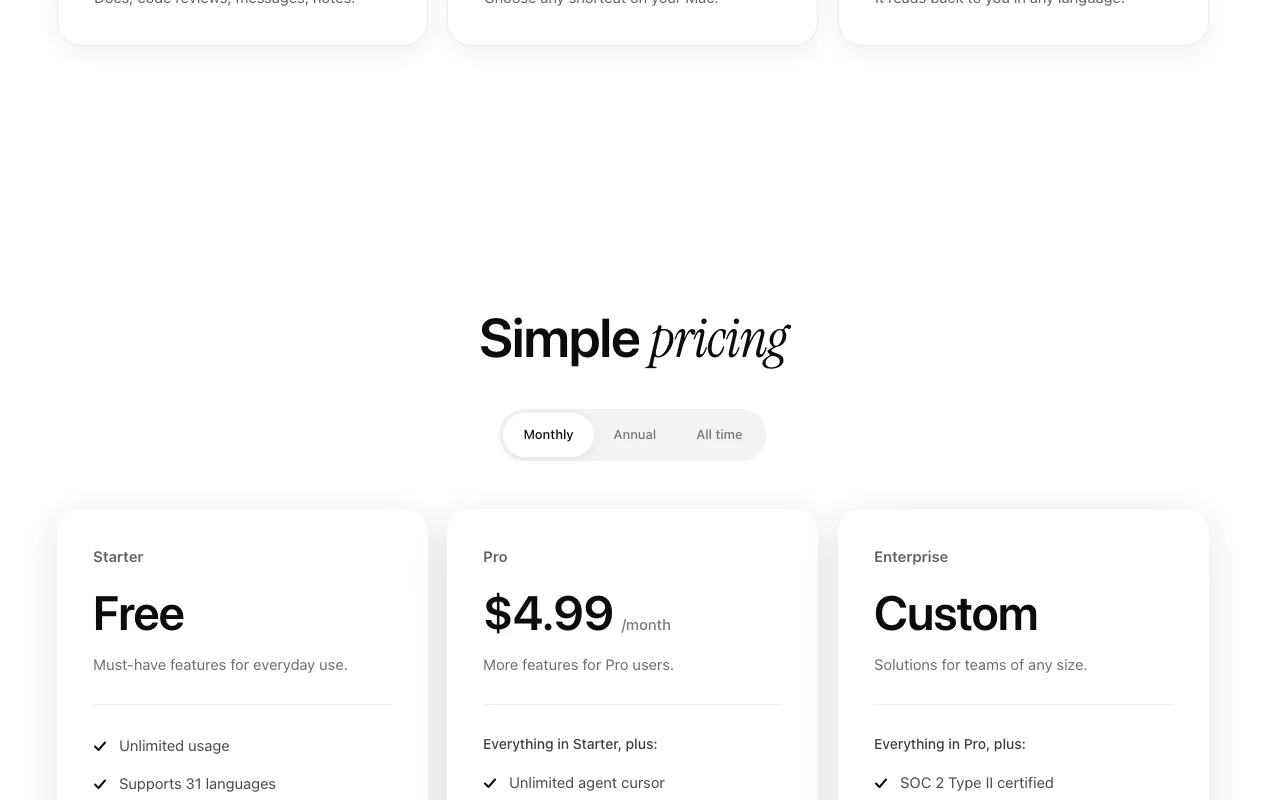
Wisprkey pricing page with plans and prices — screenshot of the audio & voice AI tool, Oct 2, 2026
The official Wisprkey pricing page as we saw it. wisprkey.com, captured Oct 2, 2026

Free access and trial conditions

Starter is free with unlimited usage

Paid plans: what changes as you upgrade

Starter desktop

Free source (opens in a new tab)

N/a

For: Everyday dictation

Limits

  • Unlimited usage

Includes

  • 31 languages
  • Global keyboard shortcut
1 more
  • Local models, 98% accuracy

No API

Pro desktop

$4.99/mo source (opens in a new tab)

Month

Page offers Monthly, Annual and All time toggles; only monthly price captured

For: Power users

Includes

  • Translate to 31 languages
  • Read text aloud, 64 voices
2 more
  • Local Brain learns your style
  • Meeting Assistant and Conversation Mode

No API

Enterprise sales

Custom pricing source (opens in a new tab)

Custom

For: Teams

Includes

  • SOC 2 Type II certified
  • Custom integrations
1 more
  • Volume discounts

What is Wisprkey, and how does it work?

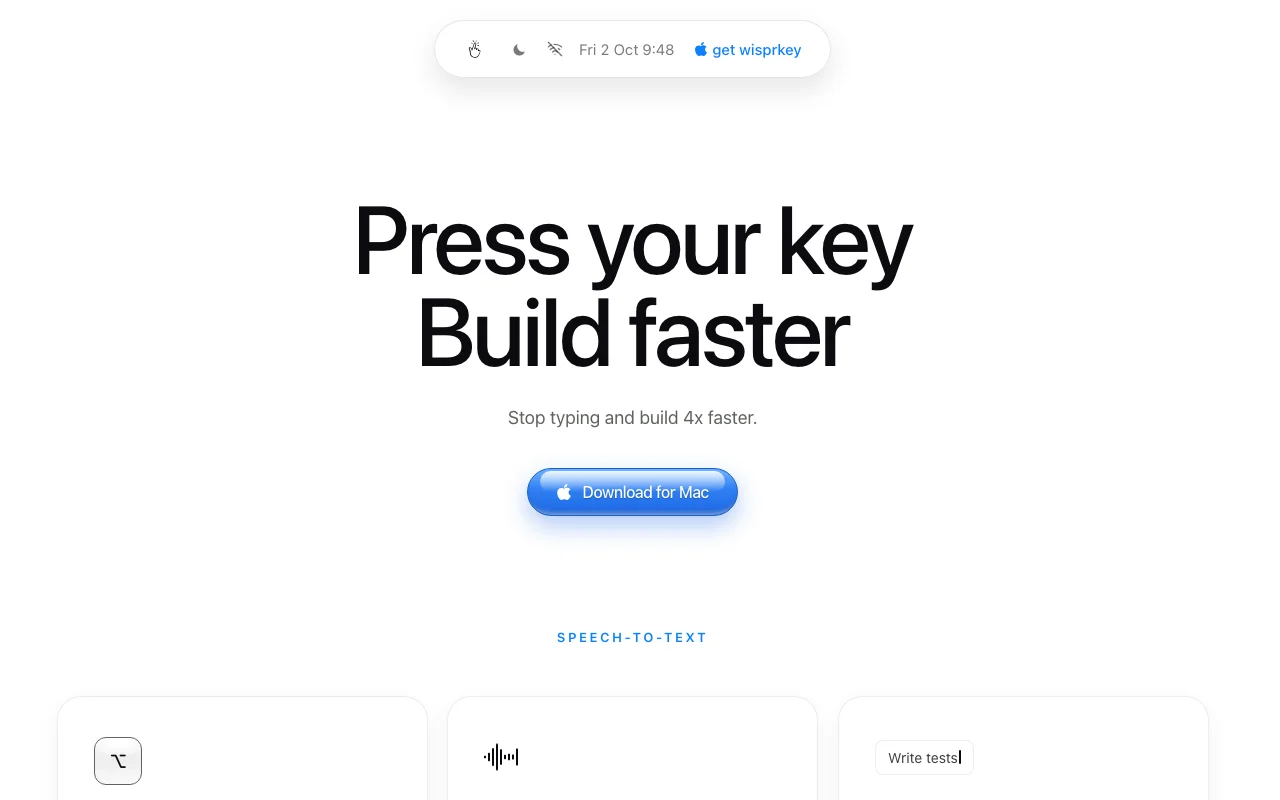
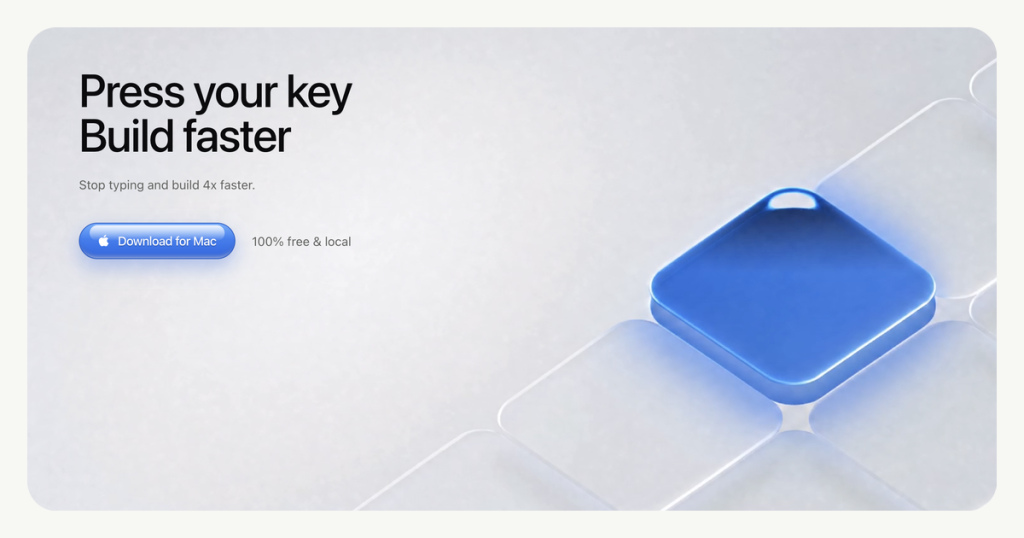
Wisprkey is a Mac app that turns speech into text in any app with a keyboard shortcut, and reads selected text aloud. Transcription and built-in voices run locally. It requires an Apple silicon Mac on macOS 15 or later.

Wisprkey homepage — screenshot of the audio & voice AI tool, Oct 2, 2026
Wisprkey's official site: how the product presents itself. wisprkey.com, captured Oct 2, 2026

What you provide and what you get back

How Wisprkey works: what you provide, where it runs and what you get backYOU PROVIDEYour inputSpoken audio from your microphone…Selected text on screen to read a…AUDIO & VOICEWisprkeyDesktopfrom $4.99/mo (Pro)free tier availableaccount requiredchecked Sep 29, 2026YOU GET BACKThe resultClean punctuated text typed into…Spoken playback in 64 voices (Pro)Translated text in 31 languages (…input → Wisprkey → output · from the vendor's own pages, no hands-on test unless stated
What you give Wisprkey and what comes back, from its documentation

You provide

  • Spoken audio from your microphone via a global keyboard shortcut
  • Selected text on screen to read aloud

You get back

  • Clean punctuated text typed into the focused app
  • Spoken playback in 64 voices (Pro)
  • Translated text in 31 languages (Pro)

Where you can use it

Platforms
Desktop
Account
Required
Languages
31
Voices (TTS)
64 (Pro)
Stated accuracy
98%
Processing
Local on Mac, offline
System requirements
Apple silicon M1+, macOS 15+
Voice cloning
Not offered on fetched pages

Where Wisprkey is most useful

Scenarios are worked out by our editors from the documentation; the actual result depends on your input and plan.

Dictate into any Mac app

Who
Developers and writers who type a lot
You provide
Hold or press a shortcut and speak
Expected result
Clean, punctuated text in the app you are using
Plan needed
Starter (free)
Limitation
Apple silicon and macOS 15+ only source (opens in a new tab)

Read documents aloud

Who
People reviewing docs, code reviews or messages by ear
You provide
Selected text plus a shortcut
Expected result
Text read back in one of 64 voices in any language
Plan needed
Pro ($4.99/month)
Limitation
Text-to-speech is a Pro feature source (opens in a new tab)

Translate speech to other languages

Who
Multilingual workers
You provide
Spoken sentence
Expected result
Text translated into one of 31 languages
Plan needed
Pro ($4.99/month)
Limitation
Translation needs Pro source (opens in a new tab)

Capture meetings and ask about them later

Who
Professionals in frequent calls
You provide
Meeting audio
Expected result
Searchable meeting record you can query
Plan needed
Pro ($4.99/month)
Limitation
Feature depth not detailed on the page source (opens in a new tab)

Wisprkey features and their limits

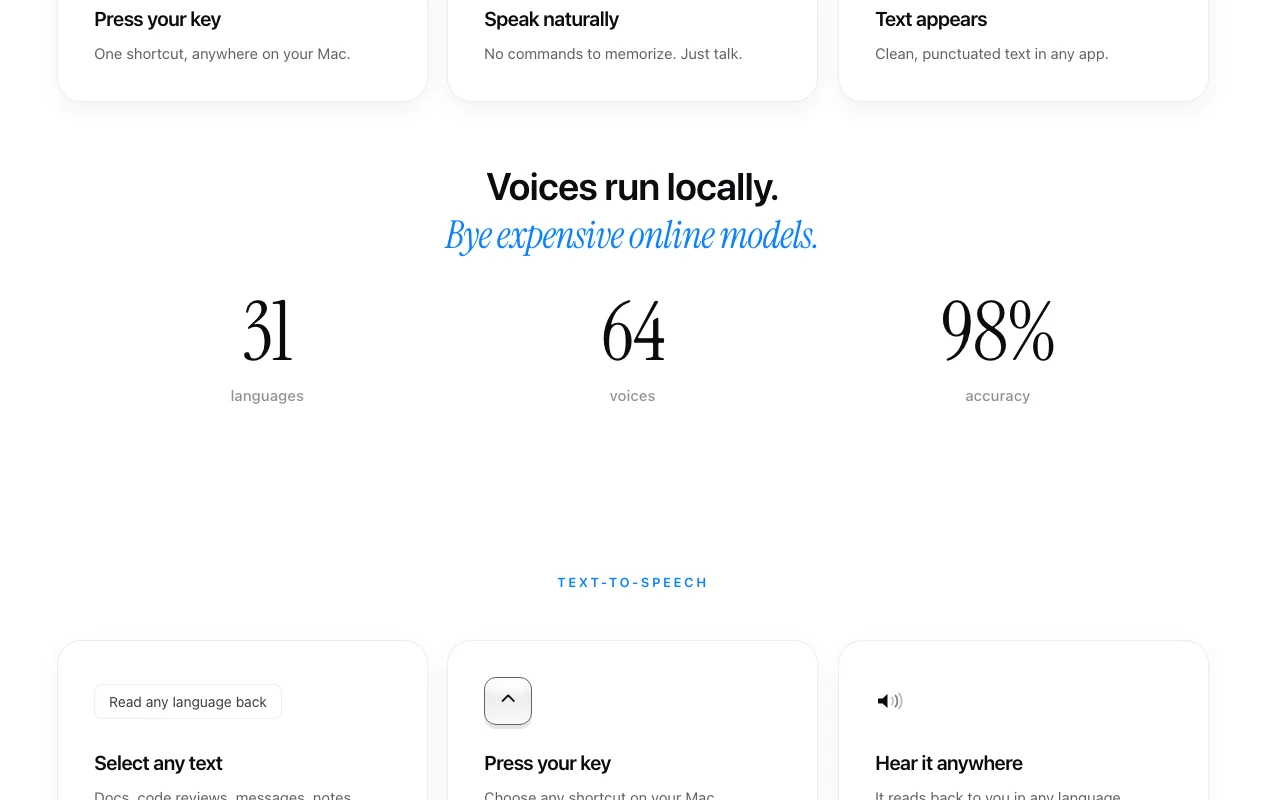
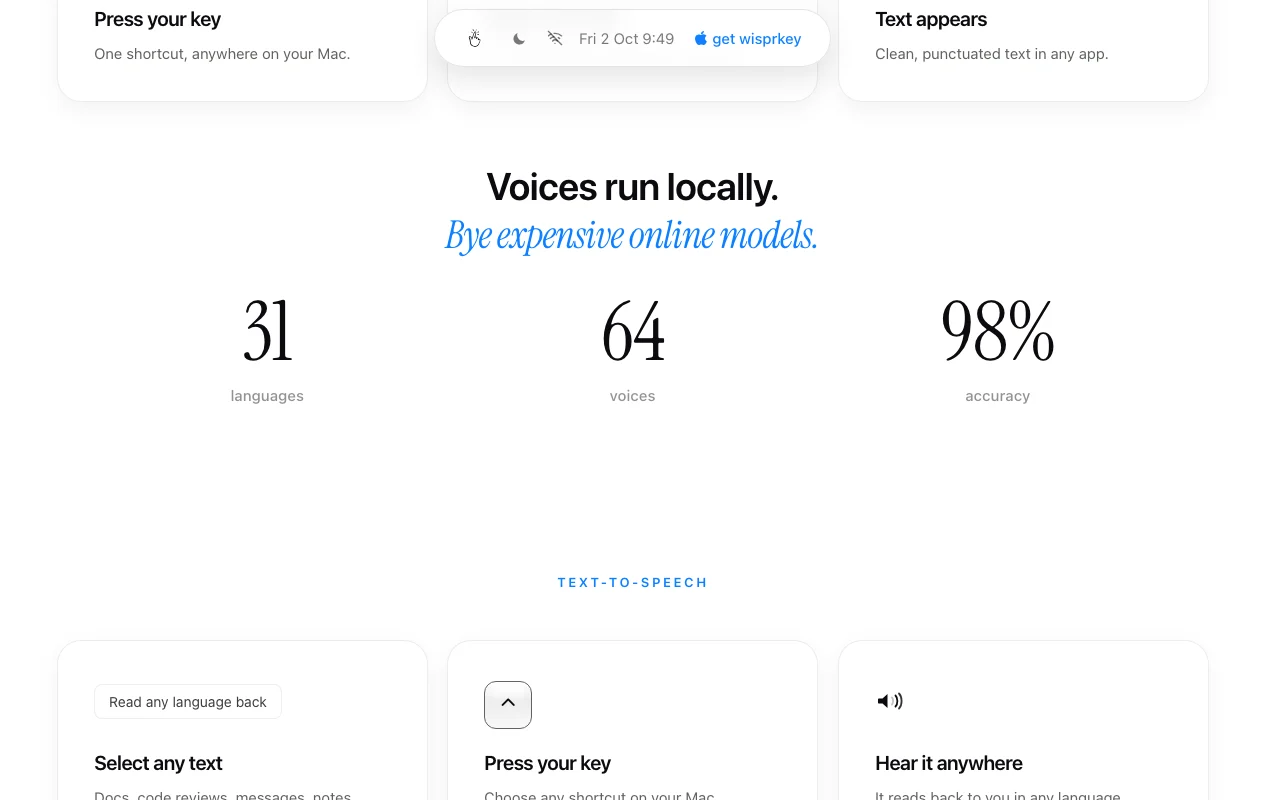
Wisprkey homepage — screenshot of the audio & voice AI tool, Oct 2, 2026
Feature overview on the official site. wisprkey.com, captured Oct 2, 2026

Speech-to-text via global shortcut

Types your speech into whichever app has focus when you press your chosen key Replaces keyboard entry without switching apps

Access: Starter (free)Limit: Mac only source (opens in a new tab)

31 languages

Transcribes speech in 31 languages Dictation for non-English work

Access: Starter (free)Limit: Accuracy of 98% is a vendor claim source (opens in a new tab)

Text-to-speech with 64 voices (Pro)

Reads selected text aloud using built-in local voices Proofreading and listening to docs

Access: ProLimit: Paid tier only source (opens in a new tab)

Local models, works offline

Runs transcription and built-in voices on the Mac Keeps audio off the network and cuts per-use costs

Access: All plansLimit: Requires Apple silicon source (opens in a new tab)

Local Brain and agent cursor (Pro)

Learns your writing style and offers unlimited agent cursor and Conversation Mode with agents Personalizes output and voice-drives agents

Access: ProLimit: Capabilities only summarized on the page source (opens in a new tab)

Pros, cons and deal-breakers

Where Wisprkey is strong

Limitations to check before paying

How to use Wisprkey for dictating text on a Mac

Set up Wisprkey

  1. Check that your Mac has an M1 or later chip and macOS 15 or newer
  2. Click Download for Mac on wisprkey.com and install the app
  3. Grant the microphone permission when asked
  4. Choose your global dictation shortcut

Example: dictating text on a Mac

  1. Click into a text field in any app
  2. Press the shortcut and speak a sentence naturally
  3. Release and wait for punctuated text to appear
  4. Select a paragraph and press the read-aloud shortcut (Pro)

Review and export the result

  1. Confirm the text matches what you said in your chosen language
  2. Turn off Wi-Fi and repeat to confirm offline operation

Wisprkey API

API access and separate billing

Wisprkey has no public API in its official documentation. Optional external AI providers with your own API keys per privacy policy

Privacy, data use and commercial rights

Summarized from the vendor's current policies; this is not legal advice and a vendor's badge is not an independent audit.

How your inputs and outputs are handled

Default transcription and built-in voices run locally; the vendor does not collect local audio or transcripts

Audio, transcripts and generated text are not used to train AI models

Account and licensing data kept as needed; local content controlled by you

Controls for business users

  • SOC 2 Type II (Enterprise)

Policies: wisprkey.com/privacy

Best Wisprkey alternatives for different needs

"Better suited" is based on documented features and pricing, not on a head-to-head test.

Otter.ai: better suited to

ElevenLabs: better suited to

Alternatives
AlternativeWhen to choose itPricingLimitation
Otter.ai——Compare
ElevenLabs——Compare

Explore Wisprkey further

If you are looking at Wisprkey

Wisprkey user reviews

No user reviews yet.

Used Wisprkey? Be the first to share your experience.

Write a review

Reviews are checked by a moderator before they appear. Your email is never published. Plain text only.

Your rating (required)

Show what you made or what went wrong. Images are published only if the review is approved; location data is removed.

    Wisprkey FAQ

    Does Wisprkey work on an Intel Mac?

    No. It runs local models that need Apple silicon, so it requires an M1 or later Mac on macOS 15+. source (opens in a new tab)

    Does Wisprkey work offline?

    Yes. Transcription and the built-in voices run locally on your Mac. source (opens in a new tab)

    What does the Pro plan add over Starter?

    At $4.99/month it adds translation to 31 languages, read-aloud with 64 voices, Local Brain, Meeting Assistant and Conversation Mode. source (opens in a new tab)

    Is my dictation used to train AI models?

    No. The privacy policy says audio, transcripts and generated text are not used to train models. source (opens in a new tab)

    Who operates Wisprkey?

    ProgMa Group AB, based in Sweden, according to the privacy policy. source (opens in a new tab)

    Sources and review methodology

    Official sources and verification dates

    Not verified: Annual and all-time price points; Whether Starter needs an account; Docs.

    How we documented and maintain this page

    Every fact about Wisprkey above comes from the 4 official pages listed here, last compared on Sep 29, 2026; we have not run Wisprkey ourselves, so it has no editorial score. How we check and re-check pages.

    Article updated Oct 10, 2026; prices checked Sep 29, 2026. Outbound links to vendors are plain links; we do not earn commissions. How we review · Report an error