Our take: Best for podcasters, educators, and media teams who want one tool for transcription, subtitles, translation, and dubbing across multiple languages.
Main limitation: Free tier allows only one transcription up to 10 minutes; translation, dubbing and live sessions require a paid plan; credit-based usage
By the AI Tool Atlas editors.
Based on the vendor's official documentation; we have not tested this product hands-on. What “documented overview” means
Who should use Voicina
Best for podcasters, educators, and media teams who want one tool for transcription, subtitles, translation, and dubbing across multiple languages. Based on the vendor's documentation, not on a hands-on test.
Best for: Podcasters and creators
Also a good fit for
Educators localizing courses
Media teams handling multilingual content
Companies running multilingual events with live translation
Consider another tool if need unlimited free transcriptions (free tier limited to 1)
Or if
Require standalone transcription tool without dubbing complexity
Prefer flat monthly fees over credit-based billing
Voicina pricing and usage limits
Prices checked Oct 1, 2026 on the official US pricing page. Official pricing ↗ Prices and limits change often.
Vendor pricing page re-checked automatically 11 days ago: no changes detected.
Not explicitly mentioned; likely subject to applicable taxes
What is Voicina, and how does it work?
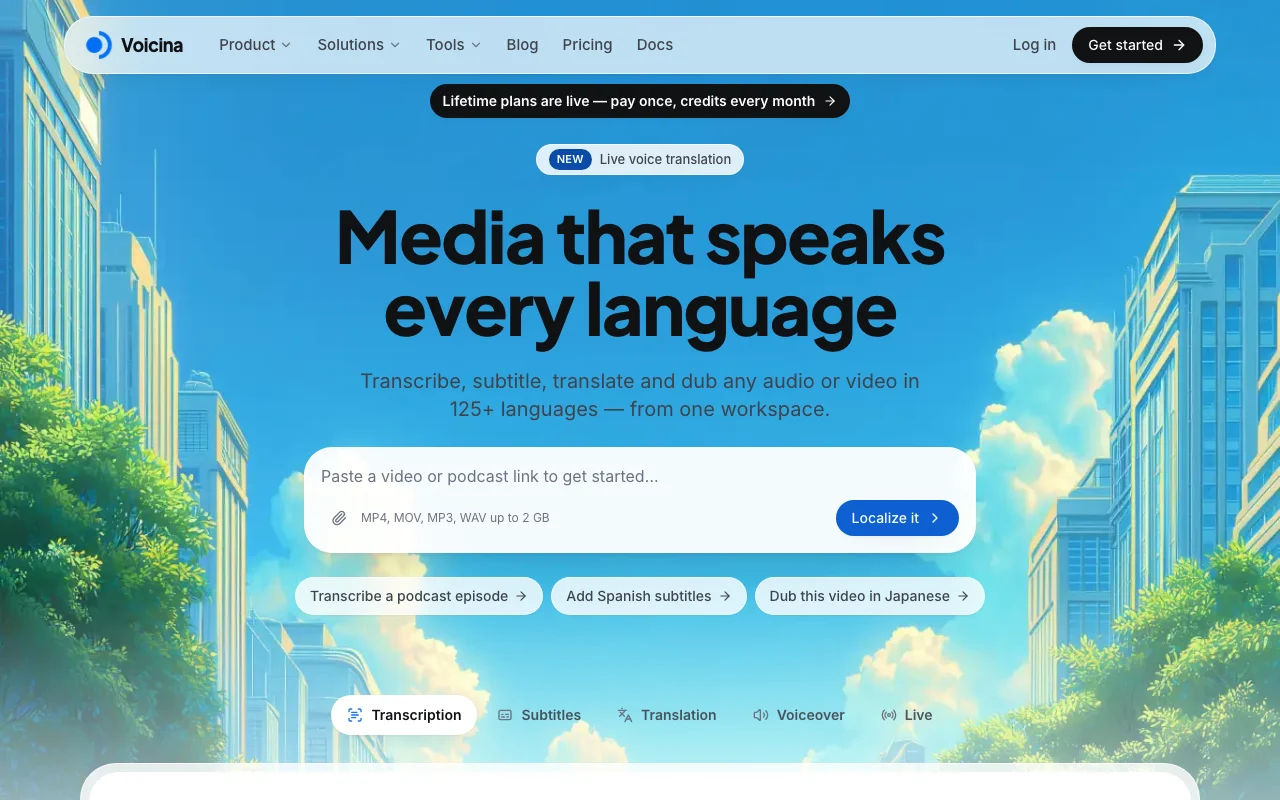
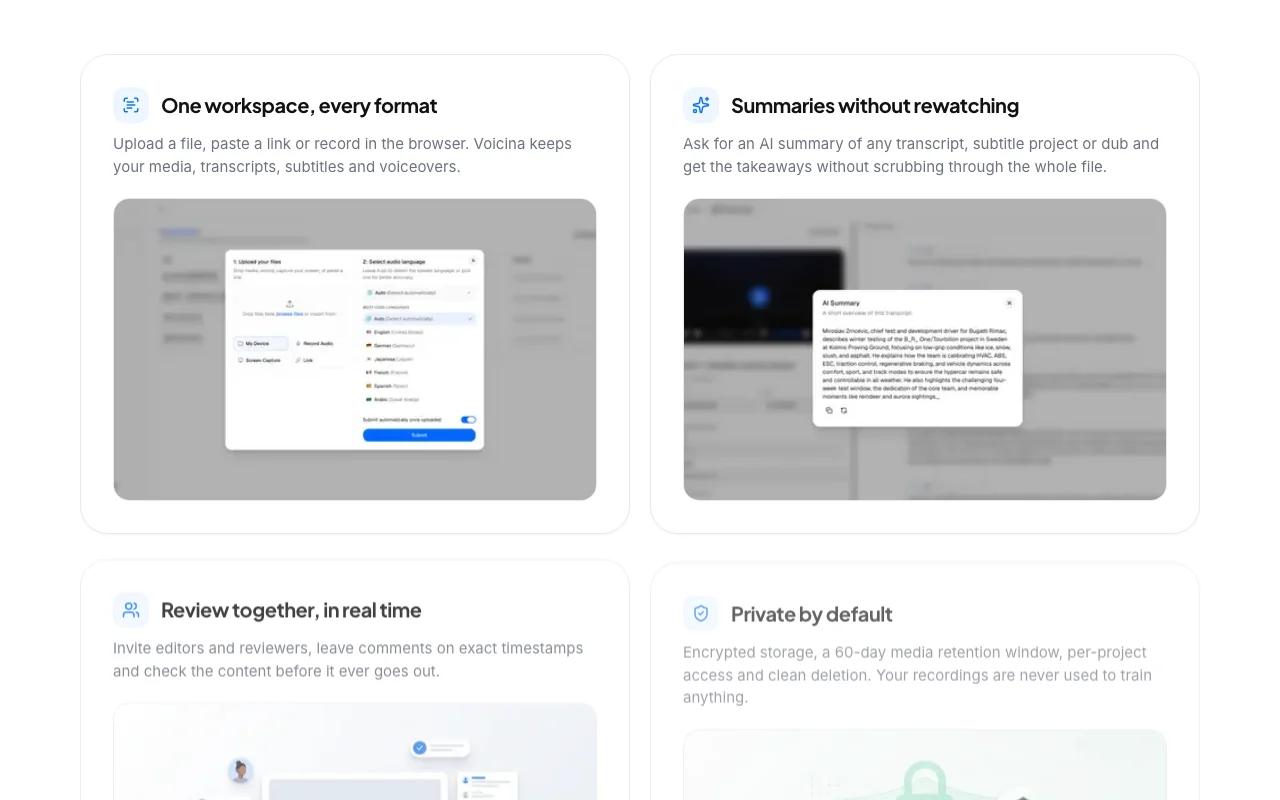
Voicina is a media localization workspace where users upload audio or video, or paste a link, and get transcripts, timed subtitles, translations, voiceovers and dubs. It supports 125+ languages, speaker detection, and exports such as SRT and VTT. It also offers real-time captions, translation and dubbing for meetings, streams and events, voice cloning, AI summaries, and team review with timestamped comments. Pro and Ultra accounts can use a REST API that draws on the same credit balance.
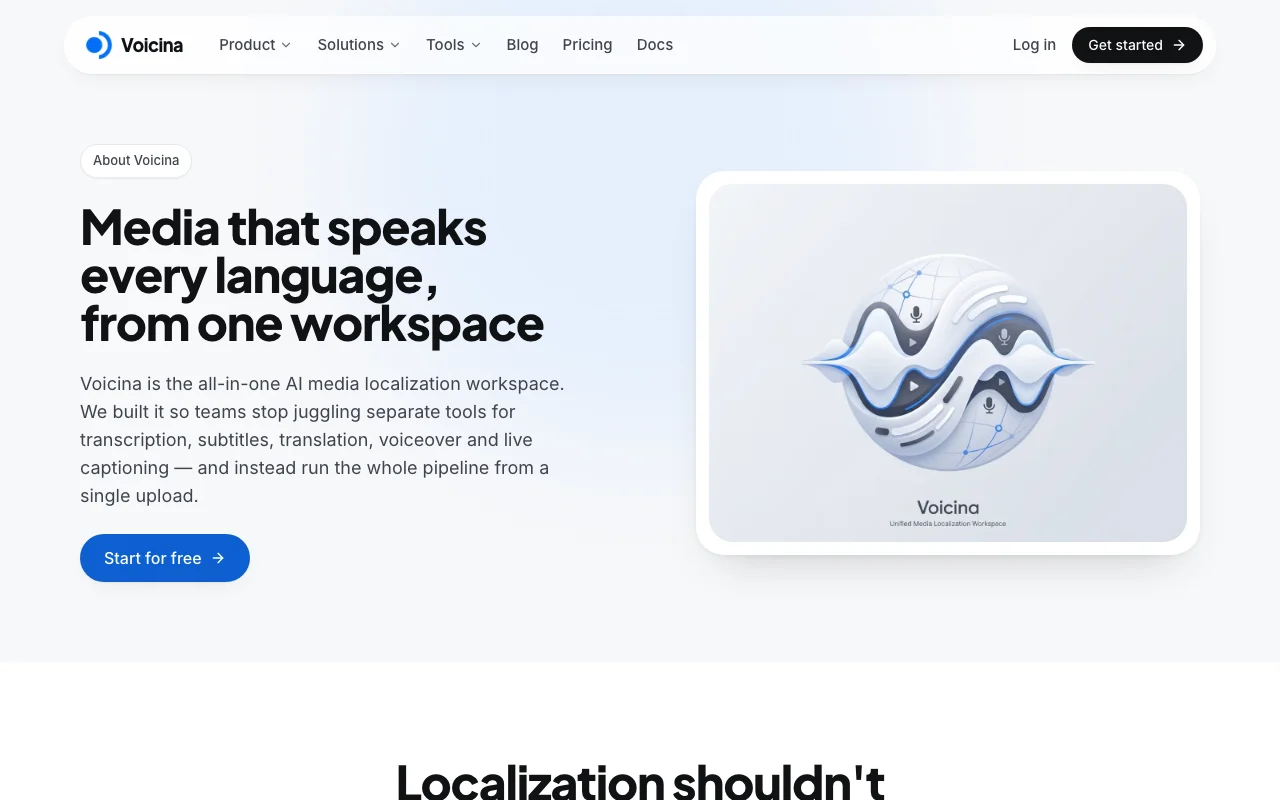
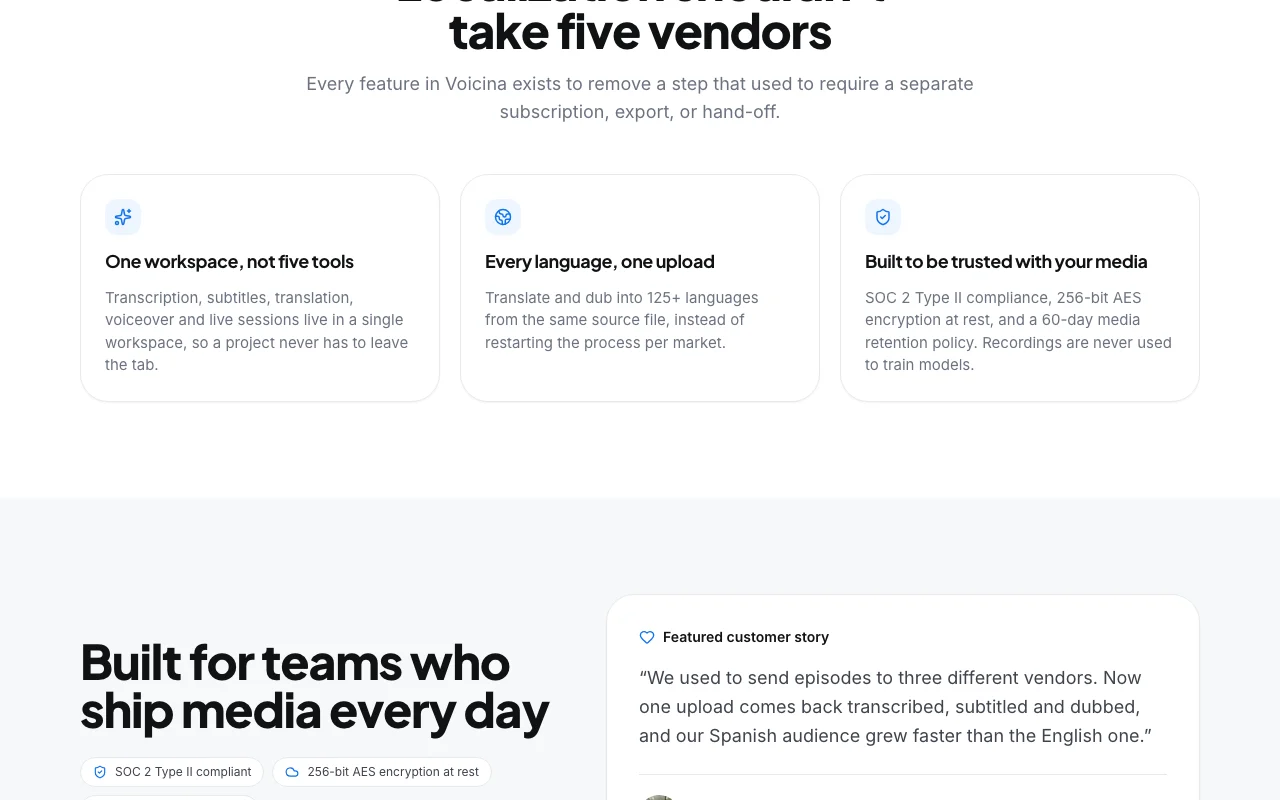
Voicina's official site: how the product presents itself. voicina.com, captured Oct 1, 2026
What you provide and what you get back
What you give Voicina and what comes back, from its documentation
You provide
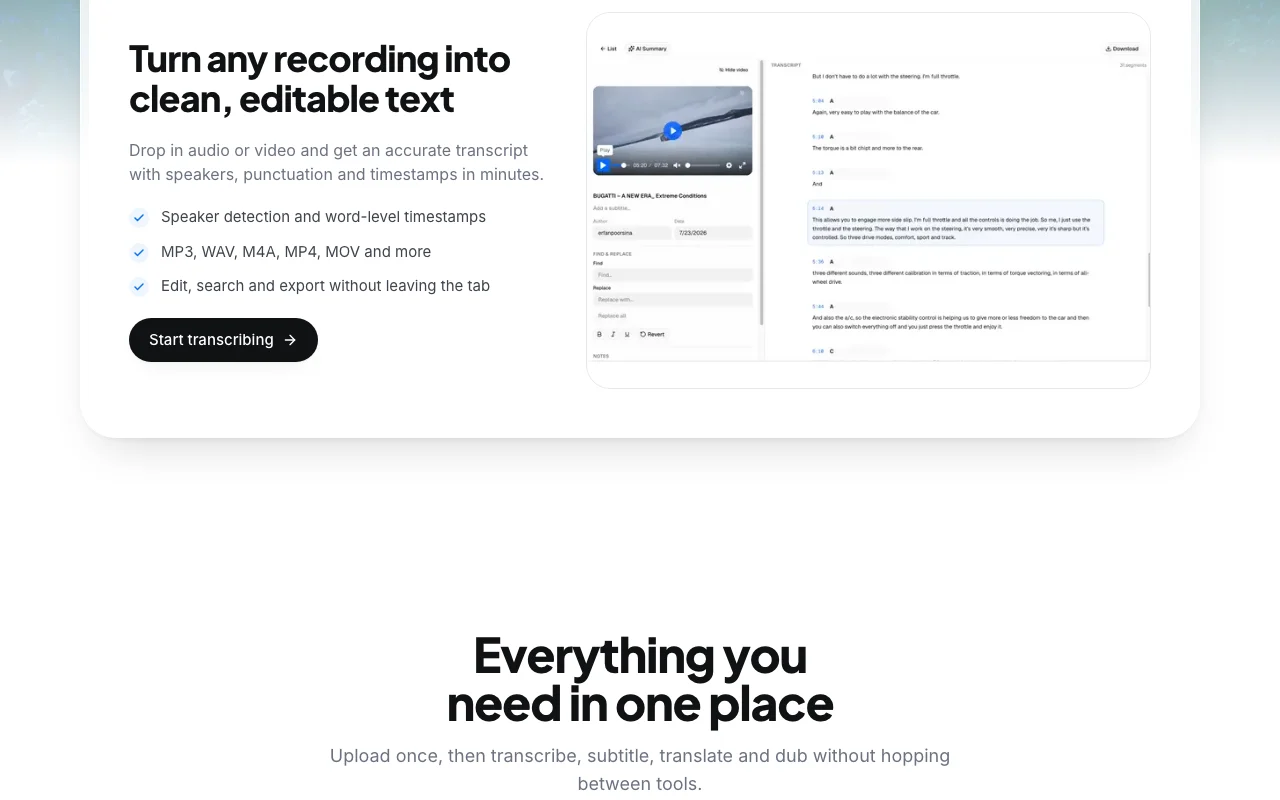
Audio and video files (MP3, WAV, M4A, MP4, MOV; up to 2 GB)
Media URLs (YouTube links, etc.)
Subtitle files (upload to translate)
You get back
Transcripts (with speaker detection and timestamps)
Translate transcripts, subtitles, and audio across 125+ languages Reach audiences in their native language
Access: Pro and UltraLimit: Subtitle translation: 13 credits/min/language (3 fast); not available on Freesource (opens in a new tab)
Voiceover, text-to-speech and voice cloning
Generate narration from text; clone a voice to reuse across languages Create consistent multilingual audio without re-recording
Access: Pro and UltraLimit: Voiceover: 2 credits/min; TTS: 60 credits/min (35 light); cloning one-time setupsource (opens in a new tab)
Pros, cons and deal-breakers
Reasons to choose Voicina
Free tier with 500 one-time credits Try one transcription (up to 10 minutes) without paymentdocumentedsource (opens in a new tab)
Top-up credits never expire Credits don't disappear; only monthly subscription credits resetdocumentedsource (opens in a new tab)
Covers transcription, subtitles, dubbing and live sessions in one tool No need to juggle multiple vendors for different localization tasksdocumentedsource (opens in a new tab)
Media deleted after 60 days per stated retention policy Automatic cleanup; privacy by designdocumentedsource (opens in a new tab)
Check before paying for Voicina
Free tier allows only one transcription up to 10 minutes Free plan has severe limits; real use requires paid subscriptiondocumentedsource (opens in a new tab)
Translation, dubbing and live sessions require a paid plan Even basic translation or voiceover unavailable on Free tierdocumentedsource (opens in a new tab)
Credit-based usage; dubbing costs 48 credits per minute per language Heavy dubbing work is expensive (48 credits/min × multiple languages)documentedsource (opens in a new tab)
API not available on the free plan Programmatic access requires Pro or Ultradocumentedsource (opens in a new tab)
How to use Voicina for transcribing and subtitling a video or podcast
Set up Voicina
Visit https://voicina.com/ and sign up (Free or Pro)
Upload audio/video file (MP3, WAV, M4A, MP4, MOV; up to 2 GB) or paste a URL
Select transcription type (Standard with diarization or Light)
Voicina processes and returns transcript with speaker labels and timestamps
Example: transcribing and subtitling a video or podcast
Upload podcast episode (MP3)
Voicina transcribes and detects speakers
Review and edit transcript in the editor
Generate subtitles automatically (SRT/VTT)
Translate subtitles into Spanish (13 credits/min)
Burn styled subtitles into video or export for soft captions
Optional: Add voiceover or dubbing in target language
1 credit = 1 minute of Light transcription. Standard transcription and subtitles (with diarization) cost 2 credits/min. Voiceover: 2 credits/min. Translation: 13 credits/min/language. Dubbing: 48 credits/min/language. TTS: 60 credits/min (35 light). Live sessions: 5 credits/min. source (opens in a new tab)
How long do you keep my files?
Uploaded media and generated speech are kept for 60 days, then permanently deleted. Download exports before then if you need a longer archive. You can delete a project at any time. source (opens in a new tab)
Do unused credits roll over?
Monthly subscription credits reset each billing period. Top-up credits never expire and are used only after your monthly credits run out. source (opens in a new tab)
Do you have an API?
Pro and Ultra accounts can create Bearer API keys in the dashboard. The API runs transcription, subtitles, voiceover, and text to speech against your existing credit balance — it is not a separate pay-as-you-go meter. source (opens in a new tab)
Is my media used to train models?
No. Your recordings, transcripts and media are never used to train models. Data is encrypted at rest with 256-bit AES encryption. source (opens in a new tab)
Sources and review methodology
Official sources and verification dates
Voicina | Transcribe, subtitle, translate and dub any mediahomepage · checked Oct 1, 2026 · Product overview, Pricing tiers (Free, Pro, Ultra), Credit costs and top-up packs, Features (transcription, subtitles, translation, voiceover, live), Use cases and testimonials
Privacy Policy | Voicinapolicy · checked Oct 1, 2026 · Data collection and usage, Data protection (encryption, access control), Model training (none on user content), Data retention (60-day window for media), Data deletion and user rights
How we documented and maintain this page
Every fact about Voicina above comes from the 2 official pages listed here, last compared on Oct 1, 2026; we have not run Voicina ourselves, so it has no editorial score. How we check and re-check pages.
Article updated Oct 10, 2026; prices checked Oct 1, 2026. Outbound links to vendors are plain links; we do not earn commissions. How we review · Report an error