Audio & voiceDocumented overviewLast checked Oct 1, 2026

Vowen: Pricing, Features & Best Use Cases

Voice interface for Mac and Windows with free unlimited dictation, meeting notes, and voice shortcuts.

Who Vowen fits

Choose Vowen if you want free unlimited voice dictation on Mac or Windows with local processing, and an optional one-time $49 Pro for unlimited meeting notes and shortcuts. Based on the vendor's documentation, not on a hands-on test.

Best for: Heavy dictation users

Also a good fit for

  • Privacy-minded Mac and Windows users
  • Meeting note takers

Consider another tool if free tier limits meeting notes to 10 and transcriptions to 10

Or if

  • Command Mode limited to 5 calls per day on Free
  • Bring-your-own API key needed for AI features

Vowen pricing and usage limits

Prices checked Oct 1, 2026 on the official US pricing page. Official pricing ↗ Prices and limits change often.

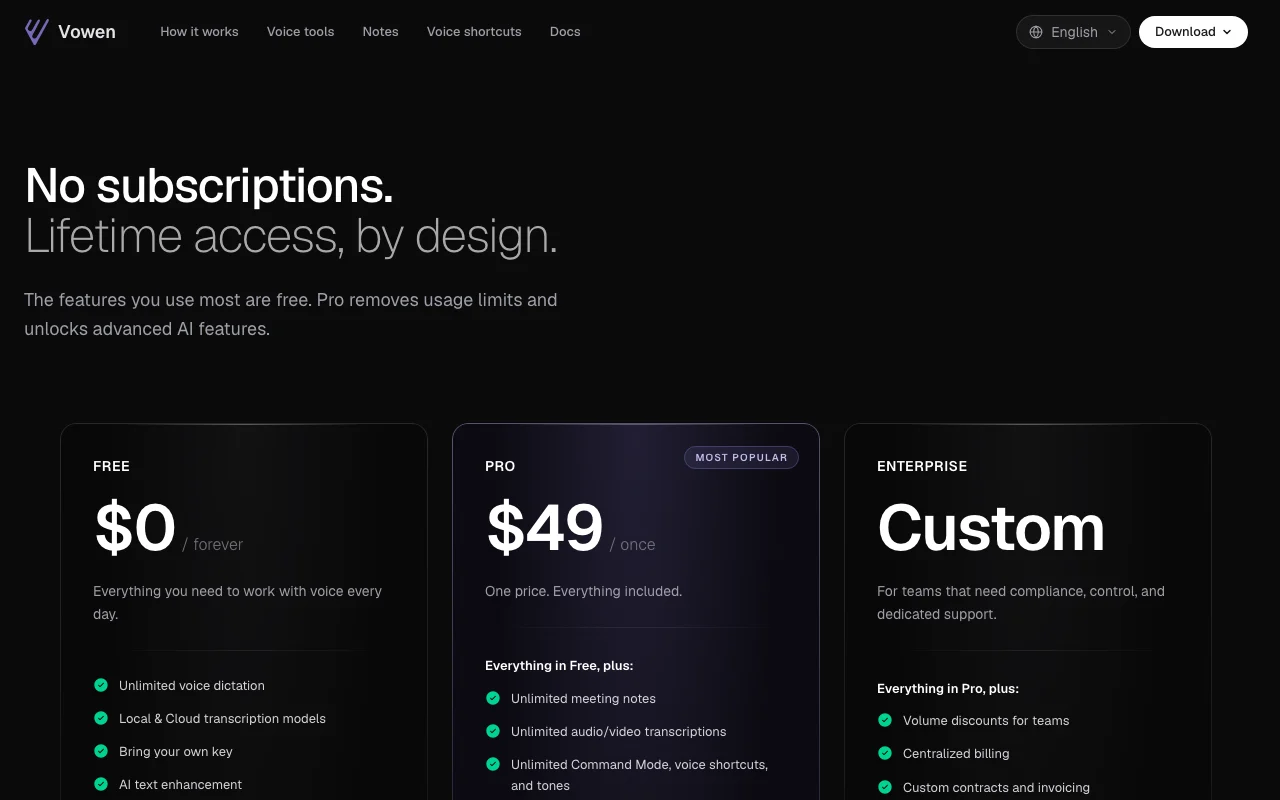
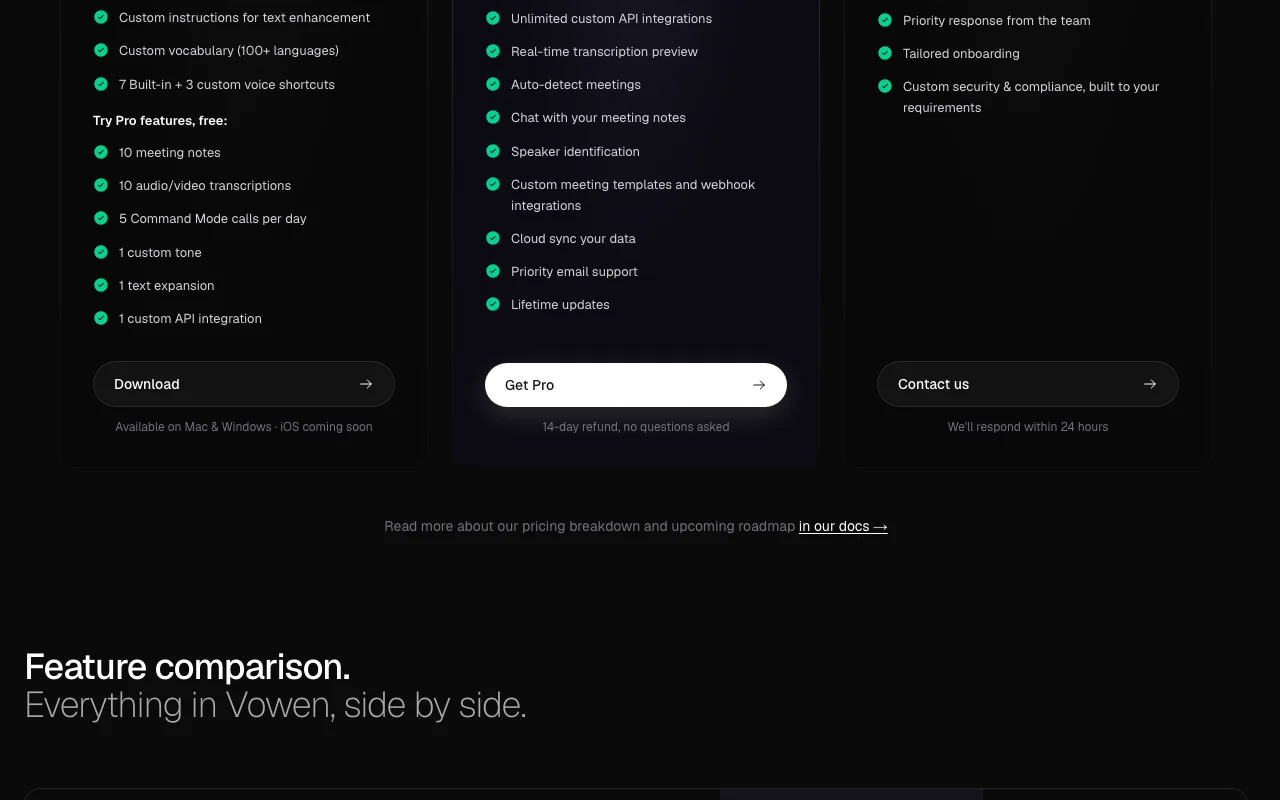
Vowen pricing page with plans and prices — screenshot of the audio & voice AI tool, Oct 2, 2026
The official Vowen pricing page as we saw it. vowen.ai, captured Oct 2, 2026

Free access and trial conditions

Free forever with unlimited dictation

Free tier includes limited Pro features to try

Paid plans: what changes as you upgrade

Free Desktop

Free source (opens in a new tab)

Month

For: Everyday dictation

Limits

  • 10 meeting notes
  • 10 audio/video transcriptions
1 more
  • 5 Command Mode calls per day

Includes

  • Unlimited voice dictation
  • Local and cloud transcription models
2 more
  • Custom vocabulary
  • 3 custom voice shortcuts

Pro Desktop

$49 one-time source (opens in a new tab)

One-time

For: Heavy meeting and shortcut users

Limits

  • Lifetime updates

Includes

  • Unlimited meeting notes and transcriptions
  • Speaker identification and auto-detect meetings
2 more
  • Cloud sync
  • Webhooks and custom templates

Enterprise Desktop

Custom pricing source (opens in a new tab)

Unknown

For: Teams needing compliance

Includes

  • Volume discounts
  • Centralized billing
1 more
  • Custom security and compliance

Usage caps, credits and extra costs

Cloud AI models require your own API key (provider charges apply)

Not stated

What is Vowen, and how does it work?

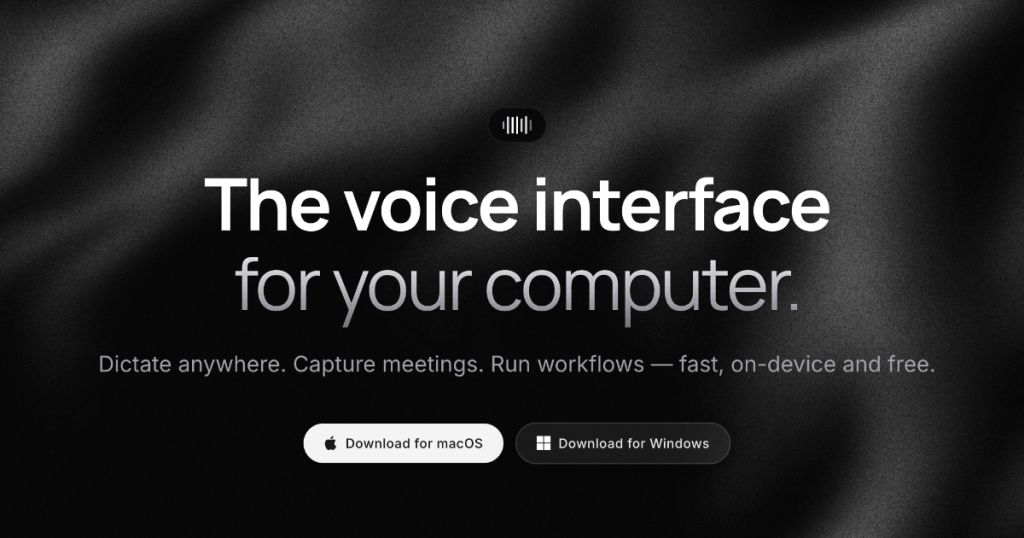
Vowen is a desktop voice app for dictating into any application, transcribing meetings, and running voice shortcuts. The site says transcription can run on-device and offline. It offers local and cloud transcription models, AI text cleanup with a user-supplied key, and a Command Mode for voice-driven actions.

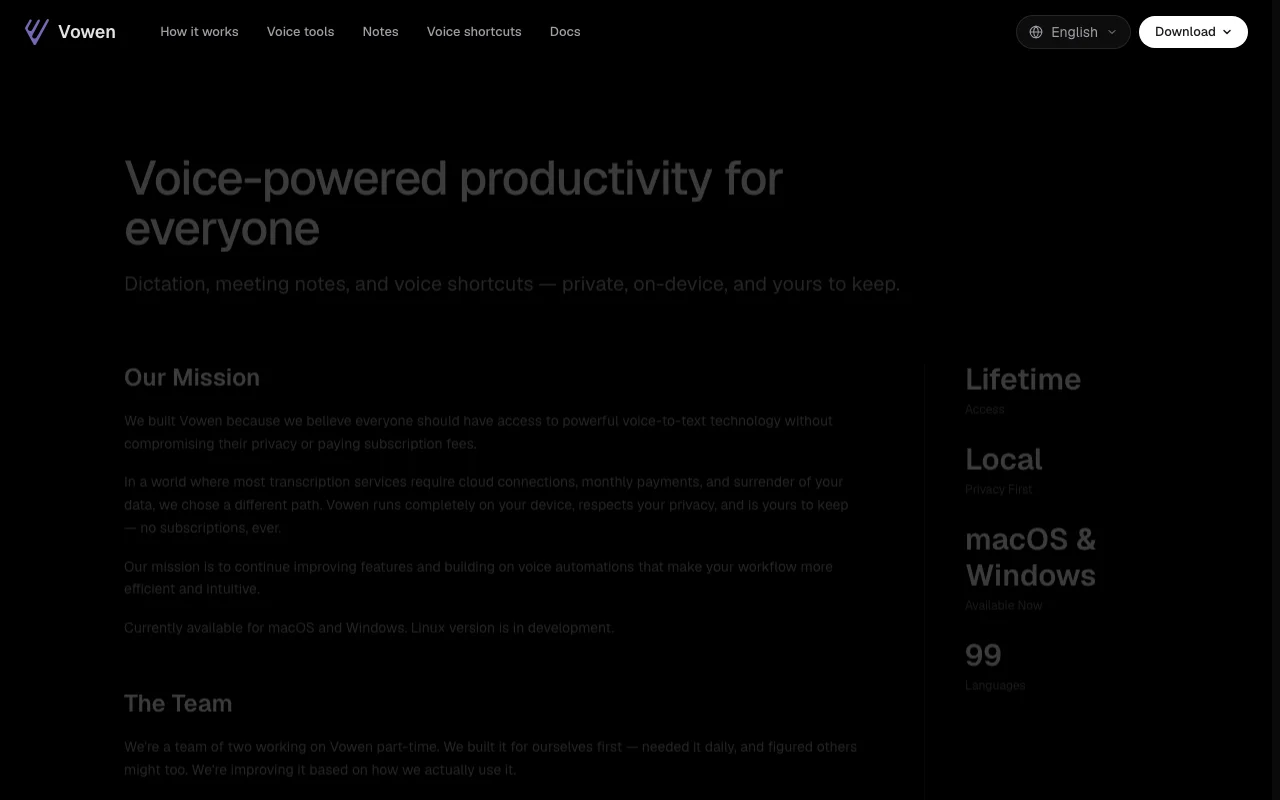
Vowen homepage — screenshot of the audio & voice AI tool, Oct 2, 2026
Vowen's official site: how the product presents itself. vowen.ai, captured Oct 2, 2026

What you provide and what you get back

How Vowen works: what you provide, where it runs and what you get backYOU PROVIDEYour inputMicrophone speechAudio and video filesMeeting audioAUDIO & VOICEVowenDesktopfrom $49 (Pro)free tier availableaccount requiredchecked Oct 1, 2026YOU GET BACKThe resultDictated text in any appMeeting notes and transcriptsVoice-triggered shortcuts and tex…input → Vowen → output · from the vendor's own pages, no hands-on test unless stated
What you give Vowen and what comes back, from its documentation

You provide

  • Microphone speech
  • Audio and video files
  • Meeting audio

You get back

  • Dictated text in any app
  • Meeting notes and transcripts
  • Voice-triggered shortcuts and text expansions

Where you can use it

Platforms
Desktop
Account
Required
Platforms
macOS 14+, Windows 10+
Languages
100+ for vocabulary and transcription
Models
Local (Parakeet) and cloud (Groq, Soniox) with own key
Export/sync
Obsidian, webhooks, cloud sync
Voice cloning
Not applicable

Where Vowen is most useful

Scenarios are worked out by our editors from the documentation; the actual result depends on your input and plan.

Dictating into any app

Who
Anyone who types a lot
You provide
Speech via a hotkey
Expected result
Cleaned text typed into the active app
Plan needed
Free
Limitation
Cloud transcription and AI enhancement need your own key source (opens in a new tab)

Transcribing meetings

Who
Professionals in meetings
You provide
Meeting audio
Expected result
Meeting notes with optional speaker identification
Plan needed
Free (10 notes) or Pro
Limitation
Speaker identification and auto-detect are Pro source (opens in a new tab)

Voice text-expansion shortcuts

Who
Power users
You provide
Spoken shortcut phrase
Expected result
Expanded text or app/folder action
Plan needed
Free (3 custom shortcuts) or Pro
Limitation
Free: 1 text expansion source (opens in a new tab)

What Vowen does, and where it stops

Vowen homepage — screenshot of the audio & voice AI tool, Oct 2, 2026
Feature overview on the official site. vowen.ai, captured Oct 2, 2026

Unlimited dictation on Free

Unlimited voice dictation with local and cloud transcription models Dictate anywhere on desktop

Access: FreeLimit: Cloud models need your own key source (opens in a new tab)

Local and cloud transcription models

Custom vocabulary (100+ languages) and per-app custom instructions for text enhancement Matches tone to the app

Access: FreeLimit: AI enhancement needs your own key source (opens in a new tab)

Custom vocabulary and instructions

Meeting notes, chat with notes, templates and webhooks Captures and reuses meetings

Access: 10 notes on Free; unlimited on ProLimit: Webhooks and chat are Pro source (opens in a new tab)

Voice shortcuts and text expansion

Voice shortcuts for apps and folders plus text expansions Runs actions by voice

Access: 3 custom on Free; unlimited on ProLimit: iOS is listed as coming soon source (opens in a new tab)

Pros, cons and deal-breakers

Where Vowen is strong

Limitations to check before paying

How to use Vowen for dictating text with your voice on desktop

Set up Vowen

  1. Download Vowen for macOS 14+ or Windows 10+
  2. Choose a local or cloud transcription model
  3. Optionally add your own provider API key for AI features
  4. Set your dictation hotkey

Example: dictating text with your voice on desktop

  1. Focus any text field
  2. Hold the hotkey and speak
  3. Release to insert cleaned text
  4. Add a text expansion and trigger it by voice

Review and export the result

  1. Confirm the text matches what you said
  2. Check the free-tier counters for notes and transcriptions

Privacy, data use and commercial rights

Summarized from the vendor's current policies; this is not legal advice and a vendor's badge is not an independent audit.

How your inputs and outputs are handled

Voice recordings processed locally and never uploaded to Vowen servers; transcripts stay on device

Data kept only as long as necessary; deletion on request

Commercial use and plan restrictions

SSO/SAML, HIPAA and audit logs on request for Enterprise

Controls for business users

  • Local-first processing
  • Anonymous analytics via PostHog

Policies: vowen.ai/privacy/

Vowen alternatives by need

"Better suited" is based on documented features and pricing, not on a head-to-head test.

Otter.ai: better suited to

Descript: better suited to

Alternatives
AlternativeWhen to choose itPricingLimitation
Otter.ai——Compare
Descript——

Explore Vowen further

If you are looking at Vowen

Vowen user reviews

No user reviews yet.

Used Vowen? Be the first to share your experience.

Write a review

Reviews are checked by a moderator before they appear. Your email is never published. Plain text only.

Your rating (required)

Show what you made or what went wrong. Images are published only if the review is approved; location data is removed.

    Vowen FAQ

    Is Vowen free?

    Yes: unlimited dictation is free; Pro is $49 once. source (opens in a new tab)

    Is Pro a subscription?

    No, it is a one-time payment with lifetime updates and a 14-day refund. source (opens in a new tab)

    Which platforms are supported?

    macOS 14 or later and Windows 10 or later; iOS is coming soon. source (opens in a new tab)

    Does it work offline?

    The site says it works offline with local models. source (opens in a new tab)

    Is my audio uploaded?

    The privacy policy says voice recordings are processed locally and never sent to Vowen servers. source (opens in a new tab)

    Sources and review methodology

    Official sources and verification dates

    Not verified: Training use by third-party cloud providers; API docs; Taxes; Country availability.

    How we documented and maintain this page

    Every fact about Vowen above comes from the 4 official pages listed here, last compared on Oct 1, 2026; we have not run Vowen ourselves, so it has no editorial score. How we check and re-check pages.

    Article updated Oct 2, 2026; prices checked Oct 1, 2026. Outbound links to vendors are plain links; we do not earn commissions. How we review · Report an error