
Online design platform with templates and AI tools for graphics, presentations, social posts and video.
Free stops at: 1.6M+ templates
Listed Not yet reviewed
Free · paid from $12/mo billed annually US · confirmed Oct 1
Image generation · alternatives
Moda's friction is its credit metering. Every plan has usage limits, Free caps slide decks at 10 slides and pauses AI features once the monthly 500 credits are used, the Pro model is Pro-only, custom domains need a paid plan, and SSO and SDK whitelabeling sit in Enterprise. Pro is $30 per user per month and Ultra is $100.
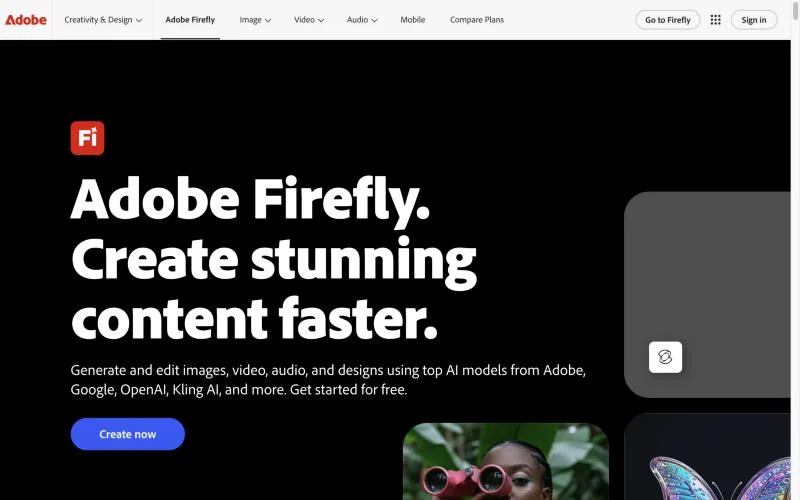
Canva is the familiar template-driven option with a free tier; Pro is $144 per year for one person. Adobe Firefly generates and edits images, video and audio and is built into Creative Cloud; it has a free tier, but a starting price is not stated in our data. Notion AI fits if your slides and docs start as workspace notes; Plus is $12 per member per month.
Synthesia is a different product, making presenter videos with AI avatars in 160+ languages, with Starter at $29 per month billed monthly. Pick Canva or Firefly for static design, Synthesia only if video is the goal.
"Better suited" below is based on documented features and pricing from our verified profiles, not on a head-to-head test. Prices are USD as published by each vendor.
Our own captures of each vendor's public pages. Click a frame for the full-size image.
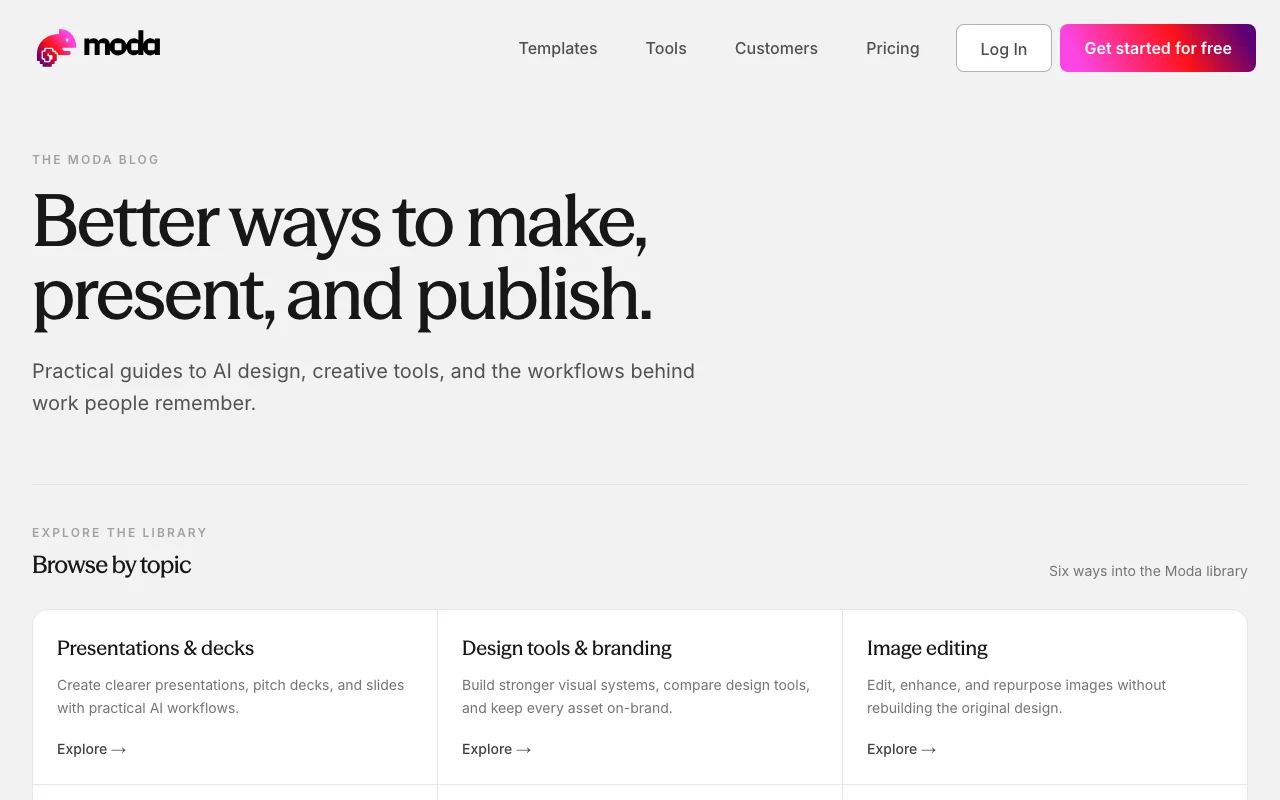
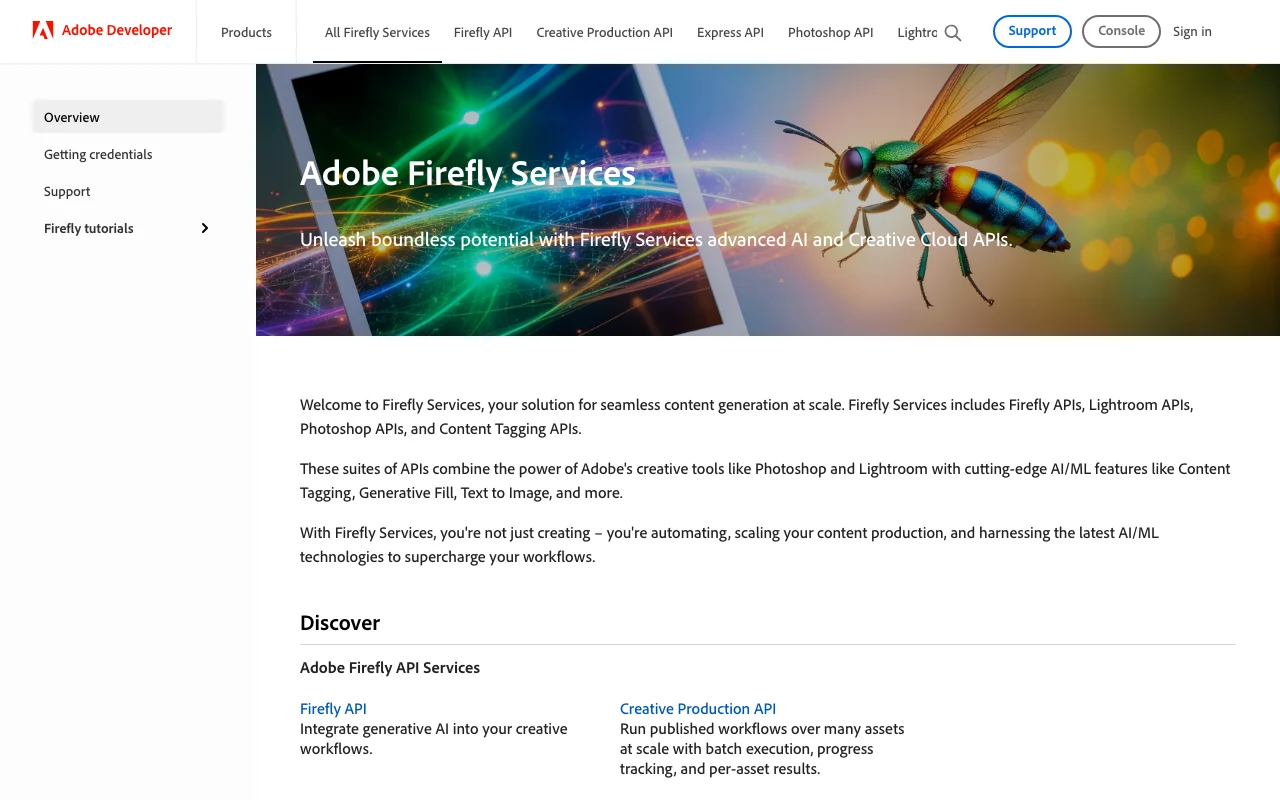
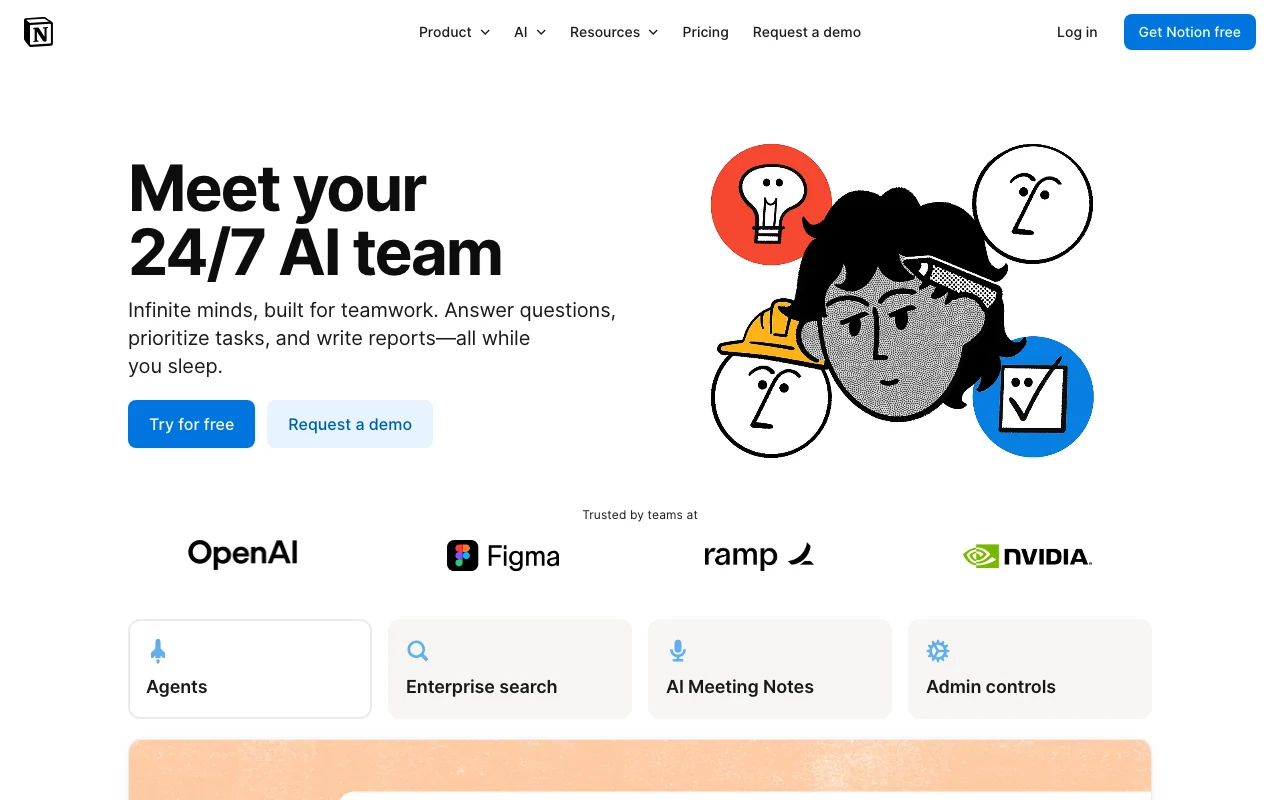
Taken from the documented limitations in our Moda profile.
| Tool | Starting price | Free tier | Platforms | Main limitation |
|---|---|---|---|---|
| Moda (this page) | $30/mo (Pro) | Yes | Web | Credit-based usage limits on all plans |
| Canva | $12/mo billed annually (Pro) | Yes | Web | AI tools draw from a shared allowance that is capped; more usage needs the AI Pass add-on. |
| Adobe Firefly | Not published | Yes | Web, Desktop, Mobile, API | Video, audio, translation and partner-model outputs all draw from a monthly generative-credit pool that does not roll over, and USD prices were not visible from our region. |
| Notion AI | $12/mo (Plus) | Yes | Web, Desktop, Mobile | Full AI needs Business or Enterprise, and even there a rolling six-hour and monthly usage allowance applies; premium models, Custom Agents and Workers consume separately purchased Notion credits. |
| Synthesia | $29 (Starter) | Yes | Web, API | Downloading videos requires a paid plan, and all usage is metered by credits and minutes. |
| Alternative | Pick it when | Starting price | Watch out for |
|---|---|---|---|
| Canva |
$12/mo billed annually (Pro) | ||
| Adobe Firefly |
Not published | ||
| Notion AI |
$12/mo (Plus) | ||
| Synthesia |
$29 (Starter) |
Online design platform with templates and AI tools for graphics, presentations, social posts and video.
Free stops at: 1.6M+ templates
Free · paid from $12/mo billed annually US · confirmed Oct 1
Adobe's generative AI app for creating and editing images, video and audio, also built into Creative Cloud apps.
Free stops at: Free daily generations across image, video and audio; limits refresh every day (vendor wording)
Verified adobe.com (opens Adobe Firefly website in a new tab)
Free plan available paid price not confirmed
AI features built into Notion for writing, searching the workspace, research, meeting notes and agent tasks.
Free stops at: Trial of Notion AI (limited number of complimentary AI responses), Pages & blocks unlimited for individuals, …
Pricing changed, re-check pending
Free · paid from $12/mo US · confirmed Sep 30
AI video platform for business that creates presenter videos with AI avatars and voiceovers in 160+ languages.
Free stops at: 1,200 credits per month, 10 minutes of video per month
Verified synthesia.io (opens Synthesia website in a new tab)
Free · paid from $29 US · confirmed Oct 1
Job: Manage social media
AI changelog generator that turns GitHub commits into release notes, public changelog pages and social posts.
Watch out: Prices are shown only in euros, and the listed plan has 1 project, 4 AI changelogs and 6 AI posts per month w…
Verified evechange.com (opens EveChange website in a new tab)
Pricing US price unconfirmed
AI assistant for LinkedIn that generates, personalizes and schedules posts, with credit-based plans and a 7-day free trial.
Watch out: Plans are credit based with caps of 50, 500 or 5000 credits, and the tool works only with LinkedIn.
Paid from $27/mo US · confirmation date unknown
AI social media tool that writes posts, generates visuals and schedules them across platforms.
Watch out: There is no permanent free tier, and AI credits and AI videos are capped on each plan.
Paid from $29 US · confirmed Oct 2
Browser extension for growing on X: AI reply drafts, post scheduling, lead discovery and DM outreach, using your own AI API keys.
Watch out: Works only on X and needs separate AI provider keys whose usage is billed by the provider.
Verified tweetback.ai (opens Tweetback website in a new tab)
Paid from $69 US · confirmation date unknown
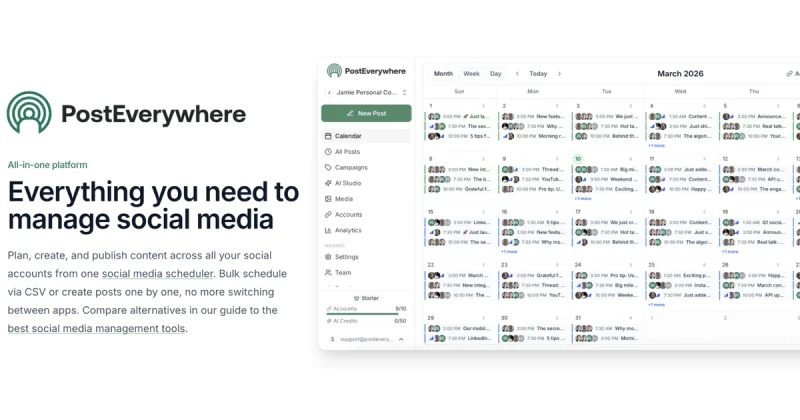
Social media scheduling tool that cross-posts to many platforms and can be driven by AI agents via API and MCP.
Watch out: There is no permanent free plan and a card is required for the 7-day trial; account, team and AI credit limit…
Verified posteverywhere.ai (opens PostEverywhere website in a new tab)
Paid from $9 US · confirmation date unknown
Social media scheduler for 11+ networks with an AI Studio for captions, images and video, plus MCP and REST API access.
Watch out: Starter limited to 10 social accounts
Verified postsyncer.com (opens PostSyncer website in a new tab)
Paid from $29 US · confirmed Oct 2
All image generation tools compared
Canva, Adobe Firefly, Notion AI and Synthesia each list a free option. Moda's own Free plan gives 500 AI credits per seat per month.
Credit limits on every plan, a 10-slide deck cap and AI pausing on Free, Pro-only access to the Pro model, and custom domains only on paid plans.
Canva Pro is $144 per year per person, while Moda Pro is $30 per user per month. They are billed differently, so compare the total for your seats.
Synthesia, which makes presenter videos with AI avatars and voiceovers. Starter is $29 per month billed monthly.
compare>