Image generationDocumented overviewLast checked Sep 29, 2026

Rendervi: Pricing, Features & Best Use Cases

AI render studio for architects: turns previews and sketches into client-ready renders with material edits and upscaling.
Who should use Rendervi

Pick Rendervi if you are an architect or visualizer who wants to turn sketches or model previews into consistent client renders with material edits, starting on a free 12-credit plan. Based on the vendor's documentation, not on a hands-on test.

Best for: Architects

Also a good fit for

  • Visualization teams

Consider another tool if free plan limited to 12 credits (about 10 renders) and 2K output

Or if

  • Credits expire when a subscription ends
  • Maximum credit balance caps apply

Rendervi pricing and usage limits

Prices checked Sep 29, 2026 on the official US pricing page. Official pricing ↗ Prices and limits change often.

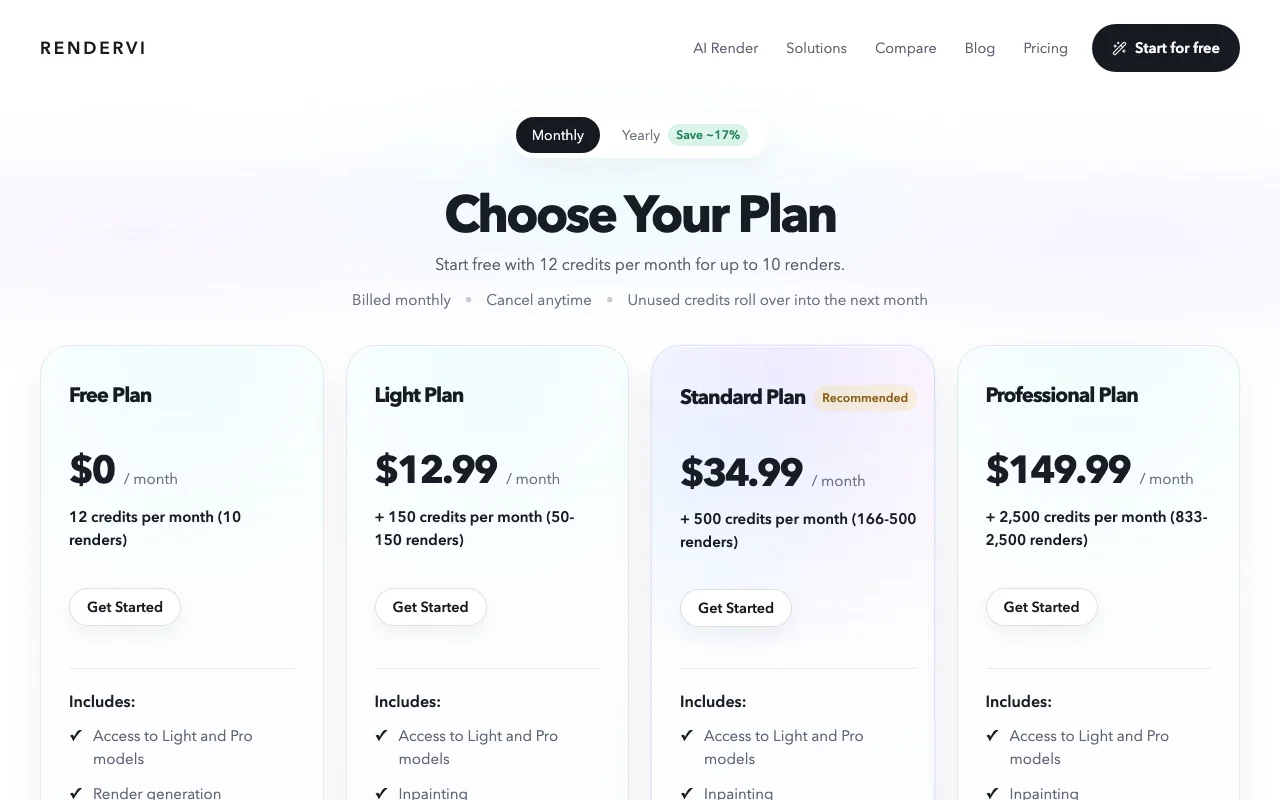
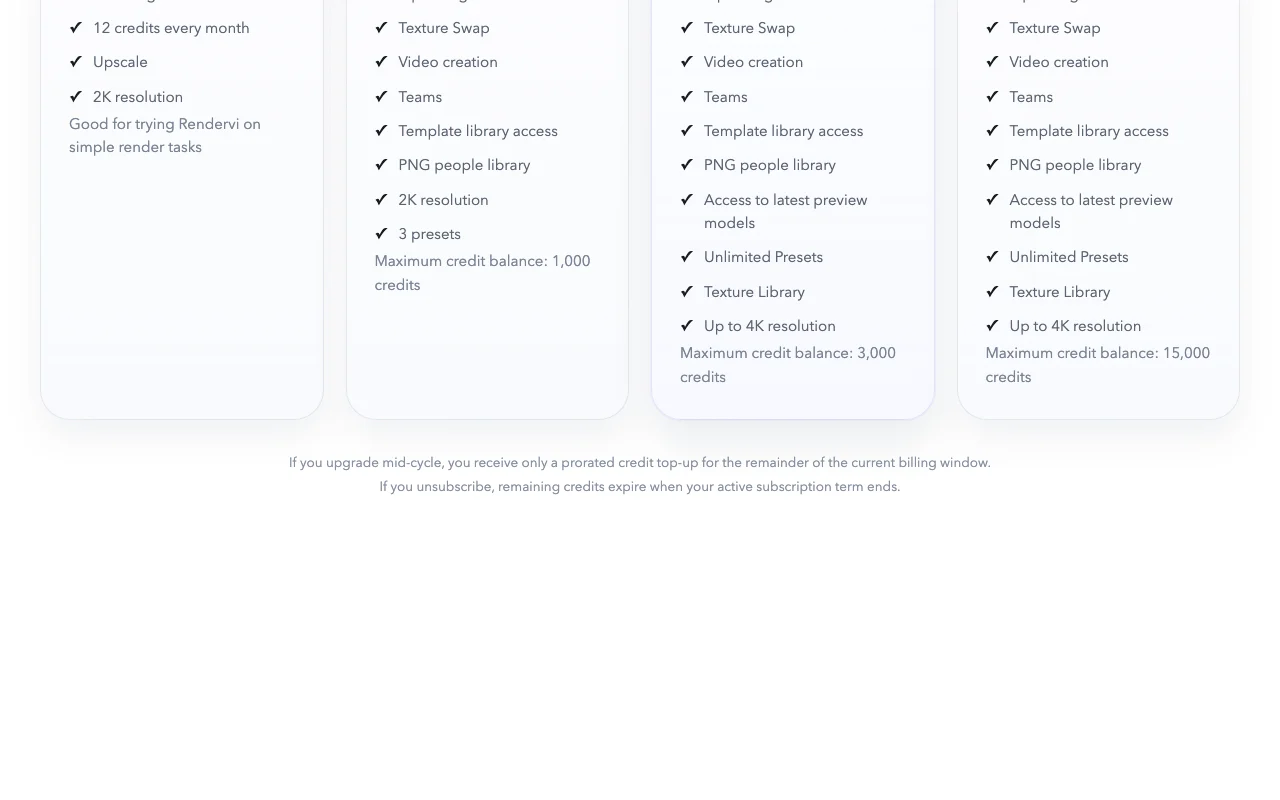
Rendervi pricing page with plans and prices — screenshot of the image generation AI tool, Oct 1, 2026
The official Rendervi pricing page as we saw it. rendervi.com, captured Oct 1, 2026

Free access and trial conditions

Free plan with 12 credits per month.

None beyond the free plan.

Paid plans: what changes as you upgrade

Free Web

Free source (opens in a new tab)

Month

For: Trying Rendervi

Limits

  • 12 credits per month (about 10 renders)
  • 2K resolution

Includes

  • Render generation
  • Light and Pro models
1 more
  • Upscale

No API

Light Web

$12.99/mo source (opens in a new tab)

Month

Yearly toggle saves about 17%

For: Occasional professional use

Limits

  • 150 credits per month (50 to 150 renders)
  • Maximum balance 1,000 credits
1 more
  • 2K resolution

Includes

  • Inpainting
  • Texture Swap
2 more
  • Video creation
  • Template library

No API

Standard Web

$34.99/mo source (opens in a new tab)

Month

Yearly toggle saves about 17%

For: Regular studio work

Limits

  • 500 credits per month (166 to 500 renders)
  • Maximum balance 3,000 credits

Includes

  • Up to 4K
  • Latest preview models
2 more
  • Unlimited presets
  • Texture library

No API

Professional Web

$149.99/mo source (opens in a new tab)

Month

Yearly toggle saves about 17%

For: High-volume teams

Limits

  • 2,500 credits per month (833 to 2,500 renders)
  • Maximum balance 15,000 credits

Includes

  • Up to 4K
  • Latest preview models
2 more
  • Unlimited presets
  • Texture library

No API

Usage caps, credits and extra costs

Mid-cycle upgrades get only a prorated credit top-up.

Not stated.

What is Rendervi, and how does it work?

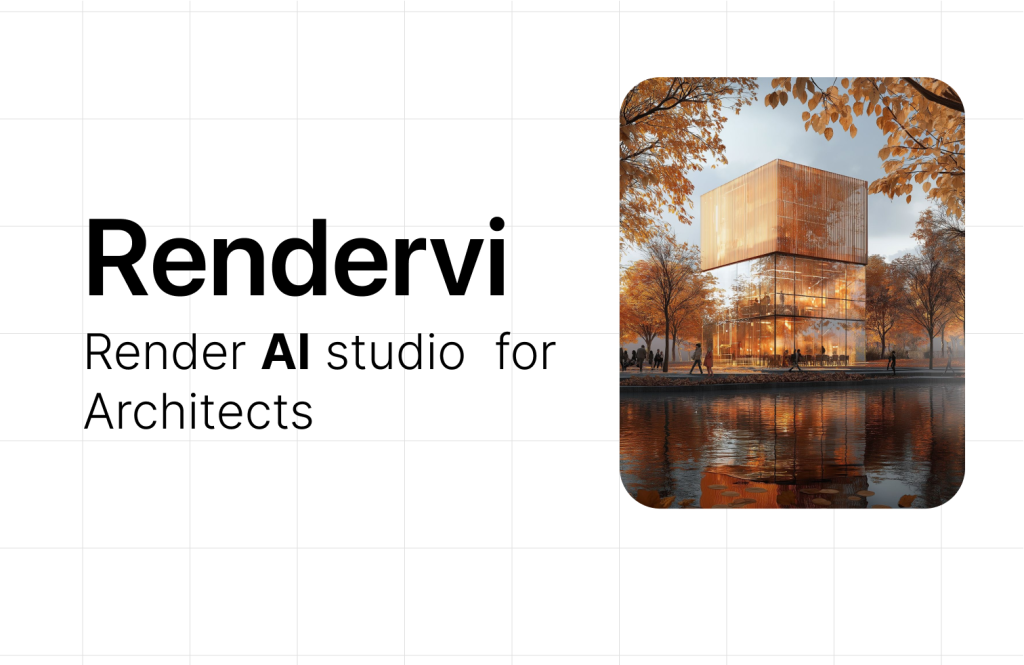
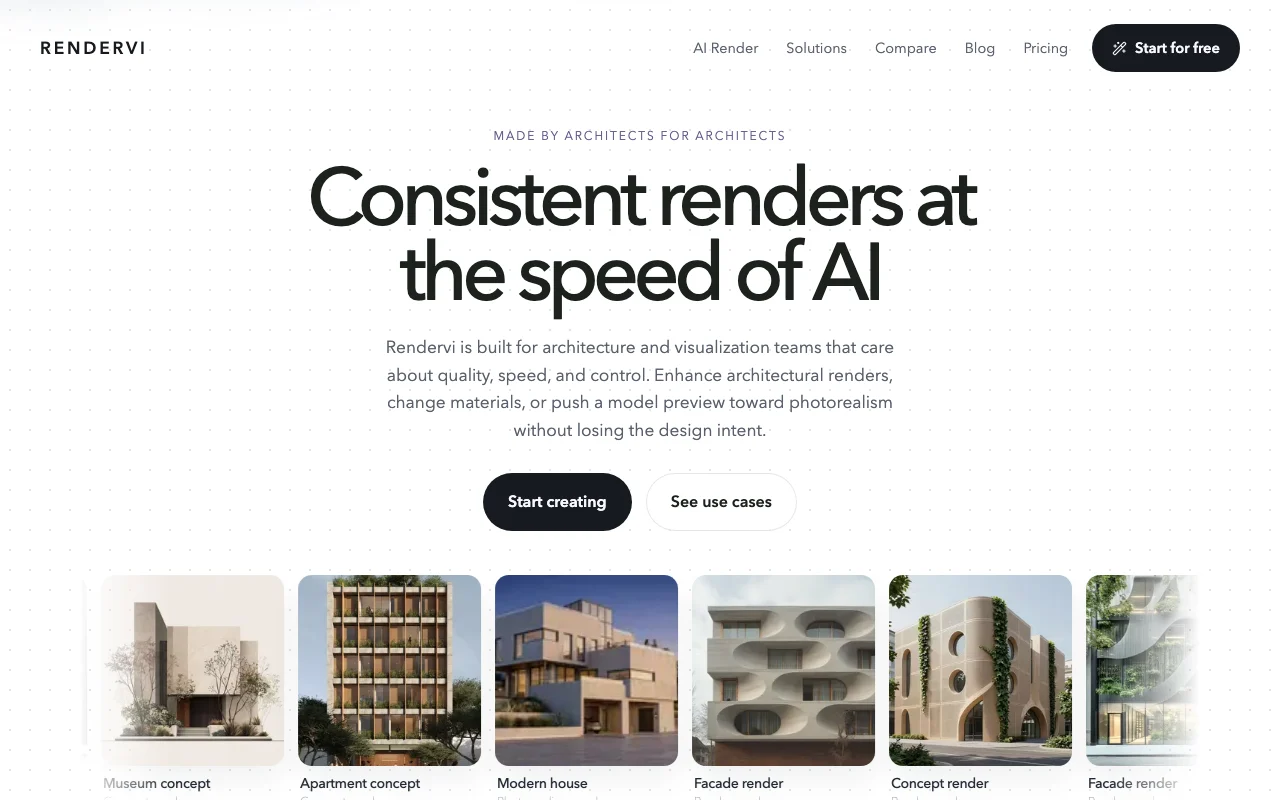
Rendervi is an AI studio for architecture and visualization teams. It turns sketches, wireframes or model previews into renders, edits materials and daylight, and pushes images toward photo-realism using templates. The studio also covers upscaling and inpainting, with credit-based monthly plans.

Rendervi homepage — screenshot of the image generation AI tool, Oct 1, 2026
Rendervi's official site: how the product presents itself. rendervi.com, captured Oct 1, 2026

What you provide and what you get back

How Rendervi works: what you provide, where it runs and what you get backYOU PROVIDEYour inputSketch, wireframe or model previe…Reference views and presetsMasks for inpaintingIMAGE GENERATIONRenderviWebfrom $12.99/mo (Light)free tier availableaccount requiredchecked Sep 29, 2026YOU GET BACKThe resultRendered images up to 4KMaterial-edited variantsUpscaled imagesVideosinput → Rendervi → output · from the vendor's own pages, no hands-on test unless stated
What you give Rendervi and what comes back, from its documentation

You provide

  • Sketch, wireframe or model preview exported from CAD/BIM
  • Reference views and presets
  • Masks for inpainting

You get back

  • Rendered images up to 4K
  • Material-edited variants
  • Upscaled images
  • Videos

Where you can use it

Platforms
Web
Account
Required
Resolution
2K Free/Light, 4K Standard+
Edits
Inpainting, texture swap, upscale
Credits
12 / 150 / 500 / 2,500 per month
Team
Teams access on paid plans

What people use Rendervi for

Scenarios are worked out by our editors from the documentation; the actual result depends on your input and plan.

Concept renders from sketches

Who
Architects
You provide
A sketch or wireframe
Expected result
A strong visual starting render
Plan needed
Free and up
Limitation
Free is limited to 12 credits source (opens in a new tab)

Material and finish edits

Who
Visualization teams
You provide
An existing render and a material choice
Expected result
The same design with new finishes
Plan needed
Light and up
Limitation
Inpainting and texture swap are not on Free source (opens in a new tab)

Photo-realism enhancement

Who
Architecture studios
You provide
A model preview
Expected result
A photorealistic render via template
Plan needed
Any plan
Limitation
Drift from design is possible and must be checked source (opens in a new tab)

Consistent multi-view presentation sets

Who
Studios with client decks
You provide
Several views plus a saved preset
Expected result
Renders sharing materials and lighting
Plan needed
Light and up
Limitation
Presets limited to 3 on Light source (opens in a new tab)

Key features and their practical limits

Rendervi homepage — screenshot of the image generation AI tool, Oct 1, 2026
Feature overview on the official site. rendervi.com, captured Oct 1, 2026

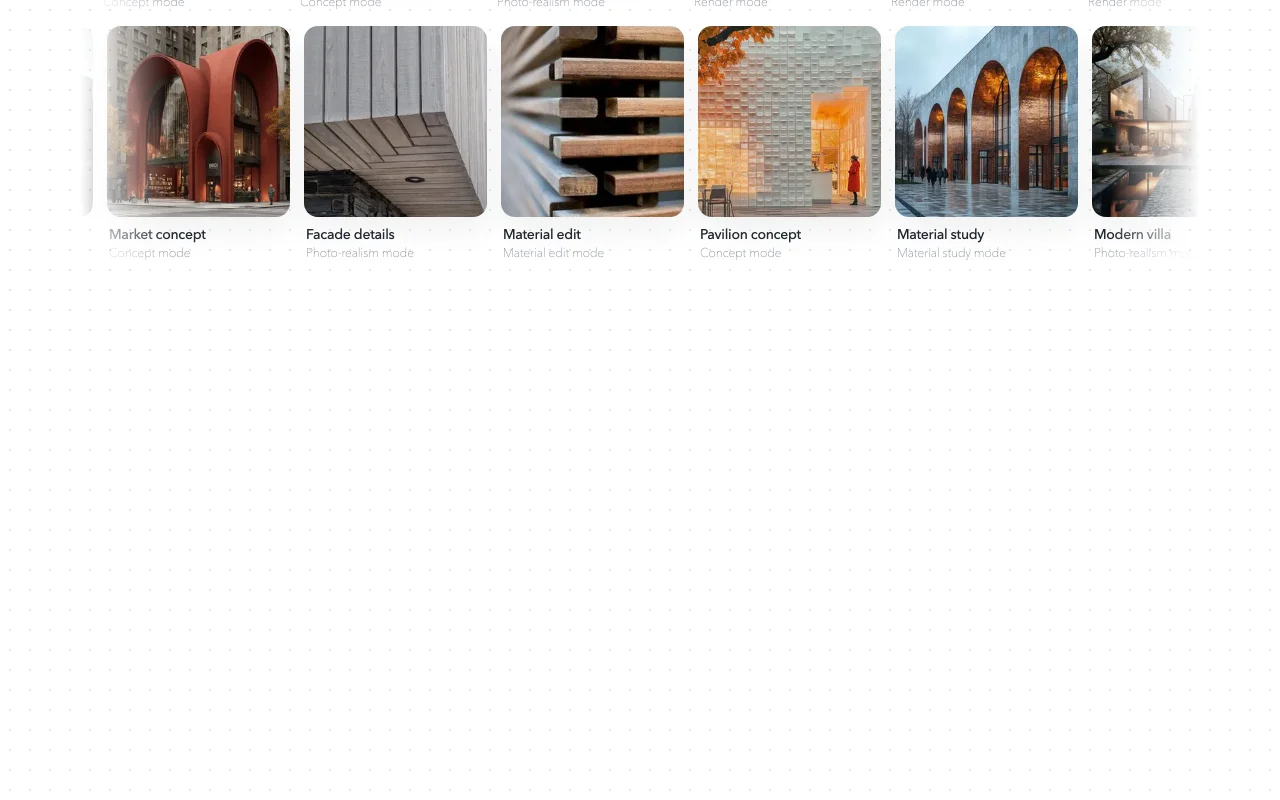
Render, concept and photo-realism modes

Offers render, concept and photo-realism modes for previews. Matches output style to project stage.

Access: All plansLimit: Credits per render vary source (opens in a new tab)

Material edit and texture swap

Swaps materials and textures on parts of a render. Tests finish options.

Access: Light and upLimit: Not on Free source (opens in a new tab)

Inpainting

Edits selected regions with inpainting. Fixes details without redoing the image.

Access: Light and upLimit: Not on Free source (opens in a new tab)

Upscaling up to 4K on higher plans

Upscales images, up to 4K on higher plans. Sharper final assets.

Access: 2K on Free and Light, 4K on Standard and upLimit: 4K needs Standard or above source (opens in a new tab)

Rendervi pros and cons

Reasons to choose Rendervi

Check before paying for Rendervi

How to use Rendervi for turning a model preview into a client render

Set up Rendervi

  1. Sign up at rendervi.com on the free plan
  2. Export a view from your CAD or BIM program
  3. Upload it to the Rendervi studio

Example: turning a model preview into a client render

  1. Choose Render or Photo-realism mode
  2. Pick a template
  3. Generate and compare results
  4. Use inpainting to change a material

Review and export the result

  1. Compare the render to the source for geometry drift
  2. Confirm resolution matches your plan

Privacy, data use and commercial rights

Summarized from the vendor's current policies; this is not legal advice and a vendor's badge is not an independent audit.

How your inputs and outputs are handled

Uploaded images, previews, prompts, masks and outputs are processed and stored.

Rendervi does not use private project data to train its own AI models; third-party AI providers process content under their own terms.

Content stays until you delete it or retention practices remove it.

Commercial use and plan restrictions

Not stated.

Not stated.

Controls for business users

  • Teams on paid plans

Policies: rendervi.com/privacy

Rendervi alternatives by need

"Better suited" is based on documented features and pricing, not on a head-to-head test.

Midjourney: better suited to

Adobe Firefly: better suited to

Leonardo.Ai: better suited to

Alternatives
AlternativeWhen to choose itPricingLimitation
Midjourney——Compare
Adobe Firefly——Compare
Leonardo.Ai——Compare

Explore Rendervi further

Related to Rendervi

Rendervi user reviews

No user reviews yet.

Used Rendervi? Be the first to share your experience.

Write a review

Reviews are checked by a moderator before they appear. Your email is never published. Plain text only.

Your rating (required)

Show what you made or what went wrong. Images are published only if the review is approved; location data is removed.

    Rendervi FAQ

    How many renders does the free plan give?

    12 credits per month, about 10 renders, at 2K resolution. source (opens in a new tab)

    Do unused credits roll over?

    Yes while subscribed, up to a maximum balance (1,000, 3,000 or 15,000 credits by plan); credits expire when a subscription ends. source (opens in a new tab)

    Which plans reach 4K?

    Standard ($34.99) and Professional ($149.99). source (opens in a new tab)

    What does the yearly toggle save?

    About 17%. source (opens in a new tab)

    Does Rendervi train on my projects?

    The privacy policy says it does not use private project data to train its own models, though third-party providers may process requests. source (opens in a new tab)

    Sources and review methodology

    Official sources and verification dates

    Not verified: Commercial-use terms; US availability; API.

    How we documented and maintain this page

    Every fact about Rendervi above comes from the 2 official pages listed here, last compared on Sep 29, 2026; we have not run Rendervi ourselves, so it has no editorial score. How we check and re-check pages.

    Article updated Oct 2, 2026; prices checked Sep 29, 2026. Outbound links to vendors are plain links; we do not earn commissions. How we review · Report an error