Free web
Free source (opens in a new tab)
Month
For: Testing staging quality
Limits
- Limits not shown on fetched pages
Includes
- Try without card
Image generationDocumented overviewLast checked Oct 2, 2026
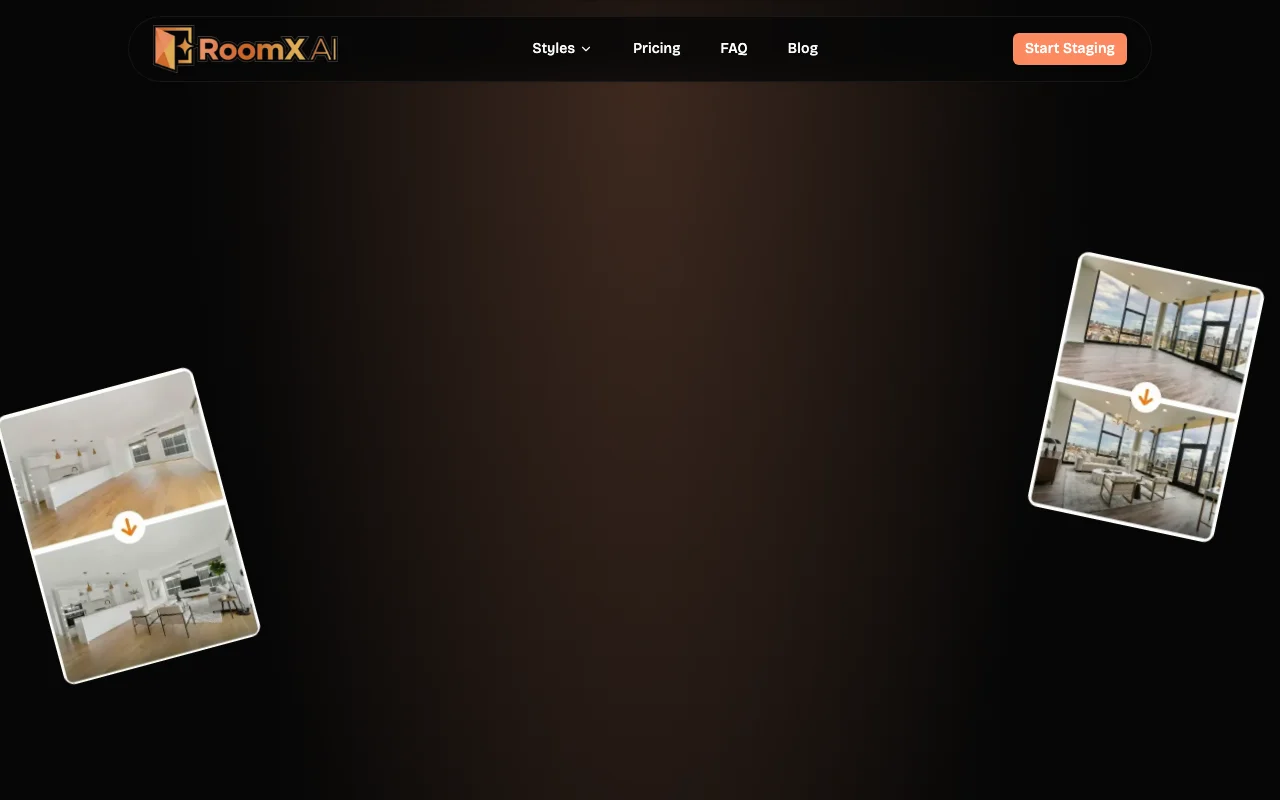
AI virtual staging for real estate listings that adds furniture to room photos in styles, with credit-based plans.

 (open full size in a new tab)
 (open full size in a new tab)
 (open full size in a new tab)
 (open full size in a new tab)
 (open full size in a new tab)
 (open full size in a new tab)
Our take: Choose RoomX AI if you want quick virtual staging of real estate listing photos in 10+ styles, starting on the free plan with no card and credit plans from $12.90 per month.
Main limitation: Credits expire at the end of each billing period, subscriptions renew automatically, and free plan limits were not shown.
Choose RoomX AI if you want quick virtual staging of real estate listing photos in 10+ styles, starting on the free plan with no card and credit plans from $12.90 per month. Based on the vendor's documentation, not on a hands-on test.
Also a good fit for
Or if
Prices checked Oct 2, 2026 on the official US pricing page. Official pricing ↗ Prices and limits change often.
Free plan, no credit card required.
No separate trial.
Free source (opens in a new tab)
Month
For: Testing staging quality
Limits
Includes
$12.9/mo source (opens in a new tab)
Month
For: Occasional listings
Limits
Includes
$29.9/mo source (opens in a new tab)
Month
For: Regular agents
Limits
Includes
$49.9/mo source (opens in a new tab)
Month
For: High-volume agents
Limits
Includes
One-time credit packs and extra credits exist; amounts not captured.
Not stated.
RoomX AI is an AI virtual staging tool aimed at real estate agents. It places furniture in vacant room photos using 10+ staging styles and is advertised as taking about 30 seconds per image. It also offers scene and listing videos. Usage is credit-based, with monthly or yearly plans and one-time credit packs.
You provide
You get back
Scenarios are worked out by our editors from the documentation; the actual result depends on your input and plan.
Places furniture on room photos Cheaper than physical staging
Offers 10+ staging styles Match buyer taste
Produces staged still images Listing-ready photos
Creates scene and listing videos Richer listings
Summarized from the vendor's current policies; this is not legal advice and a vendor's badge is not an independent audit.
Room photos, generated images/videos and metadata are stored on AWS S3 with encryption at rest.
Kept while account is active; 90 days after cancellation before permanent deletion.
Policies: roomxai.com/privacy
"Better suited" is based on documented features and pricing, not on a head-to-head test.
| Alternative | When to choose it | Pricing | Limitation | |
|---|---|---|---|---|
| Midjourney | — | — | Compare | |
| Adobe Firefly | — | — | Compare | |
| Canva | — | — |
No user reviews yet.
Used RoomX AI? Be the first to share your experience.
Lite $12.90/month, Pro $29.90/month and Ultimate $49.90/month, all in USD. source (opens in a new tab)
Yes, they expire at the end of each billing period. source (opens in a new tab)
Yes, with no card required; its limits were not shown. source (opens in a new tab)
Yes, cancel future renewals from the dashboard. source (opens in a new tab)
The privacy policy says 90 days before permanent deletion. source (opens in a new tab)
Not verified: Free plan limits; Credits per generation; MLS/Zillow suitability; Watermark rules; Training use of data; Yearly and pack prices.
Every fact about RoomX AI above comes from the 3 official pages listed here, last compared on Oct 2, 2026; we have not run RoomX AI ourselves, so it has no editorial score. How we check and re-check pages.
Article updated Oct 2, 2026; prices checked Oct 2, 2026. Outbound links to vendors are plain links; we do not earn commissions. How we review · Report an error
compare>