Image generationDocumented overviewLast checked Oct 2, 2026

SVGMaker: Pricing, Features & Best Use Cases

AI tool that generates, edits and converts SVG vector graphics from text prompts or images.

Who should use SVGMaker

SVGMaker is a practical choice for designers and print-on-demand sellers who need text-to-SVG generation, image vectorizing and prompt-based editing in one place, with an API and MCP server for developers. Based on the vendor's documentation, not on a hands-on test.

Best for: Designers

Also a good fit for

  • Etsy and print-on-demand sellers

Consider another tool if pricing not confirmed on a loaded official page

Or if

  • Platforms limited to web and API as shown
  • Account or credit terms not verified

SVGMaker pricing and usage limits

Prices checked Oct 2, 2026 on the official US pricing page. Official pricing ↗ Prices and limits change often.

Free access and trial conditions

Community gallery offers free vector art downloads; account free tier not verified.

SVGMaker does not publish a plan table we could verify. See official pricing ↗

Usage caps, credits and extra costs

Credit system mentioned in the privacy policy; amounts unknown.

What is SVGMaker, and how does it work?

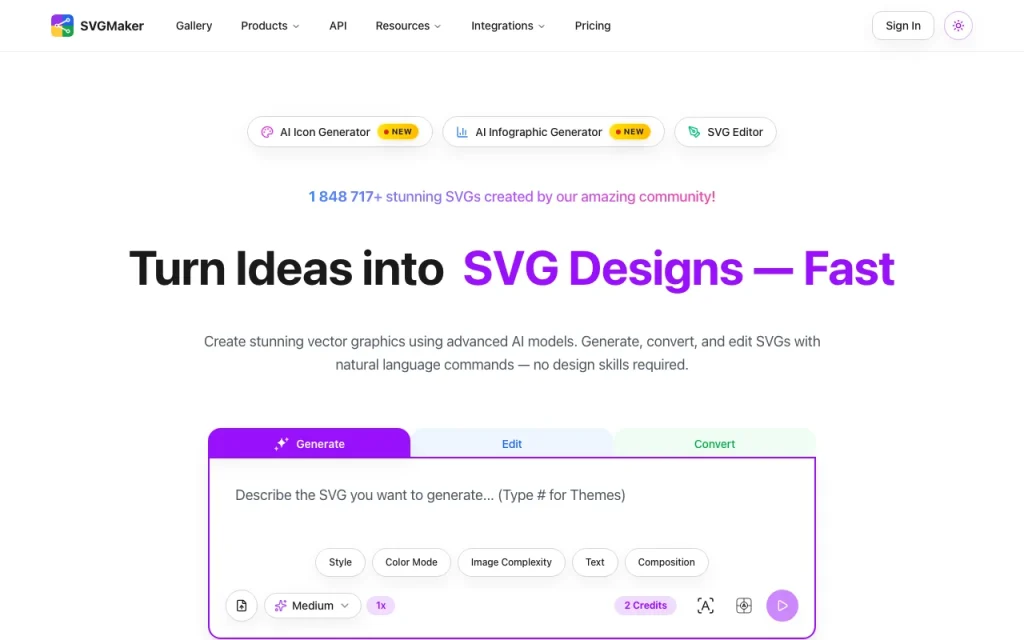
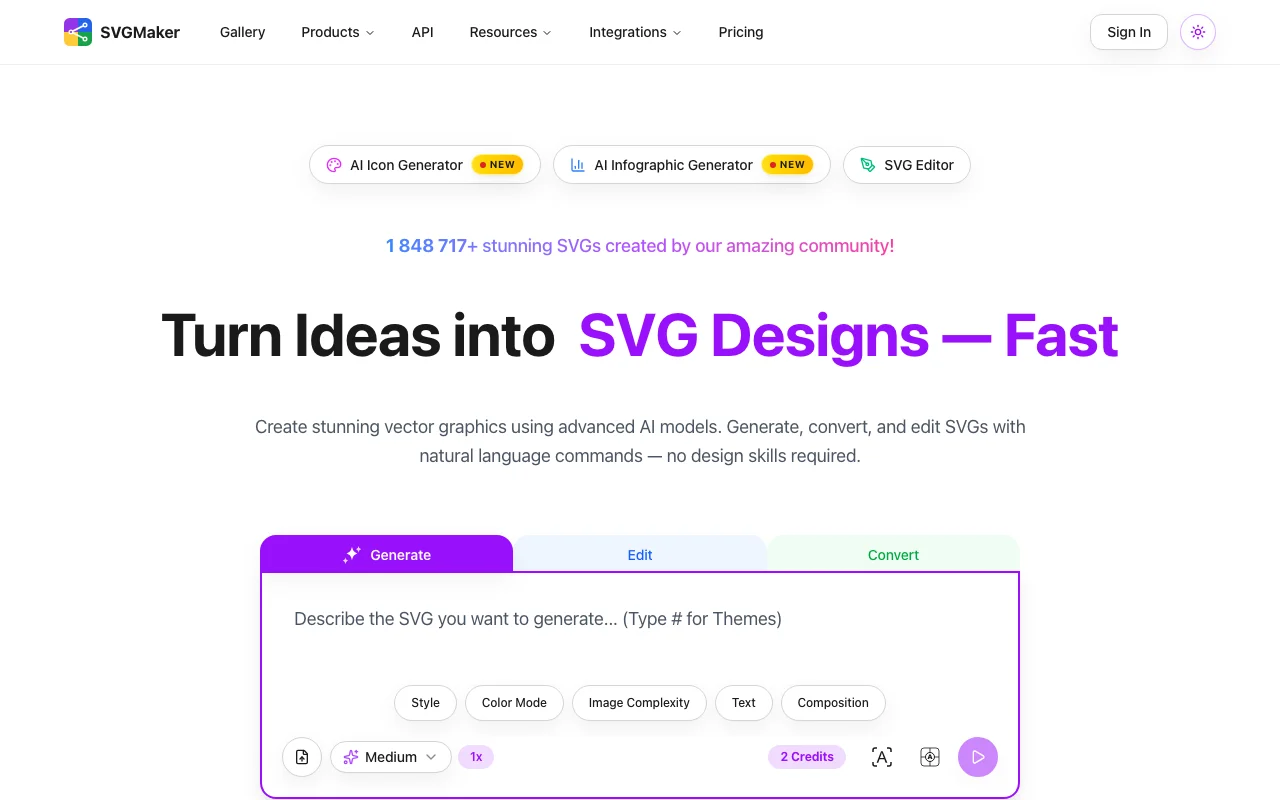
SVGMaker is a web tool for creating vector graphics with natural-language prompts. It offers an SVG generator, editor, converter, icon generator and infographic generator. It also lists a REST API and an MCP server for use from code editors. Pricing could not be read from the pages loaded.

SVGMaker homepage — screenshot of the image generation AI tool, Oct 2, 2026
SVGMaker's official site: how the product presents itself. svgmaker.io, captured Oct 2, 2026

What you provide and what you get back

How SVGMaker works: what you provide, where it runs and what you get backYOU PROVIDEYour inputText promptsPhotos, PNG and JPEG imagesExisting SVG filesIMAGE GENERATIONSVGMakerWeb, APIfree tier, paid price not publish…free tier availableaccount requiredchecked Oct 2, 2026YOU GET BACKThe resultSVG, PDF, EPS, AI and DXF filesPNG, JPG and WebP imagesReact or React Native JSX compone…input → SVGMaker → output · from the vendor's own pages, no hands-on test unless stated
What you give SVGMaker and what comes back, from its documentation

You provide

  • Text prompts
  • Photos, PNG and JPEG images
  • Existing SVG files

You get back

  • SVG, PDF, EPS, AI and DXF files
  • PNG, JPG and WebP images
  • React or React Native JSX components

Where you can use it

Platforms
Web, API
Account
Required
Export formats
SVG, PDF, EPS, AI, DXF, PNG, JPG, WebP, JSX
Style presets
Flat, Minimalist, Outline, Isometric, Linocut, Line Art and more
Variations
Up to 4 at once
Models
Nano Banana Pro, Seedream, GPT-Image-1, Flux, Qwen Edit Plus

Best use cases for SVGMaker

Scenarios are worked out by our editors from the documentation; the actual result depends on your input and plan.

Generating SVG artwork from text

Who
Designers and brand creators
You provide
A text description with a style preset
Expected result
Up to 4 SVG variations of a logo or icon
Plan needed
Credits (prices not verified)
Limitation
Results depend on the underlying model source (opens in a new tab)

Converting images to SVG

Who
Etsy and print-on-demand sellers
You provide
A photo or screenshot
Expected result
A scalable vector ready for cutting or printing
Plan needed
Credits (prices not verified)
Limitation
Complex photos may need cleanup in the editor source (opens in a new tab)

Editing SVGs with prompts

Who
Developers and designers
You provide
An existing SVG plus an edit instruction
Expected result
Recolored or modified SVG, such as removed background or text
Plan needed
Credits (prices not verified)
Limitation
Edits are AI-driven and may need review source (opens in a new tab)

What SVGMaker does, and where it stops

SVGMaker homepage — screenshot of the image generation AI tool, Oct 2, 2026
Feature overview on the official site. svgmaker.io, captured Oct 2, 2026

Text to SVG generation

Produces SVG artwork from a text prompt, with up to 4 variations at once across external models such as Flux and GPT-Image-1. Gives options without drawing paths by hand.

Access: Account with creditsLimit: Credit cost per generation is not verified. source (opens in a new tab)

SVG editor

Converts PNG, JPEG and other raster images into editable SVG through AI vectorization. Prepares artwork for cutting machines and print.

Access: Account with creditsLimit: Output quality varies with the source image. source (opens in a new tab)

Image to SVG converter

Offers drawing, brush and path tools, snapping, grouping and a magic eraser for cleaning SVGs. Lets you fix AI output manually.

Access: Web editorLimit: Some editing tools may need an account. source (opens in a new tab)

Icon generator

Exposes a REST API and an MCP server for Claude Code, Cursor and VS Code. Automates vector generation from code.

Access: API platformLimit: API pricing not verified. source (opens in a new tab)

SVGMaker: strengths and limits

Reasons to choose SVGMaker

Check before paying for SVGMaker

How to use SVGMaker for generating an SVG from a text prompt

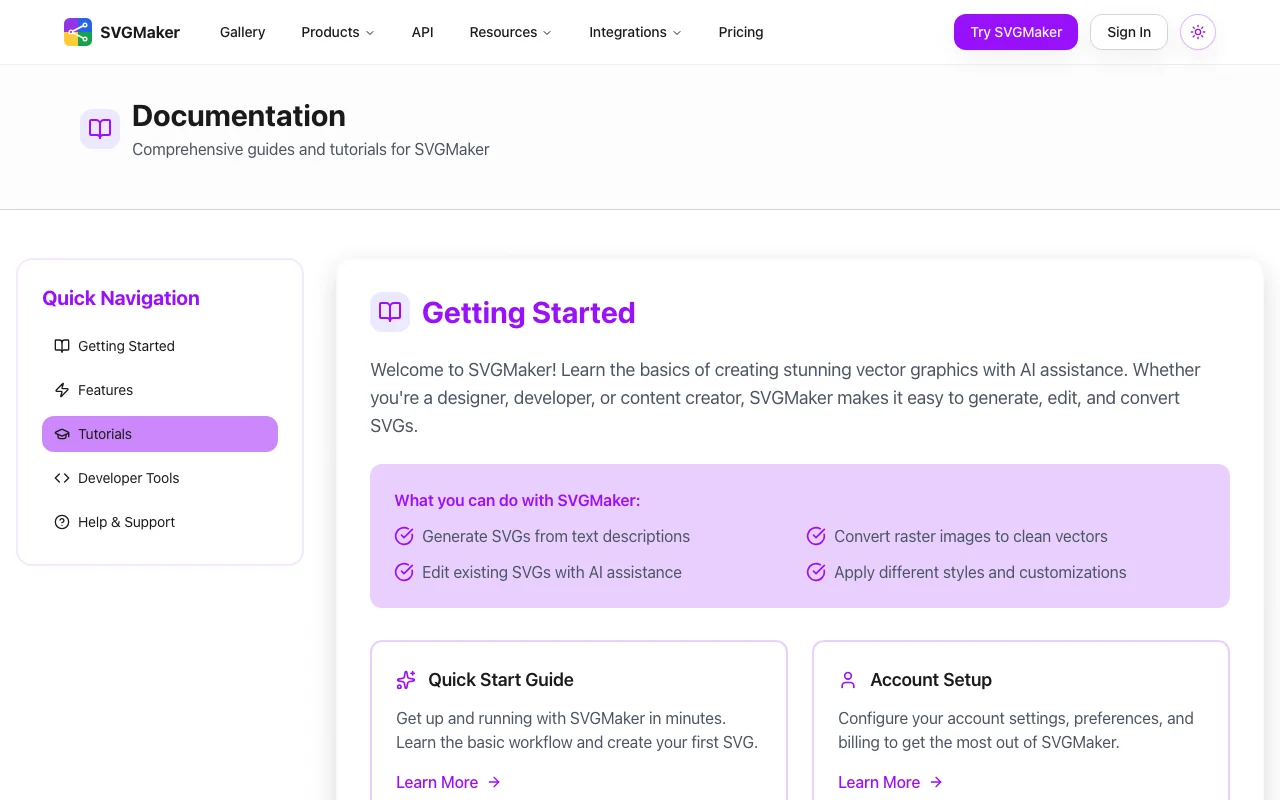
SVGMaker documentation — screenshot of the image generation AI tool, Oct 2, 2026
SVGMaker documentation: where the steps below come from. svgmaker.io, captured Oct 2, 2026

Set up SVGMaker

  1. Open svgmaker.io and create an account
  2. Choose the SVG Generator
  3. Pick a style preset such as Flat or Line Art

Example: generating an SVG from a text prompt

  1. Type a description of the graphic
  2. Generate up to 4 variations
  3. Open the best one in the SVG Editor and download

Review and export the result

  1. Zoom in to confirm clean edges
  2. Open the exported SVG in your design tool
Example prompt suggested by our editors (not a recorded output of the product)
A minimalist flat fox logo in orange and white on a transparent background.

SVGMaker integrations and API

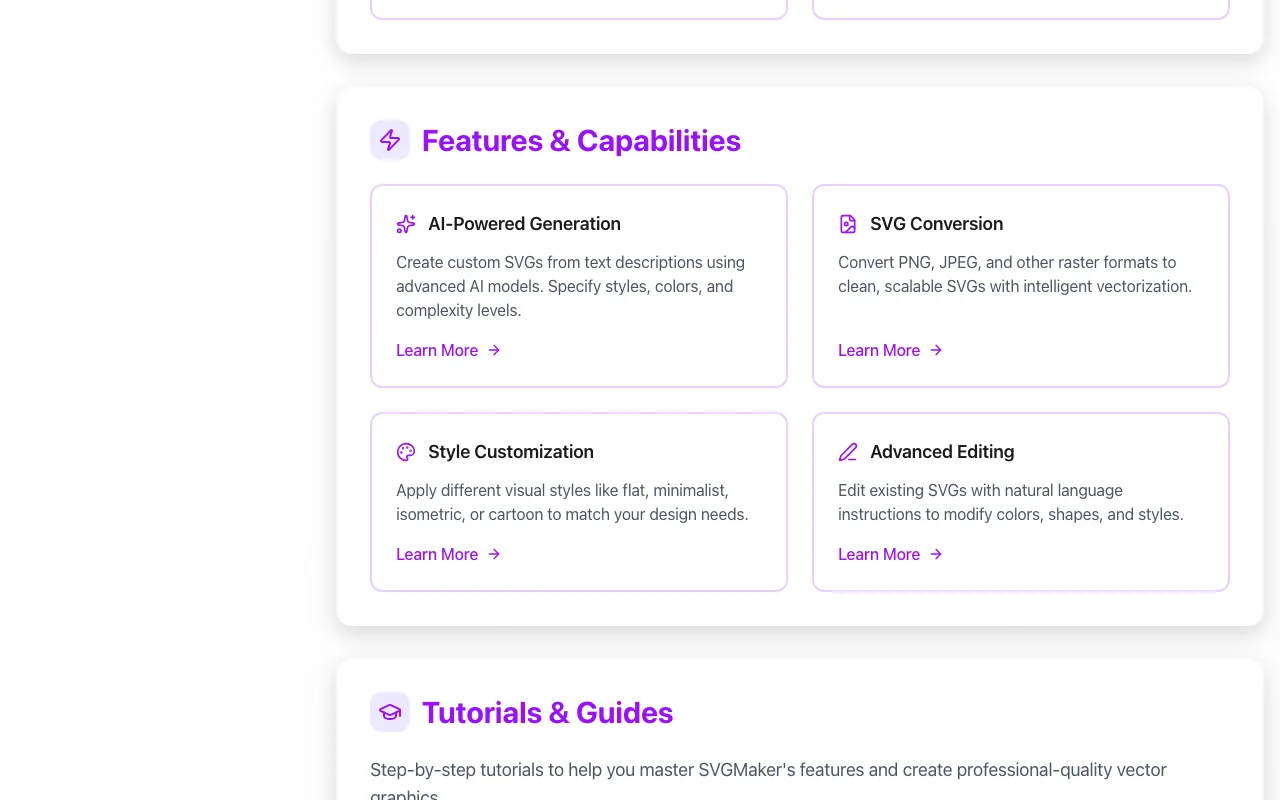
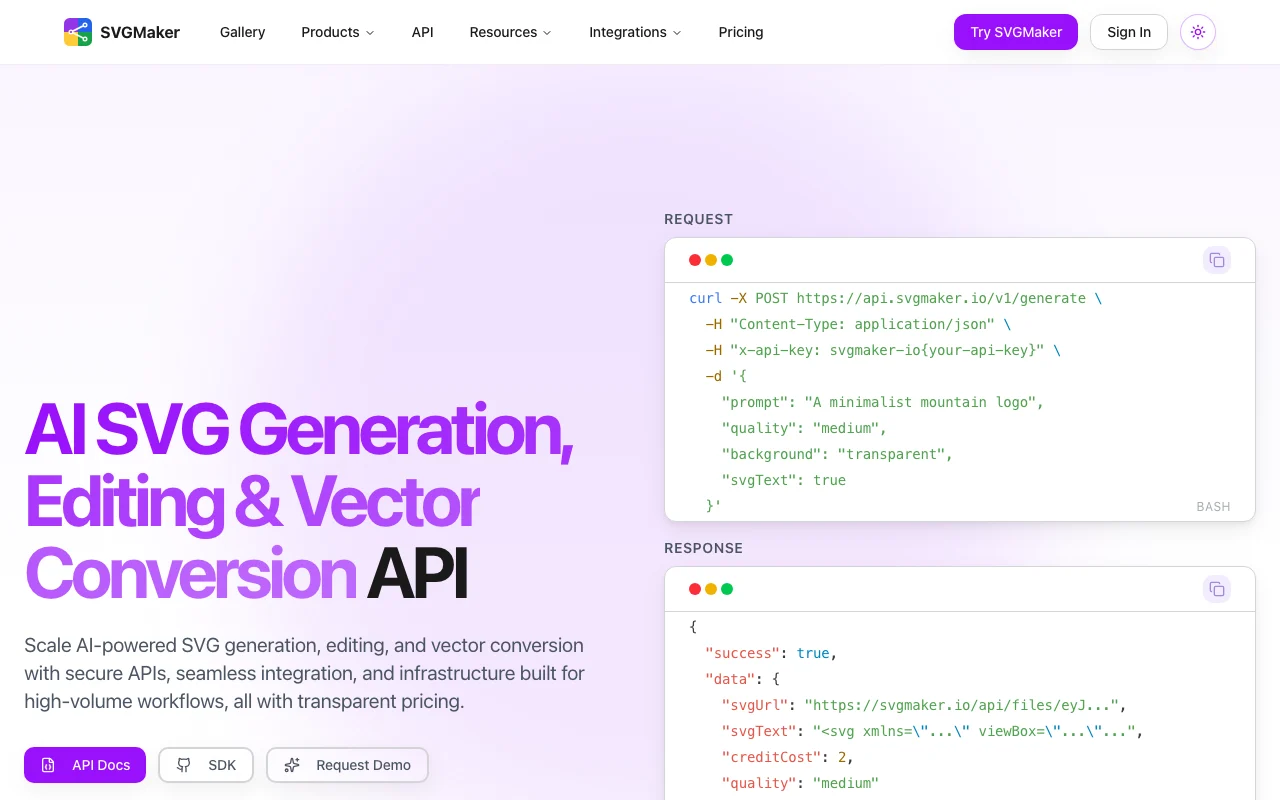
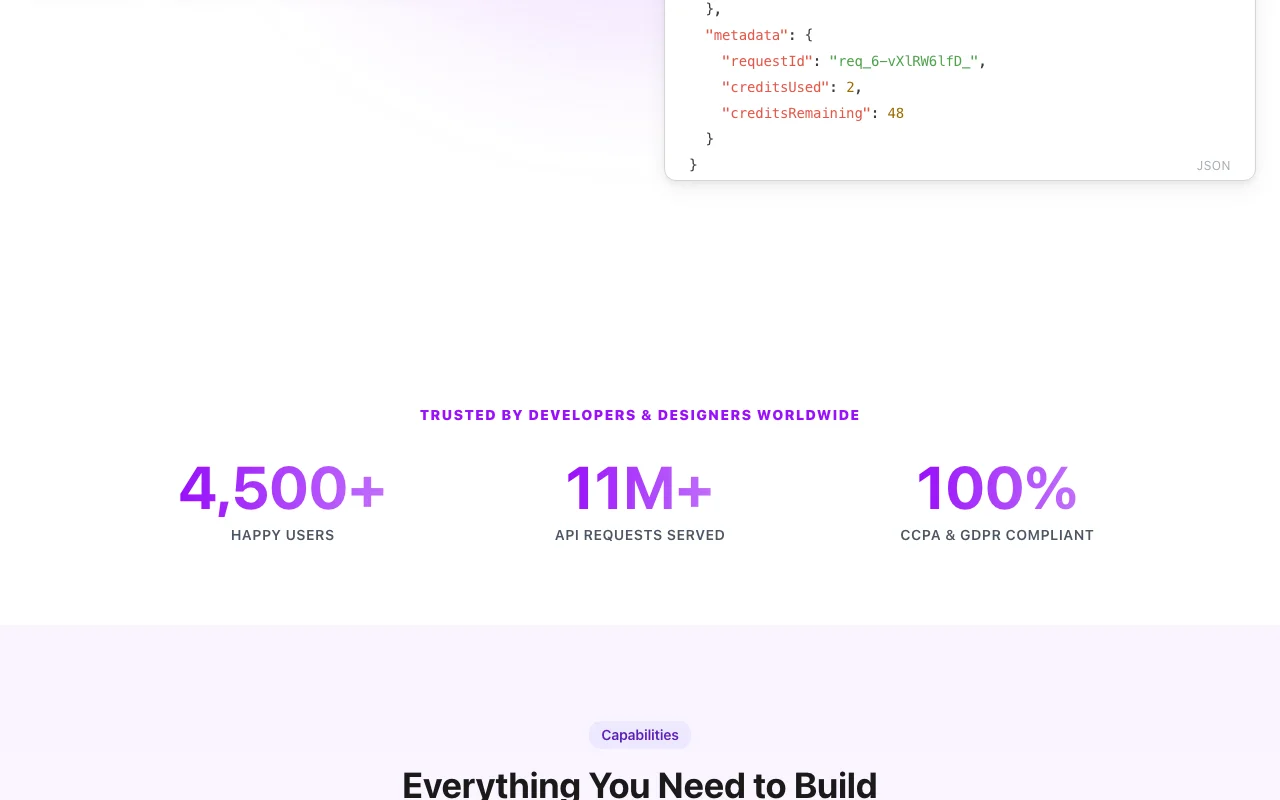
SVGMaker API documentation — screenshot of the image generation AI tool, Oct 2, 2026
SVGMaker API documentation. svgmaker.io, captured Oct 2, 2026

Native integrations and export formats

Export: SVG, PDF, EPS, AI, DXF, PNG, JPG, WebP, JSX, HTML, CSS, Data URI

API access and separate billing

SVGMaker has no public API in its official documentation. REST API and MCP server advertised; billing not verified. API documentation ↗

Privacy, data use and commercial rights

Summarized from the vendor's current policies; this is not legal advice and a vendor's badge is not an independent audit.

How your inputs and outputs are handled

Uploaded images and generated SVGs are stored in cloud storage accessible only to you unless you make them public.

Policy says AI training uses anonymized data to improve conversion quality.

Account deletion handled case by case; retention period not stated in fetched text.

Commercial use and plan restrictions

Refund and licensing policy covers commercial use; not fetched.

Policies: svgmaker.io/privacy

Best SVGMaker alternatives for different needs

"Better suited" is based on documented features and pricing, not on a head-to-head test.

Midjourney: better suited to raster image generation

Adobe Firefly: better suited to vector generation in Adobe tools

Canva: better suited to design templates

Leonardo.Ai: better suited to image generation

Alternatives
AlternativeWhen to choose itPricingLimitation
MidjourneyYou want artistic images, not vectorsSee vendor pageNo native SVG outputCompare
Adobe FireflyYou work in Adobe appsSee vendor pageTied to Adobe ecosystemCompare
CanvaYou need layouts and social graphicsSee vendor pageNot focused on SVG generation
Leonardo.AiYou want game and concept artSee vendor pageRaster-firstCompare

Explore SVGMaker further

Tools and guides near SVGMaker

SVGMaker user reviews

No user reviews yet.

Used SVGMaker? Be the first to share your experience.

Write a review

Reviews are checked by a moderator before they appear. Your email is never published. Plain text only.

Your rating (required)

Show what you made or what went wrong. Images are published only if the review is approved; location data is removed.

    SVGMaker FAQ

    Which file formats can SVGMaker export?

    SVG, PDF, EPS, AI and DXF, plus PNG, JPG, WebP and JSX components. source (opens in a new tab)

    Does SVGMaker have an API?

    Yes, a REST API and an MCP server for Claude Code, Cursor and VS Code. source (opens in a new tab)

    Does SVGMaker use my images for training?

    The privacy policy says AI training uses anonymized data. source (opens in a new tab)

    How many SVG variations does SVGMaker generate at once?

    Up to 4 variations per generation or edit. source (opens in a new tab)

    Which services does SVGMaker rely on?

    Stripe, Firebase, Replicate, Google Analytics, Upstash Redis and ReCAPTCHA are listed. source (opens in a new tab)

    Sources and review methodology

    Official sources and verification dates

    Not verified: Pricing page 404; no plan prices or credit amounts; Vendor legal entity not stated; Commercial licensing terms not fetched; API platform page not refetched.

    How we documented and maintain this page

    Every fact about SVGMaker above comes from the 4 official pages listed here, last compared on Oct 2, 2026; we have not run SVGMaker ourselves, so it has no editorial score. How we check and re-check pages.

    Article updated Oct 2, 2026; prices checked Oct 2, 2026. Outbound links to vendors are plain links; we do not earn commissions. How we review · Report an error