Image generationDocumented overviewLast checked Oct 1, 2026

ThumbnailCreator: Pricing, Features & Best Use Cases

AI YouTube thumbnail generator that builds thumbnails from a video link, with face training and variations.

Who should use ThumbnailCreator

ThumbnailCreator suits YouTube creators and channel agencies who want thumbnails built from a pasted video link with their own face and style, on credit plans where one credit equals one thumbnail. Based on the vendor's documentation, not on a hands-on test.

Best for: YouTube creators

Also a good fit for

  • Agencies and channel networks

Consider another tool if no permanent free tier seen

Or if

  • Starter limited to 600 thumbnails per plan
  • Trial converts to paid unless cancelled

ThumbnailCreator pricing and usage limits

Prices checked Oct 1, 2026 on the official US pricing page. Official pricing ↗ Prices and limits change often.

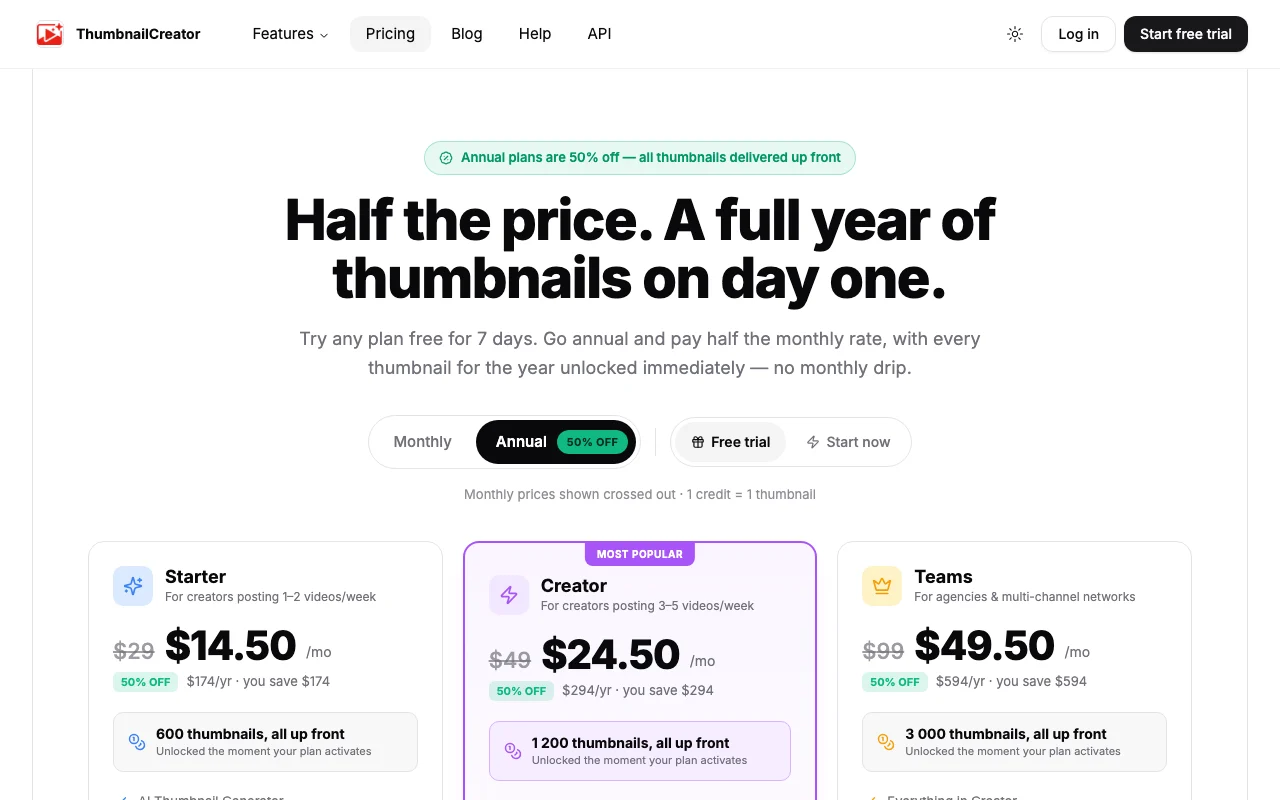
ThumbnailCreator pricing page with plans and prices — screenshot of the image generation AI tool, Oct 2, 2026
The official ThumbnailCreator pricing page as we saw it. thumbnailcreator.com, captured Oct 2, 2026

Free access and trial conditions

No permanent free tier; 7-day trial with 10 thumbnails.

7-day free trial with 10 thumbnails; cancel before day 7 to avoid charge.

Paid plans: what changes as you upgrade

Starter web

$29/mo source (opens in a new tab)

Month

Annual: $14.50/mo billed as $174/yr (50% off), all 600 thumbnails unlocked up front. 7-day free trial with 10 thumbnails; cancel before day 7 to avoid charge.

For: Creators posting 1 to 2 videos a week

Limits

  • 600 thumbnails per plan
  • 1 credit = 1 thumbnail

Includes

  • AI thumbnail generator
  • Basic face feature
2 more
  • Variation generator
  • YouTube thumbnail extractor

No API

Creator web

$49/mo source (opens in a new tab)

Month

Annual: $24.50/mo billed as $294/yr (50% off). 7-day free trial with 10 thumbnails; cancel before day 7 to avoid charge.

For: Creators posting 3 to 5 videos a week

Limits

  • 1,200 thumbnails on annual; 100 per month on monthly
  • 1 credit = 1 thumbnail

Includes

  • Advanced face training
  • Person swap and expression morphing
2 more
  • Unlimited YouTube extractions
  • Trending thumbnail access

No API

Teams web

$99/mo source (opens in a new tab)

Month

Annual: $49.50/mo billed as $594/yr (50% off). 7-day free trial with 10 thumbnails; cancel before day 7 to avoid charge.

For: Agencies and multi-channel networks

Limits

  • 3,000 thumbnails on annual

Includes

  • Everything in Creator
  • Multiple face training
2 more
  • Batch variations and API access
  • Unlimited team members

API included

Usage caps, credits and extra costs

Not stated.

Not stated.

What is ThumbnailCreator, and how does it work?

ThumbnailCreator generates YouTube thumbnails from a pasted video link, using your face and style. It also offers variations, a thumbnail extractor and auto-optimization. Plans are credit-based (1 credit = 1 thumbnail) and start with a 7-day free trial including 10 thumbnails.

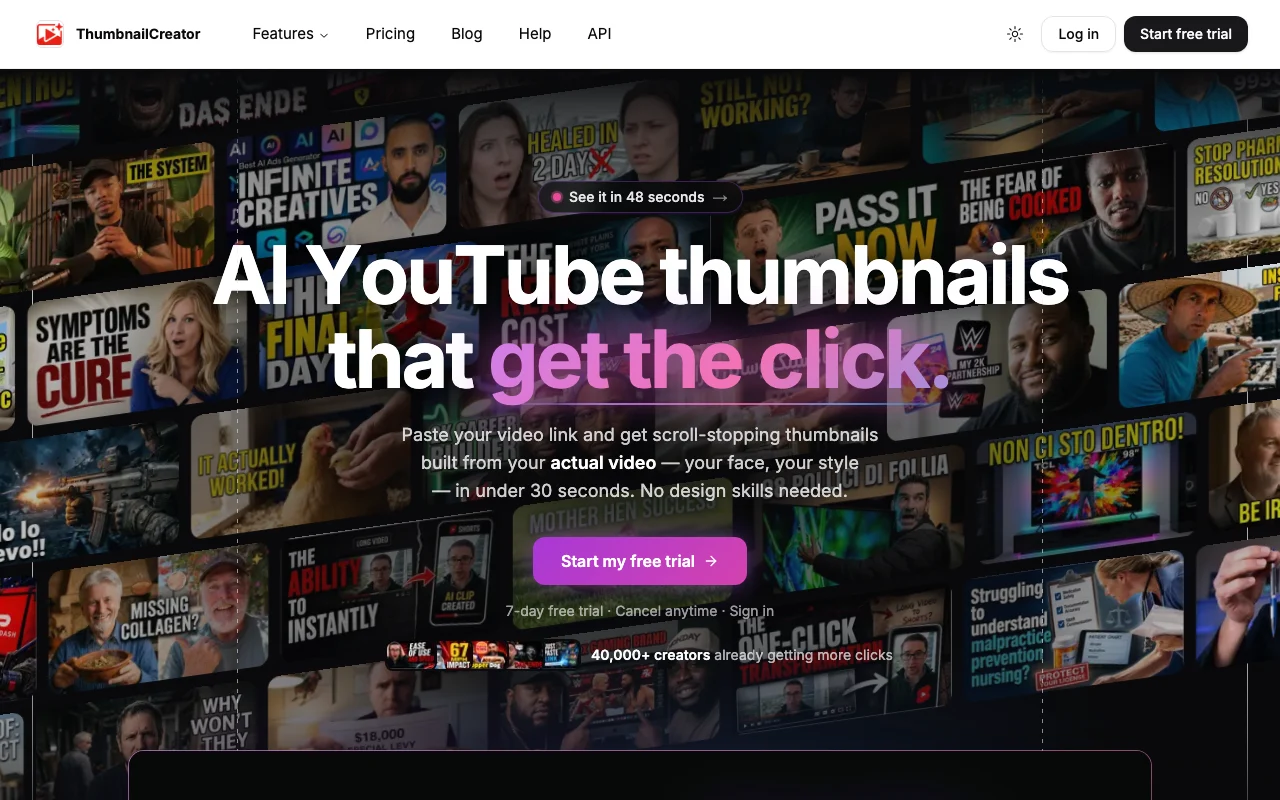
ThumbnailCreator homepage — screenshot of the image generation AI tool, Oct 2, 2026
ThumbnailCreator's official site: how the product presents itself. thumbnailcreator.com, captured Oct 2, 2026

What you provide and what you get back

How ThumbnailCreator works: what you provide, where it runs and what you get backYOU PROVIDEYour inputPasted YouTube video linkFace photos for trainingExisting thumbnails to extract or…IMAGE GENERATIONThumbnailCreatorWeb, APIfrom $29/mo (Starter)no free tieraccount requiredchecked Oct 1, 2026YOU GET BACKThe resultAI-generated YouTube thumbnailsThumbnail variationsOptimized versions of existing th…input → ThumbnailCreator → output · from the vendor's own pages, no hands-on test unless stated
What you give ThumbnailCreator and what comes back, from its documentation

You provide

  • Pasted YouTube video link
  • Face photos for training
  • Existing thumbnails to extract or vary

You get back

  • AI-generated YouTube thumbnails
  • Thumbnail variations
  • Optimized versions of existing thumbnails

Where you can use it

Platforms
Web, API
Account
Required
Credit model
1 credit = 1 thumbnail
Thumbnails per annual plan
600 / 1,200 / 3,000
Inputs
YouTube video link, face photos
Trial
7 days, 10 thumbnails

What people use ThumbnailCreator for

Scenarios are worked out by our editors from the documentation; the actual result depends on your input and plan.

YouTube thumbnails

Who
YouTube creators
You provide
A link to a new video
Expected result
Thumbnails built from the video with the creator's face and style
Plan needed
Creator
Limitation
Credits cap total thumbnails source (opens in a new tab)

Thumbnail variations

Who
Channels testing click-through
You provide
An existing thumbnail
Expected result
Several variations to compare
Plan needed
Starter
Limitation
Basic face feature on Starter source (opens in a new tab)

Extract existing thumbnails

Who
Agencies handling many channels
You provide
Several channels' videos
Expected result
Batch variations and API-driven thumbnails
Plan needed
Teams
Limitation
3,000 thumbnails cap and trial converts to paid source (opens in a new tab)

What ThumbnailCreator does, and where it stops

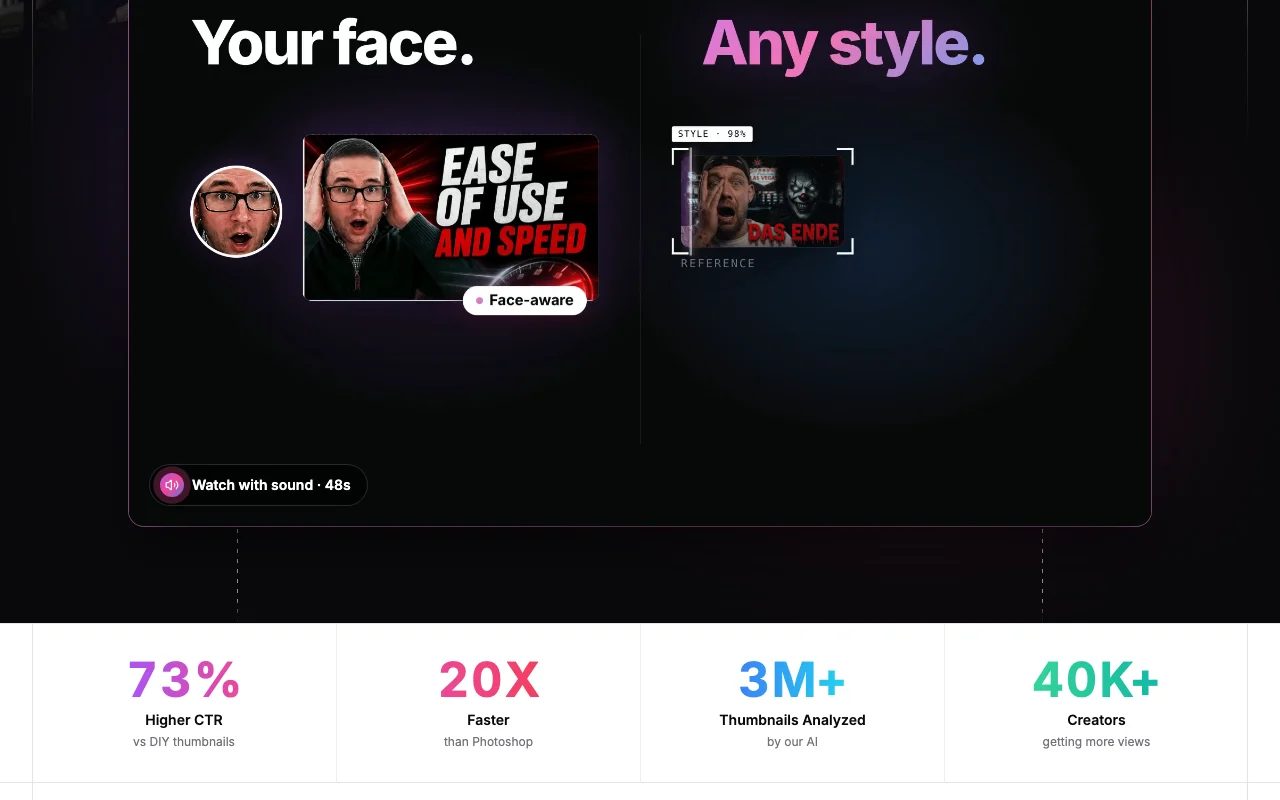
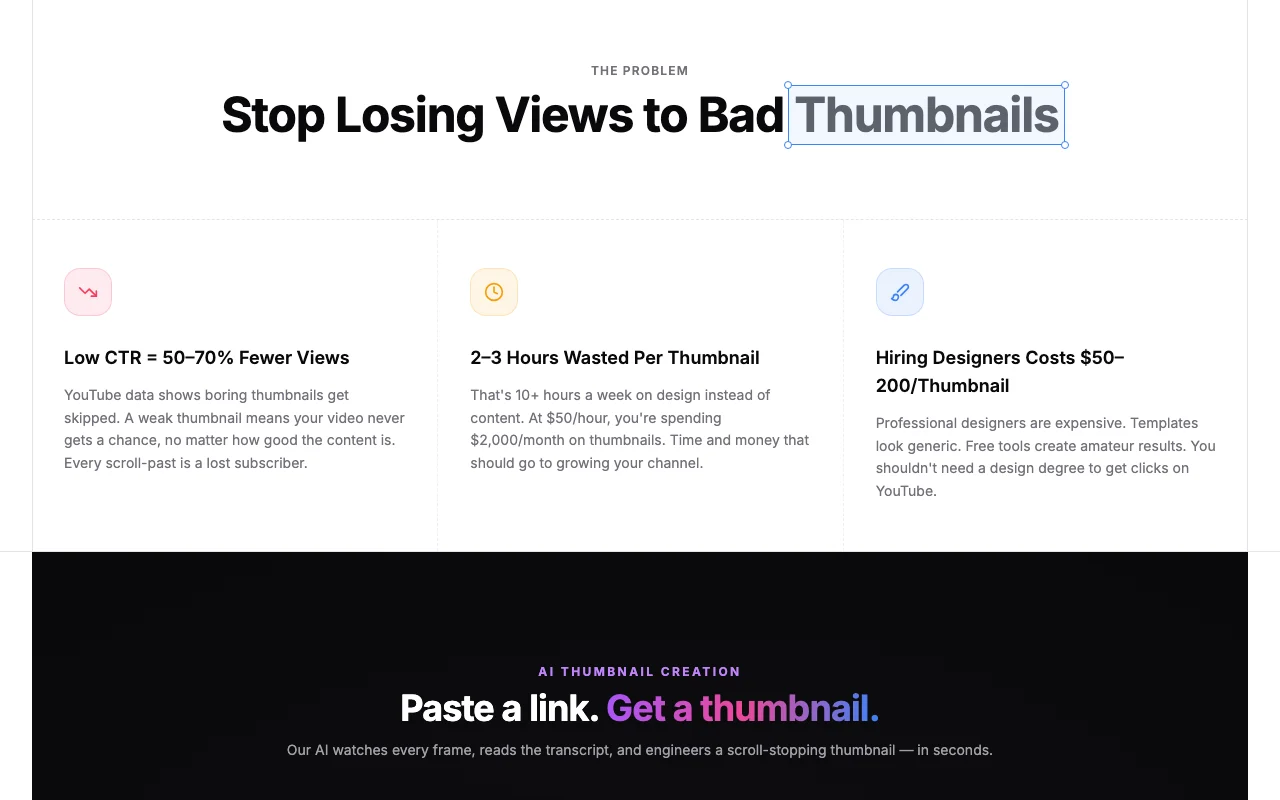
ThumbnailCreator homepage — screenshot of the image generation AI tool, Oct 2, 2026
Feature overview on the official site. thumbnailcreator.com, captured Oct 2, 2026

AI thumbnail generator

Builds thumbnails from a pasted video link using your face and style. Starts from the real video content.

Access: All plansLimit: Starter uses the basic face feature. source (opens in a new tab)

Face training

Trains on your face photos for consistent likeness, with multiple faces on Teams. Keeps thumbnails recognizable.

Access: Advanced on Creator, multiple on TeamsLimit: Training quality depends on photos. source (opens in a new tab)

Person swap and expression morphing

Swaps people and morphs expressions in a thumbnail. Adjusts a face without a reshoot.

Access: Creator and TeamsLimit: Not on Starter. source (opens in a new tab)

Variation generator

Generates variations and extracts thumbnails from other YouTube videos. Provides options to test.

Access: All plans; unlimited extractions on CreatorLimit: Batch variations only on Teams. source (opens in a new tab)

ThumbnailCreator pros and cons

Where ThumbnailCreator is strong

Limitations to check before paying

How to use ThumbnailCreator for generating a YouTube thumbnail from a video link

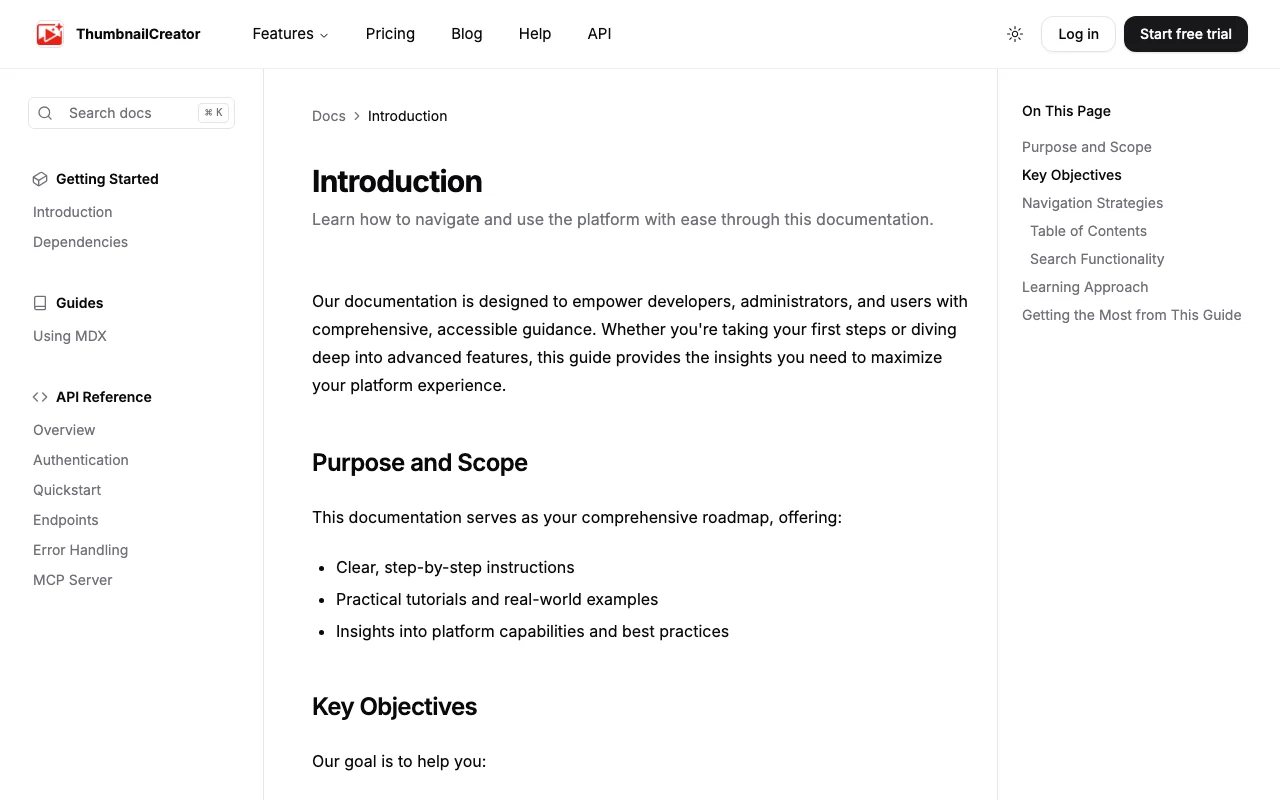
ThumbnailCreator documentation — screenshot of the image generation AI tool, Oct 2, 2026
ThumbnailCreator documentation: where the steps below come from. thumbnailcreator.com, captured Oct 2, 2026

Set up ThumbnailCreator

  1. Start the 7-day free trial at thumbnailcreator.com
  2. Upload face photos for face training
  3. Pick the plan you would continue with and note the cancel-before-day-7 rule

Example: generating a YouTube thumbnail from a video link

  1. Paste the YouTube video link
  2. Choose your face and a style
  3. Generate and review the thumbnail
  4. Create variations and download the best one

Review and export the result

  1. Check the thumbnail count against your plan credits
  2. Preview the thumbnail at small size as it appears in YouTube search

ThumbnailCreator API

ThumbnailCreator documentation — screenshot of the image generation AI tool, Oct 2, 2026
ThumbnailCreator documentation (continued). thumbnailcreator.com, captured Oct 2, 2026

API access and separate billing

ThumbnailCreator has no public API in its official documentation. API Reference is listed in docs; details not captured. API documentation ↗

Privacy, data use and commercial rights

Summarized from the vendor's current policies; this is not legal advice and a vendor's badge is not an independent audit.

How your inputs and outputs are handled

Face photos and video links are used to generate thumbnails.

Not stated.

Not stated; the FAQ mentions what happens to thumbnails after cancelling.

Commercial use and plan restrictions

Not stated.

Advanced face features start at Creator.

Best ThumbnailCreator alternatives for different needs

"Better suited" is based on documented features and pricing, not on a head-to-head test.

Canva: better suited to

Adobe Firefly: better suited to

Leonardo.Ai: better suited to

Alternatives
AlternativeWhen to choose itPricingLimitation
Canva——
Adobe Firefly——Compare
Leonardo.Ai——Compare

Explore ThumbnailCreator further

Related to ThumbnailCreator

ThumbnailCreator user reviews

No user reviews yet.

Used ThumbnailCreator? Be the first to share your experience.

Write a review

Reviews are checked by a moderator before they appear. Your email is never published. Plain text only.

Your rating (required)

Show what you made or what went wrong. Images are published only if the review is approved; location data is removed.

    ThumbnailCreator FAQ

    Does ThumbnailCreator have a free plan?

    No permanent free plan; there is a 7-day free trial with 10 thumbnails, then the plan price applies unless cancelled before day 7. source (opens in a new tab)

    What is the ThumbnailCreator annual discount?

    50% off: Starter $174/yr, Creator $294/yr and Teams $594/yr, with all thumbnails unlocked on day one. source (opens in a new tab)

    How many thumbnails does each ThumbnailCreator plan include?

    Starter 600, Creator 1,200 and Teams 3,000 on annual plans, where 1 credit equals 1 thumbnail. source (opens in a new tab)

    Which plan includes person swap and expression morphing?

    Creator and Teams; Starter has only the basic face feature. source (opens in a new tab)

    Does ThumbnailCreator offer API access?

    Yes, batch variations and API access are listed on the Teams plan. source (opens in a new tab)

    Sources and review methodology

    Official sources and verification dates

    Not verified: Privacy policy; Output resolution; Watermark policy; Training use.

    How we documented and maintain this page

    Every fact about ThumbnailCreator above comes from the 3 official pages listed here, last compared on Oct 1, 2026; we have not run ThumbnailCreator ourselves, so it has no editorial score. How we check and re-check pages.

    Article updated Oct 2, 2026; prices checked Oct 1, 2026. Outbound links to vendors are plain links; we do not earn commissions. How we review · Report an error