Image generationDocumented overviewLast checked Oct 1, 2026

Trify3D: Pricing, Features & Best Use Cases

Multi-model text/image-to-3D studio: run Tripo3D, Meshy and Rodin on the same input, compare results, export GLB/OBJ/STL.
Is Trify3D right for you?

Choose Trify3D if you want to run the same prompt or photo through Tripo3D, Meshy and Rodin from one credit pool and export the best mesh as GLB, OBJ or STL. Based on the vendor's documentation, not on a hands-on test.

Best for: Indie game developers

Also a good fit for

  • 3D printing hobbyists
  • Roblox and Unity asset creators

Consider another tool if unused monthly credits do not roll over

Or if

  • Credit cost per generation varies by engine and quality level
  • Priority queue and higher mesh quality reserved for Pro and Max

Trify3D pricing and usage limits

Prices checked Oct 1, 2026 on the official US pricing page. Official pricing ↗ Prices and limits change often.

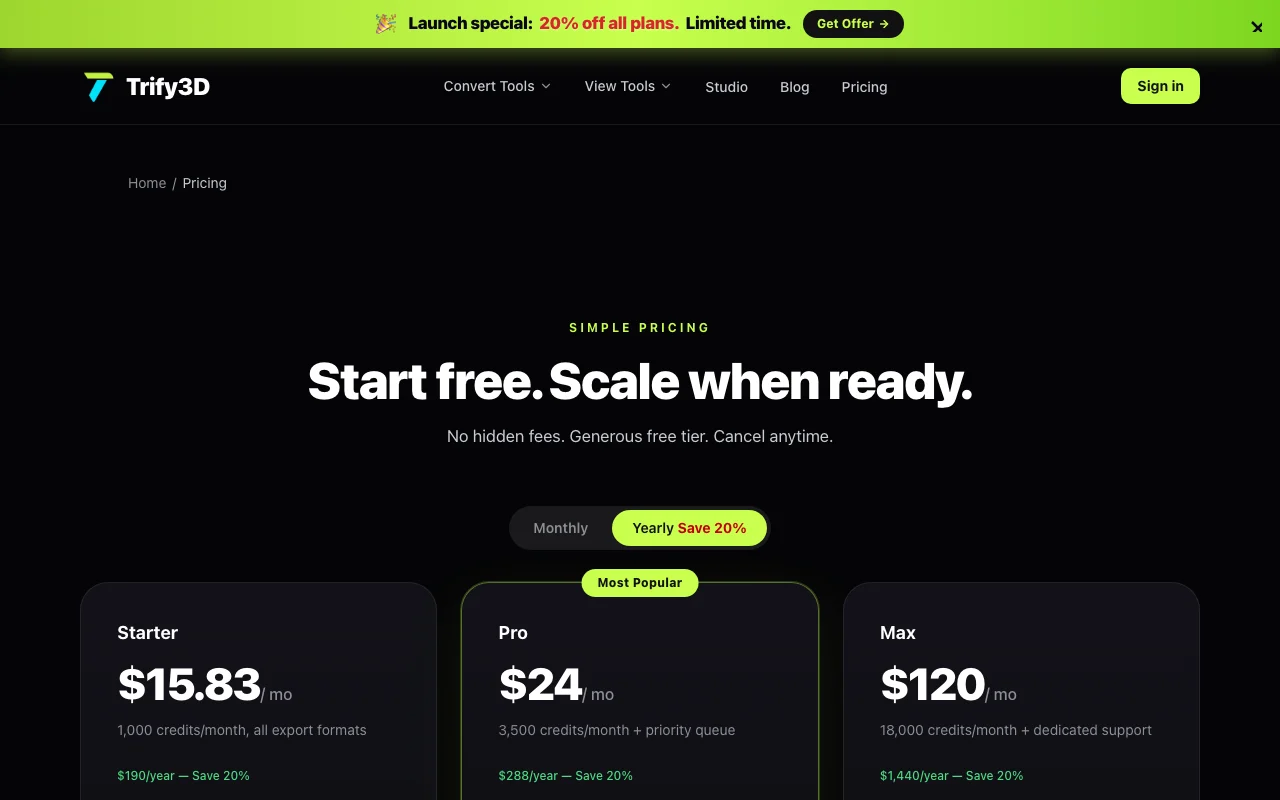
Trify3D pricing page with plans and prices — screenshot of the image generation AI tool, Oct 1, 2026
The official Trify3D pricing page as we saw it. trify3d.com, captured Oct 1, 2026

Free access and trial conditions

Free welcome credits with no credit card; Google sign-in required.

No separate trial beyond the welcome credits.

Paid plans: what changes as you upgrade

Free web

Free source (opens in a new tab)

One-time

For: Testing engine quality before paying

Limits

  • Welcome credits only (amount not stated)

Includes

  • Sign in with Google, no card required

Starter web

$15.83/mo source (opens in a new tab)

Month, annual commitment

$190 per year (saves 20%); monthly-billing price not confirmed

For: Hobbyists and light 3D printing

Limits

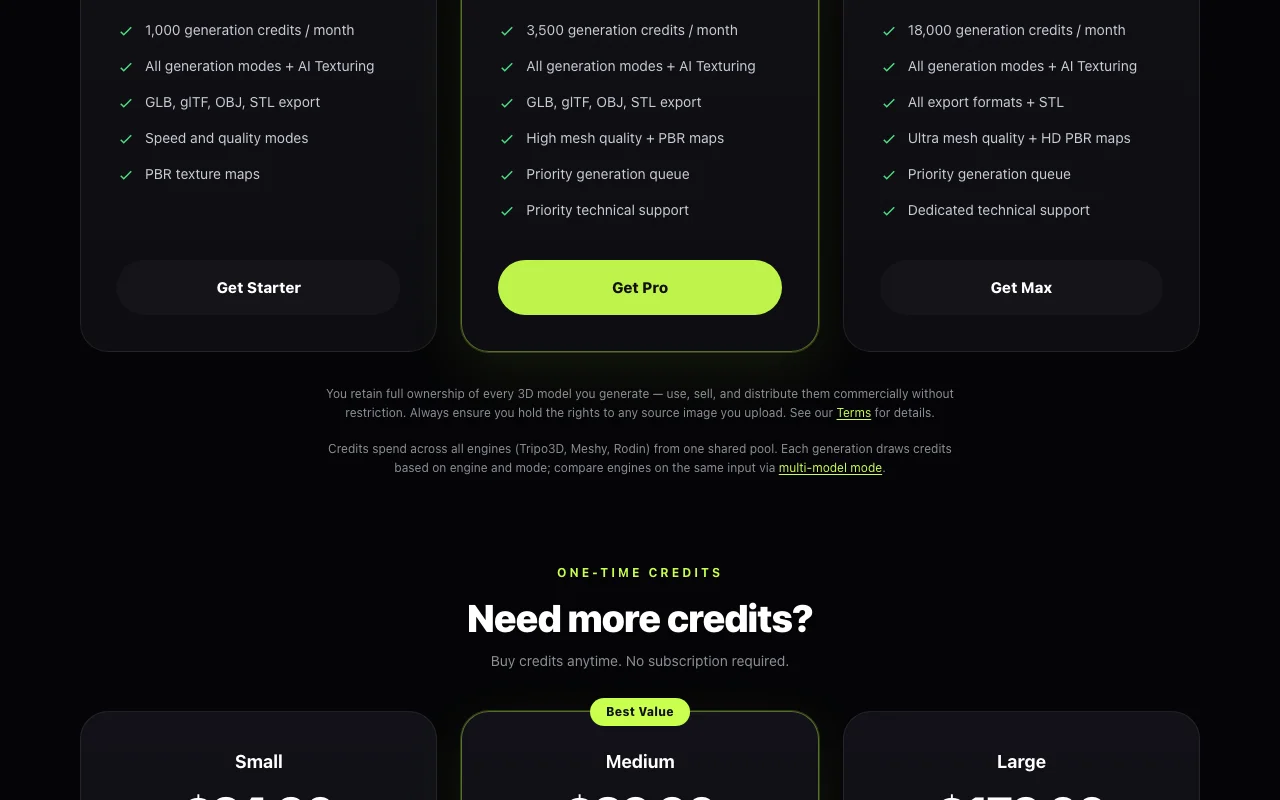
  • 1,000 credits per month

Includes

  • All generation modes and AI texturing
  • GLB, glTF, OBJ, STL export
1 more
  • Speed and quality modes, PBR maps

Pro web

$24/mo source (opens in a new tab)

Month, annual commitment

$288 per year (saves 20%); $29.90 per month on monthly billing

For: Regular game and product asset production

Limits

  • 3,500 credits per month

Includes

  • High mesh quality and PBR maps
  • Priority generation queue
1 more
  • Priority technical support

Max web

$120/mo source (opens in a new tab)

Month, annual commitment

$1,440 per year (saves 20%); monthly-billing price not confirmed

For: Studios with high generation volume

Limits

  • 18,000 credits per month

Includes

  • Ultra mesh quality and HD PBR maps
  • Priority queue
1 more
  • Dedicated technical support

Credit packs web

$24.9 source (opens in a new tab)

One-time

For: Topping up mid-month

Limits

  • 1,000 credits for $24.90; 3,500 for $39.90; 18,000 for $179

Includes

  • No subscription needed
  • Credits added immediately

Usage caps, credits and extra costs

One-time credit packs ($24.90, $39.90, $179); a standard generation costs about 10 credits and AI texturing about 4.

Not stated.

What is Trify3D, and how does it work?

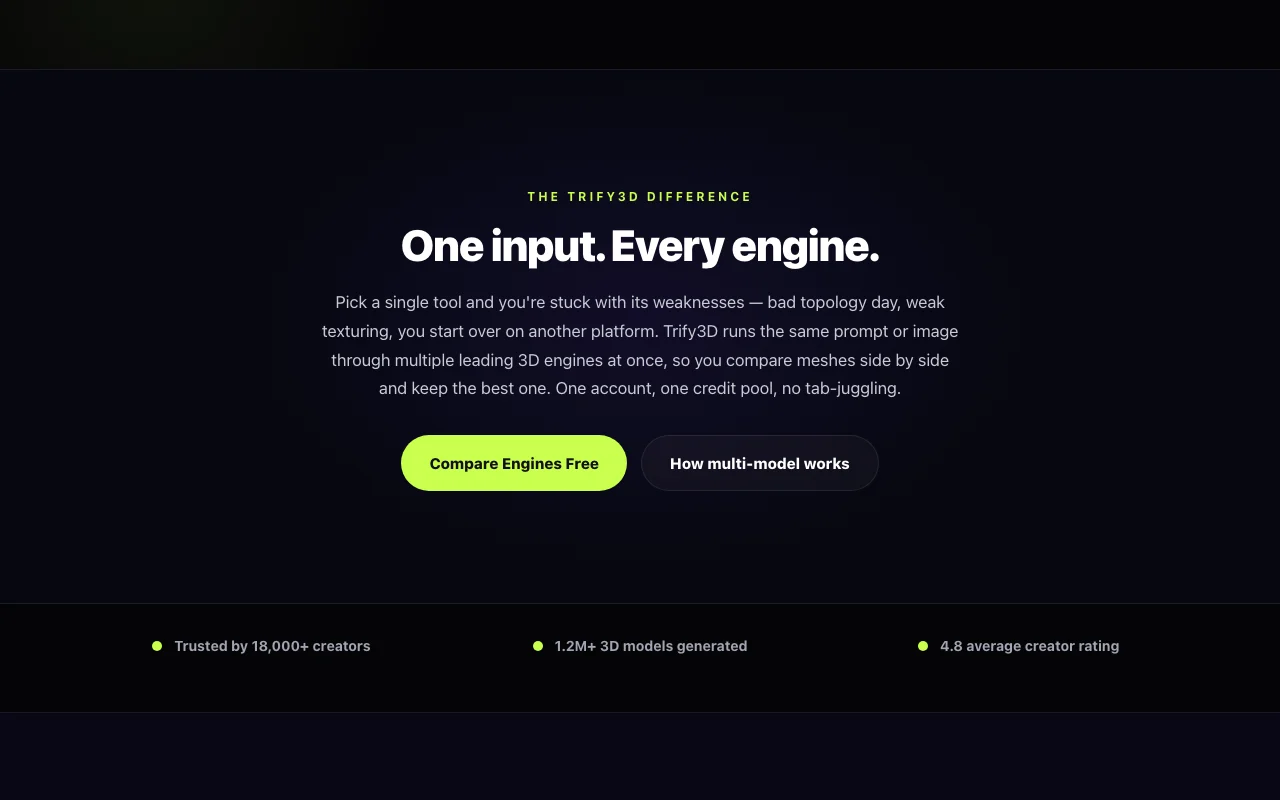
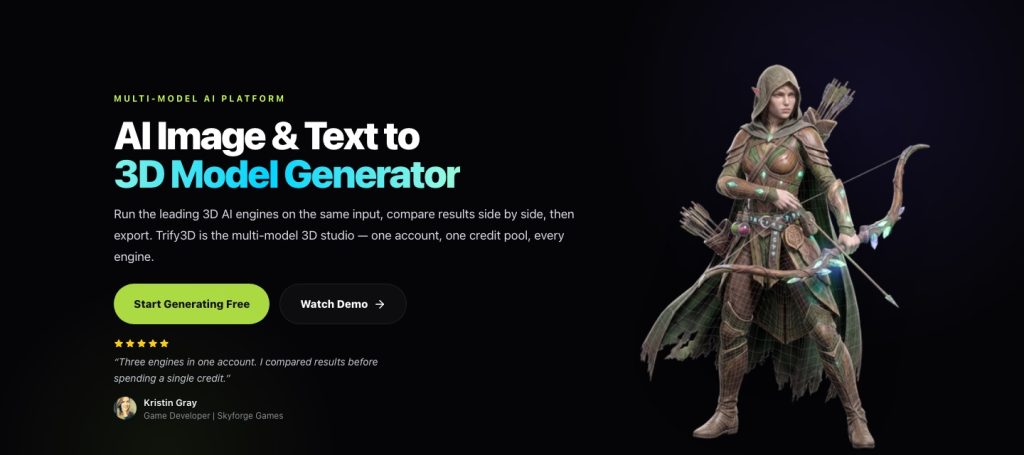
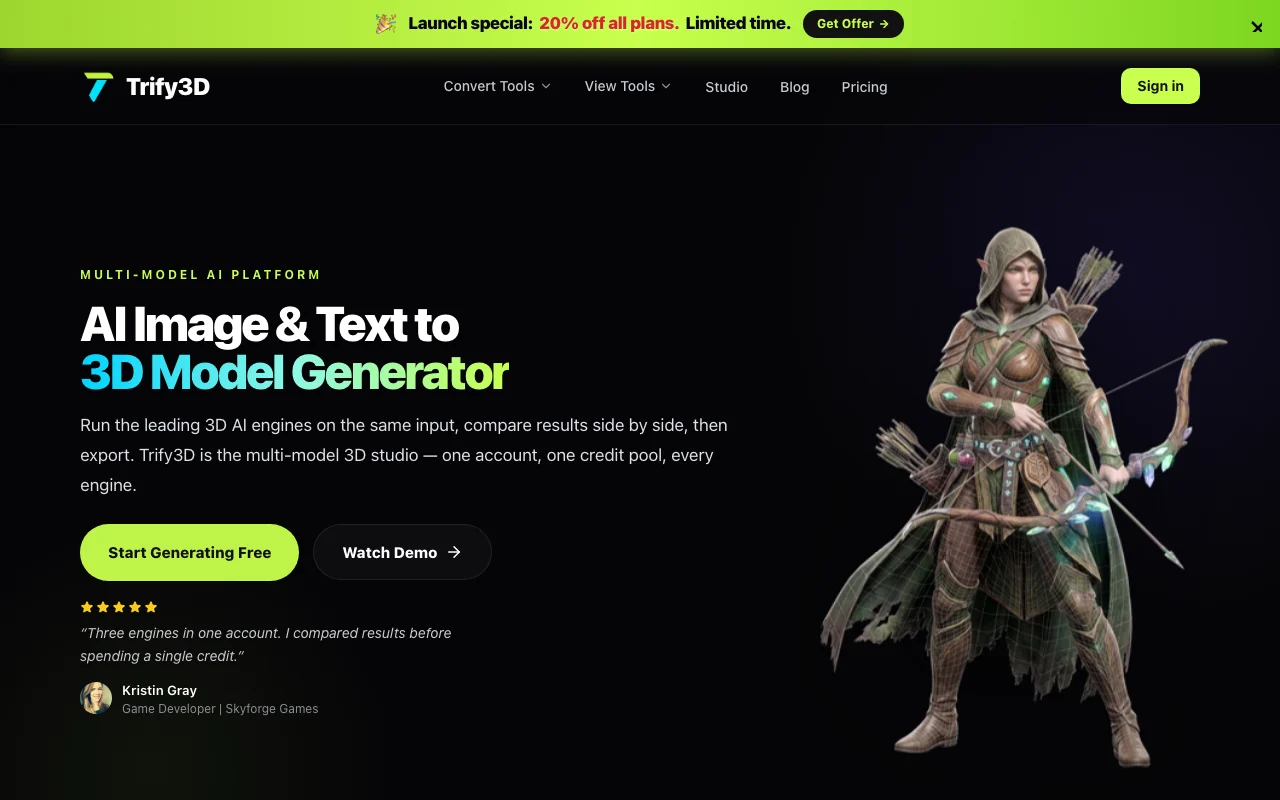
Trify3D is a browser-based 3D generation studio that sends one prompt or image to several third-party 3D engines (Tripo3D, Meshy, Rodin) from a single account and credit pool, so results can be compared side by side before choosing one. It supports text-to-3D, image-to-3D (including multi-view and batch), and AI texturing with PBR maps. Models export as GLB, glTF, OBJ or STL for game engines, Blender or 3D printing. The site also hosts 48+ free in-browser file converters and viewers, and an API is offered for accessing the underlying engines through one integration.

Trify3D homepage — screenshot of the image generation AI tool, Oct 1, 2026
Trify3D's official site: how the product presents itself. trify3d.com, captured Oct 1, 2026

What you provide and what you get back

How Trify3D works: what you provide, where it runs and what you get backYOU PROVIDEYour inputText promptJPG, PNG or WEBP reference image…Existing mesh for AI texturingIMAGE GENERATIONTrify3DWeb, APIfrom $15.83/mo (Starter)free tier availableaccount requiredchecked Oct 1, 2026YOU GET BACKThe resultGLB, glTF, OBJ, STL modelsPBR texture maps (albedo, normal,…Side-by-side engine comparisonsinput → Trify3D → output · from the vendor's own pages, no hands-on test unless stated
What you give Trify3D and what comes back, from its documentation

You provide

  • Text prompt
  • JPG, PNG or WEBP reference image (single or multi-view)
  • Existing mesh for AI texturing

You get back

  • GLB, glTF, OBJ, STL models
  • PBR texture maps (albedo, normal, roughness, metallic)
  • Side-by-side engine comparisons

Where you can use it

Platforms
Web, API
Account
Required
Export formats
GLB, glTF, OBJ, STL
Input formats
Text, JPG, PNG, WEBP; multi-view and batch
Engines
Tripo3D, Meshy, Rodin
Texture maps
Albedo, normal, roughness, metallic (up to 4K claimed)
Commercial terms
Commercial license on paid plans
Watermark
Not stated

Best use cases for Trify3D

Scenarios are worked out by our editors from the documentation; the actual result depends on your input and plan.

Generating game-ready props and characters from text prompts

Who
Game developers
You provide
A prop description or concept art in multi-model mode
Expected result
Meshes from several engines to compare and export as GLB for Unity or Unreal
Plan needed
Starter
Limitation
Credits vary by engine and quality source (opens in a new tab)

Converting concept art or photos into textured 3D meshes

Who
3D printing makers
You provide
A photo or prompt
Expected result
A printable STL for Cura, PrusaSlicer or Bambu Studio
Plan needed
Starter
Limitation
Printability checks are not documented source (opens in a new tab)

Producing printable STL files for 3D printing

Who
Product designers and 3D artists
You provide
An existing mesh plus a texture prompt
Expected result
PBR maps applied to the mesh for Blender or Three.js
Plan needed
Pro
Limitation
High mesh quality is a Pro feature source (opens in a new tab)

Trify3D features and their limits

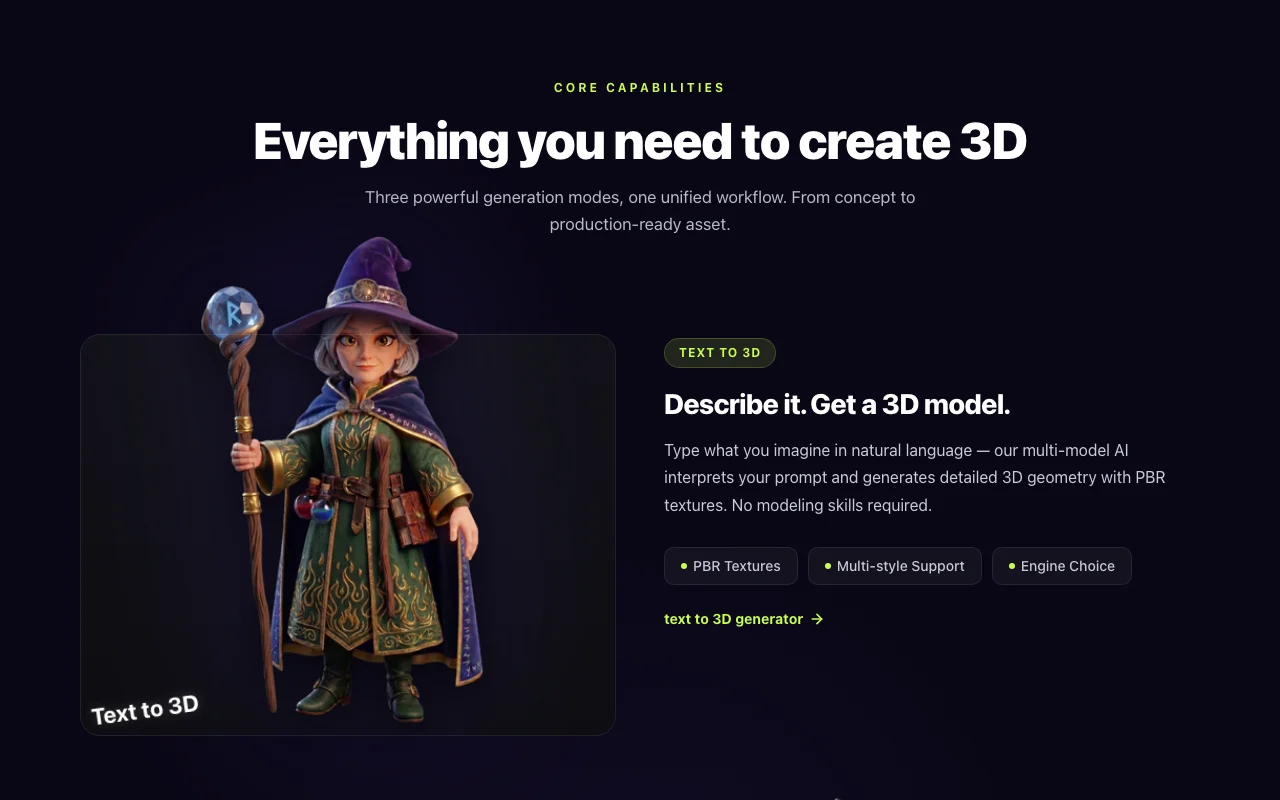
Trify3D homepage — screenshot of the image generation AI tool, Oct 1, 2026
Feature overview on the official site. trify3d.com, captured Oct 1, 2026

Multi-model mode comparing Tripo3D, Meshy and Rodin on one input

Sends the same prompt or image to Tripo3D, Meshy and Rodin at once Shows which engine gives the best mesh before you commit credits

Access: All plansLimit: Each engine consumes credits source (opens in a new tab)

Text-to-3D, image-to-3D, multi-view and batch generation

Generates meshes from text, single images, multi-view sets and batches Covers concept art, photos and sketches

Access: All plansLimit: Source images must be rights-cleared source (opens in a new tab)

AI texturing with albedo, normal, roughness and metallic maps

Creates albedo, normal, roughness and metallic maps for a mesh Produces game-ready materials without manual painting

Access: All plansLimit: HD maps need Max source (opens in a new tab)

GLB, glTF, OBJ and STL export

Downloads models as GLB, glTF, OBJ or STL Fits engines, DCC tools and slicers

Access: All plansLimit: FBX is mentioned only for the Roblox use case source (opens in a new tab)

Trify3D: strengths and limits

Reasons to choose Trify3D

Check before paying for Trify3D

  • Unused monthly credits do not roll over Leftover credits are lost each month, so light users waste money documented source (opens in a new tab)
  • Credit cost per generation varies by engine and quality level Costly engines or high-poly settings drain a plan faster than expected documented source (opens in a new tab)
  • Priority queue and higher mesh quality reserved for Pro and Max Free and Starter users wait longer and get lower mesh fidelity documented source (opens in a new tab)
  • Sign-in with Google required to start generating Users without a Google account cannot try it documented source (opens in a new tab)

How to use Trify3D for generating a game prop in 3D

Set up Trify3D

  1. Open trify3d.com and sign in with Google to receive welcome credits
  2. Open the Studio and choose Text to 3D or Image to 3D
  3. Pick one engine or enable multi-model mode
  4. Set style, detail level and the target output format

Example: generating a game prop in 3D

  1. Enter a prompt or upload a JPG, PNG or WEBP reference
  2. Run multi-model generation and wait for previews
  3. Compare Tripo3D, Meshy and Rodin results side by side
  4. Apply AI texturing to the winner and download GLB

Review and export the result

  1. Rotate the model and inspect topology and textures in the viewer
  2. Check the credit balance after generation to plan the next run
Example prompt suggested by our editors (not a recorded output of the product)
A low-poly stylized wooden treasure chest with iron bands and a worn lid, game-ready, PBR textures.

Trify3D integrations and API

Trify3D pricing page with plans and prices — screenshot of the image generation AI tool, Oct 1, 2026
Plan comparison on the official pricing page. trify3d.com, captured Oct 1, 2026

Native integrations and export formats

Export: GLB, glTF, OBJ, STL, FBX (Roblox use case)

API access and separate billing

Trify3D has no public API in its official documentation. API access to underlying engines is offered; docs page returned 404

Privacy, data use and commercial rights

Summarized from the vendor's current policies; this is not legal advice and a vendor's badge is not an independent audit.

How your inputs and outputs are handled

Prompts, uploaded images and generated models are collected to provide and improve the service; AI model providers receive data needed to deliver it.

States it does not train on your content unless you explicitly opt in.

Account data kept while active; models kept for the account lifetime unless deleted.

Commercial use and plan restrictions

You own what you generate; all paid plans include a commercial license.

Commercial license listed on paid plans.

Controls for business users

  • Encryption in transit and at rest

Policies: trify3d.com/privacy

Best Trify3D alternatives for different needs

"Better suited" is based on documented features and pricing, not on a head-to-head test.

Leonardo.Ai: better suited to

Midjourney: better suited to

Luma: better suited to

Adobe Firefly: better suited to

Alternatives
AlternativeWhen to choose itPricingLimitation
Leonardo.Ai——Compare
Midjourney——Compare
Luma——
Adobe Firefly——Compare

Explore Trify3D further

If you are looking at Trify3D

Trify3D user reviews

No user reviews yet.

Used Trify3D? Be the first to share your experience.

Write a review

Reviews are checked by a moderator before they appear. Your email is never published. Plain text only.

Your rating (required)

Show what you made or what went wrong. Images are published only if the review is approved; location data is removed.

    Trify3D FAQ

    How many credits does a Trify3D generation cost?

    A standard text-to-3D or image-to-3D generation typically costs 10 credits and AI texturing about 4; premium engines and higher polycounts cost more. source (opens in a new tab)

    Do unused Trify3D credits roll over?

    No. The allowance resets on your renewal date and unused credits do not carry over, though one-time packs can be bought anytime. source (opens in a new tab)

    Can I use Trify3D models commercially?

    Yes. Paid plans (Starter, Pro, Max) include a commercial license for games, e-commerce, advertising, AR/VR and 3D printing, but you must hold rights to uploaded source images. source (opens in a new tab)

    Which engines does Trify3D run?

    Tripo3D, Meshy and Rodin, usable one at a time or simultaneously in multi-model mode from one credit pool. source (opens in a new tab)

    Which file formats can Trify3D export?

    All plans export GLB, glTF, OBJ and STL. source (opens in a new tab)

    Sources and review methodology

    Official sources and verification dates

    Not verified: Welcome credit amount; Monthly prices for Starter and Max; API docs and billing; Watermark on free output.

    How we documented and maintain this page

    Every fact about Trify3D above comes from the 4 official pages listed here, last compared on Oct 1, 2026; we have not run Trify3D ourselves, so it has no editorial score. How we check and re-check pages.

    Article updated Oct 10, 2026; prices checked Oct 1, 2026. Outbound links to vendors are plain links; we do not earn commissions. How we review · Report an error