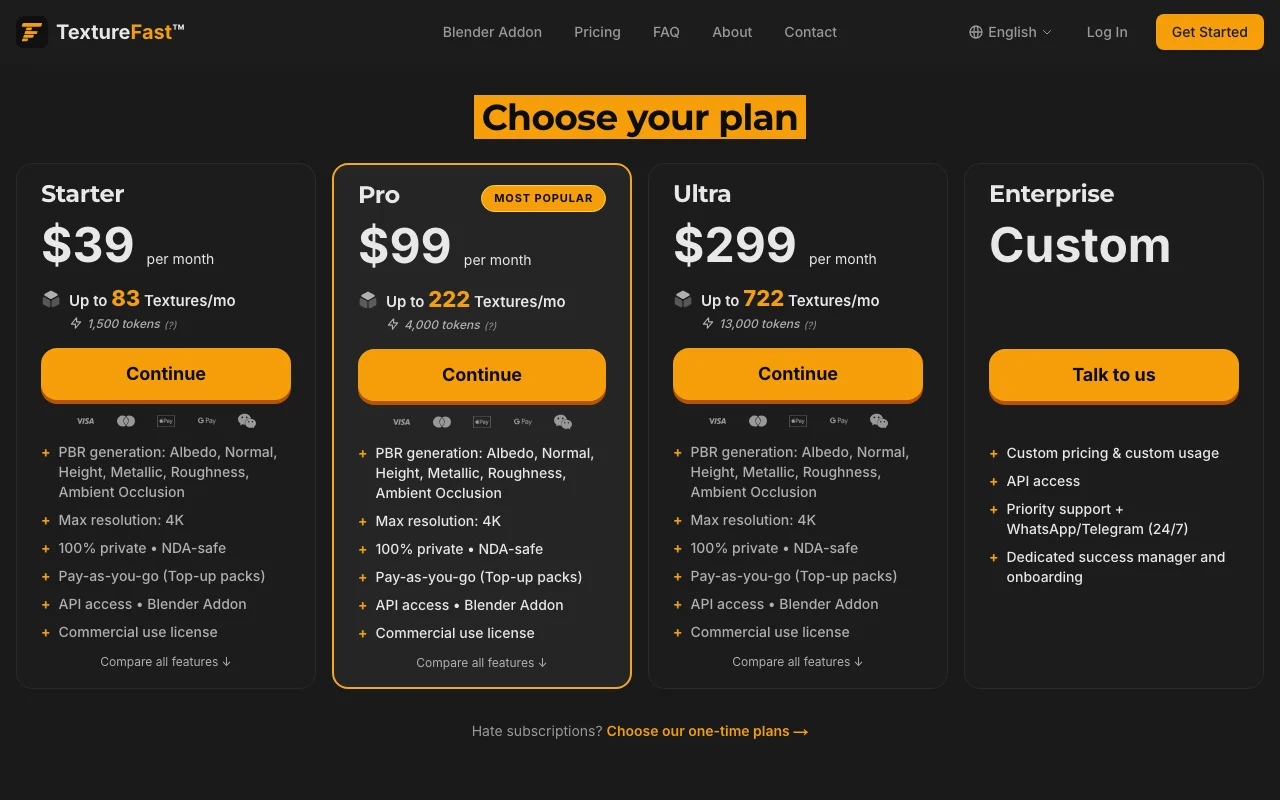
Starter web
$39/mo source (opens in a new tab)
Month, annual commitment
For: Freelancers
Limits
- Up to 83 textures a month
- 1,500 tokens
Includes
- PBR generation
- 4K max
2 more
- API and Blender addon
- Commercial license
API included

Image generationDocumented overviewLast checked Sep 29, 2026
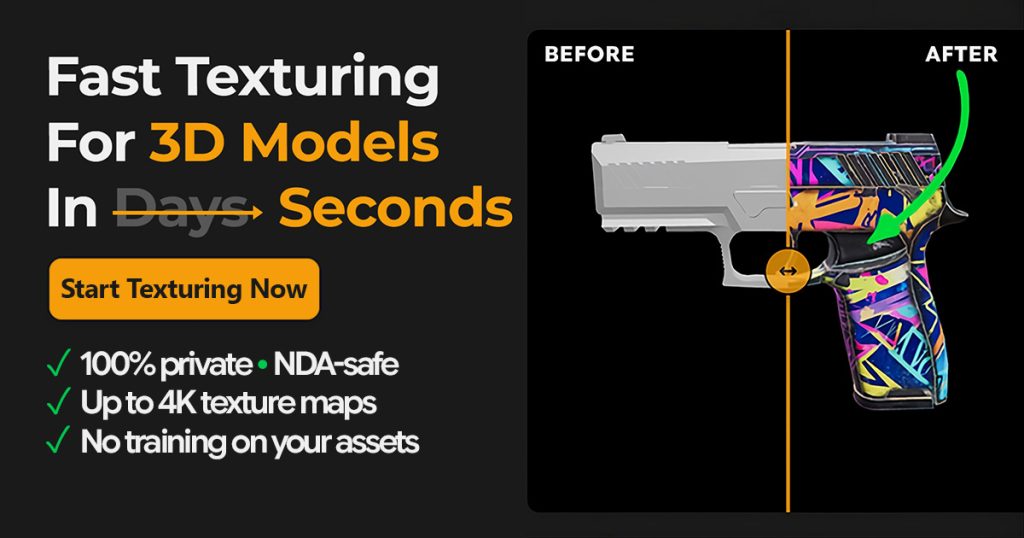
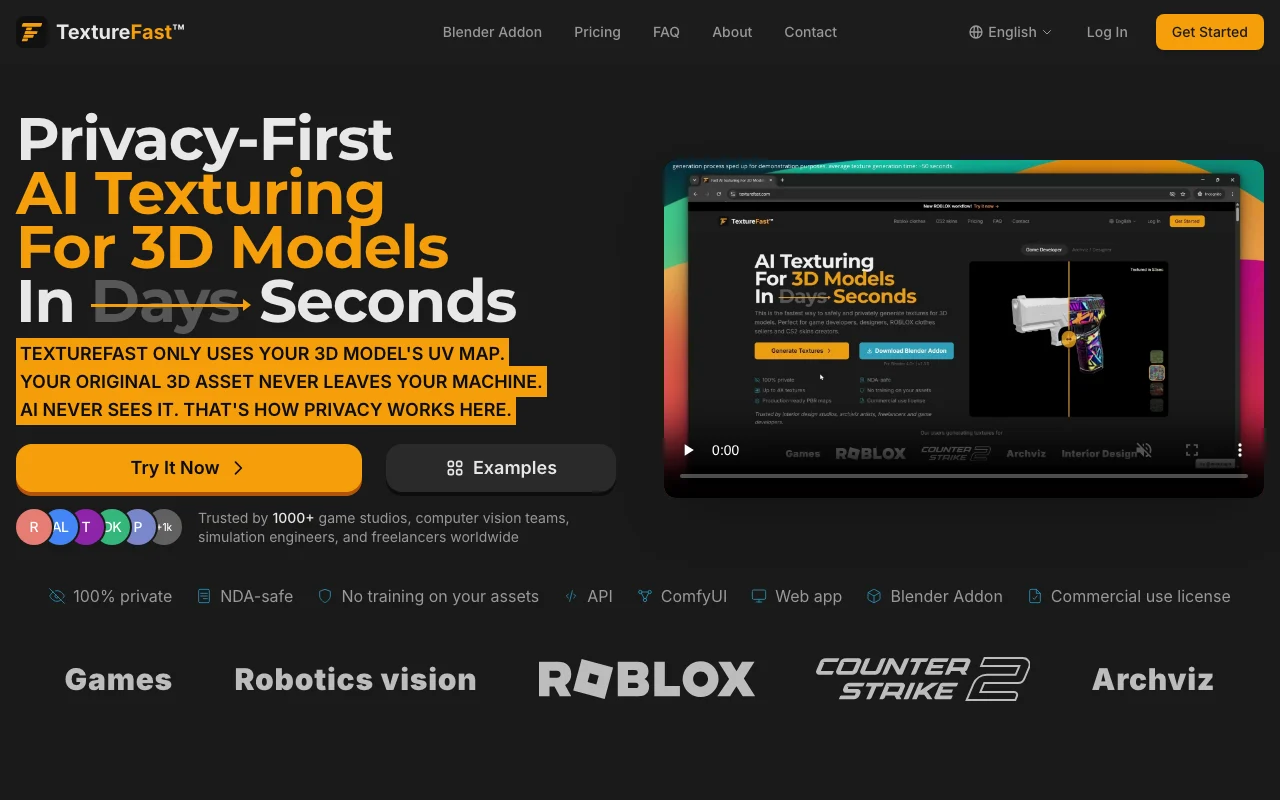
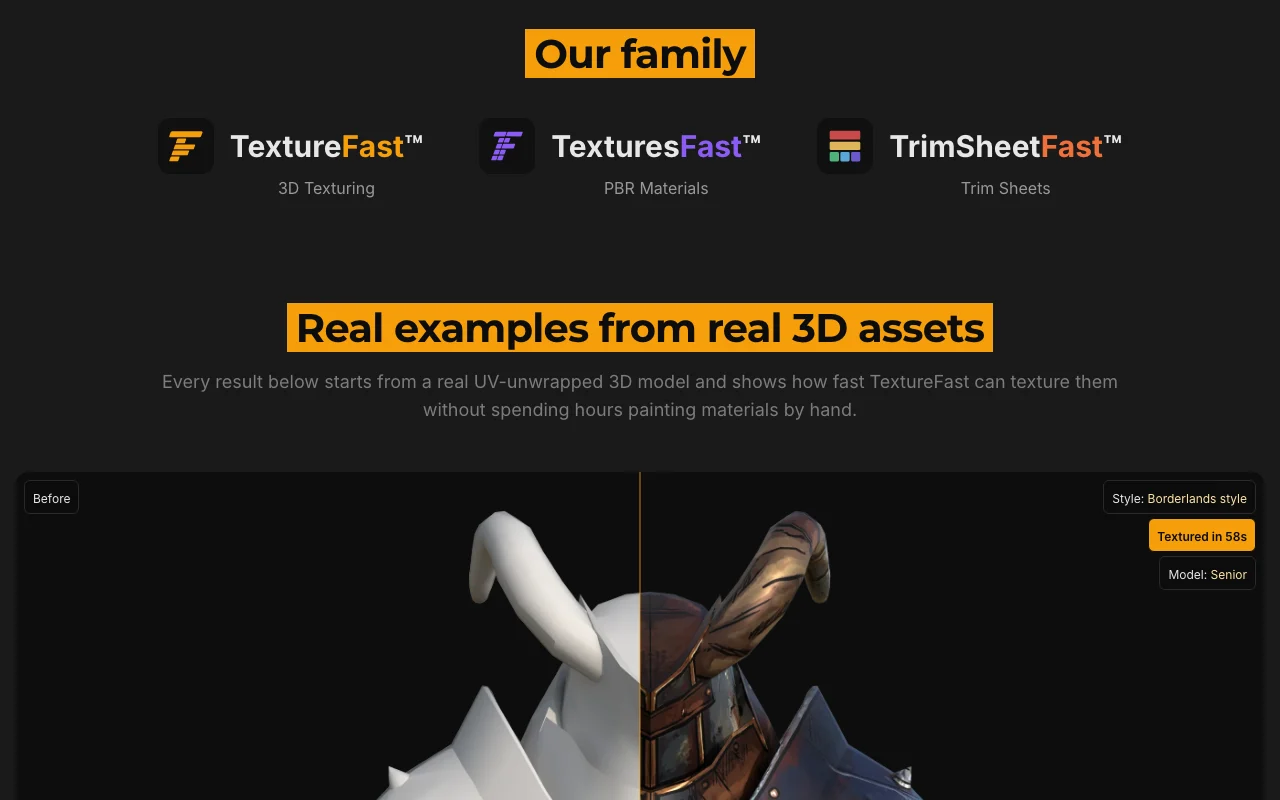
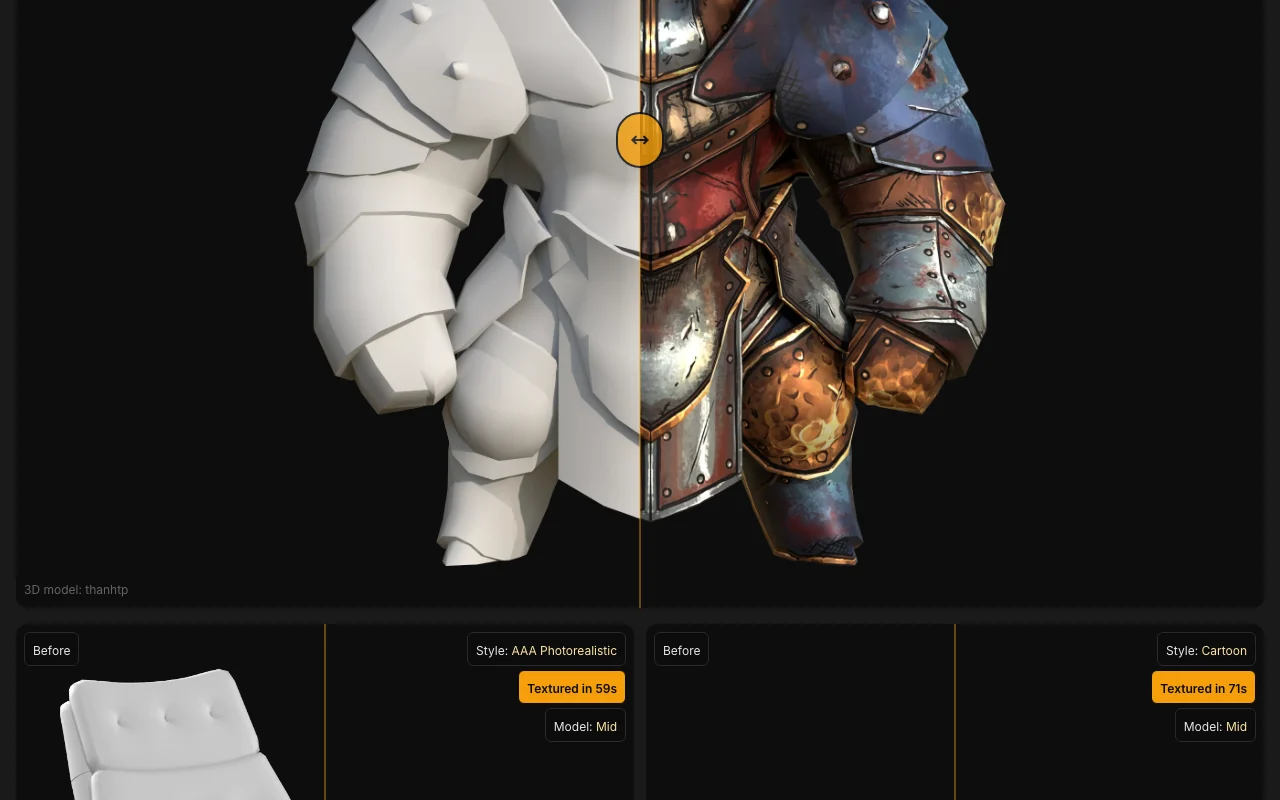
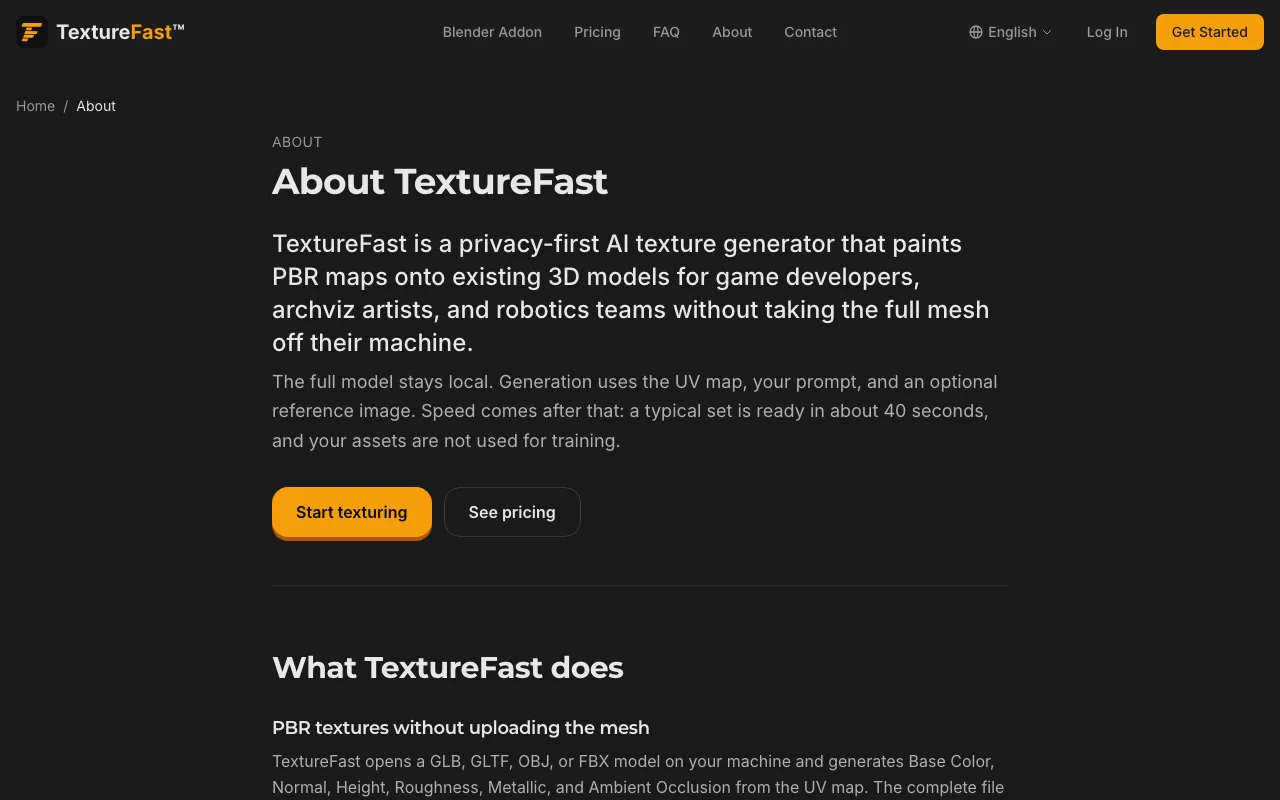
Privacy-focused AI texturing for UV-unwrapped 3D models that generates PBR textures using only the UV map.
 (open full size in a new tab)
 (open full size in a new tab)
 (open full size in a new tab)
 (open full size in a new tab)
 (open full size in a new tab)
 (open full size in a new tab)
Our take: Choose TextureFast if you texture UV-unwrapped GLB, GLTF, OBJ or FBX models under NDA and want PBR maps generated from the UV map only, via web app, API or Blender addon.
Main limitation: The model must already be UV-unwrapped, and plans are subscription-based with token limits.
Choose TextureFast if you texture UV-unwrapped GLB, GLTF, OBJ or FBX models under NDA and want PBR maps generated from the UV map only, via web app, API or Blender addon. Based on the vendor's documentation, not on a hands-on test.
Also a good fit for
Or if
Prices checked Sep 29, 2026 on the official US pricing page. Official pricing ↗ Prices and limits change often.
None seen
Not stated
$39/mo source (opens in a new tab)
Month, annual commitment
For: Freelancers
Limits
Includes
API included
$99/mo source (opens in a new tab)
Month, annual commitment
For: Regular production
Limits
Includes
API included
$299/mo source (opens in a new tab)
Month, annual commitment
For: Studios
Limits
Includes
API included
Custom pricing source (opens in a new tab)
Month, annual commitment
For: Large teams
Includes
API included
Top-up packs; one-time plans also offered
Not stated
TextureFast generates textures for existing 3D models. Per the site, the model stays in the browser and the AI only sees the UV map. The site lists a web app, API, ComfyUI integration and a Blender addon, and states a commercial use license.
You provide
You get back
Scenarios are worked out by our editors from the documentation; the actual result depends on your input and plan.
Processes only the UV map so the original asset stays on your machine Privacy for client assets
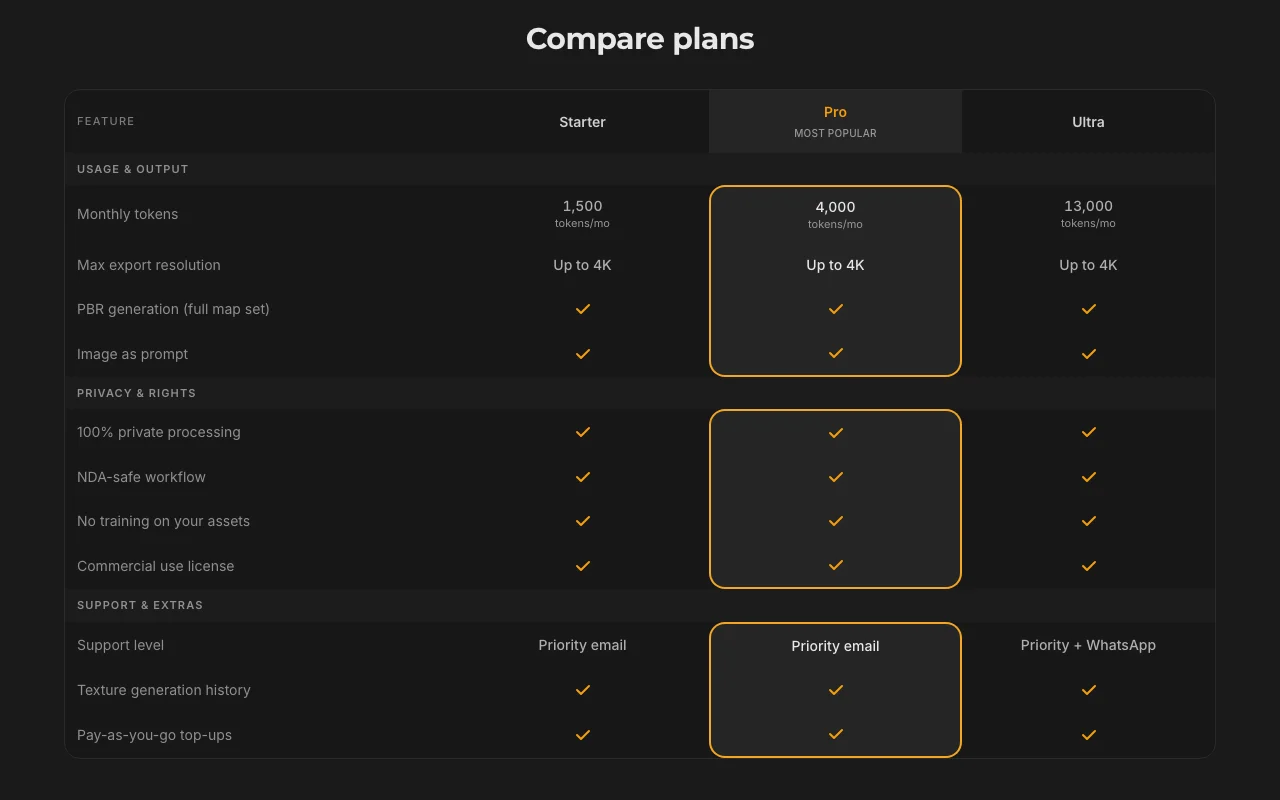
Generates PBR sets: albedo, normal, height, metallic, roughness, ambient occlusion Game-ready materials
Accepts an image as a prompt Match an existing look
Provides API access and a Blender addon Fits pipelines
Weathered oak plank with scratches, matte finish, game-ready PBR.
Export: PBR maps
TextureFast has no public API in its official documentation. API access on listed plans
Summarized from the vendor's current policies; this is not legal advice and a vendor's badge is not an independent audit.
Only the UV map is processed; the model stays local per the site
No training on your assets
Generation history on plans
Commercial use license
None stated
"Better suited" is based on documented features and pricing, not on a head-to-head test.
| Alternative | When to choose it | Pricing | Limitation | |
|---|---|---|---|---|
| Leonardo.Ai | — | — | Compare | |
| Adobe Firefly | — | — | Compare |
No user reviews yet.
Used TextureFast? Be the first to share your experience.
Only the UV map; the original asset does not leave your machine, per the site. source (opens in a new tab)
GLB, GLTF, OBJ and FBX. source (opens in a new tab)
Yes, a commercial use license is included. source (opens in a new tab)
Yes, plus a Blender addon and ComfyUI integration. source (opens in a new tab)
Not verified: Free tier; Privacy policy URL.
Every fact about TextureFast above comes from the 2 official pages listed here, last compared on Sep 29, 2026; we have not run TextureFast ourselves, so it has no editorial score. How we check and re-check pages.
Article updated Oct 10, 2026; prices checked Sep 29, 2026. Outbound links to vendors are plain links; we do not earn commissions. How we review · Report an error
compare>