Basic web
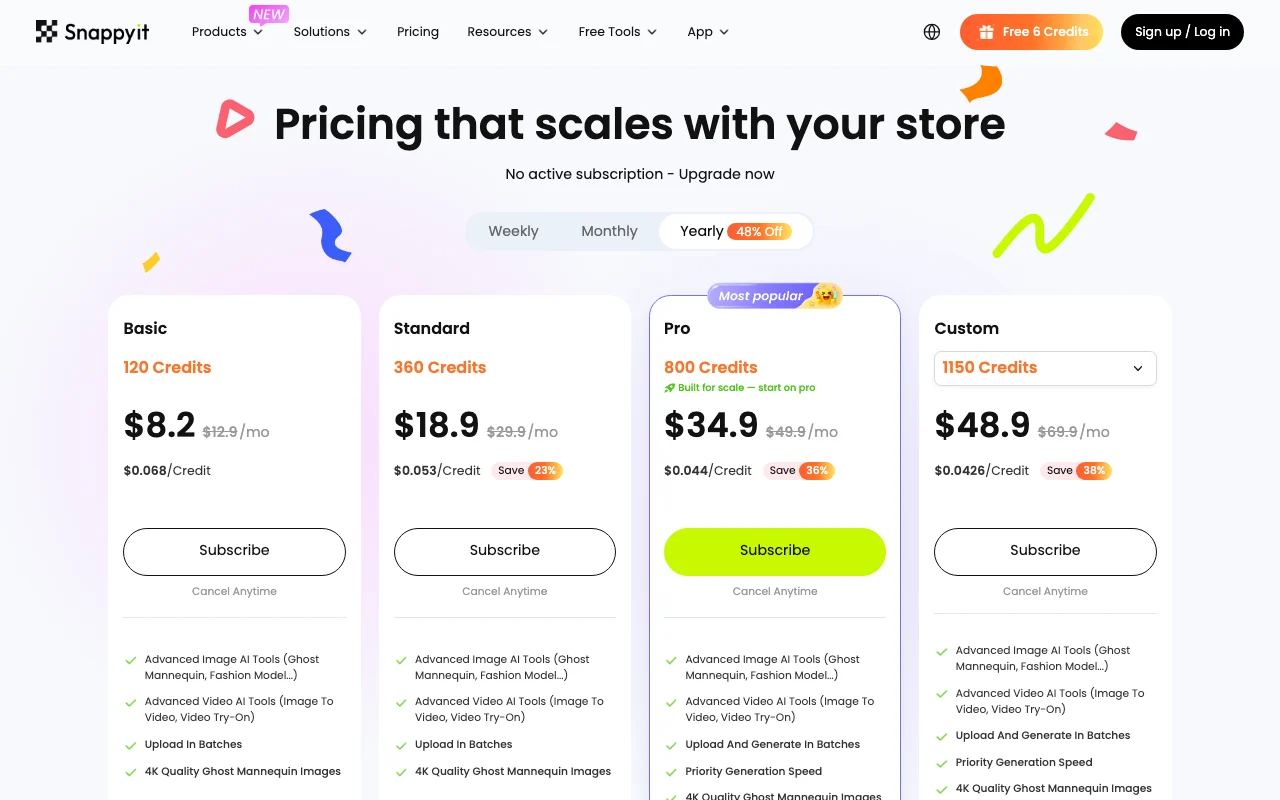
$12.9/mo source (opens in a new tab)
Month
$8.2/mo shown at the discounted rate; billing period not confirmed
For: Small stores
Limits
- 120 credits/month
Includes
- Ghost mannequin 4K
- Batch upload
1 more
- Image to video
Image generationDocumented overviewLast checked Oct 1, 2026
AI product photography for apparel: model shots, ghost mannequin, flat lays, recolors and videos from product photos.
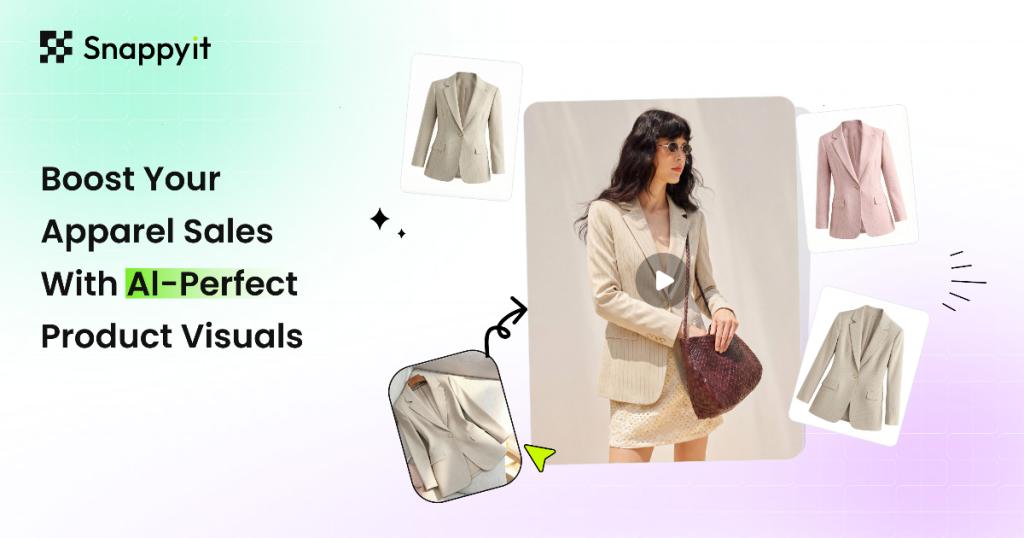
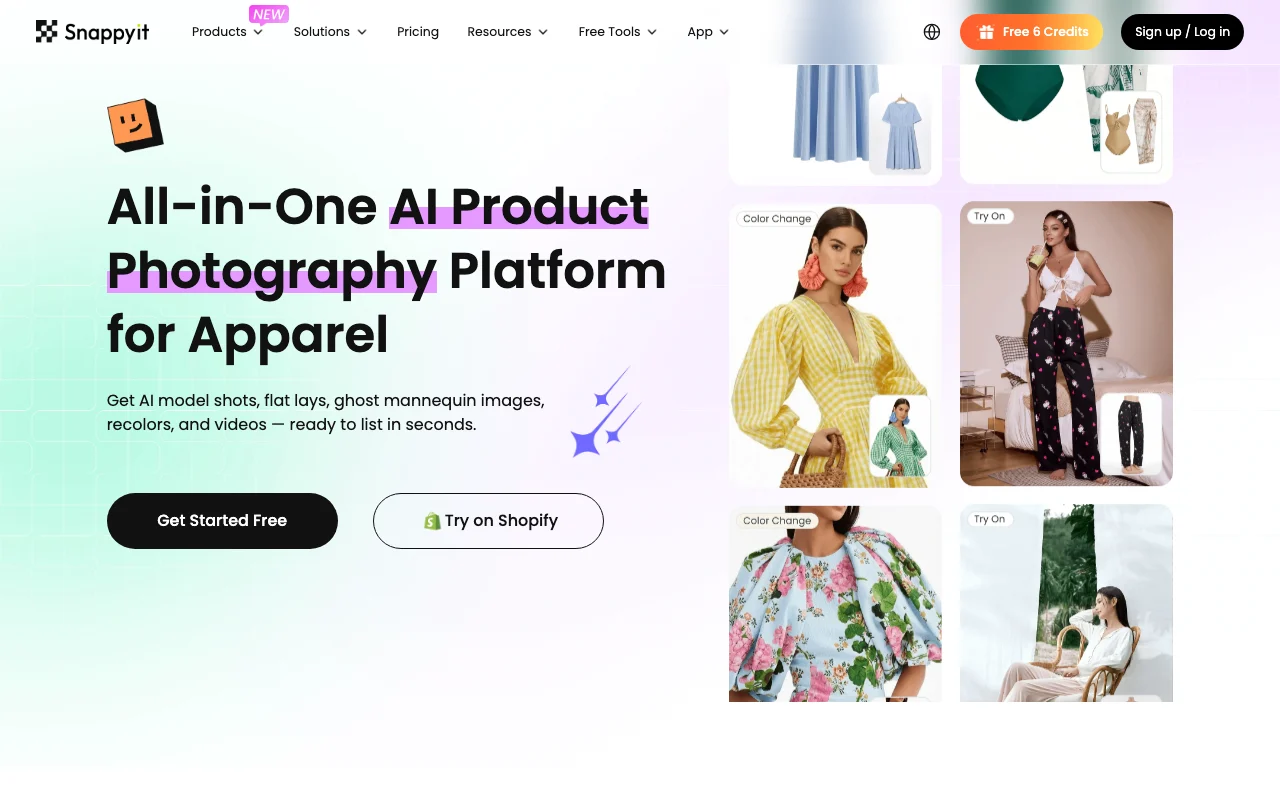 (open full size in a new tab)
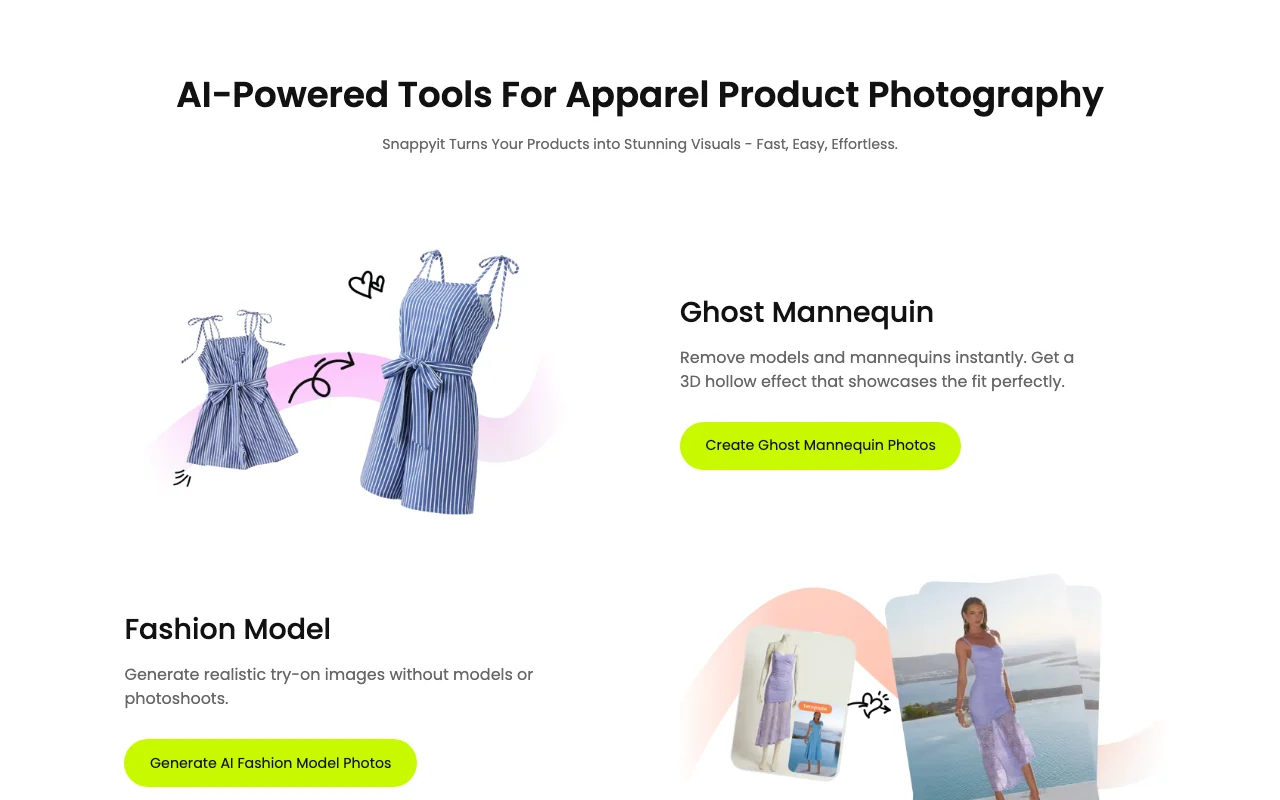 (open full size in a new tab)
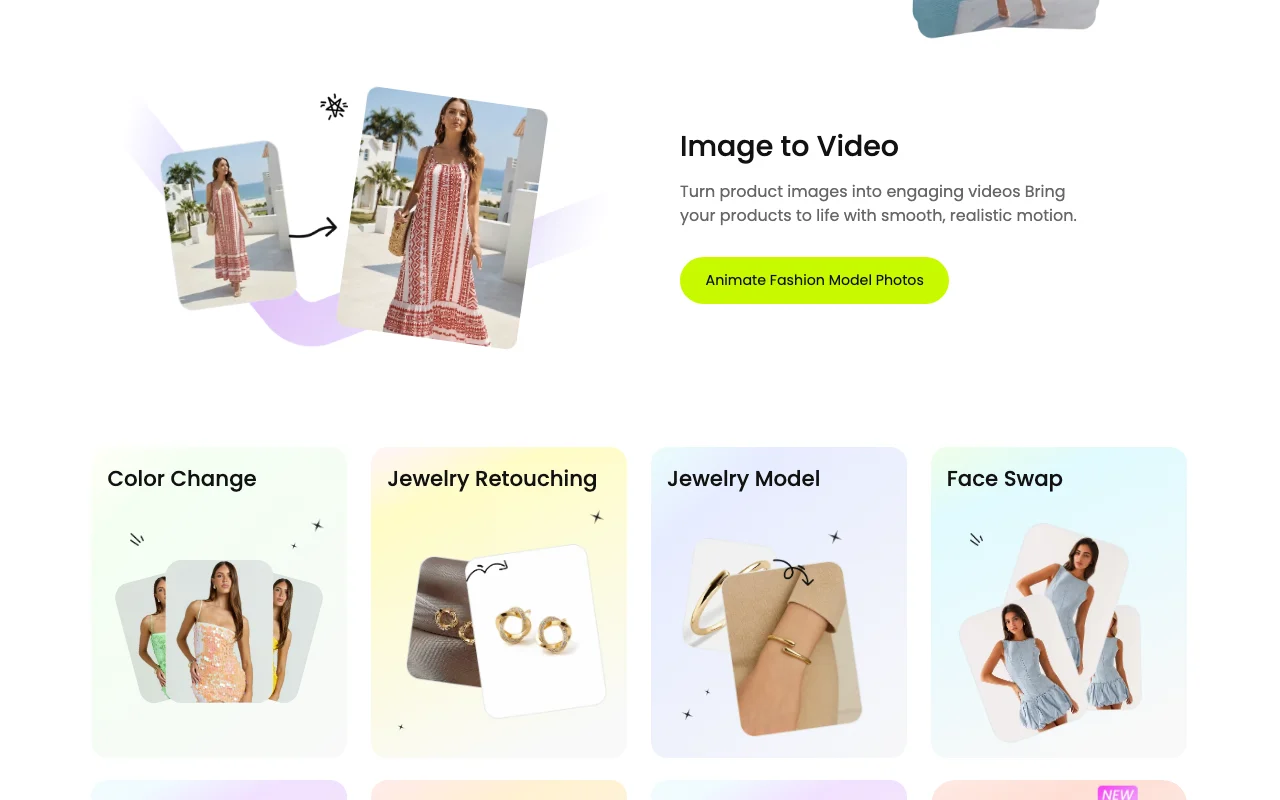 (open full size in a new tab)
 (open full size in a new tab)
 (open full size in a new tab)
 (open full size in a new tab)
Our take: Snappyit suits apparel sellers on Shopify, eBay or Amazon who want ghost mannequin, AI model, flat lay and recolor images from ordinary product photos, with 6 free credits to start.
Main limitation: Free credits are only for new users (6), and monthly plans are credit-limited with priority speed starting at Pro.
Snappyit suits apparel sellers on Shopify, eBay or Amazon who want ghost mannequin, AI model, flat lay and recolor images from ordinary product photos, with 6 free credits to start. Based on the vendor's documentation, not on a hands-on test.
Also a good fit for
Or if
Prices checked Oct 1, 2026 on the official US pricing page. Official pricing ↗ Prices and limits change often.
6 free credits for new users.
Same 6 credits.
$12.9/mo source (opens in a new tab)
Month
$8.2/mo shown at the discounted rate; billing period not confirmed
For: Small stores
Limits
Includes
$29.9/mo source (opens in a new tab)
Month
$18.9/mo discounted rate shown
For: Growing stores
Limits
Includes
$49.9/mo source (opens in a new tab)
Month
$34.9/mo discounted rate shown
For: Scale
Limits
Includes
$69.9/mo source (opens in a new tab)
Month
$48.9/mo discounted rate shown
For: Large catalogs
Limits
Includes
Free source (opens in a new tab)
One-time
For: Testing
Limits
Includes
Weekly, monthly and yearly billing toggle; yearly shown as 48% off.
Not stated.
Snappyit is an AI product photography platform for apparel sellers. Users upload ordinary product photos and generate ghost mannequin images, AI fashion model shots, flat lays, color changes and short videos. It is also offered as a Shopify app and uses a credit-based subscription.
You provide
You get back
Scenarios are worked out by our editors from the documentation; the actual result depends on your input and plan.
Removes models and mannequins to give a 3D hollow effect Shows fit cleanly
Generates try-on images on AI fashion models Replaces photoshoots
Turns product images into short motion videos Adds video content to listings
Changes color and removes wrinkles Creates variants without reshooting
Export: Images, Videos
Snappyit has no public API in its official documentation. None mentioned
Summarized from the vendor's current policies; this is not legal advice and a vendor's badge is not an independent audit.
Uploaded product photos are processed to generate images.
Not stated.
Not stated.
Not stated.
Not stated.
"Better suited" is based on documented features and pricing, not on a head-to-head test.
| Alternative | When to choose it | Pricing | Limitation | |
|---|---|---|---|---|
| Adobe Firefly | — | — | Compare | |
| Leonardo.Ai | — | — | Compare |
No user reviews yet.
Used Snappyit? Be the first to share your experience.
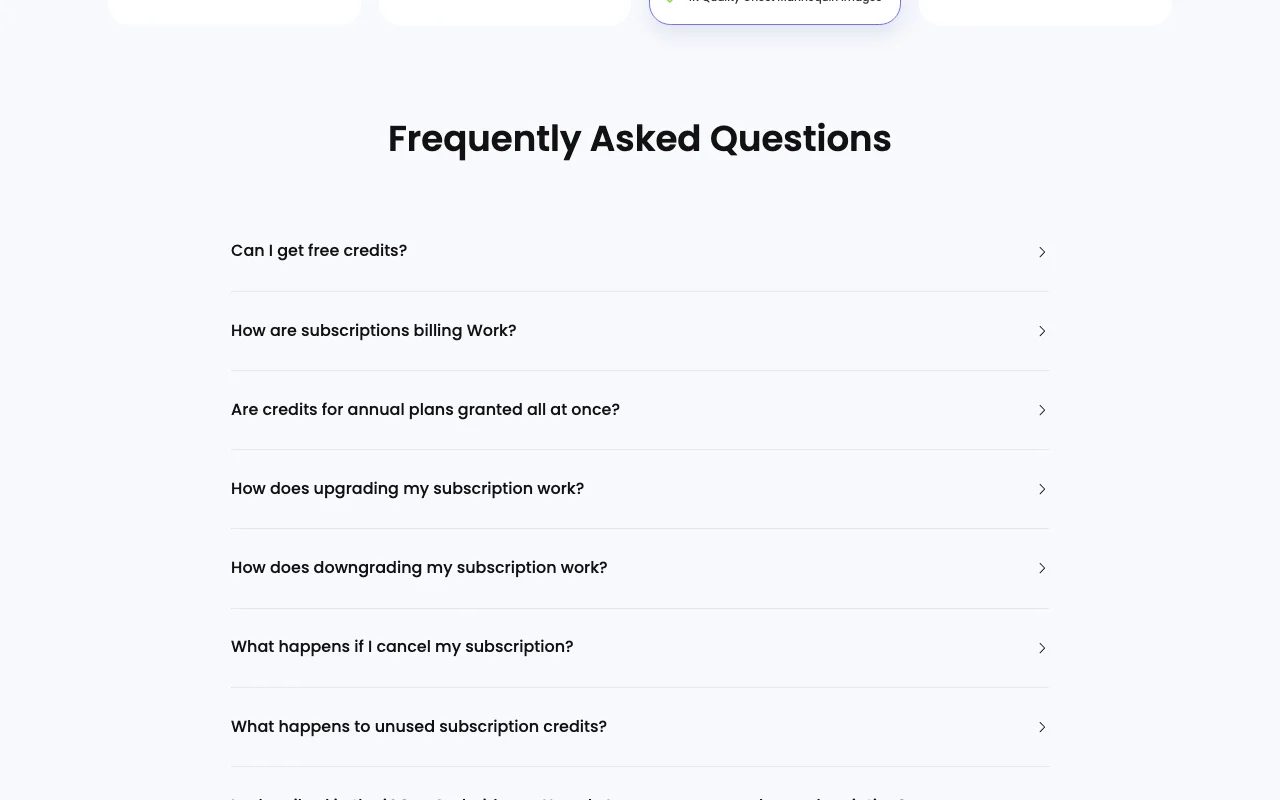
Yes, newly registered users get 6 free credits; the offer is for new users only. source (opens in a new tab)
Annual plans are paid upfront but credits are granted monthly. source (opens in a new tab)
The FAQ says unused subscription credits roll over (full text truncated). source (opens in a new tab)
After the current billing period ends. source (opens in a new tab)
Ghost mannequin, fashion model, flat lay, color change, jewelry retouching, face swap, image to video and fashion video. source (opens in a new tab)
Not verified: Credits per image; Billing period of discounted prices; Privacy policy; US availability.
Every fact about Snappyit above comes from the 2 official pages listed here, last compared on Oct 1, 2026; we have not run Snappyit ourselves, so it has no editorial score. How we check and re-check pages.
Article updated Oct 10, 2026; prices checked Oct 1, 2026. Outbound links to vendors are plain links; we do not earn commissions. How we review · Report an error
compare>