Our take: Sprite Studio is for 2D game makers who want AI sprite sheets with a frame editor; it is in beta, needs Google login, and credit pricing is unknown.
Main limitation: The product is labeled beta, generation costs credits (4 for the Pro model), and no pricing page was found.
By the AI Tool Atlas editors.
Based on the vendor's official documentation; we have not tested this product hands-on. What “documented overview” means
Who should use Sprite Studio
Sprite Studio is for 2D game makers who want AI sprite sheets with a frame editor; it is in beta, needs Google login, and credit pricing is unknown. Based on the vendor's documentation, not on a hands-on test.
Best for: Indie game developers
Also a good fit for
Pixel artists prototyping animations
Consider another tool if labeled beta
Or if
Generation costs credits (Pro model 4 credits)
Requires Google login to use library and generation
Sprite Studio pricing and usage limits
Prices checked Sep 29, 2026 on the official US pricing page. Prices and limits change often.
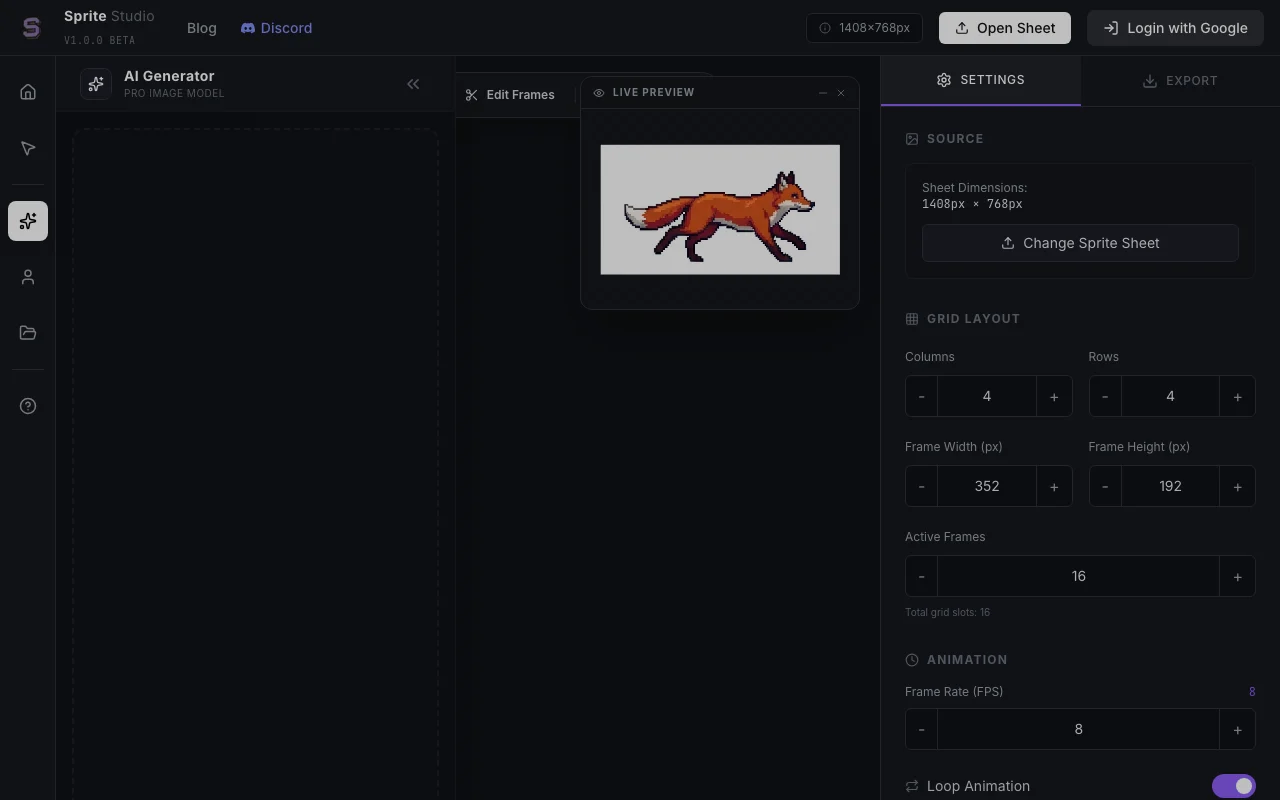
Sprite Studio is a web app, labeled v1.0.0 Beta, where users describe a character or object and generate a sprite sheet animation. It also lets users import an existing sprite sheet and edit frames, adjust grid layout and frame rate, and preview the animation.
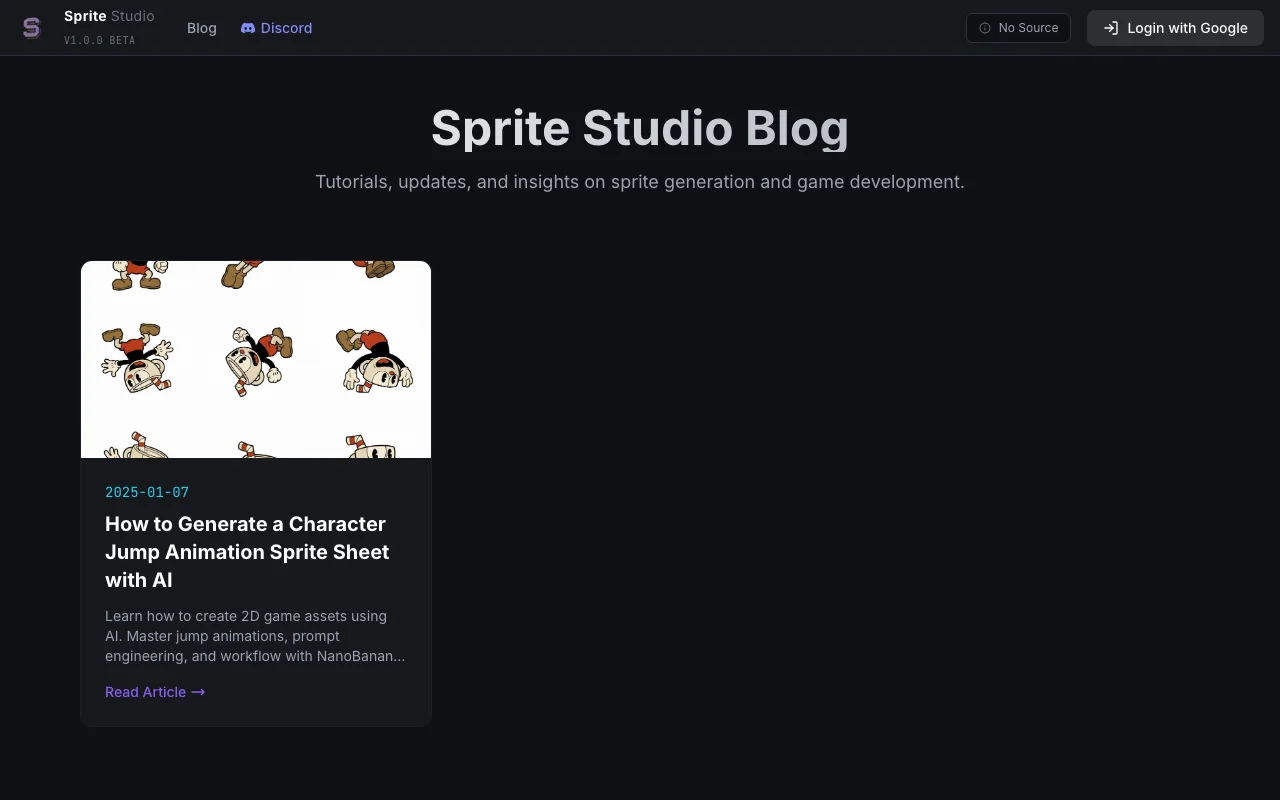
Generation uses a credit system (the Pro image model is shown at 4 credits per generation) and sign-in with Google. A blog offers tutorials for game asset workflows.
Sprite Studio's official site: how the product presents itself. spritestudio.dev, captured Oct 2, 2026
What you provide and what you get back
What you give Sprite Studio and what comes back, from its documentation
You provide
Text prompt
Reference image
You get back
Sprite sheets
Animation frames
Where you can use it
Platforms
Web
Account
Required
Output
Sprite sheets and frames
Controls
Grid, frame size, FPS
Status
Beta
What people use Sprite Studio for
Scenarios are worked out by our editors from the documentation; the actual result depends on your input and plan.
Generate a character sprite sheet from a text prompt
Who
Indie game developers
You provide
A character prompt
Expected result
You get a character sprite sheet generated from your text prompt.
Plan needed
Credits
Limitation
The cost in credits per sheet is not fully known, because no pricing page was found. source (opens in a new tab)
Create jump or walk animation frames
Who
Animators
You provide
A motion description
Expected result
You get jump or walk animation frames that you can preview and adjust.
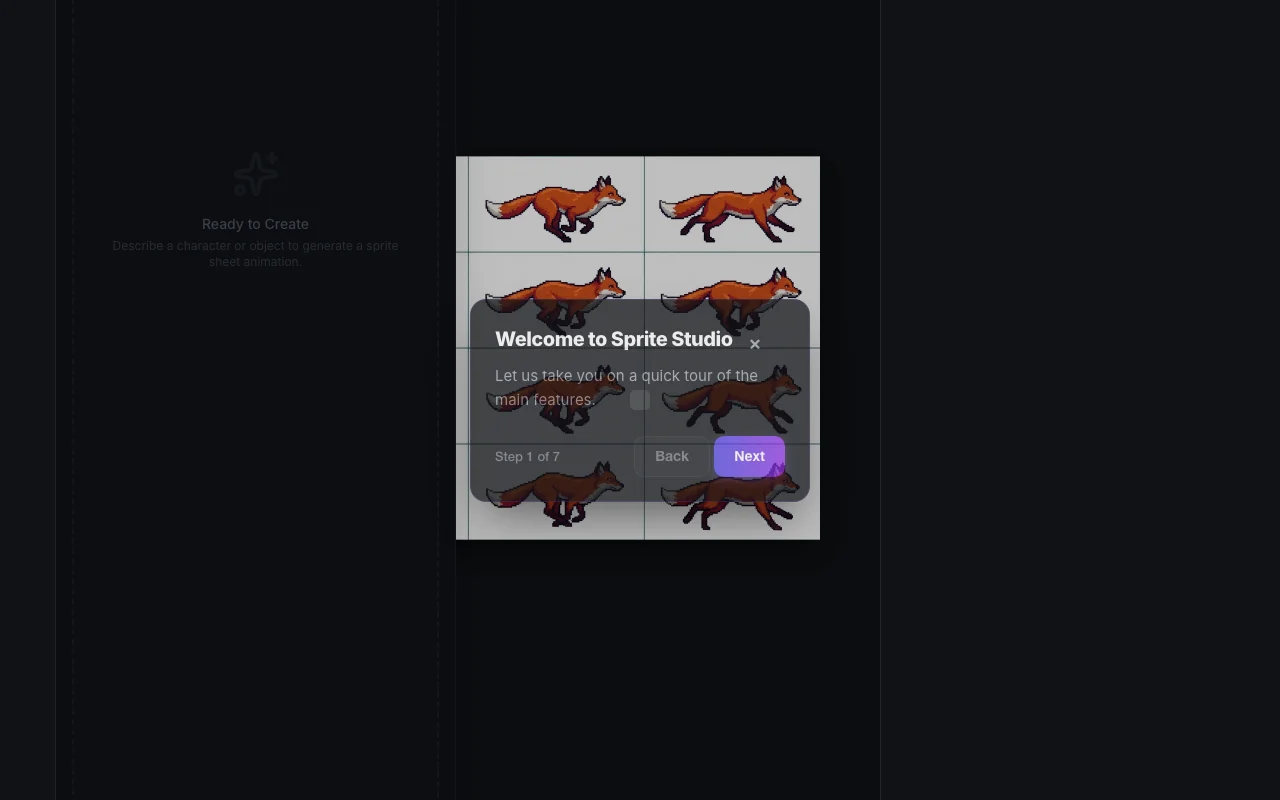
Feature overview on the official site. spritestudio.dev, captured Oct 2, 2026
Prompt-based sprite sheet generation
Generates sprite sheets from text. Indie developers can get a first sprite sheet from a description instead of drawing every frame.
Access: Not statedLimit: Generation uses credits, and the Pro model costs 4 credits per generation.source (opens in a new tab)
Reference image upload
Takes a reference image. Artists can guide the look of a result with an image they already have.
Access: Not statedLimit: This feature was not verified in the pages we could read.source (opens in a new tab)
Frame editing and alignment fix
Edits frames and fixes alignment. Animators can correct frames that do not line up instead of redrawing the whole sheet.
Access: Not statedLimit: This feature was not verified in the pages we could read.source (opens in a new tab)
Adjustable grid, frame size and FPS
Adjusts grid, frame size and FPS. Artists can match the sheet to their game engine by choosing the grid, frame size and speed.
Access: Not statedLimit: This feature was not verified in the pages we could read.source (opens in a new tab)
Sprite Studio: strengths and limits
Reasons to choose Sprite Studio
Dedicated to 2D game sprite workflows It is built for 2D game sprite workflows, so the controls match what a game artist needs rather than general image making.documentedsource (opens in a new tab)
Includes a frame editor and live preview A frame editor and live preview let you check how the animation looks before you export it.documentedsource (opens in a new tab)
Accepts a reference image You can upload a reference image, which helps you steer the result toward a character you already have in mind.documentedsource (opens in a new tab)
Tutorials published on the site blog Tutorials on the site blog explain game asset workflows, which helps newcomers learn how to use the tool.documentedsource (opens in a new tab)
Check before paying for Sprite Studio
Labeled beta The product is labeled beta, so features may change and some behavior may be unfinished.documentedsource (opens in a new tab)
Generation costs credits (Pro model 4 credits) Generation costs credits and the Pro model costs 4 credits each time, so repeated attempts can use up your balance.documentedsource (opens in a new tab)
Requires Google login to use library and generation A Google login is needed to use the library and generation, so you cannot use these without a Google account.documentedsource (opens in a new tab)
No pricing page found No pricing page was found, so you cannot learn what credits cost before you start.documentedsource (opens in a new tab)
How to use Sprite Studio for creating a sprite sheet
Set up Sprite Studio
Open Sprite Studio.
Log in with Google.
Create a project.
Example: creating a sprite sheet
Type a character prompt.
Generate the sheet.
Fix frames in the editor.
Review and export the result
Preview the animation.
Export and test in your engine.
Example prompt suggested by our editors (not a recorded output of the product)
A pixel-art fox warrior, 8-frame walk cycle, side view.
Privacy, data use and commercial rights
Summarized from the vendor's current policies; this is not legal advice and a vendor's badge is not an independent audit.
Not verified: Pricing; Export formats; Commercial rights.
How we documented and maintain this page
Every fact about Sprite Studio above comes from the 2 official pages listed here, last compared on Sep 29, 2026; we have not run Sprite Studio ourselves, so it has no editorial score. How we check and re-check pages.
Article updated Oct 2, 2026; prices checked Sep 29, 2026. Outbound links to vendors are plain links; we do not earn commissions. How we review · Report an error
 (open full size in a new tab)
 (open full size in a new tab)
 (open full size in a new tab)
 (open full size in a new tab)