Image generationDocumented overviewLast checked Sep 29, 2026

Renovato: Pricing, Features & Best Use Cases

AI visualization platform for architects that relights, repopulates, animates and rebuilds renders in 3D.
Is Renovato right for you?

Renovato is for architects who want to relight, repopulate and animate renders; USD plans run $19 to $399 per month, with no free tier seen. Based on the vendor's documentation, not on a hands-on test.

Best for: Architects

Also a good fit for

  • Real-estate developers
  • Architecture students

Consider another tool if credit-based usage limits apply

Or if

  • No free plan seen on the pricing page
  • Requires an account

Renovato pricing and usage limits

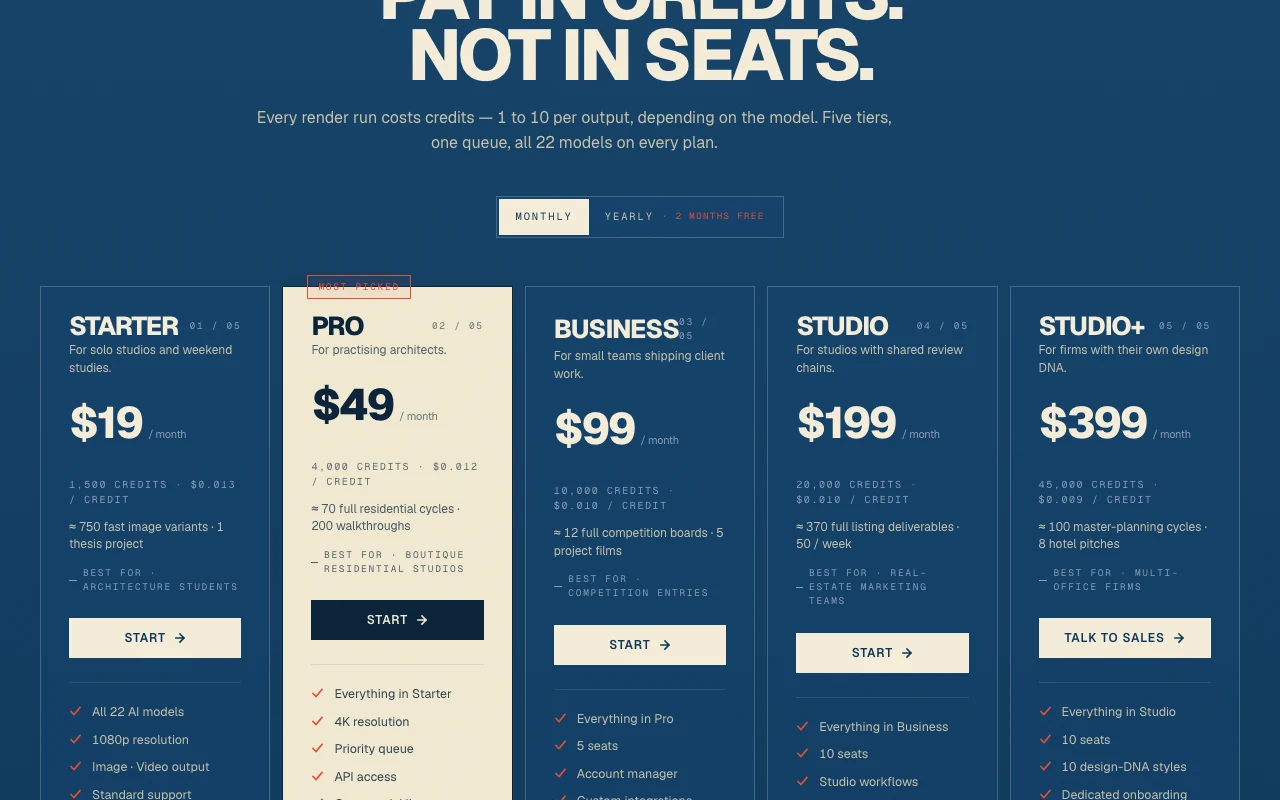
Prices checked Sep 29, 2026 on the official US pricing page. Official pricing ↗ Prices and limits change often.

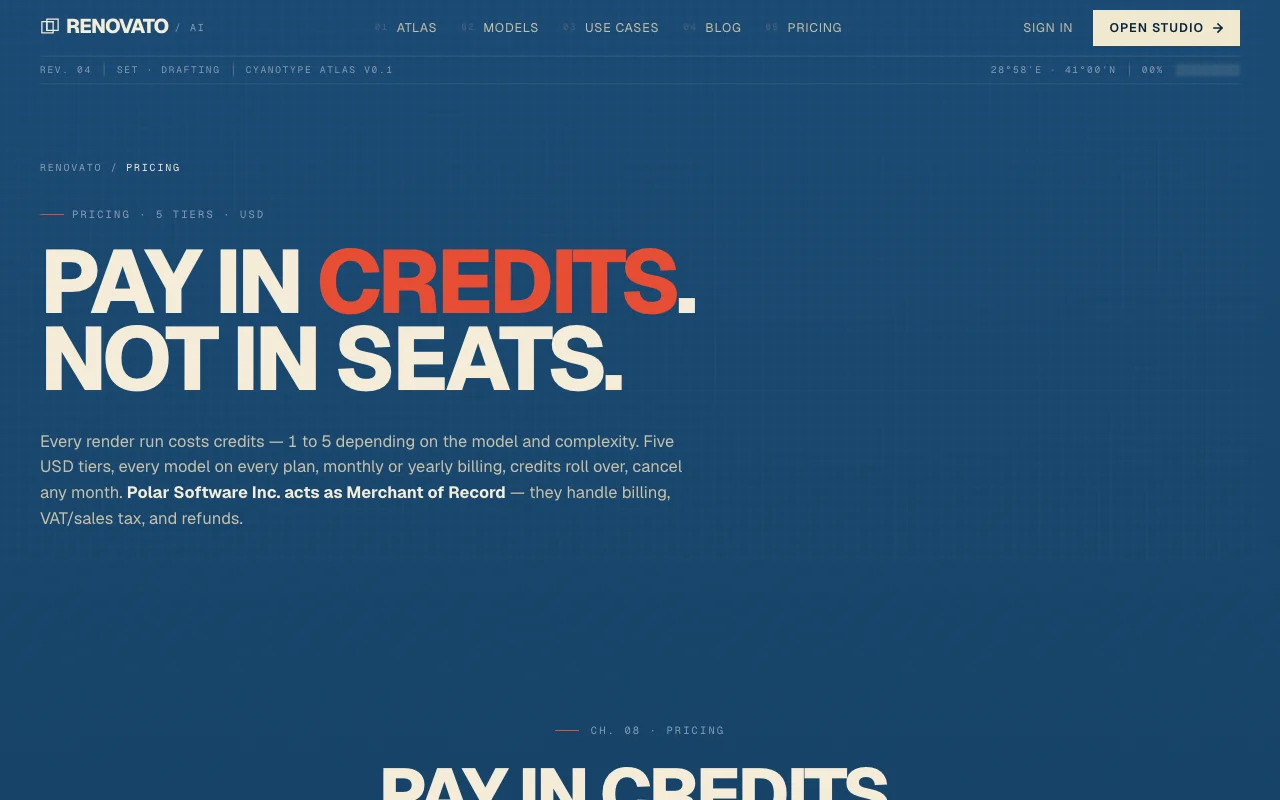
Renovato pricing page with plans and prices — screenshot of the image generation AI tool, Oct 1, 2026
The official Renovato pricing page as we saw it. renovato.ai, captured Oct 1, 2026

Free access and trial conditions

No free plan seen

Not stated

Paid plans: what changes as you upgrade

Usage caps, credits and extra costs

Credits

Not stated

What is Renovato, and how does it work?

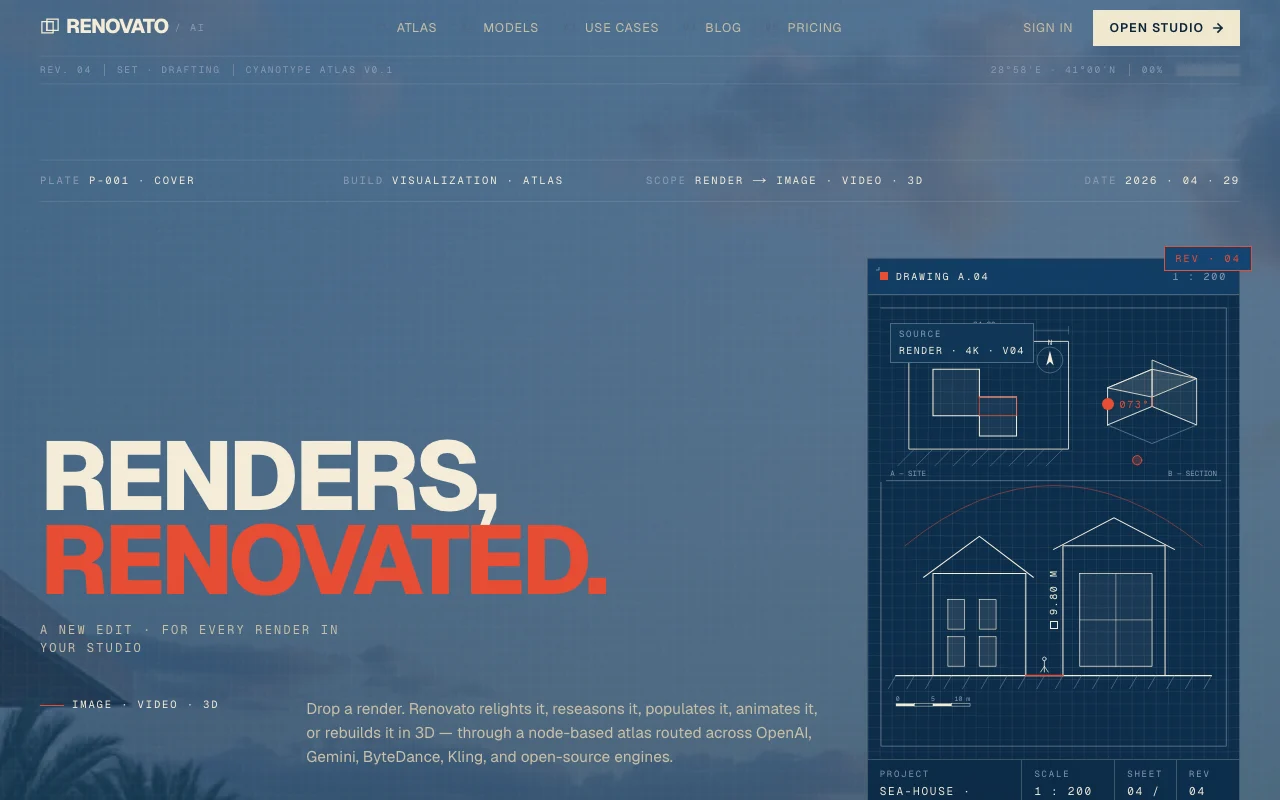
Renovato is a web platform for architects and visualization teams. A user uploads a render and the product applies chained modes such as relighting, populating scenes, animation and 3D rebuilding. Generation is routed across several third-party and open-source models and is billed through credits on monthly plans.

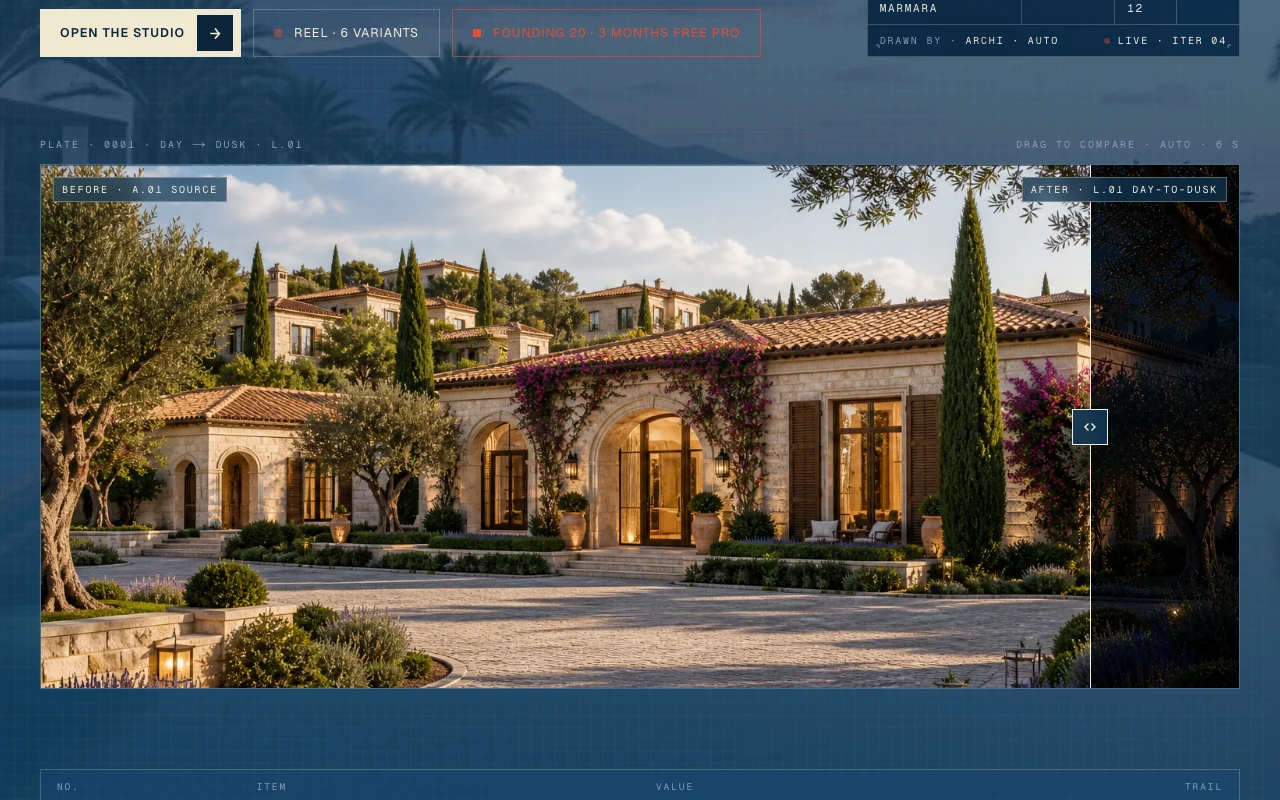
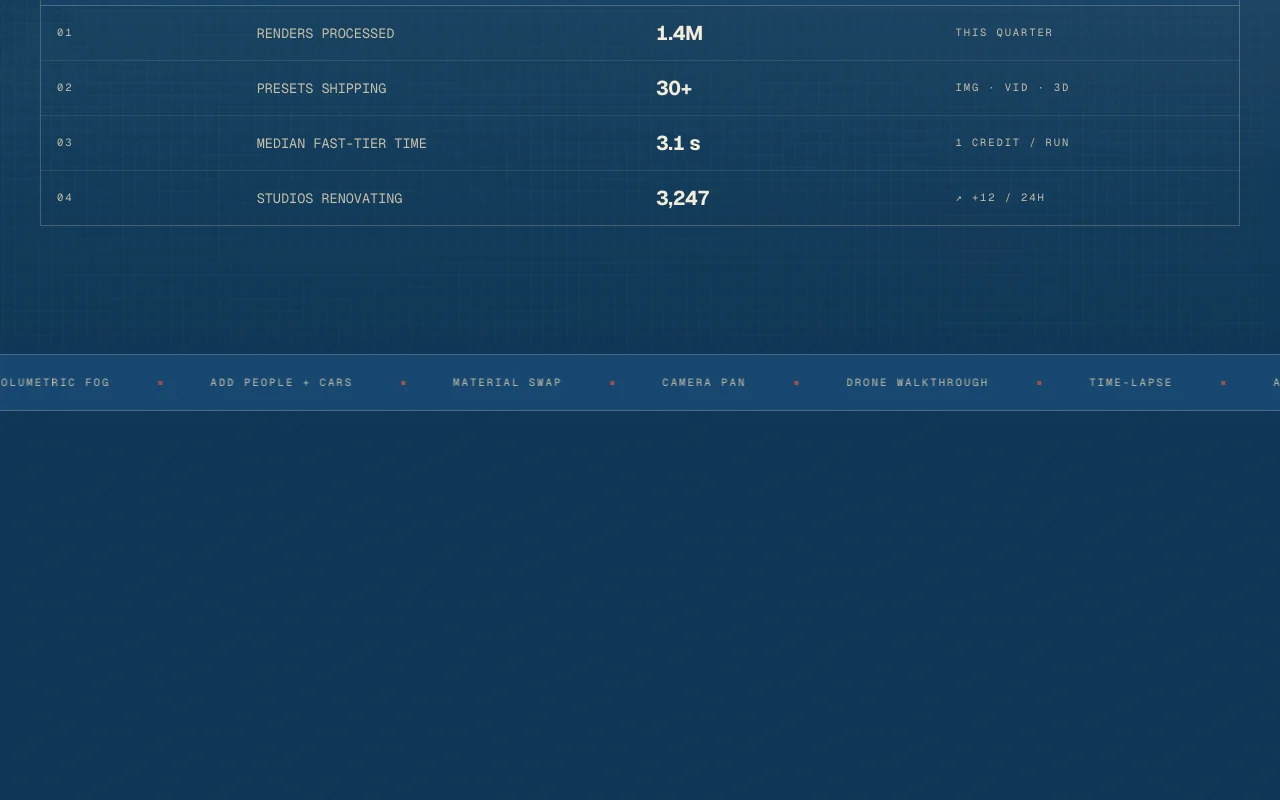
Renovato homepage — screenshot of the image generation AI tool, Oct 1, 2026
Renovato's official site: how the product presents itself. renovato.ai, captured Oct 1, 2026

What you provide and what you get back

You provide

  • Architectural renders

You get back

  • Relit, repopulated or animated renders

Where you can use it

Platforms
Web
Account
Required
Modes
Six chained
Models
22
Plans
$19 to $399/mo

Best use cases for Renovato

Scenarios are worked out by our editors from the documentation; the actual result depends on your input and plan.

Relighting architectural renders

Who
Architects
You provide
A render
Expected result
You get a version of the render with changed lighting, which you can compare with the original.
Plan needed
Starter
Limitation
Relighting uses credits, and the exact credit allowance per plan is not stated in the sources we could read. source (opens in a new tab)

Adding people and objects to scenes

Who
Visualizers
You provide
A scene
Expected result
You get the same scene with people and objects added to it.
Plan needed
Pro
Limitation
Each change uses credits, and the credit allowance per plan is not stated in the sources we could read. source (opens in a new tab)

Animating still renders

Who
Presenters
You provide
A still render
Expected result
You get a short animated version of the still render.
Plan needed
Business or higher
Limitation
Animation uses credits, and the credit allowance per plan is not stated in the sources we could read. source (opens in a new tab)

Renovato features and their limits

Renovato homepage — screenshot of the image generation AI tool, Oct 1, 2026
Feature overview on the official site. renovato.ai, captured Oct 1, 2026

Six chained modes on one workspace

Chains six modes in one workspace. It helps architects apply several edits to one render in the same place instead of moving files between tools.

Access: All plansLimit: Each action uses credits, so the number of edits is limited by your plan. source (opens in a new tab)

Relighting of renders

Relights renders. It helps architects show a design at a different time of day or mood without redoing the render.

Access: All plansLimit: Each use consumes credits, so many lighting variants add up against your plan. source (opens in a new tab)

Scene repopulation

Repopulates scenes. It helps visualizers make a scene look occupied by adding people and objects to an existing render.

Access: All plansLimit: Each use consumes credits, so many variants add up against your plan. source (opens in a new tab)

Render animation

Animates renders. It helps presenters turn a still render into moving footage for a client presentation.

Access: All plansLimit: Each use consumes credits, so animation counts against your plan allowance. source (opens in a new tab)

Renovato pros and cons

Where Renovato is strong

  • All plans include all 22 AI models Every plan includes all 22 AI models, so a cheaper plan does not lock you out of any engine the product offers. documented source (opens in a new tab)
  • Credits roll over per the pricing page Credits roll over according to the pricing page, so unused credits from a quiet month are not described as lost. documented source (opens in a new tab)
  • Monthly or yearly billing offered You can choose monthly or yearly billing, so you can pick the period that fits your budget. documented source (opens in a new tab)
  • Plans can be cancelled any month Plans can be cancelled in any month, so you are not tied to a long contract. documented source (opens in a new tab)

Limitations to check before paying

  • Credit-based usage limits apply Usage is limited by credits, so heavy rendering work can use up a plan before the month ends. documented source (opens in a new tab)
  • No free plan seen on the pricing page No free plan was seen on the pricing page, so you must pay from $19 per month to try it. documented source (opens in a new tab)
  • Requires an account You need an account to use the product, so there is no anonymous trial described. documented source (opens in a new tab)
  • Output depends on third-party model engines Output depends on third-party and open-source model engines, so results can change if those engines change. documented source (opens in a new tab)

How to use Renovato for relighting an architectural render

Set up Renovato

  1. Create a Renovato account.
  2. Pick a plan.
  3. Upload a render.

Example: relighting an architectural render

  1. Choose Relight.
  2. Set the lighting.
  3. Generate and compare.

Review and export the result

  1. Check geometry is unchanged.
  2. Check credit use.

Privacy, data use and commercial rights

Summarized from the vendor's current policies; this is not legal advice and a vendor's badge is not an independent audit.

How your inputs and outputs are handled

Not stated on the pages read

Not stated on the pages read

Not stated on the pages read

Commercial use and plan restrictions

Not stated on the pages read

Not stated on the pages read

Policies: renovato.ai/privacy

Other tools to consider instead of Renovato

"Better suited" is based on documented features and pricing, not on a head-to-head test.

Midjourney: better suited to

Adobe Firefly: better suited to

Leonardo.Ai: better suited to

Runway: better suited to

Alternatives
AlternativeWhen to choose itPricingLimitation
Midjourney——Compare
Adobe Firefly——Compare
Leonardo.Ai——Compare
Runway——

Explore Renovato further

If you are looking at Renovato

Renovato user reviews

No user reviews yet.

Used Renovato? Be the first to share your experience.

Write a review

Reviews are checked by a moderator before they appear. Your email is never published. Plain text only.

Your rating (required)

Show what you made or what went wrong. Images are published only if the review is approved; location data is removed.

    Renovato FAQ

    How much does Renovato cost?

    Starter $19, Pro $49, Business $99, Studio $199, Studio+ $399 per month. source (opens in a new tab)

    Do credits roll over?

    Per the pricing page, yes. source (opens in a new tab)

    Is there a free plan?

    None was seen. source (opens in a new tab)

    How many models?

    All 22 AI models on all plans. source (opens in a new tab)

    Sources and review methodology

    Official sources and verification dates

    Not verified: Credit allowances; Privacy.

    How we documented and maintain this page

    Every fact about Renovato above comes from the 2 official pages listed here, last compared on Sep 29, 2026; we have not run Renovato ourselves, so it has no editorial score. How we check and re-check pages.

    Article updated Oct 10, 2026; prices checked Sep 29, 2026. Outbound links to vendors are plain links; we do not earn commissions. How we review · Report an error