Our take: PhoText suits quick fixes of text in flattened images and screenshots when you want click-to-edit plus an AI chat mode instead of layer editing in Photoshop.
Main limitation: No public pricing page (/pricing returns 404), so advanced-feature quotas and paid prices are unpublished.
By the AI Tool Atlas editors.
Based on the vendor's official documentation; we have not tested this product hands-on. What “documented overview” means
Who PhoText fits
PhoText suits quick fixes of text in flattened images and screenshots when you want click-to-edit plus an AI chat mode instead of layer editing in Photoshop. Based on the vendor's documentation, not on a hands-on test.
Best for: Marketers fixing text on existing visuals
Also a good fit for
Anyone editing screenshots without Photoshop
E-commerce sellers localizing product images
Consider another tool if no public pricing page; advanced-feature quotas and paid prices are not published
Or if
Uploaded images are retained 3 days (30 days when logged in)
Mobile app mentioned but no app store links found on the official site
PhoText pricing and usage limits
Prices checked Sep 29, 2026 on the official US pricing page. Prices and limits change often.
Free access and trial conditions
Basic features are free; advanced features have a free trial quota (size not stated).
Trial quota for advanced features, amount unpublished.
Vendor says a 'generous free trial quota' exists; size not published
Includes
Conversational AI editing
Smart background repair
Usage caps, credits and extra costs
Vendor claims 'no hidden costs' but publishes no paid price list.
What is PhoText, and how does it work?
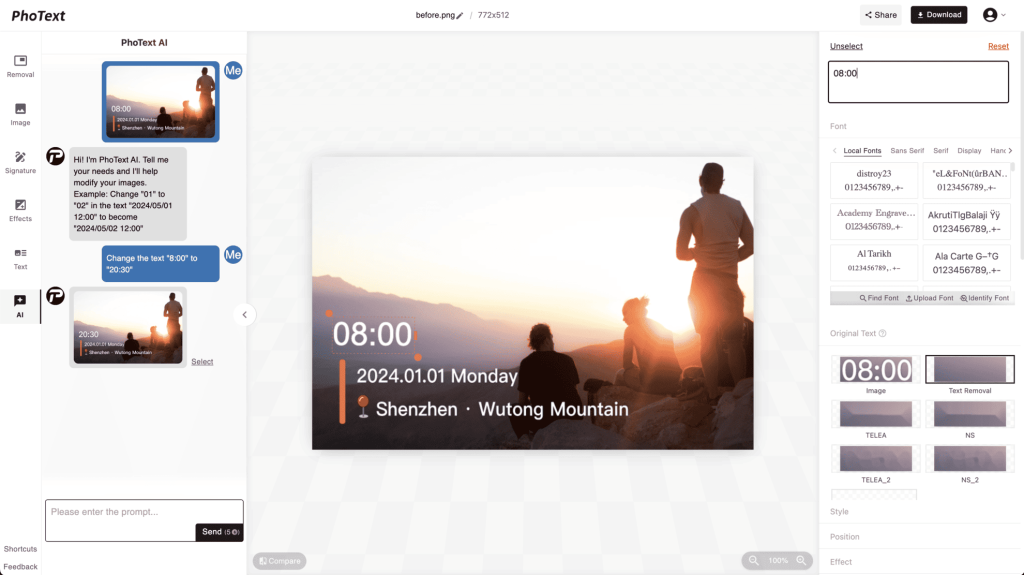
PhoText is an online image text editor: upload a JPG, PNG, WEBP or PDF, click on any text in the image and type a replacement. AI recognizes the text (OCR), identifies a matching font, reconstructs the background behind the old text and matches color, perspective and shadow so the edit blends in. A conversational mode lets you describe the change in plain language instead.
Beyond editing, the site offers text removal, adding text or watermarks, translating text in images, a font finder, a photo-to-scan converter, image resizing, image-to-PDF and PDF-to-image tools. The vendor (Morling, LLC) states basic features are free with a trial quota for advanced features, and that uploaded images are deleted after 3 days (30 days for logged-in users).
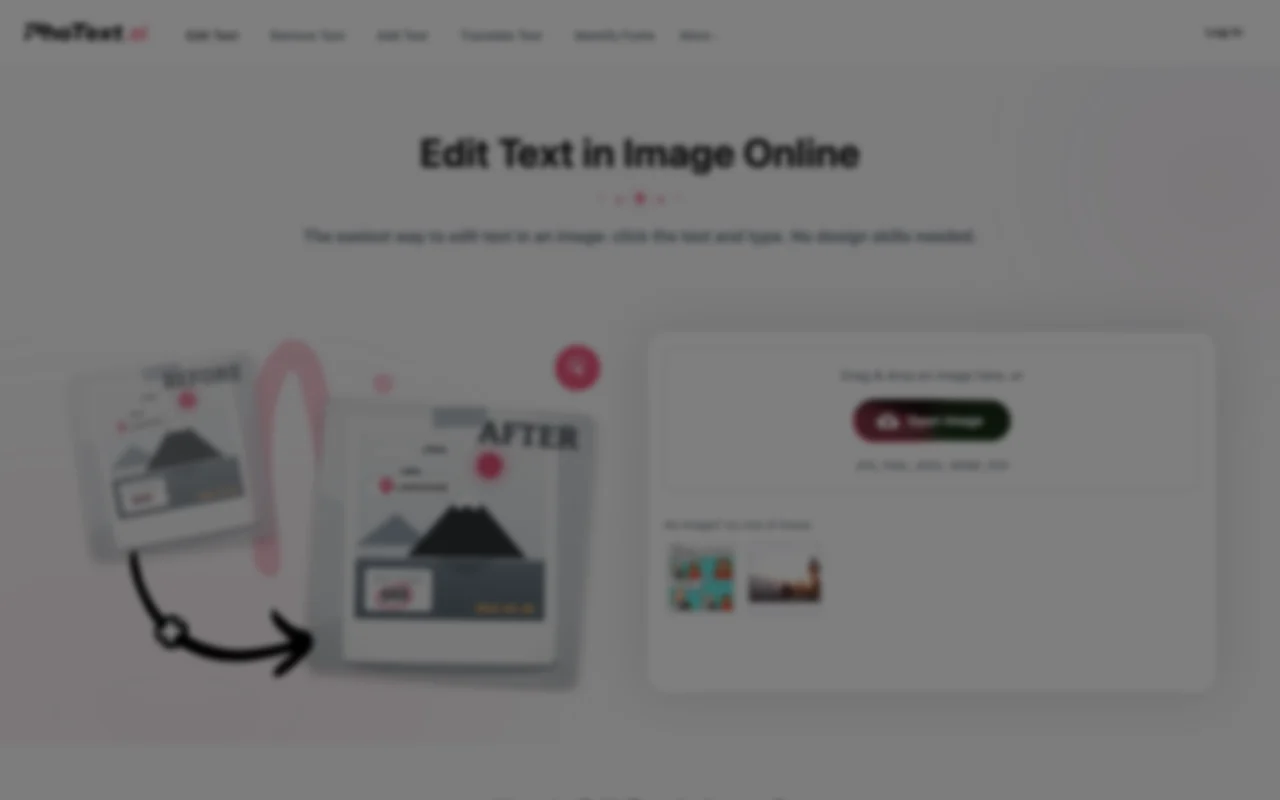
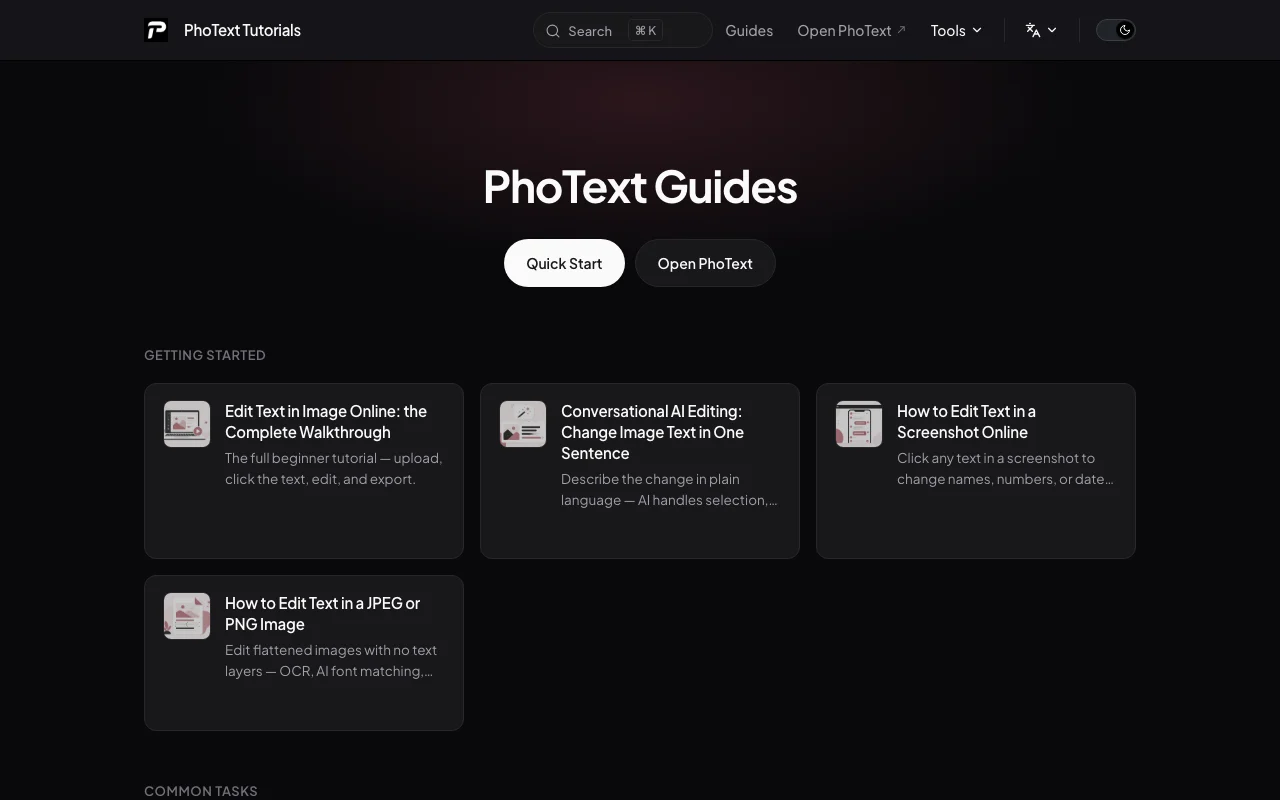
PhoText's official site: how the product presents itself. photext.ai, captured Oct 1, 2026
What you provide and what you get back
What you give PhoText and what comes back, from its documentation
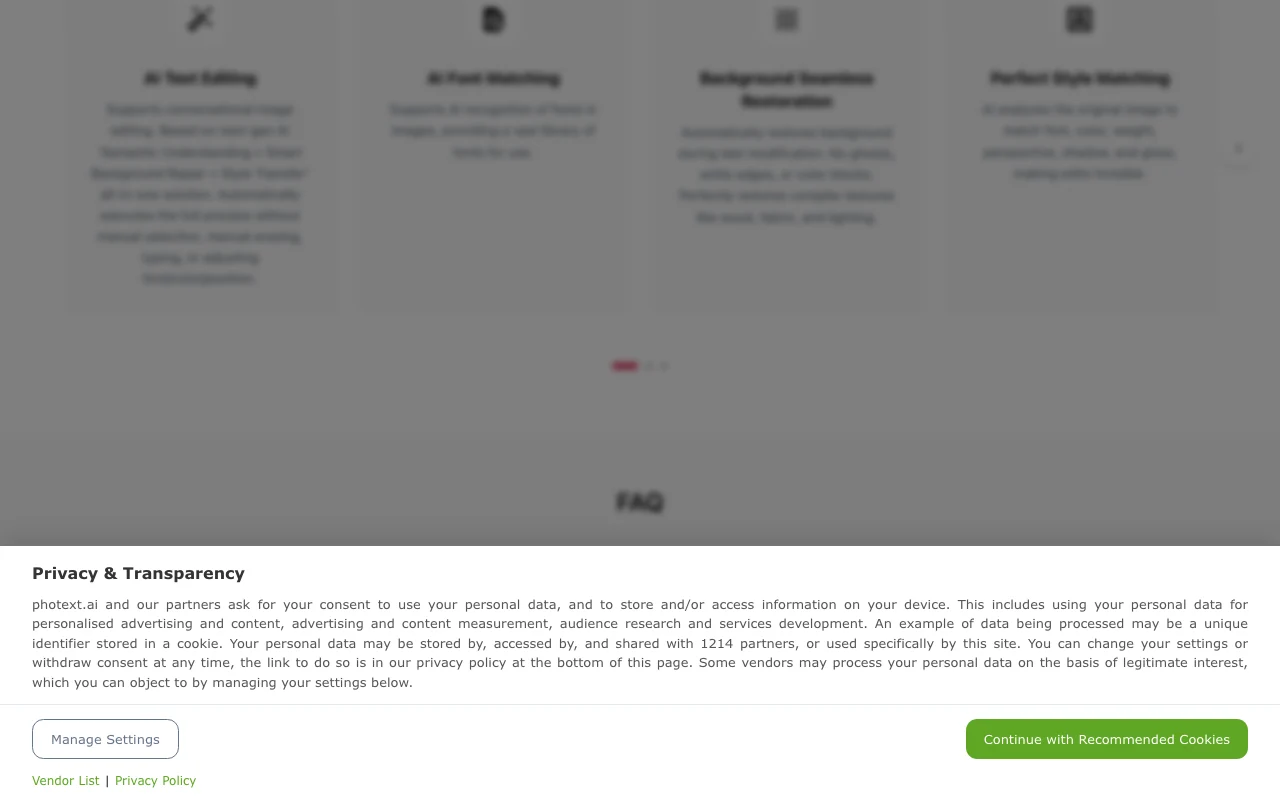
Feature overview on the official site. photext.ai, captured Oct 1, 2026
Click-to-edit text in images with automatic font matching
After you click text in the uploaded image, an editing panel lets you retype it and adjust font, color, size and position; 'Identify Font' recognizes and matches a similar font from the library. Avoids the smudge, recognize, pick font, align routine.
Conversational AI editing from a plain-language instruction
You describe the change in chat; the AI does semantic understanding, background repair and style transfer without manual selection or erasing. Fastest route for fixing a single word in a line.
Background restoration when text is removed or changed
When old text is erased, the tool rebuilds the underlying texture (wood, fabric, lighting) and offers multiple removal schemes to choose from. Avoids ghosting, white edges and color blocks.
Access: Free for manual editing; AI mode for smarter repairLimit: If spots appear, you must try another removal result or switch to AI chatsource (opens in a new tab)
OCR for slanted, curved and multi-language text
OCR detects text in any language, including slanted, curved, small text and mixed layouts, and keeps its geometric features when re-rendering. Lets you edit text on photographed signs and packaging.
Access: Free (basic)Limit: Accuracy on stylized fonts is not quantified by the vendorsource (opens in a new tab)
PhoText: strengths and limits
Reasons to choose PhoText
Basic features usable free in the browser You can test a fix before deciding on paying.documentedsource (opens in a new tab)
No design skills or layer editing required Non-designers can correct text in minutes.documentedsource (opens in a new tab)
Vendor states fonts and outputs are free for commercial use Edited images can be used in marketing without extra font licensing, per vendor claim.documentedsource (opens in a new tab)
Tutorials and an embed/URL-parameter integration guide are published Teams can link or embed the editor in their workflow.documentedsource (opens in a new tab)
Check before paying for PhoText
No public pricing page; advanced-feature quotas and paid prices are not published You cannot budget for regular use before trying it.documentedsource (opens in a new tab)
Uploaded images are retained 3 days (30 days when logged in) Sensitive screenshots sit on vendor servers for days.documentedsource (opens in a new tab)
Mobile app mentioned but no app store links found on the official site Plan on browser-only use.documentedsource (opens in a new tab)
Several tool pages linked from the homepage returned 404 during checks Some advertised tools (e.g. docs, pricing) may be unreachable.documentedsource (opens in a new tab)
How to use PhoText for correcting text in a screenshot
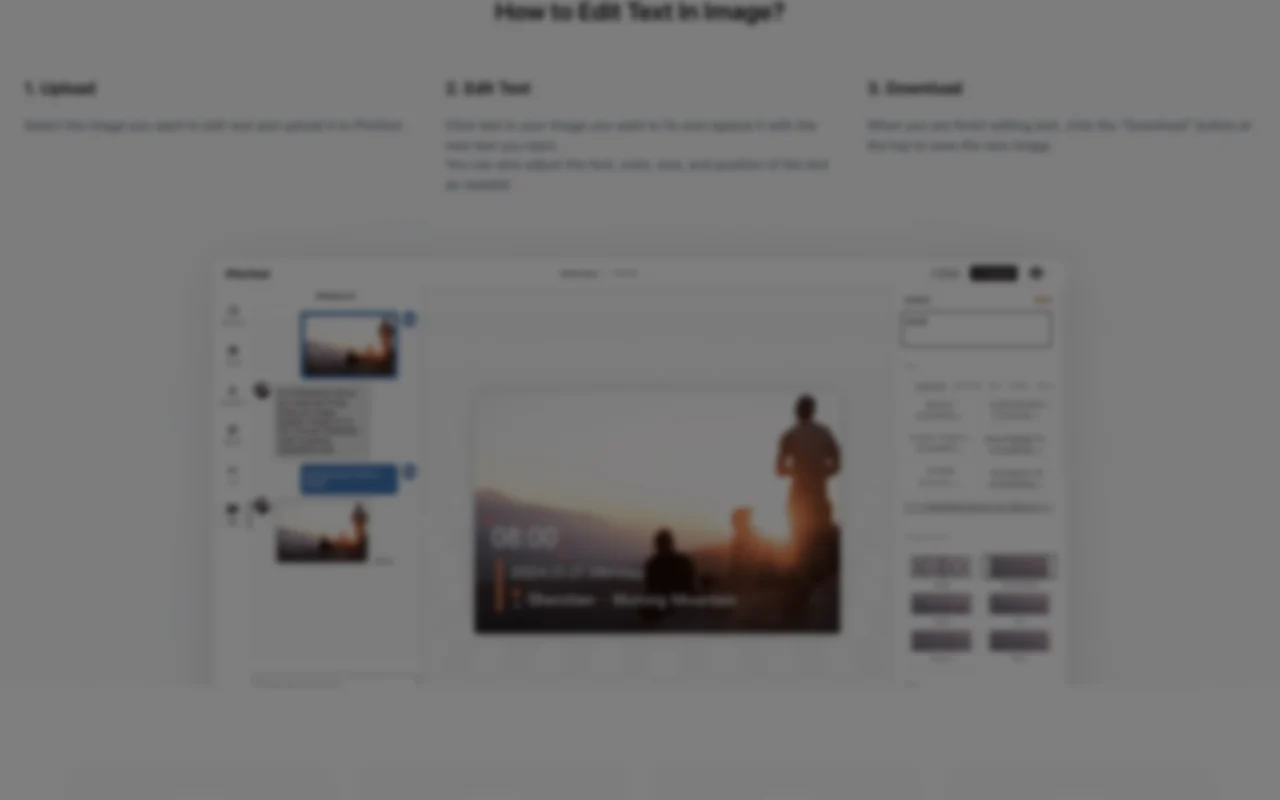
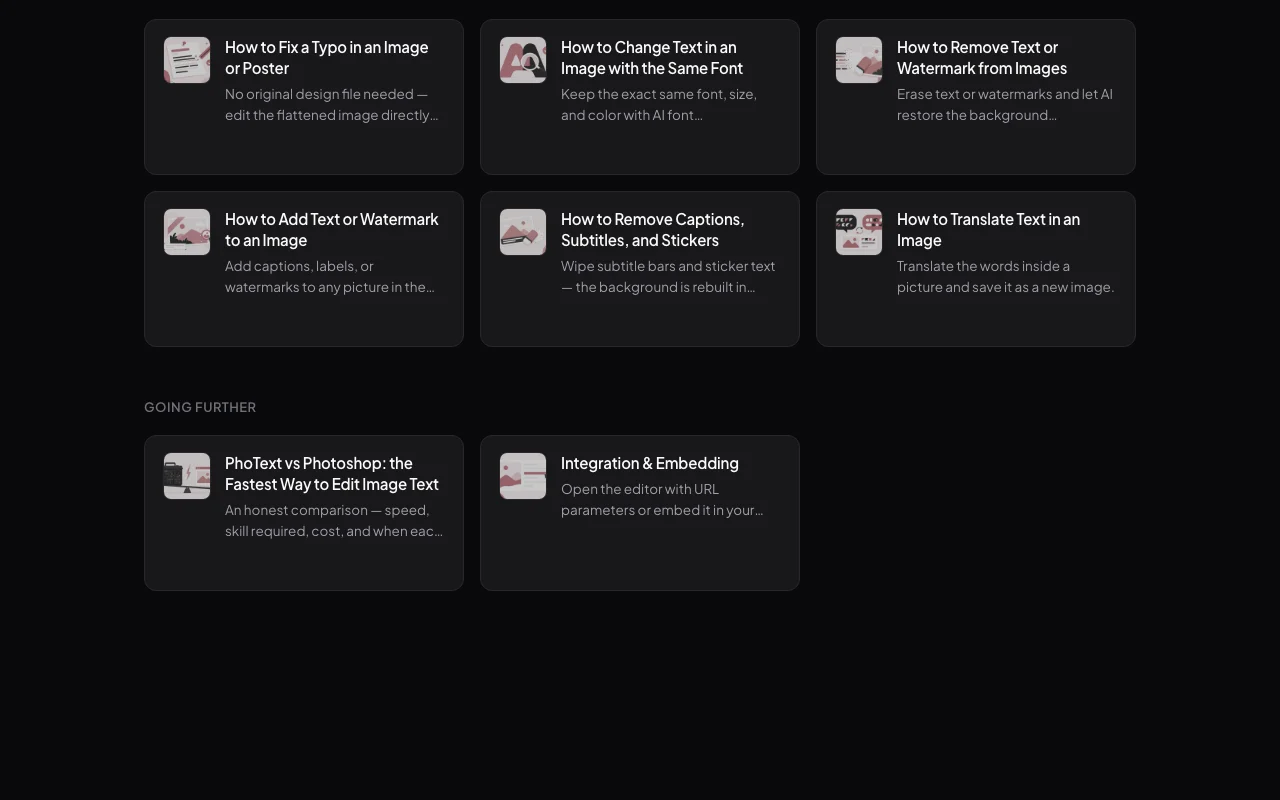
PhoText help center. photext.ai, captured Oct 1, 2026
Set up PhoText
Open photext.ai in a browser; no installation is needed.
Drag an image onto the drop area or press 'Open Image' (JPG, PNG, JPEG, WEBP or PDF).
Optionally log in so drafts are kept 30 days instead of 3.
Example: correcting text in a screenshot
Click the wrong text in the image to select it.
Type the replacement; use 'Identify Font' in the font section of the editing panel to match the typeface.
Adjust color, size and position, then press 'Download' at the top.
Review and export the result
Zoom in on the edited area for ghosting, white edges or spots; try a different background removal result if seen.
Compare font weight and shadow with neighboring text.
Example prompt suggested by our editors (not a recorded output of the product)
Change the date on the banner from 12 May to 19 May, keeping the same font and color.
PhoText integrations
Native integrations and export formats
Export: Image download (format not specified), PDF-to-image and image-to-PDF tools listed
Privacy, data use and commercial rights
Summarized from the vendor's current policies; this is not legal advice and a vendor's badge is not an independent audit.
How your inputs and outputs are handled
Uploaded images and drafts are used to provide editing; device info (model, OS, browser, IP) is collected.
Privacy policy says data is used to optimize features; no explicit statement on model training.
Homepage: edited images cleared after 3 days (30 days logged in); policy: drafts kept up to 30 days.
Commercial use and plan restrictions
Vendor states fonts and produced content are free for commercial use.
Select the text, then click 'Identify Font' in the font section of the editing panel; it recognizes and matches a similar font. source (opens in a new tab)
What can I do if the edit leaves spots on the background?
Try a different background-removal result in manual mode, or use conversational AI editing, which the vendor says avoids spots. source (opens in a new tab)
How long are my images stored?
Edited images are cleared after 3 days, or 30 days for logged-in users; the policy says drafts are kept up to 30 days and can be deleted anytime. source (opens in a new tab)
What does PhoText cost?
Basic features are free and advanced features have a trial quota; no paid prices are published (the /pricing page returns 404). source (opens in a new tab)
Not verified: Paid plan prices and advanced-feature quota; API availability; Mobile app availability; Training use of uploaded images.
How we documented and maintain this page
Every fact about PhoText above comes from the 3 official pages listed here, last compared on Sep 29, 2026; we have not run PhoText ourselves, so it has no editorial score. How we check and re-check pages.
Article updated Oct 10, 2026; prices checked Sep 29, 2026. Outbound links to vendors are plain links; we do not earn commissions. How we review · Report an error