Image generationDocumented overviewLast checked Sep 29, 2026

QuiverAI: Pricing, Features & Best Use Cases

AI models and app for generating, vectorizing and animating SVG vector graphics, with an API and MCP server.

Is QuiverAI right for you?

QuiverAI suits designers and developers who want clean, editable SVG logos, illustrations, vectorization and animation from the Arrow 2 model family, with app plans from $8/month and a separate prepaid API. Based on the vendor's documentation, not on a hands-on test.

Best for: Designers

Also a good fit for

  • Developers

Consider another tool if no free plan; Go has a 14-day trial requiring a card

Or if

  • Weekly usage resets Monday UTC with no rollover
  • API usage billed separately via prepaid balance

QuiverAI pricing and usage limits

Prices checked Sep 29, 2026 on the official US pricing page. Official pricing ↗ Prices and limits change often.

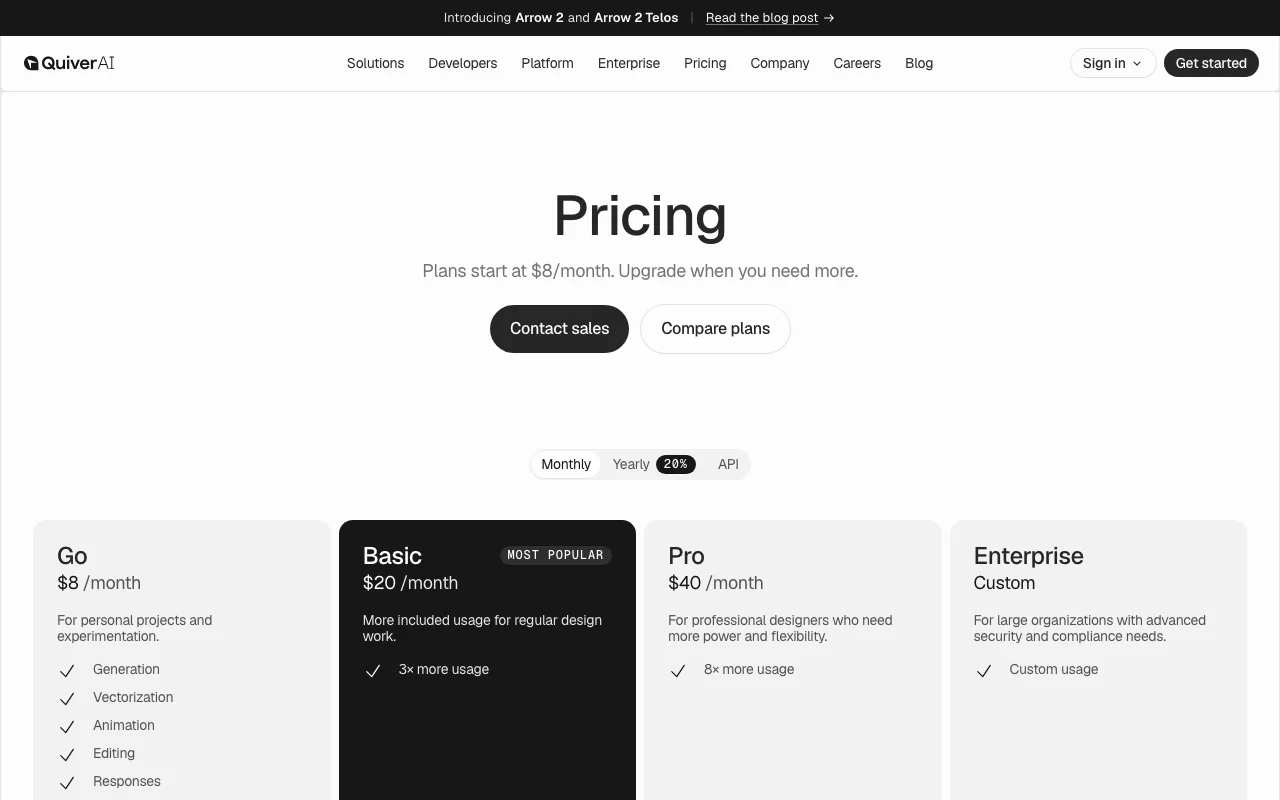
QuiverAI pricing page with plans and prices — screenshot of the image generation AI tool, Oct 1, 2026
The official QuiverAI pricing page as we saw it. quiver.ai, captured Oct 1, 2026

Free access and trial conditions

No free plan.

14-day Go trial, card required.

Paid plans: what changes as you upgrade

Go web

$8/mo source (opens in a new tab)

Month

Yearly toggle gives 20% discount

For: Personal projects and experimentation

Limits

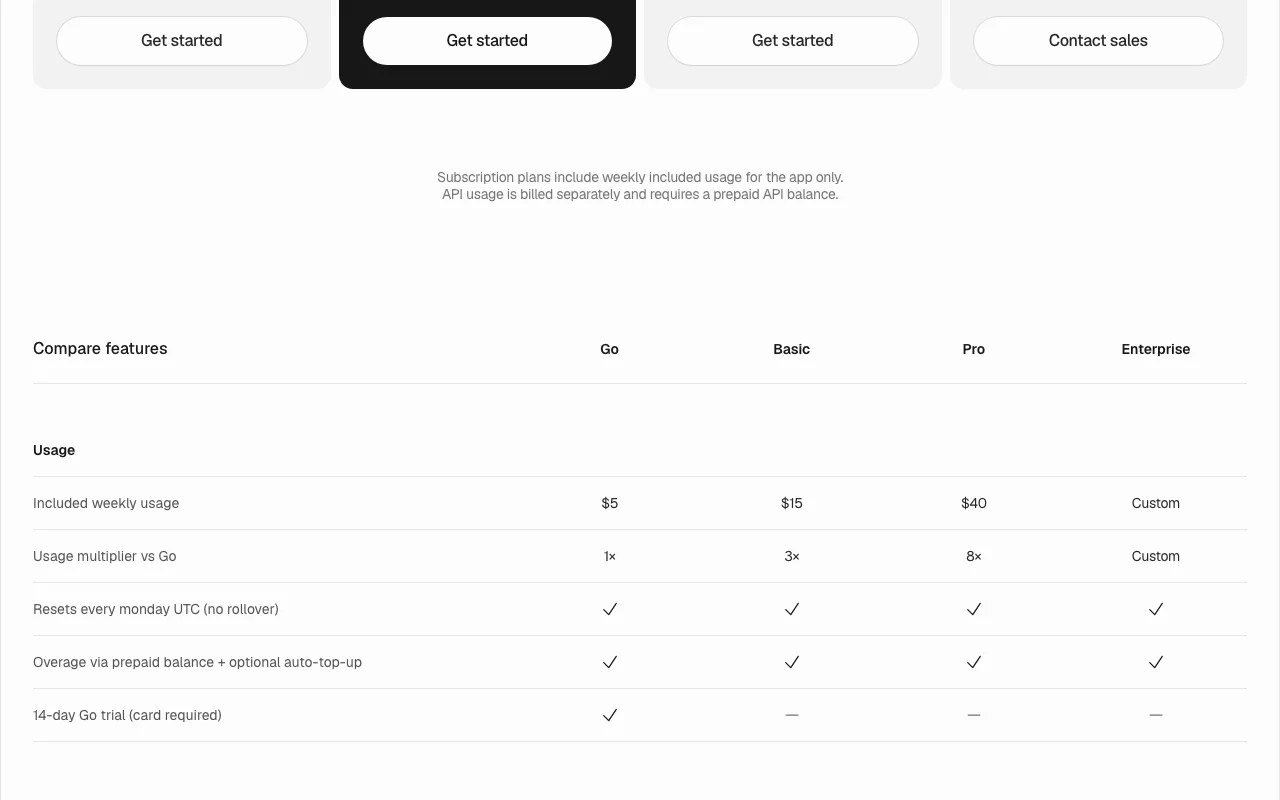
  • $5 included weekly usage (1x)
  • Resets Monday UTC, no rollover
1 more
  • 14-day trial requires a card

Includes

  • Generation, vectorization, animation, editing
  • Responses
1 more
  • Overage via prepaid balance with optional auto-top-up

API billed separately

Basic web

$20/mo source (opens in a new tab)

Month

Yearly toggle gives 20% discount

For: Regular design work

Limits

  • $15 included weekly usage (3x Go)
  • Resets Monday UTC, no rollover

Includes

  • Generation, vectorization, animation
  • Overage via prepaid balance

API billed separately

Pro web

$40/mo source (opens in a new tab)

Month

Yearly toggle gives 20% discount

For: Professional designers

Limits

  • $40 included weekly usage (8x Go)
  • Resets Monday UTC, no rollover

Includes

  • Generation, vectorization, animation
  • Overage via prepaid balance

API billed separately

Enterprise web

Custom pricing source (opens in a new tab)

Custom

For: Large organizations

Limits

  • Custom usage

Includes

  • Advanced security and compliance

API billed separately

Usage caps, credits and extra costs

API usage requires a prepaid API balance; app overage via prepaid balance.

Not stated.

What is QuiverAI, and how does it work?

QuiverAI builds models for vector design, generating clean SVG logos and illustrations from text or references, converting images to SVG, and animating vectors. Its current model family is Arrow 2. A developer API offers text-to-SVG, image-to-SVG and a Responses endpoint, with sandbox keys, an MCP server, a CLI and a Node SDK.

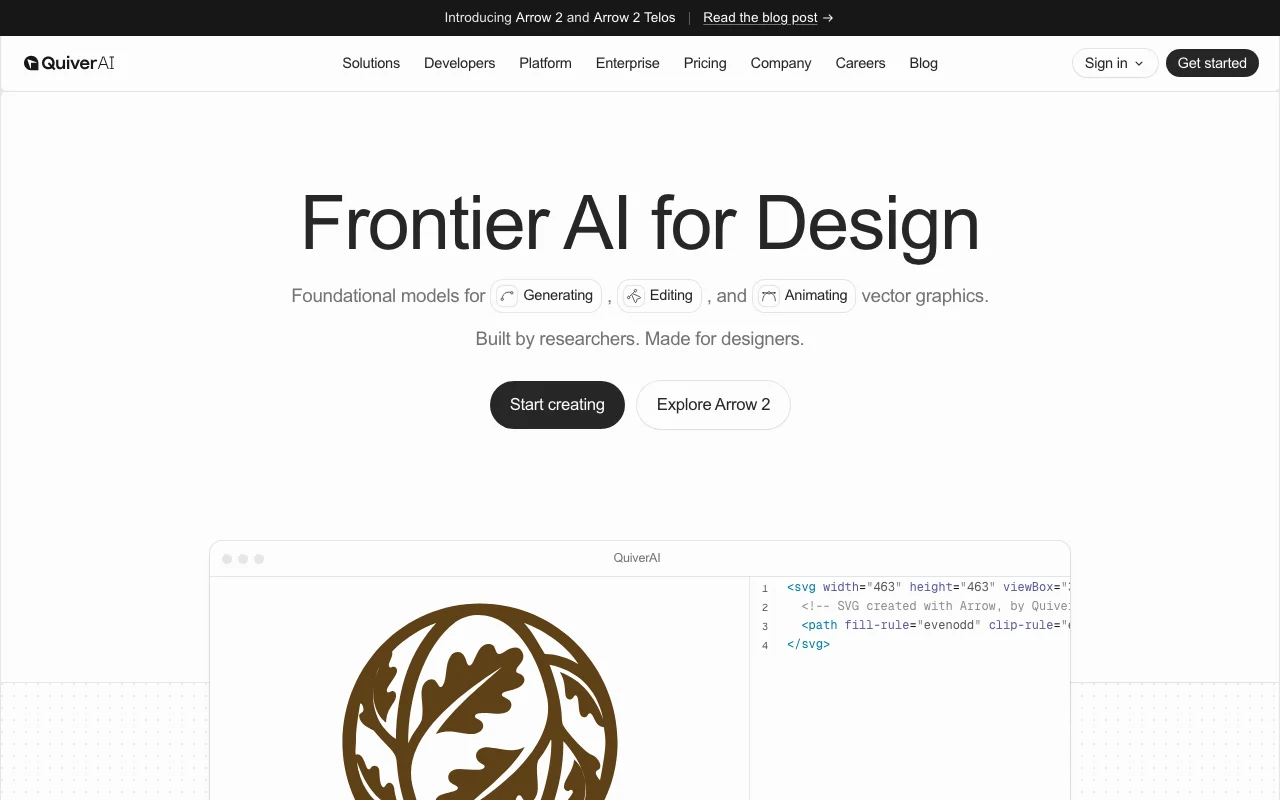
QuiverAI homepage — screenshot of the image generation AI tool, Oct 1, 2026
QuiverAI's official site: how the product presents itself. quiver.ai, captured Oct 1, 2026

What you provide and what you get back

How QuiverAI works: what you provide, where it runs and what you get backYOU PROVIDEYour inputText promptsReference imagesRaster images to vectorizeExisting SVGs to animateIMAGE GENERATIONQuiverAIWeb, APIfrom $8/mo (Go)no free tieraccount requiredchecked Sep 29, 2026YOU GET BACKThe resultEditable SVG logos and illustrati…Vectorized SVGs from imagesAnimated SVGsSVGs as React components via CLIinput → QuiverAI → output · from the vendor's own pages, no hands-on test unless stated
What you give QuiverAI and what comes back, from its documentation

You provide

  • Text prompts
  • Reference images
  • Raster images to vectorize
  • Existing SVGs to animate

You get back

  • Editable SVG logos and illustrations
  • Vectorized SVGs from images
  • Animated SVGs
  • SVGs as React components via CLI

Where you can use it

Platforms
Web, API
Account
Required
Model
Arrow 2 and Arrow 2 Telos
Output
SVG vector
Weekly reset
Monday UTC
Dev tools
MCP, CLI, Node SDK, Cursor and Codex plugins
Coming soon
Typography

Where QuiverAI is most useful

Scenarios are worked out by our editors from the documentation; the actual result depends on your input and plan.

Generate SVG logos

Who
Designers and founders
You provide
Text prompt such as a minimalist Q monogram, plus optional references
Expected result
Clean, production-ready SVG logo options
Plan needed
Go or Basic
Limitation
Weekly usage cap applies source (opens in a new tab)

Create vector illustrations

Who
Marketing and product designers
You provide
Prompt for isometric or line-art illustrations
Expected result
Fully vector illustrations that can be recolored
Plan needed
Basic or Pro
Limitation
Typography is coming soon source (opens in a new tab)

Convert images to SVG

Who
Designers with raster assets
You provide
PNG or JPEG image
Expected result
Editable SVG output
Plan needed
Any
Limitation
Quality depends on source image source (opens in a new tab)

Generate SVGs inside agent workflows

Who
Developers building design tools
You provide
API or MCP call with prompt
Expected result
SVG returned to your pipeline
Plan needed
API prepaid balance
Limitation
Billed separately from subscriptions source (opens in a new tab)

Key features and their practical limits

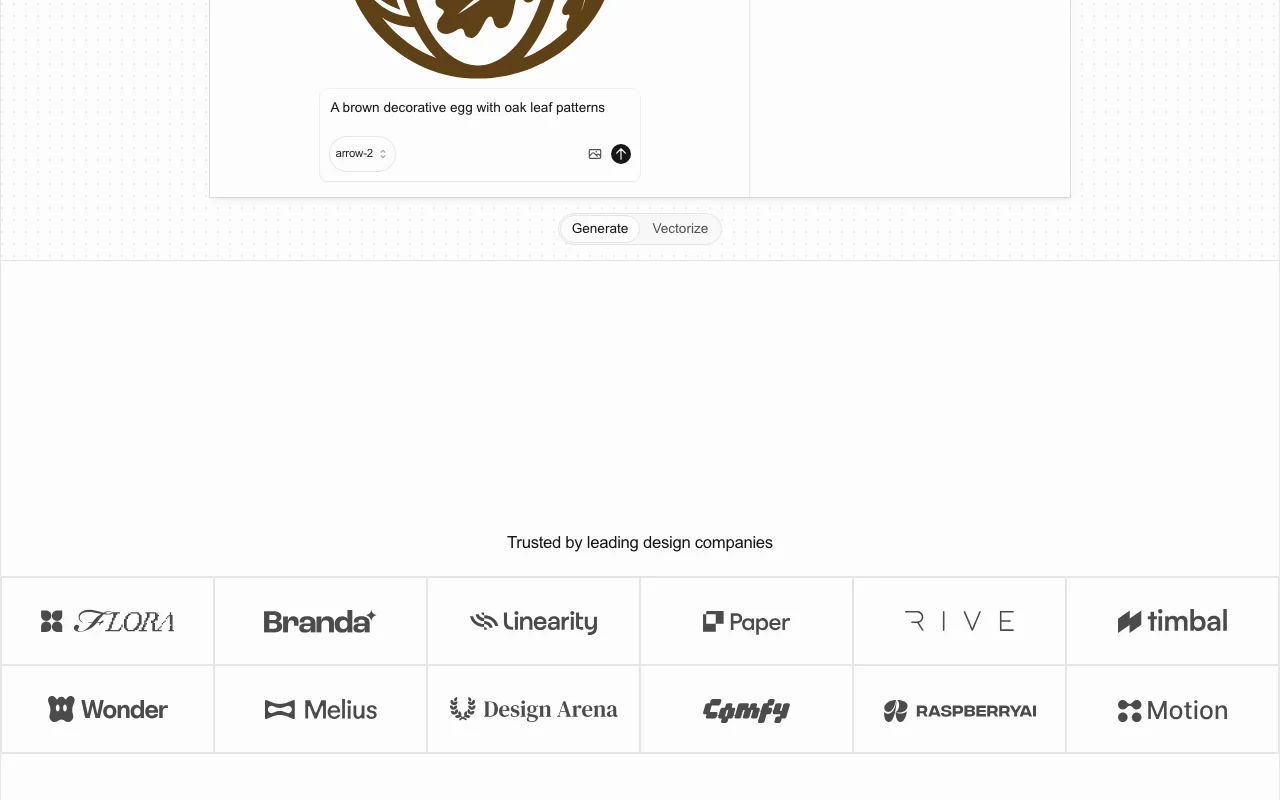
QuiverAI homepage — screenshot of the image generation AI tool, Oct 1, 2026
Feature overview on the official site. quiver.ai, captured Oct 1, 2026

Text-to-SVG generation

Generates one or more SVGs from a prompt and optional references using Arrow 2. Fast vector concepts.

Access: All plans and APILimit: Counts against weekly usage source (opens in a new tab)

Image-to-SVG vectorization

Converts an image input into an SVG output. Turn raster art into vectors.

Access: All plans and APILimit: Complex images may need cleanup source (opens in a new tab)

SVG animation

Animates vectors such as logos and icons while keeping files lightweight. Motion without engineering.

Access: All plansLimit: Control options are not detailed on the page source (opens in a new tab)

REST API with sandbox keys

Offers /v1 endpoints with sk_test_ keys that return deterministic output and bill nothing. Safe integration testing.

Access: Prepaid API balance for live keysLimit: Sandbox output is not real model output source (opens in a new tab)

MCP server, CLI and Node SDK

Provides a hosted MCP server, an npx CLI that installs SVGs as React components and an SDK. Use SVG generation inside agents and code.

Access: Developer toolingLimit: Needs API balance for live usage source (opens in a new tab)

QuiverAI pros and cons

Where QuiverAI is strong

Limitations to check before paying

How to use QuiverAI for generating an SVG logo

Set up QuiverAI

  1. Open quiver.ai and choose Start creating.
  2. Pick a plan; Go starts with a 14-day trial requiring a card.
  3. Select the Arrow 2 model in the generator.
  4. Choose Generate rather than Vectorize.

Example: generating an SVG logo

  1. Enter 'Create a minimalist monogram logo using the letter Q with sharp vector paths'.
  2. Generate and compare the variations.
  3. Edit colors or paths in the editor.
  4. Download the SVG or animate it.

Review and export the result

  1. Open the SVG in a vector editor to confirm clean paths.
  2. Check your remaining weekly usage in the app.
Example prompt suggested by our editors (not a recorded output of the product)
Create a minimalist monogram logo using the letter Q with sharp vector paths

QuiverAI integrations and API

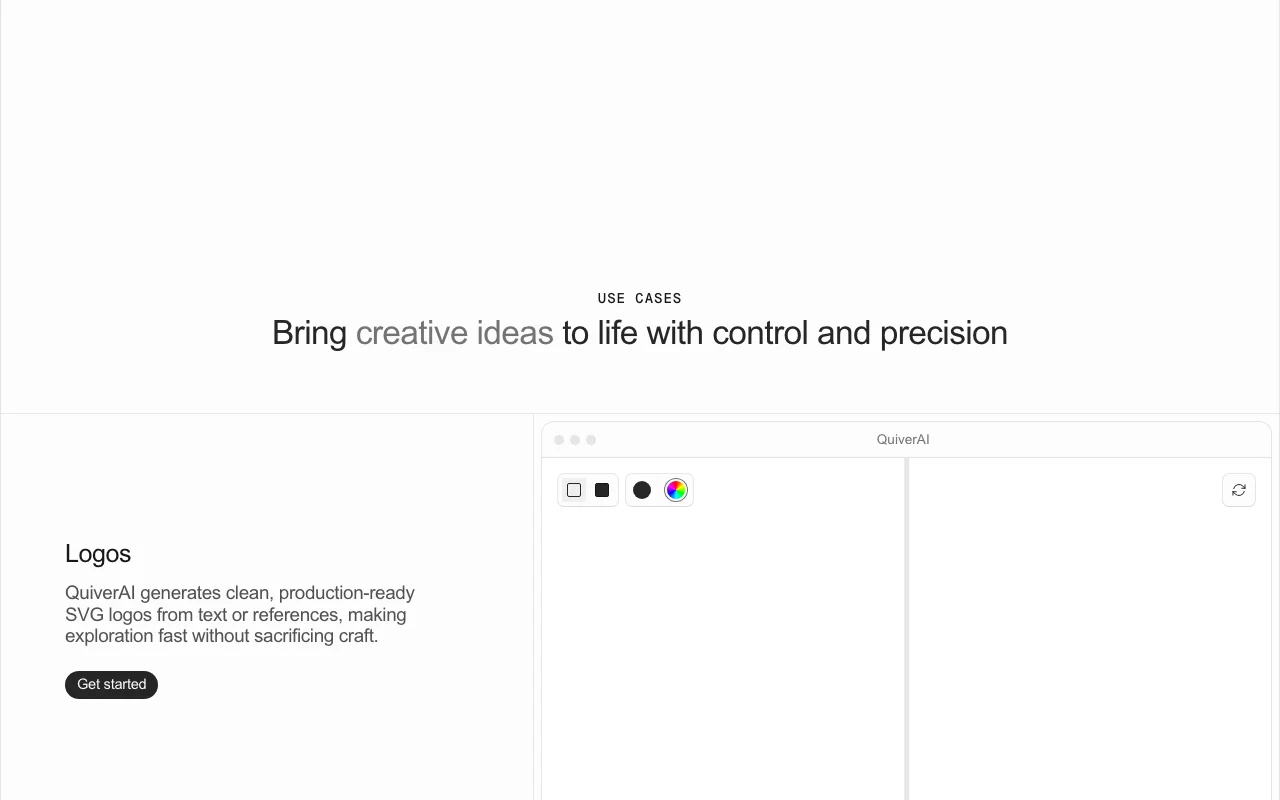
QuiverAI pricing page with plans and prices — screenshot of the image generation AI tool, Oct 1, 2026
Plan comparison on the official pricing page. quiver.ai, captured Oct 1, 2026

Native integrations and export formats

Export: SVG, React components via CLI

API access and separate billing

QuiverAI has no public API in its official documentation. Endpoints: models, text to SVG, image to SVG, responses API documentation ↗

Other tools to consider instead of QuiverAI

"Better suited" is based on documented features and pricing, not on a head-to-head test.

Adobe Firefly: better suited to

Midjourney: better suited to

Alternatives
AlternativeWhen to choose itPricingLimitation
Adobe Firefly——Compare
Midjourney——Compare

Explore QuiverAI further

Related to QuiverAI

QuiverAI user reviews

No user reviews yet.

Used QuiverAI? Be the first to share your experience.

Write a review

Reviews are checked by a moderator before they appear. Your email is never published. Plain text only.

Your rating (required)

Show what you made or what went wrong. Images are published only if the review is approved; location data is removed.

    QuiverAI FAQ

    How much does QuiverAI cost?

    Go is $8/month, Basic $20/month and Pro $40/month, with a 20% discount on the yearly toggle; Enterprise is custom. source (opens in a new tab)

    How does QuiverAI weekly usage work?

    Each plan includes weekly usage ($5 Go, $15 Basic, $40 Pro) that resets every Monday UTC with no rollover; overage uses a prepaid balance. source (opens in a new tab)

    Are API credits included in QuiverAI subscriptions?

    No. Subscription usage is for the app only; API usage is billed separately from a prepaid API balance. source (opens in a new tab)

    Does QuiverAI offer a free trial?

    Only Go has a 14-day trial, and it requires a card. source (opens in a new tab)

    What can QuiverAI's API do?

    List models, text to SVG, image to SVG and an OpenResponses-compatible endpoint backed by Arrow 2, with sandbox keys that bill nothing. source (opens in a new tab)

    What changed at QuiverAI recently

    :

    Official announcement (opens in a new tab)

    :

    Official announcement (opens in a new tab)

    Sources and review methodology

    Official sources and verification dates

    Not verified: Privacy policy; Commercial use terms; US availability; API per-token rates.

    How we documented and maintain this page

    Every fact about QuiverAI above comes from the 2 official pages listed here, last compared on Sep 29, 2026; we have not run QuiverAI ourselves, so it has no editorial score. How we check and re-check pages.

    Article updated Oct 10, 2026; prices checked Sep 29, 2026. Outbound links to vendors are plain links; we do not earn commissions. How we review · Report an error