Image generationDocumented overviewLast checked Oct 1, 2026

FigCanvas: Pricing, Features & Best Use Cases

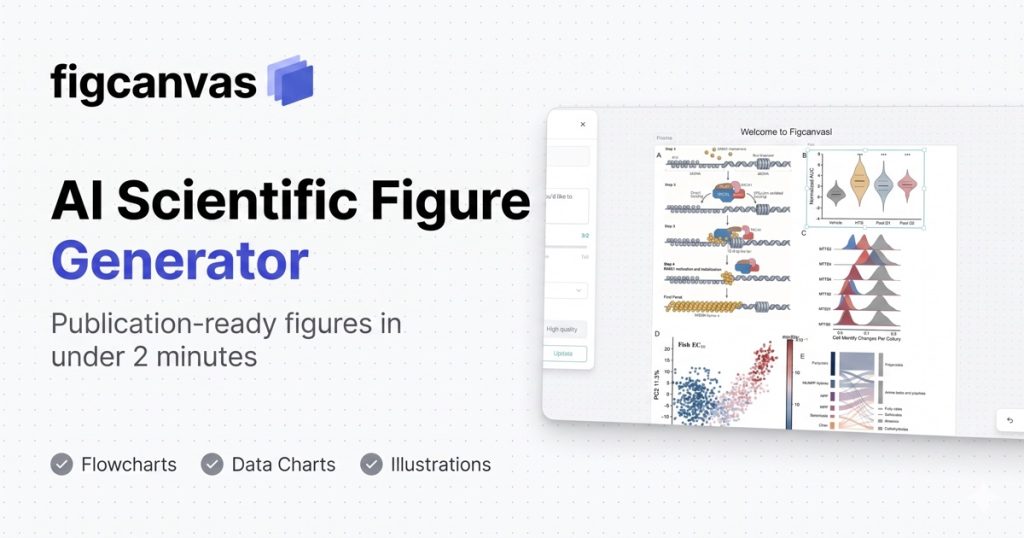
AI scientific figure generator for illustrations, data plots and flowcharts with editable SVG export.
Is FigCanvas right for you?

FigCanvas suits researchers who need a first-draft scientific figure in under two minutes from a prompt, methods text or data, with editable SVG export and a free daily-credit tier. Based on the vendor's documentation, not on a hands-on test.

Best for: Academic researchers

Also a good fit for

  • Graduate students

Consider another tool if free exports are PNG with watermark

Or if

  • Credit-limited (18 per day for first 3 days, then fewer)
  • Requires sign-in

FigCanvas pricing and usage limits

Prices checked Oct 1, 2026 on the official US pricing page. Official pricing ↗ Prices and limits change often.

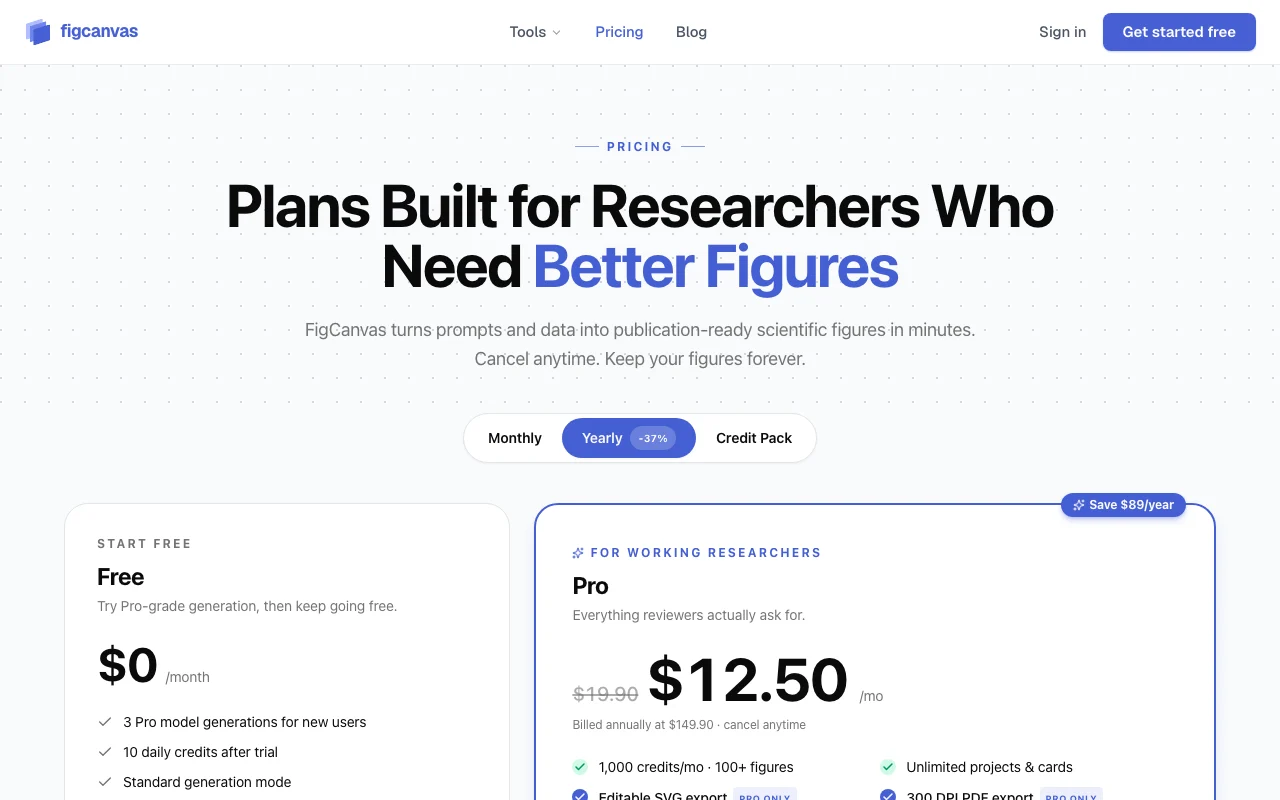
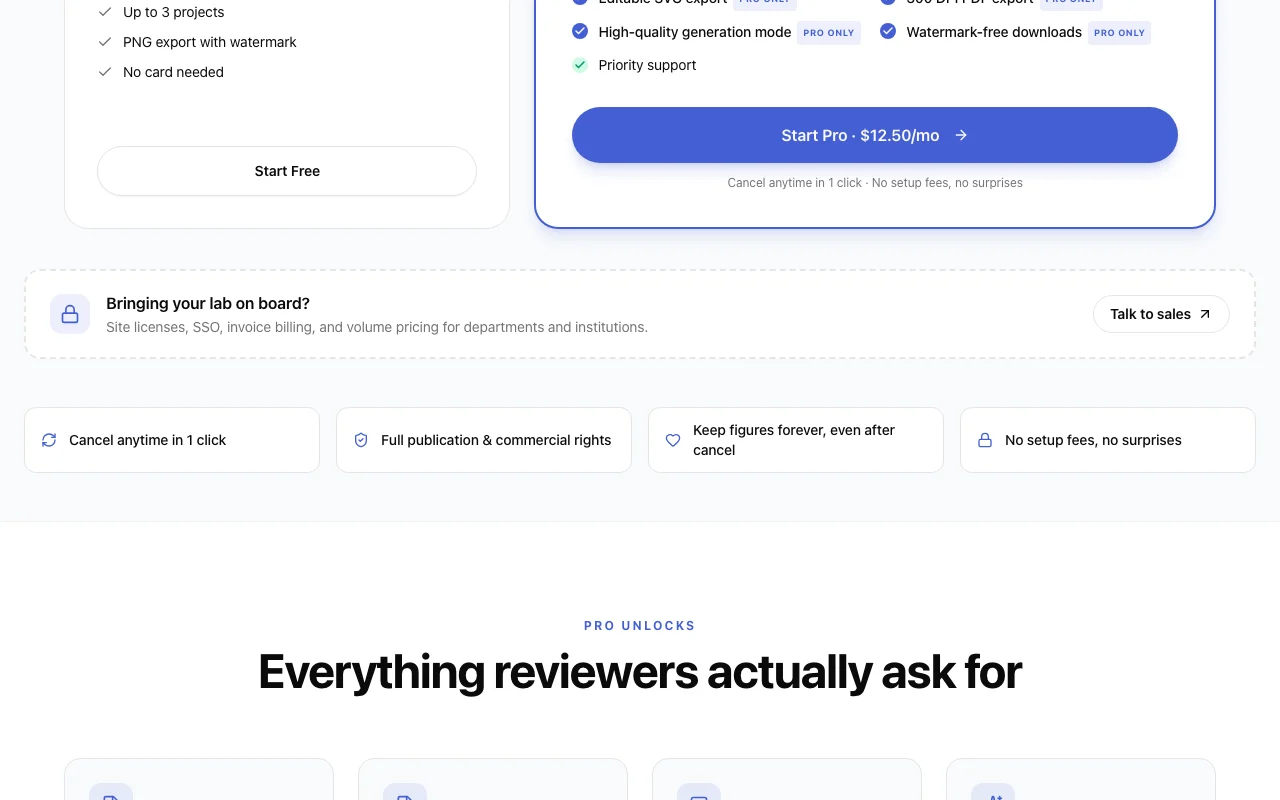
FigCanvas pricing page with plans and prices — screenshot of the image generation AI tool, Oct 2, 2026
The official FigCanvas pricing page as we saw it. figcanvas.com, captured Oct 2, 2026

Free access and trial conditions

Free daily credits with watermarked PNG exports.

None beyond Free.

Paid plans: what changes as you upgrade

Free web

Free source (opens in a new tab)

Month

For: Trying FigCanvas

Limits

  • 18 daily credits first 3 days, then fewer
  • Watermarked PNG exports

Includes

  • Prompt to figure
  • Infinite canvas

Pro web

$19.9/mo source (opens in a new tab)

Month

$149.90/year (about $12.50/month)

For: Active researchers

Limits

  • 1,000 monthly credits

Includes

  • Full-quality exports
  • SVG, 300 DPI PNG, PDF

Usage caps, credits and extra costs

Not stated.

Not stated.

What is FigCanvas, and how does it work?

FigCanvas is a browser tool for researchers to generate scientific figures from a prompt or uploaded data: illustrations, charts such as volcano plots, and flowcharts built from methods text. Figures can be assembled on an infinite canvas, edited as SVG, and exported as SVG, 300 DPI PNG or PDF. A free tier with daily credits exists; Pro adds more credits and full-quality exports.

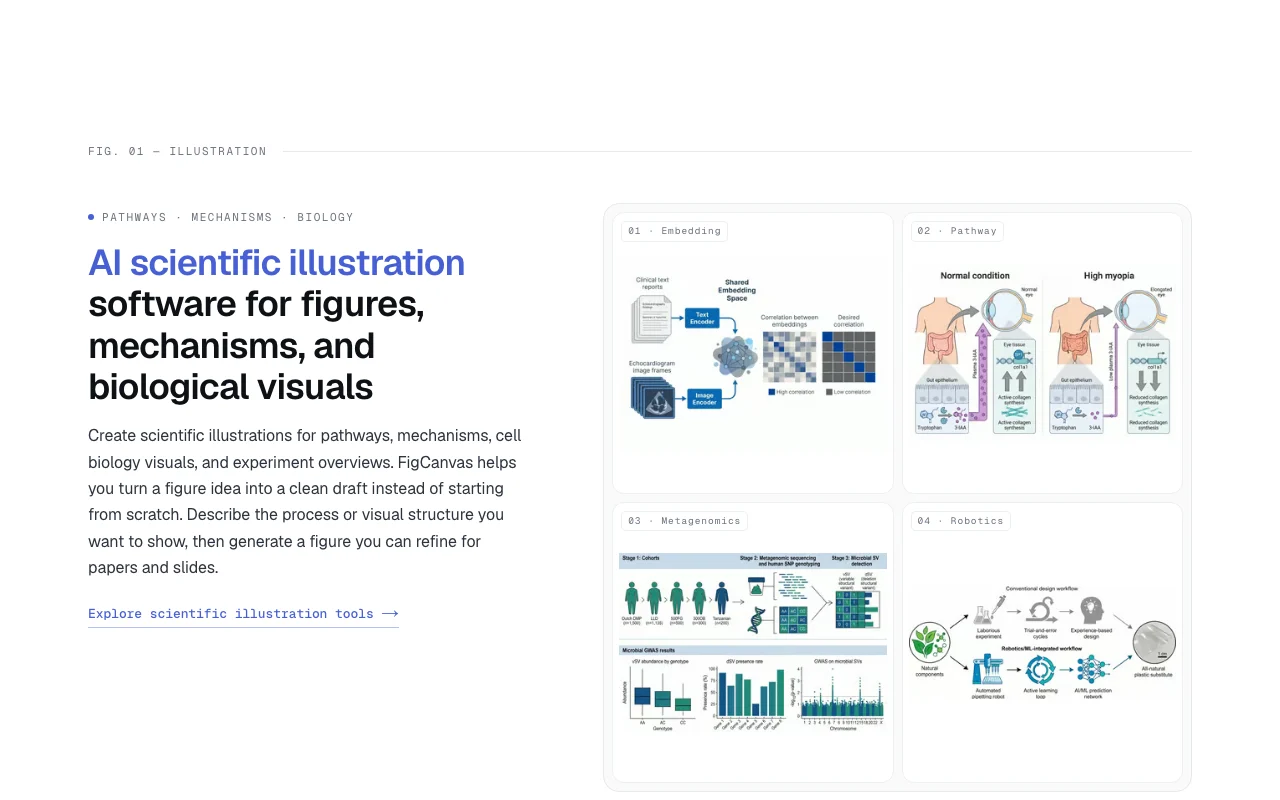
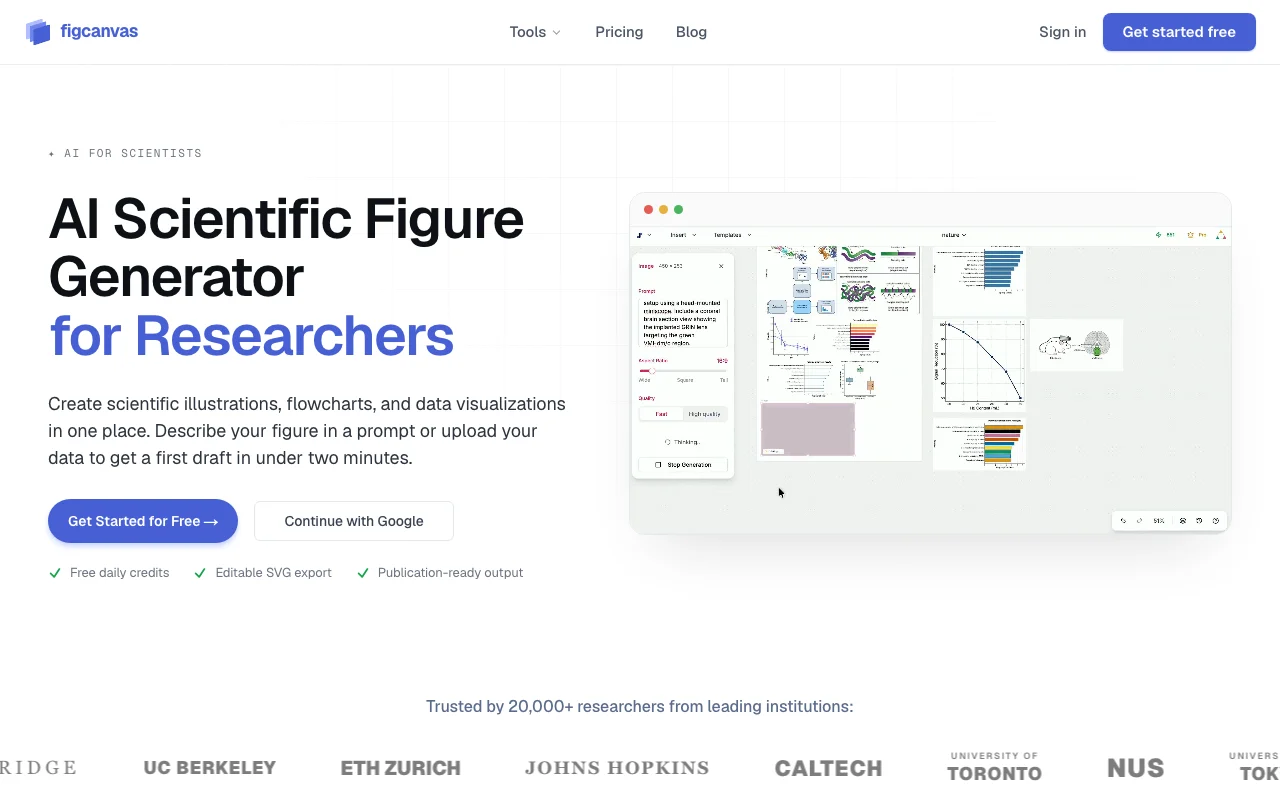
FigCanvas homepage — screenshot of the image generation AI tool, Oct 2, 2026
FigCanvas's official site: how the product presents itself. figcanvas.com, captured Oct 2, 2026

What you provide and what you get back

How FigCanvas works: what you provide, where it runs and what you get backYOU PROVIDEYour inputPlain-language figure promptsUploaded datasets or structured v…Methods text or protocolsIMAGE GENERATIONFigCanvasWebfrom $19.9/mo (Pro)free tier availableaccount requiredchecked Oct 1, 2026YOU GET BACKThe resultIllustrations, plots and flowchar…Editable SVG300 DPI PNG and PDFinput → FigCanvas → output · from the vendor's own pages, no hands-on test unless stated
What you give FigCanvas and what comes back, from its documentation

You provide

  • Plain-language figure prompts
  • Uploaded datasets or structured values
  • Methods text or protocols

You get back

  • Illustrations, plots and flowcharts
  • Editable SVG
  • 300 DPI PNG and PDF

Where you can use it

Platforms
Web
Account
Required
Exports
SVG, 300 DPI PNG, PDF
Free exports
Watermarked PNG
Figure types
Illustration, data plots, flowcharts
Pro credits
1,000 per month
Draft time
Under two minutes (vendor claim)

Best use cases for FigCanvas

Scenarios are worked out by our editors from the documentation; the actual result depends on your input and plan.

Draw pathway or mechanism illustrations

Who
Biology and life-science researchers
You provide
Description of a pathway or mechanism
Expected result
A clean pathway or cell-biology illustration to refine for a paper
Plan needed
Free to try; Pro for clean exports
Limitation
Free exports are watermarked source (opens in a new tab)

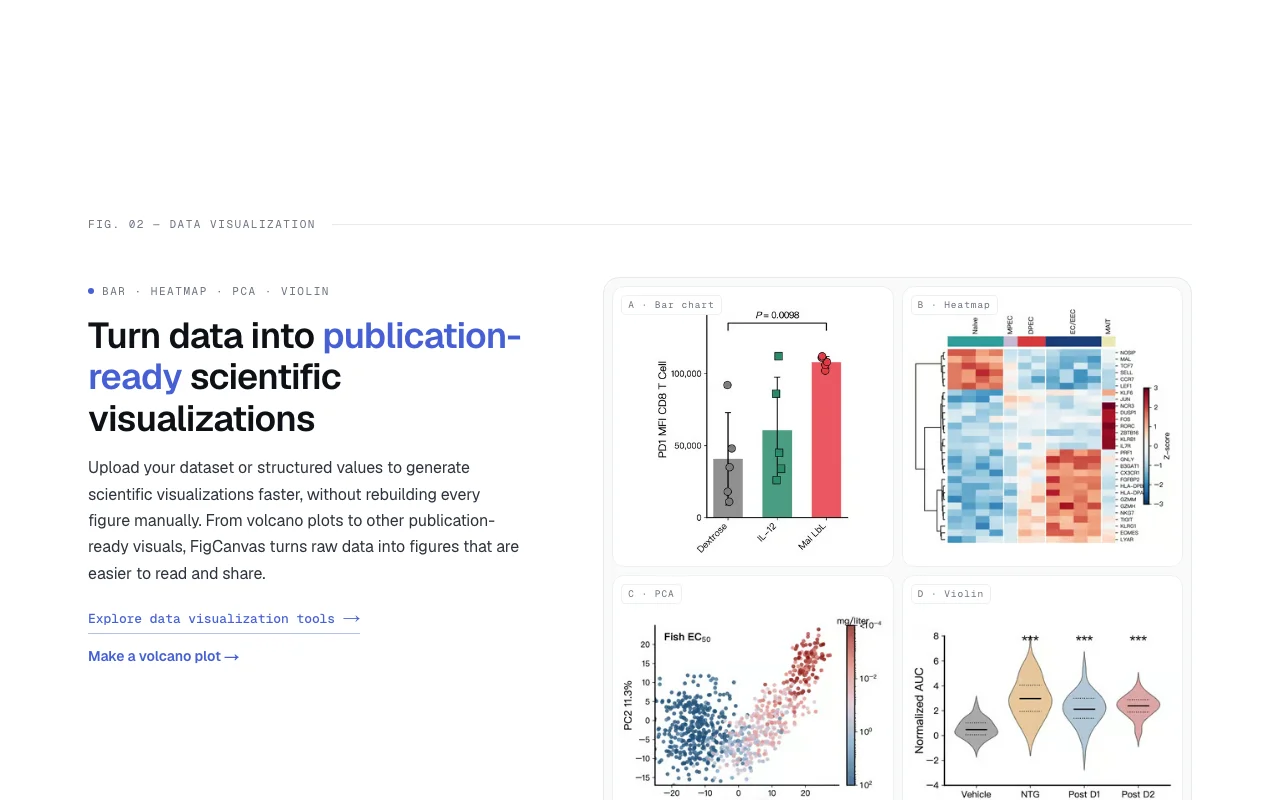
Plot data such as volcano plots and heatmaps

Who
Graduate students
You provide
Dataset or values
Expected result
Volcano plot, heatmap, PCA or violin plot without coding
Plan needed
Free or Pro
Limitation
Credits cap generations source (opens in a new tab)

Make PRISMA or CONSORT flowcharts

Who
Clinical and review authors
You provide
Methods text
Expected result
PRISMA or CONSORT flowchart ready to edit
Plan needed
Free or Pro
Limitation
Needs checking against actual trial counts source (opens in a new tab)

What FigCanvas does, and where it stops

FigCanvas homepage — screenshot of the image generation AI tool, Oct 2, 2026
Feature overview on the official site. figcanvas.com, captured Oct 2, 2026

Prompt-to-figure generation

Generates a figure from a plain-language description Replaces starting from a blank slide

Access: All plans (credits)Limit: Costs daily credits source (opens in a new tab)

Data upload visualization

Turns an uploaded dataset into publication-style charts Skips plotting code

Access: All plansLimit: Data format details not listed on fetched pages source (opens in a new tab)

Methods-text to flowchart

Extracts steps from pasted methods text into an editable flowchart Speeds PRISMA and CONSORT diagrams

Access: All plansLimit: Output should be verified against the protocol source (opens in a new tab)

Infinite canvas for multi-panel figures

Arranges panels on an infinite canvas with smart guides Builds multi-panel manuscript figures

Access: All plansLimit: Advertised up to a 6-panel figure example source (opens in a new tab)

FigCanvas: strengths and limits

Reasons to choose FigCanvas

Check before paying for FigCanvas

How to use FigCanvas for creating a volcano plot for a manuscript

Set up FigCanvas

  1. Open figcanvas.com and continue with Google or email
  2. Start a new canvas
  3. Choose the data visualization workflow
  4. Have your dataset or structured values ready

Example: creating a volcano plot for a manuscript

  1. Upload the differential expression table
  2. Prompt for a volcano plot with significance thresholds
  3. Pick the best draft and open it on the canvas
  4. Right-click, choose Vectorize, then Edit SVG to fix labels

Review and export the result

  1. Verify axis labels, thresholds and counts against your data
  2. Export 300 DPI PNG or SVG and check it in the manuscript layout
Example prompt suggested by our editors (not a recorded output of the product)
Volcano plot of log2 fold change vs -log10 p-value, highlight genes with p1 in red, label the top 10.

FigCanvas integrations and API

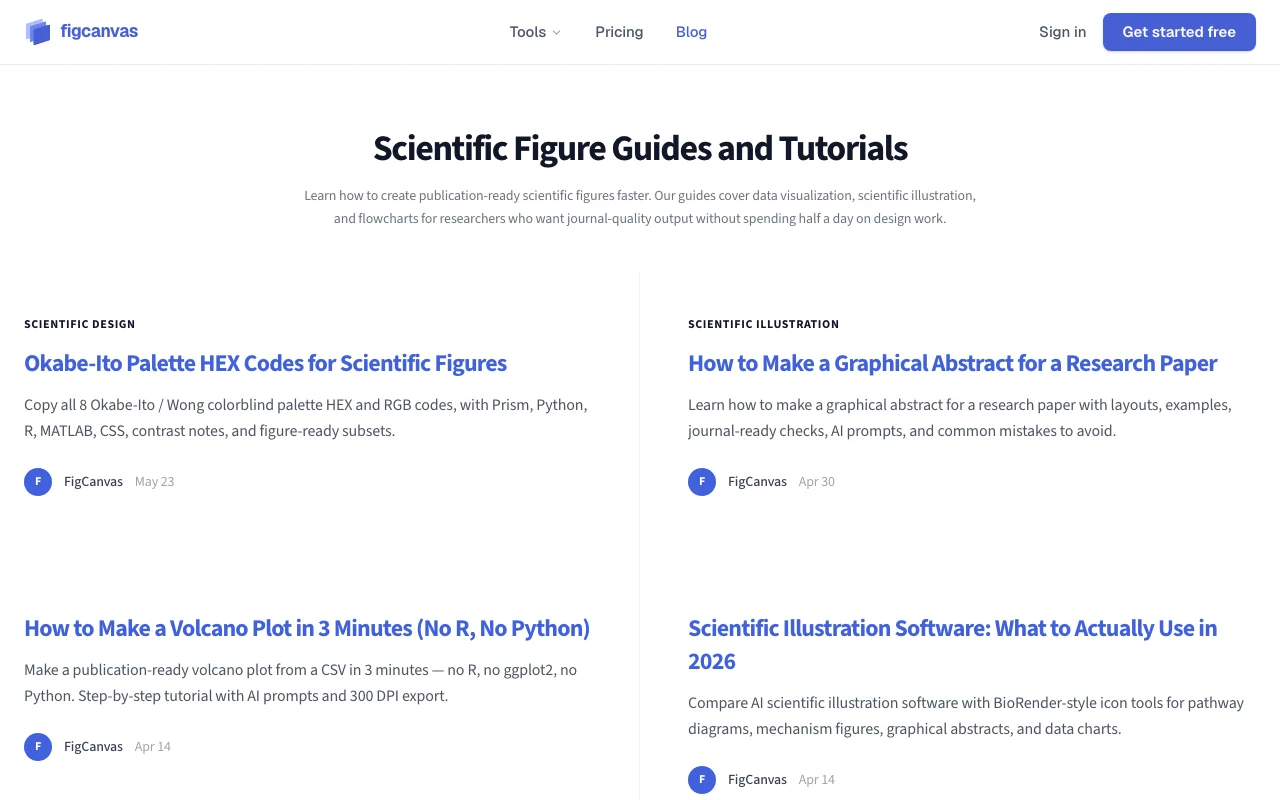
FigCanvas pricing page with plans and prices — screenshot of the image generation AI tool, Oct 2, 2026
Plan comparison on the official pricing page. figcanvas.com, captured Oct 2, 2026

Native integrations and export formats

Export: SVG, 300 DPI PNG, PDF

API access and separate billing

FigCanvas has no public API in its official documentation. No API mentioned

Privacy, data use and commercial rights

Summarized from the vendor's current policies; this is not legal advice and a vendor's badge is not an independent audit.

How your inputs and outputs are handled

Collects account info, usage data and the content you create.

Not confirmed in fetched excerpt.

Not confirmed in fetched excerpt.

Commercial use and plan restrictions

Free plan includes publication rights per the pricing summary.

Not stated.

Policies: figcanvas.com/privacy

Other tools to consider instead of FigCanvas

"Better suited" is based on documented features and pricing, not on a head-to-head test.

Canva: better suited to

ChatGPT: better suited to

Alternatives
AlternativeWhen to choose itPricingLimitation
Canva——
ChatGPT——

Explore FigCanvas further

Related to FigCanvas

FigCanvas user reviews

No user reviews yet.

Used FigCanvas? Be the first to share your experience.

Write a review

Reviews are checked by a moderator before they appear. Your email is never published. Plain text only.

Your rating (required)

Show what you made or what went wrong. Images are published only if the review is approved; location data is removed.

    FigCanvas FAQ

    How fast does FigCanvas produce a draft?

    The site says a first draft arrives in under two minutes. source (opens in a new tab)

    How do I get an editable SVG?

    Right-click the figure and choose Vectorize, then click Edit SVG to adjust text, colors and elements in the browser. source (opens in a new tab)

    What export formats exist?

    SVG, 300 DPI PNG and PDF; free exports are watermarked PNG. source (opens in a new tab)

    How much is Pro?

    $19.90 per month or $149.90 per year, with 1,000 monthly credits. source (opens in a new tab)

    Which figure types can it make?

    Scientific illustrations, data plots such as volcano plots and heatmaps, and PRISMA/CONSORT flowcharts. source (opens in a new tab)

    Sources and review methodology

    Official sources and verification dates

    Not verified: Pricing page text (empty page); Training use and retention terms; US availability.

    How we documented and maintain this page

    Every fact about FigCanvas above comes from the 3 official pages listed here, last compared on Oct 1, 2026; we have not run FigCanvas ourselves, so it has no editorial score. How we check and re-check pages.

    Article updated Oct 10, 2026; prices checked Oct 1, 2026. Outbound links to vendors are plain links; we do not earn commissions. How we review · Report an error