Trial web
Free source (opens in a new tab)
Monthly
30-day Professional trial
For: New users
Limits
- 500 credits to start
- 500 every 30 days
Includes
- All Professional features

Image generationDocumented overviewLast checked Oct 2, 2026
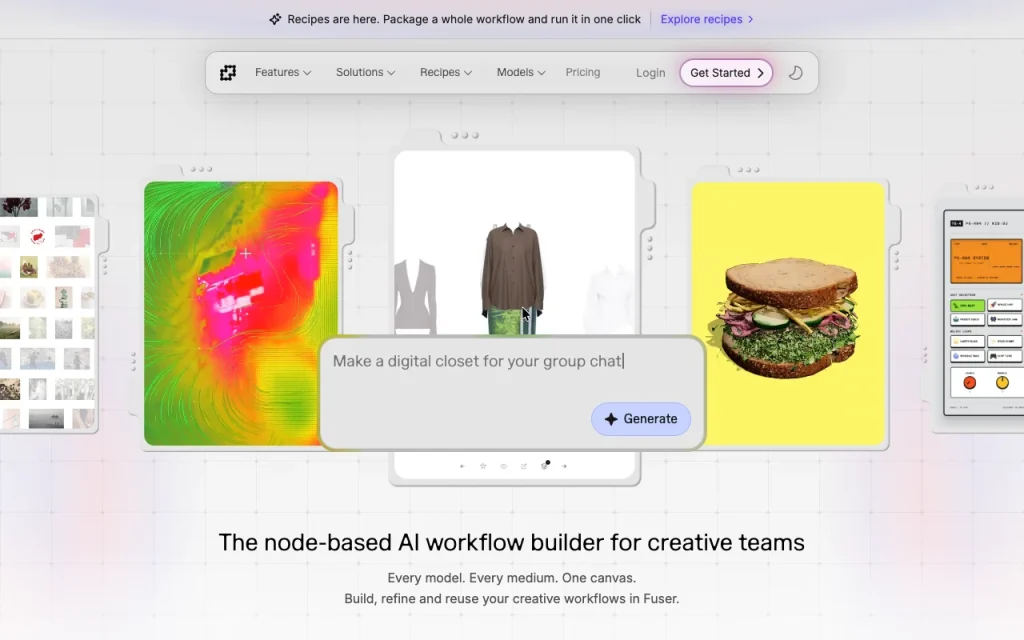
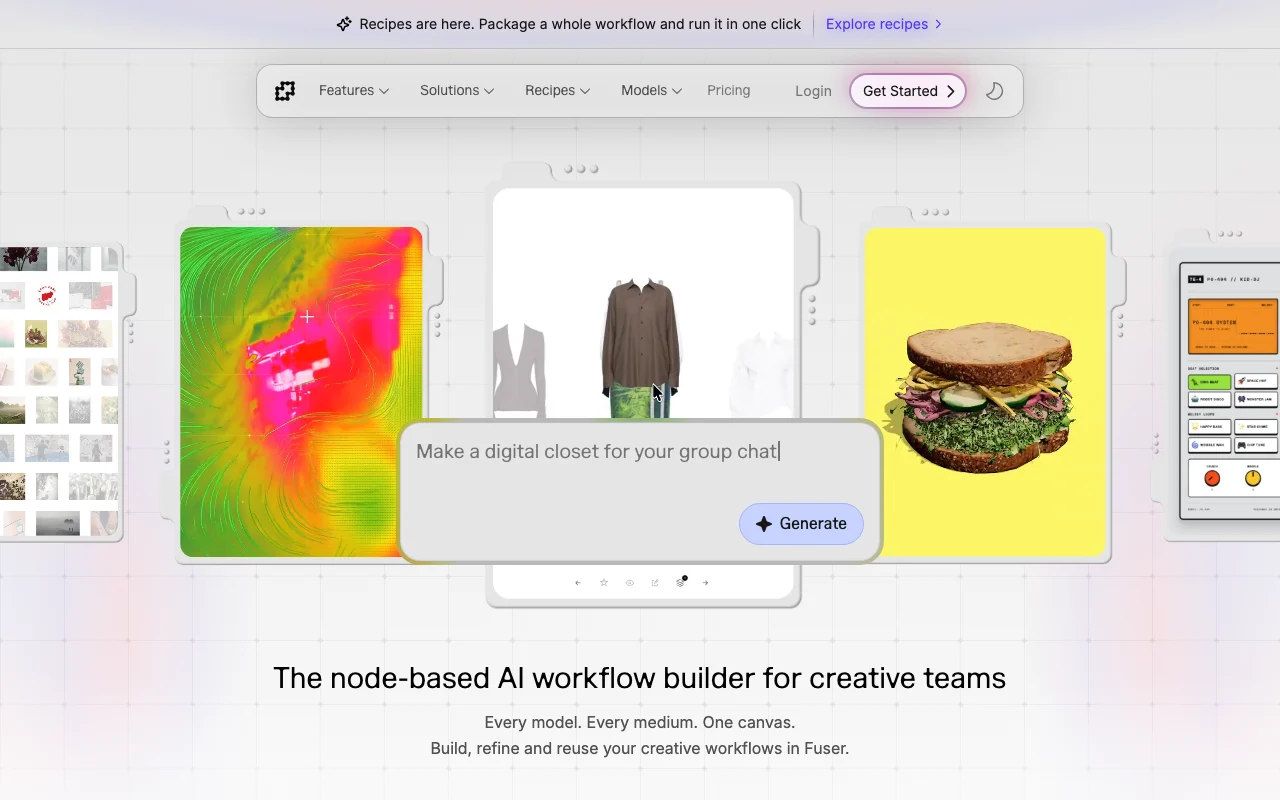
Node-based AI workflow builder on an infinite canvas for creative teams, with image, video, audio, 3D and LLM models.
 (open full size in a new tab)
 (open full size in a new tab)
 (open full size in a new tab)
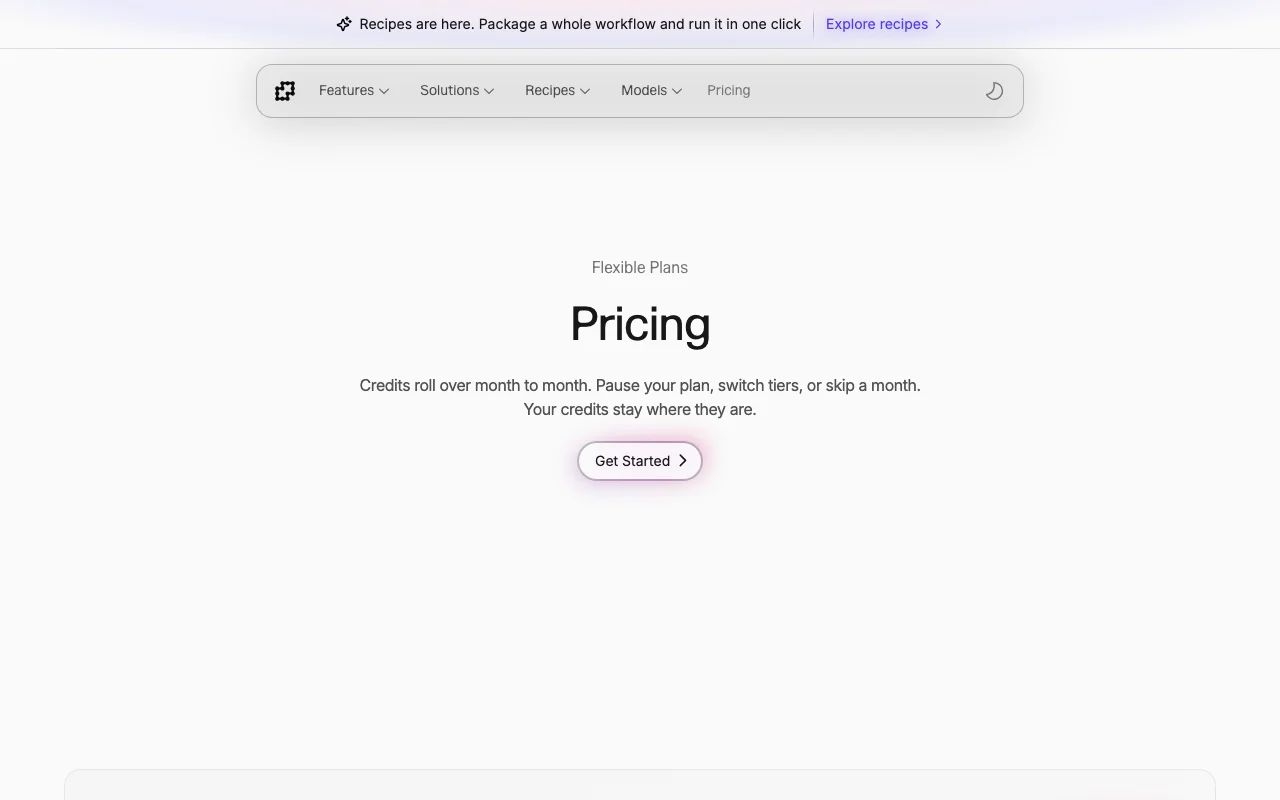 (open full size in a new tab)
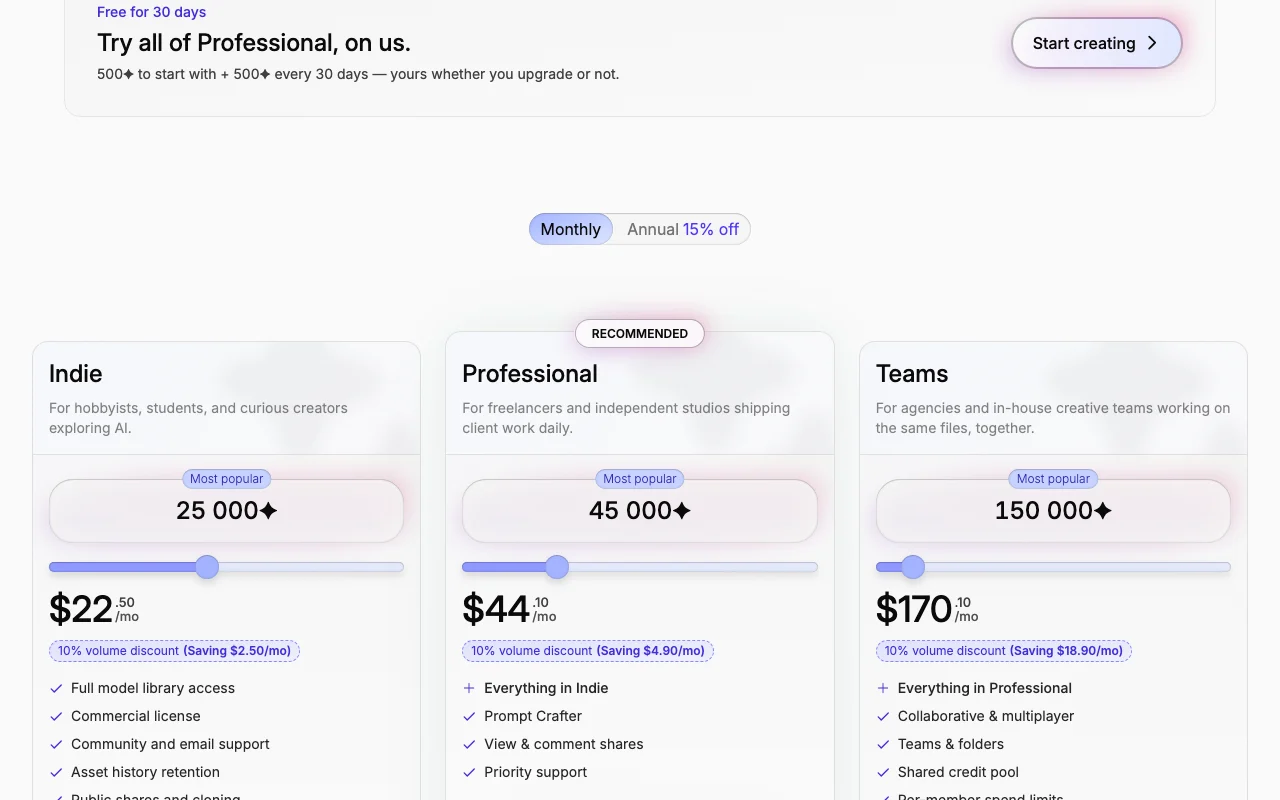 (open full size in a new tab)
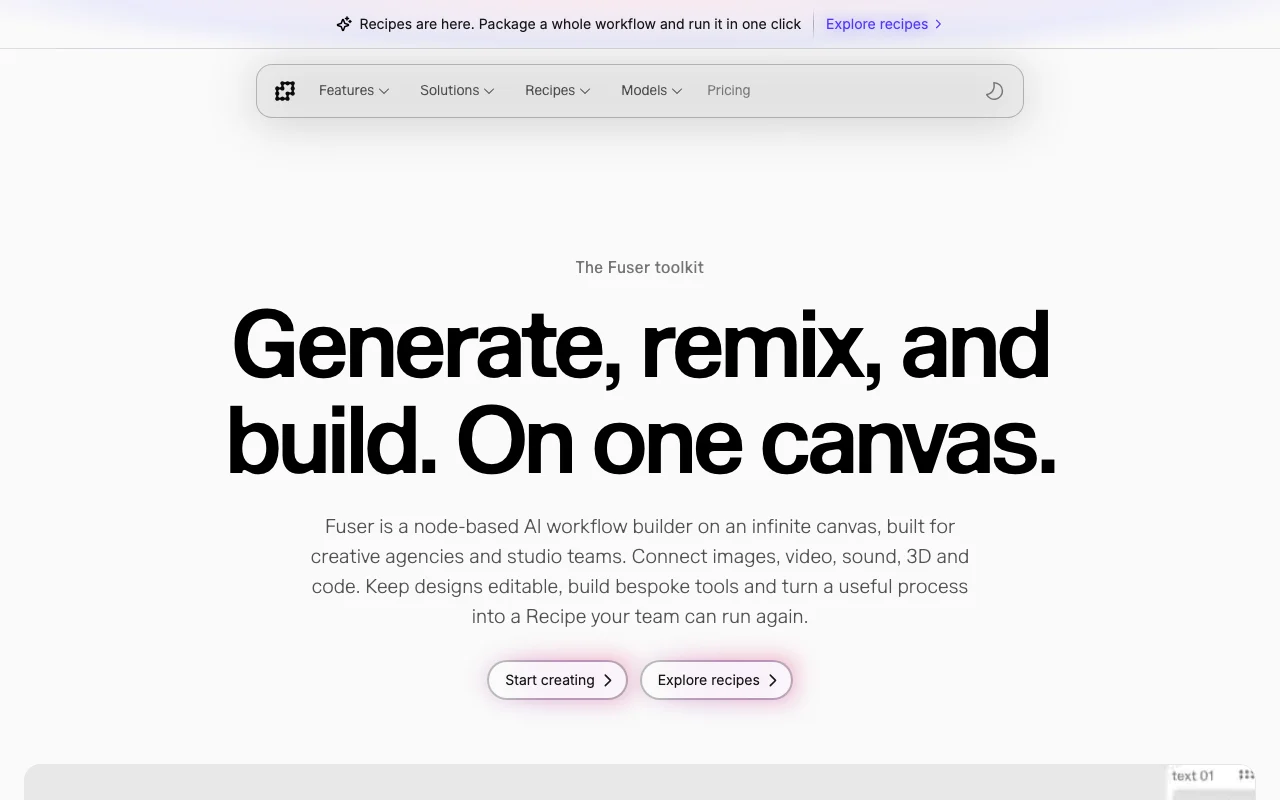 (open full size in a new tab)
Our take: Fuser suits creative teams and freelancers that want to chain image, video, audio, 3D and LLM models on one canvas and reuse the flows as Recipes.
Main limitation: Costs vary by model and settings, and displayed prices depend on a billing toggle.
Fuser suits creative teams and freelancers that want to chain image, video, audio, 3D and LLM models on one canvas and reuse the flows as Recipes. Based on the vendor's documentation, not on a hands-on test.
Also a good fit for
Or if
Headlines from US outlets, selected automatically — not endorsements. Updated Oct 2, 2026
Prices checked Oct 2, 2026 on the official US pricing page. Official pricing ↗ Prices and limits change often.
30-day Professional trial with 500 credits, then 500 every 30 days
Free for 30 days
Free source (opens in a new tab)
Monthly
30-day Professional trial
For: New users
Limits
Includes
See official pricing source (opens in a new tab)
Unknown
$22.50/mo shown with 10% volume discount; billing toggle ambiguous
For: Hobbyists
Limits
Includes
See official pricing source (opens in a new tab)
Unknown
$44.10/mo shown with discount; ambiguous
For: Freelancers
Limits
Includes
See official pricing source (opens in a new tab)
Unknown
$170.10/mo shown with discount; ambiguous
For: Agencies
Limits
Includes
Custom pricing source (opens in a new tab)
Custom
Contact sales
For: Large orgs
Includes
One-time credit packs; $8/seat over the 10 included on Teams
Not stated
Fuser is a node-based canvas where creative teams connect references, prompts and AI models from many providers. It supports image, video, audio, 3D and language-model nodes, plus prebuilt Recipes (workflow templates). New accounts get a 30-day Professional trial. Paid plans are credit-based: Indie, Professional and Teams, with unused credits rolling over.
You provide
You get back
Scenarios are worked out by our editors from the documentation; the actual result depends on your input and plan.
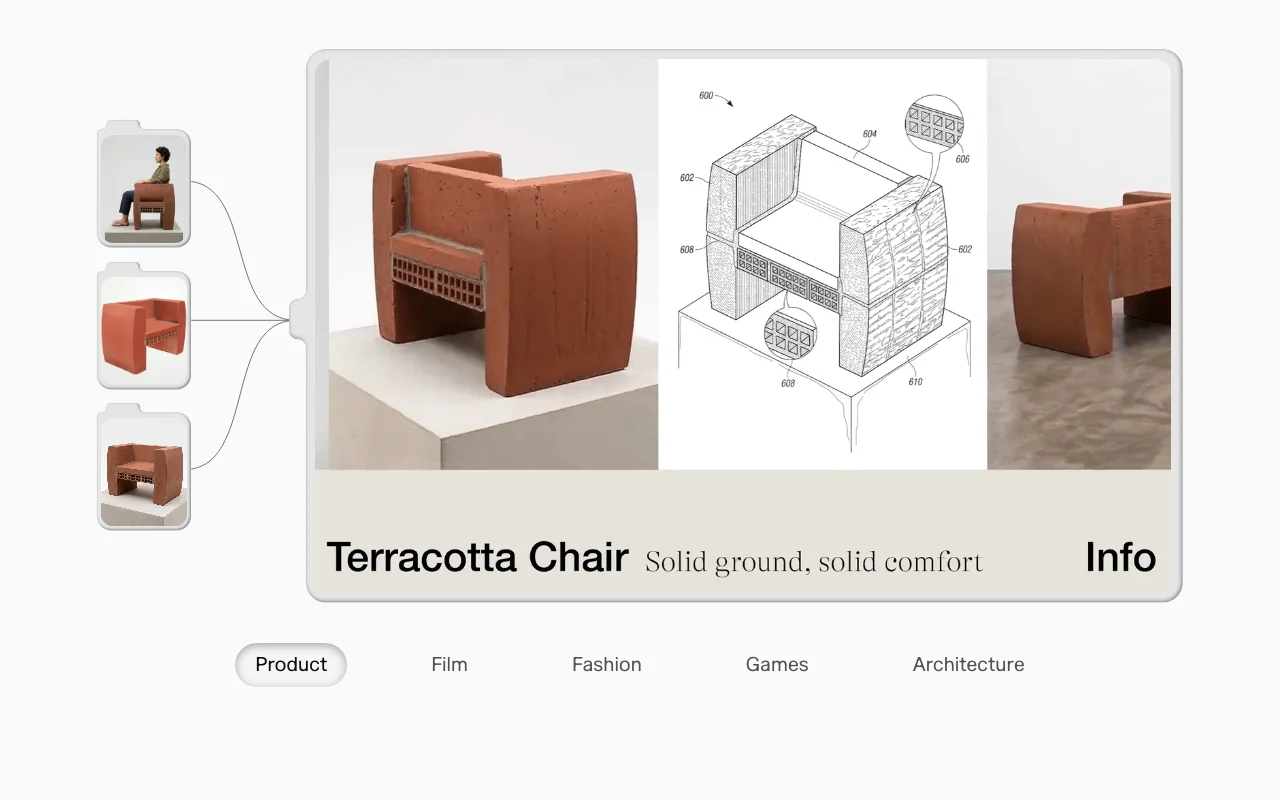
Lets you wire models and tools together as nodes on an infinite canvas. Makes multi-model pipelines visible and editable
Packages a whole workflow so it runs in one click. Speeds repeat work
Provides access to many third-party models from a single account. Avoids juggling providers
Tools to composite outputs and write custom creative code inside the canvas. Finishes assets without leaving Fuser
Generate a product shot of a ceramic mug on a wooden table, soft morning light.
Fuser has no public API in its official documentation. Bring your own key for supported providers on personal accounts
Summarized from the vendor's current policies; this is not legal advice and a vendor's badge is not an independent audit.
Policy page returned 404
Check applicable model or provider terms; subscription does not clear third-party rights
Commercial license listed on Indie and above
"Better suited" is based on documented features and pricing, not on a head-to-head test.
| Alternative | When to choose it | Pricing | Limitation | |
|---|---|---|---|---|
| Runway | — | — | ||
| Leonardo.Ai | — | — | Compare | |
| Kling AI | — | — | ||
| Midjourney | — | — | Compare |
No user reviews yet.
Used Fuser? Be the first to share your experience.
A 30-day trial of Professional with 500 credits to start and 500 every 30 days. source (opens in a new tab)
No, unused credits roll over and do not expire. source (opens in a new tab)
Yes, for supported providers on personal accounts, billed by your provider. source (opens in a new tab)
Teams includes ten seats with a shared credit pool and charges $8 per additional seat. source (opens in a new tab)
Check the model or provider terms and rights to your inputs first; a subscription does not clear third-party rights. source (opens in a new tab)
Not verified: Whether displayed prices are monthly or annual; Privacy and retention; Docs (404).
Every fact about Fuser above comes from the 2 official pages listed here, last compared on Oct 2, 2026; we have not run Fuser ourselves, so it has no editorial score. How we check and re-check pages.
Article updated Oct 2, 2026; prices checked Oct 2, 2026. Outbound links to vendors are plain links; we do not earn commissions. How we review · Report an error
compare>