Our take: Use Google Pics if your organization is already on Workspace Business Standard or higher, or you subscribe to Google AI Pro or Ultra, and you want AI image generation and editing inside Docs, Slides and Drive.
Main limitation: It is not sold separately and has no USD price, so it requires an eligible Workspace or Google AI plan, with usage limits on generative features.
By the AI Tool Atlas editors.
Based on the vendor's official documentation; we have not tested this product hands-on. What “documented overview” means
Who should use Google Pics
Use Google Pics if your organization is already on Workspace Business Standard or higher, or you subscribe to Google AI Pro or Ultra, and you want AI image generation and editing inside Docs, Slides and Drive. Based on the vendor's documentation, not on a hands-on test.
Best for: Google Workspace business users
Also a good fit for
Google AI Pro/Ultra subscribers
Teams making visuals inside Docs and Slides
Consider another tool if no standalone free or individual plan; requires an eligible Workspace or Google AI plan
Or if
Generative features are subject to usage limits, with higher promotional limits only guaranteed through Feb 28, 2027
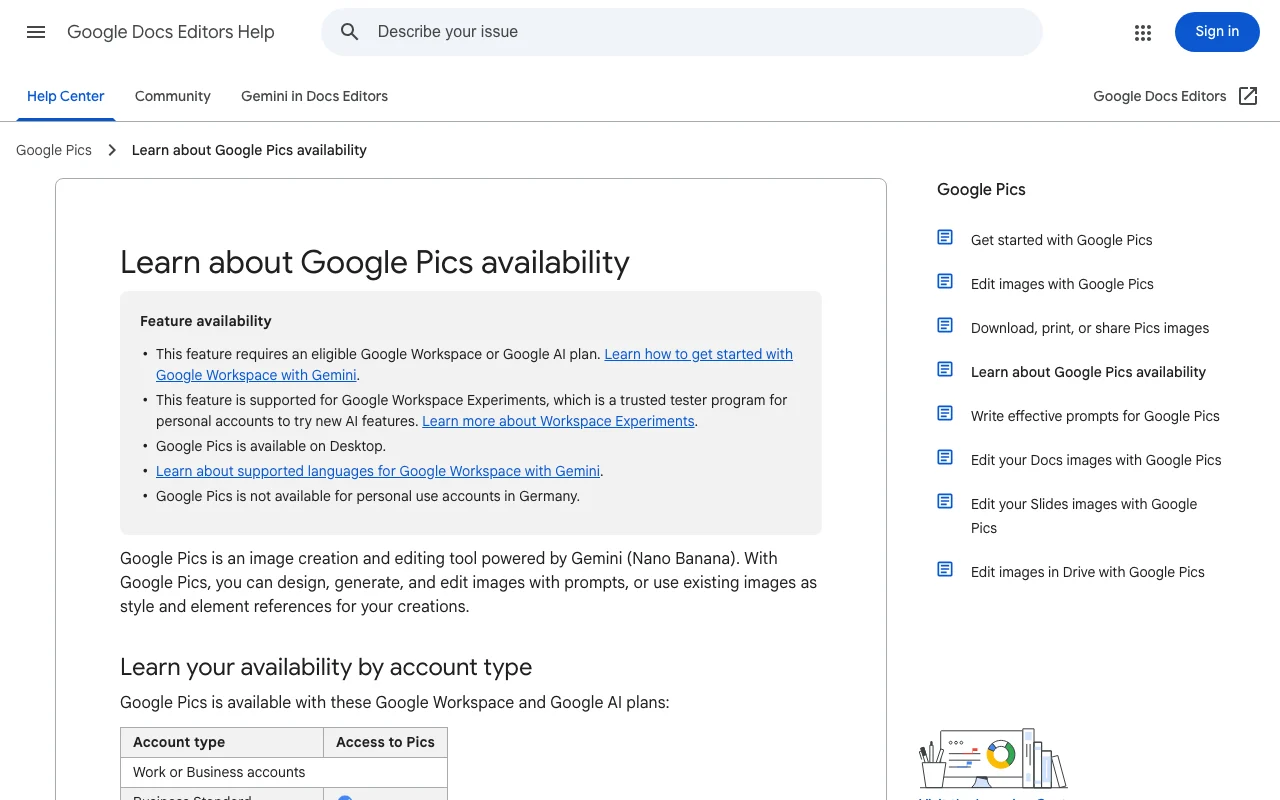
Official help page states it is available on desktop (web) only
Google Pics in the news
Headlines from US outlets, selected automatically — not endorsements. Updated Oct 2, 2026
Eligibility not explicitly listed in captured text
Usage caps, credits and extra costs
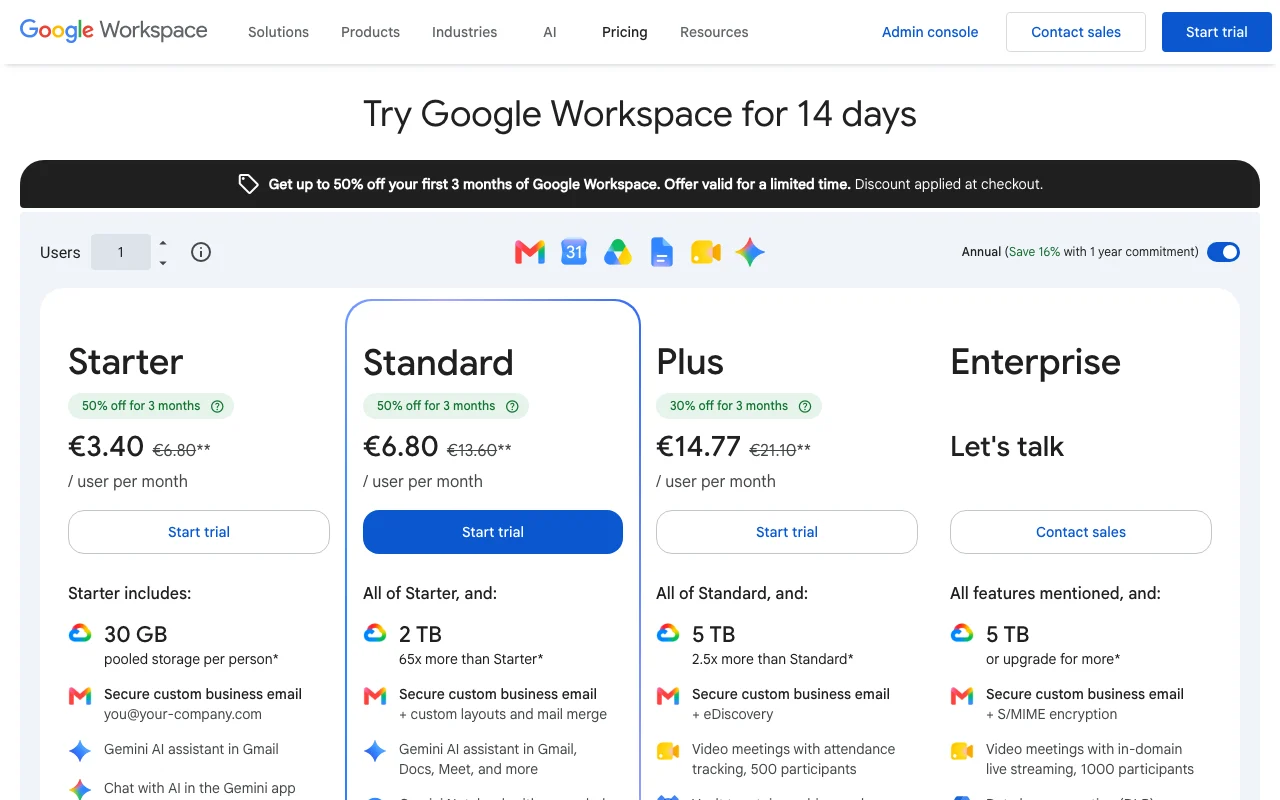
Not sold separately; Workspace prices were shown in EUR.
Workspace prices exclude tax.
What is Google Pics, and how does it work?
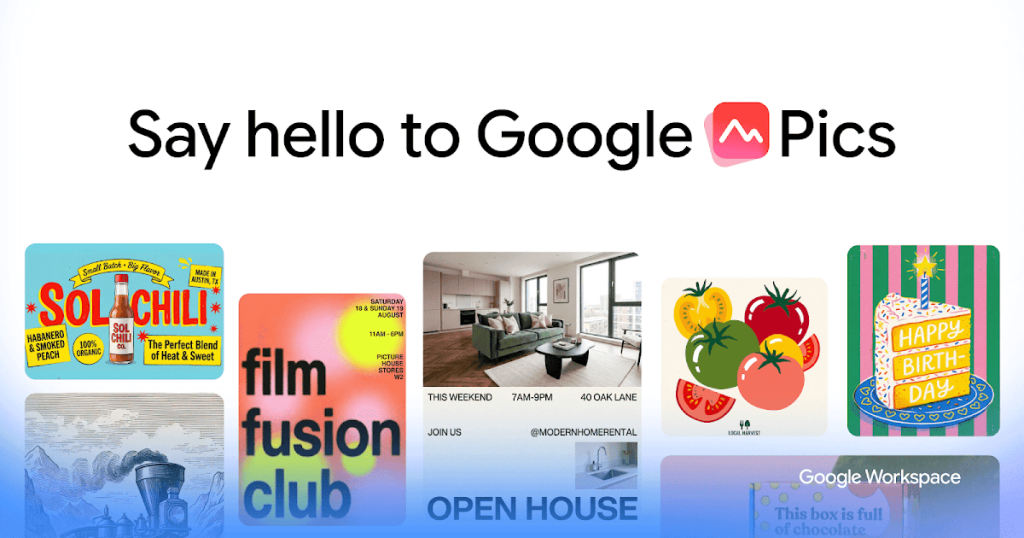
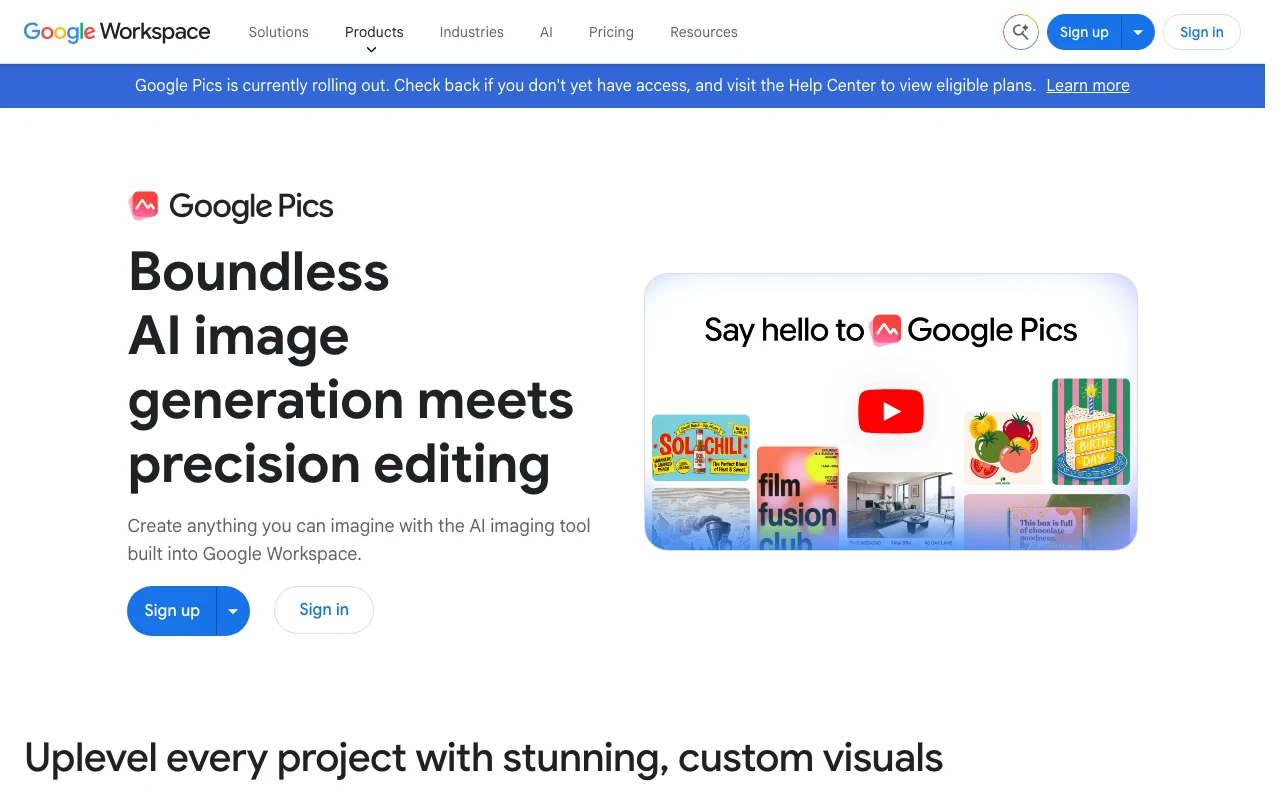
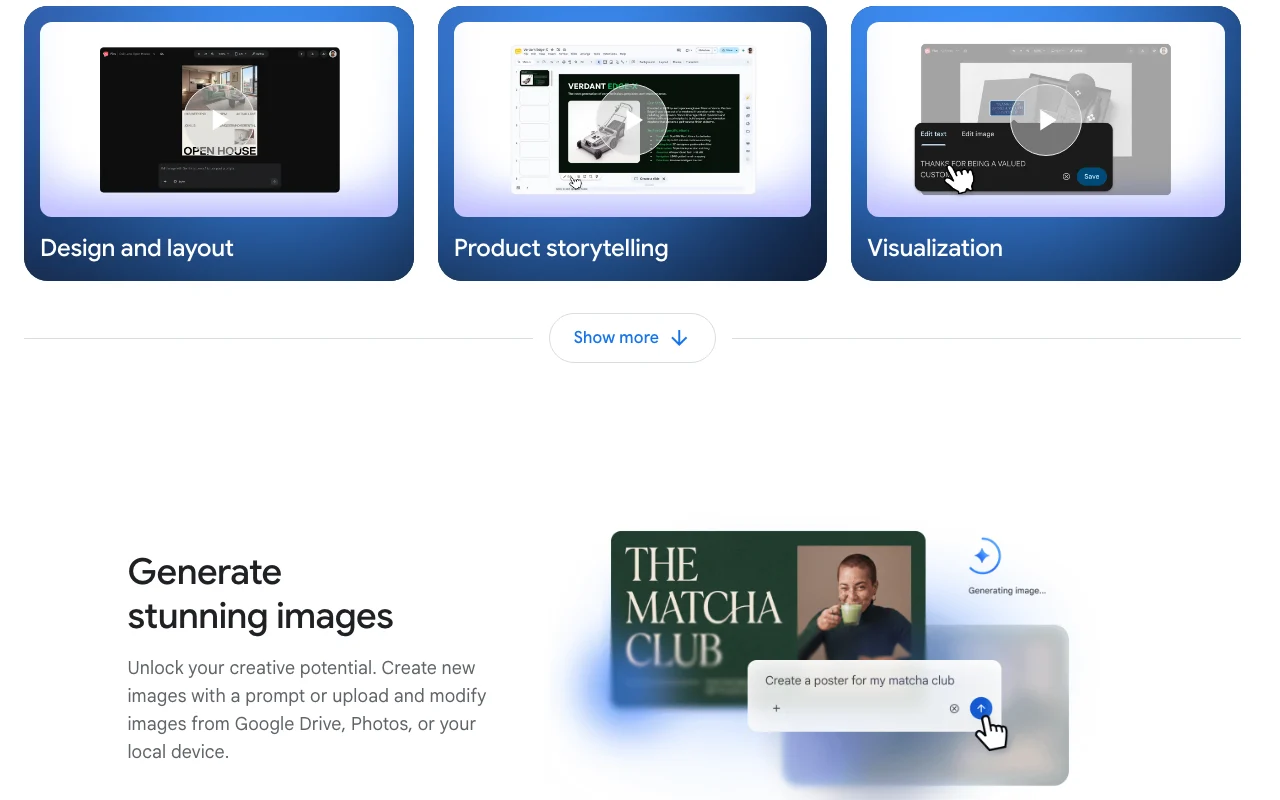
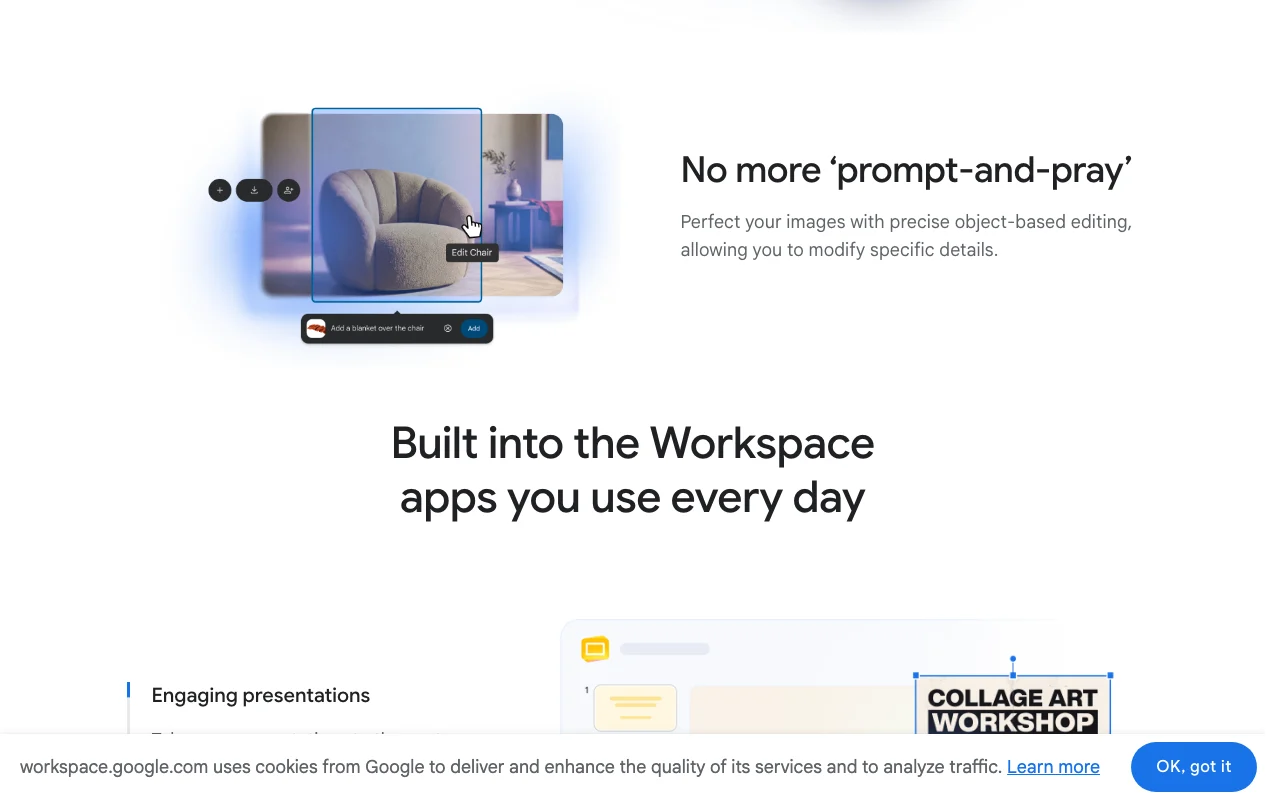
Google Pics is an AI image creation and editing tool built into Google Workspace and powered by Gemini image models ("Nano Banana"). You can generate images from a text prompt or upload existing images from Drive, Photos or your computer and edit them with object-based prompts, style references and batch edits.
It runs on the web as a standalone app and through integrations in Google Drive, Slides and Docs, with creations synced across them and shareable via links like other Workspace files. Access is bundled with eligible Workspace business plans and Google AI Pro/Ultra subscriptions rather than sold separately.
Google Pics's official site: how the product presents itself. workspace.google.com, captured Oct 1, 2026
What you provide and what you get back
What you give Google Pics and what comes back, from its documentation
You provide
Text prompt
Images uploaded from Drive, Photos or computer
Style or element reference images
You get back
Generated images
Edited images
Upscaled images up to 4K
Shareable links to Pics files
Where you can use it
Platforms
Web
Account
Required
Max resolution
Upscaling to 4K (per seed)
Prompt languages
About 29 (per seed)
Model
Gemini image models (Nano Banana)
Surfaces
Web app, Drive, Slides, Docs
Where Google Pics is most useful
Scenarios are worked out by our editors from the documentation; the actual result depends on your input and plan.
Included with Business Standard and higher Workspace plans and Google AI Pro/Ultra No extra purchase for existing Workspace Standard+ users.documentedsource (opens in a new tab)
Works directly inside Docs, Slides and Drive Images flow into slides and documents without exporting.documentedsource (opens in a new tab)
Supports prompts in ~29 languages Non-English teams can prompt in their language.documentedsource (opens in a new tab)
Available in all countries that support Workspace accounts Broad geographic coverage for Workspace tenants.documentedsource (opens in a new tab)
Check before paying for Google Pics
No standalone free or individual plan; requires an eligible Workspace or Google AI plan Individuals without a qualifying plan cannot use it.documentedsource (opens in a new tab)
Generative features are subject to usage limits, with higher promotional limits only guaranteed through Feb 28, 2027 Heavy generation may hit caps and limits may change after the promotion.documentedsource (opens in a new tab)
Official help page states it is available on desktop (web) only Mobile-only workflows are not supported.documentedsource (opens in a new tab)
Not available for personal accounts in Germany German personal-account users are excluded.documentedsource (opens in a new tab)
How to use Google Pics for creating an illustration for a slide
Google Pics help center. support.google.com, captured Oct 1, 2026
Set up Google Pics
Confirm your account has Workspace Business Standard or higher, or Google AI Pro/Ultra, on the help page
Open Pics from workspace.google.com/products/pics (Sign in) or from Google Drive
Choose to start from a text prompt or upload an image from Drive, Photos or your computer
Optionally add style or element reference images
Example: creating an illustration for a slide
Type a prompt describing the illustration and generate
Select an object in the result and edit it with an object-based prompt
Upscale the finished image up to 4K
Insert it into Slides or Docs, or share the Pics link
Review and export the result
Check the image appears in Drive as a Pics file
Confirm the shared link opens for teammates with edit access
Check whether a usage-limit message appears after repeated generations
Example prompt suggested by our editors (not a recorded output of the product)
A flat-style illustration of a team reviewing a quarterly roadmap on a whiteboard, soft blue palette, 16:9
Google Pics API
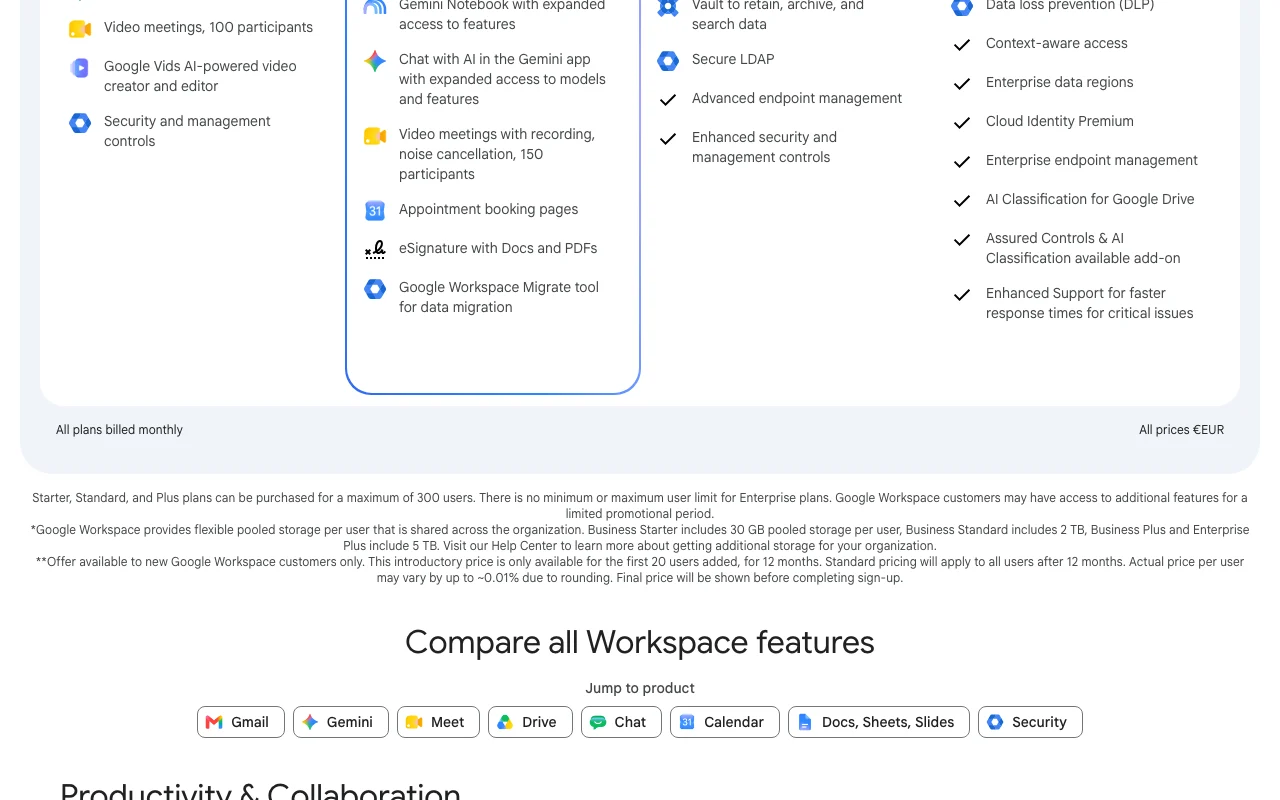
Plan comparison on the official pricing page. workspace.google.com, captured Oct 1, 2026
API access and separate billing
Google Pics has no public API in its official documentation. No API described
Other tools to consider instead of Google Pics
"Better suited" is based on documented features and pricing, not on a head-to-head test.
Workspace customers on Business Standard and higher, and Google AI Pro and Ultra subscribers. source (opens in a new tab)
Where can I use Pics?
On the web as a standalone app and through integrations in Google Drive, Slides and Docs, with creations synced across them. source (opens in a new tab)
Can I edit my own photos or only generate new ones?
Both: write a prompt to generate from scratch, or upload images from Drive, Photos or your computer to edit, refine or add elements, including object-based edits. source (opens in a new tab)
How is Pics different from Google Photos?
Pics is a creative tool to generate and edit images for work, home and school, while Photos backs up, organizes and edits personal memories. source (opens in a new tab)
Are there usage limits?
Yes, generative features have usage limits; higher promotional limits are only guaranteed through Feb 28, 2027, per the help page recorded in the seed. source (opens in a new tab)
Not verified: USD pricing; Privacy and training terms for Pics; Exact usage limits; Mobile availability.
How we documented and maintain this page
Every fact about Google Pics above comes from the 3 official pages listed here, last compared on Oct 1, 2026; we have not run Google Pics ourselves, so it has no editorial score. How we check and re-check pages.
Article updated Oct 10, 2026; prices checked Oct 1, 2026. Outbound links to vendors are plain links; we do not earn commissions. How we review · Report an error