Image generationDocumented overviewLast checked Oct 11, 2026

Logo Diffusion: Pricing, Features & Best Use Cases

Logo concepts generated from text, sketches or images, then refined, vectorized and exported as SVG or transparent PNG.
Who should use Logo Diffusion

Logo Diffusion suits people who want to explore many logo ideas and export vectors, with a free plan for testing and paid plans from $24/mo that add a commercial license. Based on the vendor's documentation, not on a hands-on test.

Best for: Founders exploring logo concepts

Also a good fit for

  • Designers needing fast drafts and vectors
  • Small agencies

Consider another tool if you need a finished brand kit for a one-time fee

Or if

  • You need commercial use without paying
  • You work at a company over $1M revenue and do not want the Elite plan

Logo Diffusion pricing and usage limits

Prices checked Oct 11, 2026 on the official US pricing page. Official pricing ↗ Prices and limits change often.

Free access and trial conditions

Lasting Free plan: $0/mo, 24 credits per month, watermarked 512x512 downloads, no commercial license.

Paid plans: what changes as you upgrade

Free Web

Free source (opens in a new tab)

Monthly

For: Trying the tool

Limits

  • 24 credits/month (~12 logos)
  • 1 concurrent generation
1 more
  • Watermarked 512x512 downloads

Includes

  • Image to Logo: 3 of 8 styles
  • Magic Editor and Mockups: base models

Basic Web

$24 source (opens in a new tab)

Monthly

Yearly billing gives 2 months free; yearly price not shown

For: Individuals making a few brands

Limits

  • 1,000 credits/month (~500 logos)
  • Up to 200 vectorizer exports
1 more
  • Up to 500 background removals

Includes

  • Commercial license
  • Watermark-free, unlimited downloads
2 more
  • Vector export
  • All 8 Image to Logo styles

Pro Web

$49 source (opens in a new tab)

Monthly

Yearly billing gives 2 months free; yearly price not shown

For: Designers with steady logo work

Limits

  • 2,500 credits/month (~1,250 logos)
  • 3 concurrent generations
1 more
  • Up to 500 vectorizer exports

Includes

  • Commercial license
  • 2x and 4x upscaler
2 more
  • Private generation
  • All models

Elite Web

$99 source (opens in a new tab)

Monthly

Yearly billing gives 2 months free; yearly price not shown

For: Agencies and staff of companies over $1M revenue

Limits

  • 6,000 credits/month (~3,000 logos)
  • 4 concurrent generations
1 more
  • Up to 1,200 vectorizer exports

Includes

  • Commercial license
  • Up to 3,000 background removals
2 more
  • Private generation
  • All models

Starter Pack Web

$59 one-time source (opens in a new tab)

One-time

For: One-off logo project

Limits

  • 1,500 credits
  • 6 downloads
1 more
  • Valid for 90 days

Includes

  • All tools

Usage caps, credits and extra costs

Starter Pack $59 one-time (1,500 credits, 6 downloads, valid 90 days); switching to monthly gives a $15 credit on the first month.

What is Logo Diffusion, and how does it work?

Logo Diffusion is a web app that generates logos with AI from a text prompt, a sketch or an uploaded image. Each generation gives up to four options. Post-production tools include a Magic Editor, a Vectorizer, a background remover, a 2x/4x upscaler, style transfer and a mockup generator. Work is paid for with monthly credits.

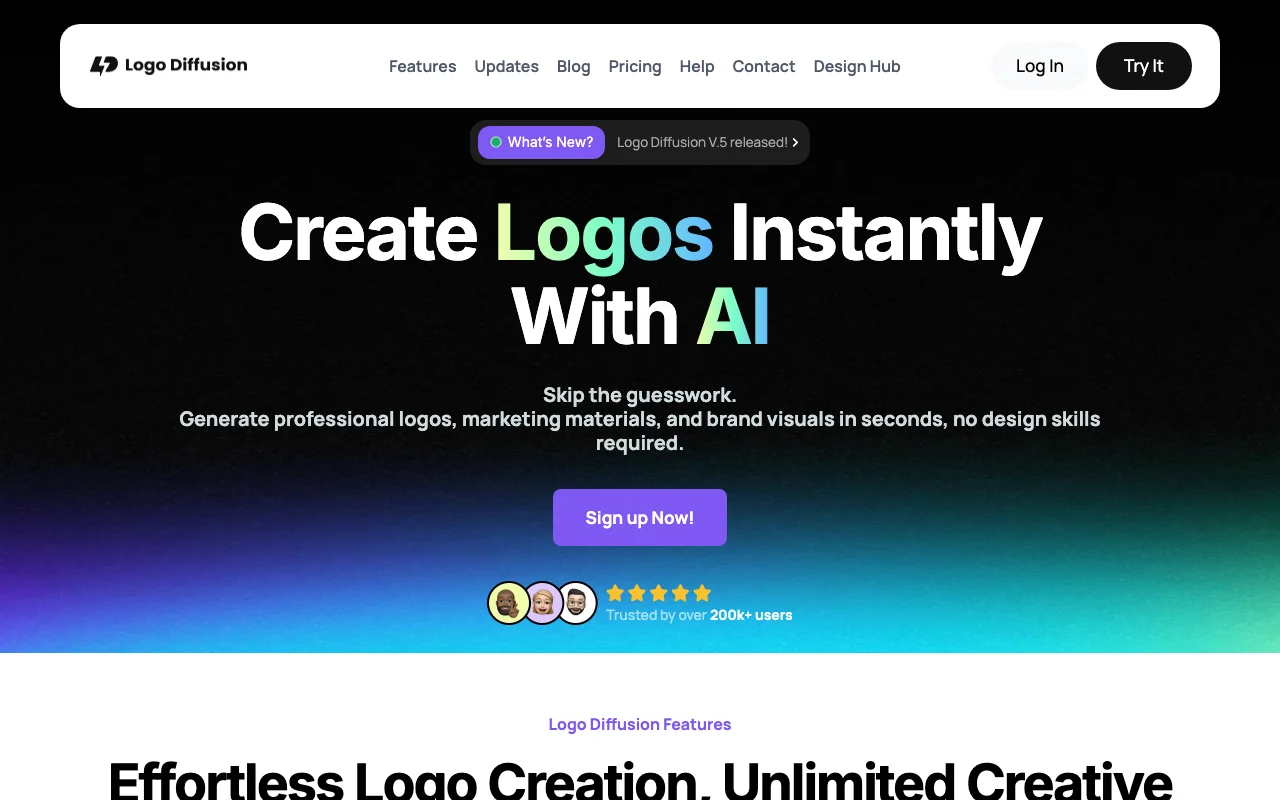
Logo Diffusion homepage — screenshot of the image generation AI tool, Oct 13, 2026
Logo Diffusion's official site: how the product presents itself. logodiffusion.com, captured Oct 13, 2026

What you provide and what you get back

How Logo Diffusion works: what you provide, where it runs and what you get backYOU PROVIDEYour inputText prompt describing the logoSketch drawn on the built-in canv…Uploaded photo, image or existing…IMAGE GENERATIONLogo DiffusionWebfrom $24 (Basic)free tier availableaccount requiredchecked Oct 11, 2026YOU GET BACKThe resultLogo options (up to four per gene…Vector SVG filesTransparent PNG filesMockup images up to 4Kinput → Logo Diffusion → output · from the vendor's own pages, no hands-on test unless stated
What you give Logo Diffusion and what comes back, from its documentation

You provide

  • Text prompt describing the logo
  • Sketch drawn on the built-in canvas
  • Uploaded photo, image or existing logo

You get back

  • Logo options (up to four per generation)
  • Vector SVG files
  • Transparent PNG files
  • Mockup images up to 4K

Where you can use it

Platforms
Web
Account
Required
Works offline
No

Where Logo Diffusion is most useful

Scenarios are worked out by our editors from the documentation; the actual result depends on your input and plan.

Generating logo concepts from a text description

Who
Founders and small business owners
You provide
Brand name and a short description
Expected result
Several logo options in chosen styles
Plan needed
Free to try; Basic or higher for commercial use
Limitation
Free plan has 24 credits per month source (opens in a new tab)

Turning a sketch into logo options

Who
Designers
You provide
Sketch made with brushes, shapes and fonts
Expected result
Polished logo options based on the sketch
Plan needed
Any plan
Limitation
Credits are used per generation source (opens in a new tab)

Restyling an existing logo or image

Who
Brands refreshing a logo
You provide
Uploaded logo or photo plus optional prompt
Expected result
New logo versions in a different style
Plan needed
Free: 3 of 8 styles; paid: all 8
Limitation
Free plan limits Image to Logo styles source (opens in a new tab)

Converting a logo to vector

Who
Designers preparing print files
You provide
Generated or uploaded logo
Expected result
Layered SVG with gradient support
Plan needed
Basic or higher
Limitation
Vector export not on the Free plan; monthly vectorizer caps source (opens in a new tab)

Creating logo mockups

Who
Agencies presenting to clients
You provide
Finished logo
Expected result
Scene mockups with set lighting, angle and material
Plan needed
Any plan (paid plans unlock all models)
Limitation
Free plan uses base models only source (opens in a new tab)

What Logo Diffusion does, and where it stops

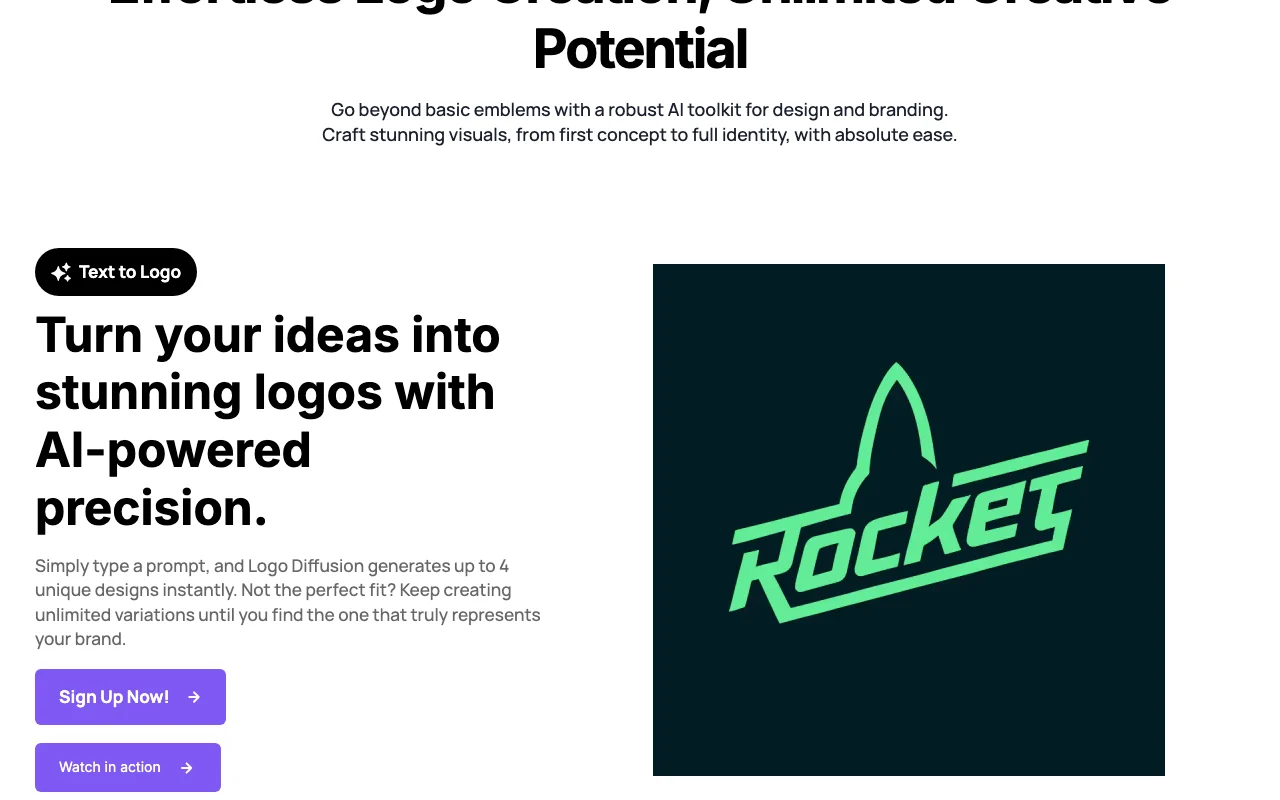
Logo Diffusion homepage — screenshot of the image generation AI tool, Oct 13, 2026
Feature overview on the official site. logodiffusion.com, captured Oct 13, 2026

Text to Logo

Generates logos from a text prompt, with prompt optimization and 11 styles Test one idea across many styles fast

Access: All plansLimit: Uses credits for each generation source (opens in a new tab)

Sketch to Logo

Turns a drawing made on a canvas with brushes, shapes and fonts into logo options Keeps your own layout idea

Access: All plansLimit: Uses credits source (opens in a new tab)

Image to Logo

Creates logos from an uploaded photo, image or logo with an optional prompt Redesign an existing mark

Access: Free: 3 of 8 styles; paid: all 8Limit: Style choice limited on Free source (opens in a new tab)

Magic Editor

Swaps text, makes variations, builds a logo system or an icon set in the same style Extend one logo into a set

Access: Free: base models; paid: all modelsLimit: Full model access only on paid plans source (opens in a new tab)

Vectorizer

Converts logos to vector files with layers and gradients, in Quality or Standard mode Gives scalable files for print

Access: Basic and higherLimit: Monthly caps, e.g. up to 200 exports on Basic source (opens in a new tab)

Upscaler and background remover

Upscales 2x or 4x with a creativity slider and removes backgrounds Prepares clean, larger files

Access: Basic (2x only) and higher; 4x from ProLimit: Not on Free; capped per month source (opens in a new tab)

Logo Diffusion: strengths and limits

Where Logo Diffusion is strong

Limitations to check before paying

  • Free downloads are watermarked at 512x512 Free output is not usable as a final logo documented source (opens in a new tab)
  • Free plan has no commercial license (CC BY-NC 4.0 per terms) Business use requires a paid plan documented source (opens in a new tab)
  • Staff at employers with over $1M yearly revenue need Elite or Enterprise to own assets Larger companies face $99/mo per person or more documented source (opens in a new tab)
  • Generations are public and remixable by default Confidential brand work needs a plan with private generation documented source (opens in a new tab)

How to use Logo Diffusion for creating a logo from a text prompt

Set up Logo Diffusion

  1. Open app.logodiffusion.com and create an account
  2. Pick the Free plan to test or a paid plan for commercial use
  3. Choose a starting point: Text to Logo, Sketch to Logo or Image to Logo

Example: creating a logo from a text prompt

  1. Type a short description of your brand and logo idea
  2. Select a style or test the idea across styles
  3. Generate and review the up to four options
  4. Refine the best one in the Magic Editor
  5. Vectorize and download as SVG or transparent PNG

Review and export the result

  1. Confirm the download has no watermark and the right resolution
  2. Check your plan allows commercial use before publishing the logo
Example prompt suggested by our editors (not a recorded output of the product)
Minimal logo for a coffee roastery called North Bean, a mountain inside a coffee bean, flat style, two colors

Logo Diffusion integrations and API

Native integrations and export formats

Export: SVG, PNG (transparent)

API access and separate billing

Logo Diffusion has no public API in its official documentation. No API mentioned on official pages checked

Privacy, data use and commercial rights

Summarized from the vendor's current policies; this is not legal advice and a vendor's badge is not an independent audit.

How your inputs and outputs are handled

Generations are publicly viewable and remixable by default; Logo Diffusion gets a license to prompts and assets.

Commercial use and plan restrictions

Paid members own their assets; free users get CC BY-NC 4.0. Staff of employers with over $1M revenue need Elite or Enterprise.

Pricing table lists private generation on paid plans; terms say Elite can bypass public defaults.

Policies: logodiffusion.com/tos logodiffusion.com/privacy

Explore Logo Diffusion further

If you are looking at Logo Diffusion

Logo Diffusion user reviews

No user reviews yet.

Used Logo Diffusion? Be the first to share your experience.

Write a review

Reviews are checked by a moderator before they appear. Your email is never published. Plain text only.

Your rating (required)

Show what you made or what went wrong. Images are published only if the review is approved; location data is removed.

    Logo Diffusion FAQ

    Can I use Logo Diffusion logos commercially on the Free plan?

    No. Free users get a CC BY-NC 4.0 noncommercial license. Paid plans include a commercial license. source (opens in a new tab)

    What does the Starter Pack include?

    It costs $59 one-time and gives 1,500 credits, 6 downloads and all tools, valid for 90 days. source (opens in a new tab)

    Can I export my logo as a vector?

    Yes, on Basic and higher. The Vectorizer exports SVG with layers and gradients. The Free plan has no vector export. source (opens in a new tab)

    Are my generations private?

    Not by default. Images are public and remixable unless your plan offers private generation. source (opens in a new tab)

    Do I need design experience?

    No. You can start from a text prompt, sketch or image, and each generation gives up to four options. source (opens in a new tab)

    Sources and review methodology

    Official sources and verification dates

    Not verified: Exact yearly prices; Whether inputs are used for model training; Data retention; API availability; Mobile apps; Changelog entries (page not read); Conflicting limits between pricing FAQ and table.

    How we documented and maintain this page

    Every fact about Logo Diffusion above comes from the 3 official pages listed here, last compared on Oct 11, 2026; we have not run Logo Diffusion ourselves, so it has no editorial score. How we check and re-check pages.

    Article updated Oct 11, 2026; prices checked Oct 11, 2026. Outbound links to vendors are plain links; we do not earn commissions. How we review · Report an error