Our take: Mixels suits indie developers and creators who want quick pixel-art sprites and avatars in the browser, with a free tier that includes the editor.
Main limitation: The free plan gives only 3 AI generation tokens, and outputs are typically small pixel sizes from 32x32 to 128x128.
By the AI Tool Atlas editors.
Based on the vendor's official documentation; we have not tested this product hands-on. What “documented overview” means
Who Mixels.ai fits
Mixels suits indie developers and creators who want quick pixel-art sprites and avatars in the browser, with a free tier that includes the editor. Based on the vendor's documentation, not on a hands-on test.
Best for: Indie game developers
Also a good fit for
Pixel artists
Consider another tool if free plan has only 3 AI generation tokens
Or if
Pro limited to 300 tokens per month
Resolutions typically 32x32 to 128x128
Mixels.ai pricing and usage limits
Prices checked Oct 2, 2026 on the official US pricing page. Official pricing ↗ Prices and limits change often.
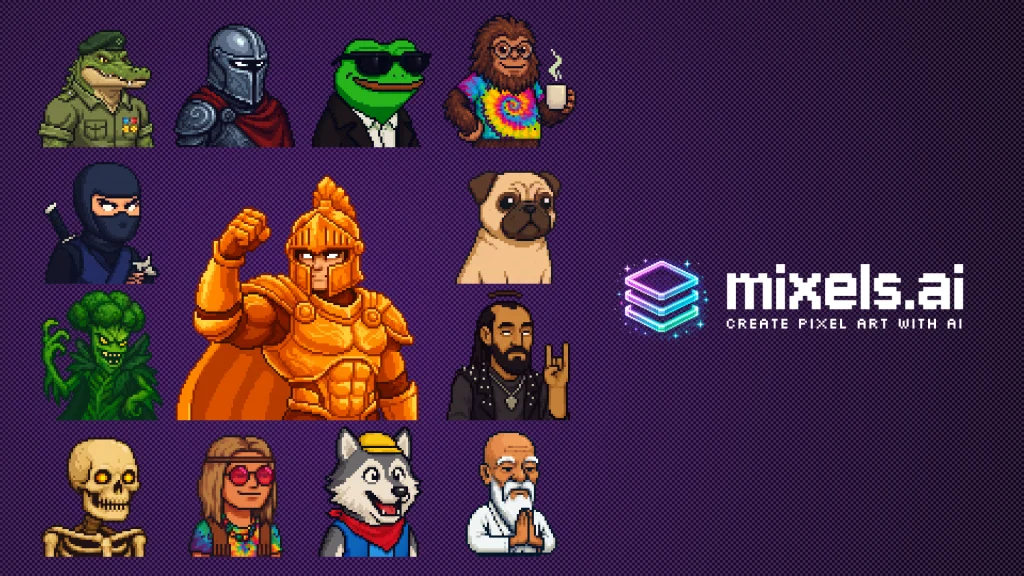
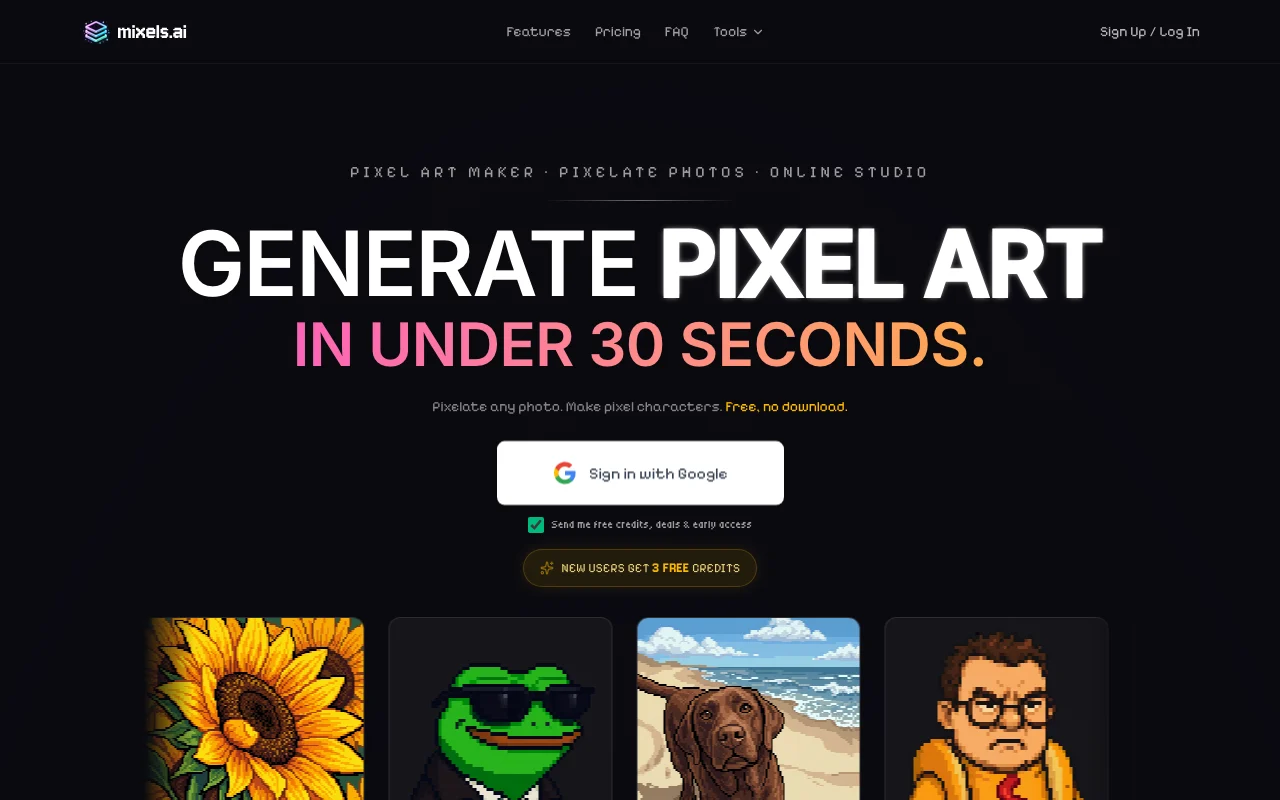
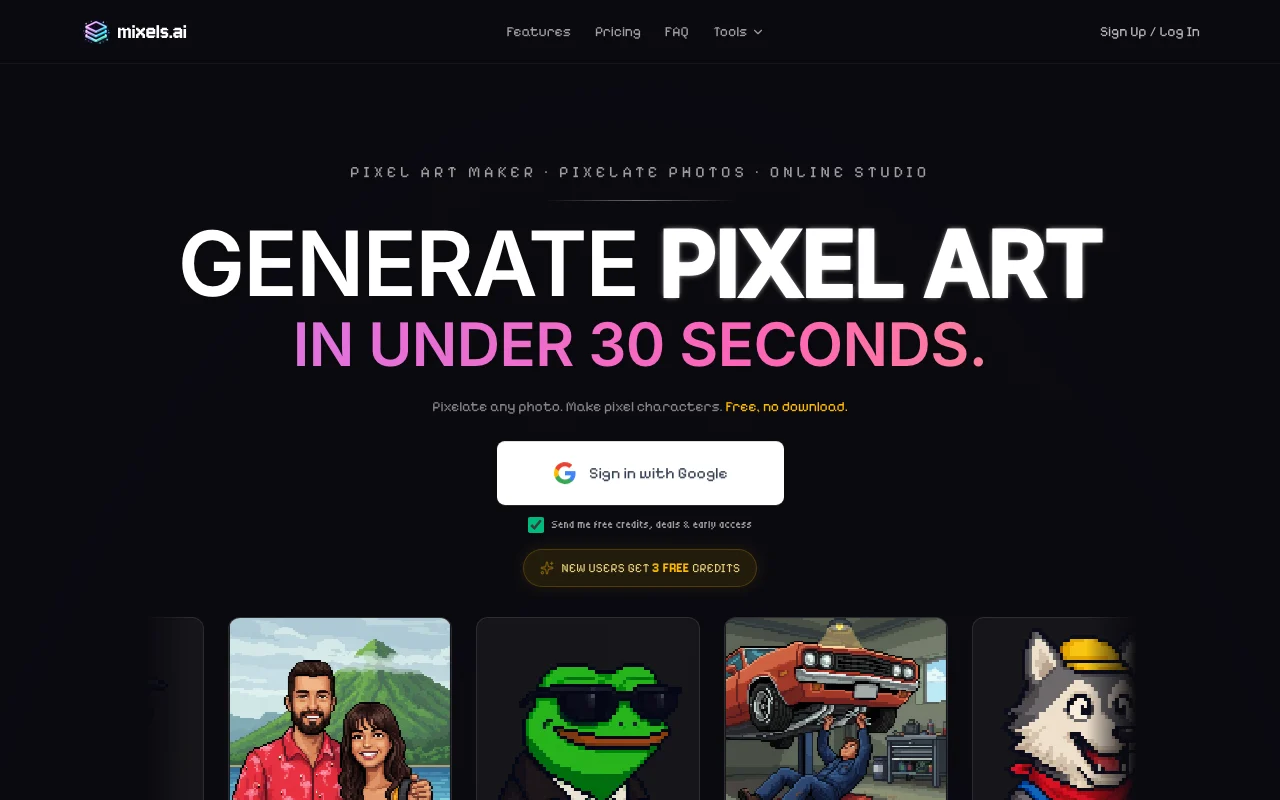
Mixels.ai generates grid-aligned pixel art characters and sprites and converts photos to pixel art. It includes a browser-based Studio editor with layers and PNG export.
The homepage lists a free plan, a Pro plan and a Studio plan, and says no installation is needed.
The official overview says outputs are grid-aligned with limited palettes, in standard sprite sizes (16x16 to 128x128), and exported as transparent PNG for engines such as Unity, Godot and GameMaker. It also lists a Pixel Doctor tool for fixing existing pixel art.
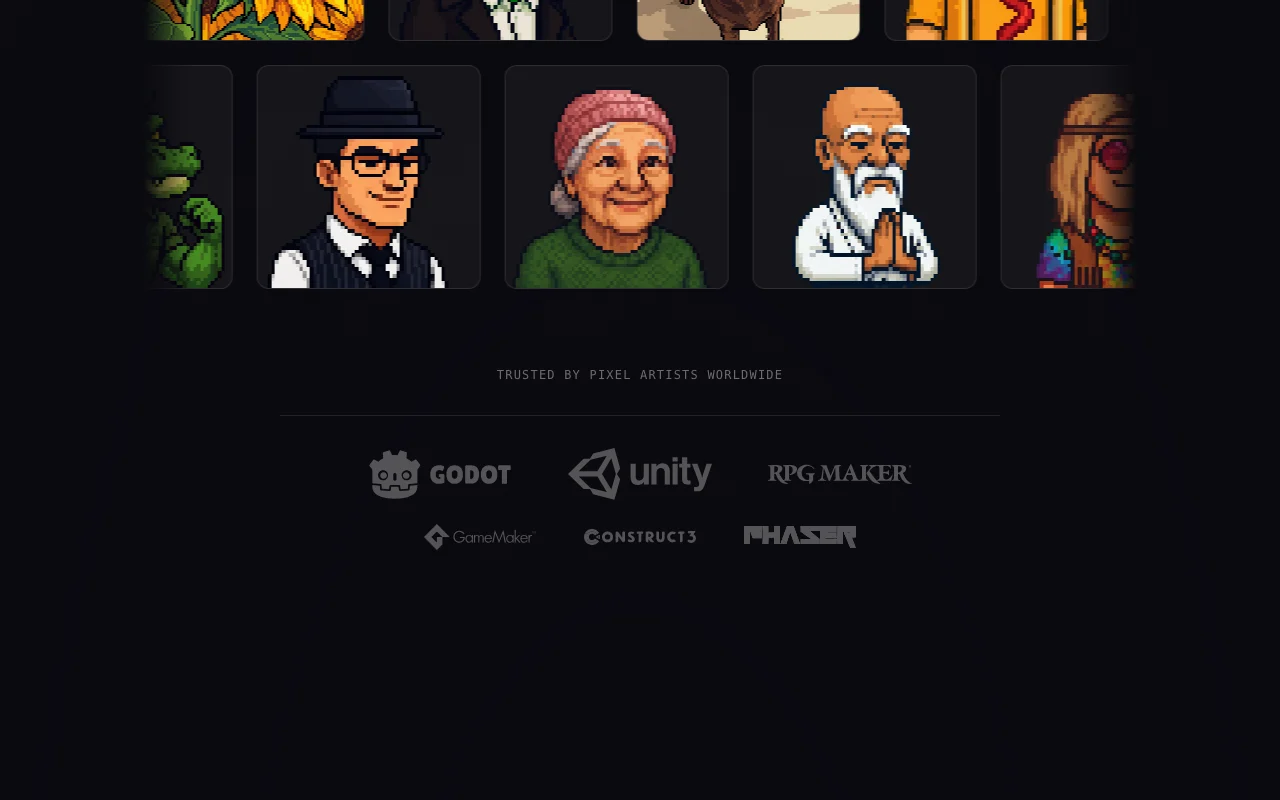
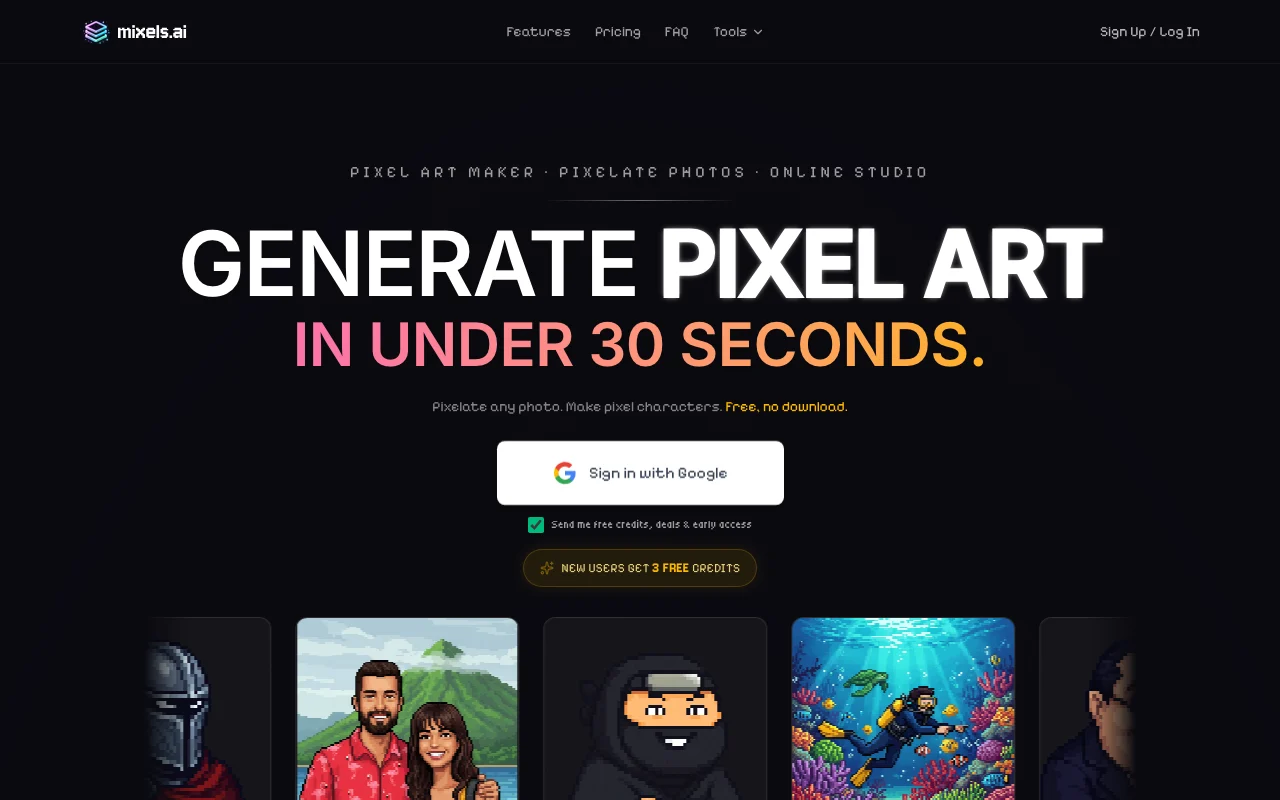
Mixels.ai's official site: how the product presents itself. mixels.ai, captured Oct 2, 2026
What you provide and what you get back
What you give Mixels.ai and what comes back, from its documentation
You provide
Text prompts
Photos to convert
You get back
Pixel-art sprites and avatars
PNG files with transparency
Where you can use it
Platforms
Web
Account
Required
Resolution
Typically 32x32 to 128x128
Export
PNG with transparency
Credits
3 / 300 / unlimited tokens
Commercial use
Stated on homepage
Where Mixels.ai is most useful
Scenarios are worked out by our editors from the documentation; the actual result depends on your input and plan.
Game sprites
Who
Indie game developers
You provide
A character description
Expected result
You get a pixel-art sprite that you can export as a transparent PNG and import into a game engine.
Plan needed
Free or Pro
Limitation
Output stays at small sprite sizes, typically 32x32 to 128x128, and each generation uses tokens from the plan. source (opens in a new tab)
Social avatars
Who
Social media users
You provide
A short prompt
Expected result
You get a pixel-art avatar from a short text prompt that you can export as a PNG.
Plan needed
Free (3 tokens)
Limitation
The free plan has only 3 tokens, so only a few avatar attempts are possible before a paid plan is needed. source (opens in a new tab)
Photo to pixel art
Who
Hobbyists
You provide
A photo
Expected result
You get a pixelated version of your photo that can be edited in the Studio editor and exported as a PNG.
Plan needed
Free or Pro
Limitation
The look of the converted photo depends on how the tool processes the image, and conversion uses tokens. source (opens in a new tab)
Mixels.ai features and their limits
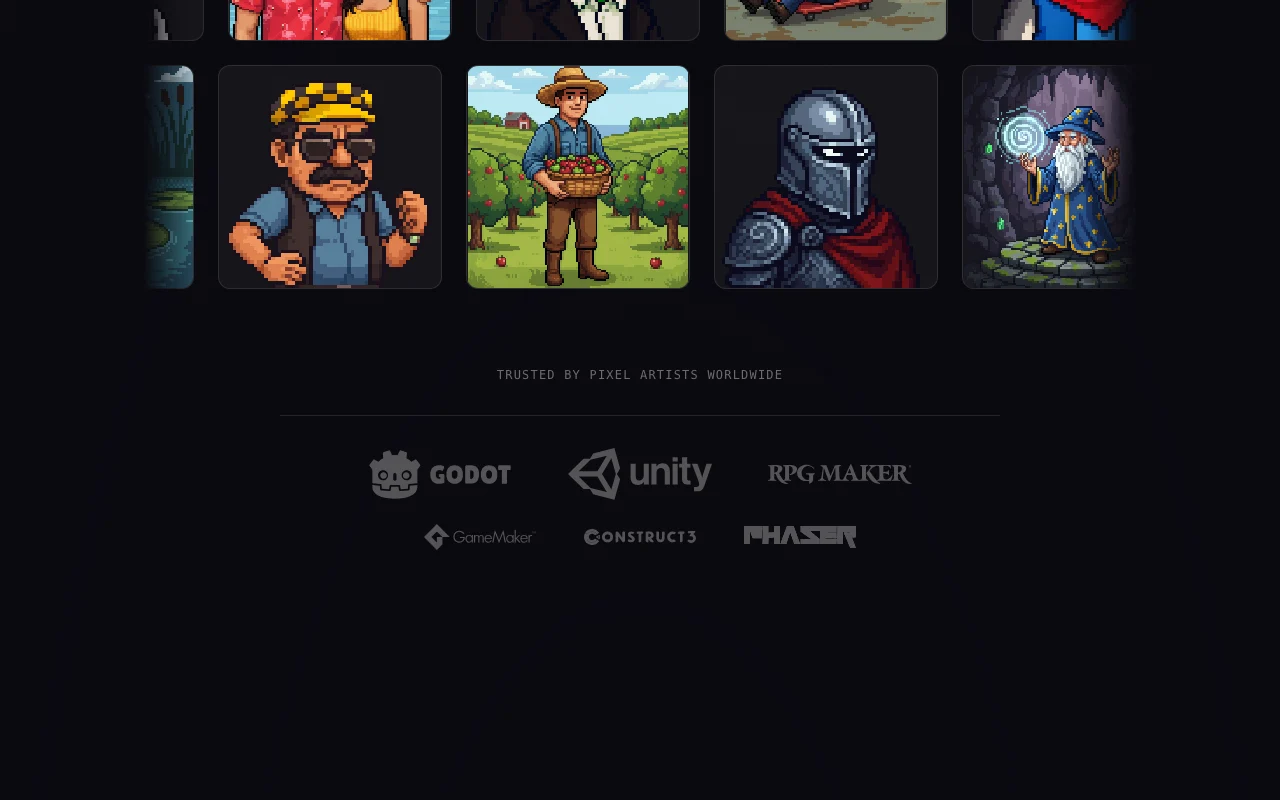
Feature overview on the official site. mixels.ai, captured Oct 2, 2026
AI character generator
Generates characters in pixel-art style from text. Developers and creators can get a first character draft from a text description instead of drawing every pixel by hand.
Access: Free (3 AI tokens), Pro, StudioLimit: Each generation uses AI tokens, so the plan's token allowance caps how many characters you can make.source (opens in a new tab)
Photo to pixel art converter
Converts a photo into pixel art. People who want an avatar from a real picture can convert a photo without redrawing it manually.
Access: Free (3 AI tokens), Pro, StudioLimit: Each conversion uses AI tokens, so the plan's token allowance caps how many photos you can convert.source (opens in a new tab)
Studio editor with layers
Includes a Studio editor with layers. Users can adjust a generated result in layers instead of regenerating it from scratch.
Free plan with Studio editor You can open the Studio editor and try the tool on the free plan before deciding whether to pay for a paid plan.documentedsource (opens in a new tab)
Runs in the browser Because it runs in the browser, you can start making pixel art right away without installing anything on your computer.documentedsource (opens in a new tab)
PNG export with transparency Transparent PNG export means finished sprites can be dropped into game engines such as Unity, Godot or GameMaker without extra background cleanup.documentedsource (opens in a new tab)
Commercial use stated on homepage The homepage states commercial use, so you can check that statement before using the generated art in a paid project.documentedsource (opens in a new tab)
Check before paying for Mixels.ai
Free plan has only 3 AI generation tokens Three free tokens are used up after very few generations, so the free plan is only enough for a short trial of the generator.documentedsource (opens in a new tab)
Pro limited to 300 tokens per month Pro includes 300 tokens per month, so heavy users who generate many sprites may reach the monthly limit before the month ends.documentedsource (opens in a new tab)
Resolutions typically 32x32 to 128x128 Output sizes are typically 32x32 to 128x128, so the tool does not suit work that needs high-resolution artwork.documentedsource (opens in a new tab)
Account likely required to save projects The profile says an account is likely needed to save projects, so expect to sign up before you can keep your work.documentedsource (opens in a new tab)
How to use Mixels.ai for making a pixel-art sprite
Set up Mixels.ai
Open mixels.ai in a browser.
Start with the free plan.
Open the character generator.
Example: making a pixel-art sprite
Describe your character.
Generate and pick a result.
Refine it in the Studio editor.
Export as PNG.
Review and export the result
Check the PNG has a transparent background.
Check the resolution fits your game grid.
Example prompt suggested by our editors (not a recorded output of the product)
A small knight with a red cape, 64x64 pixel art, side view.
Privacy, data use and commercial rights
Summarized from the vendor's current policies; this is not legal advice and a vendor's badge is not an independent audit.
Not verified: Separate pricing page; Privacy terms; API.
How we documented and maintain this page
Every fact about Mixels.ai above comes from the 2 official pages listed here, last compared on Oct 2, 2026; we have not run Mixels.ai ourselves, so it has no editorial score. How we check and re-check pages.
Article updated Oct 2, 2026; prices checked Oct 2, 2026. Outbound links to vendors are plain links; we do not earn commissions. How we review · Report an error

 (open full size in a new tab)
 (open full size in a new tab)
 (open full size in a new tab)
 (open full size in a new tab)
 (open full size in a new tab)
 (open full size in a new tab)