Free version web
Free source (opens in a new tab)
Unknown
For: Trying the service
Limits
- Limited functionality per Terms of Use
Includes
- Create, store and download visualizations (limited)

Image generationDocumented overviewLast checked Oct 2, 2026
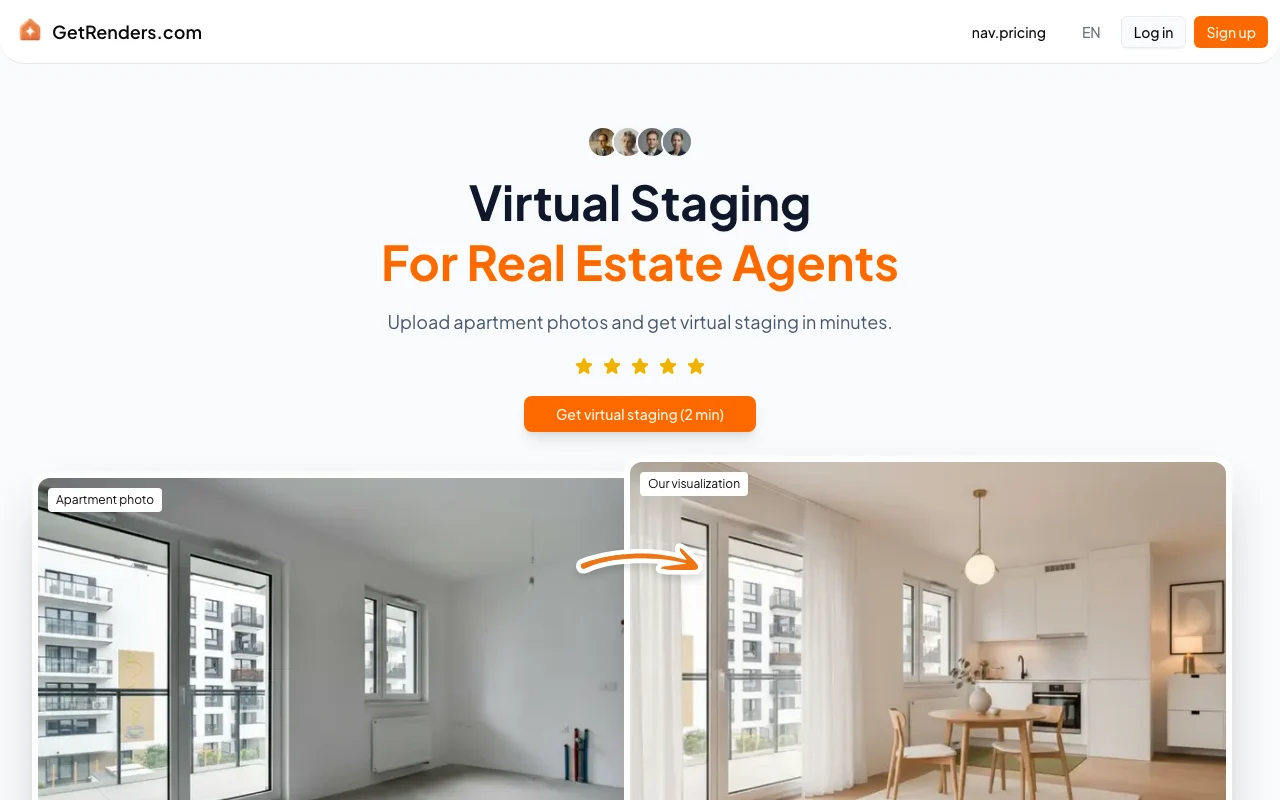
AI virtual staging service for real estate agents: upload room photos, get staged images.

 (open full size in a new tab)
 (open full size in a new tab)
 (open full size in a new tab)
 (open full size in a new tab)
 (open full size in a new tab)
 (open full size in a new tab)
Our take: GetRenders suits real estate agents who want to turn photos of empty rooms into staged listing images in minutes, but its prices are not shown on the fetched pages.
Main limitation: Pricing is not public on the pages checked and an account is required before any order.
GetRenders suits real estate agents who want to turn photos of empty rooms into staged listing images in minutes, but its prices are not shown on the fetched pages. Based on the vendor's documentation, not on a hands-on test.
Also a good fit for
Or if
Prices checked Oct 2, 2026 on the official US pricing page. Prices and limits change often.
Terms of Use say a free version with limited functionality exists; its exact limits are not stated.
Free source (opens in a new tab)
Unknown
For: Trying the service
Limits
Includes
See official pricing source (opens in a new tab)
Unknown
Terms say billing is monthly or annual, but no prices or mapping appear on the fetched pages.
For: Agents staging listings regularly
Limits
Includes
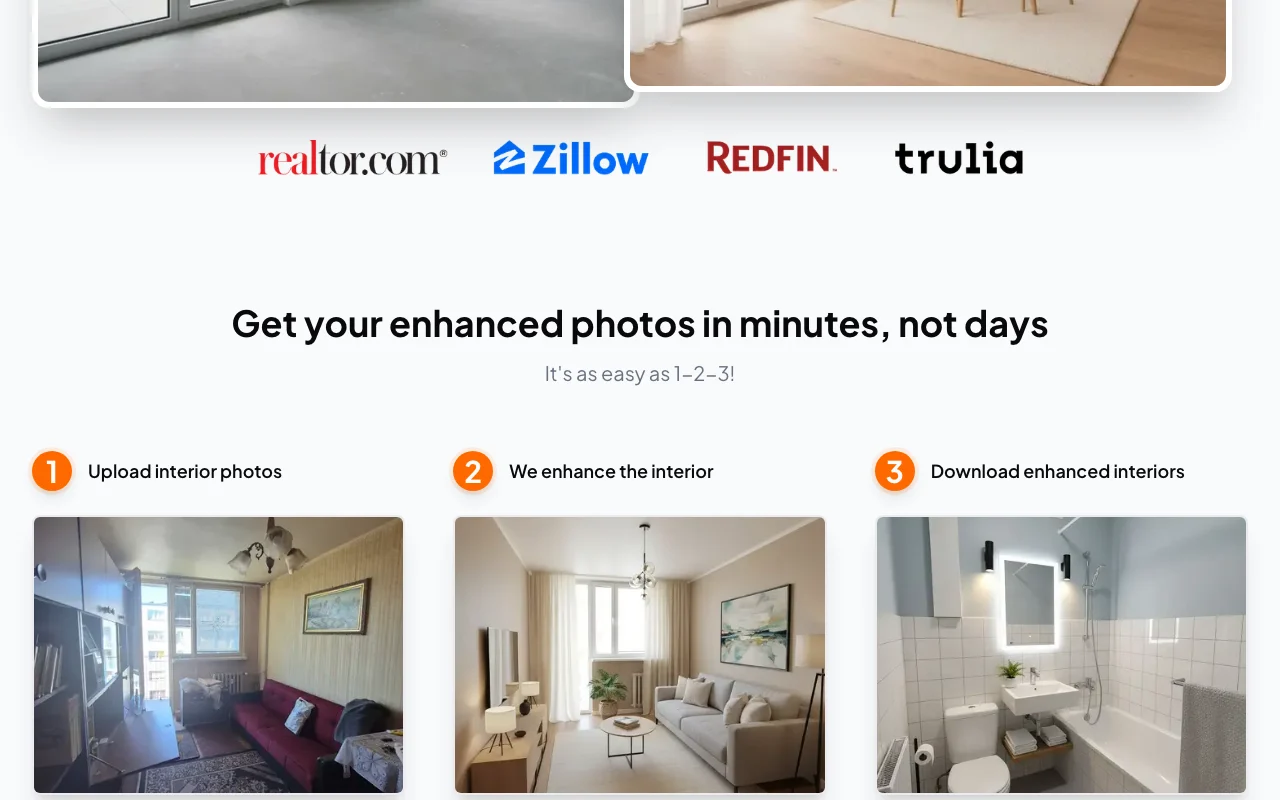
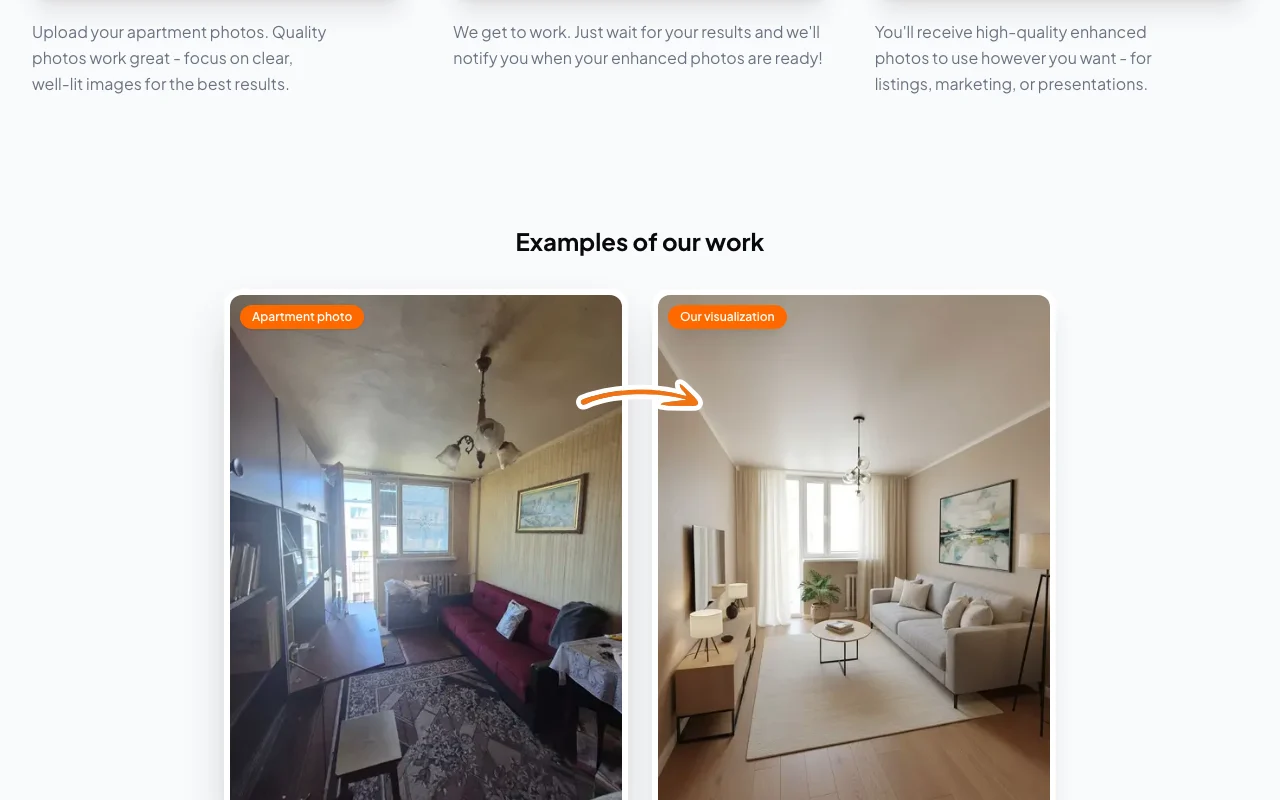
GetRenders is a virtual staging service for real estate agents. Users upload interior photos, the service enhances them with furnished interiors, and the finished images are delivered for download. The site lists room types (living room, bedroom, kitchen, bathroom, office), design style options, an API link and a free generator, and states users get full commercial rights to their images.
You provide
You get back
Scenarios are worked out by our editors from the documentation; the actual result depends on your input and plan.
Accepts interior photos in a three-step flow and returns enhanced, furnished versions the user is notified about when ready. Avoids physical staging costs.
Offers several design styles that can be chosen per listing to match the property. Matches the look to the buyer audience.
Covers room types including living room, bedroom, kitchen, bathroom and office. Lets one tool stage a whole property.
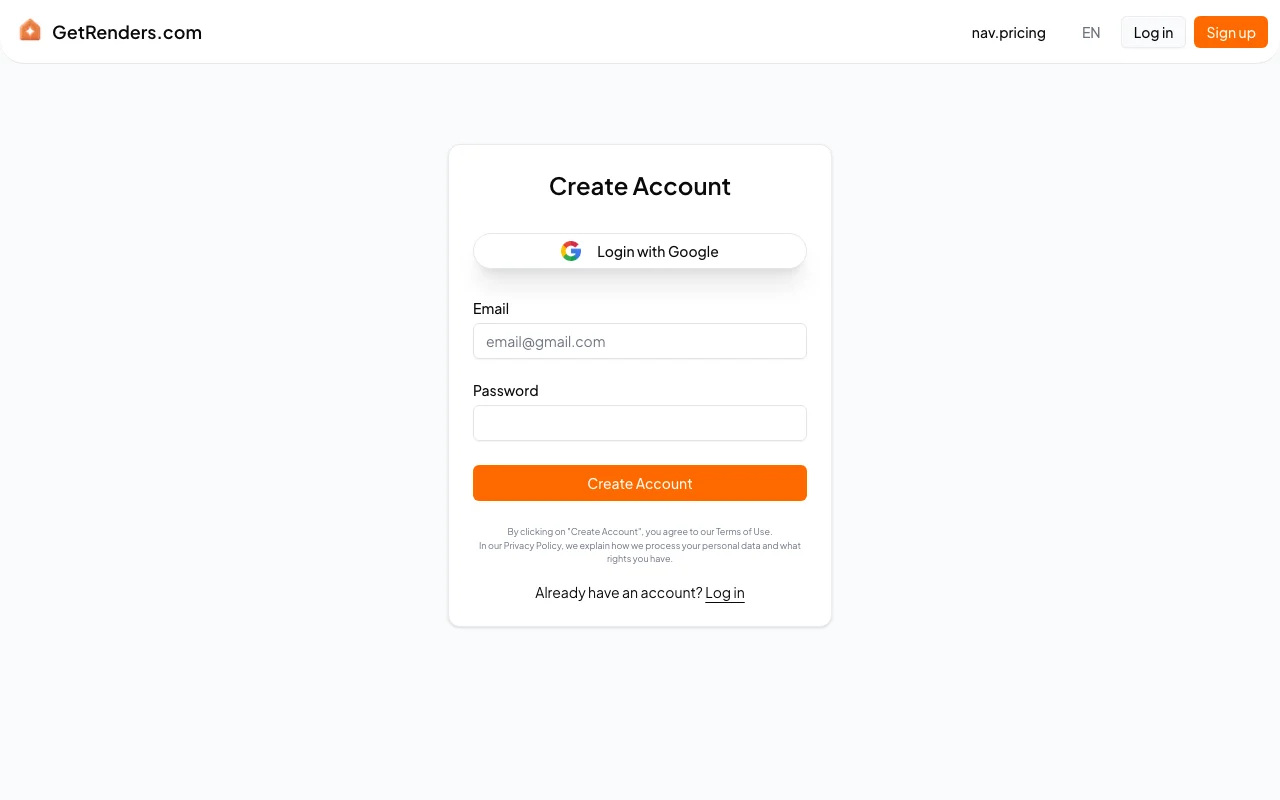
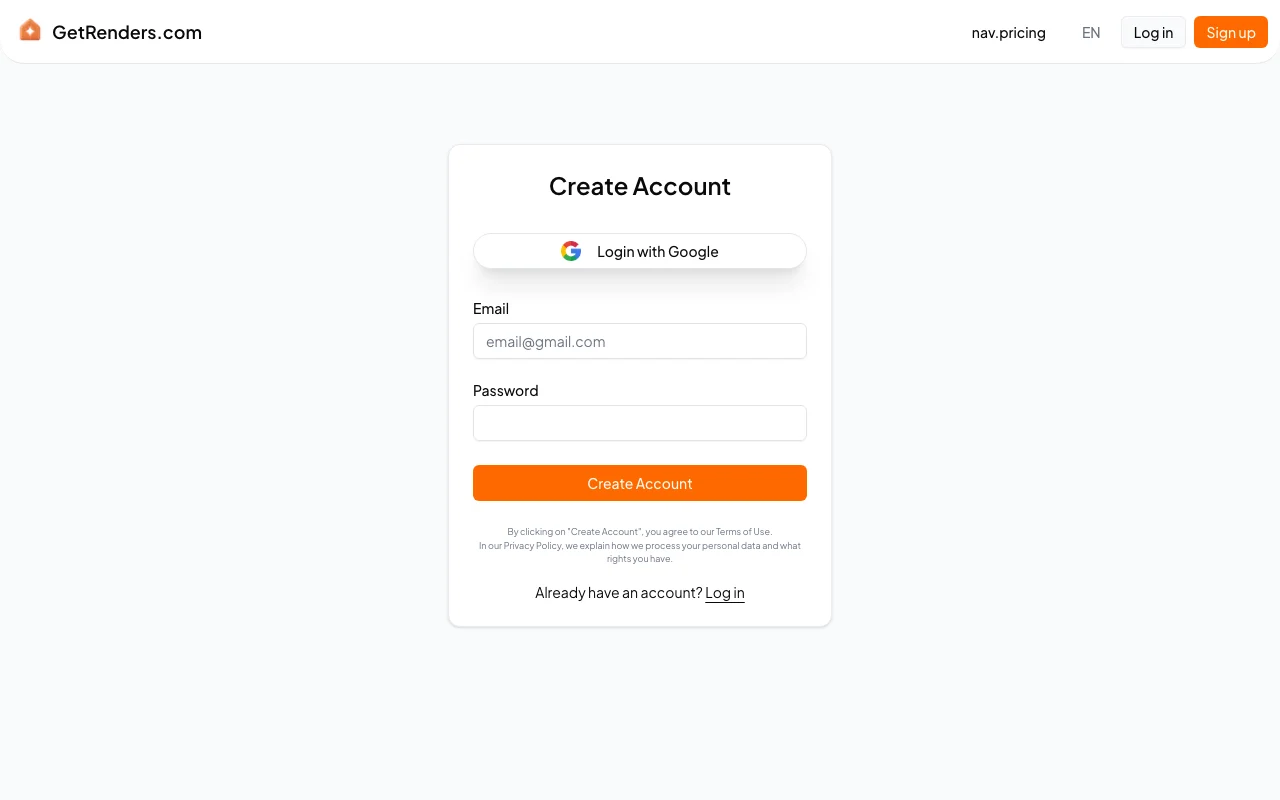
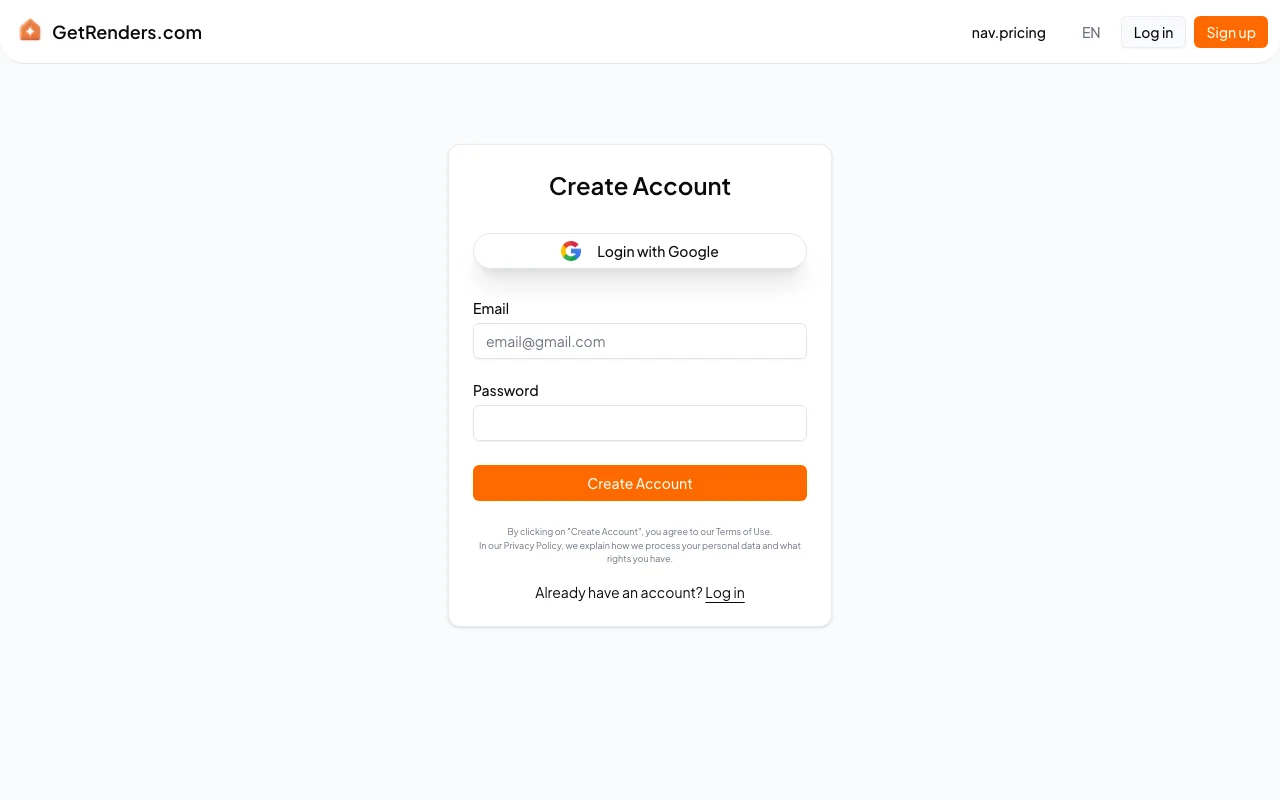
Creates accounts with email and password or Google sign-in so projects can be stored and downloaded later. Keeps visualizations private until shared.
Summarized from the vendor's current policies; this is not legal advice and a vendor's badge is not an independent audit.
Users upload photos and graphic files; the provider receives a non-exclusive licence to store, process and display them to provide the service.
Deleting an account deletes related data, subject to legal retention obligations.
Site states users have full commercial rights and ownership of photos and visualizations; users retain IP in their content.
Policies: getrenders.com/terms
"Better suited" is based on documented features and pricing, not on a head-to-head test.
| Alternative | When to choose it | Pricing | Limitation | |
|---|---|---|---|---|
| Canva | you want to design listing flyers and graphics | — source (opens in a new tab) | Not a dedicated virtual staging service | |
| Adobe Firefly | you want to edit room images yourself with generative tools | — source (opens in a new tab) | Needs manual prompting and does not follow a real-estate staging flow | Compare |
No user reviews yet.
Used GetRenders? Be the first to share your experience.
Users do; the GetRenders site states full commercial rights and ownership of photos and visualizations, and the Terms say users retain IP in uploaded content. source (opens in a new tab)
Yes; the Terms of Use say access requires registration with an email and password, and Google sign-in is offered on the sign-up page. source (opens in a new tab)
The Terms say paid access is a subscription billed in advance monthly or annually through an external payment provider; no prices appear on the fetched pages. source (opens in a new tab)
Consumers may withdraw within 14 days of purchase unless they have begun using the service, according to the Terms. source (opens in a new tab)
The homepage promises results in minutes, and reviewers there describe renders returning within an hour; no formal guarantee is stated. source (opens in a new tab)
Not verified: Plan prices and free-version limits; Free trial; Output resolution, formats and watermark; Retention period for uploads; Training use of uploads; Developer API docs; US availability.
Every fact about GetRenders above comes from the 3 official pages listed here, last compared on Oct 2, 2026; we have not run GetRenders ourselves, so it has no editorial score. How we check and re-check pages.
Article updated Oct 2, 2026; prices checked Oct 2, 2026. Outbound links to vendors are plain links; we do not earn commissions. How we review · Report an error
compare>