Image generationDocumented overviewLast checked Oct 2, 2026

Genaraera: Pricing, Features & Best Use Cases

AI infographics generator that turns a description and your data into infographic images, optionally in a reference style.

Is Genaraera right for you?

Choose Genaraera if you want to turn a description and your data into infographic images, optionally matching a reference style, with credit-based yearly plans from $99.90. Based on the vendor's documentation, not on a hands-on test.

Best for: Marketers needing quick infographics

Also a good fit for

  • Educators and content creators

Consider another tool if credit-based: Pro 4K costs 5 credits per image

Or if

  • Basic model max about 1024x1024
  • No free plan seen on pricing section

Genaraera pricing and usage limits

Prices checked Oct 2, 2026 on the official US pricing page. Official pricing ↗ Prices and limits change often.

Free access and trial conditions

No free plan seen on the pricing section.

Not confirmed.

Paid plans: what changes as you upgrade

Starter web

$99.9/yr source (opens in a new tab)

Year, annual commitment

Yearly; monthly and one-time toggles exist but were not read

For: Individuals getting started

Limits

  • 600 credits per year
  • No commercial license or API listed

Includes

  • All aspect ratios
  • HD output
1 more
  • Email support

Pro web

$249.9/yr source (opens in a new tab)

Year, annual commitment

Yearly toggle price

For: Professionals and creators

Limits

  • 1,800 credits per year

Includes

  • Priority processing
  • Commercial license
2 more
  • API access
  • Priority support

API included

Premium web

$499.9/yr source (opens in a new tab)

Year, annual commitment

Yearly toggle price

For: Teams and power users

Limits

  • 4,800 credits per year

Includes

  • Fastest processing
  • Commercial license
2 more
  • API access
  • Custom branding

API included

Usage caps, credits and extra costs

One-time purchase toggle exists; prices not read.

Not stated.

What is Genaraera, and how does it work?

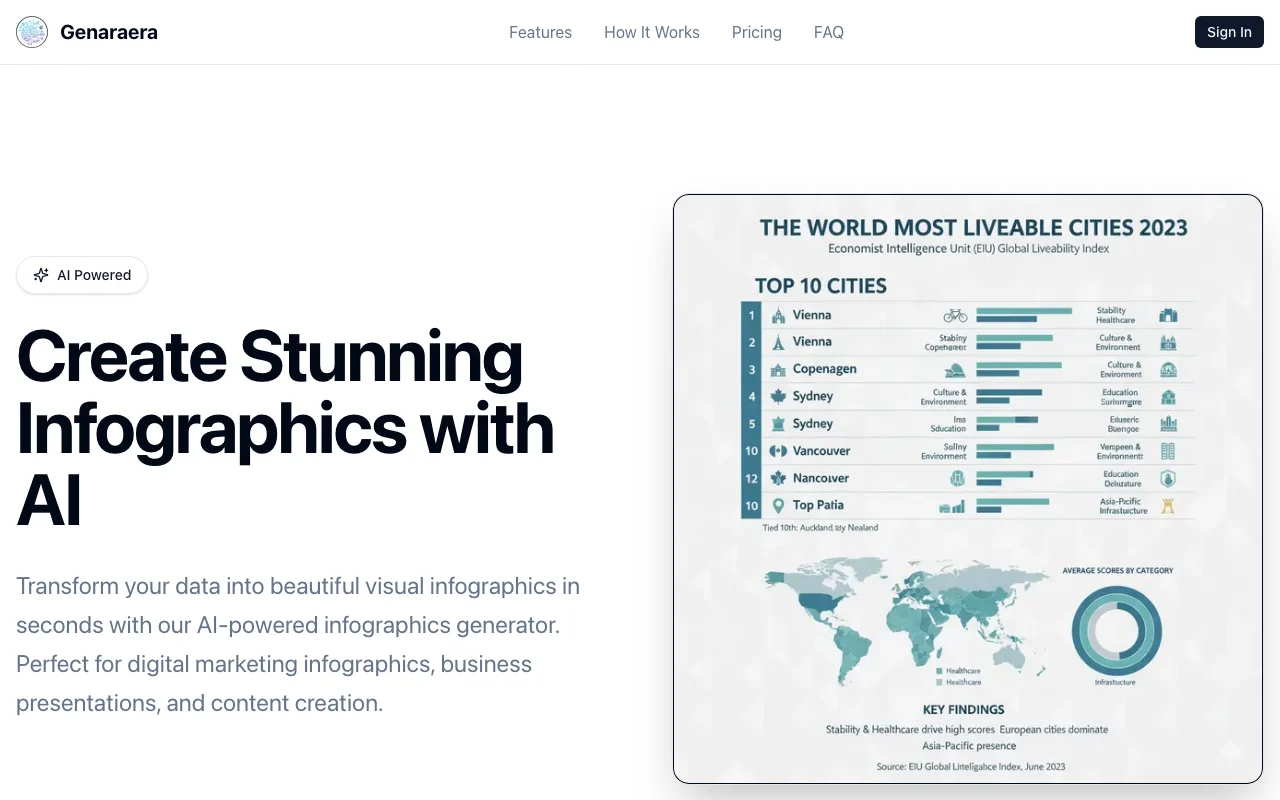
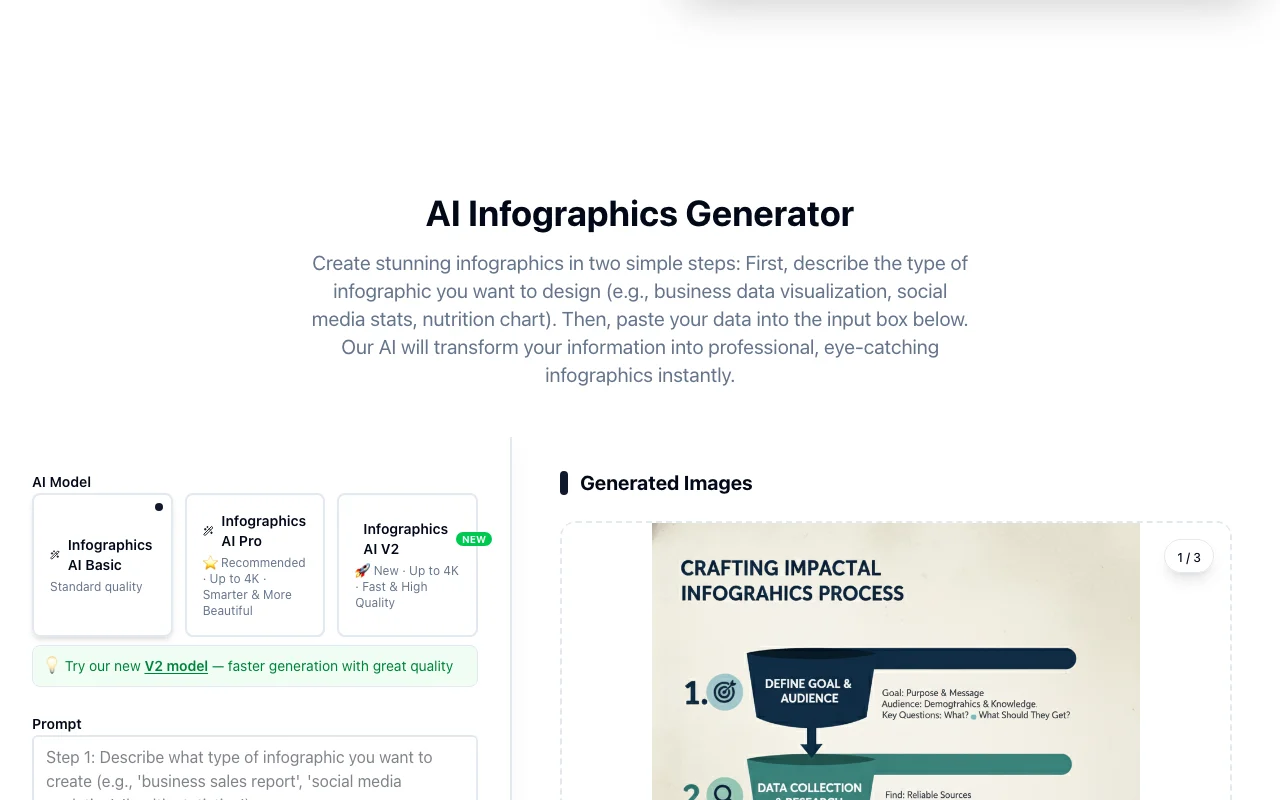
Genaraera is a web tool that generates infographics from a text description and pasted data. You can also upload a reference image so the output follows its style, colors and layout. Three models are offered (Basic, Pro up to 4K, V2). Generation uses credits, with plans sold as credit bundles.

Genaraera homepage — screenshot of the image generation AI tool, Oct 2, 2026
Genaraera's official site: how the product presents itself. genaraera.com, captured Oct 2, 2026

What you provide and what you get back

How Genaraera works: what you provide, where it runs and what you get backYOU PROVIDEYour inputText description (up to 5,000 cha…Your dataOptional reference image for styleIMAGE GENERATIONGenaraeraWebfrom $99.9/yr (Starter)no free tieraccount requiredchecked Oct 2, 2026YOU GET BACKThe resultInfographic images up to 4KAspect ratios 1:1 to 21:9input → Genaraera → output · from the vendor's own pages, no hands-on test unless stated
What you give Genaraera and what comes back, from its documentation

You provide

  • Text description (up to 5,000 characters)
  • Your data
  • Optional reference image for style

You get back

  • Infographic images up to 4K
  • Aspect ratios 1:1 to 21:9

Where you can use it

Platforms
Web
Account
Required

What people use Genaraera for

Scenarios are worked out by our editors from the documentation; the actual result depends on your input and plan.

Business data infographics

Who
Marketers
You provide
Data and a text brief
Expected result
Infographic for a campaign
Plan needed
Any plan
Limitation
Credit cost per image source (opens in a new tab)

Social media stat graphics

Who
Analysts
You provide
Quarterly figures
Expected result
Business data infographic
Plan needed
Any plan
Limitation
Check numbers manually source (opens in a new tab)

Process flows and timelines

Who
Content creators
You provide
Stats and a style reference
Expected result
Social media graphic in the same style
Plan needed
Any plan
Limitation
Style match is approximate source (opens in a new tab)

Genaraera features and their limits

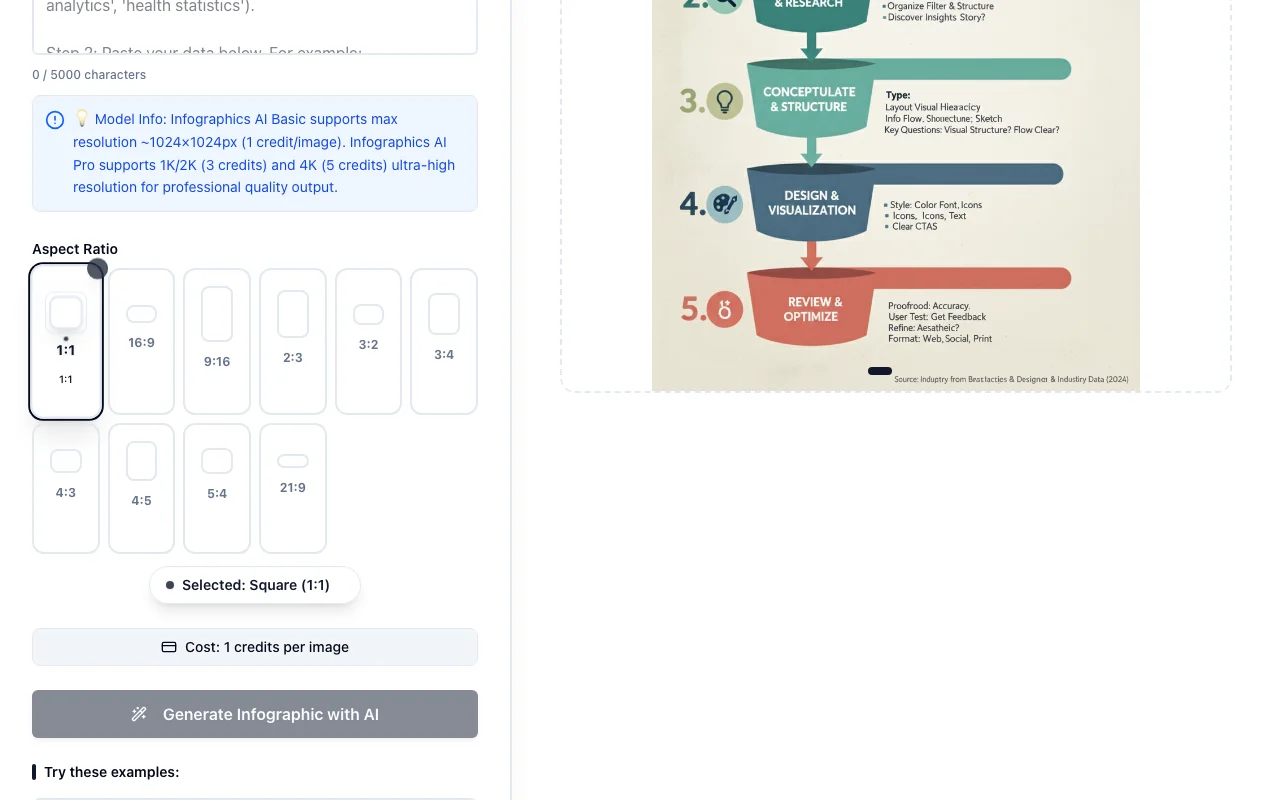
Genaraera homepage — screenshot of the image generation AI tool, Oct 2, 2026
Feature overview on the official site. genaraera.com, captured Oct 2, 2026

Text plus data input (5000 characters)

Takes text plus data as input No templates needed

Access: All plansLimit: 5,000 character limit source (opens in a new tab)

Reference-image style matching

Matches a reference image style On-brand look

Access: All plansLimit: Not exact source (opens in a new tab)

Basic, Pro and V2 models

Offers Basic, Pro and V2 models Quality vs cost choice

Access: All plansLimit: Pro 4K costs 5 credits source (opens in a new tab)

Pros, cons and deal-breakers

Reasons to choose Genaraera

Check before paying for Genaraera

How to use Genaraera for creating an infographic from data

Set up Genaraera

  1. Open genaraera.com
  2. Sign in with Google
  3. Choose a model (Basic, Pro or V2) and aspect ratio
  4. Describe the infographic and paste your data

Example: creating an infographic from data

  1. Paste quarterly sales figures
  2. Describe a business data infographic
  3. Optionally upload a reference style image
  4. Generate and download

Review and export the result

  1. Check every number against your data
  2. Confirm resolution and credits used
Example prompt suggested by our editors (not a recorded output of the product)
Design a professional business infographic with quarterly sales data visualization.

Genaraera integrations and API

Native integrations and export formats

Export: Image download

API access and separate billing

An API is available, billing not documented. API access listed on Pro and Premium.

Privacy, data use and commercial rights

Summarized from the vendor's current policies; this is not legal advice and a vendor's badge is not an independent audit.

How your inputs and outputs are handled

Generation history and credits are tracked; images stored on Cloudflare R2.

Deletion on request subject to legal retention requirements.

Commercial use and plan restrictions

Commercial license on Pro and Premium.

Starter has no commercial license listed.

Policies: genaraera.com/privacy

Best Genaraera alternatives for different needs

"Better suited" is based on documented features and pricing, not on a head-to-head test.

Canva: better suited to

Adobe Firefly: better suited to

Alternatives
AlternativeWhen to choose itPricingLimitation
Canva——
Adobe Firefly——Compare

Explore Genaraera further

Related to Genaraera

Genaraera user reviews

No user reviews yet.

Used Genaraera? Be the first to share your experience.

Write a review

Reviews are checked by a moderator before they appear. Your email is never published. Plain text only.

Your rating (required)

Show what you made or what went wrong. Images are published only if the review is approved; location data is removed.

    Genaraera FAQ

    How much does Genaraera cost?

    Starter $99.90/year, Pro $249.90/year and Premium $499.90/year on the yearly toggle. source (opens in a new tab)

    How many credits per image?

    Basic 1 credit, Pro 1K/2K 3 credits, Pro 4K 5 credits. source (opens in a new tab)

    Is there a commercial license?

    Yes on Pro and Premium. source (opens in a new tab)

    What is the prompt limit?

    5,000 characters. source (opens in a new tab)

    Can I copy a style?

    Yes, upload a reference image and your data. source (opens in a new tab)

    Sources and review methodology

    Official sources and verification dates

    Not verified: Monthly and one-time prices; Free trial credits; Credit expiry; Training use of data.

    How we documented and maintain this page

    Every fact about Genaraera above comes from the 3 official pages listed here, last compared on Oct 2, 2026; we have not run Genaraera ourselves, so it has no editorial score. How we check and re-check pages.

    Article updated Oct 2, 2026; prices checked Oct 2, 2026. Outbound links to vendors are plain links; we do not earn commissions. How we review · Report an error