Web tool web
See official pricing source (opens in a new tab)
Unknown
No pricing page (404); FAQ says basic use is free but no plan terms are listed.
For: Casual editing
Includes
- AI Cleanup
- Background remover
1 more
- Compression and resize

Image generationDocumented overviewLast checked Oct 2, 2026
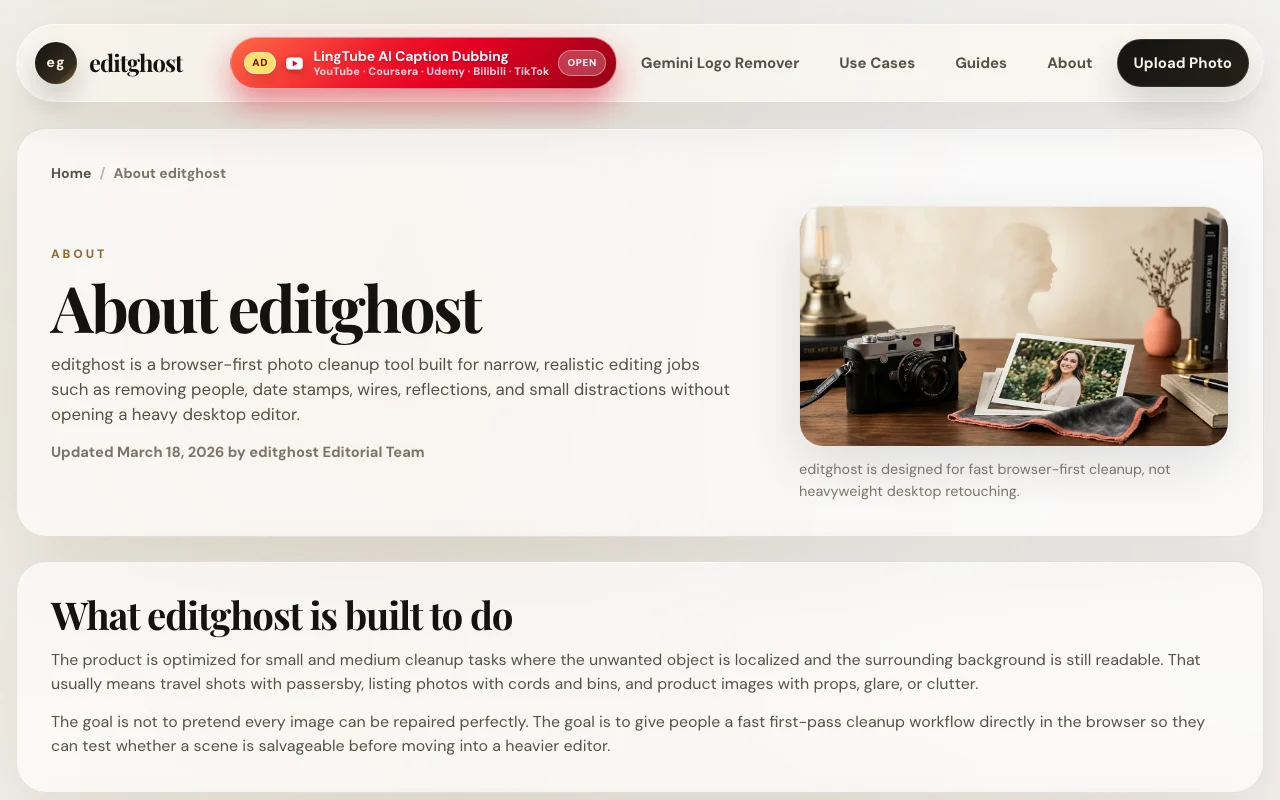
Browser-based AI photo cleanup tool for removing objects, watermarks and backgrounds, plus upscaling, compression and resize.

 (open full size in a new tab)
 (open full size in a new tab)
 (open full size in a new tab)
 (open full size in a new tab)
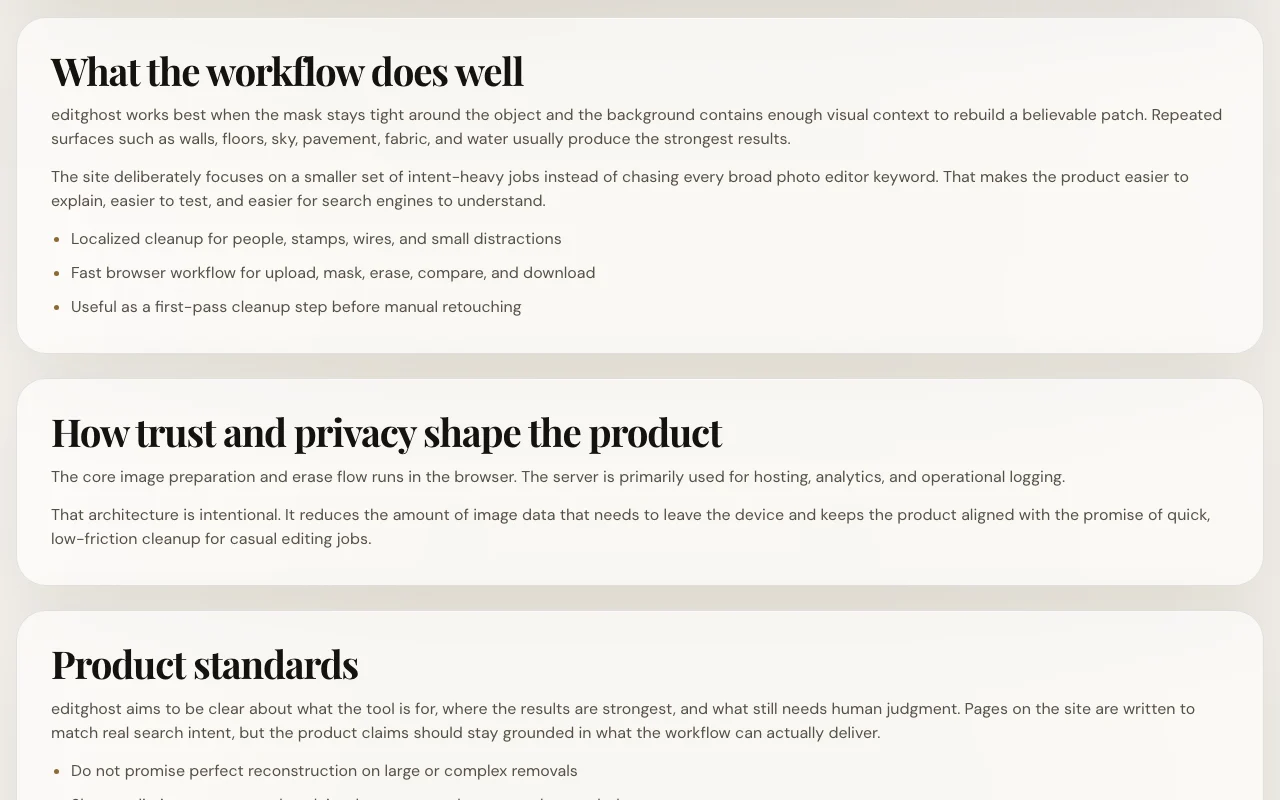 (open full size in a new tab)
Our take: editghost suits sellers and casual users who need quick browser-based object, watermark or background removal on their own photos, with no pricing found.
Main limitation: Works best on small localized edits, and no pricing page exists (404), so limits on heavier use are unknown.
editghost suits sellers and casual users who need quick browser-based object, watermark or background removal on their own photos, with no pricing found. Based on the vendor's documentation, not on a hands-on test.
Also a good fit for
Or if
Prices checked Oct 2, 2026 on the official US pricing page. Prices and limits change often.
Homepage lets you upload and edit directly; seed notes the FAQ says basic use is free.
Not stated.
See official pricing source (opens in a new tab)
Unknown
No pricing page (404); FAQ says basic use is free but no plan terms are listed.
For: Casual editing
Includes
Unknown; no pricing page.
Not stated.
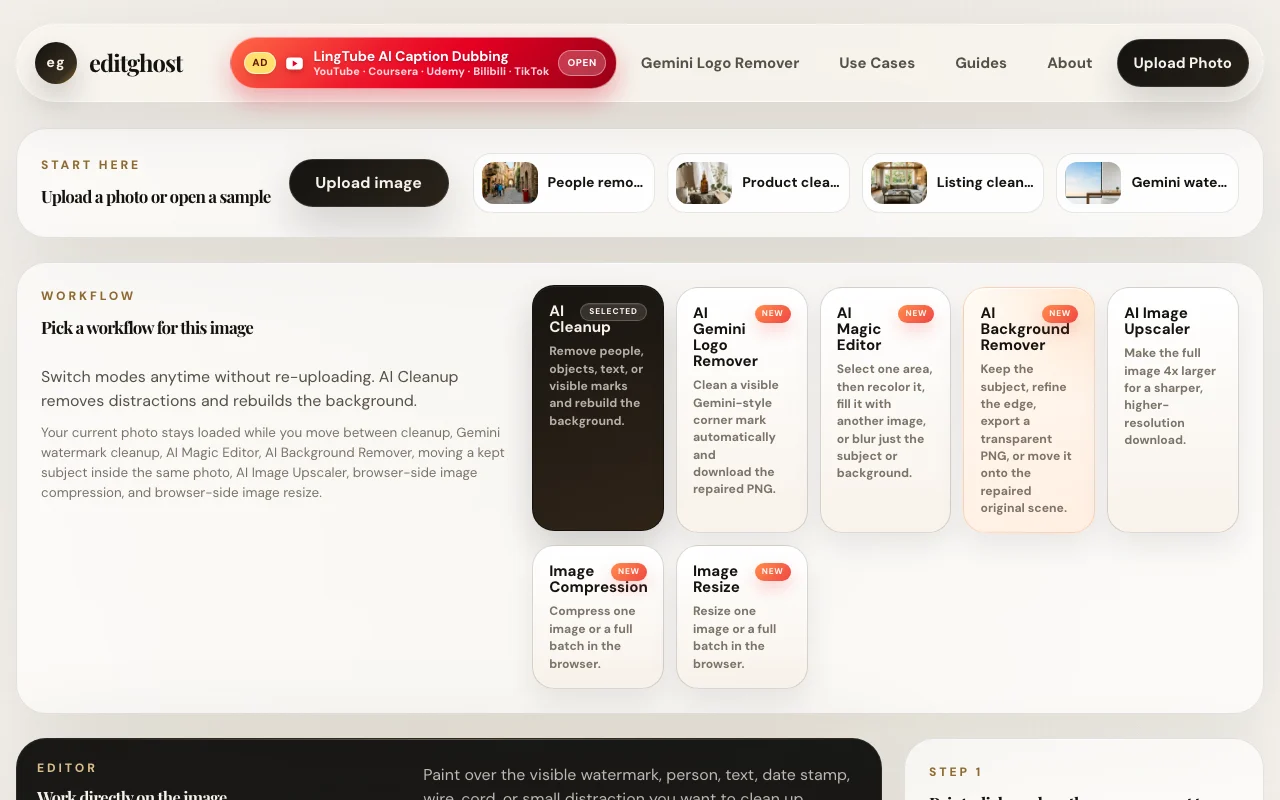
editghost is a browser-first photo cleanup tool that removes people, objects, text, date stamps and Gemini-style corner marks, and can remove backgrounds. It also offers a Magic Editor, 4x upscaler, and browser-side compression and resize. The FAQ says basic object and background removal needs no account.
You provide
You get back
Scenarios are worked out by our editors from the documentation; the actual result depends on your input and plan.
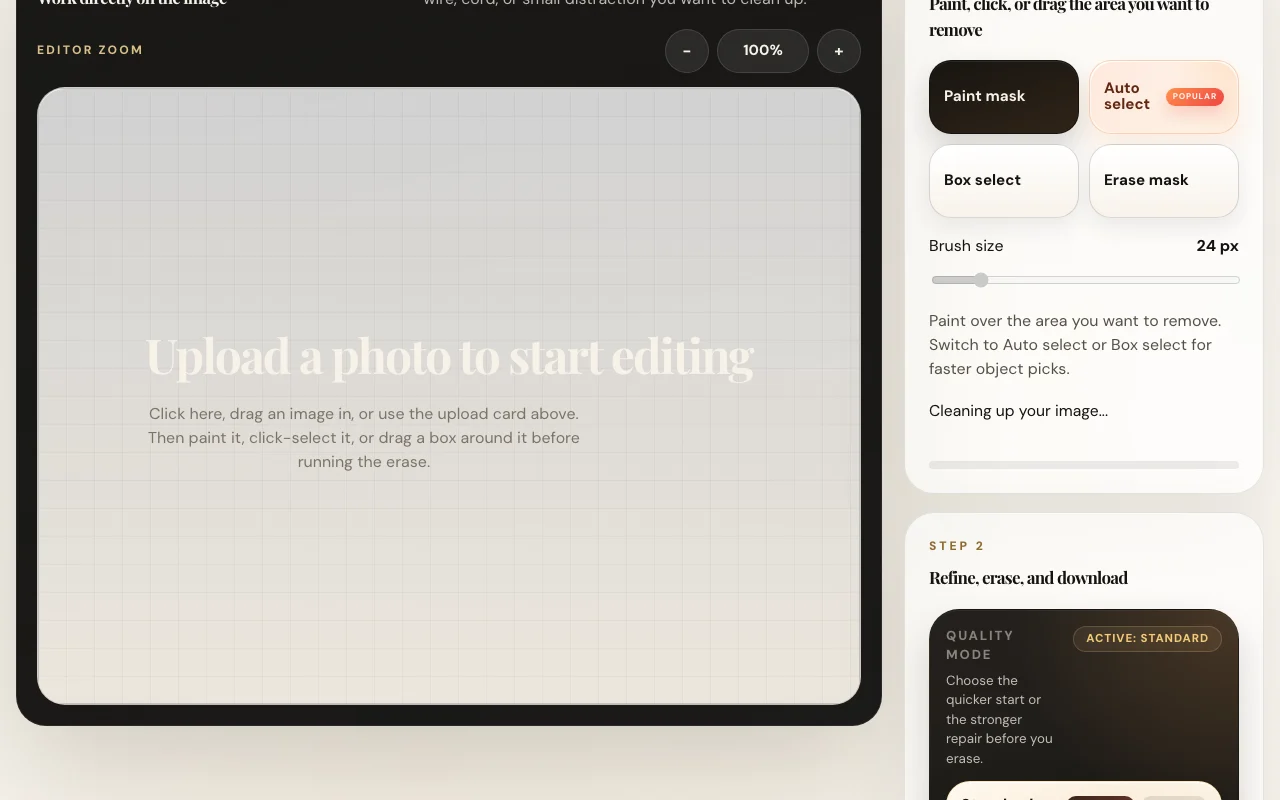
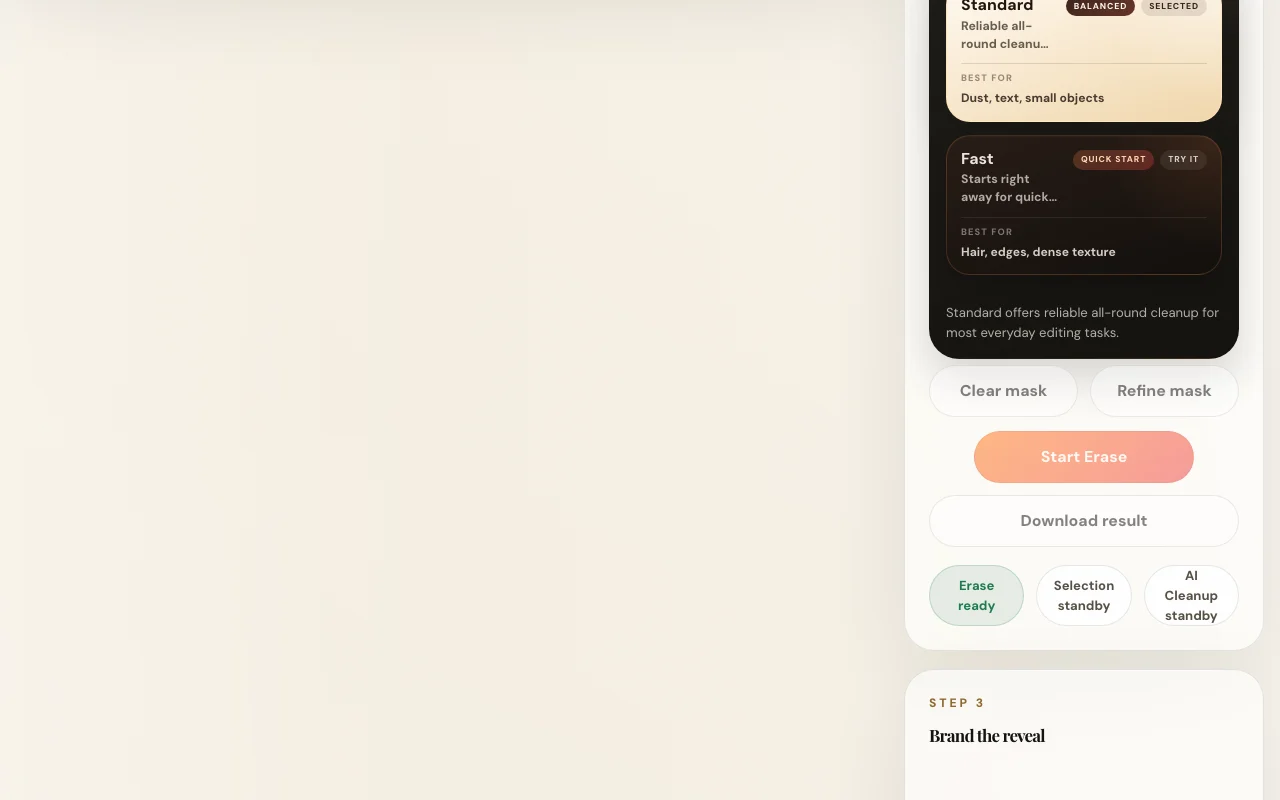
Erases painted, auto-selected or boxed areas and rebuilds the background, with Standard, Balanced and Fast quality modes. Removes distractions without editing software.
Automatically cleans a visible Gemini-style corner mark and outputs a repaired PNG, with batch ZIP download. Speeds up cleaning many generated images.
Lets you select one area and recolor, replace or blur it, or blur the subject or background. Makes targeted tweaks without masks in an editor.
Keeps the subject, refines edges and exports a transparent PNG or places it on a color or uploaded background. Creates cutouts for listings.
Summarized from the vendor's current policies; this is not legal advice and a vendor's badge is not an independent audit.
Policy says the erase workflow runs locally in the browser and uploaded images are not intentionally sent to a remote image-processing API.
Retention periods for hosting, analytics and logging depend on production configuration.
Policies: editghost.xyz/privacy
"Better suited" is based on documented features and pricing, not on a head-to-head test.
| Alternative | When to choose it | Pricing | Limitation | |
|---|---|---|---|---|
| Adobe Firefly | — | — | Compare | |
| Canva | — | — |
No user reviews yet.
Used editghost? Be the first to share your experience.
The privacy policy says the main erase workflow runs locally in the browser and images are not intentionally sent to a remote image-processing API; hosting, analytics and logging still run on the server. source (opens in a new tab)
AI Cleanup, Gemini logo remover, Magic Editor, Background Remover, 4x Image Upscaler, image compression and image resize. source (opens in a new tab)
The resize tool offers JPG, WebP and PNG output with a quality setting. source (opens in a new tab)
No. The pricing page returns 404 and no plans are listed. source (opens in a new tab)
Not verified: Pricing; Usage limits; Commercial-use terms; Docs.
Every fact about editghost above comes from the 3 official pages listed here, last compared on Oct 2, 2026; we have not run editghost ourselves, so it has no editorial score. How we check and re-check pages.
Article updated Oct 10, 2026; prices checked Oct 2, 2026. Outbound links to vendors are plain links; we do not earn commissions. How we review · Report an error
compare>