Image generationDocumented overviewLast checked Sep 29, 2026

Eler: Pricing, Features & Best Use Cases

AI rendering tool that turns SketchUp or GLB models into photorealistic multi-view renders for architects and designers.
Who Eler fits

Try Eler if you already model in SketchUp or export GLB and want multi-angle photorealistic renders without writing prompts, using the 10 free renders to judge quality. Based on the vendor's documentation, not on a hands-on test.

Best for: Architects

Also a good fit for

  • Interior designers

Consider another tool if pricing page did not render content, plans unconfirmed

Or if

  • Free renders limited to 10
  • Requires an account

Eler pricing and usage limits

Prices checked Sep 29, 2026 on the official US pricing page. Official pricing ↗ Prices and limits change often.

Free access and trial conditions

10 free renders on sign-up, no credit card

Not stated

Paid plans: what changes as you upgrade

Free sign-up credit web

Free source (opens in a new tab)

One-time, annual commitment

For: Testing render quality

Limits

  • 10 free renders

Includes

  • No card required
  • Under 30 seconds per view

Usage caps, credits and extra costs

Paid plans not visible; Stripe is listed for payments

Not stated

What is Eler, and how does it work?

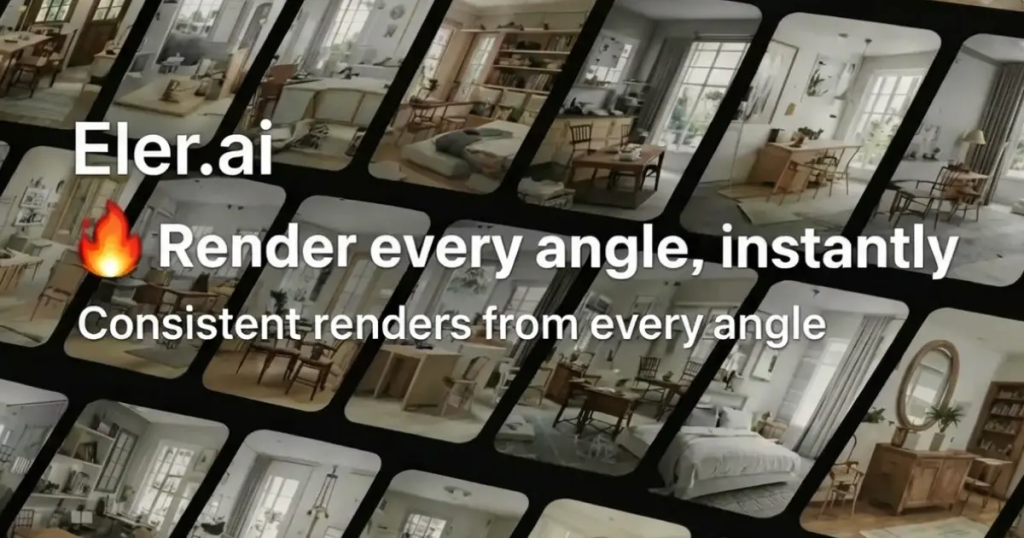
Eler converts uploaded 3D models (SketchUp, GLB, and images) into photorealistic renders. Users choose camera angles and style references, with no prompts needed. The site says renders take under 30 seconds per view, keep materials consistent across several angles, and require no installation.

Eler homepage — screenshot of the image generation AI tool, Oct 2, 2026
Eler's official site: how the product presents itself. eler.ai, captured Oct 2, 2026

What you provide and what you get back

How Eler works: what you provide, where it runs and what you get backYOU PROVIDEYour inputSketchUp fileGLB fileImagesStyle referencesIMAGE GENERATIONElerWebfree tier, paid price not publish…free tier availableaccount requiredchecked Sep 29, 2026YOU GET BACKThe resultPhotorealistic rendersMulti-angle batchesinput → Eler → output · from the vendor's own pages, no hands-on test unless stated
What you give Eler and what comes back, from its documentation

You provide

  • SketchUp file
  • GLB file
  • Images
  • Style references

You get back

  • Photorealistic renders
  • Multi-angle batches

Where you can use it

Platforms
Web
Account
Required
Inputs
SketchUp, GLB, images
Speed
Under 30 seconds per view (vendor)
Free tier
10 renders

Where Eler is most useful

Scenarios are worked out by our editors from the documentation; the actual result depends on your input and plan.
Interior design visualization

Who
Interior designers
You provide
A SketchUp or GLB room model and a moodboard
Expected result
Photorealistic views of the room from chosen angles
Plan needed
Free (10 renders)
Limitation
Paid plans unconfirmed source (opens in a new tab)

Architectural renders

Who
Architects
You provide
Building model and camera angles
Expected result
A batch of consistent renders of one design
Plan needed
Free to test
Limitation
Supported inputs are SketchUp, GLB and images source (opens in a new tab)

Landscape visualization

Who
Landscape designers
You provide
Site model or image and style references
Expected result
Rendered views for client presentation
Plan needed
Free to test
Limitation
Result depends on input model quality source (opens in a new tab)

What Eler does, and where it stops

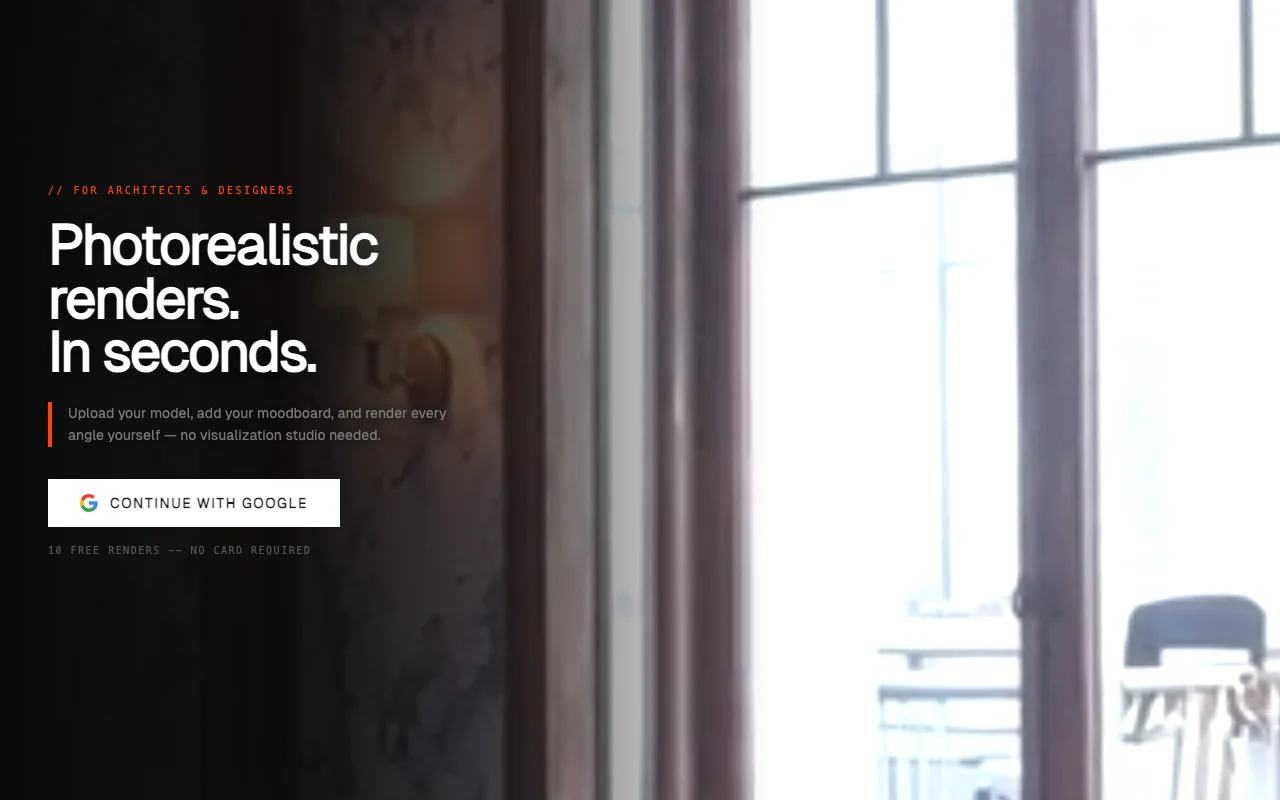
Eler homepage — screenshot of the image generation AI tool, Oct 2, 2026
Feature overview on the official site. eler.ai, captured Oct 2, 2026

SketchUp and GLB upload

Accepts SketchUp and GLB models as well as images Starts from the geometry you already have

Access: All accountsLimit: Only supported formats; Revit and 3ds Max appear as labels but upload steps name only SketchUp and GLB source (opens in a new tab)

Camera angle capture

Lets you capture the camera angles to render You control the composition

Access: All accountsLimit: Each view uses a render source (opens in a new tab)

Style references

Applies style references from your moodboard Matches the look without writing prompts

Access: All accountsLimit: Style fidelity not documented source (opens in a new tab)

Multi-view consistent batches

Renders several angles in one batch with consistent materials Keeps a project coherent across views

Access: All accountsLimit: Quality claims are vendor-stated source (opens in a new tab)

Eler: strengths and limits

Reasons to choose Eler

Check before paying for Eler

How to use Eler for rendering an architectural model

Set up Eler

  1. Sign in with Google (10 free renders, no card)
  2. Create a project
  3. Upload a SketchUp or GLB file

Example: rendering an architectural model

  1. Orbit the 3D preview and capture four camera angles
  2. Add moodboard images as style references
  3. Click render and wait for the batch
  4. Compare the 3D preview against each render

Review and export the result

  1. Check that materials look the same across all angles
  2. Confirm the geometry matches the source model

Eler API

API access and separate billing

Eler has no public API in its official documentation. Docs page empty

Privacy, data use and commercial rights

Summarized from the vendor's current policies; this is not legal advice and a vendor's badge is not an independent audit.

How your inputs and outputs are handled

Uploaded models and renders are stored to provide the service and remain your property

Does not use project files to train AI models

Deletion on request by email

Commercial use and plan restrictions

Models and renders are your property

Not stated

Policies: eler.ai/privacy

Other tools to consider instead of Eler

"Better suited" is based on documented features and pricing, not on a head-to-head test.

Midjourney: better suited to

Adobe Firefly: better suited to

Leonardo.Ai: better suited to

Alternatives
AlternativeWhen to choose itPricingLimitation
Midjourney——Compare
Adobe Firefly——Compare
Leonardo.Ai——Compare

Explore Eler further

If you are looking at Eler

Eler user reviews

No user reviews yet.

Used Eler? Be the first to share your experience.

Write a review

Reviews are checked by a moderator before they appear. Your email is never published. Plain text only.

Your rating (required)

Show what you made or what went wrong. Images are published only if the review is approved; location data is removed.

    Eler FAQ

    How many free renders do I get?

    10 on sign-up, with no credit card required. source (opens in a new tab)

    Which files can I upload?

    SketchUp and GLB files plus images. source (opens in a new tab)

    Do I need to write prompts?

    No, you pick angles and style references. source (opens in a new tab)

    Does Eler train AI on my models?

    Its privacy policy says project files are not used to train AI models. source (opens in a new tab)

    Which AI service does the rendering?

    The privacy policy lists Google Cloud (Gemini) for AI rendering. source (opens in a new tab)

    Sources and review methodology

    Official sources and verification dates

    Not verified: Paid plans and prices; Output resolution; Watermark rules; Commercial terms beyond ownership.

    How we documented and maintain this page

    Every fact about Eler above comes from the 2 official pages listed here, last compared on Sep 29, 2026; we have not run Eler ourselves, so it has no editorial score. How we check and re-check pages.

    Article updated Oct 10, 2026; prices checked Sep 29, 2026. Outbound links to vendors are plain links; we do not earn commissions. How we review · Report an error